
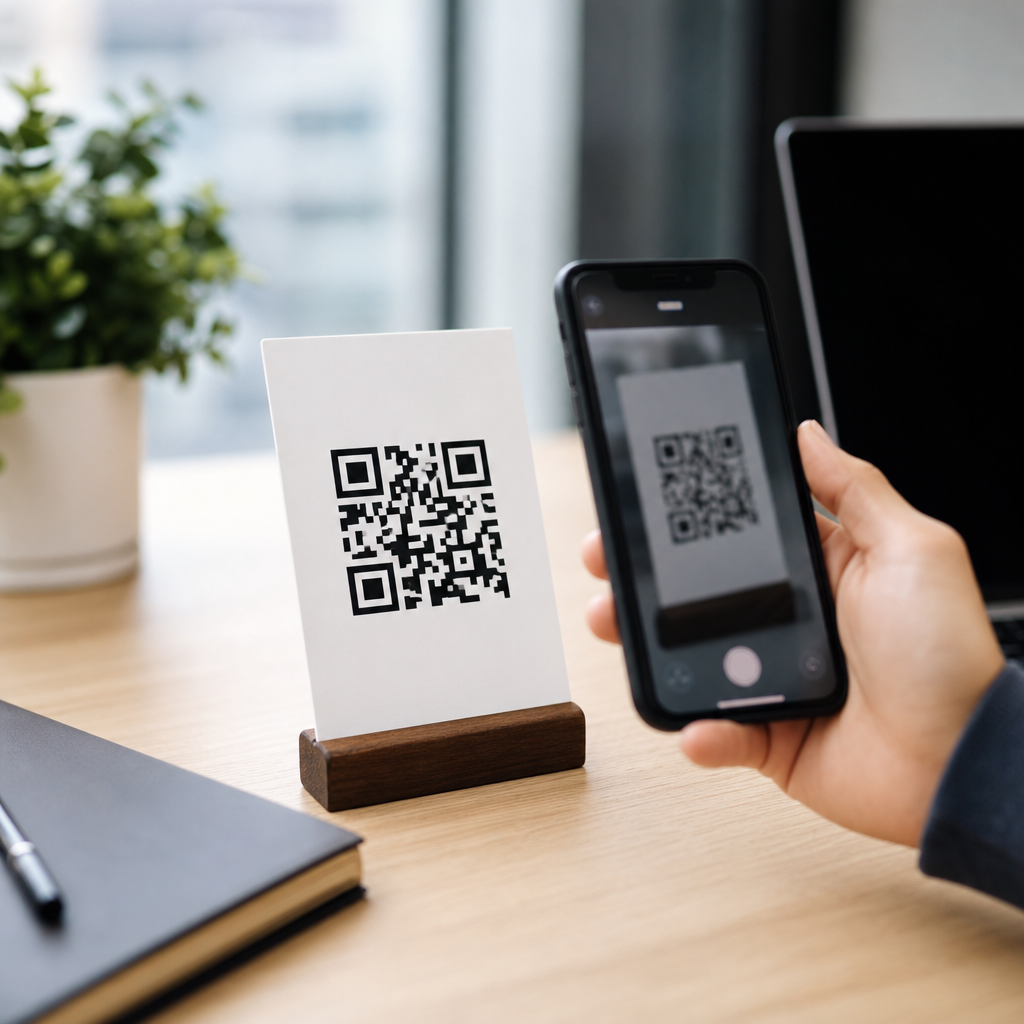
A URL QR code is a scannable two-dimensional barcode that stores a web address and sends a user to a webpage the moment a phone camera or QR scanner reads it. In practical terms, it bridges the offline and online worlds faster than typing a long link, and that simple function explains why URL QR codes appear on packaging, restaurant tables, business cards, posters, invoices, product manuals, direct mail, and retail displays. A standard URL QR code can hold a direct website address, while a more advanced version can route users through a short redirect link that lets the owner edit the destination later, measure scans, or personalize where visitors land.
To understand how it works, it helps to define a few core terms. A QR code, short for Quick Response code, is a matrix barcode made of black and white modules arranged in a square grid. A URL is a Uniform Resource Locator, the address of a resource on the web such as a homepage, landing page, PDF, video, app page, or checkout screen. When those two pieces are combined, the code encodes the URL into machine-readable data, along with structural patterns that let scanners identify orientation, timing, and error correction. Modern smartphone cameras decode that pattern in seconds, surface the embedded link, and prompt the user to open it in a browser or an in-app web view.
This topic matters because URL QR codes are often the entry point to every other type of QR code decision a business makes. In my work helping teams deploy QR campaigns across retail, events, and service environments, the first question is rarely whether to use a QR code at all. The real question is which type to use, how to structure the destination, what can be edited later, and how to avoid common mistakes that reduce scan rates. A basic code can be printed in minutes, but a reliable code strategy requires understanding static versus dynamic behavior, redirect logic, analytics, device compatibility, design limits, and the specific content format users expect after scanning.
That is why this guide serves as a hub for types of QR codes within QR code basics and education. It explains what a URL QR code is, how scanning actually works, the difference between static and dynamic implementations, where URL codes fit among other QR code types, and how to choose the right format for marketing, operations, support, and payments. If you need one direct answer, here it is: a URL QR code works by encoding a web address into a scannable symbol that a phone decodes and opens, either directly or through a redirect system that can add editability and tracking.
How a URL QR Code Works Step by Step
A QR scanner does not “read a picture” the way a human does. It detects the three large finder patterns in the corners, identifies alignment and timing patterns, corrects for rotation or distortion, and then decodes the data modules into characters according to the QR specification defined by ISO/IEC 18004. If the payload is a URL, the scanning app recognizes it as a web address and presents an action such as Open Link. Most current iPhone and Android camera apps do this natively, which is one reason QR adoption accelerated after 2020.
The encoded content can be either the final destination URL or a short URL controlled by a QR platform. Static URL QR codes usually contain the final address exactly as entered. Dynamic URL QR codes usually contain a short redirect URL, often on a branded or platform-owned domain. When scanned, that short link sends the user to the current destination configured in the dashboard. This redirect layer is what enables editing without reprinting the code. It also enables analytics such as total scans, timestamp, approximate location based on IP, device type, and campaign tagging through UTM parameters.
Error correction is an important part of how QR codes work in real conditions. QR codes support four error correction levels: L, M, Q, and H. Higher correction allows the code to remain scannable even if part of it is smudged, covered, or stylized, but it also increases density. In practice, that means a long URL combined with high correction and a small print size can create a dense code that becomes harder to scan. This is one reason dynamic URL QR codes often perform better operationally: the encoded short link uses fewer characters, which reduces complexity and improves readability at smaller sizes.
Good scanning performance also depends on print and placement choices. I generally advise a minimum print size of around 2 x 2 centimeters for short-range use, increasing substantially for posters, window signage, and billboards according to scanning distance. Contrast should be strong, ideally dark modules on a light background. Quiet zone, the empty margin around the code, is essential; removing it is a common production mistake. Curved surfaces, reflective laminates, and low light all reduce scan reliability. The technology is forgiving, but not infinitely so.
Static vs Dynamic URL QR Codes
The most important distinction in URL QR codes is whether the code is static or dynamic. A static URL QR code points permanently to the exact web address embedded in it. Once printed or published, it cannot be changed unless you generate and distribute a new code. That makes static codes suitable for destinations that are stable over time, such as a company homepage, a permanent about page, or a long-lived public profile. They are simple, inexpensive, and can often be generated with free tools, but they offer limited flexibility and usually no built-in scan reporting.
A dynamic URL QR code is more suitable when campaigns change, products rotate, or performance needs to be measured. Because the code contains a redirect link rather than the final destination, you can update the landing page after printing. A restaurant can keep the same table tents while changing seasonal menus. A manufacturer can print one QR code on packaging and later redirect users to updated manuals, warranty forms, or recall notices. An event organizer can shift the same code from registration to agenda to feedback survey as the event progresses. That adaptability is the main operational benefit.
Analytics are the second major advantage of dynamic QR codes. A competent platform can show scans over time, rough geography, devices, and operating systems. Some tools integrate with Google Analytics 4 through campaign parameters, while enterprise setups may connect scans to CRM and marketing automation systems. The limitation is that QR analytics are not identical to website analytics. A scan is not always a completed page load, and location data is approximate rather than GPS-level in most dashboards. For decision-making, those metrics are useful, but they should be interpreted correctly.
| QR code type | What it stores | Can destination change? | Typical use case |
|---|---|---|---|
| Static URL QR code | Final webpage address | No | Permanent homepage or evergreen resource |
| Dynamic URL QR code | Short redirect URL | Yes | Campaigns, packaging, menus, analytics |
| Short app/store URL QR code | App page link | Sometimes | App downloads from posters or ads |
| Multi-URL redirect QR code | Rules-based link | Yes | Send users by device, language, or time |
There are tradeoffs. Dynamic platforms usually require a subscription, and if the service is discontinued or the account lapses, the redirect can fail. That is not a reason to avoid dynamic codes; it is a reason to choose a stable provider, document ownership, and use branded short domains where possible. Static codes avoid platform dependence, but they shift the risk elsewhere: if the embedded page changes structure, is removed, or is mistyped before printing, the code becomes useless. For most organizations, the best choice depends on how likely the destination is to change and whether measurement matters.
Where URL QR Codes Fit Among Types of QR Codes
URL QR codes are the most widely used category, but they are only one type in a broader ecosystem. Other common QR code types include vCard for contact details, Wi-Fi for network credentials, PDF or file download links, email actions, SMS, phone call triggers, app store links, calendar events, social profile aggregators, digital payment codes, and location codes that open map coordinates. Many of these still rely on a URL somewhere in the experience, but their payload format and user expectation differ. A Wi-Fi QR code, for example, stores SSID, encryption type, and password rather than a webpage address.
As a hub topic, it helps to classify QR codes by what they do. Destination-based codes send users to online content, with URL QR codes leading this group. Action-based codes trigger a device behavior such as calling, texting, emailing, joining Wi-Fi, or adding a contact. Transaction-based codes support payments, tickets, and authentication. Content-container codes can store plain text or structured fields directly inside the symbol, though modern workflows still often prefer web-based destinations because content can be updated without replacing the code. The practical takeaway is that a URL QR code is the default choice whenever flexibility, content depth, and cross-device compatibility are priorities.
That does not mean a URL QR code is always best. If your goal is frictionless Wi-Fi access in a hotel lobby, a dedicated Wi-Fi QR code removes unnecessary taps. If the goal is saving a salesperson’s contact details, a vCard format is more direct than opening a profile page and asking the user to manually copy information. If the goal is payment in a market where EMVCo or UPI-based flows dominate, a payment QR code is the proper standard. Choosing the right type is less about novelty and more about reducing the number of steps between scan and outcome.
Best Uses, Common Mistakes, and Selection Criteria
The best use cases for URL QR codes share one pattern: the scan opens content that is easier to consume on a phone than in print. Product packaging can link to tutorials, ingredient sourcing, warranty registration, or recycling instructions. Real estate signs can open property pages with photos, floor plans, and appointment booking. Museums can link to multilingual exhibit guides. Clinics can connect patients to intake forms and aftercare instructions. In each case, the printed surface creates the moment of intent, and the landing page completes the experience.
The biggest mistake is treating the QR code itself as the strategy. What matters is the destination experience. A code on a poster that sends users to a slow desktop homepage wastes attention. The landing page should be mobile-first, fast, concise, and directly aligned to the promise near the code. Add a call to action such as “Scan to view the 2-minute setup guide” rather than simply placing a code with no context. Testing matters too. I routinely test with multiple phones, from different distances, under indoor and outdoor lighting, before approving any print run.
Selection criteria are straightforward. Use a static URL QR code for stable, low-risk destinations where analytics are unnecessary. Use a dynamic URL QR code when the destination may change, when you need campaign data, or when the print asset is costly to replace. Use a non-URL QR format when the user’s goal is a device action better handled by structured data. If you are building a broader educational cluster, related pages should cover dynamic QR codes, vCard QR codes, Wi-Fi QR codes, PDF QR codes, app QR codes, payment QR codes, and design best practices, because users comparing types are usually one decision away from implementation.
Security also deserves a direct answer because users increasingly ask whether URL QR codes are safe. The code itself is not inherently dangerous; the risk lies in the destination, just as with any clickable link. Reputable organizations reduce risk by using clear branding, secure HTTPS pages, branded domains, and visible context around the code. Users should be cautious of unlabeled codes placed over existing signage, a common fraud tactic. Businesses should monitor redirects, protect dashboard access with strong authentication, and maintain ownership of linked domains. When managed properly, URL QR codes are a practical, low-friction tool for moving people from physical touchpoints to digital actions.
URL QR codes remain the foundation of most real-world QR deployments because they are simple for users, flexible for businesses, and compatible with nearly every smartphone. They work by encoding a web address into a scannable symbol, then letting the camera decode and open that address instantly. The central decision is whether to use a static code, which is permanent and simple, or a dynamic code, which adds editability, shorter payloads, and analytics through a redirect layer. From there, the right choice depends on the goal, the lifespan of the printed asset, and the kind of user action you want after the scan.
As the hub for types of QR codes, this topic also clarifies where URL QR codes fit in the bigger picture. They are the default option for webpages, menus, campaigns, manuals, forms, and other mobile-friendly destinations, while specialized formats such as Wi-Fi, vCard, payment, and app codes are better when the outcome is a direct device action or standardized transaction. The strongest implementations pair a well-chosen code type with a clear call to action, a mobile-optimized destination, adequate print size, strong contrast, and proper testing. Those details matter more than decorative styling or novelty.
If you are planning a QR initiative, start by mapping the user’s intent at the moment of scan. Then choose the QR code type that reduces friction, decide whether static or dynamic control is needed, and test the full journey before launch. Do that well, and a URL QR code becomes more than a barcode; it becomes a reliable path from attention to action.
Frequently Asked Questions
What is a URL QR code?
A URL QR code is a type of two-dimensional barcode that stores a website address and opens that webpage when someone scans it with a smartphone camera or QR code reader. Instead of manually typing a long or complicated link into a browser, the user simply points their device at the code and is taken directly to the intended online destination. This makes URL QR codes one of the fastest and most convenient ways to connect printed materials and physical spaces to digital content.
In everyday use, URL QR codes are commonly placed on packaging, menus, business cards, flyers, posters, invoices, product manuals, and store displays because they reduce friction for the user. A person can move from seeing something offline to interacting with a website, landing page, product page, video, booking form, or contact page in seconds. That ability to create an immediate bridge between the physical and digital worlds is the core reason URL QR codes have become so widely used in marketing, operations, customer service, and retail environments.
How does a URL QR code work?
A URL QR code works by encoding a web address into a machine-readable square pattern made of black and white modules. When a phone camera or scanning app reads that pattern, the software decodes the information and identifies it as a URL. The device then prompts the user to open the link, usually in a browser or in-app web view. From the user’s perspective, the process feels nearly instant: scan, tap, and arrive at the webpage.
Behind the scenes, the QR code itself does not “connect” to the internet on its own. It simply contains the data needed to direct the device to a specific address. Once scanned, the user’s phone uses its internet connection to load the destination page. This is why both the printed quality of the QR code and the destination URL matter. A clear, properly generated code improves scan reliability, while a mobile-friendly landing page improves the user experience after the scan. In short, the QR code handles the handoff, and the internet connection completes the journey.
What is the difference between a static URL QR code and a dynamic URL QR code?
A static URL QR code contains a fixed destination link embedded directly into the code. Once it is created and printed, the web address cannot be changed without generating a brand-new QR code. Static codes are often a good fit for permanent uses, such as linking to a homepage, a long-term contact page, or a stable product manual that is unlikely to move. They are simple, cost-effective, and useful when the destination is not expected to change.
A dynamic URL QR code works differently. Instead of storing the final destination webpage directly, it stores a short redirect link that can be updated later through a QR code platform. This means the printed code can stay the same while the destination URL changes behind the scenes. Dynamic QR codes are especially valuable for campaigns, promotions, seasonal menus, rotating product pages, event registration, and any use case where flexibility matters. They also often support scan tracking, letting businesses monitor metrics such as total scans, time of scan, location trends, and device types. For organizations that want adaptability and measurement, dynamic URL QR codes are usually the stronger option.
Where are URL QR codes most commonly used?
URL QR codes are used anywhere there is value in moving someone from a physical item to a digital experience quickly. In retail, they appear on shelf displays, packaging, and product tags to link shoppers to product details, reviews, tutorials, or special offers. In restaurants, they are placed on tables, menus, receipts, and windows to guide customers to digital menus, ordering systems, loyalty programs, or reservation pages. On business cards, they can send prospects directly to a portfolio, LinkedIn profile, booking page, or company website without requiring manual search.
They are also widely used in direct mail, posters, trade show booths, invoices, manuals, and customer support materials. A poster can link to an event page, a product manual can connect users to setup videos, and an invoice can send a customer to a payment portal. The broader appeal is convenience: URL QR codes shorten the path between interest and action. When placed thoughtfully and tied to relevant content, they can improve engagement, boost conversions, simplify customer journeys, and make offline marketing significantly more interactive and measurable.
What makes a URL QR code effective and easy to scan?
An effective URL QR code combines technical quality, smart placement, and a strong post-scan experience. First, the code itself must be generated correctly and printed clearly, with sufficient contrast between the foreground and background. Black on white is the most reliable combination. The code should also be large enough for the expected scanning distance and should not be distorted, stretched, or crowded by surrounding design elements. Leaving adequate white space around the code, known as the quiet zone, helps scanners recognize it more easily.
Second, context matters. Users are more likely to scan when they understand what they will get in return, so a short call to action such as “Scan to view the menu,” “Scan for setup instructions,” or “Scan to claim your discount” can significantly improve engagement. Placement is equally important: the code should be easy to see, physically accessible, and positioned where lighting and viewing angles support scanning. Finally, the landing page must be mobile-friendly, fast-loading, and relevant to the promise made beside the code. Even the best QR code will underperform if it sends users to a slow, confusing, or poorly optimized webpage. The most successful URL QR codes make the entire experience feel effortless from first glance to final click.





