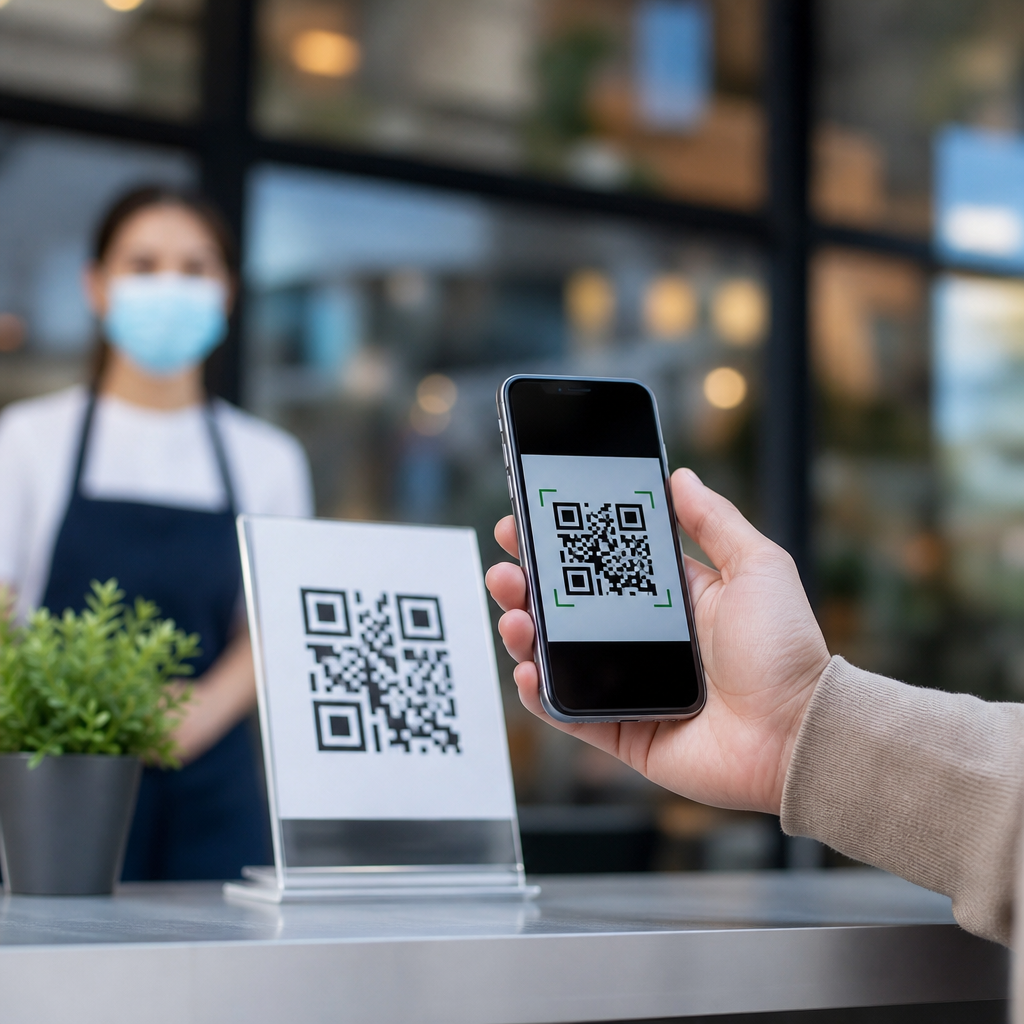
QR codes are two-dimensional barcodes that store information in a grid of black and white modules, and understanding what can go inside them is the foundation of using them well. In practical terms, a QR code can hold text, website addresses, contact details, wireless network credentials, payment instructions, app links, and other machine-readable data that a phone or scanner can interpret instantly. When people ask, “What can you put inside a QR code?” they usually mean two things at once: what kinds of information are supported, and how much information fits before the code becomes dense, fragile, or difficult to scan. Both questions matter because a technically valid QR code is not always a usable one.
I have built QR code campaigns for menus, packaging, event check-ins, and equipment labels, and the same pattern appears every time: success depends less on generating a code and more on choosing the right data format for the job. A restaurant can encode a long PDF link, but a short landing page URL usually scans faster and is easier to update. A facilities team can place plain serial numbers in codes on assets, but a structured identifier tied to a maintenance database is far more useful. The content inside the symbol determines not only what happens after the scan, but also the code’s size, error tolerance, and reliability in the real world.
To understand data types and limits, it helps to define the basics. “QR” stands for Quick Response, a standard developed by Denso Wave in 1994 for rapid decoding in industrial settings. Unlike a traditional one-dimensional barcode, which stores data across horizontal lines, a QR code stores data both horizontally and vertically. That design allows it to hold significantly more information, tolerate partial damage through error correction, and be read from multiple angles. Modern smartphones decode QR codes through their camera apps, while industrial scanners and point-of-sale systems use dedicated imaging hardware for speed and consistency.
As the hub page for QR Code Basics and Education, this article explains what QR codes are, what they can contain, how much data they can store, and where the practical limits begin. It also clarifies an important distinction: a QR code does not “contain a website” or “contain a video” in the literal sense unless the content itself is encoded as text or binary data. Most marketing QR codes simply contain a URL that points to content online. That is why understanding the payload, data mode, and scan environment matters more than memorizing a list of use cases. If you know what the symbol is carrying, you can design a code that scans quickly, prints cleanly, and serves a clear purpose.
What are QR codes and how do they work?
A QR code is a matrix barcode defined by ISO/IEC 18004. It uses square modules arranged in a larger square pattern, with three prominent finder patterns in the corners that help a scanner locate and orient the symbol. Inside the grid are timing patterns, alignment patterns, format information, version information on larger symbols, data codewords, and error correction codewords. When a scanner reads the image, software identifies the symbol, corrects perspective distortion, samples the modules, applies mask and error-correction logic, and reconstructs the original encoded data.
Several features make QR codes especially practical. First, they support multiple encoding modes, including numeric, alphanumeric, byte mode for general text and binary-compatible data, and kanji mode for efficient encoding of certain Japanese characters. Second, they include Reed-Solomon error correction, commonly offered at four levels: L, M, Q, and H. Higher levels allow more damage or obstruction while remaining readable, but they reduce the amount of data capacity. Third, QR codes scale across many uses, from tiny labels on electronic components to large-format signs in transit systems. That flexibility explains why they appear in payments, ticketing, logistics, product authentication, and consumer marketing.
For most users, the decoding experience feels simple: open a camera, point it at the code, tap the prompt. Under the surface, however, scan performance depends on contrast, quiet zone, module size, print quality, glare, and payload complexity. A short URL in a version 2 code will usually scan faster than a long block of text in a crowded version 15 code. That is why the question of what can go inside a QR code is inseparable from the question of what should go inside one.
What can you put inside a QR code?
You can put any data into a QR code that can be represented in one of its supported encoding modes, but common real-world payloads fall into a handful of standard formats. Plain text is the simplest example: names, instructions, one-time codes, serial numbers, and short messages all work well. URLs are the most common payload because they keep the code compact while sending users to richer content online. Contact details can be stored in vCard or MECARD formats so a scan opens a “save contact” action. Calendar event details, email actions using mailto links, SMS triggers, and phone numbers using tel links are also widely used.
Businesses often use QR codes for Wi‑Fi onboarding by encoding an SSID, encryption type, and password in the standard WiFi string format. Payment systems use structured payloads defined by local schemes or global frameworks, such as EMVCo merchant-presented QR specifications in many regions. Authentication and identity workflows may include one-time tokens, signed URLs, or device-pairing strings. In manufacturing and healthcare, a QR code may carry part IDs, batch numbers, GS1 Digital Link URLs, or traceability data tied to backend records. Although people sometimes talk about “putting a PDF” or “putting a video” inside a QR code, the practical approach is almost always to encode a link, not the full file.
| Data type | Typical format inside the QR code | Common use case | Practical note |
|---|---|---|---|
| Website | HTTPS URL | Menus, product pages, forms | Short URLs reduce density and improve scan speed |
| Plain text | Sentence, code, identifier | Instructions, serial numbers, notes | Best for short content viewed directly after scan |
| Contact card | vCard or MECARD | Business cards, staff directories | Field support varies by device and app |
| Wi‑Fi access | WIFI:T:WPA;S:Name;P:Password;; | Guest networks, events, hotels | Test on iPhone and Android before printing |
| Email or phone | mailto: or tel: | Support, sales, reservations | Useful for direct action but less flexible than a landing page |
| Payment | Scheme-specific structured string | Retail, tipping, invoices | Must follow the processor or regional standard exactly |
The key principle is that the QR code stores data, not intent. The action a user sees depends on how their device interprets that data. A URL opens a browser because the phone recognizes a web address. A vCard may open the contacts app. A payment string may launch a banking or wallet app if supported. Because behavior varies by operating system, camera app, and installed apps, the safest QR payloads for broad audiences are usually HTTPS URLs that route users to mobile-friendly destinations.
How much data fits inside a QR code?
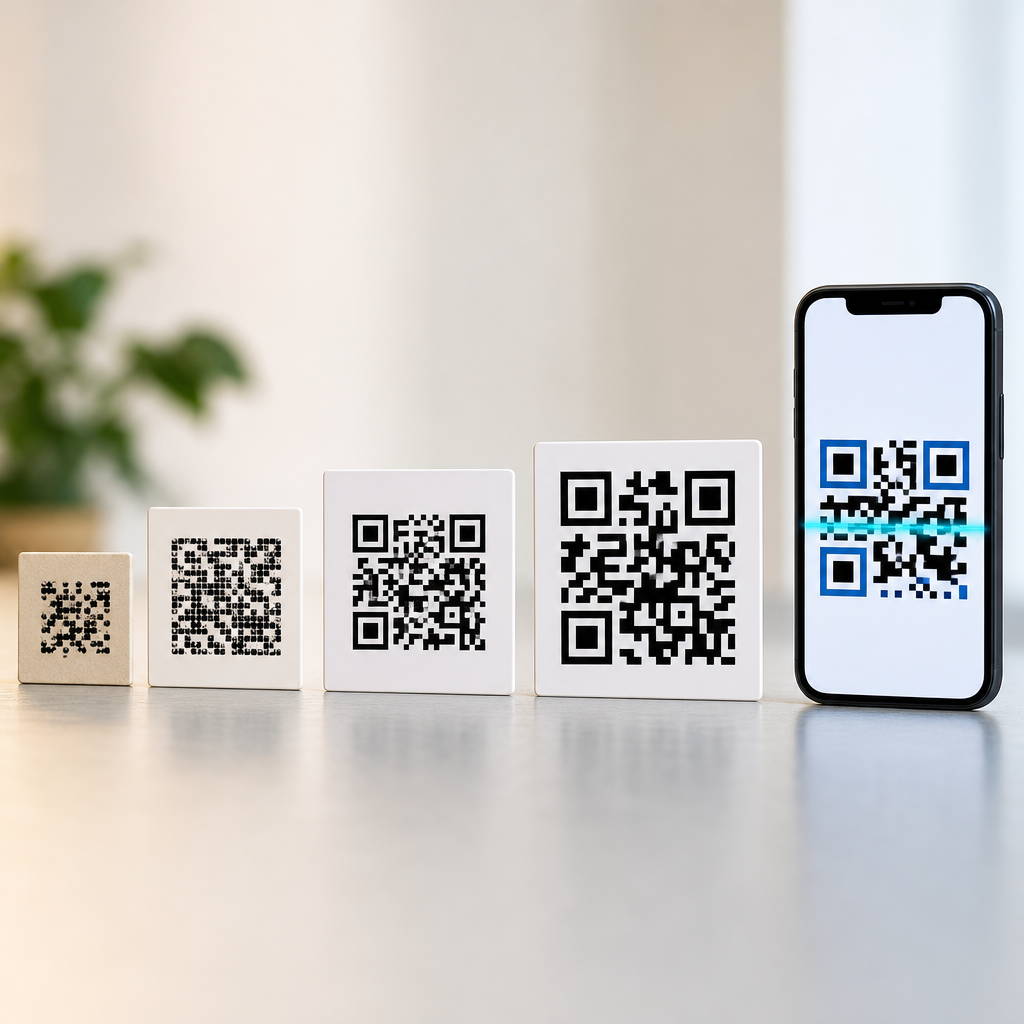
The maximum capacity of a QR code depends on version, encoding mode, and error correction level. Standard QR versions run from 1 to 40. Version 1 is a 21 by 21 module symbol, and each higher version adds 4 modules per side, up to version 40 at 177 by 177. At the theoretical maximum, a standard QR code can hold up to 7,089 numeric characters, 4,296 alphanumeric characters, 2,953 bytes in byte mode, or 1,817 kanji characters at the lowest error correction level. Those figures are standards-based upper limits, not recommended production targets.
In practice, usable capacity is lower because dense symbols become harder to scan under ordinary conditions. If you add a logo, print on textured material, reduce physical size, or expect scans from older phones, you should stay well below the maximum. Error correction also changes the tradeoff. Level L restores about 7 percent of codewords, M about 15 percent, Q about 25 percent, and H about 30 percent, though those percentages are approximations commonly used in implementation guidance. Choosing H can improve resilience when part of the code may be obscured, but it reduces payload space and increases complexity.
From field experience, the best-performing codes are often the simplest. A short HTTPS URL can fit in a small symbol with generous quiet zones and scan cleanly from screens or print. Long tracking parameters, bloated query strings, and verbose dynamic links create bigger symbols with no benefit to users. If your content is longer than a few hundred characters, ask whether the user really needs that data embedded offline. Usually they do not. A redirectable short URL gives you analytics, editability, and better scan performance all at once.
Static versus dynamic QR codes
One of the most important educational points is the difference between static and dynamic QR codes. A static QR code directly contains the final destination or content. If it encodes a URL, that URL is fixed forever once printed. If the page changes, the code still points to the same address. Static codes are useful for permanent identifiers, plain text, Wi‑Fi credentials, and situations where no third-party service should sit between the scan and the destination.
A dynamic QR code usually contains a short redirect URL controlled through a QR management platform. After scanning, the server forwards the user to the current destination, which can be changed without reprinting the symbol. That makes dynamic QR codes ideal for campaigns, restaurant menus, real estate flyers, packaging, and seasonal promotions. They also support scan analytics such as time, device type, and approximate location, depending on the platform and consent model. The tradeoff is operational dependence: if the service expires, the redirect breaks. For that reason, organizations should document ownership, renewal, and destination governance before large print runs.
When clients ask me which type they need, I use a simple test. If the destination must never change and should remain independent of any vendor, static is safer. If the destination may change, multiple variants need testing, or analytics matter, dynamic is the better fit. That decision often matters more than the color, shape, or logo treatment of the code itself.
Limits, design constraints, and scanning best practices
A QR code can be valid on paper and still fail in the real world because limits are not only digital; they are physical and behavioral. The first constraint is size. The more data you encode, the more modules the symbol needs, and each module must remain large enough for the camera to distinguish clearly. A common rule of thumb for print is to maintain at least a 4:1 ratio between scanning distance and code width, though testing matters more than rules. A code scanned from 40 centimeters away should usually be at least 10 centimeters wide if conditions are poor, while high-quality close-range labels can be much smaller.
Contrast is another hard limit. Black on white remains the most reliable combination because camera software needs clear luminance separation. Inverted codes, metallic inks, glossy laminates, and low-contrast brand colors frequently reduce first-scan success. The quiet zone, a blank margin around the code, is essential; four modules is the standard minimum, and more is often better in busy layouts. Logos placed in the center can work if error correction and sizing are handled carefully, but many branded codes are pushed beyond safe limits. I routinely test generated symbols across iPhone and Android camera apps, under indoor glare and low light, before approving production.
Content choice also affects trust. Users are more likely to scan a code near clear context such as “View allergen information” or “Join guest Wi‑Fi” than a bare square with no explanation. Destination pages should be mobile optimized, secure over HTTPS, and fast. If a QR code opens a desktop-only PDF or forces an app install without warning, adoption drops quickly. Good QR design is not decoration; it is a chain of decisions from payload to landing experience.
Best uses for different QR code data types
The best QR code content matches the user’s immediate need. For offline-to-online journeys, URLs are the default choice because they are flexible and universally understood by devices. Put a short URL on product packaging to open setup guides, warranty registration, or authenticity checks. Use dynamic links on posters and direct-mail pieces when campaign destinations may change. For person-to-person sharing, contact cards work well, especially at trade shows, but include a visible backup email address because not every scanner handles vCard fields identically.
For operational workflows, plain text and structured IDs are often better than web links. Warehouses use QR labels containing location codes, SKU identifiers, or serialized asset numbers because scanning must work even with limited connectivity. Healthcare and laboratory settings may use 2D codes for specimen IDs and chain-of-custody references, though regulated environments often follow stricter barcode standards and validation procedures. Hospitality teams benefit from Wi‑Fi QR codes in rooms and lobbies, but passwords change, so dynamic signage or easy reprint processes matter. Payment QR codes can streamline checkout, yet they must be generated according to the exact scheme required by the payment provider or local banking standard.
The takeaway is simple: almost any digital instruction string can go inside a QR code, but the smartest payload is usually the shortest one that reliably triggers the intended action. Know the standard, keep the data lean, test in realistic conditions, and choose static or dynamic based on how the code will be managed over time. If you are building out your QR Code Basics and Education resources, start by auditing every current code for payload type, destination quality, and scan reliability, then standardize from there.
Frequently Asked Questions
What kinds of information can you put inside a QR code?
A QR code can store many different types of machine-readable data, which is why it is used across marketing, operations, payments, events, and everyday consumer experiences. The most common content type is a URL, which sends users to a website, landing page, menu, form, video, app store listing, or file download. Beyond links, QR codes can also hold plain text such as instructions, serial numbers, product notes, coupon codes, or short messages. They can store contact details in vCard or MeCard format, allowing a phone to create a new contact instantly with a name, phone number, email address, company, and address information.
They are also widely used for communication and connectivity tasks. For example, a QR code can contain an email template with a recipient address, subject line, and message body; an SMS payload that opens a text message draft; or telephone data that prompts a call. Wi-Fi QR codes are especially practical because they can include the network name, password, and security type, letting users join a network without typing credentials manually. Calendar event details, geographic coordinates for map directions, and payment data for compatible apps and banking systems are also common uses.
In more advanced settings, QR codes can contain app deep links, authentication tokens, inventory IDs, ticketing data, or structured information used by internal systems. The key idea is that a QR code does not “understand” the meaning of the information by itself; it simply stores data in a standardized format. A scanner or smartphone interprets that format and decides what action to take, such as opening a browser, saving a contact, connecting to Wi-Fi, or launching an app.
How much data can a QR code actually hold?
The amount of information a QR code can hold depends on several technical factors, including the QR code version, the data type being encoded, and the level of error correction used. In theory, a standard QR code can store up to 7,089 numeric characters, 4,296 alphanumeric characters, 2,953 bytes of binary data, or 1,817 Kanji characters. Those are maximum technical capacities under ideal conditions, not always practical real-world targets.
In practice, usable capacity is often much lower because readability matters more than squeezing in the absolute maximum amount of data. As you add more content, the QR code becomes denser, meaning the individual black and white modules get smaller and harder for cameras to scan quickly, especially when the code is printed at a small size or viewed in poor lighting. If you also choose a higher error correction level, which improves scan reliability when the code is damaged or partially obscured, the available space for actual data decreases further.
This is why short URLs are often preferred over long strings of text. A short link can point to a full destination while keeping the QR code simpler, cleaner, and easier to scan. For many use cases, the best approach is not to store large amounts of visible content directly in the QR code, but instead to store a compact pointer, such as a URL or identifier, that leads to richer content online or inside a connected system.
Can a QR code store files, images, or PDFs directly?
Technically, a QR code can store binary data, which means it is possible to encode file content directly. However, this is rarely the best choice for normal use because QR codes have strict storage limits and dense codes become difficult to scan. Even a small file can quickly exceed practical capacity, especially once error correction and reliable scanning conditions are taken into account. So while direct file storage is possible in a narrow technical sense, it is not how QR codes are usually used in modern applications.
The more common and effective method is to place a link inside the QR code that points to the file online. For example, instead of embedding a PDF itself, the QR code contains a URL that opens the PDF in a browser or downloads it from a server. The same logic applies to images, videos, menus, brochures, user manuals, and app installation files. This approach keeps the QR code smaller, faster to scan, and easier to update if the file changes later.
Using a link also improves tracking, maintenance, and user experience. You can replace the destination file without reprinting the QR code if you use a dynamic QR code service, and you can often measure scans, locations, devices, and engagement. For almost all business and marketing purposes, linking to digital assets is more practical than embedding the assets themselves.
What is the difference between static and dynamic QR code content?
A static QR code contains data that is permanently written into the code itself. Once created, that information cannot be changed without generating and distributing a brand-new QR code. Static codes work well for fixed information that is unlikely to change, such as plain text, a permanent web address, a Wi-Fi login for a stable network, or a contact card for long-term use. They are simple and often cost-effective, but they offer limited flexibility.
A dynamic QR code works differently. Instead of storing the final destination or full content directly, it typically stores a short redirect URL or reference that points to content managed elsewhere. That means you can change the destination later without changing the printed QR code. For example, a restaurant can update a menu link, a retailer can switch a promotional landing page, or an event organizer can redirect attendees to revised schedules or venue information.
Dynamic QR codes are especially valuable when campaigns evolve, when printed materials have a long lifespan, or when analytics matter. Because the destination is managed through a platform, you can often track scans, timestamps, device types, and approximate locations. This makes dynamic QR codes a better fit for marketing, packaging, signage, and any environment where content may need to be updated or measured over time. Static codes are still useful, but dynamic codes offer greater control and long-term adaptability.
What affects whether a QR code will scan reliably?
Scan reliability depends on both the data inside the QR code and the way the code is designed, printed, and displayed. One major factor is data density. The more content you pack into a QR code, the more complex it becomes, and the harder it can be for phone cameras and scanners to read quickly. This is why minimizing unnecessary characters, shortening URLs, and choosing the right content format can make a meaningful difference.
Size also matters. A QR code that is too small for its environment may fail, especially if it contains a lot of data. Print quality, surface material, contrast, lighting conditions, and viewing distance all affect performance. A code printed in high contrast, typically dark modules on a light background, is far easier to scan than one placed over busy graphics or low-contrast colors. The quiet zone, which is the clear margin around the QR code, is equally important because scanners use it to detect the code boundaries properly.
Error correction level plays a role as well. QR codes can be generated with different error correction settings, allowing them to remain scannable even if part of the code is smudged, scratched, or covered. Higher error correction improves resilience but reduces available storage capacity, so there is always a tradeoff. In real-world use, the best-performing QR codes are usually those that store only the necessary data, use a clean visual presentation, maintain enough physical size, and are tested on multiple devices before deployment.