QR codes seem simple on the surface, but one of the most common questions I hear from clients launching packaging, menus, mailers, and event signage is this: do QR codes expire? The short answer is that some do and some do not, and the deciding factor usually is not the black-and-white square itself. Expiration depends on how the code was generated, whether it is static or dynamic, and whether the destination it points to remains available. Understanding that distinction is essential for anyone using QR codes in marketing, operations, payments, support, or product packaging.
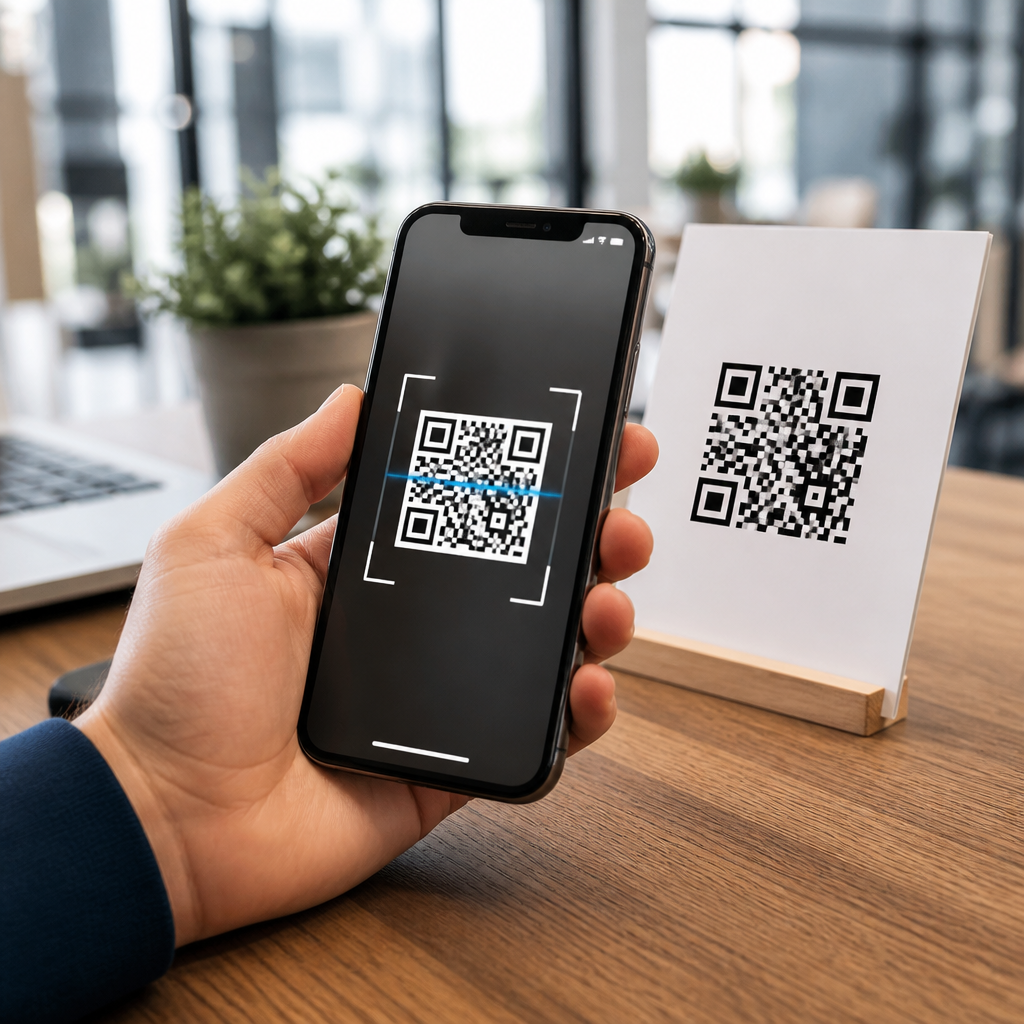
A QR code, short for Quick Response code, is a two-dimensional barcode invented by Denso Wave in 1994 for fast machine reading. Unlike a traditional one-dimensional barcode, a QR code can store different kinds of information in both horizontal and vertical patterns. It may contain a website URL, plain text, contact details in vCard format, Wi-Fi credentials, app deep links, payment strings, email actions, SMS prompts, or tracking redirects. Modern smartphones read QR codes through native camera apps, and businesses use them because they connect physical surfaces to digital actions with minimal friction.
This matters because QR codes are often deployed in places where reprinting is expensive or impossible. I have worked on restaurant table tents, warehouse labels, tradeshow backdrops, and retail boxes where a single incorrect assumption about QR code lifespan created avoidable cost. A static code printed on 50,000 cartons can work for years if the destination page stays live. A dynamic code generated under a paid subscription can stop resolving if the account is downgraded, the redirect is paused, or the service shuts down. When people ask whether a QR code expires, they are really asking which part of the system can fail over time.
As a hub within QR Code Basics and Education, this guide explains what QR codes are, how they work, what controls longevity, and how to choose the right setup. It also covers common misconceptions, technical limitations, security concerns, and practical maintenance steps. If you need a clear answer before printing a brochure, replacing a menu, or selecting a generator, the core rule is straightforward: the symbol usually does not expire, but the data encoded in it, the redirect service behind it, or the destination it references absolutely can.
What a QR code actually is and how it stores information
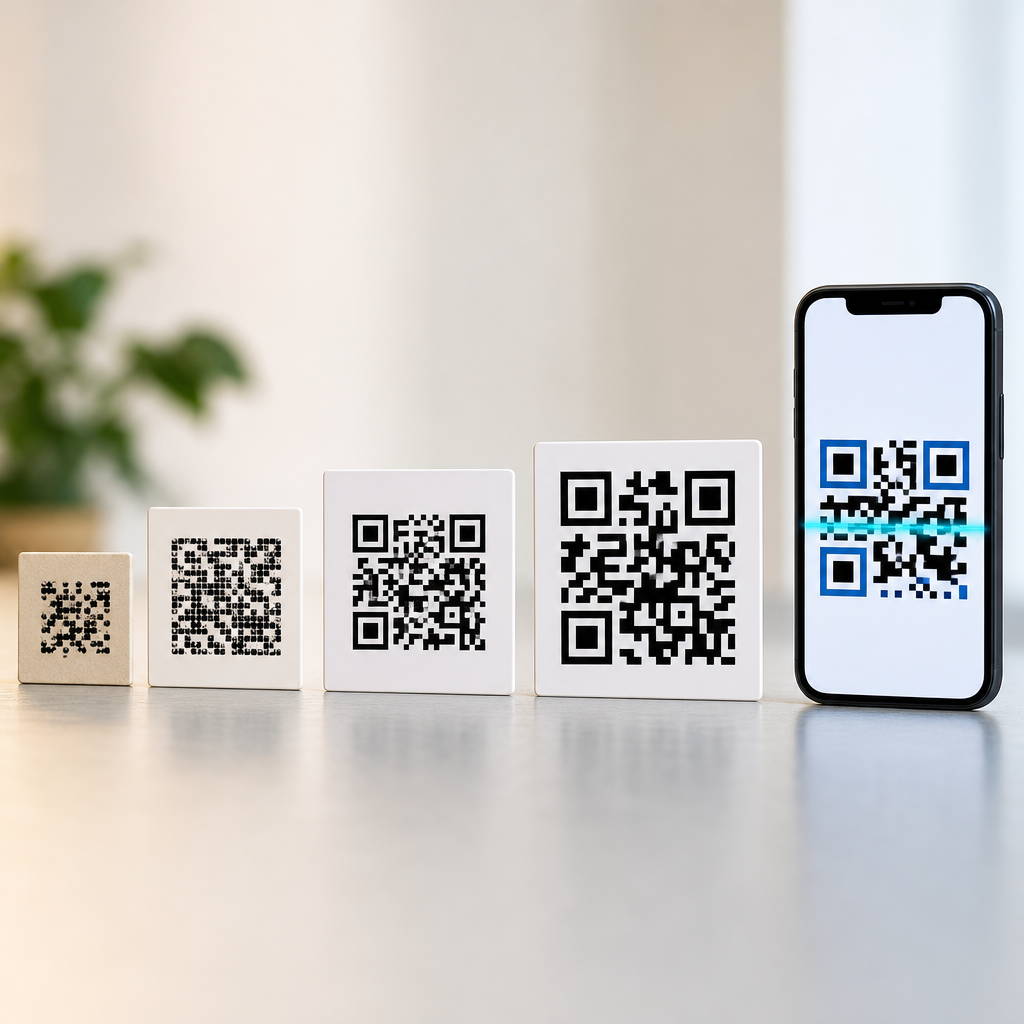
A QR code is a matrix barcode made up of modules, the small square dots arranged on a grid. Three large finder patterns in the corners help a camera identify orientation, while alignment patterns, timing patterns, format information, and error correction codewords support reliable decoding. The code uses standardized encoding modes to store numeric, alphanumeric, byte, or kanji data. Error correction, based on Reed-Solomon algorithms, allows scanning even when part of the code is dirty or obscured. Depending on the selected level, a QR code can often remain readable with roughly 7 percent, 15 percent, 25 percent, or 30 percent damage.
In practical use, most businesses do not encode a full experience into the symbol. They encode a destination or instruction. For example, a static QR code may directly contain https://example.com/menu, while a dynamic QR code may contain a short redirect URL controlled by a platform. Scanning the first goes straight to the website. Scanning the second first contacts the provider’s redirect service, which then forwards the user to the current destination. That extra step is the reason dynamic codes are editable and trackable, but it is also why they depend on the generator platform remaining active.
Do QR codes expire? The direct answer
A QR code does not inherently expire because of age. If the printed pattern remains scannable and the encoded data still resolves correctly, it can work indefinitely. What expires is usually one of three things: access to the redirect managed by a QR code platform, the destination content such as a web page or file, or the campaign logic attached to the scan. Static QR codes generally do not expire unless the destination changes or disappears. Dynamic QR codes may expire if the subscription lapses, the provider disables the code, traffic limits are exceeded, or the service closes.
This distinction explains why two nearly identical printed codes can have very different lifespans. I have seen a museum placard use a static URL and remain functional for years with only periodic webpage updates. I have also audited direct-mail campaigns where dynamic QR codes stopped working after a marketing team canceled the software plan that powered the redirects. In both cases, the ink on paper was fine. The issue was infrastructure. When evaluating lifespan, think beyond the image and map the full path from camera scan to final page load.
Static vs dynamic QR codes: the choice that affects longevity most
The biggest factor in QR code expiration is whether the code is static or dynamic. A static QR code encodes the final information directly. It cannot usually be edited after creation, and scan analytics are limited unless tracking parameters are built into the destination URL and measured in tools such as Google Analytics 4. A dynamic QR code encodes a short link managed by a service. That makes it possible to update the destination later, apply device-based routing, A/B test landing pages, pause campaigns, or capture scan metrics by time, location, and device type.
Static codes are usually the safest option for long-term assets when the destination is stable and under your control. Dynamic codes are often the better option for campaigns, printed materials with changing destinations, and businesses that need analytics. The tradeoff is dependency. If a provider changes pricing, imposes scan limits, inserts ads on free plans, or disables inactive accounts, your code’s behavior changes too. Before choosing dynamic, confirm export options, uptime history, redirect speed, data ownership, custom domain support, and what happens to existing codes if billing stops.
| Factor | Static QR Code | Dynamic QR Code |
|---|---|---|
| Destination editing | No, usually fixed after printing | Yes, destination can be changed later |
| Analytics | Limited, depends on destination tracking | Built-in scan reporting is common |
| Platform dependency | Low | High |
| Long-term durability | Excellent if URL remains live | Excellent only if service remains active |
| Best use case | Permanent signage, packaging, manuals | Campaigns, menus, variable destinations |
What depends on the generator
The generator matters because not all QR code tools create the same type of code or operate under the same business model. Some platforms generate true static QR codes with no ongoing dependency. Others present a code as free, but the code resolves through their servers, making it dynamic by default. That means the code may work at first, then later require payment for editing, analytics, or continued resolution. In audits, I look for the actual encoded string, not just the dashboard label. If scanning reveals a branded short domain owned by the provider, the code depends on that service.
Features tied to the generator can also affect longevity and performance. Custom frames, logos, color inversion, and high error correction can help branding, but poorly implemented styling can reduce readability, especially on low-contrast prints or glossy surfaces. Better platforms validate scanability across device types and export vector formats such as SVG, EPS, or PDF for print production. Reputable tools also support 301 or 302 redirects, HTTPS, custom domains, password controls, and bulk management. Popular business tools include QR Code Generator Pro, Bitly, Beaconstac, Flowcode, Uniqode, and enterprise link management systems, but each has different retention, billing, and redirect policies.
What depends on the destination
The destination is the second major point of failure. A QR code pointing to a broken page, deleted file, expired app campaign, or geoblocked resource feels expired to the user even though the symbol still scans. This is why destination governance matters as much as code creation. If the code points to a website, monitor domain renewals, hosting uptime, SSL certificate status, mobile usability, and redirect chains. If it points to a PDF, ensure the file path stays stable. If it launches an app, provide a fallback web experience for users who do not have the app installed.
I recommend avoiding destinations that are fragile or temporary unless the code is dynamic and actively managed. Social profile URLs can change. Cloud storage share links can be revoked. Event pages often disappear after registration closes. For packaging and manuals, a durable landing page on your main domain is usually best. From there, you can update content without changing the printed code. This also helps preserve trust because users see your brand domain, not an unfamiliar short link, before they interact further.
Common reasons QR codes stop working
Most failed QR codes break for operational reasons, not because QR technology has a built-in clock. The most common causes are canceled subscriptions, deleted redirects, destination pages returning 404 errors, domain lapses, poor print quality, low contrast, overdesigned codes, and damaged placement surfaces. Another frequent issue is using a code that links to a desktop-only experience. The scan technically works, but the page loads slowly, blocks key content, or fails on mobile forms, which causes users to abandon the session and assume the code is broken.
Environmental conditions also matter. Outdoor labels fade under UV exposure. Curved bottles distort module geometry. Tiny print on business cards can become unreadable on lower-end cameras. Industry guidance from ISO/IEC 18004 covers symbol specification, and print shops often verify barcode quality using contrast and modulation checks. In plain terms, durability requires enough size, quiet zone spacing around the code, and surface contrast for real-world scanning. For many printed uses, testing with both iPhone and Android devices before launch catches issues that a desktop preview never shows.
How to make QR codes last for years
If you want a QR code to keep working long term, start with ownership and control. Use a destination on a domain your organization owns. Choose static when the destination is stable, or use dynamic only with a provider you trust and a documented renewal process. Export a high-resolution or vector file. Maintain a clear quiet zone, typically four modules wide, around the symbol. Keep strong contrast, ideally dark modules on a light background. Test at final print size, on the actual material, under the lighting conditions where people will scan it.
For mission-critical uses such as packaging, equipment labels, or compliance documentation, build a maintenance routine. Keep an inventory of every deployed code, its encoded value, owner, intended destination, and review date. Check scans after site migrations, CMS changes, or domain updates. If you use redirects, minimize hops because each redirect can introduce latency or failure. Add UTM parameters only when they serve a reporting need, and avoid excessively long destination URLs inside static codes because denser patterns are harder to scan at small sizes.
Security, privacy, and user trust
Because a QR code hides the full destination until after scan, trust is critical. Users are right to be cautious, especially after years of phishing attempts delivered through codes on parking meters, posters, and fake payment stickers. Businesses should reduce risk by using HTTPS, brand-consistent landing pages, and, where possible, a recognizable domain. Some scanners preview the URL before opening it, which is another reason custom domains are valuable. If your dynamic provider uses an unfamiliar short link, users may hesitate, and security teams may flag it.
Privacy also deserves attention. Dynamic QR platforms often collect scan metadata such as approximate location, device type, timestamp, and referrer context. That can be useful for operations and marketing, but it must align with your privacy policy, consent approach, and local laws. If a QR code opens a form, collects lead information, or initiates payments, the landing page should clearly explain what is being collected and why. Good QR code practice is not only about making scans work. It is about making users feel safe completing the action.
When static is better, when dynamic is better, and what to do next
The best QR code strategy depends on permanence, flexibility, and operational maturity. Choose static when the content is stable, the asset will remain in circulation for years, and you want minimal vendor dependency. Choose dynamic when you need editability, analytics, conditional routing, or campaign control. In both cases, treat the QR code as part of a larger system that includes hosting, redirects, design, testing, and governance. That systems view is what prevents expensive reprints and dead-end scans.
The key takeaway is simple: QR codes do not usually expire because they are old; they stop working because the generator arrangement or destination changes. If you are building a QR code program, document every code, verify whether it is static or dynamic, and test the destination on mobile before publishing. Then review live codes on a schedule just as you would any other customer-facing asset. Done correctly, QR codes are durable, measurable, and remarkably efficient bridges between physical touchpoints and digital experiences. Audit your current codes today and fix the ones relying on assumptions instead of control.
Frequently Asked Questions
Do QR codes expire on their own?
QR codes do not usually “expire” in the literal sense that the printed pattern suddenly stops working. The code itself is simply a machine-readable graphic that stores information, such as a URL, phone number, or block of text. What determines whether it keeps working is the type of QR code you created and what sits behind it. A static QR code typically does not expire because the destination is embedded directly in the code. If that destination remains active, the code should continue to scan indefinitely. A dynamic QR code, however, often relies on a redirect service managed by the generator platform. If that platform shuts down, your subscription ends, or the service disables the code, the QR code may stop functioning even though the printed image still exists. In other words, most QR code “expiration” issues come from the system connected to the code, not the square itself.
What is the difference between a static and dynamic QR code when it comes to expiration?
The difference is critical. A static QR code contains the final destination directly inside the code. For example, if it points to a webpage, the full webpage address is encoded right there. That means there is no middle layer and usually no dependence on the QR code provider after the code is generated. As long as the webpage still exists and the URL has not changed, the code should keep working. A dynamic QR code works differently. Instead of storing the final destination, it stores a short redirect URL controlled by a QR code platform. When someone scans the code, that platform forwards the user to the actual destination. This setup offers major benefits, including editable links, scan tracking, campaign analytics, and device-based routing. The tradeoff is that the code depends on the ongoing availability of the provider’s service. If the account is canceled, the free trial ends, or the provider disables redirects, the dynamic code can effectively “expire.” So if long-term reliability is the top priority, understanding whether your code is static or dynamic is one of the most important decisions you can make.
Can a QR code stop working if the destination link changes or disappears?
Yes, and this is one of the most common reasons people think a QR code has expired. Even if the code itself is fine, it will fail from a user’s perspective if the destination is broken. For a static QR code, this is especially important because the destination is fixed permanently at the time of creation. If the linked page is deleted, the domain expires, the URL structure changes, or the content is moved without a redirect, the QR code will lead nowhere useful. Dynamic QR codes are more forgiving because you can usually update the destination without changing the printed code. That makes them ideal for packaging, posters, menus, and signage that need flexibility over time. Still, even dynamic codes are not immune to destination problems. If the redirect service is active but the final landing page is down or misconfigured, the scan experience still fails. The practical takeaway is that a QR code is only as durable as both the generation method and the destination infrastructure supporting it.
How can I tell whether a QR code generator will create codes that expire?
The best way is to review the generator’s terms, feature descriptions, and pricing model before you publish anything. Many QR code generators market dynamic codes because they allow editing and analytics, but some also limit those features to paid plans. In some cases, a code created during a free trial may scan for a short period and then stop once the trial ends. Other services may allow continued scanning but remove editing or analytics access. Some providers offer both static and dynamic options, while others push users toward platform-dependent redirects without making the distinction obvious. Look specifically for language about scan limits, subscription requirements, code deactivation, redirect hosting, and long-term access. If the provider mentions editable destinations, tracking dashboards, or campaign management, you are likely dealing with dynamic codes. If you want maximum permanence, confirm that you are generating a true static code and not just a dynamic one under a free plan. It is also smart to test the code on multiple devices and revisit it after launch so you can catch any service-related interruptions early.
What is the safest choice if I need a QR code to work for years on packaging, signage, or printed materials?
If long-term stability matters most, the safest approach is usually a static QR code that points to a URL you control, combined with careful management of that destination. “Static” does not automatically mean “future-proof,” because the linked webpage still has to remain live. The ideal setup is to use a domain you own, avoid changing the URL unnecessarily, and implement redirects if your site structure changes later. This gives you the strongest chance that the QR code will continue working for years without dependence on a third-party QR platform. That said, there are situations where a dynamic QR code is worth the ongoing dependency, especially if you need analytics, editable destinations, A/B testing, or campaign-specific tracking. In those cases, choose a reputable provider, understand the subscription terms, and make sure your team has a plan for maintaining the account over time. For printed assets with a long shelf life, such as product packaging, brochures, real estate signs, or event displays reused annually, the safest strategy is to treat QR code planning as part of long-term digital asset management, not just design. The code may be easy to print, but keeping it functional requires thinking ahead about both the generator and the destination.