
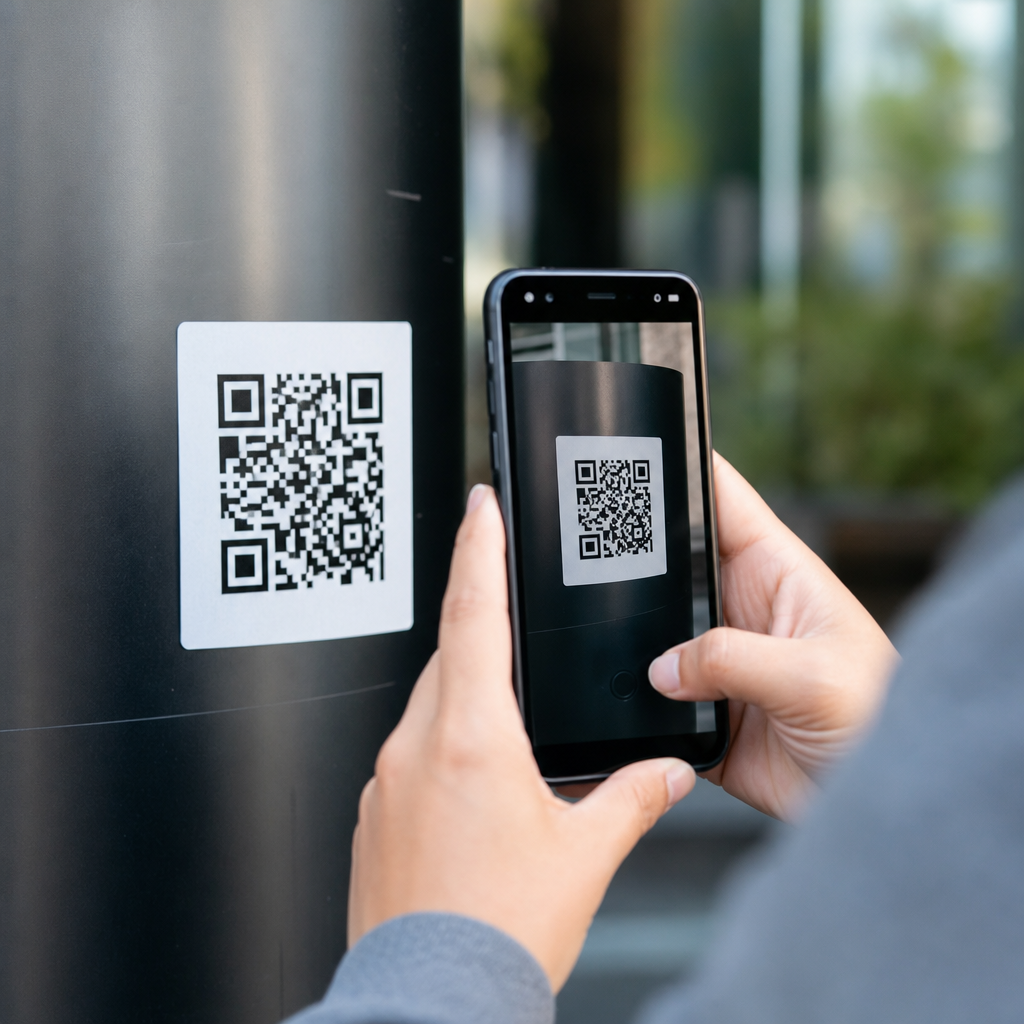
QR codes are everywhere, from restaurant tables and parking meters to invoices, posters, delivery boxes, and login screens, which makes knowing how to spot a fake QR code an essential digital safety skill. A QR code, short for Quick Response code, is a two dimensional barcode that stores information such as a website URL, payment request, contact card, Wi Fi credentials, or app action. When a phone camera or scanner reads the pattern, it converts the code into a destination or command. That convenience is exactly why criminals target it. In security work, I have seen fake QR code campaigns succeed not because the code itself looked suspicious, but because people assumed a square barcode must be trustworthy.
A fake QR code is any code designed to mislead a user into opening a malicious website, paying the wrong person, downloading malware, or sharing sensitive data. Some scams use newly printed stickers placed over legitimate codes. Others use cloned payment signs, fake package slips, phishing emails, text messages, or social posts that contain malicious QR codes. The threat has grown as mobile payments and contactless interactions have expanded. The Federal Trade Commission has warned consumers about QR code fraud, and payment providers increasingly tell merchants to inspect codes physically and digitally. The risk matters to individuals, small businesses, schools, healthcare providers, and enterprise teams because a single scan can trigger credential theft, card fraud, business email compromise, or account takeover.
This guide serves as a hub for QR code scams and risks. It explains what fake QR codes look like, where they appear, how attackers exploit trust, and what practical checks reduce exposure. It also covers business controls, reporting steps, and common myths. If you manage printed codes, customer payments, workplace posters, product packaging, or public signage, the same principle applies: treat the QR code as a clickable link in physical form. The safest habit is to verify the destination before you tap, question any payment or login request, and inspect the surrounding context instead of trusting the square pattern alone.
What Fake QR Codes Usually Do
Most fake QR codes are delivery mechanisms for a familiar set of attacks. The biggest category is phishing. A malicious code opens a webpage that imitates Microsoft 365, Google, a bank, a payroll portal, or a parcel service and asks for credentials, card details, or one time passcodes. Another common use is payment redirection. A scammer places a sticker over a parking meter code or donation placard so the payment goes to the scammer’s wallet or merchant account. I have also seen QR codes used for malware delivery, especially where users are prompted to sideload an Android application because the “official app” supposedly cannot be found in the app store.
Attackers also use codes for device pairing abuse, fake Wi Fi onboarding, and data harvesting. A QR code can prefill an SMS, email, or contact record, which is useful legitimately but dangerous if the action hides an unfamiliar number or domain. Some campaigns route victims through several redirects, making the final destination harder to assess in a quick preview. Others rely on shortened links, compromised subdomains, or look alike domains such as replacing letters with similar characters. The code itself is not magical; the danger comes from where it sends you and what it asks you to do once you arrive.
Where QR Code Scams Show Up in Real Life
Fake QR code scams work best in places where people are in a hurry. Parking payments are a textbook example. Drivers want to pay quickly, so they scan the code on the meter without checking whether a sticker was added on top of the original sign. Restaurants are another common setting because customers expect to scan for menus or ordering. A swapped table tent can send them to a fake payment page. Public posters in transit stations, event venues, and campuses are vulnerable because many people interact with them and physical tampering can go unnoticed for days.
Digital channels matter too. Email based QR phishing, sometimes called quishing, has increased because it can bypass some traditional email filters that focus on visible links. Instead of a clickable URL, the email embeds an image containing a QR code that leads to a credential theft site. Text messages and messaging apps use the same tactic. Package deliveries, utility notices, toll payment requests, crypto promotions, and HR updates are frequent themes. Small businesses are often hit through fake supplier invoices with QR payment instructions, while consumers are targeted through “missed delivery” notices or account security alerts.
How to Inspect a QR Code Before You Scan
Start with the physical context. Ask whether a QR code belongs in that location and whether the surrounding message makes sense. A code on a parking meter, menu, museum label, or product insert may be normal. A code taped over another code, attached crookedly, printed on low quality paper, or added to a place that usually uses a card terminal should raise concern. Check for signs of tampering such as a sticker layered over existing text, mismatched branding, blurred edges, inconsistent fonts, or instructions that do not match the business’s usual process. In retail, official signage is usually laminated, branded, and consistently placed.
Next, use your phone’s preview feature. Modern camera apps often show the destination URL before opening it. Read the full domain carefully. Legitimate domains are exact, not close enough. A secure looking padlock is not enough because many phishing sites use HTTPS. Watch for extra words, misspellings, unusual country code domains, or long strings before the main brand. If the code claims to be for a bank, city parking authority, or major delivery company but the URL points somewhere unrelated, stop immediately. When the action is payment, compare the merchant name on the page with the business in front of you.
| Check | Safe Signal | Warning Sign |
|---|---|---|
| Physical appearance | Printed cleanly, aligned, matches signage | Sticker overlay, crooked placement, cheap paper |
| Destination preview | Exact brand or organization domain | Misspelling, shortened link, unrelated domain |
| Requested action | Menu, product info, normal payment flow | Urgent login, gift card, crypto, sideloaded app |
| Brand consistency | Same logo, colors, contact details, support path | Generic page, odd design, no verification details |
| Payment details | Recognized processor and merchant identity | Personal wallet, random payee, unusual fees |
Red Flags on the Website After Scanning
Even if the code looked legitimate, the page it opens may reveal the scam. The strongest red flag is urgency. Messages such as “verify now,” “account suspended,” “package returned,” or “payment overdue today” are classic social engineering triggers. Another warning sign is a login request that appears unrelated to the context. A restaurant menu does not need your Microsoft password. A parking meter does not need your email inbox credentials. If the page asks for a one time passcode, card verification value, recovery code, or multifactor prompt approval outside a familiar workflow, treat it as hostile.
Look at the quality of the page. Security teams often find fake QR destinations with broken branding, compressed logos, unnatural wording, missing privacy notices, or dead support links. On mobile, the top of the screen can hide the address bar, so scroll up and inspect the domain again before entering anything. If a site pushes an app download, verify it in the Apple App Store or Google Play rather than installing from a direct file link. For payments, trusted processors clearly display merchant details, amount, tax, and confirmation steps. If the payment page hides the payee or uses a peer to peer transfer to a personal account, stop.
Why Fake QR Codes Fool People
QR scams work because they combine convenience with ambiguity. People cannot read a QR code visually, so they outsource trust to the setting around it. Attackers exploit that gap. In person, a fake sticker borrows the credibility of a restaurant, meter, charity box, or government notice. Online, a QR code in an email can feel less suspicious than a blue hyperlink because users do not see the destination until they scan. On mobile devices, smaller screens, auto hidden browser bars, and app based web views make domain inspection harder, which increases the success rate of look alike pages.
There is also a behavioral factor. Scams often appear in rushed moments: paying for parking before time runs out, checking into a hotel, logging into work after a travel day, or responding to a package problem. Under time pressure, users focus on completing the task, not verifying the path. Criminals know this, so they build frictionless prompts and familiar branding. The lesson is simple but powerful: a QR code is not a trust signal. It is merely a transport mechanism. Trust must come from verified context, exact destinations, and known payment or login flows.
Best Practices for Consumers and Employees
The most effective defense is to avoid scanning codes that initiate sensitive actions when a safer route exists. If you need to log into an account, open the official app or type the known website address yourself. If you need to pay for parking, use the city’s published app or domain from an official sign you can verify, not a random sticker. Keep your phone updated, use the built in scam protection features offered by major mobile browsers, and enable multifactor authentication on important accounts so stolen passwords alone are less useful. Password managers also help because they usually refuse to autofill credentials on the wrong domain.
In workplaces, teach employees that QR phishing is simply phishing on a different medium. Include QR codes in awareness training, incident simulations, and reporting instructions. Make it easy for staff to verify internal codes by publishing approved destinations on the intranet, especially for building access, guest Wi Fi, HR forms, and device enrollment. For frontline teams in retail, hospitality, healthcare, and facilities, routine physical inspections matter. I recommend adding QR code checks to opening and closing procedures: inspect for overlays, confirm the destination, and remove any unapproved signage immediately.
Controls for Businesses That Publish QR Codes
Organizations can reduce abuse by designing QR code use cases with verification in mind. First, minimize the number of codes in public spaces and attach each one to a clearly named destination. Instead of linking directly to a payment page, link to an official page on your own domain that then routes users into the payment processor. That gives customers an easy domain check and gives your team a stable URL even if vendors change. Second, use tamper evident materials for printed codes, especially on parking kiosks, point of sale displays, lockers, and lobby signage. Serialized labels and routine audits are inexpensive compared with fraud losses.
Third, monitor destination pages and traffic patterns. Web analytics, fraud tools, and report channels can reveal sudden spikes, unusual referrers, or customer complaints tied to a location. Large organizations often register common look alike domains defensively and configure DMARC, SPF, and DKIM to reduce impersonation through email. If you issue invoices with QR payment options, include alternate verification methods such as a published billing number and a statement telling customers never to pay a changed code without confirmation. Good QR governance is operational, not just technical: ownership, review cycles, print controls, and incident response all matter.
What to Do If You Scanned a Suspicious QR Code
If you scanned a code but did not interact further, close the page and clear the browser tab. If you entered credentials, change the password immediately from a trusted path, revoke active sessions if the service allows it, and update multifactor settings. If you submitted card details or made a payment, contact the bank or payment provider at once, dispute unauthorized charges, and ask about replacing the card. For a work account, report the incident to IT or security right away so they can review sign in logs, reset tokens, and block malicious domains. Speed matters because account takeover and fraudulent transfers often happen quickly.
If you installed an app from outside an official store, remove it, run mobile security checks if your organization provides them, and watch for unusual permissions such as accessibility access, SMS reading, or device admin rights. Take photos of the physical sign or save the message containing the QR code, because evidence helps businesses and investigators identify the campaign. Report public scam codes to the venue manager, city authority, or consumer protection agency. The main goal after exposure is containment: stop further access, secure accounts, preserve evidence, and warn others who may encounter the same code.
Spotting a fake QR code comes down to one disciplined habit: verify before you trust. Check the physical sign for tampering, preview the full destination, judge whether the requested action fits the context, and avoid entering credentials or payment details unless you reached the site through a path you know is legitimate. For consumers, that means slowing down at parking meters, menus, delivery notices, and account alerts. For businesses, it means treating QR codes as managed digital entry points that require print controls, monitoring, employee training, and clear customer guidance.
The broader benefit is not just avoiding one scam. When you apply these checks consistently, you reduce exposure to phishing, payment fraud, malware, and impersonation across every channel where QR codes appear. That matters because QR use will keep expanding in payments, customer service, tickets, packaging, onboarding, and authentication. Convenience is valuable, but only when paired with verification. Review the QR codes your organization publishes, train teams on the red flags covered here, and make destination checking a normal part of every scan. That simple habit prevents costly mistakes and strengthens security culture at the same time.
Frequently Asked Questions
How can I tell if a QR code might be fake before I scan it?
Start by looking at the context, not just the code itself. A legitimate QR code usually appears where it makes sense, such as on official signage, printed packaging, a verified invoice, or a company website. A fake QR code often feels out of place or urgent. For example, a sticker placed over another code on a parking meter, a flyer asking for immediate payment, or a login prompt that appears unexpectedly should raise suspicion. Physically inspect the code for signs of tampering, including uneven stickers, mismatched branding, poor print quality, crooked placement, or text that does not match the business or service being promoted.
It also helps to read any surrounding instructions carefully. Scammers often rely on pressure, vague wording, or promises that seem too convenient, such as “scan to avoid penalty,” “scan to claim refund,” or “scan for secure login” without further explanation. If the code appears in a public place, compare it with official information from the organization. If it is on a poster, receipt, or invoice, check whether the design, logo, and contact details match what the business normally uses. The safest mindset is simple: treat a QR code like a clickable link in the real world. If you would not trust a random link in a text message or email, do not trust a random QR code either.
What happens when I scan a fake QR code?
A fake QR code can lead to several different threats, depending on what the attacker wants. In many cases, it redirects you to a phishing website designed to steal passwords, payment card details, account verification codes, or personal information. These sites are often made to look nearly identical to real banking pages, delivery services, parking apps, or corporate login screens. Because the destination opens quickly on your phone, people sometimes enter sensitive information before stopping to verify where they are.
Some fake QR codes trigger payment scams by sending you to a fraudulent checkout page or opening a payment request to the scammer. Others may prompt you to download a malicious app, connect to an unsafe Wi Fi network, add a fake contact, or perform an action you did not expect. On phones, the danger is often less about the QR code itself and more about the destination it launches. That is why previewing the link before opening it is so important. A QR code is only a delivery method. The real risk comes from the website, app, or command waiting behind it.
What should I check after scanning a QR code but before tapping the final link?
Many phones and QR scanner apps show a preview of the destination before opening it. This preview is one of your best defenses. Check the full web address carefully, especially the domain name. Scammers frequently use lookalike domains that mimic trusted brands by changing one or two characters, adding extra words, or using unusual endings. For example, a fake site may include a brand name somewhere in the URL while the actual domain belongs to a completely unrelated address. Focus on the main domain, not just the page title or logo shown on the screen.
You should also ask whether the action matches the situation. If you scanned a code to view a menu, why is it sending you to a login form or payment page? If you scanned something on a package, why is it asking for banking details? Check for HTTPS, branding consistency, and signs of poor design or awkward language, but remember that scammers can copy logos and use secure certificates too. If anything feels wrong, close the page and navigate manually through the organization’s official website or app instead. Taking a few extra seconds to inspect the destination can prevent account theft, financial loss, and malware exposure.
Are fake QR codes common in places like parking meters, restaurants, and public posters?
Yes, those are some of the most common places where fake QR codes appear because they combine convenience, speed, and public trust. Scammers know people often scan quickly in these settings without thinking much about the source. Parking meters are a major example because a fake sticker can redirect drivers to a fraudulent payment page that looks official. Restaurants, event venues, bulletin boards, delivery lockers, and advertising posters are also attractive targets because people expect QR codes there and are less likely to question them.
The risk is especially high in crowded or rushed environments where people are trying to complete a task quickly. A scammer may place a new sticker directly over a real code or add a code nearby with wording that makes it seem more convenient than the official option. The best protection is to slow down and verify the source. Use a business’s official app when possible, compare posted instructions with the company’s website, and be suspicious of any code that appears recently added, damaged, poorly attached, or inconsistent with the rest of the display. Public placement does not equal legitimacy.
What is the safest way to use QR codes without putting my data or money at risk?
The safest approach is to combine caution, verification, and device security. First, only scan QR codes from sources you trust, and prefer codes shown inside official apps, on verified websites, or in communications you can independently confirm. Before opening any scanned destination, review the URL preview carefully. If the code is asking you to log in, make a payment, download an app, or share personal information, stop and verify through another route, such as typing the company’s web address manually or opening its official app yourself. This one habit blocks a large percentage of QR related scams.
Second, keep your phone updated and use basic mobile security practices. Enable automatic updates, install apps only from legitimate app stores, and consider using built in browser protections or reputable mobile security tools. Avoid entering passwords or payment details on pages reached from suspicious codes, especially on public Wi Fi. If you think you scanned a fake QR code, close the page immediately, do not submit information, and monitor affected accounts. If you already entered credentials or payment data, change your password right away, contact your bank or card provider if necessary, and report the incident to the relevant organization. QR codes are useful and usually safe when used thoughtfully, but they should be treated with the same caution as any unfamiliar link.





