
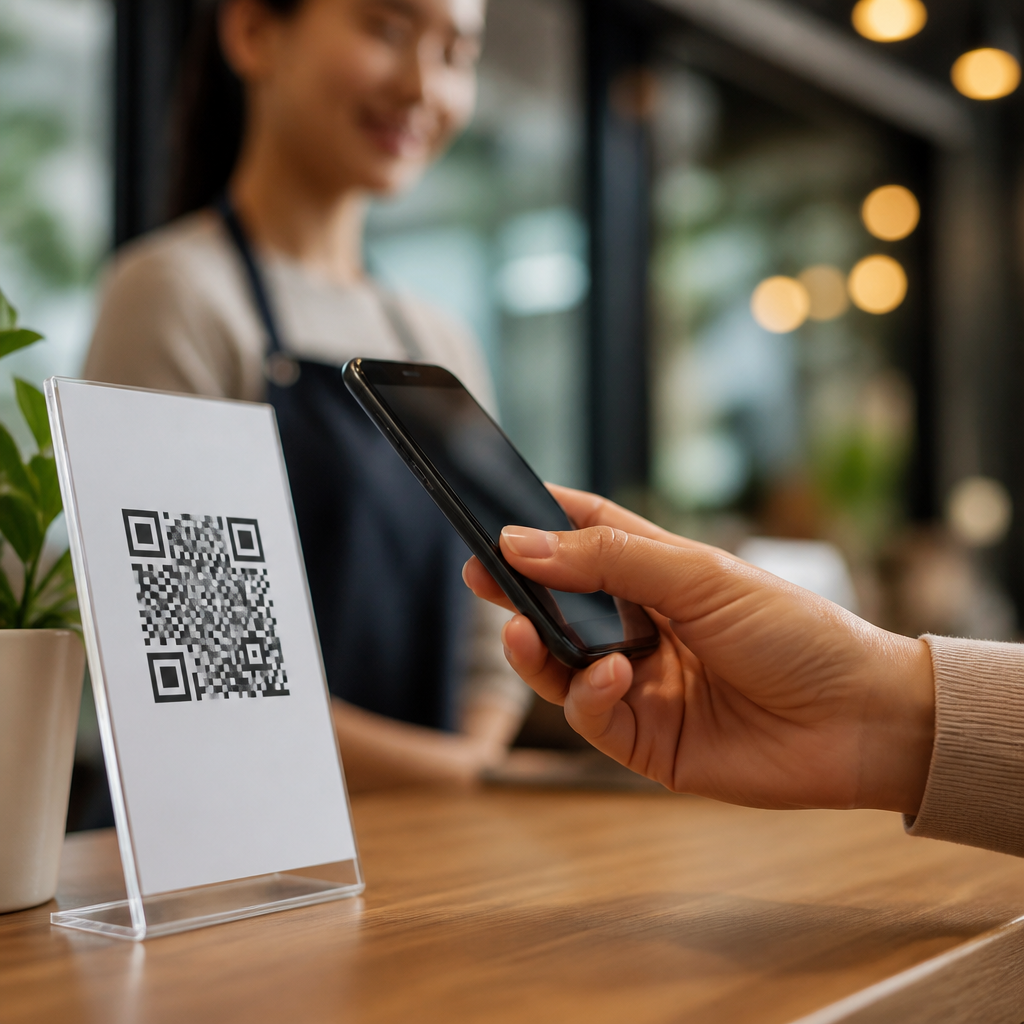
Trust determines whether a person scans a QR code, completes a form, or abandons the interaction within seconds. In QR code campaigns, trust means users believe the code is legitimate, the destination is safe, the request is reasonable, and the organization behind it will handle data responsibly. Transparency is the practical method for earning that belief: clear signage, recognizable branding, plain-language disclosures, secure landing pages, and consistent behavior across every touchpoint. I have seen well-designed campaigns underperform because they treated the QR code as a shortcut instead of a promise. Users now understand that a square pattern can open a website, trigger payment, download an app, or reveal a coupon, but they also know that malicious codes can redirect them to phishing pages or hidden trackers. That awareness makes trust a conversion factor, not just a compliance issue.
Building trust with QR code campaigns matters because these interactions happen in compressed decision windows. Unlike a typed URL, a scan often occurs on the move: at a restaurant table, product shelf, poster, direct mail piece, event booth, invoice, or outdoor sign. The user has little context and must decide fast. If the brand, purpose, and expected outcome are obvious, response rates improve. If the code appears generic, out of place, or data-hungry, hesitation increases. Trust also affects downstream metrics. A user who feels informed is more likely to complete checkout, opt in to messages, save a contact card, or share accurate information. For organizations operating under privacy laws and industry rules, transparent QR experiences reduce complaints, support defensible consent, and lower reputational risk. In short, trust turns scans into qualified engagement.
Make the scan feel safe before it happens
User trust starts before the camera opens. The physical or digital placement around the QR code should answer four questions immediately: who is asking, why scan, what happens next, and is it safe. In practice, that means pairing the code with a recognizable logo, a concise call to action, a short destination cue such as “opens brand.com/menu,” and a visible explanation of value. When I audit campaigns, missing context is the most common trust failure. A code printed alone on a table tent or flyer forces the user to infer intent, and uncertainty suppresses action. By contrast, a retailer that labels a code “Check ingredient sourcing and allergen details” gives a concrete reason to engage and signals that the destination serves the customer, not only the marketer.
Design also influences perceived legitimacy. Codes should be large enough to scan easily, printed with high contrast, and placed on clean materials that do not look tampered with. If a poster is wrinkled, a sticker appears pasted over another sticker, or the code sits next to suspicious claims, users rightly hesitate. For high-risk contexts such as payments, account access, or document downloads, add redundancy: include a short, human-readable URL and customer support information. This mirrors established security guidance from payment and anti-phishing programs, which emphasize verification and recognizable domains. A bank promoting statement access by QR should never rely on the code alone; it should state the exact domain, note that login occurs only on that domain, and warn users not to enter credentials elsewhere.
Use transparent landing pages and predictable user flows
The moment after the scan is where trust is either confirmed or broken. A trustworthy QR code landing page loads quickly over HTTPS, matches the branding on the source material, and delivers exactly what the call to action promised. If the sign says “View warranty registration,” the landing page should not open with a generic home page, autoplay video, or pop-up asking for location and push permissions. Predictability matters. Users read sudden redirects, irrelevant content, or aggressive overlays as signals of manipulation. In my experience, even legitimate analytics redirects can create doubt when they flash multiple URLs or delay page rendering. Keep redirects minimal, use first-party domains whenever possible, and avoid destination chains that make mobile browsers look unstable.
Content structure should support immediate comprehension. Put the purpose at the top of the page, explain what the user can do next, and disclose any data collection before the form begins. Good microcopy reduces abandonment. For example, “Register your appliance in under two minutes. We ask for serial number, purchase date, and email to send confirmation and warranty updates” is stronger than “Submit details below.” If age restrictions, geographic limitations, subscription terms, or contest rules apply, place those disclosures near the interaction, not buried in a footer. Transparent sequencing also improves accessibility and fairness. A museum QR code that opens an audio guide should first offer language selection and playback instructions, rather than forcing an app install. The clearer the path, the more credible the campaign feels.
Ask only for necessary data and explain every request
Trust collapses when the data request feels disproportionate to the value offered. Data minimization is both a privacy principle and a practical conversion strategy. If a user scans a code to download a product manual, requiring full name, company, job title, phone number, and marketing consent is excessive. People recognize that mismatch instantly. Effective QR code campaigns collect only what is necessary for the stated outcome, then explain why each field is needed. When I build forms for scan traffic, I remove any field that cannot be justified in one sentence. That discipline consistently lifts completion rates while reducing legal and reputational risk.
Transparency should be literal and specific. Instead of a generic statement like “We value your privacy,” write “We use your email to send the receipt and optional service reminders. We do not sell personal information.” If consent is optional, separate it from required actions. Pre-checked boxes and bundled consent language undermine confidence and may conflict with standards under regulations such as GDPR and state privacy laws. For sensitive categories, caution is non-negotiable. A healthcare provider using QR codes for intake should disclose how health information is protected and avoid linking patients to broad consumer form tools that lack appropriate controls. A transparent request respects context: the less obvious the need for data, the more clearly the organization must justify it.
| Campaign type | Trust-building practice | Common mistake | Better alternative |
|---|---|---|---|
| Restaurant menu | Show brand name, menu URL, and no-login notice | Code opens delivery app install page | Open mobile menu first, then offer ordering options |
| Product registration | Explain fields and confirmation process | Request marketing consent as mandatory | Separate registration from promotional opt-in |
| Event check-in | Use badge-matched branding and staff support | Redirect through multiple domains | Use one verified first-party event domain |
| Payment | Display payee name, amount logic, and support contact | Sticker placed over existing code | Use tamper-evident print and visible verification steps |
Show visible security signals and reduce phishing risk
Many users have heard warnings about fraudulent QR codes, sometimes called quishing, where attackers replace legitimate codes with malicious ones. Trustworthy campaigns address that reality openly. The goal is not to alarm users but to remove ambiguity. Visible security signals include HTTPS, a recognizable domain, digital wallet or payment provider verification where relevant, and consistent brand presentation from print to page. For posters, kiosks, and invoices, inspect placements regularly for code replacement or tampering. In field programs, I recommend documenting inspection schedules and empowering frontline staff to report suspicious overlays immediately. This operational detail matters because trust is built as much by maintenance as by design.
Organizations should also limit technical patterns that resemble phishing. Avoid URL shorteners that hide the destination unless there is a compelling operational reason, and if one is used, make the final domain explicit beside the code. Do not prompt for credentials unexpectedly. A trustworthy QR journey rarely asks a user to log in unless the original context clearly implies account access, such as a customer portal notice. Even then, the landing page should encourage domain verification. For payments, dynamic QR systems tied to recognized payment rails can improve trust when they display merchant identity and transaction details before authorization. Security messaging works best when concise: “You will only sign in at companyname.com” is more useful than a dense block of abstract assurances.
Align brand, context, and channel across the campaign
Consistency is one of the strongest trust signals because users compare what they see now with what they know about the brand elsewhere. A QR code on packaging should lead to a mobile experience that looks and sounds like the packaging, website, email, and customer support scripts. Mismatches create friction. If a luxury cosmetics brand uses premium print design but sends scanners to a cluttered generic survey page hosted on a different domain, users question authenticity. In contrast, a manufacturer that extends the same typography, product naming, and service language into the scanned experience reinforces legitimacy. Trust grows when every element confirms the same identity.
Channel alignment also includes expectations about device behavior. A direct mail QR code can reasonably open a personalized offer page, but recipients should be told that the offer is individualized and how personalization was determined. An in-store code near a shelf should prioritize speed, mobile readability, and low-bandwidth performance because the user is standing in an aisle, not sitting at a desk. Event attendees expect rapid check-in and obvious staff assistance, while B2B buyers scanning a trade show code may tolerate a slightly longer form if the value is a technical datasheet or meeting request. Trust is contextual. When the experience matches the situation, the campaign feels intentional rather than opportunistic.
Measure trust with behavior, feedback, and governance
Trust is measurable if you choose the right indicators. Scan rate alone is incomplete because curiosity can drive scans even when confidence is low. Better signals include landing page bounce rate, form completion rate, time to first action, consent acceptance patterns, customer support contacts, and repeated scans from the same campaign location. If users scan but abandon after seeing the form, the trust problem may be the data request. If they never scan, the issue may be poor context or suspicious placement. I also look at qualitative feedback from intercept surveys and customer service logs. Comments like “Was this real?” or “Why did it ask for that?” reveal trust gaps faster than headline metrics.
Governance turns one-off fixes into a reliable operating standard. Create a review checklist covering domain use, redirect logic, disclosure language, consent design, accessibility, print quality, tamper checks, analytics tagging, and retention rules. Legal, security, marketing, and operations should all have defined roles. In mature programs, every QR campaign has an owner, an approved destination domain list, and a sunset plan so dormant codes do not keep sending users to broken or outdated pages. That discipline protects both users and performance. The most trusted campaigns are rarely the flashiest; they are the ones that work exactly as promised, collect only what they need, and remain understandable from the first glance to the final confirmation.
Building trust with QR code campaigns is not a cosmetic exercise. It is the operating principle that determines whether a scan becomes a safe, useful exchange or a missed opportunity. The essential practices are clear: provide context before the scan, match the destination to the promise, minimize data collection, explain every request, display recognizable security signals, and keep branding and behavior consistent across channels. These actions improve conversion because they reduce uncertainty, but they also do something more important: they respect the user’s limited time, attention, and privacy.
As the central guide to user trust and transparency within QR code security, privacy, and compliance, this topic connects directly to related work on phishing prevention, consent management, secure redirects, accessibility, data retention, and campaign governance. Treat each scan as a moment of earned permission. When users know who is asking, what will happen, and how their information will be handled, they are far more likely to engage confidently. Review your current QR assets, test the full mobile journey, remove anything confusing, and publish only experiences you would trust yourself. That standard is the fastest route to stronger performance and lasting credibility.
Frequently Asked Questions
Why is trust so important in QR code campaigns?
Trust is the deciding factor in whether someone scans a QR code, continues to the landing page, submits information, or leaves immediately. A QR code asks users to take a small leap of faith because they cannot always see the destination before scanning. If the code appears out of place, the branding is unfamiliar, or the request feels too intrusive, people often assume there is some risk involved. That risk could be malware, phishing, spam, data misuse, or simply a poor user experience. In practical terms, low trust reduces scan rates, lowers conversions, and increases abandonment at every stage of the campaign.
In contrast, a trustworthy QR code campaign reduces uncertainty. When people see recognizable branding, clear instructions, and a believable reason to scan, they feel more comfortable engaging. Trust also affects what happens after the scan. A secure, well-designed landing page that matches the promise on the sign or package reassures users that they made the right decision. This consistency matters because trust is not built by the QR code alone. It is built across the entire interaction, from the physical placement of the code to the wording on the page to how the organization handles user data afterward.
For businesses, this means trust is not just a branding issue; it is a performance issue. Campaigns that look legitimate, explain value clearly, and respect privacy tend to convert better because they remove friction. People are more willing to scan when they know who is behind the code, what they will get, and what will happen with any information they share. In short, trust turns a QR code from a random square on a surface into a credible invitation to engage.
What are the best ways to make a QR code look legitimate and safe to scan?
The most effective way to make a QR code look legitimate is to provide clear context around it. A standalone code with no explanation often creates hesitation, while a code paired with a short message, brand name, and obvious purpose gives users immediate reassurance. For example, telling people exactly what will happen when they scan—such as “View the menu,” “Register for the event,” or “Download the guide”—removes ambiguity. People are far more likely to trust a code when the value and destination are plainly stated.
Recognizable branding is another major trust signal. Including your logo, brand colors, official business name, and consistent visual design helps users connect the code to a real organization. This is especially important in public spaces, on printed materials, or on product packaging where a QR code could otherwise be mistaken for something unofficial. The surrounding design should feel polished and aligned with your website, ads, signage, and other customer touchpoints. If the code appears visually disconnected from your brand, people may hesitate or suspect tampering.
Placement also matters. A QR code should appear in a logical, expected environment. Codes placed on official packaging, event displays, store counters, direct mail pieces, or in-store signage tend to feel more credible than codes posted randomly on walls or in low-quality printouts. If the code is being used in a physical public location, inspect it regularly to ensure it has not been covered or replaced by a malicious sticker. Tampering is a real concern, and a visibly maintained display can itself reinforce legitimacy.
It also helps to use secure and recognizable URLs on the destination page. If possible, preview the destination domain near the code or use a branded short link that users can recognize. Once they scan, the landing page should load over HTTPS and clearly reflect your brand. A mismatch between the physical QR code and the digital destination can instantly break trust. Safety is communicated through consistency, professionalism, and transparency at every step.
How can transparency improve QR code conversion rates?
Transparency improves QR code conversion rates because it lowers the mental resistance users feel before and after scanning. When people understand what the code does, why they should engage, and what is expected of them, they are more likely to follow through. Many QR campaigns underperform not because the offer is weak, but because users are uncertain. Uncertainty creates friction. Transparency removes that friction by answering key questions upfront: Who is behind this? Where will this go? What will I get? Will I need to share personal information?
A transparent campaign sets expectations clearly before the scan happens. Good signage explains the benefit in plain language and avoids vague phrases like “Scan me” without context. Instead, it gives users a reason, such as accessing a discount, verifying product information, joining a loyalty program, or viewing event details. If a form is involved, say so. If the user will be asked for an email address, make that clear. People are much more willing to engage when they do not feel surprised or pressured midway through the process.
Transparency also matters on the landing page itself. The page should immediately confirm that the user has arrived in the right place by repeating the offer or message they saw before scanning. If there is a form, explain why each piece of information is being requested and mark optional fields clearly. If the page involves payment, subscriptions, or marketing opt-ins, these should be disclosed plainly rather than hidden in fine print. Users tend to abandon interactions when they sense that the real ask is larger than the original promise.
Over time, transparent behavior builds brand confidence beyond a single campaign. If users consistently find that your QR codes lead to safe pages, deliver what was promised, and handle data responsibly, future campaigns become easier to trust. That long-term confidence can improve repeat engagement, increase form completion rates, and reduce hesitation in later interactions. In other words, transparency supports both immediate conversions and ongoing credibility.
What should a trustworthy QR code landing page include?
A trustworthy QR code landing page should confirm legitimacy immediately, deliver on the promise made before the scan, and make the next step feel safe and reasonable. The first thing users should see is clear brand identification. Your business name, logo, and visual style should match the printed or physical material that contained the QR code. This visual continuity reassures users that they have reached the correct destination and were not redirected somewhere unexpected.
The page should also have a simple, focused message that reflects the exact purpose of the QR code. If the code promised a discount, the discount should be visible right away. If it offered event registration, event details and registration should appear without forcing users to search. If the code was used to access product instructions, those instructions should be front and center. When users have to dig through unrelated content, trust weakens because the experience feels misleading or poorly managed.
Security and usability are equally important. The page should use HTTPS, load quickly, and function smoothly on mobile devices since most QR scans happen on phones. Broken layouts, intrusive pop-ups, autoplay media, or excessive redirects can make a page feel unsafe even when it is technically legitimate. A clean design, readable text, clear navigation, and limited distractions all help users feel in control. Trust is reinforced when the experience is calm, professional, and predictable.
If you ask for personal information, explain why you need it and how it will be used. Keep forms as short as possible and request only what is necessary. Include links to your privacy policy and, when relevant, consent language written in plain terms. If users are signing up for emails, receiving a quote, booking an appointment, or downloading gated content, state that clearly. Trustworthy landing pages do not rely on hidden conditions or misleading buttons. They respect the user’s attention, communicate honestly, and make every request feel proportionate to the value being offered.
How can businesses show they handle data responsibly in QR code campaigns?
Businesses can show responsible data handling by being explicit, minimal, and consistent in how they collect and use information. Start by asking only for data that is genuinely needed for the specific interaction. If a QR code leads to a simple download, users should not be forced to provide a long list of personal details unless there is a compelling reason. Excessive data collection is one of the fastest ways to reduce trust because it makes the exchange feel unbalanced. People are more comfortable sharing information when the request feels appropriate to the benefit offered.
Clear disclosure is essential. Before or at the point of data collection, explain what information is being requested, why it is needed, and what users can expect next. If an email address will be used for follow-up marketing, say so directly. If the user is joining a mailing list, receiving order updates, or requesting customer support, that purpose should be stated in plain language. Responsible organizations do not hide their intentions behind vague consent language or pre-checked boxes. They make the terms understandable and easy to review.
It is also important to support these claims with visible trust signals. Link to your privacy policy, use secure forms, and ensure that the landing page clearly belongs to your organization. If relevant, mention compliance practices, customer service contact details, or how users can update preferences or opt out later. Giving people control over their data is one of the strongest ways to build confidence. Users are more likely to engage when they know they are not surrendering information into a black box.
Finally, responsible data handling must be reflected in real behavior after the scan. If users sign up for one resource, do not overwhelm them with unrelated communications. If you promise limited use, honor that promise. Trust is damaged not only by security failures but by broken expectations. In QR





