QR codes look simple on the surface, but the way they handle numbers, letters, and special characters is a precise piece of data engineering. A QR code is a two-dimensional matrix barcode that stores information in black and white modules arranged on a square grid. When someone asks how QR codes work, the most useful answer starts with encoding: the system converts characters into binary data, adds error correction, and places that data into a pattern scanners can read quickly from many angles. Understanding how QR codes handle different character types matters because capacity, readability, and compatibility all depend on the encoding mode chosen before the code is generated.
In practice, this question comes up constantly when teams build menus, payment links, Wi-Fi login cards, product labels, tickets, and industrial tracking systems. I have seen marketers assume every character costs the same space, then wonder why a short-looking URL creates a dense symbol that scans poorly on packaging. I have also seen operations teams use the wrong character set for part numbers and break compatibility with older scanners. The core idea is straightforward: QR codes can store numeric digits, alphanumeric characters, full byte-based text, and more specialized formats such as kanji, but each mode has different rules and efficiency. Once you understand those rules, you can predict code size, choose better content formats, and produce symbols that scan faster and more reliably across phones, handheld scanners, and embedded readers.
This article serves as a hub for QR Code Basics & Education by explaining the complete mechanics behind character handling and the broader answer to how QR codes work. It defines the main terms, shows what happens during encoding, explains when numbers are more efficient than text, and clarifies how symbols like spaces, slashes, ampersands, and accented letters are treated. It also covers the role of versions, masking, quiet zones, and Reed-Solomon error correction, because character handling never exists in isolation. If you want a practical foundation for choosing QR content formats and troubleshooting scan issues, this is the page to bookmark and use as your starting point.
How QR codes work at the data level
A QR code does not store visible characters directly. It stores bits. During generation, software examines the input string, decides which encoding mode or combination of modes will fit best, converts the content into bit streams, adds metadata such as mode indicators and character counts, calculates error correction codewords, and then maps everything into the matrix. A scanner reverses that process: it detects finder patterns, corrects perspective, reads the timing and alignment patterns, extracts the modules, unmasks the data, checks the format information, and decodes the original content.
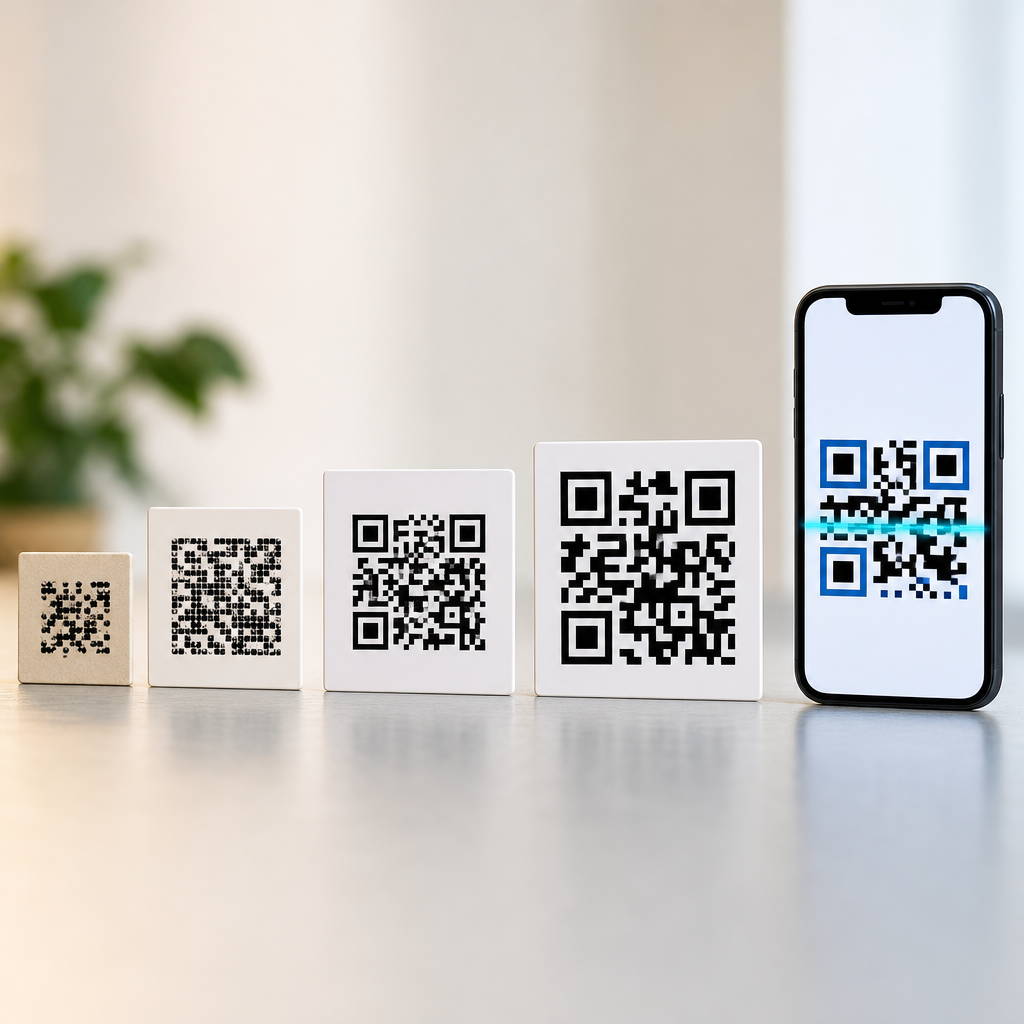
The standard behind mainstream QR codes is ISO/IEC 18004. That standard defines symbol versions from 1 to 40, where version 1 is a 21 by 21 grid and each higher version adds four modules per side. As content grows or becomes less efficient to encode, the required version increases. Error correction is available at four levels: L, M, Q, and H. Higher levels recover more damage but reduce available data capacity. That tradeoff is one of the first realities people meet when learning how QR codes work in production settings.
Character handling affects capacity because QR codes support several encoding modes, and each mode packs data differently. Numeric mode is the most efficient for strings containing only digits 0 through 9. Alphanumeric mode supports a limited set: digits, uppercase letters A through Z, space, and symbols such as dollar sign, percent, asterisk, plus, hyphen, period, slash, and colon. Byte mode handles broader character sets, commonly UTF-8 in modern generators, and is the default for URLs, mixed-case text, emojis, and many special characters. Kanji mode is optimized for double-byte characters in Shift JIS. There is also ECI, Extended Channel Interpretation, which signals how byte data should be interpreted when nondefault character sets are used.
How QR codes handle numbers, letters, and special characters
Numbers are handled most efficiently in numeric mode. The encoder groups digits in sets of three, converts each group into binary, and uses 10 bits for every three digits, 7 bits for two digits, and 4 bits for one digit. That efficiency is why a QR code containing only a long invoice number, account number, or one-time token can stay relatively small. If all you need is digits, forcing numeric mode is often the best choice for print quality and scan speed.
Letters depend on which letters you use. Uppercase English letters can fit in alphanumeric mode, which is less efficient than numeric but more efficient than byte mode. Alphanumeric mode encodes pairs of characters in 11 bits and a single remaining character in 6 bits using a defined 45-character set. For example, the string ORDER123 can be stored efficiently because it uses uppercase letters and digits only. The moment you add lowercase letters, such as Order123, most generators switch to byte mode because lowercase is not included in the alphanumeric set.
Special characters are where misunderstandings usually begin. Some special characters are valid in alphanumeric mode, including space, slash, colon, plus, hyphen, and period. Others, such as ampersand, question mark, equals sign, underscore, at sign, accented letters, and emoji, require byte mode. In real URLs, this matters because web addresses often contain lowercase letters, query strings, ampersands, equals signs, and percent-encoding. Even a short URL can therefore require byte mode, increasing density compared with a pure uppercase identifier.
| Content type | Typical mode | Supported examples | Efficiency impact |
|---|---|---|---|
| Digits only | Numeric | 2025019876 | Highest capacity, smallest symbols |
| Uppercase letters and limited symbols | Alphanumeric | ORDER-25/A | Good capacity, compact for labels |
| Mixed case, URLs, punctuation | Byte | https://site.com?a=1&b=2 | Lower capacity, often larger symbols |
| Japanese characters in Shift JIS | Kanji | 漢字 | More efficient than generic byte mode for supported characters |
Modern generators may segment content to improve efficiency. A mixed string like ABC123456789XYZ can be split into alphanumeric and numeric chunks rather than encoded entirely in byte mode. Good software evaluates those transitions because each segment adds overhead, and not every split saves space. In professional workflows, I always test the generated version and physical scan distance instead of assuming the smallest theoretical encoding will produce the best real-world result.
Encoding modes, character sets, and why capacity changes
Capacity changes because each mode uses different bit rules and because every QR symbol must reserve space for structural patterns and error correction. A version 1 code at low error correction can hold far more numeric digits than byte-mode characters. That is not a bug; it is a direct consequence of compression efficiency within the standard. As soon as content requires byte mode, capacity drops sharply relative to numeric mode.
Character count indicators also vary by version range and mode. The generator must include bits that tell the scanner how many characters are in the segment, and the bit length of that count field increases for larger versions. This means two strings with similar visible length may not produce the same symbol size if they trigger different modes or different version thresholds. In packaging and signage work, those small threshold changes can force a jump from one version to the next, making a code physically denser and less forgiving when printed small.
Byte mode introduces another layer: character encoding. Many modern QR platforms use UTF-8 because it supports multilingual text and symbols consistently across systems. However, scanner software ultimately decides how decoded bytes are rendered or passed to an application. If a workflow depends on older enterprise scanners, point-of-sale systems, or custom firmware, testing is essential. I have seen accented product names display correctly on smartphones but fail in legacy warehouse devices because the reader expected a different byte interpretation.
For web links, percent-encoding affects content length too. A space in a URL may become %20, and a non-ASCII character may expand into multiple UTF-8 bytes and then percent-encoded triplets. That longer literal string takes more QR capacity even though the user only sees a short destination title in the browser. One reliable way to reduce complexity is to use clean, short redirect URLs under your own domain, then manage campaign parameters server-side instead of stuffing long query strings into the symbol itself.
Error correction, structure, and scan reliability
Character handling is only one part of how QR codes work. Every symbol also includes finder patterns in three corners, timing patterns, format information, and, for larger versions, alignment patterns. Those structures let scanners locate the code, determine orientation, and sample the grid correctly even when the surface is curved or the camera angle is imperfect. Data codewords and error correction codewords are then interleaved through the remaining modules according to the standard.
Error correction is based on Reed-Solomon coding. In plain terms, the generator adds redundant data so the scanner can reconstruct missing or damaged portions. Level L restores roughly 7 percent of codewords, M about 15 percent, Q about 25 percent, and H about 30 percent, though actual recovery depends on damage distribution. The practical lesson is clear: if a code will appear on outdoor signage, bottles, machinery, or shipping labels, more error correction can be worth the extra size. If the code will be printed crisply in a controlled environment, lower levels can preserve capacity and simplicity.
Masking also influences reliability. A generator applies one of eight masking patterns to avoid problematic visual arrangements such as large blank areas or dense repeating blocks that confuse scanners. The software scores each mask and chooses the best result. Users rarely need to manage masking manually, but it explains why two generators may produce visually different QR codes for the same text while remaining equally valid.
Quiet zone size is another nonnegotiable factor. A QR code needs a margin of light space around the symbol, typically four modules wide, so scanners can separate the code from surrounding graphics. Many scan failures blamed on “too many special characters” are actually layout failures caused by trimmed quiet zones, low contrast, glossy reflections, or logos that overwrite too much data area. Content choice matters, but print discipline matters just as much.
Practical examples and best practices for creating better QR codes
The simplest best practice is to match the content format to the use case. If you are encoding an internal asset number, keep it numeric or uppercase alphanumeric whenever possible. If you are creating a consumer-facing web link, use a short URL, avoid unnecessary parameters, and test on both iPhone and Android camera apps. For Wi-Fi credentials, remember that special characters in SSIDs and passwords usually force byte mode, so a longer secure password may require a higher version than expected.
Consider three common examples. First, a payment reference like 000123456789 can be encoded efficiently in numeric mode and printed very small on invoices. Second, an inventory label such as BIN-A17-24 uses uppercase letters, digits, and hyphens, making alphanumeric mode a strong fit. Third, a campaign URL like https://brand.example/spring?utm_source=poster&utm_medium=qr requires byte mode and creates a denser symbol. In that third case, a branded short link such as brand.example/s1 often scans better and looks cleaner in design mockups.
Choose size based on scanning distance and surface, not guesswork. A common field guideline is a scanning distance to code size ratio near 10 to 1, though camera quality and contrast can shift that. A 2-centimeter code may work well at about 20 centimeters on a phone, but the same code on corrugated cardboard, brushed metal, or curved plastic may need to be larger. Always print prototypes and test under realistic lighting.
Use reputable generators and validators. Enterprise teams often rely on tools built into label software, industrial marking systems, or QR libraries such as ZXing, qrcodegen, or vendor platforms with analytics. Whatever you use, verify the final content, error correction level, and rendering. Then scan the code with multiple devices before release. If you are building this subtopic into a broader learning path, continue from this hub into deeper articles on QR code versions, dynamic versus static QR codes, error correction, QR code sizing, and common scanning problems. That sequence turns basic understanding into dependable implementation.
QR codes handle numbers, letters, and special characters by selecting the most efficient encoding mode available, converting content into bits, and protecting that data with structured error correction. Numbers are compact in numeric mode, uppercase letters and a limited symbol set fit efficiently in alphanumeric mode, and mixed case text, URLs, accented characters, and many special characters usually require byte mode. That single distinction explains why some QR codes stay small while others become dense even when the text looks short to a human reader.
The broader lesson about how QR codes work is that encoding decisions affect everything else: symbol version, error correction headroom, print size, and scan reliability. Good QR design is not only about what information you want to share. It is also about how that information is represented, how much redundancy the environment requires, and whether the final code will be scanned on real devices in real conditions. The best-performing codes come from short, clean content, adequate quiet zones, strong contrast, and testing across the devices your audience actually uses.
Use this page as your hub for QR Code Basics & Education, then apply its principles before you generate your next code. Audit the exact characters in your content, shorten what you can, select a sensible error correction level, and test the printed result at intended size. Those steps will improve scan speed, reduce failures, and help every QR code you publish do its job reliably.
Frequently Asked Questions
How do QR codes store numbers, letters, and special characters in the same symbol?
QR codes store all of that information by converting characters into binary data before placing it into the square grid of black and white modules. The important detail is that a QR code does not “see” text the way people do. Instead, it reads each character according to a specific encoding mode and turns that input into bits. Numbers can often be stored in a highly efficient numeric mode, while letters and certain common symbols can be stored in alphanumeric mode. If the content includes lowercase letters, punctuation outside the basic set, accented characters, or other symbols, the QR code may use byte mode, which is more flexible because it can represent a much wider range of characters.
Once the text has been converted into bits, the QR code adds structural information, mode indicators, character counts, and error correction data. That full data stream is then arranged into the QR code’s matrix according to a defined placement pattern. This is why a QR code can contain a phone number, a web address, a serial number, or a message with punctuation all in one image. To a scanner, those are not “words” or “symbols” in the human sense; they are encoded data blocks that follow the QR standard. The scanner decodes the modules, rebuilds the bitstream, applies error correction if needed, and translates the bits back into characters using the original encoding rules.
Why are numbers usually more space-efficient than letters or special characters in a QR code?
Numbers are usually the most efficient type of content because QR codes have a dedicated numeric mode designed to compress digits very effectively. In numeric mode, the encoder can group digits together and represent them using fewer bits than would be required in a more general-purpose mode. That means a string made entirely of numbers, such as an account number or one-time code, can fit into a smaller QR code or allow more data to fit into the same version of QR code.
Letters are often slightly less efficient because they may need alphanumeric mode, which supports digits, uppercase letters, spaces, and a limited set of symbols. This mode is still compact, but not quite as compact as numeric mode. Special characters can reduce efficiency further if they fall outside the alphanumeric set, because then the encoder may need to switch to byte mode. Byte mode is extremely useful and flexible, but it typically uses more bits per character. As a result, the exact same visible amount of text can produce different QR code sizes depending on whether the data is mostly digits, uppercase letters, or a mix of punctuation and extended characters. This is one reason encoded content type matters so much when people are trying to optimize QR code density and scan reliability.
What happens when a QR code contains special characters like punctuation, symbols, or accented letters?
When a QR code contains special characters, the encoder first determines whether those characters can be represented in one of the simpler modes or whether it needs a broader character set. Some punctuation marks, such as spaces, dollar signs, percent signs, plus signs, hyphens, periods, slashes, and colons, are supported in alphanumeric mode. If the special characters go beyond that group, the encoder usually switches to byte mode so it can represent a wider variety of symbols and text styles. That is how QR codes can handle lowercase letters, email addresses, complex URLs, accented characters, and many language-specific characters.
The exact result depends on the chosen character encoding and the software generating the code. If the generator and scanner both interpret the data consistently, the original characters are restored accurately after scanning. If they do not, the QR code may still scan, but some characters can appear incorrectly due to encoding mismatches. In practical terms, this is why it is important to use reliable QR code generation tools, especially when dealing with international text, brand names with punctuation, or data that includes symbols beyond the standard alphanumeric set. The QR code itself is capable of handling those characters; the real issue is making sure the data is encoded and decoded in a compatible way.
Do QR codes use different encoding modes for different types of characters?
Yes, QR codes are built around the idea of encoding modes, and that is central to how they handle numbers, letters, and special characters efficiently. The most common modes include numeric, alphanumeric, and byte mode, with some QR implementations also supporting kanji mode for specific character sets. Each mode is optimized for a certain kind of input. Numeric mode is best for digits only. Alphanumeric mode works for uppercase letters, numbers, spaces, and a defined set of common symbols. Byte mode is the general-purpose option used when the data includes lowercase letters, broader punctuation, or characters from larger text encodings.
An encoder may use a single mode for the entire message or switch between modes within the same QR code if that improves efficiency. For example, a string that starts with a long sequence of digits and then includes letters or symbols might be segmented so the numeric portion uses numeric mode and the rest uses another mode. This mode switching is one of the reasons QR encoding is considered a precise engineering process rather than a simple visual pattern generator. The goal is to store data in the most compact, standards-compliant way possible while still allowing fast, accurate scanning. Good QR software handles these decisions automatically, but the underlying principle is that different character types are treated differently to balance capacity, compatibility, and readability.
How do scanners correctly read QR codes even when the data includes mixed characters and the code is partially damaged?
Scanners succeed because QR codes are designed with both structure and redundancy. First, the scanner does not just look at random black and white squares. It identifies fixed patterns such as finder patterns, alignment patterns, and timing patterns that help it determine the QR code’s position, orientation, and grid spacing. Once the scanner maps the symbol correctly, it reads the data modules in the proper order and reconstructs the encoded bitstream. That bitstream includes information about the encoding mode, so the scanner knows whether it should interpret the incoming bits as numbers, alphanumeric characters, bytes, or another supported format.
The second major reason is error correction. QR codes include redundant correction data based on Reed-Solomon error correction, which allows the scanner to recover missing or corrupted portions of the symbol. That is why a QR code can often still work even if it is scratched, slightly dirty, printed imperfectly, or scanned at an angle. Mixed content does not confuse the scanner as long as the encoded data follows the standard correctly. The scanner simply decodes the mode instructions and translates each segment accordingly. In other words, the reliability comes from careful engineering: the data is encoded systematically, protected with error correction, and laid out in a structure scanners are built to interpret quickly and consistently.