
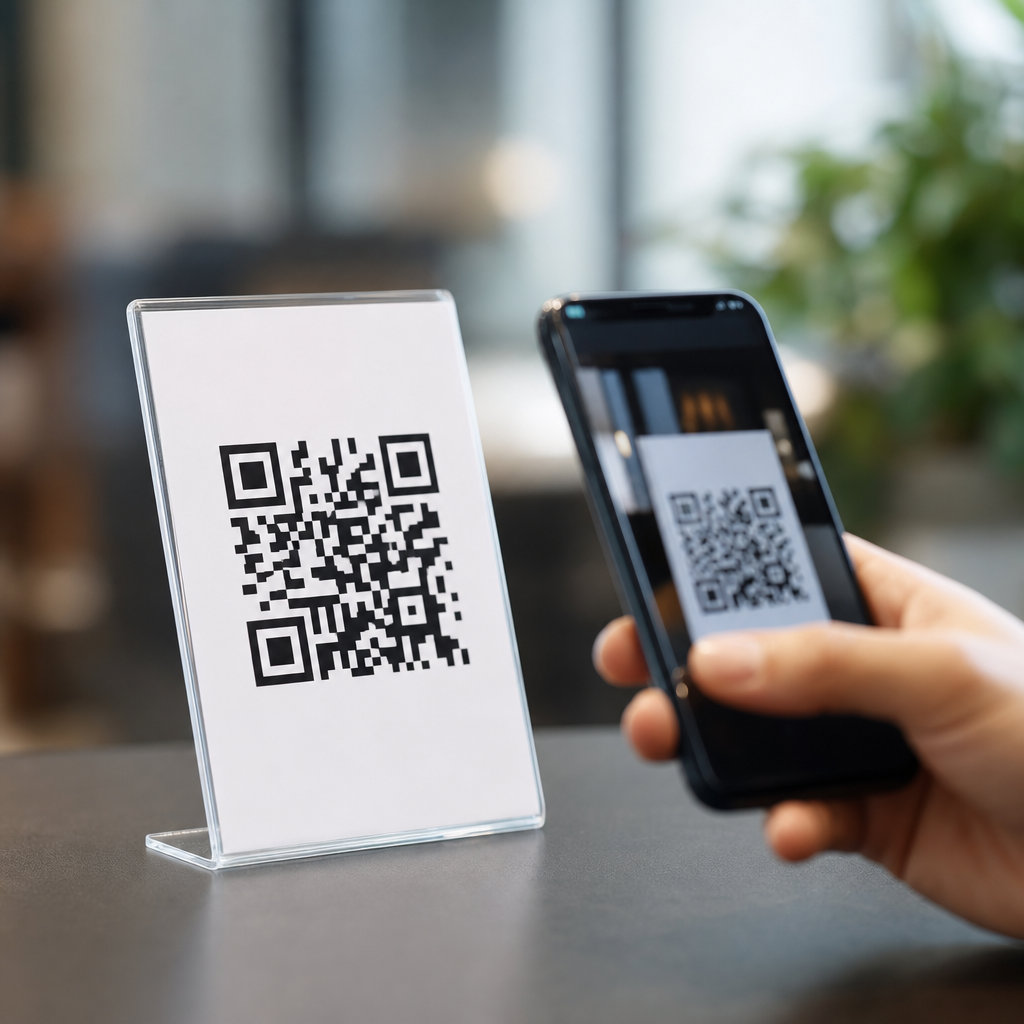
QR codes do not all expire, and that simple answer is the source of one of the most persistent misunderstandings in QR code basics and education. In practice, whether a QR code expires depends on how it was created, what data it contains, and which platform controls the destination after the code is printed. I have seen businesses throw away packaging, menus, posters, and trade-show displays because they assumed every code has a time limit. I have also seen teams keep using broken campaign materials because they believed a printed square could never fail. Both assumptions are wrong.
To understand the issue, start with the two main types of QR codes: static and dynamic. A static QR code stores the final destination directly inside the code itself, such as a URL, phone number, Wi-Fi credential, plain text string, email draft, or vCard. A dynamic QR code stores a short redirect URL that sends scanners to a destination managed by a QR platform. Static codes usually do not expire on their own because the encoded data does not change. Dynamic codes can stop working if the redirect service is paused, deleted, unpaid, misconfigured, or shut down.
This distinction matters because QR codes now appear everywhere: restaurant menus, product packaging, event badges, medical forms, maintenance labels, direct mail, digital payments, and authentication workflows. According to industry tracking from QR TIGER, Scanova, and mobile analytics vendors, consumer scanning surged after 2020 and remains far above pre-pandemic levels. As adoption increased, so did confusion. People ask whether free QR codes expire, whether printed QR codes go bad, whether Internet access is required, whether custom-branded codes scan less reliably, and whether a QR code can be reused forever. Those are not minor questions. They affect campaign performance, compliance, customer experience, and the lifespan of printed assets.
This article serves as a hub for QR code myths and misconceptions. It explains what actually makes a QR code work, what can cause failure, and how to choose the right setup for long-term use. If you manage marketing, operations, packaging, events, or customer support, understanding these mechanics will save money and prevent avoidable rescans, redirects, and reprints.
Do QR Codes Expire? The Direct Answer
A QR code expires only when something in its delivery chain stops resolving correctly. The image itself does not have a built-in countdown clock. Static QR codes generally keep working indefinitely because the encoded content is fixed in the symbol. If the code points to https://example.com/page and that page still exists, the scan still works years later. If the destination page is removed, redirected badly, or blocked, the QR code appears broken even though the symbol remains valid.
Dynamic QR codes are different because they rely on an intermediary service. When someone scans the code, the device first hits a short URL managed by the QR platform, then gets forwarded to the final destination. That architecture enables editing, analytics, geotargeting, A/B tests, and device-based routing. It also creates dependency. If your subscription lapses, the provider disables old records, your account exceeds scan limits, or the platform sunsets free codes, the destination can stop loading. That is why some people believe all QR codes expire: they have only experienced platform-controlled dynamic codes.
In day-to-day operations, the safest rule is simple. A static QR code does not expire unless the data it contains becomes invalid. A dynamic QR code does not expire unless the service behind it changes, fails, or is no longer maintained. The real question is not whether QR codes expire. The real question is which part of the system you are trusting over time.
Common QR Code Myths and What Actually Happens
The first myth is that printed QR codes wear out digitally. Ink can fade, surfaces can scratch, and glare can reduce contrast, but the code does not age like software. Physical damage affects scanability, not expiration. Error correction, defined in ISO/IEC 18004, allows a QR code to remain readable even when part of the symbol is obscured. Levels L, M, Q, and H recover approximately 7%, 15%, 25%, and 30% of damage respectively, though higher recovery also increases symbol density.
The second myth is that free QR codes are always permanent. Many free generators create static codes, and those often keep working because no service is involved after download. Other free tools issue dynamic codes as a trial, then gate continued use behind a subscription. The printed image looks the same, but the redirect can be disabled later. Before using any generator, confirm whether the code is static or dynamic and whether ownership of the short link remains with the provider.
The third myth is that a QR code requires the Internet in every case. It depends on the content type. A QR code that stores plain text, contact data, calendar information, or Wi-Fi credentials can be interpreted without loading a website. A QR code that points to a web page obviously needs network access to open that page. This distinction matters in venues with poor connectivity, such as warehouses, basements, field service locations, or transit stations.
The fourth myth is that customization ruins scan performance. In my testing, branded QR codes can scan extremely well if they preserve quiet zone spacing, sufficient contrast, module clarity, and practical error correction. Problems arise when designers invert colors, add low-contrast gradients, place logos too aggressively, or shrink the code below realistic camera thresholds. The issue is not branding itself. The issue is violating optical requirements.
The fifth myth is that one QR code can solve every use case. It cannot. A code on consumer packaging needs durability and long destination life. A code on a one-day event badge can prioritize analytics and rapid edits. A code used for payments may need compliance with country-specific rails such as EMVCo-based merchant-presented QR specifications. Good implementation starts with matching the code type to the operational risk.
Static vs Dynamic QR Codes: Which One Should You Use?
Choosing between static and dynamic QR codes is mainly a decision about control, flexibility, and dependency. Static codes are best when the destination is stable, the encoded payload is short enough, and long-term independence matters more than analytics. I recommend static codes for permanent contact cards, fixed support URLs, equipment labels tied to durable manuals, and Wi-Fi onboarding in locations where credentials rarely change.
Dynamic codes are better when you expect updates or need measurement. Marketing teams use them for seasonal campaigns, omnichannel attribution, scan counts by date and device, and region-specific landing pages. Retailers use them to swap URLs without reprinting shelf talkers. Event teams use them to redirect attendees to agenda updates after badges are already produced. The cost of that flexibility is vendor reliance.
| Type | How it works | Main advantages | Main risks | Best use cases |
|---|---|---|---|---|
| Static QR code | Stores final data directly in the symbol | No platform dependency, often free, durable for long-term print | Cannot edit destination, larger symbols for long URLs | Permanent URLs, Wi-Fi, text, phone, email, vCard |
| Dynamic QR code | Stores redirect URL managed by a service | Edit destination, track scans, route by rules, run campaigns | Subscription failure, provider shutdown, redirect latency | Marketing, events, packaging updates, analytics-driven programs |
If you expect a code to live for years on packaging or signage, think beyond launch day. Ask who controls the destination, how redirects will be maintained, whether the provider supports export or domain mapping, and who will own the account after staff turnover. The technical answer to “Do QR codes expire?” is often less important than the governance answer to “Who is responsible for this code in two years?”
Why QR Codes Stop Working Even When They Have Not Expired
Most failed scans are caused by implementation errors, not expiration. The first problem is destination decay. A website redesign changes slug structure, an app deep link is deprecated, or a PDF is moved to a new folder without a redirect. The QR code still scans, but users land on a 404 page or timeout. This is common after CMS migrations and marketing site rebuilds.
The second problem is poor print production. Tiny symbols, inadequate quiet zones, glossy surfaces, curved bottles, dark backgrounds, and low contrast can all reduce read rates. Smartphone cameras have improved, but they cannot overcome every design mistake. A practical minimum printed size depends on distance, but many teams use the ten-to-one rule: for every ten units of scanning distance, use at least one unit of code width. A code intended to scan from one meter away should be roughly ten centimeters wide, then tested on multiple devices.
The third problem is redirect complexity. Each extra hop increases latency and the chance of failure. I regularly audit campaigns where a QR platform redirects to a tracking link, which redirects to a consent gateway, which redirects to a mobile detector, which finally loads the page. On weak networks that chain can break. Keeping the redirect path short improves both user experience and measurement quality.
The fourth problem is policy and security filtering. Corporate phones, managed devices, and privacy tools may block suspicious short links or mixed-content pages. If your dynamic code uses a generic short domain with a poor reputation, scanners may hesitate. Using HTTPS, a branded domain, and transparent destination messaging reduces this risk.
How to Make QR Codes Last for Years
Longevity starts with choosing the shortest stable destination possible. If a page is likely to move, create a permanent URL structure first or use a domain you control for redirects. Many mature teams map dynamic QR codes to a branded short domain so they can switch providers later without replacing every printed asset. That single decision can preserve years of packaging and signage investment.
Next, test under real conditions, not just on a designer’s monitor. Print prototypes at final size. Scan them on iPhone and Android devices, in bright sun and dim interiors, over cellular and Wi-Fi, from expected distances and angles. Test with cracked screens and older camera hardware if your audience includes the general public. I have seen codes pass office reviews and fail instantly once applied to refrigerated cases with condensation and curved labels.
Use sensible error correction and clear layout. Keep a quiet zone around the symbol, avoid busy backgrounds, and do not crowd the code with calls to action. If branding matters, add a logo conservatively and verify scan performance before approving production. For permanent applications, document the owner, destination, creation date, platform, and update process in a simple asset register. QR codes become operational infrastructure surprisingly fast, and undocumented infrastructure eventually breaks.
Finally, monitor performance. Dynamic platforms provide scan logs, but even static codes can be monitored by encoding controlled URLs that resolve through your own analytics stack. Check for broken destinations after site changes, renew domains early, and maintain redirects during migrations. QR reliability is not luck. It is maintenance discipline.
Hub Guide to QR Code Misconceptions Worth Reviewing Next
If this page is your starting point for QR code myths and misconceptions, the next topics to examine are straightforward. Learn whether free QR codes are truly free over time, when static versus dynamic is the right choice, why some QR codes fail to scan, how branded QR codes affect readability, whether QR codes are safe to scan, and how Internet access changes the user experience. Those questions come up in almost every implementation review I conduct, and each one influences cost, usability, and trust.
The key lesson is that QR codes are neither magical nor fragile. They are a standardized data carrier whose success depends on the encoded content, the destination architecture, the print environment, and the maintenance process around them. Static QR codes can remain useful for many years. Dynamic QR codes can be equally durable when managed well, but they introduce a service dependency that must be owned deliberately.
So, do QR codes expire? Sometimes the service behind them does, sometimes the destination changes, and sometimes the print execution fails. The square itself is rarely the problem. If you want QR codes that last, choose the correct type, control your links, test in real-world conditions, and maintain them like any other customer-facing asset. Start by auditing the codes your organization already uses, then fix the ones that depend on assumptions instead of solid QR code basics.
Frequently Asked Questions
Do QR codes expire?
Not all QR codes expire, and that is the key point most people miss. A QR code is simply a visual way to store or point to information. Whether it “expires” depends on what the code contains and how it was generated. If the code is static, meaning the destination data is embedded directly into the QR code itself, it usually does not expire on its own. For example, a QR code that contains a plain website URL, contact card, Wi-Fi credentials, or a block of text will continue to work as long as the underlying data remains valid. If the website in that static code still exists, the code will keep sending people there.
Expiration usually becomes a factor with dynamic QR codes. These codes often point to a short URL or redirect service managed by a QR platform. That platform may allow the destination to be edited, track scans, pause campaigns, or deactivate codes after a subscription ends. In those cases, the printed QR code may still scan, but the destination can stop working because the service behind it is no longer active. So the real answer is not that QR codes always expire or never expire. It is that some QR codes remain usable indefinitely, while others depend entirely on the platform, billing status, or campaign settings controlling the redirect.
What is the difference between a static QR code and a dynamic QR code?
A static QR code contains the final information directly in the code pattern. Once it is created, that content cannot be changed. If the static code was generated with a direct link to a webpage, the scanner reads that exact link every time. Static codes are often the best choice when the destination will not change and when long-term reliability matters more than analytics or editability. They are simple, permanent in structure, and not tied to a third-party dashboard unless the destination itself is.
A dynamic QR code works differently. Instead of storing the final destination directly, it typically stores a short redirect URL controlled by a QR code service. When someone scans the code, they are first sent to that redirect, and then forwarded to the current destination selected in the platform. This setup allows the owner to change the target URL later without reprinting the code. It also makes it possible to track scan counts, locations, devices, campaign timing, and other performance data. The tradeoff is that the code depends on the redirect system continuing to function. If the provider shuts down the code, the account lapses, or the link management settings change, the code can effectively stop working even though the image itself has not changed. That is why businesses need to know which kind of QR code they are printing before putting it on packaging, menus, signage, or long-term materials.
Why do some QR codes stop working after they have already been printed?
Most QR codes that “expire” do not fail because the printed graphic has aged. They stop working because something in the destination chain breaks. A dynamic QR code may rely on a subscription-based platform, and if that subscription ends, the redirect may be disabled. In other cases, the destination website may be removed, renamed, redirected incorrectly, or blocked by security settings. Sometimes a marketing team pauses a campaign, changes domains, or retires a landing page without realizing that printed materials in the real world are still driving scans. From the user’s perspective, the QR code appears broken, but the actual issue is usually the link or service behind it.
There are also operational reasons QR codes fail. A code may have been generated through a free tool that later limits access, injects ads, or shuts down. The destination may have been entered incorrectly from the start. A URL shortener used inside the QR code may be retired. Even if the code itself is static, it can still lead to a dead end if the website it points to no longer exists. This is why the safest way to think about QR longevity is not just in terms of the image, but in terms of the full system supporting it. Before printing expensive materials, it is smart to confirm who controls the destination, whether renewals are required, and how the code will be maintained over time.
How can I tell whether a QR code will expire before I use it in marketing materials?
The best way to determine whether a QR code may expire is to review how it was created. If you generated it with a platform that offers scan analytics, editable destinations, scheduling, password protection, or dashboard management, there is a good chance it is dynamic. That means continued functionality may depend on the provider and your account status. Check the service terms carefully to see whether codes remain active on free plans, whether paid plans are required to keep redirects live, and what happens if billing stops. This step alone can prevent expensive mistakes with printed assets.
You can also inspect the destination by scanning the code and seeing what kind of link appears. If it resolves to a branded short link or an unfamiliar redirect domain before sending you to the final page, it is likely dynamic. If it displays the final destination directly, it may be static, though that is not a guarantee without checking the generator. The most reliable practice is to document every QR code used in your business: where it appears, who created it, which platform controls it, what subscription it depends on, and what final destination it serves. That documentation makes it much easier to avoid the common problem of teams printing codes they do not fully control or understand.
What is the safest way to create a QR code that will last as long as possible?
If your goal is long-term durability, the safest approach is to start by deciding whether you truly need a dynamic QR code. If the destination is unlikely to change, a static QR code pointing directly to a URL you control is often the most dependable option. It avoids reliance on a third-party redirect platform and reduces the risk of the code becoming inactive because of account issues. This is especially important for packaging, product labels, permanent signage, instruction manuals, and other materials that may stay in circulation for months or years.
If you do need a dynamic QR code because you want editability or tracking, choose a reputable provider and treat the code like infrastructure, not a one-time design asset. Use a platform with clear policies, stable billing, strong support, and transparent ownership of links. Keep renewal dates documented, monitor scans regularly, and test live codes after website changes or campaign updates. It is also wise to use a domain or subdomain your business controls whenever possible, rather than depending entirely on a generic short-link domain. In short, QR codes last longest when the destination is stable, the ownership is clear, and the business has a plan to maintain the system behind the scan.





