
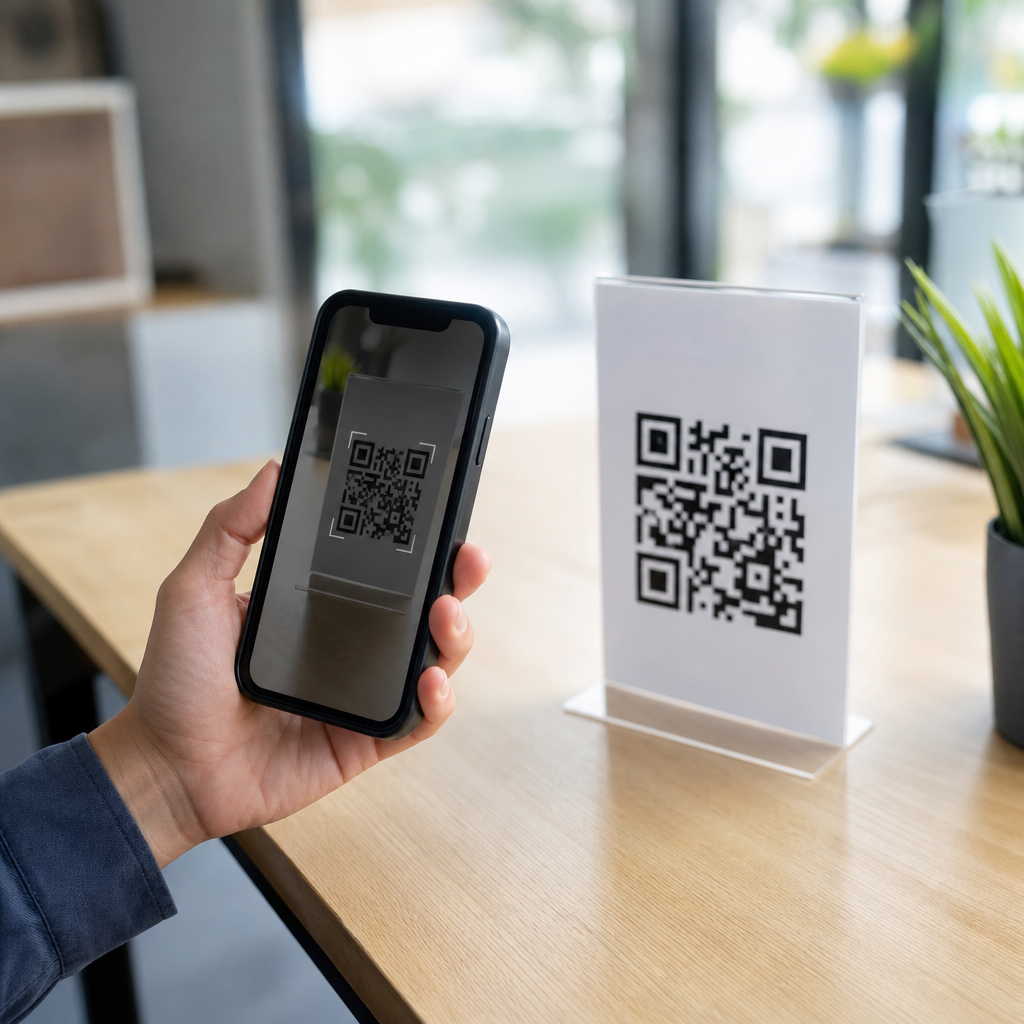
Do QR codes work without internet? The short answer is yes, many QR codes work perfectly well offline, but what happens after a scan depends entirely on the type of data encoded inside the symbol. That distinction is where most confusion begins. In my work with retail packaging, event check-in systems, restaurant menus, and factory labels, I have seen teams assume every QR code needs Wi-Fi, only to discover that plain-text, Wi-Fi setup, contact card, SMS, phone, and location QR codes can still function when the scanning device has no connection. The internet is not required to read a QR code itself; it is only required when the scanned content points to an online resource.
A QR code, short for Quick Response code, is a two-dimensional matrix barcode invented by Denso Wave in 1994 for fast component tracking. Unlike a traditional one-dimensional barcode, a QR code stores data both horizontally and vertically, which allows it to hold more information and tolerate partial damage through error correction. Modern smartphones can decode QR codes directly through their native camera apps or through scanning software such as Google Lens, Zebra DataWedge, or enterprise mobility tools used on warehouse devices. The code is simply a visual container. Whether internet access matters depends on what that container holds.
This matters because businesses regularly deploy QR codes in environments where connectivity is weak, expensive, or intentionally restricted. Think of an underground train station, a hospital basement, a manufacturing plant with segmented networks, or a trade show with overloaded cellular service. If the campaign, workflow, or customer journey depends on the wrong type of QR code, the experience breaks at the exact moment it should be easiest. Understanding which QR codes work offline helps with planning, user experience, privacy, compliance, and reliability. It also clears up persistent myths, including the idea that dynamic QR codes are always better, that QR codes are “just links,” or that scanning failure automatically means the code itself is broken.
To answer the core question clearly: scanning a QR code does not require internet if the phone or scanner can access a decoding app locally. Opening a website after scanning does require internet. Saving contact details from a vCard QR code does not require internet. Joining a Wi-Fi network from a Wi-Fi QR code does not require internet to read the code, though the network itself may or may not provide internet once connected. Calling a phone number QR code only needs cellular service or VoIP capability. Sending an SMS QR code needs mobile messaging service. A map location QR code may open coordinates offline, but turn-by-turn routing usually requires downloaded maps or connectivity.
How QR codes work offline and online
A QR code contains encoded characters arranged in modules, the tiny black and white squares. When scanned, software detects finder patterns, corrects distortion, applies error correction, and decodes the payload. That payload might be raw text, a URL, a telephone number, a payment string, a Wi-Fi credential, or another structured format. Nothing in this decoding process inherently depends on the internet. The scanner just needs optics, image processing, and decoding logic, all of which can run on-device.
The online requirement appears only after decoding, when the phone is asked to perform an action beyond displaying stored data. If the result is “https://example.com/menu,” the phone needs internet to fetch that page. If the result is “BEGIN:VCARD,” the phone can parse and store the contact offline. If the result is “WIFI:T:WPA;S:CafeGuest;P:password123;;” the phone can present a join-network prompt without internet. In projects I have implemented, this single distinction has prevented costly mistakes, especially when clients wanted QR codes on printed signs for places with unreliable reception.
Another practical factor is the scanning app. Most current iPhone and Android camera apps decode standard QR codes natively, but older devices or locked-down enterprise devices may rely on separate software. If the camera app itself tries to route every scan through a web service, internet might be needed for that specific app design, not because QR codes require it. In well-configured systems, decoding is local.
Which types of QR codes work without internet
The easiest way to understand QR code behavior is to classify codes by payload. Static codes store the actual content directly in the symbol. Many of those are fully usable offline. Dynamic codes usually store a short redirect URL managed by a service platform. Those almost always need internet because the scan must resolve the destination through the web.
| QR code type | Works without internet? | What happens after scan |
|---|---|---|
| Plain text | Yes | Displays text stored in the code |
| vCard or contact | Yes | Offers to save contact details locally |
| Phone number | Yes, for decoding | Prompts a call; requires cellular or calling service |
| SMS | Yes, for decoding | Drafts a text; requires messaging service to send |
| Wi-Fi credentials | Yes | Prompts device to join the specified network |
| Email draft | Yes, for decoding | Opens mail app draft; sending requires connection |
| Geolocation | Partly | Shows coordinates; mapping features vary by offline map access |
| Website URL | No, for destination access | Needs internet to load the webpage |
| Dynamic redirect URL | No | Needs internet to resolve the redirect and destination |
| App store link | No | Needs internet to open the store listing |
This table explains why the answer to “Do QR codes work without internet?” is yes, but not universally in the way people expect. A contact QR code on a printed business card can be highly reliable offline. A restaurant menu that depends on a web page will fail without data service unless the venue provides Wi-Fi. A factory asset tag with a locally meaningful text ID can still support operations in a dead zone.
Common myths and misconceptions about offline QR codes
The biggest myth is that QR codes are internet objects. They are not. They are machine-readable images containing encoded data. A URL is only one possible payload. This misconception became common because consumer use cases often involve websites, payment pages, and digital menus. Once people repeatedly see QR codes leading to web destinations, they incorrectly generalize that internet access is part of the technology itself.
A second myth is that dynamic QR codes are always superior. Dynamic codes are powerful because they allow redirect editing, scan analytics, campaign control, and A/B destination testing. I use them frequently for marketing and print materials that may need post-launch changes. But they are a poor choice where offline resilience matters. If the code points to a redirect domain and that domain cannot be reached, the scan does nothing useful. Static offline-friendly payloads are often the better engineering decision for field service, visitor safety instructions, equipment labels, and business card exchange.
A third misconception is that if a QR code does not “open,” the code is defective. Often the issue is network state, app permissions, poor lighting, a low-contrast print, glossy lamination, insufficient quiet zone, or an oversized payload that created dense modules. ISO/IEC 18004 defines the QR code symbology, but real-world scan performance still depends on print quality and user conditions. In testing, I have seen beautifully branded codes fail because the design team reduced contrast too far or embedded a large logo without compensating with higher error correction and module size.
Another myth says offline QR codes are less secure because they bypass the web. The truth is more nuanced. Offline codes can reduce exposure by avoiding redirects, trackers, and malicious landing pages. However, they can still encode misleading phone numbers, deceptive text, or unsafe Wi-Fi credentials. Security depends on governance: controlled generation, print approval, tamper-resistant placement, and user education.
Real-world use cases where offline QR codes make sense
Offline QR codes are especially useful when speed and reliability matter more than analytics. At conferences, I have deployed vCard QR codes on badges so attendees could exchange contact details even when thousands of devices overloaded the venue network. In manufacturing, maintenance teams often place QR codes on machines containing a local asset ID, serial number, and service checklist reference so technicians can capture data without depending on the internet at the machine.
Healthcare uses are also practical. A QR code on a patient information packet can store a prefilled SMS keyword, a phone number, or a plain-language care instruction summary that opens offline. Emergency signage can encode direct phone numbers, room identifiers, or coordinates useful for internal response teams. Transportation operators sometimes use offline-capable QR payloads for inventory labels, seat configuration references, or handheld scanner workflows where devices sync later when docked.
Education and events benefit too. Museums can place a short offline text summary beside exhibits when cellular coverage is weak in older buildings. Schools can use Wi-Fi QR codes in classrooms to simplify guest network access. Field teams, tour operators, and pop-up retailers often prefer offline-capable codes because they remove one point of failure from the customer journey.
Limits, tradeoffs, and implementation best practices
Offline QR codes are not automatically the best option. Their main limitation is data capacity and flexibility. A QR code can store several thousand characters, but high-density symbols become harder to scan, especially when printed small. URLs solve that by keeping the code simple and shifting content online. Dynamic management also enables analytics, expiration rules, localization, and destination updates that static offline codes cannot match.
The best approach is to match payload type to context. If users need rich content, frequent updates, or attribution reporting, use a web destination and design for connectivity, perhaps with venue Wi-Fi and a fallback short URL. If users need guaranteed access to core information in low-connectivity settings, embed the essential data directly in the code. In practice, a hybrid approach works well: put concise offline instructions in the code and include a web link for expanded resources when online.
Print and testing discipline matter. Keep strong contrast, preserve the quiet zone, avoid excessive stylization, and test with multiple devices, including older Android phones and lower-end cameras. Use appropriate error correction levels, but do not rely on error correction to rescue poor design. For operational deployments, document the payload format, version-control generated codes, and maintain a replacement process for damaged labels. If a code is mission-critical, test it in airplane mode to confirm the offline path works exactly as intended.
Compliance and privacy should also influence decisions. A static contact QR code printed on packaging is hard to revoke once distributed. A dynamic web destination can be updated or disabled if regulations, ownership, or support details change. On the other hand, storing fewer personal data elements directly in the code may reduce unnecessary exposure. The right choice depends on lifecycle, risk, and environment.
QR codes absolutely can work without internet, and understanding that fact eliminates one of the most common misunderstandings in QR Code Basics & Education. The code itself is just a carrier of data. If that data is plain text, contact details, Wi-Fi credentials, a phone number, or another locally actionable format, the scan can succeed offline. If the code points to a website, app store listing, cloud document, or dynamic redirect, connectivity is required after the scan. That difference is simple, but it changes how you should plan campaigns, labels, customer experiences, and operational workflows.
The most useful rule is this: ask what the user needs at the moment of scan and what conditions exist where the scan will happen. In low-signal environments, prioritize offline-capable payloads for essential information. In marketing or content-heavy experiences, use online destinations but provide fallback paths and test under realistic conditions. Good QR code strategy is not about picking one format for every purpose; it is about matching the encoded action to the real world. Review your current QR codes, identify which ones fail without connectivity, and redesign the critical ones for dependable offline use.
Frequently Asked Questions
Do QR codes work without internet?
Yes, many QR codes work without an internet connection because a QR code is simply a way to store data in a scannable image. When someone scans the code, the phone or scanner reads whatever information is encoded directly inside it. If that information is plain text, a phone number, an SMS draft, a contact card, Wi-Fi login details, calendar data, or geographic coordinates, the scan itself can work completely offline. In those cases, the device does not need to go online just to decode the code.
Where people get confused is what happens after the scan. If the QR code contains a web URL, the device can still read the link offline, but it will need internet access to actually open the website. The same logic applies to dynamic QR codes that redirect through an online service. So the better question is not whether QR codes need internet, but whether the content or action tied to that specific QR code requires internet after scanning.
What types of QR codes can be used offline?
Several common QR code types can be used offline because the useful information is stored directly in the code itself. Plain-text QR codes are the simplest example: once scanned, the user can read the text immediately with no network involved. Contact card QR codes, often created in vCard format, can also work offline because the phone can display the person’s name, number, email, and other saved details locally. Wi-Fi QR codes are another strong example. They can help a device join a wireless network without manually typing the password, even if the internet is down, because the code only provides the network credentials.
Other offline-friendly examples include phone number QR codes that launch the dialer, SMS QR codes that prefill a text message, email QR codes that prepare an email draft, and location QR codes that provide coordinates. In many real-world settings, these are extremely useful. A factory label might encode equipment data for internal scanning, an event badge might contain attendee ID information for local check-in, and restaurant operations may use QR codes for table assignment or menu references stored on an internal device. The key point is that offline use is possible whenever the encoded data can be understood and acted on without needing a live web resource.
Will a QR code linked to a website still scan if there is no internet?
Yes, the QR code will usually still scan because reading the pattern is separate from loading the website. A phone camera or scanning app can decode the URL stored in the QR code even when the device is offline. What changes is the next step: if the user taps the link, the browser will not be able to load the page until internet access is available. In other words, the scan succeeds, but the destination cannot fully open.
This distinction matters for marketing, packaging, signage, and customer experience. If you place a QR code in an area with poor connectivity, users may think the QR code is broken when in reality the code worked and the website failed to load. That is why businesses often test QR code destinations in real conditions before printing. If internet access may be unreliable, it can make sense to use a code that stores essential information directly, or at least to prepare a destination page that loads quickly and handles weak connections gracefully.
Do dynamic QR codes need internet to work?
In most cases, yes. A dynamic QR code usually does not store the final content directly. Instead, it stores a short redirect URL that points to a server, which then sends the user to the current destination. That structure is what allows dynamic QR codes to be edited after printing, tracked for analytics, or redirected to different pages over time. Because the redirect relies on an online server, internet access is typically required for the full experience to work.
Without internet, the device may still decode the dynamic QR code and show the redirect link, but it cannot complete the handoff to the destination. This is one of the biggest differences between static and dynamic QR codes. Static QR codes can often function offline when they contain self-contained data. Dynamic QR codes are powerful for campaigns, product tracking, and performance measurement, but they are far more dependent on connectivity. If your use case includes warehouses, events, transportation hubs, or remote worksites where network service can be inconsistent, that dependency should be considered early.
How can I tell whether my QR code will work offline before I use it?
The most reliable way is to look at what the QR code actually contains and then test it on a device with airplane mode enabled. If the code contains direct data such as text, contact details, Wi-Fi credentials, a phone number, or an SMS template, it will often still perform its basic function offline. If it contains a web address, app store link, cloud document, payment gateway, or dynamic redirect, then some or all of the experience will depend on internet access. Testing with internet disabled quickly reveals the difference.
It is also smart to evaluate the user’s expected outcome, not just the technical scan. For example, a QR code that opens a PDF hosted online does not truly work offline in any useful sense, even though the URL may scan. Likewise, a menu QR code that points to a website may fail in a restaurant basement with poor signal, while a code linked to locally cached content or an on-device app may still be practical. Before deployment, test multiple phones, both iPhone and Android, in the real environment where the code will be used. That kind of field testing prevents costly assumptions and helps ensure the QR code performs the way users expect.





