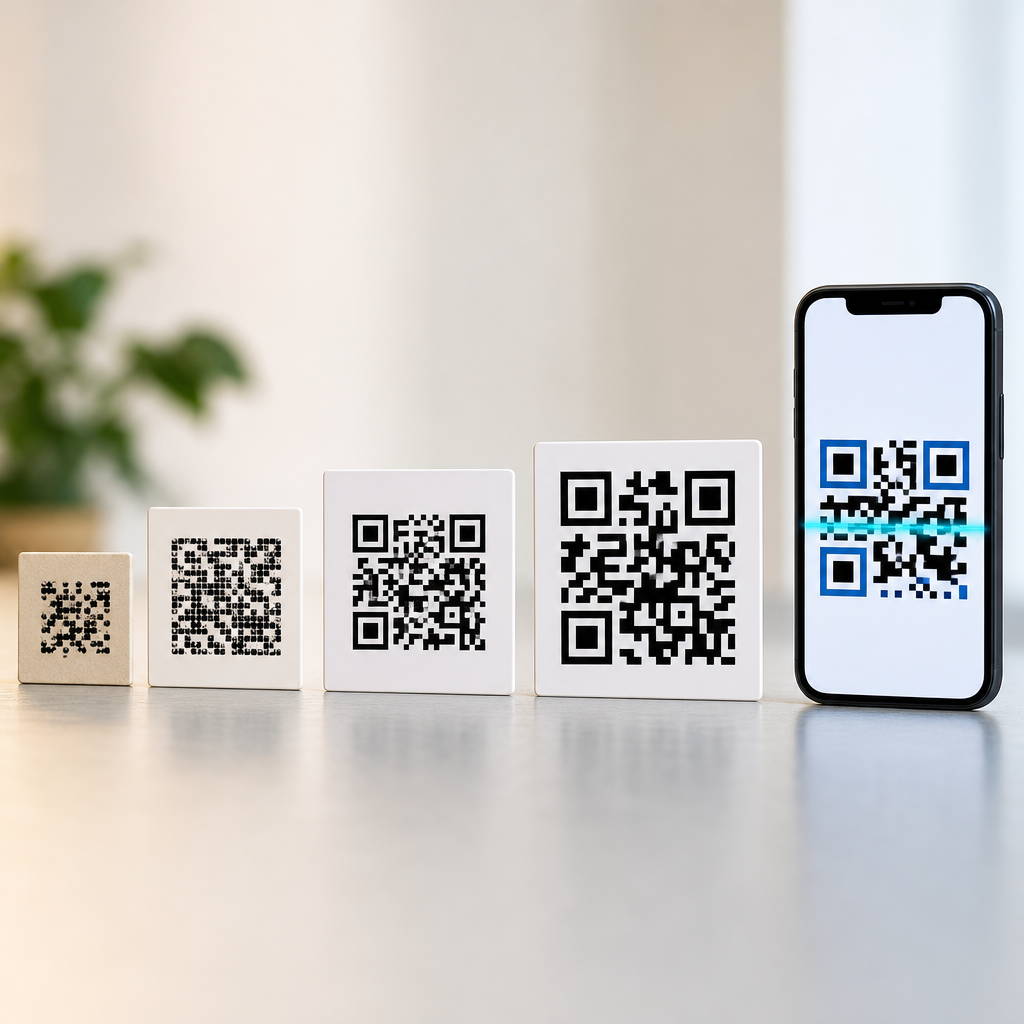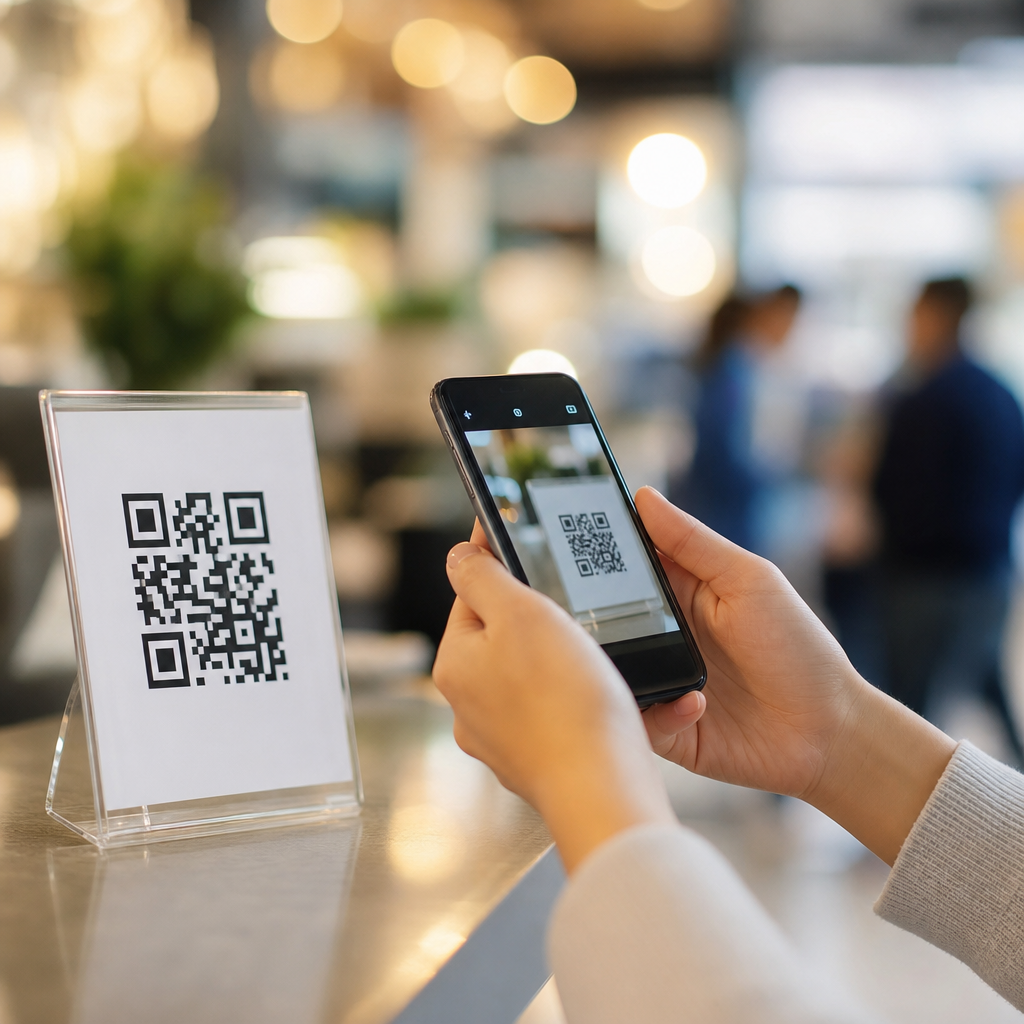
QR codes look simple on the surface, yet their square shape reflects one of the smartest design decisions in modern machine-readable communication. If you have ever wondered why QR codes are square, why they use three large corner boxes, or why they scan so quickly from awkward angles, the answer lies in a careful balance of geometry, error correction, manufacturing limits, and camera behavior. In practical work with packaging, signage, menus, tickets, and industrial labels, I have seen that a QR code succeeds or fails based less on the destination link than on the integrity of its physical pattern. The square is not decorative. It is functional, efficient, and essential.
A QR code, short for Quick Response code, is a two-dimensional matrix barcode invented in 1994 by Denso Wave, a Toyota subsidiary supplier, to track automotive parts. Unlike a one-dimensional barcode that stores data mainly across a single horizontal axis, a QR code stores information in both horizontal and vertical directions. That allows far higher data density and much faster scanning. The square grid is made up of tiny modules, usually black and white, which encode numbers, text, URLs, identifiers, and structured data. Modern smartphones can decode these modules almost instantly because the symbol was designed from the beginning for rapid detection and reliable recovery.
This matters because QR codes now sit at the center of customer journeys and operational workflows. They connect offline surfaces to digital actions: opening a restaurant menu, proving event entry, pairing a device, paying an invoice, authenticating a product, or launching app content. A badly designed or poorly printed code creates friction and lost conversions. A well-designed code works under glare, minor damage, perspective distortion, and imperfect lighting. To understand how to create better QR experiences, it helps to start with the basics: what QR codes are, how they work, and why the square pattern remains the best shape for the job.
What Are QR Codes and How Do They Work?
A QR code is a matrix symbol that encodes data inside a square arrangement of modules. Scanners do not read it like a human reads text. Instead, camera software locates the symbol, identifies orientation, samples the module grid, applies masking rules, decodes the binary data stream, and then checks for errors. The process is fast because the symbol includes built-in visual anchors and redundancy. In real deployments, this means a user can scan from a phone held slightly off center, at an angle, or from a wrinkled surface, and still get a successful read.
The most recognizable parts are the three finder patterns, the large square targets in three corners. These tell the scanner where the symbol is and how it is rotated. Timing patterns, alignment patterns, format information, version information, and the data and error-correction regions complete the design. Reed-Solomon error correction lets the scanner reconstruct damaged or obscured sections. Depending on the selected level, a QR code can still work even if a meaningful portion of the symbol is compromised. That resilience is one reason marketers add a logo in the center, though doing so safely requires careful testing.
QR codes can hold several data types, including numeric, alphanumeric, byte, and kanji modes. Capacity depends on the version, which ranges from 21 by 21 modules in Version 1 to 177 by 177 modules in Version 40. Higher versions store more data but require larger print areas or higher camera resolution to scan reliably. In practice, the best QR code is rarely the densest one. When I build codes for real campaigns, reducing the payload by using a short URL or redirect usually improves scan reliability because it keeps the module count lower.
Why the Shape Is Square, Not Circular or Triangular
The square shape exists because a square grid is the most efficient way to place binary modules in rows and columns that cameras can sample consistently. Digital imaging sensors also capture scenes on rectangular pixel arrays, so a square matrix aligns naturally with how software measures position and contrast. If the code were circular, triangular, or hexagonal, module placement and interpolation would become more complex, and decoding would be slower and less robust. The square is the best compromise between storage density, orientation detection, print simplicity, and mathematical predictability.
Squares tessellate perfectly, meaning they tile a plane without gaps or overlaps. That matters because every module must occupy a precise position relative to every other module. The decoder expects a regular lattice. A square module grid creates exact row and column references, supports timing patterns cleanly, and allows perspective correction through straightforward geometric transforms. Once a scanner identifies the finder patterns, it can estimate the boundaries and map the distorted image back to a normalized square. That operation is computationally efficient, which was especially important when QR codes were first designed for factory scanners with limited processing power.
There is also a manufacturing reason. Squares print cleanly across common methods such as thermal transfer, offset, inkjet, and laser marking. Edges are easier to preserve than complex curved micro-shapes at small sizes. On corrugated boxes, labels, and metal parts, square modules tolerate slight dot gain, ink spread, and low-resolution reproduction better than more elaborate geometries would. Even now, with stronger smartphone cameras, the original design logic remains sound: the square pattern is easier to produce accurately and easier to decode quickly under real-world conditions.
The Design Logic of the Pattern Inside the Square
The internal pattern is not random. Every area has a job. The three finder patterns provide immediate orientation. The timing patterns, alternating dark and light modules between finder patterns, act like rulers that help the decoder count the grid. Larger versions add alignment patterns to correct distortion across the symbol, particularly when printed on curved objects or scanned from oblique angles. Format information stores the error-correction level and mask pattern. Version information appears on larger symbols. The remaining modules carry encoded data and error-correction codewords.
Masking is one of the least understood but most important parts of QR code design. During generation, the encoder applies one of eight mask patterns to prevent problematic visual structures such as large solid blocks, long same-color runs, or arrangements that could resemble finder patterns. The goal is to balance dark and light modules so the scanner can distinguish the grid easily. This is why two QR codes with different content may look visually quite different even if they hold similar amounts of data. Good masking improves scan speed and lowers misread risk.
Quiet zones also matter. A QR code needs a clear margin around the symbol, usually four modules wide, so the scanner can separate the code from surrounding graphics or text. In production reviews, missing quiet zones are one of the most common causes of scan failure. Designers often place a QR code too close to a border, photo, or patterned background. The code itself may be technically valid, but without visual breathing room, detection becomes unreliable. The pattern was designed as a system, not a standalone square image dropped anywhere on a page.
How QR Codes Compare With Other Barcode Types
QR codes are often treated as generic barcodes, but they solve a different problem than UPC, Code 128, or Data Matrix. Traditional linear barcodes are excellent for short identifiers in retail and logistics, where a scanner reads a product number from a known database. QR codes are better when the symbol itself must carry more information, tolerate damage, and scan from multiple orientations. Data Matrix, another two-dimensional code widely used in healthcare and manufacturing, is extremely compact and strong for direct part marking, but QR codes became dominant in consumer use because smartphone recognition and user familiarity grew around them.
| Code type | Typical use | Strength | Limitation |
|---|---|---|---|
| UPC/EAN | Retail checkout | Fast for short numeric IDs | Low data capacity |
| Code 128 | Shipping and inventory | Flexible linear encoding | Needs more horizontal space |
| Data Matrix | Medical devices, parts marking | Very compact, durable | Less familiar to consumers |
| QR Code | Consumer links, payments, tickets | High capacity, fast omnidirectional scanning | Can become dense if payload is too long |
The square logic appears in both QR Code and Data Matrix because matrix symbologies benefit from regular grids and compact error-resilient design. The difference is in structure and scanning behavior. QR codes use three finder patterns and were optimized for rapid detection. Data Matrix uses a solid L-shaped border and alternating clock track. Choosing between them depends on context. For a printed flyer, packaging insert, or restaurant table tent, QR is usually the practical choice. For laser-marked surgical instruments or tiny electronic components, Data Matrix may be better.
Why QR Codes Scan So Reliably in Everyday Conditions
Fast scanning is not luck. It results from deliberate engineering choices. First, the finder patterns give the decoder strong visual signatures. Second, the square module grid lets software correct perspective distortion efficiently. Third, error correction recovers missing data when part of the symbol is scratched, folded, or covered. Fourth, standardized contrast expectations make black-on-white designs the most dependable. Smartphone camera systems add autofocus, edge detection, and image preprocessing, but the underlying code design still carries most of the reliability burden.
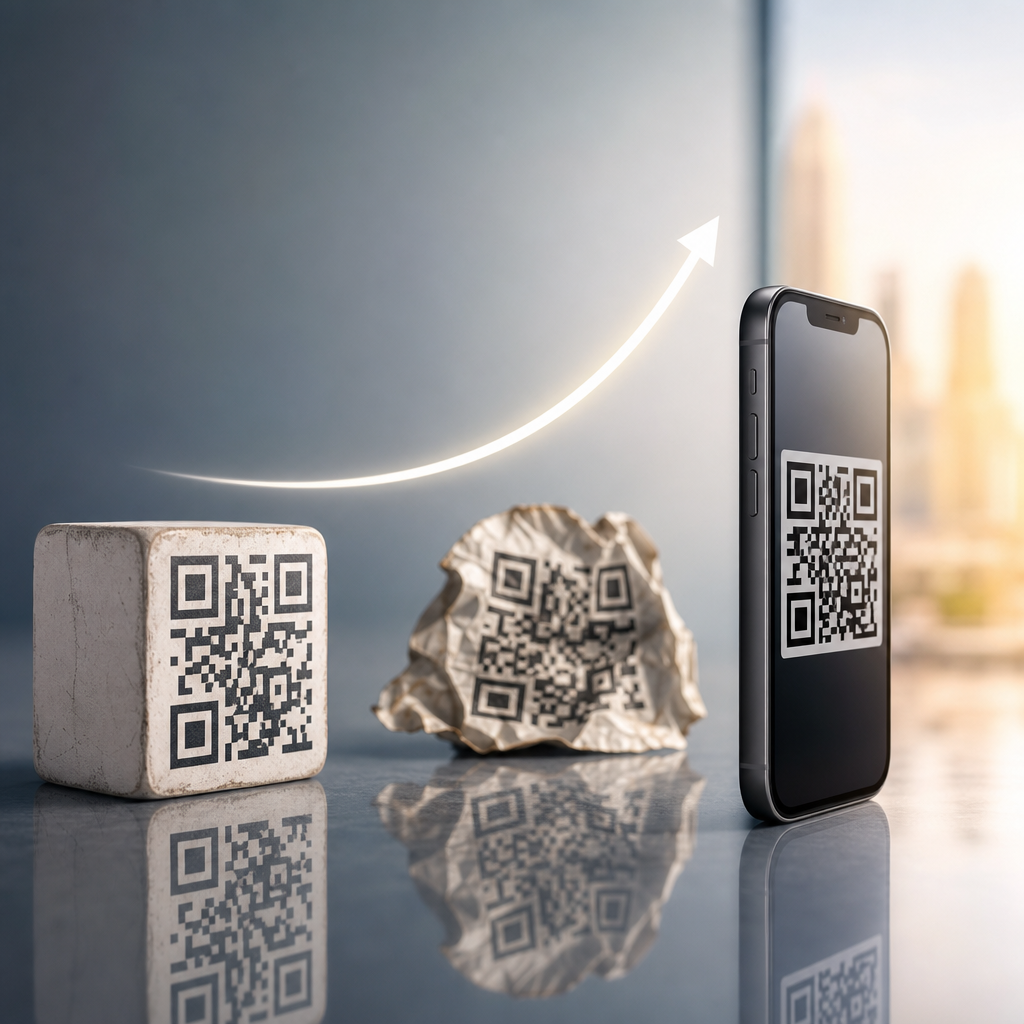
Real-world examples show how this works. On a warehouse label, a corner may tear but the code still scans because the missing data can be reconstructed. On a glossy poster under store lighting, the scanner can still identify the symbol if glare does not wipe out the finder patterns. On a payment placard viewed from an angle, perspective correction maps the skewed square back into a readable matrix. These are not accidental conveniences. They are consequences of a design built for imperfect conditions rather than laboratory perfection.
Reliability does have limits. Very low contrast, extreme miniaturization, aggressive logo overlays, inverted colors, or decorative shapes that alter module geometry can break performance. Dynamic QR platforms can shorten URLs and reduce density, but they cannot fix a bad print or inadequate quiet zone. The best practice is to test the exact final asset at real size, on the actual substrate, in the intended lighting, and with multiple phone models. That field testing reveals issues no on-screen preview will catch.
Best Practices for Creating Effective QR Codes
If your goal is a QR code that scans well and supports a strong user experience, design choices matter as much as the destination page. Keep the encoded content short when possible, use an appropriate error-correction level, preserve the quiet zone, and print at a size that matches the scanning distance. A common rule is that the minimum code size should be about one-tenth of the scanning distance, though dense symbols or poor lighting may require more. For packaging and signage, I usually recommend testing larger than the theoretical minimum because environmental variables add risk.
Color and branding need discipline. Dark modules on a light background remain the safest option. High contrast matters more than brand alignment. If you add a logo, keep it modest and rely on error correction carefully rather than assuming any center overlay is safe. Avoid placing QR codes on busy photographic backgrounds, textured materials, or curved seams. When linking to a campaign, use a redirect or dynamic QR management platform so the destination can change without reprinting the symbol. That approach also enables scan analytics, which helps measure placement performance and user intent.
Content after the scan matters too. Many failed campaigns are not scanning failures at all; they are landing-page failures. A user scans expecting immediate value. The destination should load quickly, fit mobile screens, and match the promise near the code. If the code says “View menu,” it should open the menu directly, not a generic homepage. If it says “Verify authenticity,” it should show a clear verification result. The square pattern gets the user to the door. The digital experience determines whether the interaction delivers value.
What the Square Pattern Teaches About the Future of QR Codes
The core geometry of QR codes is unlikely to change because it solves the problem elegantly. What is changing is how the codes are used. Product packaging increasingly includes persistent QR codes that connect to traceability, sustainability data, care instructions, warranty registration, and first-party customer engagement. Payments ecosystems in markets such as China, India, and Brazil have shown how a simple square code can become a national transaction interface. Authentication systems use signed payloads or server-side checks to distinguish genuine products from counterfeit copies.
Standards are evolving as well. GS1 has promoted two-dimensional codes in retail to carry richer product data than conventional barcodes, including batch numbers and expiration dates. That shift matters for recalls, food safety, and omnichannel commerce. At the same time, consumer expectations are changing. People now assume a camera can recognize and act on a code instantly. That expectation raises the bar for design discipline. A QR code is no longer a novelty; it is infrastructure.
The lesson behind the square pattern is straightforward: strong information design wins when it respects physical reality. QR codes became ubiquitous because their geometry, redundancy, and visual anchors were engineered for real environments, not ideal ones. Understanding that logic helps businesses create better codes, better scan rates, and better user journeys. If you are building anything in the QR Code Basics and Education space, start with the fundamentals covered here, audit your existing codes against these principles, and treat every square as a precision tool rather than a graphic afterthought.
Frequently Asked Questions
Why are QR codes square instead of circular or another shape?
QR codes are square because a square grid is one of the most efficient ways to organize binary information for fast machine reading. Each small module in a QR code is either dark or light, and a square matrix lets those modules line up in neat rows and columns that are easy for software to detect, count, and decode. From an engineering standpoint, squares make it simpler to define position, measure spacing, and preserve alignment across different print sizes and surfaces. A circular pattern might look visually appealing, but it would introduce ambiguity at the edges and reduce the clean, predictable geometry that scanners rely on.
The square format also works exceptionally well in real-world production. Printers, screens, packaging layouts, and label systems naturally handle rectangular and square elements with high consistency. That means QR codes can be scaled, placed, and reproduced more reliably than more complex shapes. In practice, the square is not just a visual choice. It is a functional decision that supports accurate scanning, manufacturing efficiency, and dependable performance across everything from restaurant menus and event tickets to warehouse labels and product packaging.
What do the three large squares in the corners of a QR code do?
The three large corner boxes, often called finder patterns, are one of the most important design features in a QR code. Their job is to help a scanner quickly recognize that the image in view is a QR code and determine its orientation. Because those patterns appear in three corners in a predictable arrangement, scanning software can detect the code even if it is tilted, rotated, or viewed from an awkward angle. Once the device identifies those three reference points, it can estimate the boundaries of the symbol and begin interpreting the internal data grid correctly.
These corner markers also improve speed. A camera does not need to analyze every dark and light area equally from scratch. Instead, it looks for the high-contrast geometric signature of the finder patterns, which stand out clearly even when the code is small or photographed under less-than-ideal conditions. That is a major reason QR codes tend to scan faster and more reliably than many older barcode systems. In practical use, those three corner squares are part of the reason a QR code can still work when printed on curved packaging, viewed from the side, or partially affected by glare or motion.
Why do QR codes scan so well even when they are tilted, damaged, or printed on imperfect surfaces?
QR codes are designed with resilience in mind. Their square structure gives scanners a stable framework for correcting perspective distortion, which is what happens when a code is viewed at an angle. Once the scanner identifies the finder patterns and alignment references, it can mathematically transform the image back into a readable square grid. That allows the code to be decoded even when it looks skewed to the human eye. This is especially useful on posters, shelf tags, shipping labels, and signs, where people rarely hold their phones perfectly straight.
Another major reason is error correction. QR codes include built-in redundancy, which means part of the data can be recovered even if some modules are missing, smudged, scratched, or obscured. Depending on the error correction level used, a QR code can remain readable despite a surprising amount of physical damage or design interference. That is why branded QR codes with logos can often still function, and why industrial codes can survive harsh environments better than many people expect. Combined with the square geometry and corner detection system, error correction is what makes QR codes practical in messy, real-world conditions rather than only in perfect lab settings.
Could QR codes be designed in a different shape and still work?
In theory, machine-readable codes can be created in many visual formats, and there are alternatives to the classic QR layout. However, changing the shape of a QR code introduces tradeoffs that often reduce speed, compatibility, or reliability. The standard square QR code benefits from decades of optimization in scanner software, camera recognition, print workflows, and international use. A different outer shape might still encode data, but it would likely require custom decoding logic, stricter size controls, and more tolerant scanning conditions. That makes it less practical for broad consumer use.
It is also important to separate decorative styling from actual structural change. Some designers round corners, adjust colors, or add branding while keeping the underlying square module grid intact. Those modified codes can still work because the core data structure and reference geometry remain in place. But if the code abandons the square matrix too aggressively, readability usually suffers. The classic QR format has endured because it strikes an unusually effective balance between visual simplicity, data density, easy printing, and fast recognition by everyday smartphone cameras.
How does the square design of a QR code improve real-world use on packaging, signage, menus, and labels?
The square design makes QR codes easier to place, size, and reproduce across almost every common medium. On packaging, a square fits neatly into layout grids and wastes less space than a long linear barcode when more data needs to be stored. On menus, tickets, tabletop displays, and posters, the shape remains compact while still giving scanning software enough structure to lock on quickly. Because the code is equally balanced in both dimensions, it performs well whether it is printed small on a label or enlarged for distance scanning on a sign.
From a production perspective, squares are easier to manage consistently. Print shops, label converters, packaging teams, and industrial marking systems can maintain edge definition and module spacing more reliably with a square matrix. That consistency matters because tiny distortions can affect scan performance. The square design also helps when codes are used in operational settings, such as inventory control, manufacturing, warehousing, and field service. In those environments, speed and tolerance are everything. A well-made square QR code is quick for cameras to detect, efficient for software to decode, and durable enough to handle less-than-perfect surfaces and everyday handling. That is the real logic behind the pattern: the shape supports practical performance at scale.