
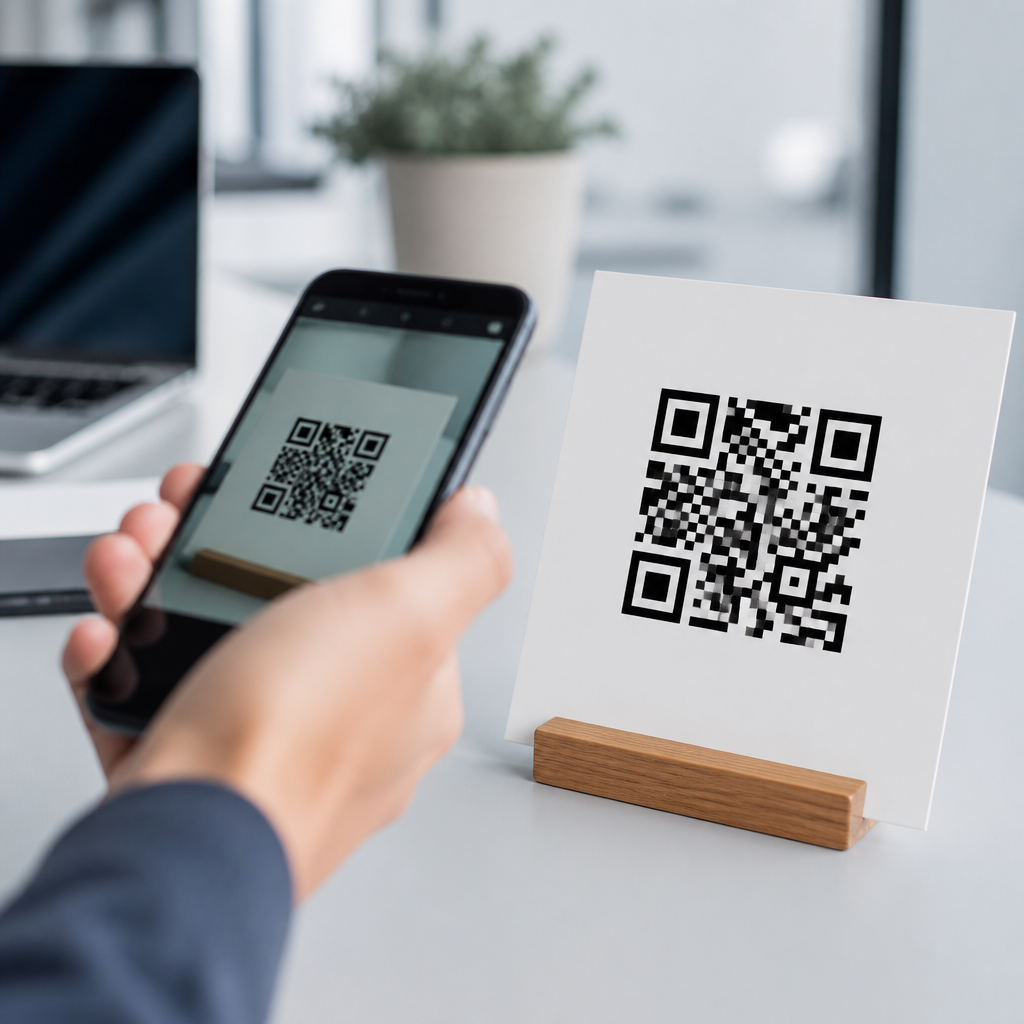
Choosing the right QR code size is the difference between a fast, effortless scan and a frustrating user experience. In practice, the best QR code size depends on three variables: scanning distance, print quality, and the amount of data encoded. If you need a simple rule, use a scanning-distance ratio of about 10:1, meaning a code should be at least 1 inch wide for every 10 inches of expected scanning distance. That baseline works because QR code size is not just about the outer square; it is about whether a camera can clearly resolve the tiny black and white modules inside the symbol.
A QR code is a two-dimensional matrix barcode standardized under ISO/IEC 18004. It stores information in a grid of square modules, then uses finder patterns, alignment patterns, timing patterns, format information, and error correction to let scanners decode the content even when the symbol is slightly damaged or tilted. When people ask what size a QR code should be for best scanning, they are really asking how large each module must appear to a camera under real-world conditions. That question matters across packaging, restaurant menus, posters, retail displays, direct mail, tickets, labels, and industrial assets.
I have tested QR codes on everything from tiny product cards to large-format window signage, and the same lesson comes up repeatedly: there is no universal size that works everywhere. A code that scans perfectly on a business card can fail on a warehouse rack label if the user stands too far away. A large code can still perform poorly if it has low contrast, a crowded design, or a missing quiet zone. Understanding QR code technology and standards gives you a reliable framework for sizing codes correctly the first time, reducing reprints, scan failures, and lost conversions.
This article serves as a hub for QR code technology and standards within QR Code Basics & Education. It explains minimum and recommended QR code sizes, how standards affect scanning, how version and error correction change the required dimensions, and what practical testing methods produce dependable results. If you are building a print guideline, specifying packaging artwork, or planning cross-channel campaigns, the goal is straightforward: choose a QR code size that preserves module clarity in the environment where people will actually scan it.
How QR code size is really determined
The most useful principle is that QR code size is driven by module size, not just overall width and height. A QR code is made of modules arranged in a square grid. Version 1 has 21 by 21 modules, while each higher version adds 4 modules per side, up to Version 40 at 177 by 177. More data usually means a higher version, and a higher version means smaller individual modules if the printed symbol size stays the same. Smaller modules are harder for phone cameras to distinguish, especially in dim light or at angles.
The common 10:1 rule offers a practical starting point. If the expected scan distance is 20 inches, make the QR code roughly 2 inches wide. If it will be scanned from 5 feet away, the code should be around 6 inches wide or larger. This rule assumes decent lighting, strong contrast, and standard smartphone cameras. In difficult conditions, I usually increase size beyond that baseline because glare, motion, curved surfaces, and low-end devices all reduce effective resolution at the module level.
Quiet zone is another essential part of size. Standards require a clear margin of four modules on all sides of the QR code. Designers often crop too tightly, then wonder why scanning is inconsistent. That border is not optional decoration; it helps scanners detect where the symbol begins and ends. If your code is 29 by 29 modules, the total scan-relevant footprint includes those extra four modules per side, making the effective area 37 by 37 modules before any surrounding artwork.
In production, I recommend thinking in millimeters rather than pixels when the code will be printed. For many everyday uses, a minimum printed size of 25 x 25 mm, roughly 1 x 1 inch, is a safe baseline for short URLs scanned at close range. Smaller sizes can work, particularly for simple codes on premium printing, but they leave less margin for error. Once logos, glossy finishes, textured substrates, or variable lighting are introduced, that margin disappears quickly.
Minimum sizes for common use cases
The best size depends on where the QR code appears and how users approach it. On business cards, product tags, and brochure panels, 20 to 25 mm is often the practical minimum for a short dynamic URL. On postcards and flyers, 25 to 30 mm gives better reliability. On tabletop signage or menu inserts scanned from arm’s length, 30 to 40 mm is more forgiving. For posters viewed from a few feet away, 50 to 100 mm is common. Storefront windows, transit signage, and event displays may require 150 mm or more.
Packaging introduces additional constraints. Curved bottles, flexible pouches, corrugated cartons, and textured labels can distort module edges. In those cases, I avoid the absolute minimum and increase symbol size to compensate for substrate behavior. A QR code printed at 15 mm on a flat pharmaceutical carton might scan well in quality control, but the same size on a shrink sleeve or metallic label can become unreliable in the field. Industrial settings are even less forgiving because dust, abrasion, and distance increase failure rates.
Screen-based QR codes are different because pixels, brightness, refresh behavior, and anti-aliasing matter more than print sharpness. A mobile-to-mobile scan, such as scanning a code displayed on another phone, often needs a larger on-screen presentation than people expect. I generally use at least 240 pixels square for short links and more if the screen brightness is low. Embedded codes inside busy presentation slides should be larger still because competing visual elements reduce user alignment and scanner confidence.
| Use case | Typical scan distance | Recommended QR code size | Notes |
|---|---|---|---|
| Business card | 6 to 12 inches | 20 to 25 mm | Use short URL and preserve quiet zone |
| Flyer or brochure | 8 to 18 inches | 25 to 30 mm | Increase size if paper stock is glossy |
| Menu or tabletop sign | 12 to 24 inches | 30 to 40 mm | Helpful for older phones and low light |
| Poster | 2 to 5 feet | 50 to 100 mm | Position where users can approach safely |
| Window or event display | 5 to 15 feet | 150 mm or larger | Account for glare and oblique angles |
These values are recommendations, not guarantees. A tiny static code holding only a short URL may scan below these thresholds in ideal conditions. A dense code with long text, Wi-Fi credentials, vCard data, or embedded design styling may need significantly more space. The safest way to select size is to estimate distance, determine expected data density, and test on multiple devices under realistic lighting.
How data density, version, and error correction affect size
Not all QR codes with the same outer dimensions are equally scannable. The biggest hidden variable is data density. A code that stores a short redirect URL may remain in a low version with larger modules, while a code storing a long URL with tracking parameters can jump to a higher version and shrink each module dramatically. That is why dynamic QR codes are often easier to scan in print workflows: the visible symbol usually encodes only a short destination URL, while the editable redirect logic lives behind it.
Error correction also changes the equation. QR codes support four levels: L, M, Q, and H. Higher levels allow recovery from more damage or obstruction, but they add redundancy and increase module count. Level L restores approximately 7 percent of data, M about 15 percent, Q about 25 percent, and H about 30 percent. If you place a logo in the center or expect wear and tear, higher correction can help, but the code may need to be physically larger to keep module size scanner-friendly.
Character set matters too. Numeric data is most efficient, alphanumeric is next, and byte mode is less compact. Kanji mode has its own efficiency profile. In practical terms, a short uppercase URL can fit more efficiently than a mixed-case URL with symbols and long query strings. URL shortening, removing unnecessary parameters, and using dynamic redirection are simple ways to reduce version size and improve scanning performance without enlarging the printed code.
I often see teams solve the wrong problem by increasing error correction while keeping the same symbol dimensions. That can make a code less scannable because it raises complexity without increasing physical size. The better sequence is to simplify the payload first, preserve strong contrast, keep the quiet zone, then scale the symbol to suit distance. Only after those fundamentals are stable should you add branding elements or increase correction to handle environmental damage.
Standards, print quality, and environmental factors
The formal standard behind QR codes defines symbol structure, mask patterns, encoding modes, and decoding behavior, but compliance alone does not guarantee excellent field performance. Real-world scanning depends on print production and context. In press checks, I focus on edge sharpness, ink spread, substrate absorbency, and finish. Dot gain can soften module boundaries on porous stock. Reverse printing, metallic foils, embossing, varnish, and transparent surfaces often reduce contrast enough to cause intermittent scans, especially on older Android devices.
Contrast should be high, ideally dark modules on a light background. Black on white remains the most dependable choice. Colored QR codes can work, but low-luminance contrast combinations such as dark blue on black or pastel gray on white cause problems even if they look stylish. Some scanners cope well with color, yet many consumer phones still rely on luminance separation more than brand aesthetics. If a design team wants custom colors, test with grayscale previews first; if the contrast disappears in grayscale, scanning will likely suffer.
Surface placement also matters. Avoid putting QR codes across folds, seams, bottle shoulders, corners, or perforations. Curvature introduces geometric distortion that forces the camera to correct perspective before decoding. If you must place a code on a curved item, increase size and keep it on the flattest available panel. Distance, glare, and movement further complicate scanning on public signage. A poster on a busy sidewalk may technically scan, but if users cannot stop close enough without blocking foot traffic, the chosen size is wrong for the environment.
Verification tools help catch issues before release. Professional barcode verification systems from companies such as Axicon, Cognex, and Zebra are widely used in industrial settings, while consumer campaigns can be validated through structured device testing. I typically test iPhone and Android models across several generations, in daylight and indoor light, with native camera apps and one dedicated scanner app. If first-scan success drops noticeably on any common device, I revise the code size or artwork before approving production.
Practical sizing workflow for dependable scanning
A reliable QR code sizing process starts with the use case rather than the artwork. First, define the expected scan distance and user posture: hand-held, arm’s length, across a counter, from a sidewalk, or from inside a vehicle. Second, minimize the payload by using a short dynamic URL. Third, select an error correction level appropriate to risk, usually M for standard campaigns and Q or H only when branding or damage is likely. Fourth, choose an initial size based on distance, then test the symbol in the real environment.
For print, export vector artwork whenever possible to preserve sharp edges at any size. Raster files can work, but low-resolution PNGs are a common cause of fuzzy modules in layout software. Keep the quiet zone intact, avoid placing text or decorative borders too close, and never stretch the code disproportionately. If a logo is added, keep it modest and centered, and verify that it does not interfere with finder patterns or push the design into excessive error-correction dependence.
Placement and context influence results as much as dimensions. Put the code where users naturally pause and where a phone can be held steady. Add a brief call-to-action, such as “Scan for setup guide” or “Scan to view menu,” because context increases scan intent and reduces hesitation. On larger displays, leave enough surrounding whitespace so the code stands out immediately. A technically valid symbol buried in visual clutter often performs worse than a simpler, slightly smaller code with clear visual hierarchy.
As a hub page for QR code technology and standards, this guidance connects to related topics every team should understand: static versus dynamic QR codes, quiet zone requirements, error correction levels, QR code versions, print testing methods, and common scanning failures. The central principle remains consistent across all of them: size the code for module clarity in the conditions where it will be used, not for how small it can be made in a design mockup.
The best QR code size for scanning is the smallest size that still gives clear, confident first-pass reads at the intended distance, on typical devices, under real lighting. For most close-range printed materials, that means starting around 25 x 25 mm for short URLs and increasing from there as distance, data density, or environmental difficulty rises. For signage, apply the 10:1 distance guideline, then test generously above the minimum when glare, motion, or lower-quality cameras are part of the scenario.
If you remember only a few rules, remember these: module size matters more than overall dimensions, quiet zone is mandatory, short dynamic URLs scan better than dense payloads, and high contrast beats decorative styling. Standards define how QR codes are built, but dependable performance comes from matching the symbol’s physical size to the realities of cameras, substrates, and user behavior. That is why a code can be technically correct yet commercially ineffective if it is undersized for the setting.
When teams treat QR codes as engineered interfaces instead of decorative boxes, scan rates improve and support issues fall. I have seen simple size adjustments rescue direct-mail response, reduce checkout friction, and fix packaging experiences that failed only because the code was too dense or too small. Start with the use case, size conservatively, verify on real devices, and document your standards so future campaigns do not repeat avoidable mistakes.
Use this page as your starting point for QR Code Basics & Education, then build deeper standards around version limits, correction levels, print specifications, and testing procedures. If you are creating or approving QR codes today, review your intended scan distance, measure your quiet zone, shorten the payload, and test before release. That single workflow will deliver better scanning than guesswork every time.
Frequently Asked Questions
What is the best size for a QR code to ensure it scans easily?
The best QR code size depends on how far away the code will be scanned, how clearly it is printed, and how much information it contains. As a practical starting point, many professionals use the 10:1 scanning-distance guideline. That means for every 10 inches of scanning distance, the QR code should be at least 1 inch wide. For example, if a person will scan the code from 20 inches away, a 2-inch-wide QR code is a strong baseline. If the code is being viewed from several feet away, such as on a poster, billboard, or storefront sign, it needs to be scaled up accordingly.
It is also important to remember that QR code size is not only about the outer square dimensions. The internal pattern matters too. A QR code with more encoded data has a denser arrangement of modules, which are the small black and white squares inside the code. The denser the code, the larger it usually needs to be to remain readable. In other words, a simple URL can often scan well at a smaller size than a QR code containing a long web address, contact card, Wi-Fi credentials, or tracking parameters. For best results, choose a size based on distance first, then confirm that the amount of data and print quality still allow for fast scanning.
How small can a QR code be before it becomes difficult to scan?
There is no universal minimum size that works in every situation, but in print, many marketers and designers avoid going below about 0.8 x 0.8 inches for a simple QR code under ideal conditions. Even then, that size only works when the code contains very little data, is printed sharply, has strong contrast, and will be scanned from close range. Once any of those conditions become less than ideal, such as lower-quality printing, curved packaging, textured surfaces, or reduced lighting, a very small QR code can quickly become unreliable.
In real-world use, going too small is one of the most common reasons QR codes fail. Smartphone cameras need enough visual detail to distinguish the code’s modules and alignment patterns clearly. If the code is tiny, blurry, or compressed, the camera may struggle to lock onto it, causing users to move their phones around, refocus repeatedly, or give up entirely. That is why it is usually smarter to use the smallest size only as a technical minimum, not as a recommended standard. If space allows, making the code slightly larger almost always improves usability and scan speed.
Does the amount of data in a QR code affect the size it should be?
Yes, absolutely. The amount of data stored in a QR code directly affects how complex the pattern becomes, and that complexity influences how large the code should be. A QR code that points to a short URL is typically much easier to scan at a smaller size because it contains fewer modules. By contrast, a QR code storing a long URL, a vCard, a PDF link with parameters, or other larger data sets becomes more densely packed. As that density increases, each module becomes smaller when the overall code size stays the same, making the code harder for cameras to read accurately.
This is why reducing encoded data is often just as important as increasing physical size. Using a short URL or dynamic QR code can keep the internal pattern cleaner and more scan-friendly. Dynamic QR codes are especially helpful because they let you encode a shorter destination URL while still giving you flexibility to change the final destination later. If you must include more data, plan to increase the printed size of the code and test it under realistic conditions. The more complex the code, the less forgiving it will be when printed small or viewed from a distance.
How does print quality impact the ideal QR code size?
Print quality has a major effect on QR code performance. Even if the dimensions are technically large enough, poor printing can make a code difficult or impossible to scan. Smudging, ink spread, low resolution, pixelation, weak contrast, and misalignment can all blur the edges of the modules. Since QR scanners rely on clean distinctions between dark and light areas, any loss of sharpness reduces reliability. A code printed on glossy packaging, textured cardboard, fabric, or uneven material may also perform worse than the same code printed cleanly on smooth paper.
When print quality is less than perfect, increasing the QR code size gives the pattern more visual breathing room and improves the scanner’s chances of reading it correctly. That is also why preserving the required quiet zone, the empty margin around the QR code, is so important. If text, graphics, folds, or background elements crowd the edges, scan performance can drop significantly. For professional use, it is wise to export the QR code in a high-resolution or vector format, print it with strong contrast, and test it on the actual finished material. In many cases, a slightly larger code is the easiest way to compensate for print limitations.
What are the best practices for choosing a QR code size for posters, flyers, packaging, and signs?
The best approach is to match the QR code size to the real scanning environment. On flyers, brochures, business cards, product labels, and packaging, users usually scan from close range, so smaller codes may work well if they are printed clearly and contain limited data. On posters, window displays, menus, trade show graphics, and signs, the expected scanning distance is often greater, so the code should be much larger. Using the 10:1 rule is a strong planning tool: if people will scan from 3 feet away, the code should be around 3.6 inches wide; if the scan point is 5 feet away, a code closer to 6 inches wide is safer.
Beyond size, placement matters just as much. Put the QR code where people can comfortably approach it without glare, obstruction, or awkward angles. Maintain high contrast, preserve the quiet zone, avoid overly stylized designs that reduce readability, and do not place the code on folds, seams, corners, or curved surfaces unless you have tested it thoroughly. Most importantly, test the finished code with multiple phones under real lighting conditions at the intended distance. A QR code that works perfectly on a computer screen may behave differently once printed and installed. The ideal size is the one that scans quickly, consistently, and effortlessly for the user in the exact environment where it will be used.





