
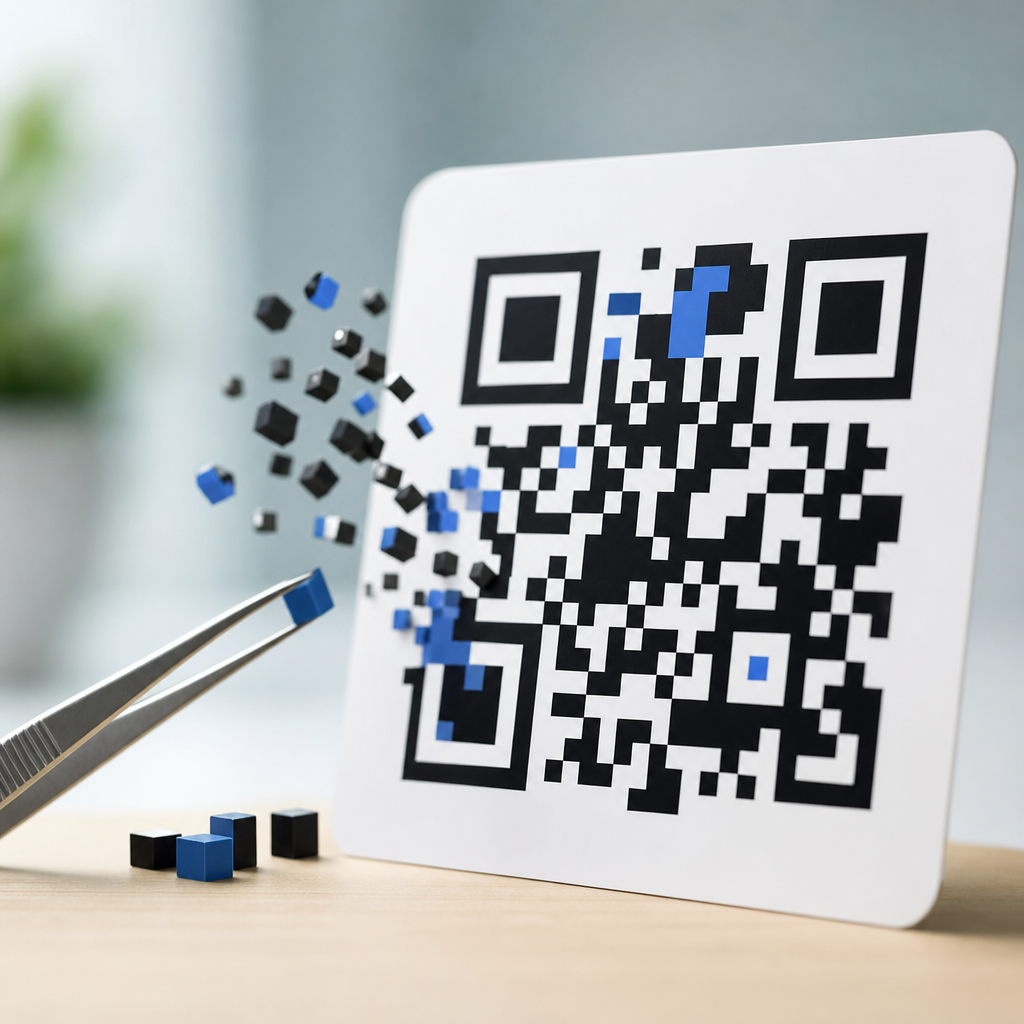
Error correction in QR codes is the built-in method that lets a code remain scannable even when part of the symbol is dirty, scratched, faded, or covered. In practical terms, it means a phone camera can still read the encoded data because the QR standard stores extra recovery information alongside the original message. This capability is one reason QR codes work so reliably on packaging, posters, menus, shipping labels, factory parts, and payment screens. When people ask how QR codes work, error correction is a central part of the answer, because a QR code is not just a picture of data; it is a carefully structured machine-readable symbol designed to survive real-world damage.
I have seen this matter firsthand in print production and field deployments. A code that scans perfectly in a clean PDF can fail after lamination glare, ink spread, abrasion, or low contrast enters the equation. The difference between a code that keeps working and one that becomes support-ticket bait often comes down to choosing the right error correction level, symbol size, and quiet zone. Understanding error correction helps marketers avoid broken campaign links, helps operations teams keep inventory labels readable, and helps product teams confidently place branded QR codes on small surfaces.
QR stands for Quick Response. The format was developed by Denso Wave in 1994 for high-speed scanning in automotive manufacturing, then expanded into broad commercial use because it stores more data than a standard one-dimensional barcode and can be read from multiple angles. The model most people use today follows ISO/IEC 18004, the international specification that defines module placement, finder patterns, alignment patterns, masking, encoding modes, and Reed-Solomon error correction. Those details may sound technical, but they explain why a QR code can be fast, compact, and resilient at the same time.
At a high level, a QR code works by converting characters, numbers, or binary content into bits, arranging those bits into codewords, adding recovery codewords, and placing the resulting pattern into a square matrix of black and white modules. A scanner locates the three finder patterns, estimates orientation, corrects perspective distortion, samples the grid, removes the mask pattern, and decodes the payload. If some modules are unreadable, error correction reconstructs the missing information up to the allowed limit. That is the core concept behind error correction in QR codes, and it is the reason this topic sits at the center of any serious guide to QR code basics and education.
How QR codes work from data to scannable symbol
To understand error correction, start with the full QR code creation process. Data is first assigned an encoding mode. Numeric mode compresses digits efficiently, alphanumeric mode supports a defined character set, byte mode handles standard text and URLs, and kanji mode supports Shift JIS characters. The encoder then packages that content into bit streams, adds mode indicators and character counts, and splits the result into eight-bit codewords. Depending on the amount of data and the selected error correction level, the code is assigned a version from 1 to 40. Version 1 is a 21 by 21 matrix, and each version increases by four modules per side, up to 177 by 177 for version 40.
Once the data codewords are prepared, the generator computes error correction codewords using Reed-Solomon coding over a finite field. Those recovery codewords are not random redundancy. They are mathematically derived check symbols that let the decoder identify and repair missing or corrupted codewords. The standard may divide the payload into blocks, each with its own error correction codewords. Interleaving spreads those blocks across the symbol so localized damage, like a scratch through one corner, does not destroy a single concentrated segment of data. The encoder then places all bits into the matrix using a prescribed zigzag pattern while reserving functional areas for finder patterns, timing patterns, alignment patterns, format information, and version information where applicable.
Before finalizing the symbol, the encoder applies one of eight mask patterns. Masking flips selected modules according to a rule so the final image avoids awkward visual artifacts, including large blank zones, repeating patterns, or imbalanced dark-light distribution that can confuse scanners. The chosen mask is the one with the lowest penalty score under the standard’s evaluation rules. In my experience, this step is often overlooked when people think a QR code is simply “generated,” but it plays a direct role in scan reliability, especially in small print or lower quality production environments.
When a user scans a QR code, the decoder reverses the process. It locates finder patterns, estimates module size, compensates for perspective skew, identifies the timing grid, reads format bits to determine error correction level and mask, removes the mask, and reconstructs the codewords. If some codewords are wrong or missing, the Reed-Solomon decoder attempts correction. Only after that does the scanner output the final text, URL, or command. So, when someone asks how QR codes work, the direct answer is this: they combine structured layout, optical detection patterns, data encoding, masking, and error correction to deliver reliable machine reading in imperfect physical conditions.
What error correction means in QR codes
Error correction in QR codes means adding redundant codewords that allow a scanner to recover the original message even when part of the symbol cannot be read accurately. The four standard levels are L, M, Q, and H. They are commonly described as restoring roughly 7 percent, 15 percent, 25 percent, and 30 percent of the symbol respectively. Those percentages are helpful shorthand, but they are not a promise that exactly that amount of visible damage can be covered in every case. Real performance depends on where the damage occurs, how the codewords were distributed, the version, the print quality, contrast, lighting, focus, and the decoder’s implementation.
The underlying method is Reed-Solomon error correction, a widely used system also found in storage, telecommunications, and data transmission. It works particularly well against burst errors, where adjacent symbols are damaged together, because QR codes interleave data and error correction blocks. In plain language, the code carries enough mathematically related backup information that the decoder can infer what some damaged portions should have been. If damage exceeds the correction capacity, the scanner may still fail even if much of the image looks intact to a human eye.
A common misconception is that higher error correction is always better. It is not. Increasing the level reduces data capacity at a given size. If you keep the same content and raise correction from M to H, the generator may need a larger version with more modules. More modules on the same printed area means each module becomes smaller, which can make scanning harder on low-end cameras or rough substrates. I usually recommend selecting the lowest level that safely matches the use case rather than defaulting to H everywhere. For a clean digital display, M is often enough. For industrial labels or codes that may be partially obstructed, Q or H can be justified.
| Error correction level | Typical recovery capacity | Best use cases | Main tradeoff |
|---|---|---|---|
| L | About 7% | Large clean prints, controlled digital displays, high-capacity data | Lowest damage tolerance |
| M | About 15% | General marketing, menus, signage, standard packaging | Moderate resilience |
| Q | About 25% | Labels exposed to wear, moderate branding overlays, outdoor use | Reduced capacity |
| H | About 30% | Harsh environments, small logos, printed items likely to be scuffed | Largest symbol for same content |
Why error correction matters in real-world scanning
Real-world scanning conditions are messy. Restaurant table tents pick up grease and scratches. Warehouse labels crease around curved surfaces. Product packaging goes through varnish, shrink wrap, refrigeration, and handling. Posters sit behind reflective glass. On screens, brightness, refresh behavior, and cracked glass can interfere. Error correction gives the system breathing room in all of these scenarios. It is the safety margin that separates a code that works only in ideal conditions from one that remains usable after distribution, display, and wear.
Consider a branded QR code on a coffee cup sleeve. The designer wants a small center logo and dark brand colors instead of pure black. If the code uses low correction and the print expands slightly on absorbent paper, enough modules may blur together to break decoding. With higher correction, adequate contrast, and a slightly larger symbol, the same concept can scan reliably. Another common example is parcel labeling. Labels often scrape against conveyors and boxes. A code printed at level Q or H can continue working after small abrasions that would stop a lower-redundancy symbol.
Environmental context also matters. A pristine QR code can fail if the quiet zone, the blank border around the symbol, is compromised. It can fail if the module size is too small for the expected scan distance. It can fail if color choices lower luminance contrast, such as dark blue modules on black packaging. Error correction does not compensate for every design mistake. It is powerful, but it is not magical. In practice, reliable performance comes from combining the right correction level with suitable size, contrast, lighting assumptions, and production quality control.
How error correction affects capacity, size, and design
The most important tradeoff in QR code design is between resilience and capacity. Every QR version has a maximum number of codewords, and a portion of those codewords must be devoted to recovery data. The more recovery data you ask for, the less space remains for the payload. That means a URL, vCard, or product identifier that fits into a compact symbol at level L may require a larger version at level H. This is why short dynamic URLs are so valuable in practical deployments. Instead of encoding a long tracking link with many parameters, you encode a short redirect URL and manage the destination server-side. That keeps the symbol simpler and more robust.
Designers often encounter this issue when adding logos. A logo overlay removes or obscures modules at the center of the code. Higher error correction can make that feasible, but only within limits. If the logo covers too much area, sits on top of critical patterns, or is paired with weak contrast, no amount of nominal recovery percentage will save it. The best branded codes preserve the finder patterns, maintain the quiet zone, use H only when necessary, and undergo multi-device testing at expected distances. In production, I treat any decorative change as a scan-risk decision, not a purely visual one.
Size planning should begin with module size, not just overall dimensions. For print, many practitioners aim for at least 0.4 millimeters per module in standard conditions, with larger modules for longer scan distances or lower print precision. A tiny version 4 code may scan better than a dense version 10 code printed at the same physical width because its modules are larger and easier for the camera to resolve. That is another reason error correction must be considered together with content length and intended output size rather than as an isolated setting.
Best practices for choosing the right level
A practical decision framework starts with the environment. If the QR code will live on a clean smartphone screen, kiosk display, or high-quality brochure, level M is usually a sensible default. If it will be outdoors, on equipment, or on packaging that may wrinkle or scratch, move toward Q. If branding requires a small central logo or if the code will face rough handling, H may be appropriate. Level L is best reserved for highly controlled conditions or cases where maximizing data density matters more than durability.
Next, shorten the payload before raising the correction level. Use a concise URL, remove unnecessary query parameters, and prefer dynamic QR code management when analytics or destination updates are required. Then test actual outputs, not only on-screen previews. Print at final size, on final material, with final finishing. Scan using both current flagship phones and older midrange devices. Test in bright light, low light, and at realistic user angles. The pass criterion should not be “it scanned once,” but “it scans quickly and consistently across devices.”
Finally, watch for failure modes that error correction cannot solve. Do not invert colors unless you have verified compatibility, because many scanners expect dark modules on a light background. Do not crowd the quiet zone with graphics. Avoid placing codes over busy images. For curved surfaces such as bottles, increase symbol size or reposition the code to flatter areas. If a code must carry substantial data offline, consider whether another symbology or a different workflow makes more sense. Good QR code design is a system decision, not a generator checkbox.
Error correction is what makes QR codes dependable in the imperfect conditions where they are actually used. It allows scanners to reconstruct data when parts of a symbol are damaged, obscured, or poorly captured, and it works through Reed-Solomon coding defined in the QR standard. To understand how QR codes work, you need to understand this recovery layer alongside encoding modes, finder patterns, masks, and quiet zones. Together, those components turn a simple square graphic into a resilient data carrier that can survive print defects, handling, glare, and partial obstruction.
The key takeaway is balance. Higher error correction increases durability, but it also reduces capacity and can force a denser symbol that is harder to scan if printed too small. The best choice depends on the environment, the amount of data, the material, the expected scan distance, and any branding treatment. In most everyday applications, M or Q is the right answer, while H is useful for rough conditions or carefully tested logo overlays. L has value when space is tight and conditions are controlled. There is no universal default that fits every deployment.
If you are building a QR code program under a broader QR Code Basics and Education strategy, use this page as your hub for the core mechanics behind scanning performance. Apply the principles here to every code you create: keep payloads short, preserve contrast and quiet zones, choose correction intentionally, and test the final output in the real environment. That discipline leads to faster scans, fewer failures, and better results from every QR code your organization publishes. Start by auditing one live code today and checking whether its error correction level truly matches its job.
Frequently Asked Questions
What does error correction mean in a QR code?
Error correction in a QR code is the built-in ability to recover data even when part of the code is damaged, obscured, faded, scratched, wrinkled, or dirty. Instead of storing only the raw message, a QR code also includes extra recovery data that helps a scanner reconstruct missing or unreadable portions of the symbol. In simple terms, this is why a phone can often scan a code successfully even when it does not look perfect to the human eye. Error correction is a core part of the QR Code standard, not an optional add-on, and it plays a major role in the real-world reliability of QR codes on product packaging, restaurant menus, warehouse labels, signage, tickets, and payment displays.
Without error correction, QR codes would fail much more often in everyday conditions. Printed materials get smudged, outdoor signs fade, labels bend around curved surfaces, and screens can show glare or low contrast. Error correction helps compensate for those issues by giving the scanner enough redundancy to piece the data back together. That is one of the key reasons QR codes are so widely used in environments where perfect printing and perfect scanning conditions cannot be guaranteed.
How do QR codes still scan when part of the code is covered or damaged?
QR codes remain scannable when partially covered or damaged because the symbol is designed with redundancy. The encoded information is mathematically processed so that additional correction data is distributed throughout the code. When a scanner reads the symbol, it does not simply check whether every tiny square is intact. Instead, it uses the QR standard’s error correction system to detect missing or corrupted areas and recover the intended message as long as the damage stays within the code’s correction limits.
This matters in practical situations. A shipping label may get scraped during transit, a poster may collect dirt, or a package may crease over one corner. In many of these cases, the QR code still works because enough of the symbol remains readable for the scanner to reconstruct the original content. That does not mean a QR code is indestructible, of course. If too much of the symbol is missing, if the quiet zone is blocked, or if contrast is poor, scanning can still fail. But error correction significantly improves the odds of a successful scan under less-than-ideal conditions.
What are the QR code error correction levels?
QR codes typically use four standard error correction levels: L, M, Q, and H. These levels represent how much damage or data loss the code can tolerate while still remaining readable. Level L provides the least redundancy and can recover a smaller amount of damage, while Level H provides the most redundancy and can recover substantially more. In broad terms, Level L is often associated with about 7% recovery, M with about 15%, Q with about 25%, and H with about 30%, though real-world performance also depends on how the damage is distributed and whether the code is printed and scanned clearly.
Choosing the right level involves a tradeoff. Higher error correction adds more resilience, but it also requires more space inside the symbol. That can make the QR code denser, which may require a larger printed size or better camera conditions for reliable scanning. Lower error correction allows more room for data and can keep the symbol simpler, but it offers less protection if the code gets damaged. For example, a clean digital payment code shown on a screen may not need the highest level, while a QR code printed on industrial equipment or consumer packaging may benefit from more robust protection.
Does higher error correction make a QR code better?
Higher error correction does not automatically make a QR code better in every situation. It makes the code more tolerant of damage, but it also increases the amount of redundancy stored in the symbol. That added redundancy takes up space, which can make the QR code more complex and visually denser. A denser code may become harder to scan if it is printed too small, placed on a low-quality surface, or viewed from a distance. So the best error correction level depends on where and how the QR code will be used.
For example, if a code will appear on a glossy poster exposed to weather, a higher error correction level may be a smart choice because the environment is less predictable. If the code will be displayed clearly on a high-resolution phone screen in a controlled setting, a lower or medium level may be more efficient. Designers also often use higher error correction when adding a logo or artwork in the center of a QR code, because some of the symbol is intentionally covered. The key idea is balance: enough protection for the use case, without making the symbol unnecessarily difficult to scan.
Why is error correction important for real-world QR code use?
Error correction is important because QR codes are rarely used in perfect conditions. In the real world, they are printed on textured packaging, wrapped around bottles, taped onto boxes, mounted on factory parts, displayed on checkout screens, and posted in public spaces where dust, glare, fingerprints, folds, and wear are common. A code that depended on every module being pristine would fail too often to be practical. Error correction makes QR codes dependable in everyday environments by preserving scanability even when the symbol has been partially compromised.
This reliability is one of the reasons QR codes are so effective across industries. Retailers use them on packaging, logistics teams use them on labels, restaurants place them on tables and menus, manufacturers attach them to components, and businesses display them for payments and authentication. In each case, the code may be exposed to physical handling, poor lighting, or surface damage. Error correction helps maintain a smooth user experience by reducing scan failures, which in turn supports faster access to information, fewer customer frustrations, and more dependable operational workflows. In short, error correction is not just a technical feature; it is a major reason QR codes work so well at scale.





