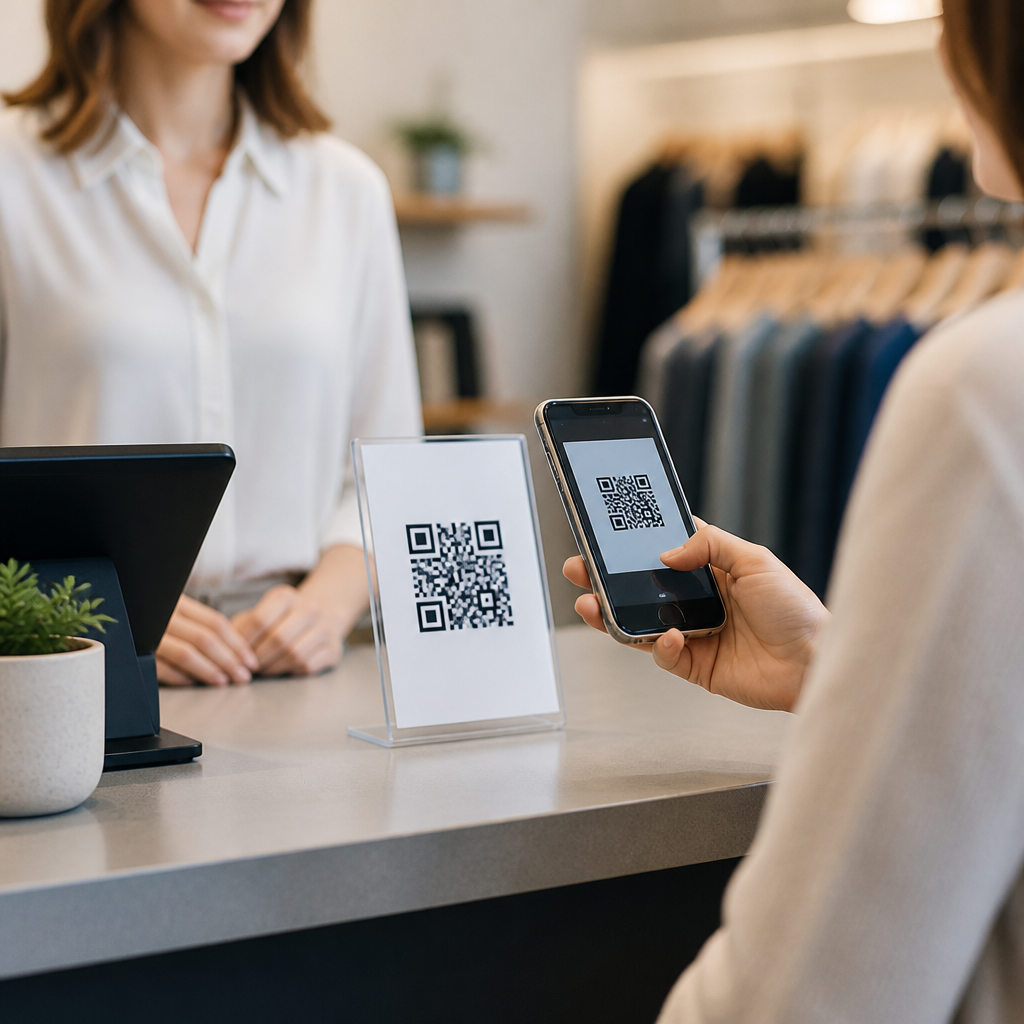
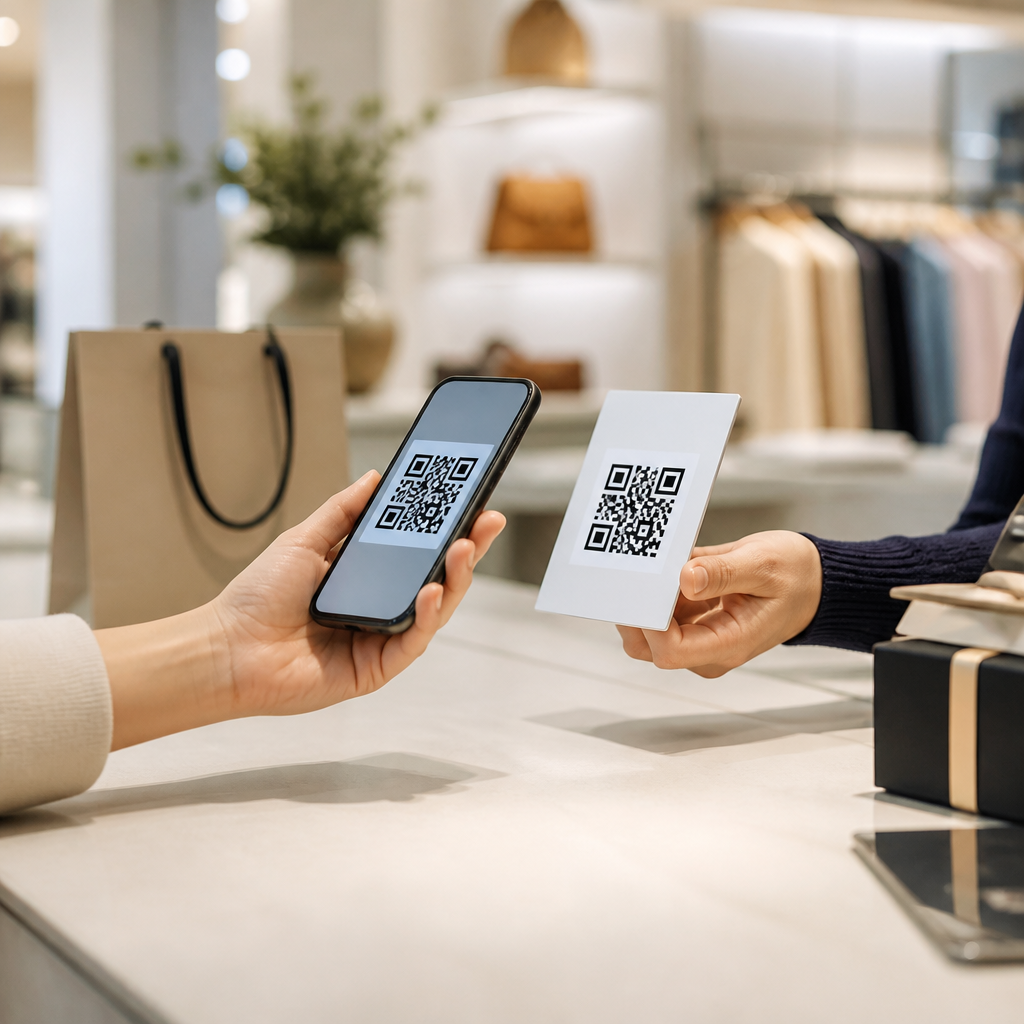
QR codes for conference networking have moved from a novelty on badges to a practical infrastructure layer for events, helping attendees exchange details, schedule meetings, access content, and measure engagement with far less friction than paper cards or manual data entry. In event marketing, a QR code is a scannable matrix barcode that stores a URL, contact record, file link, or app action. Conference networking is the set of interactions that connect attendees, speakers, sponsors, exhibitors, and organizers before, during, and after an event. When these two systems work together, the result is faster lead capture, better attendee experience, and cleaner first-party data.
I have implemented QR workflows for trade shows, association conferences, and hosted customer summits, and the pattern is consistent: people will scan when the action is obvious, the payoff is immediate, and the destination works on a mobile phone in seconds. That matters because conferences compress thousands of decisions into a short window. A sponsor may have ten seconds to catch attention. An attendee may meet twenty relevant people in a day and remember only five names by evening. A speaker may want every session participant to download slides without creating a queue at the stage. QR codes reduce those points of failure.
This topic matters because events are expensive, and networking value often determines whether people return. According to common benchmarks from large event platforms, attendee acquisition costs, booth spend, and travel expenses make every qualified conversation important. Organizers also need measurable proof that activations drove outcomes. A dynamic QR code, unlike a printed business card, can record scans by time, location, and device type, then route users to a landing page, calendar booking flow, digital vCard, survey, or gated resource. That creates operational visibility and supports follow-up. As a hub page for events and conferences, this article explains where QR codes fit, which use cases work best, how to deploy them, and what limitations to manage.
How QR codes improve conference networking across the event journey
QR codes support conference networking at three stages: pre-event, onsite, and post-event. Before the event, organizers use them in email campaigns, event apps, direct mail, and social posts to drive registration, meeting booking, community signups, or attendee directory opt-ins. A speaker can share a QR code linked to a pre-session question form. An exhibitor can place one in a LinkedIn post that opens a scheduling page for booth demos. This shortens the path from interest to action and gives marketers a trackable touchpoint before anyone arrives.
Onsite, the strongest use case is identity exchange. A badge QR code can open a profile page, encode a vCard, or connect directly into an event app’s lead retrieval feature. Instead of typing an email address into a phone under noisy conditions, attendees scan once and save the contact. Organizers can also use QR codes on signage to route people to floor maps, sponsor directories, roundtable signup pages, or networking lounges. The practical advantage is speed. If a hallway conversation ends because the next session starts in two minutes, a quick scan preserves the relationship.
After the event, QR codes continue to pay off because they anchor follow-up to the original context. A sponsor can send a recap email containing the same booth code used onsite, now updated to a case study or offer. A session QR code can redirect from slides to a webinar replay. This is one reason dynamic codes outperform static ones for event marketing: the printed asset stays the same while the destination changes. Teams preserve continuity, and attendees avoid broken experiences.
The most successful conference networking programs make each QR code single-purpose. One code should do one job clearly: exchange contact details, join a waitlist, book a meeting, download a deck, request pricing, or enter a community channel. When a code tries to serve multiple outcomes through a generic homepage, scan rates and completion rates both decline. Clear labeling, visible value, and a mobile-first destination are nonnegotiable.
Core use cases for attendees, speakers, sponsors, and organizers
Attendees mainly need speed and memory support. A personal networking QR code on a badge insert, phone lock screen, or business card can link to a digital profile with name, role, company, LinkedIn URL, and a one-tap save-contact button. This is more useful than a plain homepage because the recipient can act immediately. At professional association events, I have seen higher follow-through when the profile also includes “what I’m looking for” fields such as hiring, partnerships, suppliers, or investors. That context turns random introductions into targeted conversations.
Speakers benefit from QR codes that extend engagement beyond the room. A session slide can display a code for slide downloads, resource lists, poll participation, or office-hour booking. This captures interest while attention is highest. It also serves attendees seated far from the stage who may never reach the presenter afterward. In practical deployments, the best results come when the speaker mentions exactly what the scan delivers: “Scan this to get the checklist and the benchmark report.” Specificity beats generic prompts like “Learn more.”
Sponsors and exhibitors use QR codes for lead capture, product education, and appointment setting. A booth graphic can send visitors to a guided demo page, qualification form, product selector, contest entry, or meeting calendar. High-performing teams often pair one visible code on the booth wall with smaller codes on product stations, each tagged with unique UTM parameters. That lets the team distinguish broad booth interest from interest in a specific solution. For example, a cybersecurity vendor can track scans for identity management separately from endpoint detection, then prioritize follow-up accordingly.
Organizers use QR codes to manage traffic and deepen participation. They can link codes to attendee directories, hosted-buyer programs, mentor matching, happy-hour RSVPs, or sponsor scavenger hunts. They also use codes operationally for check-in overflow, digital agendas, accessibility resources, and venue feedback. In every case, the networking benefit comes from lowering friction: fewer lines, fewer lost handouts, fewer dead-end interactions.
Best formats and destinations for event QR codes
Not all QR code destinations serve networking equally well. The most useful destination types are digital business cards, meeting schedulers, mobile landing pages, downloadable resources, lead forms, event app deep links, and messaging community invites. A digital business card is ideal for one-to-one contact exchange. A scheduler such as Calendly or HubSpot Meetings works better when the goal is a qualified follow-up. A mobile landing page is best when you need context, such as sponsor packages, speaker bios, or topic-specific resources.
Dynamic QR codes are usually the correct choice for conferences because event details change quickly. Booth staff rotates, session links update, room assignments shift, and post-event assets replace onsite offers. Platforms such as Bitly, QR Code Generator Pro, Beaconstac, and Flowcode allow editing destinations after print, plus scan analytics. Static codes still have a place for permanent contact cards or fixed Wi-Fi credentials, but they are less flexible for campaign management.
The destination experience must be designed for a mobile browser first. That means fast load time, readable text without pinching, minimal form fields, and a clear primary action above the fold. If a user scans a code on a crowded expo floor and lands on a desktop-style page with six menu options, the networking opportunity is lost. Keep the page short, remove unnecessary navigation, and connect the code to a measurable action. In implementation reviews, I treat every extra tap as a conversion risk.
| Use case | Best QR destination | Why it works at conferences |
|---|---|---|
| Attendee contact exchange | Digital vCard or profile page | One scan saves contact details quickly in noisy, time-limited settings |
| Booth lead capture | Short qualification form | Collects buying context immediately while interest is fresh |
| Speaker follow-up | Slide download landing page | Turns session attention into measurable post-talk engagement |
| Meeting booking | Calendar scheduler | Removes back-and-forth and secures a next step onsite |
| Community building | Slack, WhatsApp, or app deep link | Keeps networking active after the event ends |
Design, placement, and scanning rules that increase response
Conference QR code performance is heavily influenced by physical context. Codes must be large enough to scan from the expected distance, printed with strong contrast, and surrounded by white space known as the quiet zone. As a rule, the farther away the user stands, the larger the code needs to be. A badge code viewed at hand distance can be small; a banner code intended for aisle traffic must be much larger. Glossy finishes, curved surfaces, poor lighting, and visual clutter all reduce scan reliability.
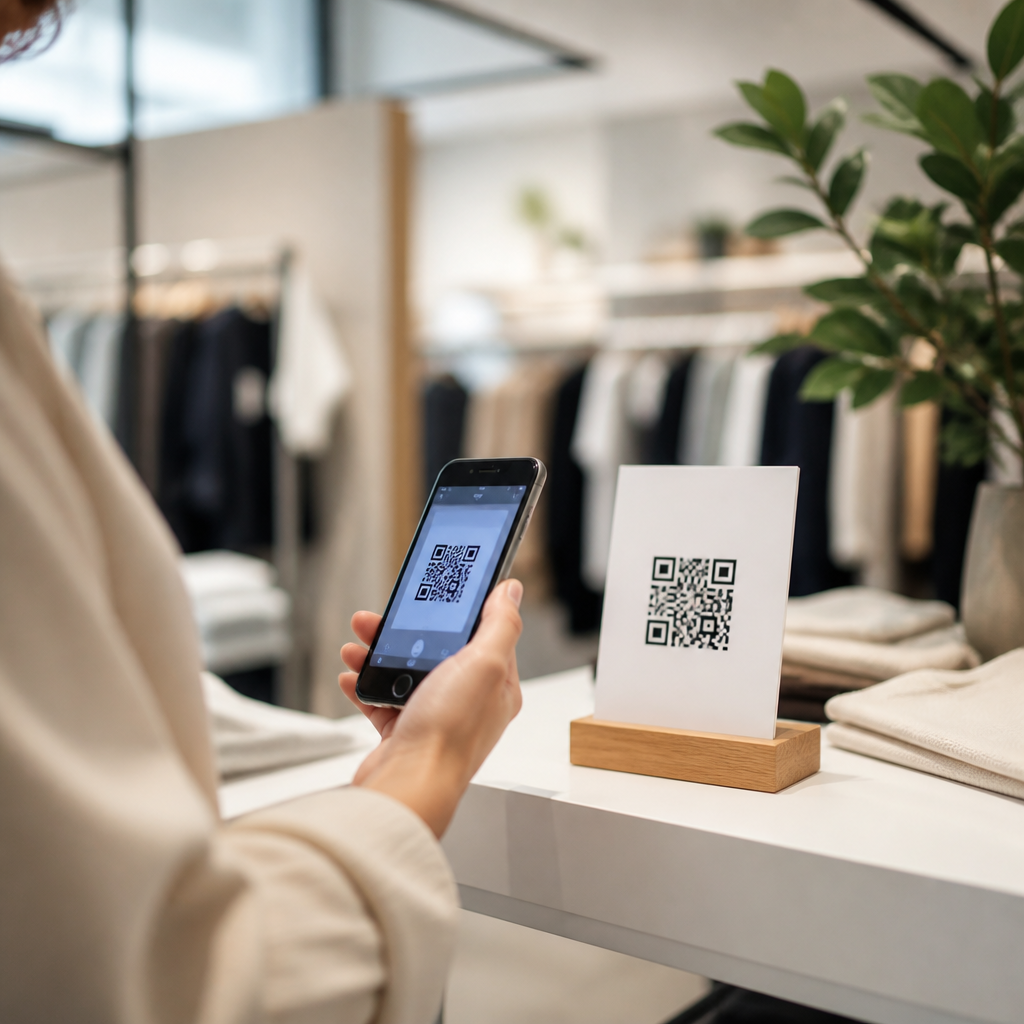
Placement should match intent. Badge codes belong where another person can see them naturally during conversation. Booth codes should sit near the decision point: beside a demo screen, product sample, or prize entry explanation. Session slide codes should appear long enough for attendees to open cameras and complete the scan, usually at least fifteen to twenty seconds. Table tents in lounges, charging stations, and coffee areas can work well for lower-pressure networking prompts because people have spare attention there.
The call to action matters as much as the code itself. “Scan to book a 15-minute audit,” “Scan to get the deck,” and “Scan to swap contact details” outperform vague labels. So does adding trust cues such as “No app required” or “Takes 10 seconds.” People hesitate when they do not know what happens next. At events with mixed demographics, including some attendees less comfortable with QR behavior, clear instructions can meaningfully raise adoption.
Testing is mandatory. Scan every code on both iPhone and Android, on Wi-Fi and cellular, under venue-like lighting conditions. Confirm redirects, analytics tags, page speed, and form submissions. I also recommend a human fallback, such as short URLs beneath critical codes, because conference connectivity can be inconsistent. Redundancy protects the networking experience when the environment is imperfect.
Measurement, privacy, and operational tradeoffs
QR codes are valuable partly because they make networking measurable. Organizers and sponsors can track total scans, unique scans, scan time by hour, conversion to form completion, meeting bookings, content downloads, and post-event revisit rates. Combined with CRM and marketing automation tools such as HubSpot, Salesforce, Marketo, or Pardot, these signals help teams separate casual interest from sales-ready engagement. A booth with 300 scans but only 12 qualified forms is performing differently from one with 90 scans and 40 booked demos.
Attribution improves when each placement has its own code. Use separate dynamic URLs and UTM parameters for badges, booth walls, session slides, welcome emails, and printed collateral. That allows a clean analysis of which networking moments created downstream value. It also supports optimization during multi-day events. If a sponsor sees that scans from a product station convert better than scans from a giveaway sign, staff can shift messaging by the second day.
Privacy and consent still matter. A QR scan by itself does not equal permission for broad marketing use in every jurisdiction. If you collect personal data, explain what is being collected, why, and how follow-up works. Comply with applicable rules such as GDPR, CCPA, and venue or organizer policies. For attendee-to-attendee exchange, consent is usually straightforward because both parties choose to share. For sponsor lead capture, the landing page should clearly state the value exchange and any opt-in options.
There are also tradeoffs. Not every attendee wants to use a phone during networking. Some industries still prefer paper notes or direct introductions. Older conference venues may have dead zones. Event apps can complicate matters if their built-in scanner conflicts with the native camera experience. The right approach is not QR-only. It is QR-first with practical alternatives, staff support, and process discipline.
How to build a scalable conference QR code program
A scalable program starts with governance. Define naming conventions, destination templates, ownership, analytics standards, and brand rules before assets are printed. Decide which codes are organizer-managed, sponsor-managed, or speaker-managed. Standardize landing page modules for contact exchange, session resources, surveys, and booking flows. This prevents the common event problem where every stakeholder creates a different experience with inconsistent tracking and design.
Next, map each networking objective to one conversion event. If the goal is attendee connection, measure contact saves. If the goal is sponsor pipeline, measure qualified lead forms and meetings held. If the goal is community retention, measure joins to the post-event channel. Then build codes backward from those outcomes. In my experience, conference teams get better results when they resist the urge to make one universal code solve everything.
Finally, treat the event as a test-and-learn environment. Review scan heat by time and location, compare completion rates across destinations, and interview staff about attendee behavior. Use the findings to improve the next event and to inform related pages in your broader QR codes in marketing strategy, such as QR codes on business cards, packaging, direct mail, out-of-home advertising, and retail signage. For organizations investing seriously in field marketing, conference networking QR codes are not an isolated tactic. They are a repeatable first-party data channel that improves connection quality, follow-up speed, and measurable event ROI.
QR codes for conference networking work because they remove friction at the exact moments when time, attention, and memory are under pressure. They help attendees swap details instantly, give speakers a direct path to continued engagement, allow sponsors to capture and qualify interest, and provide organizers with cleaner operational and performance data. Used well, they turn scattered event interactions into structured, trackable journeys without making the experience feel mechanical.
The strongest programs share several traits. Every code has one clear purpose, every landing page is designed for mobile use, every placement matches the physical environment, and every important interaction is measurable. Dynamic QR codes usually provide the flexibility conferences need, especially when session assets, offers, and follow-up destinations change after print. Strong labeling, reliable testing, and separate tracking for each placement make optimization possible during and after the event.
Success also depends on balance. QR codes should support human networking, not replace it. Keep privacy disclosures clear, offer fallback options when connectivity is weak, and train staff to explain the benefit of scanning in one sentence. If you are building an events and conferences strategy within QR codes in marketing, start with the highest-value moments: badge exchange, booth lead capture, speaker resources, and meeting booking. Launch a small, measurable framework at your next event, review the data closely, and expand from there.
Frequently Asked Questions
How are QR codes used for conference networking?
QR codes support conference networking by removing many of the small delays that usually slow down introductions and follow-up. Instead of relying on paper business cards, manual typing, or searching for someone later on LinkedIn, attendees can scan a code on a badge, phone screen, table tent, slide deck, or event sign and instantly access a digital contact card, booking page, speaker profile, sponsor offer, session resource, or private networking form. That means one quick scan can exchange details, open a meeting scheduler, save a lead record, or direct someone into the event app without extra friction.
In practice, organizers often use QR codes across multiple touchpoints. Attendee badges may link to professional profiles or opt-in contact forms. Speakers can place codes on presentation slides so people can connect after a session, download materials, or book a conversation. Exhibitors can display codes at booths to capture interest, share product sheets, and qualify leads. Sponsors may use them to drive traffic to demos, giveaways, or landing pages tied to campaign tracking. Because every scan can be tied to a destination URL or action, QR codes also create a measurable layer for networking activity that is much harder to achieve with traditional paper exchanges.
The biggest advantage is convenience. People are more likely to connect when the action takes seconds and fits naturally into the flow of a conversation. At busy conferences, where attendees move quickly between sessions, receptions, and exhibit halls, that speed matters. QR codes help turn brief encounters into trackable, follow-up-ready connections.
What information should a conference networking QR code link to?
A conference networking QR code should link to the specific next step you want someone to take, not just to a generic homepage. For attendee-to-attendee networking, the most useful destination is usually a digital contact card or profile page with name, role, company, social links, headshot, and one-tap save-to-contacts functionality. If the goal is setting up conversations, a scheduling page can work even better, especially for speakers, sponsors, recruiters, and sales teams. For exhibitors, a landing page with booth details, product information, lead capture, and a clear call to action is often the strongest option.
Good QR code destinations are concise, mobile-friendly, and immediately valuable. Examples include a vCard file, LinkedIn profile, event app profile, meeting calendar, downloadable presentation, portfolio, speaker bio page, product brochure, waitlist form, private Slack or community invite, or a lead form pre-tagged to a specific event. The destination should match the context of the scan. A code on a badge may prioritize fast contact exchange, while a code on a session slide may prioritize presentation downloads and post-session engagement.
It is also smart to think about data quality and consent. If you are collecting attendee information, use forms that clearly state what will happen after submission. If you are linking to a profile, make sure the page is current, branded appropriately, and easy to use on mobile networks inside crowded venues. The best networking QR codes are not overloaded with choices. They guide the user to one main action and make that action easy to complete in under a minute.
Are dynamic QR codes better than static QR codes for conferences?
In most conference networking scenarios, dynamic QR codes are the better choice because they offer flexibility, better measurement, and lower risk once materials have already been printed. A static QR code sends users to a fixed destination that cannot be changed later. That can be fine for permanent information, but conferences are fast-moving environments. Session links change, speaker resources get updated, sponsors swap offers, and event teams often need to correct or improve destinations after badges, banners, handouts, and booth materials are already in circulation.
Dynamic QR codes solve that problem by allowing the destination behind the code to be updated without changing the visible code itself. That means an organizer can print one code on badges or signage and later redirect it to a revised profile, a new calendar link, a post-event replay page, or a different lead form. For sponsors and exhibitors, that flexibility is especially valuable because it lets them adapt campaigns in real time during the event.
Another major benefit is analytics. Dynamic QR code platforms typically show scan counts, time of scan, device type, and sometimes general location or campaign attribution data. For event marketing teams, this helps measure which networking assets actually performed. You can compare badge scans versus booth scans, session slide scans versus reception signage, and understand where engagement was strongest. Static QR codes do not usually provide that level of insight unless combined with separate tracking methods. For most professional conferences, dynamic QR codes are worth using because they turn networking from a passive activity into something measurable and optimizable.
What are the best practices for designing QR codes on badges, booths, and event materials?
The best QR code design for conference networking balances scannability, clarity, and user intent. First, the code must be easy to scan under real event conditions: crowded spaces, inconsistent lighting, quick conversations, and varying phone cameras. That means using sufficient size, strong contrast, quiet space around the code, and print quality that stays sharp even on small badge formats. Codes that are too tiny, low-contrast, or placed over busy backgrounds often fail when people try to scan them quickly.
Placement matters just as much as appearance. On badges, the code should be visible without forcing awkward body positioning. At booths, it should be placed where people naturally pause, such as counters, demo stations, product displays, and takeaway signage. On slides, it should stay on screen long enough for scanning and be paired with a short URL or call to action. On printed handouts or sponsor materials, the code should be near the content it supports so the purpose feels obvious. If attendees have to guess what happens after scanning, fewer of them will do it.
Clear instructions improve results. Add a short label such as “Scan to connect,” “Scan to book a meeting,” “Scan for slides,” or “Scan to save contact details.” This helps set expectations and increases trust. Branding can also be useful, but it should never compromise readability. Customized colors, logos, and frame styles are fine if they still scan reliably across devices. Finally, always test codes in the actual size and material they will be used on. A QR code that works perfectly on a laptop screen may perform differently on matte badges, fabric signage, acrylic booth displays, or projection screens in large conference rooms.
How can organizers, sponsors, and exhibitors measure the success of QR codes for conference networking?
Success should be measured by more than total scans. While scan volume is a useful top-line metric, the real value of conference networking QR codes comes from the actions that happen after the scan. Organizers, sponsors, and exhibitors should track scans alongside contact submissions, meeting bookings, profile saves, session material downloads, app sign-ups, booth conversions, demo requests, and post-event follow-up rates. These downstream metrics show whether the QR code created meaningful engagement rather than just curiosity.
For organizers, useful measures include how often attendee badge codes were scanned, how many networking profiles were completed, which sessions generated the most post-talk connections, and whether QR-based interactions increased event app engagement or meeting volume. For sponsors and exhibitors, stronger KPIs may include qualified leads captured, appointments scheduled, landing page conversions, coupon or giveaway redemptions, and pipeline opportunities tied to event-source traffic. If each code or campaign asset has a unique tracking setup, teams can identify which placements and messages worked best.
Post-event analysis is where QR code data becomes especially powerful. Because digital interactions are traceable, teams can compare networking performance across booth zones, sponsorship activations, content sessions, and attendee segments. They can also improve future events by identifying weak points, such as codes that were heavily viewed but poorly converted, or pages that attracted scans but lost users before form completion. When combined with CRM data, event app reports, and UTM tracking, QR codes become a practical measurement layer for conference networking, helping teams connect in-person interactions to real marketing and relationship outcomes.