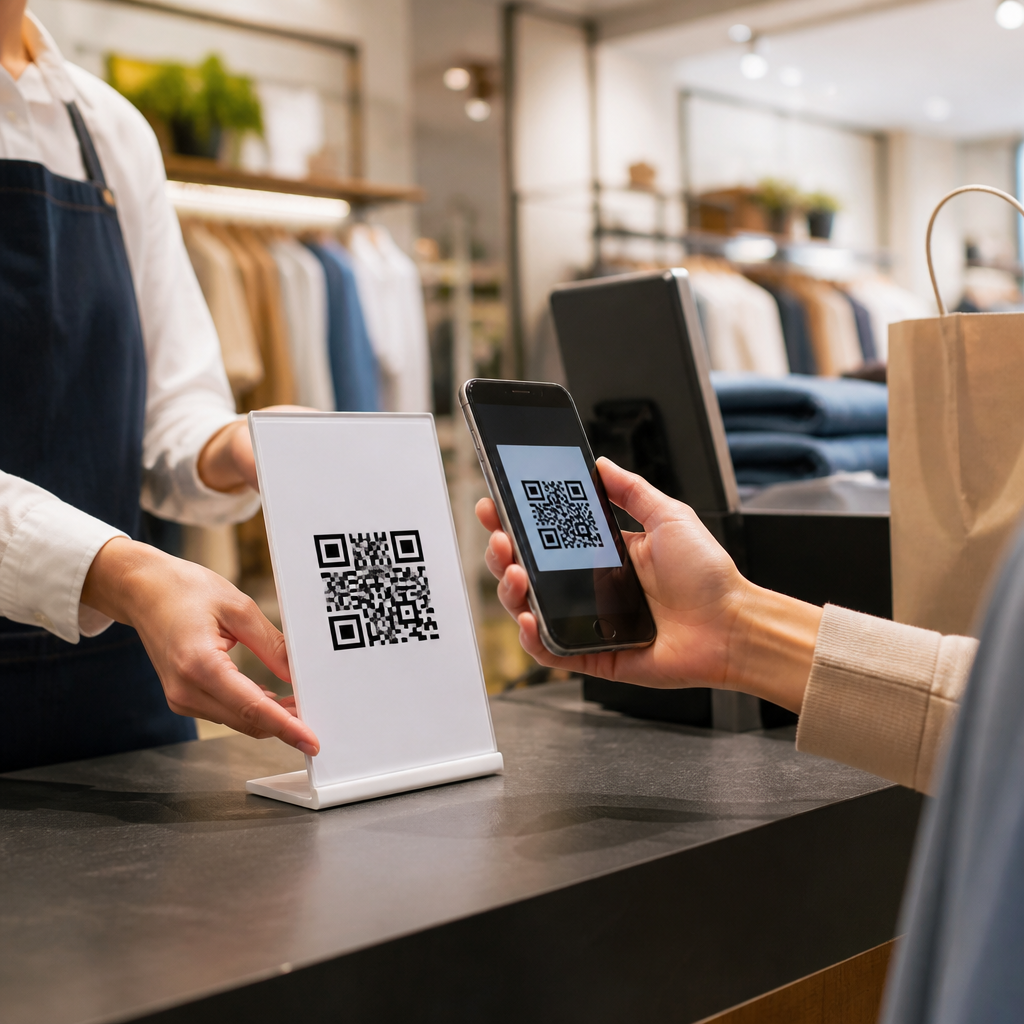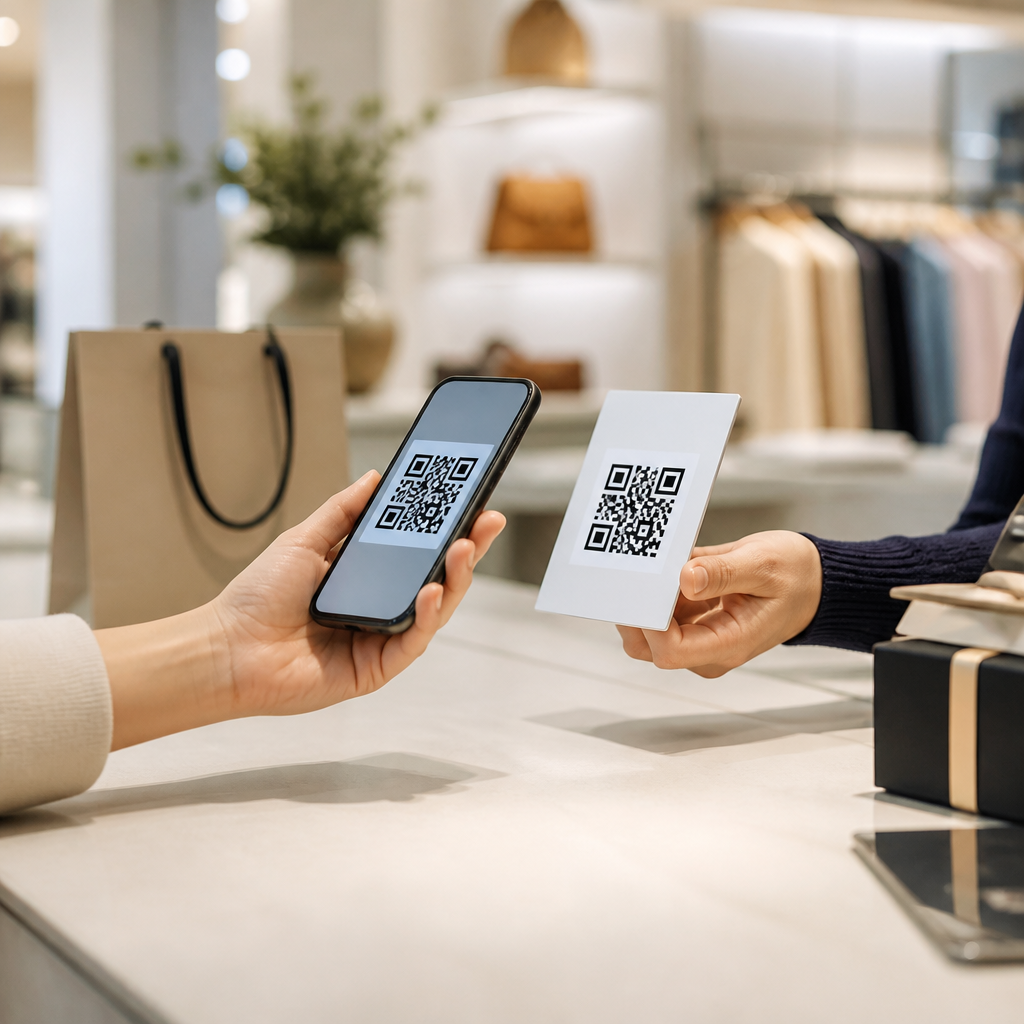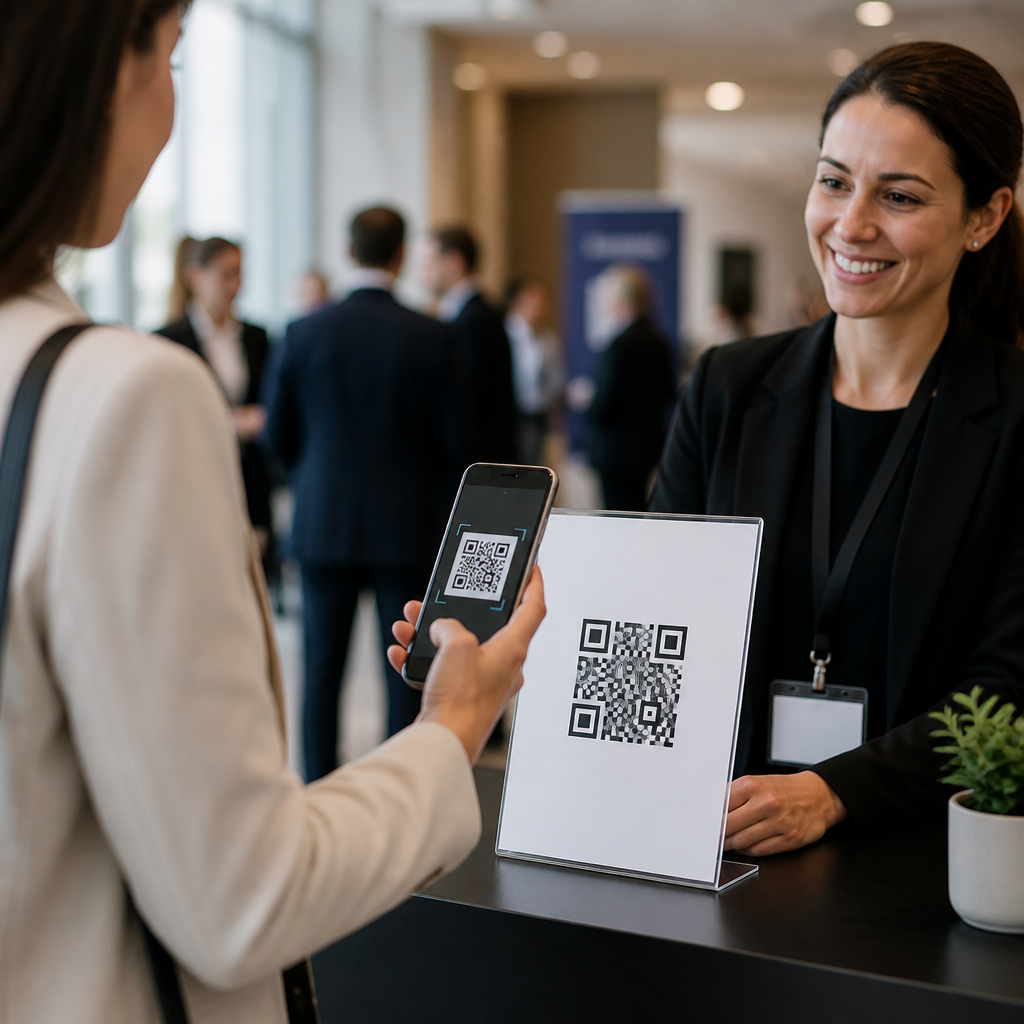
QR codes have become one of the simplest and most effective tools for event registration because they connect printed materials, digital promotion, and on-site check-in through a single scannable action. In practical terms, a QR code is a two-dimensional barcode that stores a link, contact record, payment page, file, or form, and most smartphone cameras can read it instantly without a separate app. For event teams, that means a poster, email, badge, social post, sponsor booth sign, or direct mail piece can send an attendee straight to a registration page in seconds. I have used QR codes across conferences, trade shows, nonprofit fundraisers, campus events, and private workshops, and the common pattern is clear: when registration friction drops, conversions rise, lines shorten, and staff spend less time correcting manual errors.
Event registration includes more than the first sign-up. It covers discovery, RSVP collection, ticket sales, consent capture, session selection, payment, reminder delivery, arrival verification, badge pickup, lead routing, and post-event follow-up. A well-planned QR code strategy can support each of those stages. Static codes point to fixed destinations and work well when the URL will never change. Dynamic codes, which I recommend for most professional events, let organizers edit the destination after printing, add UTM parameters, track scans by time and device, and redirect users based on campaign needs. That flexibility matters when venues change, ticket tiers sell out, or different attendee groups need different landing pages.
Why does this matter now? Event audiences expect speed. According to widely adopted mobile usability standards, every additional step between interest and action reduces completion rates. On event pages, delays often come from long URLs, confusing navigation, or forms that are not mobile friendly. QR codes solve the access problem, but only when they are tied to clear messaging, a strong landing page, and a registration workflow built for phones. In the events and conferences category, that combination improves attendance forecasting, sponsor attribution, and attendee experience. This article explains how to use QR codes for event registration from strategy through execution, with industry-specific examples and practical decisions that make the difference between a code that gets ignored and one that fills seats.
Build the registration path before you generate the QR code
The first rule is straightforward: the QR code is not the strategy; it is the gateway. Before generating anything, define the registration objective. Are you driving free RSVPs, paid ticket sales, session sign-ups, exhibitor appointments, media accreditation, or VIP check-in? Each goal needs a different destination page, form length, and confirmation flow. For a community fundraiser, a simple RSVP form with name and email may be enough. For a multi-day B2B conference, you may need ticket selection, billing details, dietary preferences, accessibility requests, session preferences, and consent fields. If the form is too long for the context, scan-to-registration performance drops sharply.
Use a dedicated mobile landing page, not a generic homepage. The page should repeat the event name, date, location, price, and value proposition above the fold. It should load quickly, use large tap targets, and remove unnecessary navigation. In my event campaigns, the best-performing pages usually present three things immediately: what the event is, who it is for, and what the attendee should do next. If the code appears on a street poster, include a concise headline such as “Register in 30 seconds.” That message sets the expectation that the process is quick. If the user scans and lands on a cluttered site with six menu options and no visible registration button, the scan is wasted.
Choose dynamic QR codes for any event that may change. Platforms such as QR Code Generator Pro, Bitly, Beaconstac, Flowcode, and Uniqode allow editable destinations and analytics. Event teams benefit from this when early-bird pricing ends, room assignments change, or a campaign needs to route traffic to region-specific pages. Dynamic codes also support attribution. By assigning separate codes to posters, email footers, sponsor displays, and social graphics, you can see which channels generate actual registrations rather than just page visits. That data improves budget allocation for the next event.
Design QR codes that people will actually scan
Most QR code failures are design failures, not technology failures. A code must be easy to notice, easy to trust, and easy to scan. Start with size. On printed handouts, a minimum of around 0.8 by 0.8 inches often works, but larger is safer, especially in low light or when the code may be wrinkled. For posters or venue signage, apply a distance rule: the farther the viewer stands, the larger the code must be. A code on a registration desk sign can be modest; a code on a lobby banner should be much larger. Quiet space matters too. QR standards require blank margin around the symbol so camera software can distinguish it from surrounding graphics.
Contrast is equally important. Dark code on a light background remains the most reliable option. Brand colors can work if contrast is strong, but pale tones, gradients, reflective stock, or patterned backgrounds frequently reduce scan success. If you add a logo, keep it centered and modest so the finder patterns remain unobstructed. Error correction can compensate for some damage or styling, yet heavy customization should always be tested across iPhone and Android camera apps. I routinely test on multiple devices, under indoor and outdoor lighting, and from realistic scanning angles before approving anything for print.
The call to action next to the code matters as much as the symbol itself. People do not scan random squares just because they are present. Tell them exactly what happens next: “Scan to register,” “Scan for agenda and tickets,” or “Scan to reserve your booth demo.” Pair that with a short benefit statement such as “Instant confirmation” or “Skip the line at check-in.” For high-intent audiences, adding a fallback short URL is smart. It improves accessibility, helps users on laptops, and provides continuity if a camera has trouble focusing.
Match QR code tactics to event types and audience behavior
Different event formats demand different QR code registration workflows. Trade shows often use codes for fast lead capture and booth appointment scheduling. Conferences use them for ticketing, session changes, and self-service check-in. Nonprofit galas use them on invitations, table cards, and donor outreach materials to streamline RSVP and contribution flows. Campus events rely on them for club sign-ups, open house attendance, and late registrations posted around high-traffic buildings. Music or food festivals frequently combine QR codes with waivers, cashless top-ups, and map access. The core principle is to align the code with the moment of intent.
For example, a conference speaker announcement on LinkedIn should not send users to a broad events catalog. It should direct them to the precise conference page with speaker details and ticket options preselected where possible. A QR code printed on a sponsor booth panel should ideally open a meeting scheduler or a promo registration tier tied to that sponsor. At hotel venues, codes placed near elevators or reception desks can support last-minute walk-in registration, but only if the page loads quickly and payment processing is mobile optimized through Stripe, Square, or a comparable provider.
Audience behavior also changes by demographic and context. Executive audiences may prefer a concise registration page with invoice options and calendar holds. Student audiences may respond better to free registration, instant mobile confirmation, and group-share prompts. International events need multilingual landing pages, local payment methods, timezone clarity, and compliance with privacy rules such as GDPR when collecting personal information. A strong hub strategy covers all of these use cases and then links internally to narrower articles on trade shows, conferences, fundraisers, campus events, and festivals so users can go deeper by format.
Use QR codes across the full event lifecycle
Registration starts before the event and continues through arrival. The most effective programs use QR codes at every stage instead of treating them as a one-time sign-up tool. Pre-event, place codes on flyers, direct mail, window signage, speaker graphics, paid social creative, and email headers. During the lead-up period, use codes in reminder messages so registered attendees can add workshops, update details, or invite colleagues. On-site, use separate codes for express check-in, agenda lookup, floor maps, networking app download, and session feedback. Post-event, a final code can route people to presentation slides, certification forms, or next-event interest lists.
This lifecycle approach creates measurable operational gains. At a regional business expo I supported, we used one dynamic code for pre-registration, another for self-check-in, and a third for post-session surveys. Registration volume increased because printed signage across partner locations consistently drove attendees to the same mobile page. Check-in lines moved faster because returning attendees could pull up confirmation details from a code in their reminder email. Survey completion improved because attendees no longer had to search inboxes for a link after sessions ended.
| Event stage | Best QR code use | Primary benefit |
|---|---|---|
| Pre-event promotion | Poster, email, social, direct mail registration link | Faster sign-up from offline and online channels |
| Ticket confirmation | Manage booking, add sessions, share with colleagues | Lower support volume and better attendee data |
| Arrival and check-in | Self-service check-in or badge retrieval | Shorter lines and fewer manual errors |
| In-session engagement | Agenda access, polls, sponsor offers | Higher participation and sponsor value |
| Post-event follow-up | Slides, certificates, surveys, next-event waitlist | More feedback and stronger retention |
Track performance and improve conversions with real data
If you cannot measure scans, visits, and completed registrations, you cannot improve results. At minimum, use UTM parameters in the destination URL and connect them to Google Analytics 4 or your event platform reporting. Distinguish between scans and conversions. A poster in a busy subway station may generate many scans but few completed registrations because users are distracted or on poor connections. A sponsor email may produce fewer scans but a higher completion rate because recipients already trust the source. The right decision is based on conversion efficiency, not scan volume alone.
Track metrics by source, creative, venue, and timing. For example, compare lobby signage against stage-screen slides, or invitation cards against social ads. Review bounce rate, form completion time, abandonment point, and device mix. If most users drop at payment, the issue may be ticket pricing clarity or wallet compatibility, not the QR code. If scans spike during keynote breaks, schedule timed reminders and screen placements to match that behavior. Dynamic QR platforms often show scan time and operating system, which is useful but incomplete; pair that data with registration records to understand true business impact.
A/B testing is especially effective for event registration. Test one code placement at eye level versus another near supporting text. Compare “Scan to register” against “Scan to save your seat.” Test a short form with optional fields against a longer qualification form. In one workshop series, shortening the mobile form from nine fields to five increased completions significantly without reducing lead quality because the remaining details were captured later in a confirmation email. The lesson is consistent: optimize the registration path, not just the graphic.
Avoid the mistakes that reduce scans, registrations, and trust
Several recurring mistakes undermine otherwise strong event campaigns. The first is sending users to a desktop-only page. Even now, some event systems still produce cluttered forms with tiny fields and slow scripts. If the page is not comfortable on a phone, the QR code will not rescue it. The second is poor placement. Codes hidden near the bottom of a poster, placed behind reflective acrylic, or shown too briefly on presentation slides underperform. The third is weak explanation. Attendees need to know what the code does and why scanning is worthwhile.
Trust is another factor. Because QR codes conceal the destination until scanned, some users hesitate. Reduce friction by placing your brand name nearby, using a recognizable domain, and avoiding redirects that look suspicious. If registration involves payment, display accepted methods and secure checkout messaging clearly. For data collection, state what information you need and how it will be used. For events serving European attendees or regulated sectors, privacy notices and consent language must be handled carefully. This is not only a legal issue; it directly affects completion rates when attendees feel uncertain.
Finally, do not rely on a single code for every scenario. A code on a giant street banner should not necessarily be the same one used in an exhibitor toolkit or VIP invitation. Separate codes make attribution cleaner and let you tailor the experience by audience. They also provide resilience. If one page fails or a campaign changes, you can redirect that code without disrupting every other registration source.
QR codes for event registration work best when they are treated as part of a complete attendee journey, not as a decorative add-on. The strongest programs start with a mobile-first registration page, use dynamic codes for flexibility and measurement, place those codes where audience intent is highest, and maintain clear calls to action at every touchpoint. In events and conferences, that approach improves sign-up rates, speeds check-in, supports sponsors, and creates cleaner data for planning future programs.
The essential takeaway is simple: make scanning useful, immediate, and trustworthy. Use QR codes to shorten the distance between interest and action, then back them with fast pages, concise forms, secure payments, and accurate tracking. Whether you manage a trade show, nonprofit gala, academic seminar, association conference, or community festival, the same fundamentals apply. A well-executed code can turn a poster, badge, or email into a measurable registration channel and an operational advantage.
If you are building out your QR Codes in Marketing strategy, use this page as the hub for event and conference use cases, then map each event type to its own registration flow, on-site process, and analytics plan. Start with one high-visibility campaign, test placements and messaging, measure completed registrations by source, and refine from there. Done correctly, QR codes make event registration faster for attendees and smarter for organizers.
Frequently Asked Questions
How do QR codes improve the event registration process?
QR codes simplify event registration by turning almost any promotional or operational touchpoint into a direct path to sign-up. Instead of asking attendees to type a long URL, search for an event page, or fill out paperwork manually, a QR code lets them scan and go straight to a registration form, ticketing page, payment screen, or confirmation page in seconds. This reduces friction, which is one of the biggest reasons people abandon registration. When the process is faster and easier, conversion rates often improve.
They are also highly flexible. Event organizers can place QR codes on posters, flyers, social graphics, email signatures, direct mail pieces, sponsor materials, booth displays, name badges, and venue signage. That means the same event registration system can be connected across both print and digital channels. On-site, QR codes can also support check-in by linking to attendee records, digital tickets, or verification systems, which helps reduce lines and manual errors. In short, QR codes make registration more convenient for attendees and more efficient for event teams.
Where should you place a QR code for event registration to get the best results?
The best placement depends on where your audience is most likely to encounter your event, but the general rule is to put the QR code anywhere people can act on it immediately. High-performing locations often include event posters, lobby signage, trade show displays, table tents, brochures, postcards, direct mail campaigns, social media graphics, presentation slides, and email campaigns. If someone sees your event promotion in a physical space, a QR code gives them a way to register in the moment rather than remembering to do it later.
Placement should also consider visibility and usability. The code needs enough surrounding white space, a clear call to action, and a size large enough to scan comfortably from the expected distance. For example, a QR code on a flyer can be relatively small, while one on a wall banner or window sign should be larger to account for scanning distance. It also helps to add short supporting text such as “Scan to Register,” “Reserve Your Seat,” or “Get Your Ticket.” That context matters because it tells people exactly what they will get when they scan. Strong placement combines convenience, clarity, and a reason to act.
What should a QR code link to for event registration?
A QR code used for event registration should link to the most direct and mobile-friendly destination possible. In most cases, that means a dedicated registration landing page, event ticketing page, RSVP form, or check-in portal. The goal is to remove extra steps. If attendees scan a code and land on a generic homepage, they may have to search for the event, which introduces unnecessary friction and can reduce sign-ups. The ideal destination is a page designed specifically for the event, with key details, a clear registration button, and a short form that works well on smartphones.
Depending on the event, the QR code can also link to related actions such as a payment page, calendar add-on, downloadable agenda, speaker lineup, venue map, or digital pass. For multi-stage events, organizers sometimes use different QR codes for different purposes, such as one for general admission registration, one for VIP access, and one for on-site check-in. Whatever the destination, test it carefully on multiple devices before launch. A fast-loading, mobile-optimized page is essential because most QR code scans happen on phones, and even small usability issues can impact registration completion rates.
Are dynamic QR codes better than static QR codes for events?
For most event registration campaigns, dynamic QR codes are usually the better option because they offer much more flexibility. A static QR code contains fixed information, which means once it is created and printed, the destination cannot be changed. If the registration link changes, if ticketing moves to a new platform, or if you want to redirect attendees to a waitlist or updated event page, a static code can become outdated. That creates unnecessary risk, especially for events with changing schedules, capacities, or promotional phases.
Dynamic QR codes solve that problem by allowing you to update the destination without replacing the code itself. This is particularly useful for printed materials that are already distributed. Many dynamic QR platforms also include scan analytics, which can show when, where, and how often people scanned the code. Those insights help event marketers evaluate campaign performance across different placements and channels. While static QR codes can work for simple, unchanging use cases, dynamic codes are generally the smarter choice for professional event registration because they support updates, tracking, and long-term campaign control.
What are the best practices for creating an effective QR code for event registration?
An effective event registration QR code starts with a clear purpose and a seamless user experience. First, link the code to a registration page that is fast, secure, and mobile-friendly. Keep the registration form as short as possible, asking only for information you truly need. Next, make sure the QR code itself is easy to scan. Use high contrast, preserve adequate white space around the code, and avoid distorting the design with excessive branding elements. Custom colors and logos can be useful, but the code must remain readable across different phone cameras and lighting conditions.
Just as important, include a strong call to action near the code so people know why they should scan it. Phrases like “Scan to Register,” “Claim Your Spot,” or “Register in Seconds” improve response because they set clear expectations. You should also test the code in real-world conditions before publishing it widely, including different screen sizes, print materials, distances, and lighting environments. Finally, consider tracking performance by using unique QR codes for different campaigns or locations. That allows you to measure which channels drive the most registrations and refine your event marketing strategy over time. When the code is easy to scan, the destination is well designed, and the messaging is clear, QR codes become a powerful tool for increasing event registration and streamlining the attendee journey.