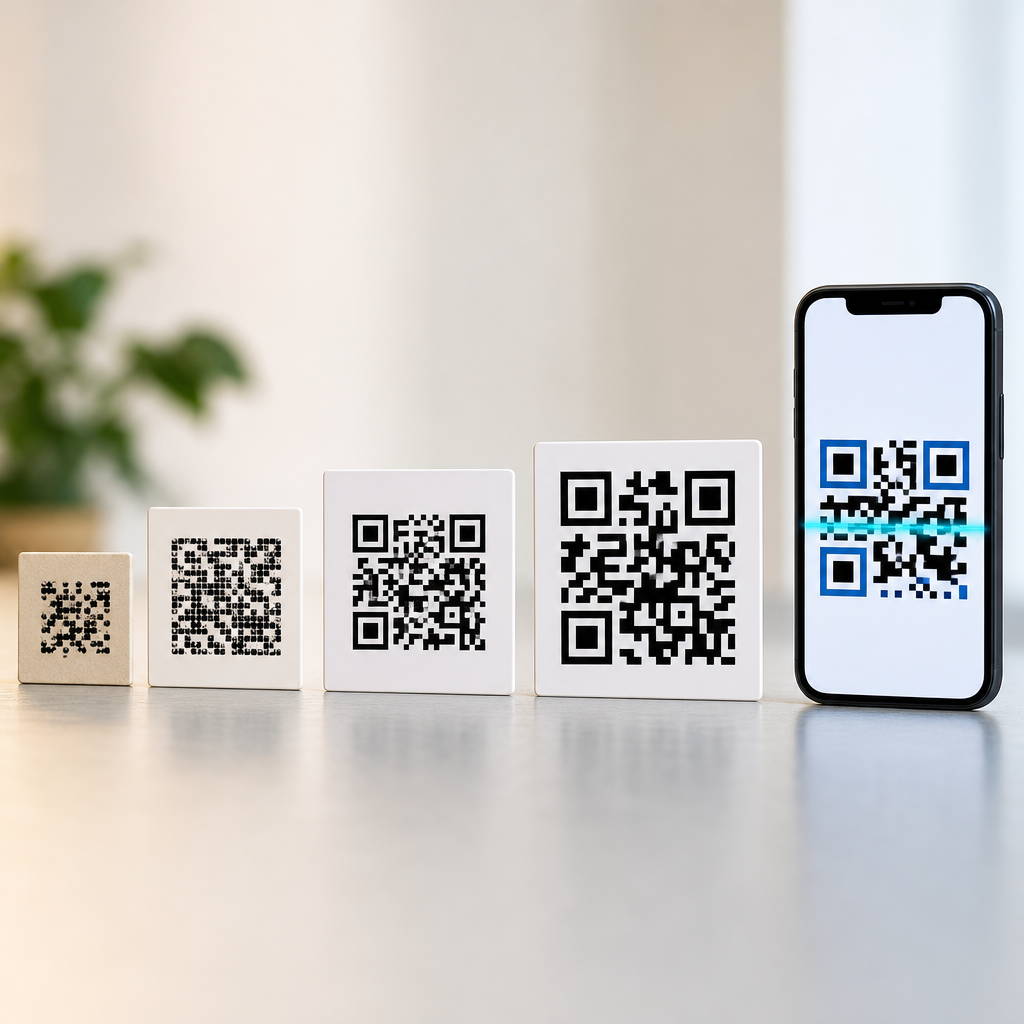
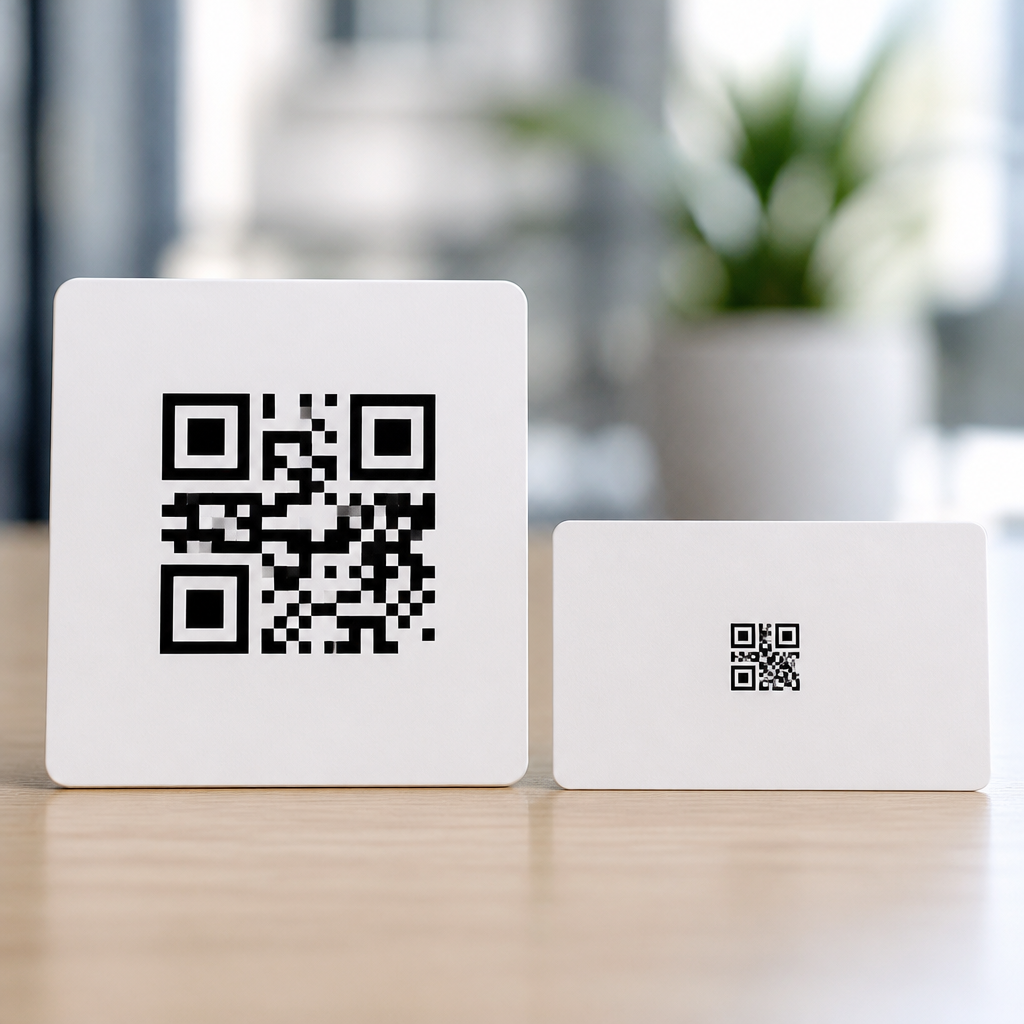
QR Code Technology & Standards determine whether a symbol scans instantly, fits the available print area, and survives the rough conditions of real packaging, labeling, and manufacturing. In that landscape, the decision between Micro QR and Standard QR is not a cosmetic design choice. It is a capacity, error-correction, workflow, and standards question that affects cost, usability, and compliance. I have specified both formats for product labels, equipment tags, retail inserts, and small medical components, and the smallest symbol that works reliably is rarely the one chosen by default.
A QR code is a two-dimensional matrix barcode defined under ISO and JIS standards, built from dark and light modules arranged in a square grid. Standard QR Code is the familiar format with three large finder patterns in the corners and multiple size versions, from Version 1 at 21 by 21 modules up to Version 40 at 177 by 177. Micro QR is a smaller variant designed for limited space. It uses a single finder pattern, fewer versions, and lower maximum data capacity, which lets it occupy a much smaller footprint when the payload is short.
This distinction matters because many real-world surfaces are tiny, curved, or crowded with mandatory information. Think of a printed circuit board, a laboratory vial, a cosmetics sample packet, or a serial label on a handheld tool. In those contexts, every millimeter matters. Yet making the code smaller only helps if the scanner ecosystem supports the format, if the print process can hold module edges cleanly, and if the encoded data remains useful. The best choice balances symbol size, reading distance, camera quality, environmental wear, and the amount of information that needs to travel with the mark.
As a hub page for QR Code Technology & Standards, this article explains the structural differences between Micro QR and Standard QR, where smaller symbols make sense, where they do not, and how related topics like versioning, error correction, quiet zone, print resolution, scanner compatibility, and standards compliance fit together. If you need a practical rule, here it is: use Micro QR when space is severely constrained and the payload is minimal; use Standard QR when broad compatibility, higher capacity, and stronger scan resilience matter more than saving a few millimeters.
What Micro QR and Standard QR Actually Change
Micro QR and Standard QR encode data using the same general idea: modules represent binary information, and readers reconstruct content by locating reference patterns, sampling the grid, and applying error correction. The differences begin with geometry. A Standard QR Code has three finder patterns, alignment patterns in larger versions, timing patterns, format information, and optional version information. Micro QR removes much of that overhead. It has one finder pattern, a reduced structural framework, and four versions commonly labeled M1 through M4, ranging from 11 by 11 modules to 17 by 17.
That structural economy is why Micro QR can be dramatically smaller for short strings. A compact numeric or alphanumeric payload that would look oversized in a Standard QR symbol may fit neatly in a Micro QR label area. However, the tradeoff is hard capacity. Standard QR can hold thousands of numeric characters at low error correction, while Micro QR is intended for short content such as a product ID, lot number, compact URL, or pointer into a database. It is not the right format for long web addresses, multilingual text blocks, or offline data capture forms.
Error correction is another major difference. Standard QR supports four familiar levels: L, M, Q, and H, allowing recovery of a significant percentage of damaged codewords. Micro QR supports more limited combinations depending on version. In practice, that means the smaller symbol has less redundancy available. If the label may be scratched, scuffed, wrinkled, or printed on textured stock, Standard QR usually gives more safety margin. I have seen tiny codes pass verification on a pristine press sheet and then fail in field use once abrasion and curvature were introduced.
The other often-missed difference is ecosystem support. Most modern industrial imagers and many smartphone scanning libraries read Standard QR well. Micro QR support is improving, but it is not universal across consumer apps, embedded device firmware, and older scan engines. For public-facing campaigns, broad compatibility usually outweighs compactness. For controlled environments such as factory lines using validated hardware, Micro QR can be an excellent fit because the scanner, distance, lighting, and print process are known variables rather than assumptions.
When Smaller Symbols Make Sense
Micro QR makes sense when the available label area is genuinely constrained and the data can be kept short without losing business value. The strongest use cases are component marking, small packaging, asset identification, and workflow labels where the code points to a record rather than carrying rich content itself. In manufacturing, for example, a microscope accessory or compact sensor may have room only for a few millimeters of mark area. Encoding a short serial token in Micro QR allows the operator or service technician to retrieve complete history from a database without enlarging the label beyond the product surface.
Healthcare and laboratory settings provide another practical example. Small sample containers, slides, and ampoules often need machine-readable identification, but label real estate is dominated by human-readable essentials such as drug strength, hazard warnings, or specimen details. A tiny symbol can preserve traceability without crowding critical text. In retail, cosmetics testers, jewelry tags, and electronics accessories sometimes benefit from a smaller code that links to care instructions or authentication records while staying visually unobtrusive.
Small does not automatically mean better. The symbol must still respect minimum module size for the print method and expected scan distance. As a field rule, if the user will scan with a smartphone from arm’s length, overshrinking the code is a mistake. A code that is physically tiny may still be standards-compliant yet frustrating in real conditions because handheld cameras need enough pixels per module, enough contrast, and a stable focus lock. Smaller symbols work best when scanning is close-range, guided, and repeatable, such as benchtop inspection or device setup at short distance.
| Scenario | Better Choice | Why |
|---|---|---|
| Printed circuit board component label | Micro QR | Tiny surface area, short identifier, controlled scanner environment |
| Consumer product packaging with website link | Standard QR | Broader phone compatibility, larger quiet zone tolerance, longer URL support |
| Laboratory vial or slide | Micro QR | Short payload and minimal label space, often scanned at close range |
| Restaurant menu, poster, flyer, storefront | Standard QR | Public scanning at varying distances and lighting conditions |
| Tool asset tag in harsh field use | Standard QR | Higher resilience options and better performance after wear |
The common pattern is simple: Micro QR is strongest when the code serves as a compact pointer inside a managed system. Standard QR is stronger when the scan must succeed across unknown devices, distances, and environments. If your audience is the general public, Standard QR remains the safer default.
Capacity, Error Correction, and Scan Reliability
Data capacity is often discussed abstractly, but in implementation it affects almost every design decision. The more content you encode, the denser the symbol becomes, and dense symbols require cleaner printing and more pixels during scanning. That is why short, structured payloads outperform verbose ones. Instead of embedding a full URL with campaign parameters, many teams generate a short redirect URL or numeric key. Doing that can make either QR format smaller, but it is especially important for Micro QR because its ceiling is low by design.
Encoding mode also matters. Numeric mode is the most efficient, alphanumeric is next, and byte mode is less compact because it must preserve more general characters. If your content is a serial number like 4839201745, the symbol can stay smaller than if you encode a mixed-case URL with punctuation. In production, I routinely normalize payloads before final symbol selection: remove unnecessary characters, shorten domains, and move mutable metadata to the destination system rather than the symbol itself.
Error correction improves robustness but consumes capacity. Standard QR gives enough headroom that many applications can choose M or Q without issue. Micro QR often forces tighter compromises. On paper, a tiny code with minimal redundancy can still pass a verifier. In the field, dust, glare, ink spread, laminate haze, and camera motion introduce enough distortion to expose those compromises. That is why verification should not stop at software generation. Use print samples from the actual substrate and process, then test with the real scanning devices under expected lighting and working distance.
Quiet zone is equally critical. Both formats need a clear margin around the symbol so the scanner can isolate it from neighboring text, logos, and borders. Designers often shrink or decorate this margin to save space, which hurts first-pass reads more than most people realize. The same goes for color contrast. Black on white remains the benchmark because it maximizes luminance contrast for camera-based readers. Reversed symbols, metallic inks, and glossy varnishes can work, but they raise risk and should be validated, not assumed safe.
Standards, Print Constraints, and Device Compatibility
QR technology is mature because it is standardized. Standard QR Code and Micro QR are covered by established specifications that define symbol structure, encoding, masking, and correction behavior. Following those rules is the difference between a code that merely looks correct and one that is reliably decodable across readers. In packaging and industrial settings, I also treat ISO/IEC verification practices as essential. A symbol should be measured for contrast, modulation, axial nonuniformity, and other quality factors, not just scanned once on a designer’s phone and approved.
Print method sets the practical floor for symbol size. Thermal transfer, laser marking, inkjet, offset, flexographic, and direct part marking processes all create edges differently. Dot gain in flexo can close small white spaces. Laser marks on metal may create lower contrast than expected. Curved containers distort module geometry. A Micro QR that is theoretically perfect may become unreadable if the smallest module is below what the process can hold consistently. Standard QR tolerates these realities better because its modules can remain larger at the same data payload.
Compatibility is where many teams get caught. Standard QR scanning is nearly universal on current smartphones through native camera apps or common libraries such as ZXing, ML Kit, or built-in OEM decoders. Micro QR support exists in specialized software and industrial hardware, but consumer support can be inconsistent by platform and app version. For internal operations, that may be acceptable. For marketing, onboarding, payments, tickets, or public information, it usually is not. A smaller symbol that half your users cannot scan is not an optimization; it is a failure mode.
There is also the issue of future maintenance. A code often outlives the original device fleet or app stack. Choosing a broadly supported format reduces replacement friction later. When clients ask me which format to standardize across mixed use cases, I usually recommend Standard QR as the baseline and reserve Micro QR for documented exceptions where surface area is constrained and scanner support is controlled. That policy simplifies training, procurement, and quality assurance while still leaving room for precision when miniaturization is necessary.
How to Choose the Right QR Format for a Project
Start with the use case, not the symbol. Ask five questions. Who will scan it? What device will they use? How far away will they scan? How much data must the code carry? What print process and surface will be used? Those answers usually settle the format quickly. If the audience is the public and the destination is a website, choose Standard QR. If the audience is trained staff using validated scanners on tiny labels, Micro QR may be appropriate. The wrong sequence is choosing the smallest possible symbol first and then trying to force the use case around it.
Next, reduce the payload. Use a short URL, record ID, or token whenever possible. Then select the lowest symbol version that meets capacity needs while preserving a practical module size. For Standard QR, that often means a low version with moderate error correction. For Micro QR, confirm that the selected version and correction level are supported by your scanner ecosystem. After generation, prototype on the real substrate. Test pristine samples, worn samples, curved placements, and low-light conditions. Measure first-pass scan rate, not just eventual scan success.
Finally, document the specification. Record target dimensions, minimum quiet zone, contrast requirements, allowed colorways, print process tolerances, and approved reader apps or devices. This is especially important for hub topics like QR Code Technology & Standards because symbol performance depends on the full system, not only the encoding algorithm. Teams that formalize these requirements avoid the repeated cycle of shrinking a code in artwork, failing on press, and then enlarging it after launch. Good QR governance saves both time and reprint cost.
Micro QR vs Standard QR comes down to one principle: optimize for successful scanning, not for the smallest possible graphic. Micro QR earns its place when label space is truly limited, the payload is short, and scanner conditions are controlled. Standard QR remains the better choice for most public-facing and mixed-environment applications because it offers higher capacity, stronger redundancy options, and wider device compatibility. Both formats are valuable parts of QR Code Technology & Standards, but they solve different problems.
If you are building a standards-based QR program, treat this page as your hub: understand symbol structure, version sizing, payload design, quiet zone, print limits, verification, and reader support before finalizing artwork. That systems view is what prevents scan failures in the field. Review your smallest labels, shorten your payloads, and test with real devices. Then choose the format that fits the job, not just the space.
Frequently Asked Questions
What is the main difference between Micro QR and Standard QR codes?
The core difference is size, but in practice that size difference reflects deeper tradeoffs in data capacity, error correction, and deployment flexibility. A Standard QR code is the familiar square symbol most people recognize, built to hold a broad range of data volumes and error-correction levels across many versions. It is designed for general-purpose use, from consumer packaging and posters to industrial labels and digital workflows. A Micro QR code is a smaller, more compact variant intended for cases where print space is extremely limited and the data payload is relatively short.
That distinction matters because a smaller symbol is not automatically the better symbol. Micro QR is optimized for efficiency in tight spaces, such as tiny equipment tags, miniature product labels, compact retail inserts, and certain medical or laboratory items where every millimeter counts. Standard QR, by contrast, offers more room for content, stronger scaling options, and broader implementation familiarity across software, printing, and scanning environments. If a workflow requires more encoded characters, more robust correction against damage, or easier compatibility across a mixed fleet of scanners and mobile devices, Standard QR usually becomes the safer choice.
In other words, the decision is not aesthetic. It is a technical selection based on how much information must be encoded, how much physical area is available, how the symbol will be printed, and what conditions it must survive. For organizations specifying codes for packaging, manufacturing, asset tracking, or regulated labeling, understanding that Micro QR is a constrained specialist format while Standard QR is a more flexible general-purpose format is the starting point for making the right choice.
When does it make sense to use a Micro QR code instead of a Standard QR code?
Micro QR makes sense when the available print area is genuinely limited and the encoded data is short enough to fit comfortably within the symbol’s reduced capacity. This often happens on small product labels, compact electronic components, narrow equipment tags, tiny retail inserts, and medical or laboratory items where there is not enough room for a full Standard QR without compromising readability, branding, regulatory text, or other required label elements. In these situations, using a smaller symbol can preserve layout integrity without abandoning machine-readable identification.
It is especially useful when the goal is to encode concise information such as a short identifier, part number, serialized reference, or a compact URL rather than long strings of text or complex structured data. If the code only needs to point to a backend record in a database, a Micro QR can be a smart choice because the symbol itself does not need to carry extensive information. That approach is common in operational environments where the printed mark acts as a key and the business system supplies the rest of the context.
That said, Micro QR should be chosen only after confirming that the print process can reproduce it accurately and the intended scanners can read it consistently. Very small symbols can become unforgiving if print quality drops, if surfaces are curved or textured, or if labels are exposed to abrasion, chemicals, or handling damage. So the best use case for Micro QR is not merely “small space,” but “small space with short data, controlled print quality, and validated scanning conditions.” If any of those factors are uncertain, Standard QR often provides a larger reliability margin.
How do capacity and error correction affect the choice between Micro QR and Standard QR?
Capacity and error correction are two of the most important factors in the decision. Capacity determines how much data can be encoded directly into the symbol. Standard QR codes support far more data and more version options, which makes them suitable for longer URLs, product information, batch references, instructions, authentication payloads, and structured operational data. Micro QR codes have more limited capacity, so they are best reserved for short content. If a symbol is near its maximum data limit, it may need to become denser, which can make printing and scanning less forgiving.
Error correction is equally important because it determines how well a code can still be read if part of it is damaged, obscured, poorly printed, or contaminated. In real packaging, labeling, and manufacturing environments, symbols are rarely handled under perfect conditions. Labels can scuff, shrink, wrinkle, get dirty, or be printed with slight gain or distortion. Standard QR generally offers stronger and more flexible error-correction options, which gives it an advantage in rougher workflows or wherever longer service life is required.
This is why the “smallest possible symbol” is not always the most cost-effective choice. A symbol that saves a few millimeters but fails more often in scanning can create rework, operator delays, failed receiving events, inventory exceptions, and compliance risk. For critical applications, many teams find that using a Standard QR with moderate data density and stronger resilience produces better total performance than pushing a Micro QR to its limits. The right decision balances payload size, symbol size, scan distance, substrate quality, and environmental exposure rather than focusing on footprint alone.
Are Micro QR codes as easy to scan as Standard QR codes on packaging, labels, and equipment tags?
They can be easy to scan, but only when the entire system is designed around their smaller size. A Micro QR code is not inherently difficult to read, yet it offers less tolerance for weak printing, low contrast, poor quiet zones, awkward placement, and environmental wear. On clean, high-quality labels with short encoded content and compatible scanners, Micro QR can perform very well. However, as the physical symbol gets smaller, small production issues become more significant. What might be acceptable variation for a Standard QR can be enough to degrade a Micro QR’s performance.
Packaging and industrial environments add complexity. Glossy films, textured cartons, curved containers, metal surfaces, direct part marking methods, and aggressive cleaning or handling conditions can all affect scan reliability. Equipment tags and manufacturing labels may also be scanned at different angles, under variable lighting, or by operators moving quickly. In those conditions, Standard QR often provides a wider operational window. Its larger structure and more forgiving sizing can help maintain first-pass read rates where Micro QR might require tighter control over print resolution, placement, and scanner setup.
The practical answer is to treat scan performance as a validation issue, not an assumption. If a business is considering Micro QR for product labels, medical items, or small equipment identification, it should test the exact symbol size, substrate, printer, ink or marking method, scanner type, and use environment before standardizing it. That testing should include real-world handling, not just ideal lab conditions. If scan speed and reliability remain strong, Micro QR may be entirely appropriate. If not, Standard QR is usually the more robust operational choice.
What standards, compliance, and workflow considerations should teams evaluate before specifying Micro QR or Standard QR?
Teams should evaluate far more than the code’s appearance. The first consideration is standards compatibility: whether the selected symbology is recognized and accepted by the devices, software platforms, customers, distributors, and regulatory frameworks involved in the workflow. In some ecosystems, Standard QR is more universally expected and supported, while Micro QR may require explicit confirmation across scanners, verification tools, print vendors, and downstream trading or operational partners. If a symbol will be exchanged across multiple organizations, broader compatibility can reduce friction and implementation risk.
Next comes workflow fit. That includes the amount of data to be encoded, whether the data may grow over time, how the code will be generated in production, what print technology will be used, and how quality will be verified. A team may begin with a short payload that fits in Micro QR, then later add serialization logic, batch data, internal routing references, or digital-link style structures that exceed the original design. Choosing too small a format too early can create future redesign costs. Standard QR often offers more room for change, while Micro QR is more suitable when the payload is stable and intentionally minimal.
Compliance and quality assurance also matter. In regulated or high-accountability sectors such as medical, laboratory, electronics, and industrial manufacturing, symbol readability and consistency are process issues, not just design details. Teams should consider verification grading, quiet zone requirements, contrast, substrate durability, and how labels will perform across storage, transport, sterilization, cleaning, or field use. They should also confirm whether internal SOPs, customer specifications, or industry labeling rules favor one symbol type over another. The most successful implementations come from treating QR selection as a standards and operations decision: define the data, confirm the environment, validate the scanners, verify print quality, and choose the smallest symbol only when it still meets reliability and compliance expectations.