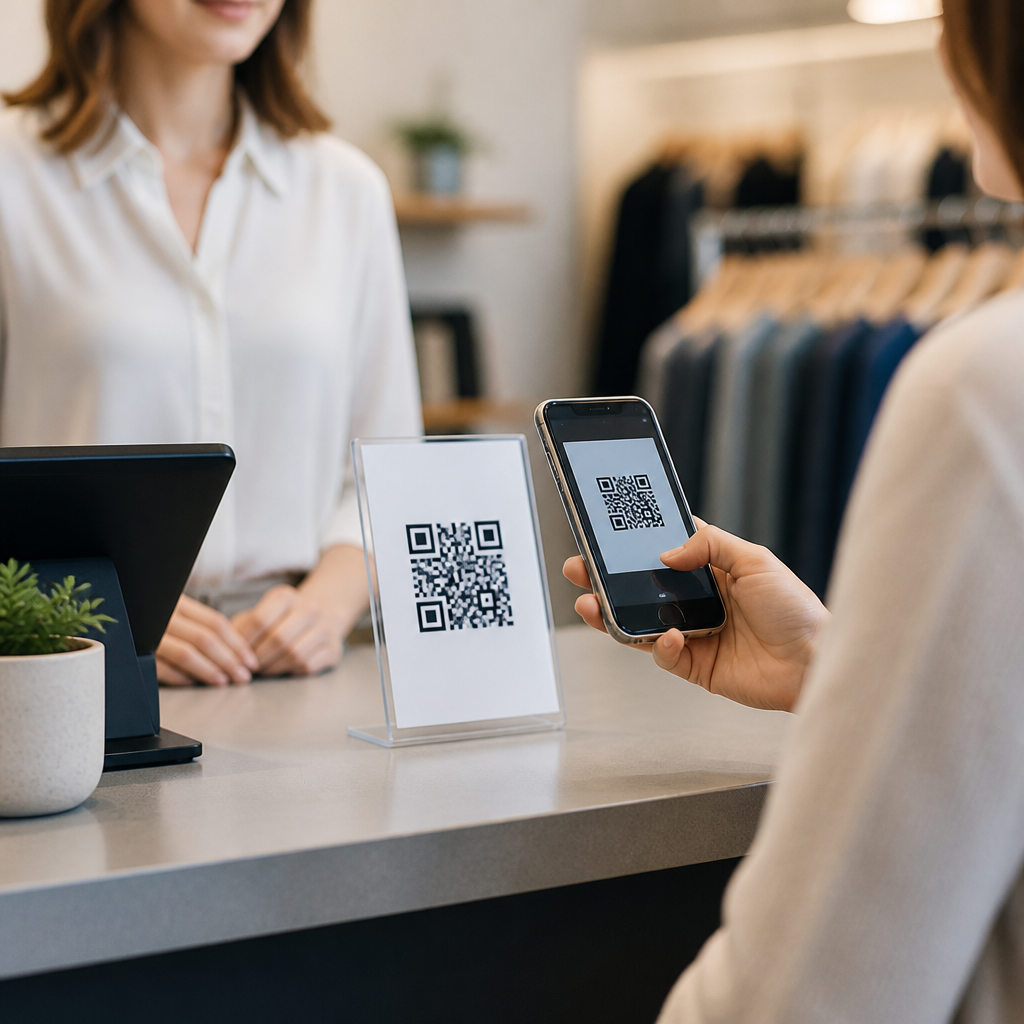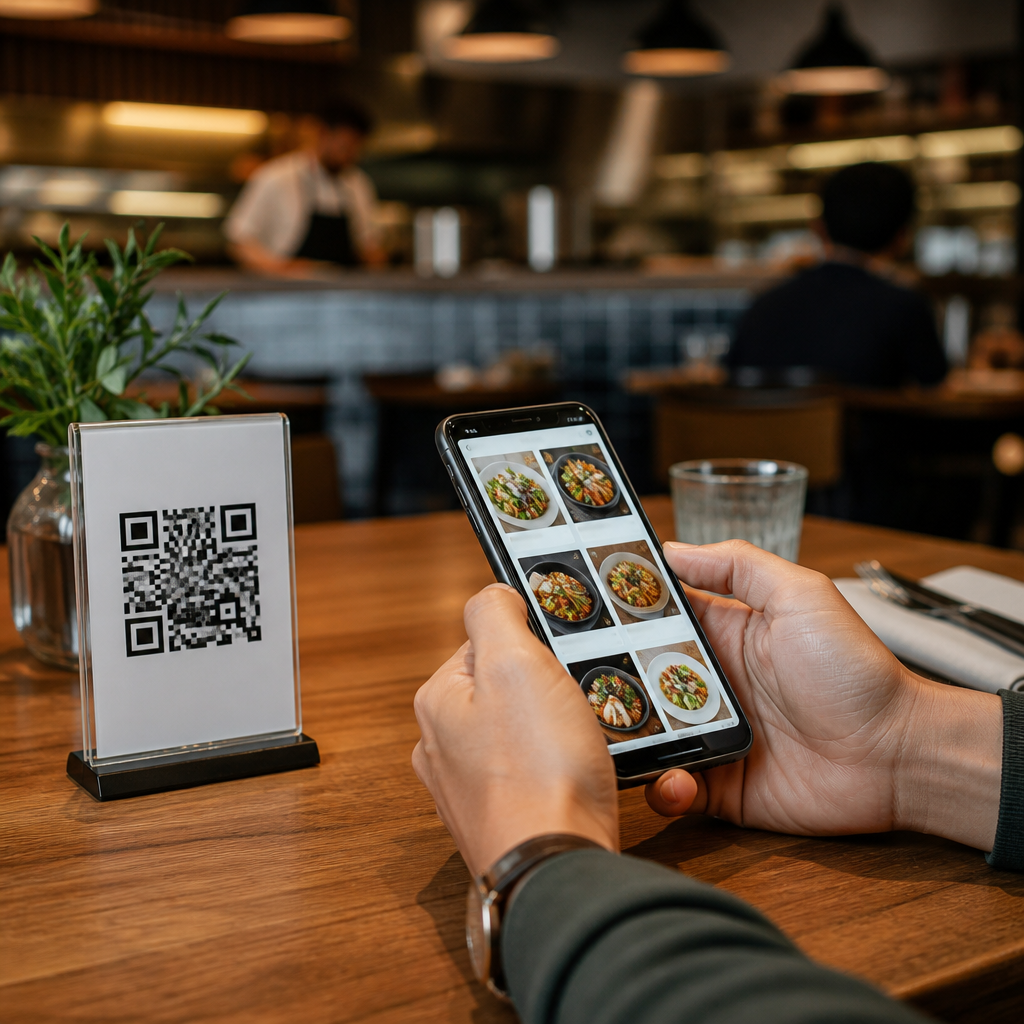
Restaurants adopted QR codes for menus and ordering long before they became mainstream, but the technology moved from convenience to core operating tool when labor costs climbed, guest expectations shifted, and contactless service became normal. In practical terms, a QR code is a scannable two dimensional barcode that opens a digital destination, usually a web page, PDF, app, payment screen, loyalty form, or ordering workflow. In restaurants and hospitality settings, that destination often becomes the front door to the guest experience: menu browsing, allergen review, table ordering, bill payment, feedback collection, and repeat marketing all start with one scan.
This matters because restaurant margins are thin, menu changes are frequent, and speed affects revenue. A printed menu cannot update itself when a dish sells out, a happy hour starts, or ingredient prices force a price change. A digital menu linked to a QR code can. I have helped operators roll out these systems across quick service, casual dining, bars, food halls, and hotel restaurants, and the pattern is consistent. The best implementations are not about replacing hospitality with a screen. They reduce friction for guests, lower reprint costs, improve menu accuracy, and capture data that can inform staffing, merchandising, and remarketing. The worst implementations bury the menu in a PDF, force app downloads, or break on weak Wi Fi. Understanding how restaurants use QR codes effectively requires looking beyond the code itself and into the operating model behind it.
What restaurant QR codes actually do
At a basic level, restaurant QR codes connect a physical touchpoint to a digital action. A code on a table tent may open a menu. A code on a takeout bag may trigger reorder. A code on a hotel room placard may launch room service ordering. In all three cases, the value comes from reducing steps between intent and action. Guests do not need to search a website, wait for a server to return, or call a front desk line. They scan and proceed.
Operators typically use either static or dynamic QR codes. Static codes point to a fixed URL and cannot be changed after printing. Dynamic codes redirect through a management platform, so the destination can be updated without replacing the printed code. For restaurants, dynamic codes are usually the better choice because menus change often and campaigns rotate. Platforms from Toast, Square, Clover, Popmenu, BentoBox, Sunday, and owner built systems commonly support dynamic routing, analytics, and table level tracking.
The digital destination also varies by service model. Quick service brands often link to mobile ordering and payment first, because throughput matters. Full service restaurants may prioritize a browsable menu, wine list, allergen filters, and optional pay at table. Hotels extend the use case into room service, spa ordering, minibar replenishment, and property wide wayfinding. The code is the visible piece, but the real system includes the menu database, point of sale integration, kitchen routing, payment gateway, and analytics stack.
Digital menus: accuracy, flexibility, and guest confidence
The most common restaurant use case is the QR code menu. Guests scan, browse categories, expand dish descriptions, review modifiers, and sometimes see photos, nutrition, or pairing notes. Done well, this improves accuracy. Printed menus go out of date the moment a price changes or an item runs out. Digital menus can be edited in minutes, which matters in businesses dealing with seasonal ingredients, volatile food costs, and daily specials.
Accuracy is not only a financial issue. It builds trust. Guests with allergies, dietary restrictions, or religious requirements often need more information than a print menu can comfortably hold. QR menus can surface ingredient disclosures, cross contact notices, vegetarian and vegan tags, gluten free options, and customization logic without cluttering the core layout. Chains such as Panera Bread and Starbucks have conditioned many customers to expect detailed item level information. Independent operators can now offer similar clarity through affordable menu platforms.
Digital menus also support merchandising. In my work, beverage attachment rates often rise when cocktails, wine flights, desserts, and add ons are displayed with strong descriptions and visual hierarchy. A server can still guide the experience, but the menu itself becomes a sales tool that stays consistent across shifts. Restaurants can highlight high margin items, mark chef features, schedule daypart specific menus, and A B test item names or placement. Those capabilities are difficult and expensive with print alone.
QR ordering at the table and on premises
Table side ordering is where QR codes move from information to transaction. A guest scans a code tied to a table, starts an order, sends it to the kitchen, and often pays without waiting for a check presenter. This model is common in fast casual dining, breweries, food halls, stadium clubs, and labor constrained casual restaurants. It can reduce wait times, increase table turns, and free staff for higher value interactions such as problem resolution, upselling, or hospitality touches.
There are tradeoffs. Not every dining occasion benefits from self directed ordering. Fine dining depends on pacing, storytelling, wine guidance, and personal service. In those contexts, QR ordering may feel intrusive or cheap. But in venues where guests value speed and control, it performs well. Wetherspoons in the UK popularized app based table ordering years ago, and many North American operators now use browser based systems that avoid app downloads. The operational lesson is simple: match the workflow to the service promise.
| Use case | Primary benefit | Operational requirement | Best fit |
|---|---|---|---|
| QR menu only | Fast updates and lower print cost | Mobile friendly menu page | Full service, cafes, bars |
| Table side ordering | Shorter wait times and higher throughput | POS and kitchen integration | Casual dining, breweries, food halls |
| Pay at table | Faster turns and better guest control | Secure payment gateway | Busy lunch and dinner periods |
| Takeout reorder code | More repeat business | Order history or reorder landing page | QSR, pizza, ghost kitchens |
| Hotel room service QR | Lower call volume and higher convenience | Property system coordination | Hotels and resorts |
From a systems standpoint, table ordering works best when menu synchronization is reliable. If the QR interface shows an item that the POS has marked unavailable, staff inherit the problem. Modifier design matters too. Pizza, sushi, and build your own concepts require structured logic so guests cannot create impossible combinations. Restaurants that treat the ordering layer as part of menu engineering, rather than a bolt on gadget, see better results.
Payments, loyalty, and first party customer data
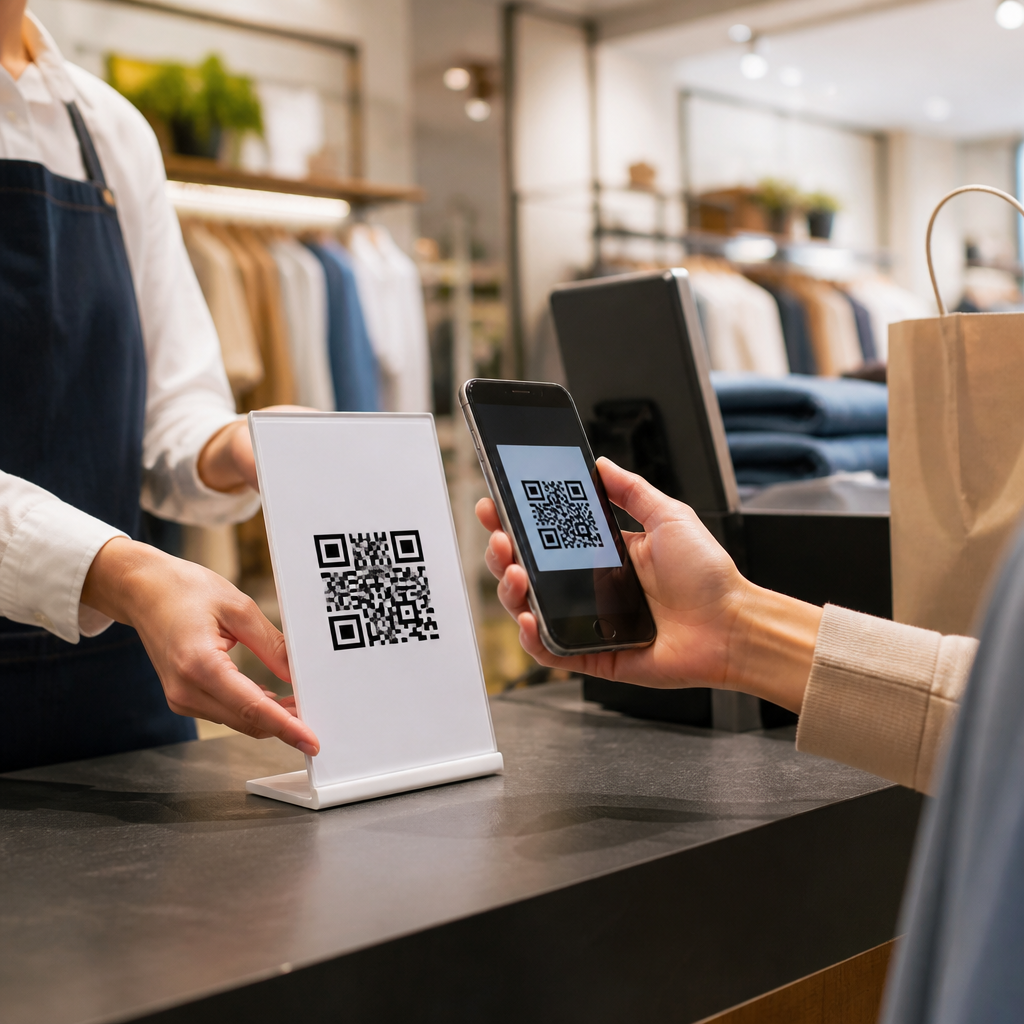
QR codes increasingly connect ordering to payment and retention. Pay at table flows let diners settle checks from their phones, split bills, tip, and request receipts without waiting. For operators, that speeds table turns, especially at lunch or pre show peaks. Platforms such as Sunday, Toast Mobile Order and Pay, and Square Online have made this straightforward for independents and chains alike. Security still matters. Payment pages should use HTTPS, trusted gateways, and clear branding so guests know the destination is legitimate.
Beyond payment, the bigger strategic value is first party data. When a guest scans to order, join Wi Fi, enter a loyalty program, or claim a bounce back offer, the restaurant can collect consent based contact data and behavioral signals. That may include favorite categories, visit frequency, average order value, time of day patterns, and response to promotions. In a world where third party cookies are less reliable and marketplace delivery platforms own much of the customer relationship, direct data is valuable.
Used responsibly, this data improves marketing efficiency. A brunch heavy café can retarget weekday lapsed guests with a lunch offer. A hotel bar can promote live music nights to recent visitors. A pizza brand can print a reorder QR code on every box, sending customers to a prefilled cart rather than a generic homepage. The key is restraint. Collect only what is needed, explain why, and comply with privacy rules, payment standards, and local marketing consent requirements.
Restaurant operations behind the scan
Successful QR code programs depend less on design trends than on operational discipline. The first requirement is mobile usability. Many restaurant menus still open as oversized PDFs with tiny text, slow load times, and no accessibility structure. That is a failure of implementation, not of the channel. Menus should load quickly on cellular connections, use responsive layouts, support screen readers, and avoid forcing pinching or horizontal scrolling. Google’s Core Web Vitals are not just a publisher concern; they affect restaurant conversion too.
The second requirement is location logic. A single QR code can serve all guests, but segmented codes often perform better. Table specific codes help route orders accurately. Separate codes for bar, patio, hotel room, pool deck, and takeout packaging allow context specific menus, service fees, and promotions. Dynamic QR platforms can append parameters that identify source location, campaign, or table number. That data is useful when diagnosing friction points, comparing conversion by zone, or testing different calls to action.
Staff training is equally important. Servers need to know when to introduce the QR option, when to step in, and how to help less technical guests. Hosts should recognize dead links or weak signage before service starts. Managers should test scans daily across iPhone and Android devices, not assume yesterday’s setup still works. I have seen restaurants lose orders because a payment certificate expired, a shortened link failed, or a menu category was unpublished. A QR code system needs ownership.
Use cases across hospitality formats
Restaurants are the center of this topic, but hospitality expands the possibilities. Hotels use QR codes in guestrooms for room service menus, housekeeping requests, minibar ordering, late checkout offers, and restaurant reservations. Resorts add poolside food ordering, cabana service, spa retail, and event schedules. Conference venues use them for banquet menus, wayfinding, attendee offers, and post event surveys. In each case, the code reduces pressure on phone lines and front desk staff while giving guests self service control.
Bars and nightlife venues use QR codes differently. Speed and compliance dominate. Drink menus change often, events rotate weekly, and guests may be in loud environments where calling a server is inefficient. A well placed code can open a menu, verify age gate messaging, launch tabs, or collect reservations for future events. Breweries frequently pair table ordering with merchandise and membership sales. Because the dwell time is longer than in quick service, the digital menu can also educate guests on flights, tasting notes, and food pairings.
Food halls and ghost kitchens are especially strong fits. Multiple vendors can use shared signage with vendor specific destinations, or a hall level code can route guests into a marketplace ordering interface. That reduces line congestion and helps newcomers understand the layout quickly. Ghost kitchens often place QR codes on packaging, social posts, and neighborhood flyers to drive direct reorder traffic away from high commission delivery apps. The unit economics can be meaningful when platform fees range from roughly 15 to 30 percent.
Common mistakes and how to avoid them
The most common mistake is treating a QR code as the strategy instead of the entry point. A code that opens a static PDF, broken page, or generic homepage does not solve a guest problem. The destination must be purpose built for the moment. If the sign says scan to order, the guest should land directly in ordering, not search through navigation. If the room card says scan for room service, the menu should reflect room service hours, fees, and fulfillment times immediately.
Another mistake is ignoring accessibility and inclusion. Some guests will not want to scan, may have low vision, or may not have a charged phone. Restaurants should keep a backup path, whether printed menus, staff assistance, or a kiosk. Accessibility also includes readable contrast, alt text where relevant, large tap targets, and language options in diverse markets. Good hospitality design never assumes one channel serves everyone equally well.
Finally, operators often undermeasure results. At minimum, track scan rate, menu views, order starts, order completion, average order value, payment completion, and repeat scan behavior. Compare QR initiated orders with staff entered orders by daypart and zone. If dessert attachment rises after redesigning the digital menu, keep the change. If patio scans are high but payment completion is low, test connectivity, page speed, or service recovery prompts. Continuous improvement is where QR codes become a durable revenue tool instead of a temporary novelty.
QR codes give restaurants and hospitality brands a flexible bridge between physical service and digital convenience. They support faster menu updates, smoother ordering, easier payment, stronger merchandising, and better first party data collection when the system behind the scan is well designed. They also help operators adapt across formats, from cafés and bars to hotels, food halls, and room service environments, without rebuilding the guest journey from scratch.
The main benefit is not the code itself. It is operational agility paired with guest control. When diners can access accurate menus, place orders with fewer delays, and pay on their own terms, service feels more reliable. When managers can update items instantly, route orders correctly, and measure behavior by location and time, the business becomes easier to run. That combination matters in an industry shaped by slim margins, labor pressure, and changing customer expectations.
If you manage restaurant or hospitality marketing, treat this page as your starting point for the full subtopic. Audit every current scan experience, map each code to a clear business goal, and improve the destination before printing another sign. The restaurants getting the best results from QR codes are not chasing trends. They are building simple, measurable guest journeys that work every shift.
Frequently Asked Questions
How do restaurants use QR codes for menus and ordering?
Restaurants use QR codes as a fast bridge between the physical dining space and a digital experience. A guest scans the code with a smartphone camera and is taken to a digital destination such as a menu page, ordering interface, payment screen, loyalty signup, or promotional offer. In many restaurants, the most common use is a QR menu that replaces or supplements printed menus. Instead of handing out paper copies, the restaurant places a code on the table, counter, receipt, tent card, window, or packaging so customers can instantly view current items, prices, photos, ingredients, and modifiers.
For ordering, the QR code often opens a mobile ordering workflow where guests can select items, customize meals, submit orders directly to the kitchen, and sometimes pay without waiting for staff intervention. This is especially useful for quick service, casual dining, hotel food service, bars, and venues with high table turnover. Some systems are table specific, meaning the QR code identifies the exact table number and routes the order appropriately. Others support takeout, curbside pickup, delivery, or reordering from a previous purchase.
What makes QR codes valuable is that they reduce friction at several stages of the guest journey. They help restaurants update menus in real time, reduce reprinting costs, shorten wait times, support contactless service, and collect useful ordering data. Rather than being a novelty, QR codes have become a practical operating tool that helps restaurants streamline service while giving guests more control over how they browse, order, and pay.
What are the biggest benefits of QR code menus for restaurants?
The biggest benefit is flexibility. A printed menu becomes outdated the moment a price changes, an item sells out, or a seasonal special is introduced. A QR code menu can be updated instantly without replacing physical materials across every table or location. That makes it easier for restaurants to manage limited time offers, ingredient shortages, daypart changes, happy hour menus, and location specific pricing. For operators dealing with tight margins, that speed matters.
QR code menus also support labor efficiency. Staff spend less time handing out menus, explaining sold out items, or reprinting changes, which allows them to focus on hospitality and higher value guest interactions. In ordering environments, QR systems can reduce bottlenecks by letting customers place orders when they are ready instead of waiting for someone to take them. This can improve table turns, reduce lines, and create a smoother experience during peak hours.
There are guest experience advantages as well. Digital menus can include richer information than print, such as item images, allergen details, dietary filters, pairing suggestions, upsells, and multilingual options. Many guests appreciate the convenience of browsing at their own pace and ordering directly from their phone. From a business standpoint, QR systems can also generate cleaner data, showing which items are viewed, which modifications are common, and where guests drop off in the ordering process. That insight can support better menu engineering, promotion planning, and operational decisions.
Do QR code menus and ordering systems improve restaurant efficiency?
Yes, when implemented well, they can significantly improve efficiency across front of house and back of house operations. On the front end, QR codes reduce repetitive manual tasks such as distributing menus, taking basic orders, explaining standard modifiers, and processing straightforward payments. If a restaurant is short staffed or facing rising labor costs, this can relieve pressure without necessarily reducing service quality. Staff can spend more time helping guests who need recommendations, resolving issues, or creating a more personal dining experience.
On the operational side, digital ordering can improve order accuracy because guests enter selections themselves and can review modifiers before submitting. That reduces misunderstandings caused by noise, rushed service, handwriting, or verbal communication errors. When the QR platform integrates with the restaurant’s POS and kitchen systems, orders can move directly into production workflows with fewer manual handoffs. This often means faster ticket processing and fewer mistakes.
Efficiency also improves because management can make immediate updates. If an item is unavailable, the system can remove it or mark it sold out in real time. If the restaurant wants to highlight a high margin dish or promote a lunch combo during a slower period, the digital menu can be adjusted instantly. That kind of responsiveness is difficult with print. The key point, however, is that efficiency gains depend on good design. The menu must load quickly, be easy to navigate, and work reliably on mobile devices. A confusing or slow experience creates new friction instead of removing it.
What should restaurants consider before adding QR codes for menus and ordering?
Restaurants should start by thinking about the guest experience, not just the technology. The first question is whether the QR workflow makes dining easier. If the process is clunky, forces app downloads, or makes customers search through too many screens, adoption will suffer. The best QR experiences are simple, mobile optimized, and accessible within seconds of scanning. Guests should be able to understand what the code does right away, whether it opens a menu, starts an order, or takes payment.
Technical reliability is another major consideration. Restaurants should choose a platform that works well across different phone models, browsers, and internet speeds. The code should link to a secure, fast loading digital destination, ideally with a clean interface and minimal steps. If ordering is involved, integration with the POS, kitchen display system, inventory controls, and payment processor is important. Without those connections, staff may end up reentering orders manually, which defeats much of the operational value.
Placement and communication also matter. QR codes should be large enough to scan easily and placed where customers naturally look, such as tabletops, menus, counters, windows, takeout packaging, or receipts. Clear instructions help, especially for first time users. Restaurants should also maintain alternatives for guests who prefer traditional service, printed menus, or staff assistance. Accessibility, language support, and privacy should be part of the decision too. A well planned rollout treats QR codes as one service channel among several, not as a one size fits all replacement for hospitality.
Are QR codes replacing servers, or are they mainly supporting restaurant service?
In most cases, QR codes are supporting service rather than replacing it. Their main value is automation of routine steps, not elimination of hospitality. Restaurants still need staff to welcome guests, answer questions, handle exceptions, deliver food, manage timing, solve problems, and create a memorable experience. Even in highly digitized environments, people remain essential to service quality. QR codes simply shift some tasks, especially repetitive or transactional ones, into a self service format.
This is why many restaurants treat QR tools as a way to redeploy labor more effectively. Instead of spending time on activities that guests can easily complete themselves, staff can focus on moments that benefit from human interaction. For example, a server may spend less time entering drink refills or splitting checks and more time making recommendations, checking satisfaction, or upselling in a natural way. In quick service settings, QR ordering can reduce line pressure while employees focus on speed, accuracy, and food handoff.
The restaurants that get the best results usually balance digital convenience with personal service. They recognize that some guests want maximum control from their phone, while others still prefer a traditional menu and face to face ordering. A flexible approach works best. QR codes are not inherently about removing people from the experience. They are about giving restaurants a more efficient operating model and giving guests another convenient way to interact with the menu, place orders, and complete payment.