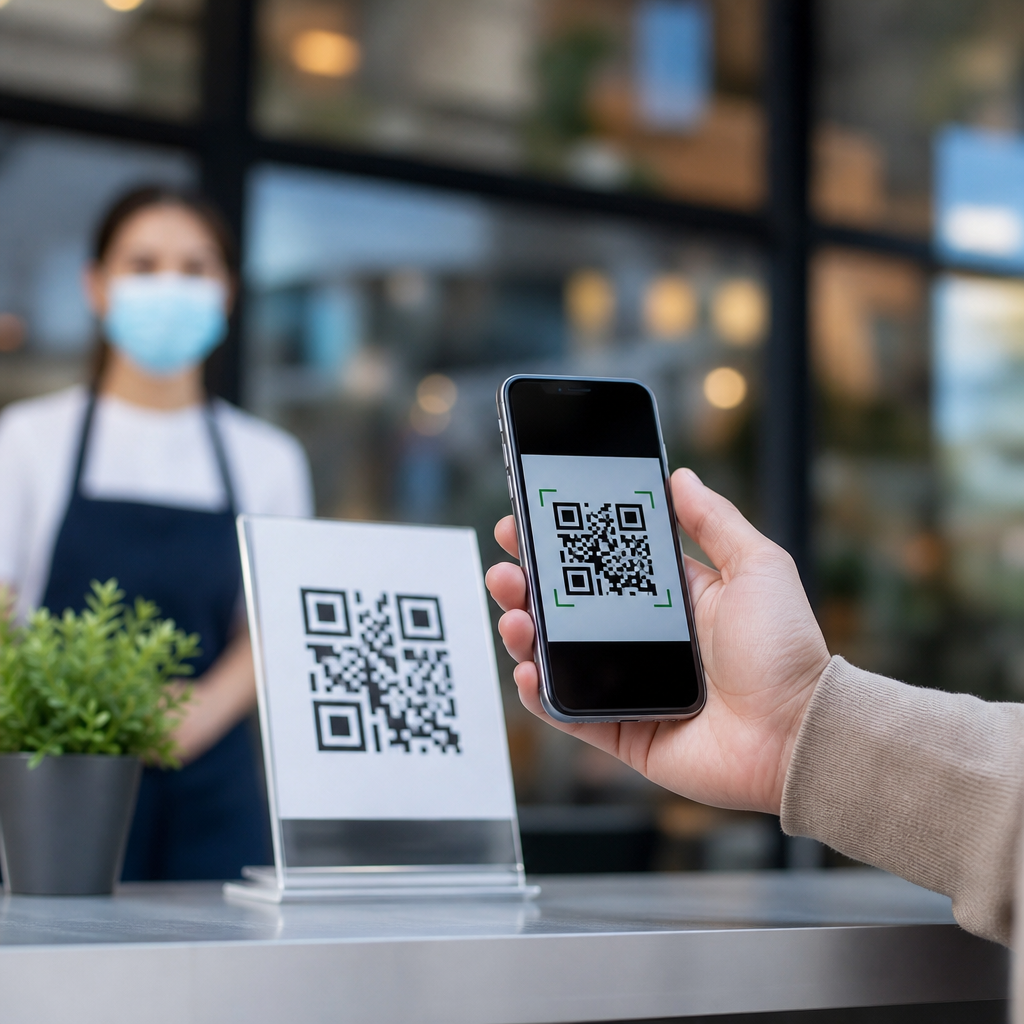
QR codes did not fade with contactless menus; they matured into a practical bridge between physical spaces and digital actions. A QR code, or Quick Response code, is a two-dimensional barcode that stores data such as a URL, payment request, Wi-Fi credential, coupon, file link, or product identifier. During the pandemic, millions of diners learned to scan codes to view menus without touching shared surfaces, and that moment created a widespread habit. The bigger question now is not whether people still use QR codes after contactless menus, but where they use them, why they trust or avoid them, and which assumptions about them are no longer true.
I have worked with restaurant groups, retailers, and event teams that adopted QR codes in a rush in 2020 and then had to decide which uses deserved a permanent place. The pattern was clear. Menu scans dropped from emergency highs, yet overall QR engagement remained strong because the use cases expanded. Instead of one narrow function, codes became part of payments, packaging, customer support, app downloads, loyalty enrollment, check-ins, and post-purchase education. That shift matters because many businesses still view QR codes through outdated myths: people are tired of them, older customers never scan them, printed codes cannot be measured, dynamic codes are a gimmick, or QR campaigns are inherently insecure.
Those myths lead to bad decisions. Companies remove useful touchpoints, print weak codes that fail in low light, send traffic to generic homepages, or skip simple security cues that build confidence. Consumers also carry misconceptions. Some assume every QR code requires an app, exposes private data, or only works for websites. In reality, modern smartphone cameras on iPhone and Android devices scan native codes quickly, and the encoded destination can trigger many actions when designed properly. Understanding what people actually do with QR codes today helps separate temporary pandemic behavior from durable utility.
This article serves as a hub for QR Code Myths and Misconceptions within QR Code Basics and Education. It explains whether people still use QR codes after contactless menus, what current behavior says, which myths persist, and how to evaluate a code’s real value. If you manage marketing, operations, packaging, hospitality, or customer experience, the goal is simple: replace assumptions with evidence and use QR codes where they remove friction, not where they add it.
Yes, people still use QR codes, but the strongest use cases changed
People absolutely still use QR codes after contactless menus, and the strongest evidence is the breadth of daily scanning behavior across industries. Restaurant menus introduced mainstream familiarity, but sustained adoption came from convenience. In my own campaign audits, menu traffic often stabilized below peak pandemic levels while payment, review, loyalty, and product-information scans kept rising because they solved repeat problems faster than typing a URL or downloading a brand app first.
Consumer research has supported that broader pattern. Surveys from firms such as Statista, Deloitte, and Ivanti have consistently shown high awareness and substantial usage of QR codes for payments, promotions, and information access. Exact percentages vary by market and year, but the directional trend is stable: awareness is near universal among smartphone users, and regular scanning is common enough that QR codes are now a standard interface, not a novelty. The technology also benefits from zero training. Point a camera, tap the banner, and act.
The key change after contactless menus is context. Diners no longer tolerate codes that replace a perfectly good paper menu without adding value, especially in dimly lit restaurants with poor cellular service. Yet those same diners will scan a tabletop code to split a bill, reorder a favorite item, join a loyalty program, or leave a review in seconds. Utility, not novelty, determines performance.
Myth: QR codes were only a pandemic workaround
This is the most persistent misconception, and it is wrong. QR codes existed long before 2020. Denso Wave created the format in 1994 for tracking automotive components. Adoption outside manufacturing was uneven for years, largely because mobile cameras and scanning software were clumsy. Once smartphone operating systems integrated native scanning, the format finally matched user behavior. The pandemic accelerated exposure, but it did not invent the underlying value.
Today, QR codes function as low-cost, cross-channel connectors. A printed package can launch setup instructions. A direct mail piece can open a personalized landing page. A poster can register attendees for an event. A medicine label can surface dosage guidance or refill workflows. Contactless menus made people comfortable with scanning in public; that familiarity carried into many other environments.
The practical lesson is important: businesses should evaluate QR codes the same way they evaluate any interface element. Ask whether the code reduces steps, improves measurement, supports attribution, or delivers context at the moment of need. If yes, it has lasting value. If not, removing it may improve the experience. The pandemic did not make QR codes useful; it simply revealed where they were already useful.
Myth: Nobody scans QR codes anymore
When someone says nobody scans QR codes anymore, they usually mean one of two things: a single campaign underperformed, or they personally stopped using menu codes. Neither observation describes the market. Scan rates depend heavily on placement, incentive, destination quality, and trust cues. I have seen the same audience ignore a code on a cluttered flyer and enthusiastically use a code on product packaging that promised assembly help in under two minutes.
In real-world deployments, codes continue to perform in five categories especially well: instant payments, ticketing and check-in, product education, loyalty enrollment, and support deflection. Airlines, transit systems, stadiums, and parking providers rely on scannable codes because they shorten lines and reduce staffing pressure. Consumer packaged goods brands place codes on labels to explain sourcing, ingredients, and warranty registration. B2B firms use them at trade shows to qualify leads without requiring a stack of brochures.
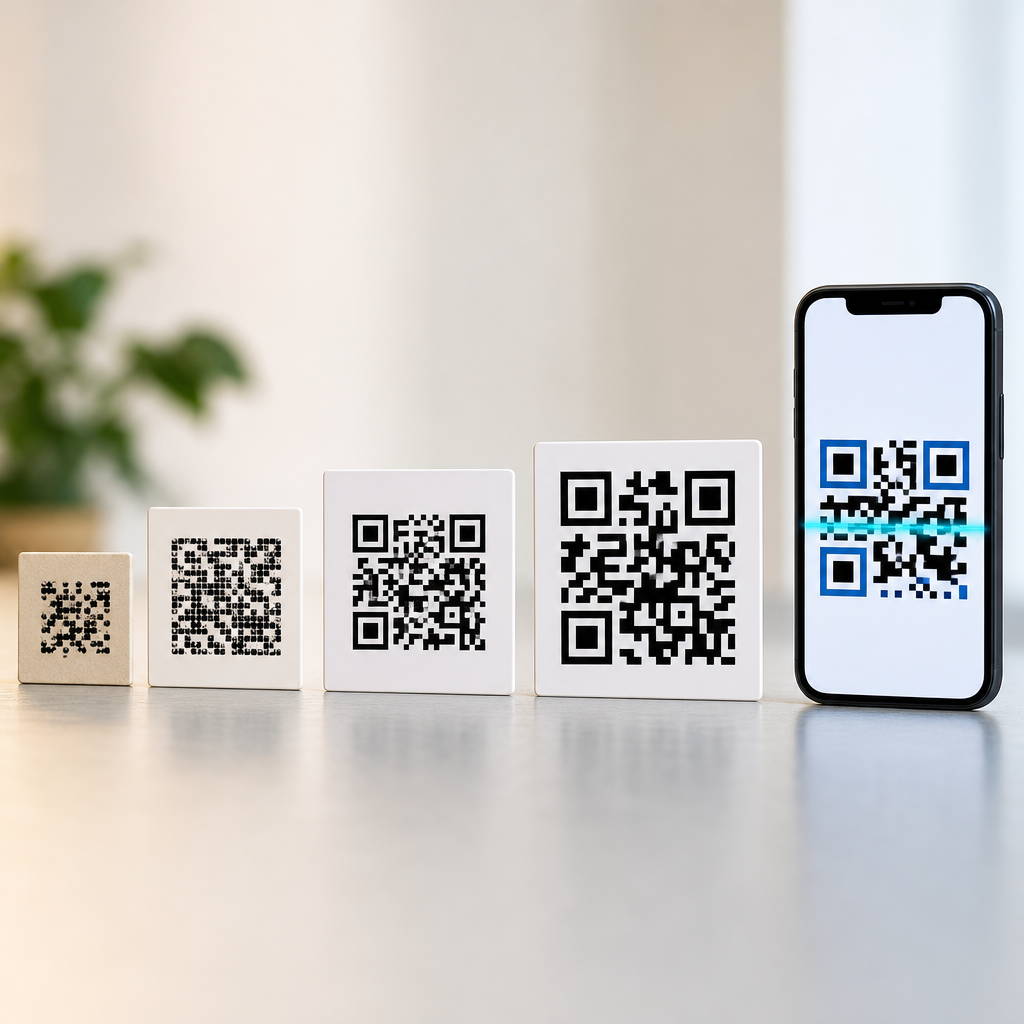
Underperformance usually traces back to execution errors. Common failures include tiny code size, poor contrast, glossy placement that reflects light, no explanation of what happens after scanning, weak mobile landing pages, or forcing app downloads before delivering value. People still scan QR codes. They simply ignore bad implementations more quickly than they did in the novelty phase.
Myth: QR codes are only for restaurants
Restaurants made QR codes visible, but the technology is industry-agnostic. In retail, codes connect shoppers to size guides, user reviews, and color availability when shelf space is limited. In healthcare, clinics use codes for intake forms, appointment confirmations, and patient education. In real estate, signs can open virtual tours, financing calculators, or agent contact cards. In manufacturing, equipment labels can link technicians to service manuals and parts lists at the point of repair.
One reason QR codes work across sectors is that they compress an action into a universal behavior. Typing a long URL from a shelf tag, handout, or billboard creates friction. A scan removes transcription errors and starts the journey instantly. This matters even more when speed is critical, such as event entry, curbside pickup, or field service. Because the code can store far more than a basic link, it can also support vCard downloads, SMS prompts, email drafts, Wi-Fi access, and geolocation actions.
For a sub-pillar hub on myths and misconceptions, this point anchors several related topics: QR code use cases, QR code best practices, static versus dynamic QR codes, and QR code tracking. The misconception persists because many people remember only the menu boom. The modern reality is broader and more operational.
Myth: Older customers and less technical users will not scan
This belief often hides a design problem. Age alone is not the blocker. In usability reviews I have run for hospitality and healthcare clients, older participants scanned successfully when the code was physically accessible, clearly labeled, and tied to an obvious benefit. They struggled when the code was low on a stand, printed too small, mixed into decorative graphics, or sent them to a cluttered page with tiny text and pop-ups.
Accessibility matters more than age stereotypes. Good practice includes high contrast, sufficient white space around the code, plain-language prompts, and a fallback option such as a short URL or printed alternative. Staff training matters too. A simple phrase like “Scan here to see large-text instructions” often drives more adoption than a bare code with no context.
| Myth | What actually happens | Practical fix |
|---|---|---|
| Older users will not scan | Many scan successfully when the value is clear and the page is readable | Use large placement, strong contrast, and a clear benefit statement |
| Printed codes cannot be tracked | Dynamic QR codes can capture scans, time, location, and campaign source | Use tagged URLs and analytics dashboards |
| QR codes are unsafe by default | Risk comes from the destination, not the format itself | Show branded domains and avoid URL shorteners that hide intent |
| Every code needs an app | Most modern phones scan through the native camera | Add a brief “Open your camera to scan” instruction |
That same principle applies to nontechnical users generally. People adopt interfaces that feel obvious and low risk. They resist interfaces that seem ambiguous or punitive. If your audience includes mixed comfort levels, the code should not replace every pathway. It should provide the fastest pathway for those who want it while preserving access for everyone else.
Myth: QR codes are insecure and should be avoided
QR codes are not inherently dangerous, but they can be used to hide malicious destinations, just as email links can. The right framing is risk management, not blanket avoidance. A QR code is a container. The security issue lies in where it sends a user and what that destination asks them to do. That distinction matters because many businesses overreact by removing legitimate codes instead of improving trust signals.
Safer deployment follows familiar web hygiene. Use HTTPS destinations. Prefer recognizable branded domains instead of obscure short links. Place codes in controlled environments where tampering is harder, especially on payment terminals and public posters. Inspect physical placements regularly for sticker overlays. If a code initiates payment, follow established payment standards and make the merchant identity obvious before checkout.
Users also need guidance. Encourage people to preview the destination banner before tapping, keep their devices updated, and avoid entering credentials on suspicious pages. On iOS and Android, the camera preview usually reveals the link before opening it. For organizations, mobile device management policies can limit risky behavior on company phones. The balanced truth is simple: QR codes deserve the same security discipline as any clickable link.
Myth: Static and dynamic QR codes work the same way
They do not, and confusing them causes costly mistakes. A static QR code encodes the final destination directly. Once printed, it cannot be changed without reprinting. A dynamic QR code points to a redirect service, which then forwards users to the current destination. That extra layer enables editing, campaign measurement, geotargeting, A/B testing, device-based routing, and expiration controls.
For one-off uses like connecting to a home Wi-Fi network or linking to a permanent PDF, static codes can be fine. For business use, dynamic codes are usually the smarter choice because they preserve the printed asset while allowing updates. I have seen retailers rescue expensive packaging runs by swapping the destination from an out-of-stock product page to a category page without reprinting a single box. I have also seen museums use one printed code for rotating exhibits by updating the landing content behind it.
Dynamic does not automatically mean better, however. It adds dependency on a platform, and if the provider fails or the subscription lapses, the code may break. Businesses should review service reliability, export options, analytics ownership, and redirect speed before committing. The misconception is not just technical; it affects budgeting, governance, and long-term control.
Myth: Printed QR codes cannot be measured or optimized
This misconception survives because people confuse offline placement with offline blindness. In fact, printed QR codes can be highly measurable when they use dynamic redirects, UTM parameters, and dedicated landing pages. You can track scans by source, time, device type, location region, and conversion behavior after the visit. Some platforms also estimate unique scans and repeat scans, which helps separate reach from engagement.
The deeper benefit is optimization. A restaurant can compare scans from window signage versus table tents. A retailer can test a code on shelf talkers against a code on packaging inserts. A property manager can route the same printed poster to different content by season. Because QR codes sit at the border of offline and digital, they can reveal which physical placements actually drive action.
Measurement still has limits. A scan is not the same as intent, and privacy rules matter. Analytics may be affected by browser settings, consent requirements, and device-level restrictions. The right metric depends on the goal. For support content, success may mean fewer calls. For a loyalty campaign, it may mean completed registrations. For packaging, it may mean increased product education or reduced returns. Good QR strategy starts by defining the post-scan outcome, not by counting scans alone.
Myth: If a QR code exists, it should replace other options
This final myth explains why some consumers say they dislike QR codes. They do not dislike scanning; they dislike being cornered. A code should usually supplement, not eliminate, a workable alternative unless the environment clearly supports digital-only flow. In fine dining, a printed menu may still improve the experience. In a factory, a laminated code that opens the latest safety sheet may be superior to outdated binders. In both cases, the best decision follows context rather than ideology.
Replacement also fails when organizations forget infrastructure. A basement bar with weak signal should not force guests to load a heavy web menu. A rural venue should consider guest Wi-Fi and lightweight pages. A hospital should account for accessibility and language support. The test I use is straightforward: does the QR code remove friction for most users at the moment they need information? If yes, keep it. If it creates uncertainty or dependence on unstable connectivity, redesign the flow.
That is why people still use QR codes after contactless menus. The enduring value is not contactless novelty. It is immediate access, fewer manual steps, and measurable connection between a physical object and a digital outcome. The myths around QR codes persist because many early implementations were rushed, inconsistent, or poorly explained. Once you separate those mistakes from the technology itself, the picture becomes much clearer.
As a hub for QR Code Myths and Misconceptions, this article points to the core truths every team should understand. QR codes are still widely used. They are not limited to restaurants. They are not inherently unsafe. Older customers are not automatically excluded. Printed codes can be measured. Static and dynamic codes are not interchangeable. Most important, the best QR experiences add convenience without removing choice. If you are building or auditing a QR program, start with the user’s task, the scanning context, and the desired post-scan action, then test with real people and improve what the data shows.
Use that approach, and QR codes stop being a trend to debate and become a tool to deploy deliberately. Review your current touchpoints, identify the myths shaping your decisions, and replace assumptions with evidence before your next print run or campaign launch.
Frequently Asked Questions
Do people still use QR codes now that contactless menus are less common?
Yes, people absolutely still use QR codes, and in many ways they use them more broadly than they did during the peak of contactless dining. Contactless menus introduced QR codes to a massive audience, but that was really just a starting point. Once people became comfortable opening a phone camera, scanning a code, and completing a digital action in seconds, the behavior carried into other parts of daily life. Today, QR codes are common in retail stores, product packaging, event check-ins, digital payments, restaurant loyalty programs, customer feedback forms, app downloads, and smart signage.
What changed is the role QR codes play. During the pandemic, they were often seen as a health-related convenience. Now, they function more as a practical bridge between physical spaces and digital experiences. A printed code can instantly connect someone to a website, a coupon, a review page, a payment screen, a PDF, a Wi-Fi login, or a product detail page without requiring them to type anything. That convenience is the real reason QR codes endured. They reduce friction, and tools that save time tend to stick around long after the original reason for adoption fades.
Why did QR codes remain popular after the contactless menu boom?
QR codes remained popular because they solve a simple but persistent problem: how to move someone from an offline moment to an online action quickly. Before QR codes became mainstream, businesses often relied on long URLs, search instructions, or app prompts that required several extra steps. A QR code removes that friction. Someone can scan once and instantly reach the exact destination a business wants them to see, whether that is a menu, checkout page, registration form, payment request, or support guide.
Another reason they lasted is that the pandemic accelerated user familiarity. Millions of people who might have ignored QR codes before suddenly learned how easy they were to use. At the same time, smartphone cameras and operating systems improved built-in scanning support, so people no longer needed a separate app in most cases. That combination of habit and technical simplicity helped QR codes mature from a niche marketing tool into a mainstream utility. In other words, they did not survive on novelty. They survived because they became useful in a way that feels natural, fast, and low-effort for both businesses and consumers.
What are QR codes used for today beyond restaurant menus?
Today, QR codes are used in a wide range of settings because they can store or trigger many different kinds of information. In retail, they often link to product details, video demos, care instructions, authenticity checks, or customer reviews. In hospitality and events, they handle ticketing, check-ins, room information, schedules, and venue maps. In offices and public spaces, they can share Wi-Fi credentials, visitor forms, directories, safety instructions, or maintenance logs. In payments, they are widely used to initiate transactions quickly without cash or card handoffs.
They are also useful in marketing and customer engagement. A QR code can lead to a coupon, loyalty signup, app download, limited-time promotion, email capture form, social media page, or post-purchase survey. On packaging, it can connect customers to manuals, recipes, sourcing information, warranty registration, or refill ordering. The reason this matters is that a QR code is not tied to one use case. It is a flexible delivery mechanism for digital actions. That adaptability is exactly why QR codes outgrew the menu trend and became part of everyday business operations.
Are QR codes still effective for businesses and marketing?
Yes, QR codes can still be highly effective for businesses and marketing when they are used thoughtfully. Their biggest strength is convenience. If a person sees a product display, poster, table tent, storefront sign, package insert, or receipt and can act immediately with one scan, conversion barriers drop. That can improve signups, purchases, downloads, reviews, and customer engagement. QR codes also work well because they connect attention in the physical world to measurable activity online, allowing businesses to track scans, campaign responses, time of engagement, and landing page performance.
That said, effectiveness depends on execution. A QR code should lead to something genuinely useful, mobile-friendly, and relevant to the setting. If it sends users to a slow page, a generic homepage, or content that offers no clear benefit, results will suffer. The best-performing QR experiences usually have a clear value proposition, such as “view the full menu,” “pay now,” “get 10% off,” “download the guide,” or “leave a review.” Businesses that treat QR codes as a convenience tool rather than a gimmick tend to see the strongest long-term results. The code itself is not the strategy; the frictionless experience behind it is what makes it effective.
Are there any drawbacks or best practices businesses should keep in mind when using QR codes?
There are a few drawbacks, but most are manageable with good implementation. One concern is trust. Some people hesitate to scan random codes because they cannot see the destination in advance, and that caution is reasonable. Businesses can reduce this concern by placing codes in branded materials, adding a short explanation of where the code leads, and using recognizable domains on the landing page. Another issue is accessibility. Not every customer wants to scan a code, and some may have older devices, limited connectivity, or personal preferences that make scanning inconvenient. For that reason, QR codes should usually complement other options rather than completely replace them.
Best practices are straightforward. Make sure the code is easy to scan, large enough to read, and placed where lighting and distance will not interfere. Send users to a mobile-optimized destination with a clear next step. Use dynamic QR codes when possible so the destination can be updated without reprinting the code. Test across multiple devices before publishing. Most importantly, give users a reason to scan. A QR code with no context gets ignored, but a QR code paired with a clear benefit performs much better. When businesses focus on usability, trust, and relevance, QR codes continue to be a practical and effective tool well beyond the era of contactless menus.