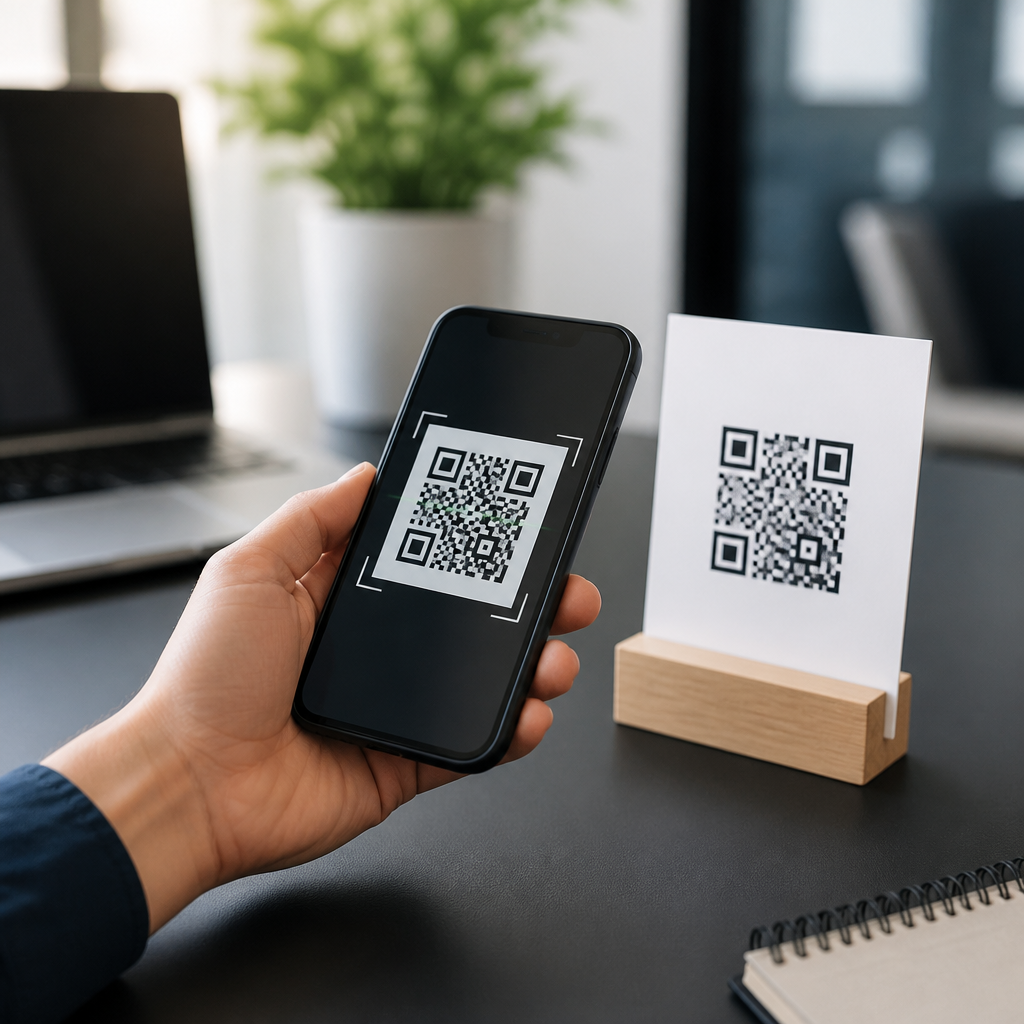
QR codes are now common on packaging, menus, posters, mailers, receipts, and storefront windows, which naturally raises a practical question: can QR codes replace every printed web address? The short answer is no. QR codes can reduce friction, track engagement, save space, and connect print to digital experiences far faster than a typed URL, but they cannot fully replace visible web addresses in every context, audience, or use case. In my work with retail signage, direct mail, event collateral, and product labels, the strongest results come from using QR codes and printed URLs together, not treating them as interchangeable.
A QR code, or Quick Response code, is a two-dimensional barcode that stores data such as a website link, contact card, Wi-Fi credential, payment request, or app deep link. A printed web address is a human-readable URL that someone can type into a browser. The distinction matters because machine readability and human readability solve different problems. QR codes are built for speed and convenience on smartphones. Printed URLs are built for visibility, trust, recall, accessibility, and cross-device flexibility. When businesses assume a code can do everything a written address does, they usually discover gaps in adoption, usability, or brand confidence.
This topic matters because the choice affects campaign response, customer experience, accessibility compliance, and even legal clarity. A restaurant poster aimed at commuters, a medicine insert, a conference badge, and a utility bill all place very different demands on the user. Some people scan instantly; others hesitate because they cannot preview the destination, have privacy concerns, use older devices, or simply prefer typing a familiar domain. Misunderstanding those realities creates one of the most persistent groups of QR code myths and misconceptions: that convenience for some users equals replacement for all users. It does not. The better question is not whether QR codes can replace every printed web address, but when they should lead, when they should support, and when a visible URL remains essential.
Why the replacement myth persists
The idea sounds plausible because smartphone camera scanning is now built into iOS and Android, and usage climbed sharply during the pandemic as touchless interactions became normal. Statista and other market trackers have repeatedly shown growth in QR engagement, especially in payments, restaurant ordering, and retail promotions. Marketers also like QR codes because they can connect offline media to analytics platforms, support dynamic redirects, and avoid printing long campaign URLs with UTM parameters. On a cramped package panel, one small square can do the work of a long line of text.
But adoption data does not prove universality. In field testing, I have seen posters with strong scan rates among younger urban audiences and weak performance in older suburban segments using the same design. The myth persists because teams often evaluate only the successful scans, not the silent failures. They measure who used the code, but not who ignored it because of distrust, poor lighting, low signal, cracked screens, disability, corporate device restrictions, or simple preference. Printed addresses continue to serve as a fallback path that broadens reach.
Another reason for the myth is design minimalism. Brands often want cleaner layouts, and removing text feels modern. Yet simplicity in layout can create complexity in behavior. A code without a readable domain, context cue, or call to action asks the user to take a blind leap. Trust drops when users do not know whether they are headed to a secure brand page, an app download, a payment screen, or a form. That is why many high-performing campaigns pair a branded short domain with the code, such as brand.com/menu or go.brand.com/register. The visible address lowers uncertainty and supports users who cannot or will not scan.
Where QR codes clearly outperform printed URLs
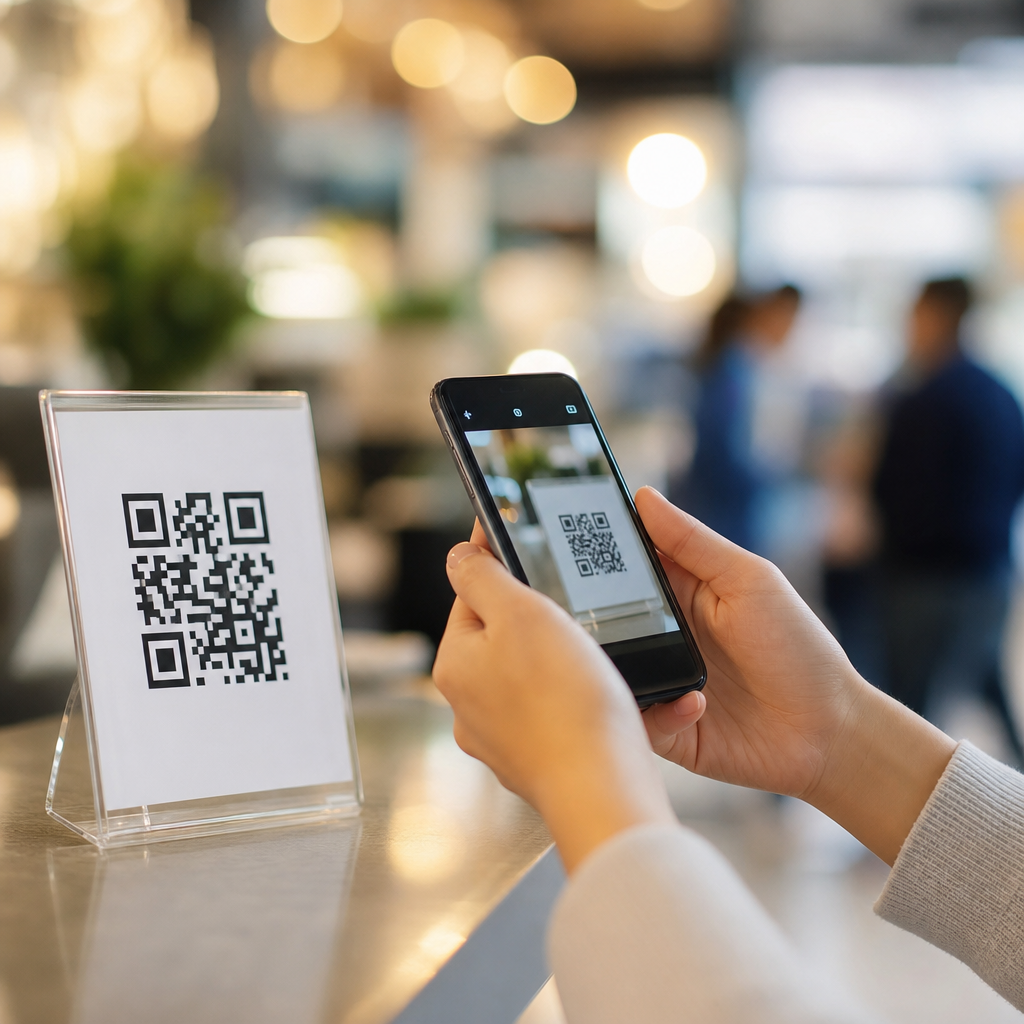
QR codes are better when speed matters and the user is already on a mobile device. On event signage, table tents, museum labels, product displays, and transit ads, scanning is faster than typing, especially when the destination path is long or customized. Dynamic QR codes also enable a major operational advantage: the printed code can stay the same while the destination changes. That is valuable for seasonal promotions, rotating menus, real estate listings, and out-of-home advertising where reprinting is expensive. A static printed URL cannot offer that flexibility unless it points to a redirect under your control.
They also outperform printed addresses when measurement is important. A properly configured dynamic QR platform can record scan time, approximate location, device type, operating system, and conversion pathway when connected to analytics tools such as Google Analytics 4, Adobe Analytics, or a CRM. That makes QR codes attractive for direct mail, packaging inserts, and store displays, where attribution has traditionally been difficult. If a cosmetics brand wants to know whether an in-box insert drives more tutorial views than a shelf talker, separate QR destinations can isolate performance.
In multilingual settings, QR codes can simplify navigation. A tourism brochure with one code can route visitors to language-specific pages based on browser settings or a selection screen. On industrial equipment or healthcare instructions, a code can link to video demonstrations that are easier to follow than text alone. In these situations, the code is not merely a shortcut to a webpage; it is a bridge to a richer digital layer.
Where printed web addresses still matter
Printed URLs remain essential when users need transparency, memory, or device flexibility. A visible domain tells people where they are going before they act. That matters for trust-sensitive interactions involving payments, healthcare information, government services, legal notices, account access, or personal data submission. Security guidance from the Federal Trade Commission and major browser vendors consistently emphasizes caution with unknown links, and a QR code by itself conceals the destination until scan time. Even if many phones now preview the URL, users do not always inspect it carefully.
Printed addresses also help when the user sees the message in one place and acts later on another device. Someone might notice a billboard while driving, a flyer on a community board, or a package insert while at work, then visit the site later from a laptop. In these cases, a short memorable URL is far more useful than a code they can no longer access. This is especially true in B2B marketing, where the ultimate action often happens on desktop: downloading a specification sheet, completing procurement forms, or reviewing technical documentation.
Accessibility is another major factor. Not every user can easily scan a code. People with low vision may struggle if contrast is poor or the code is too small. Some users rely on screen readers and need adjacent text that explains the destination. Others use devices without current camera permissions, or operate in environments with weak connectivity. Best practice from accessibility professionals is straightforward: never make a QR code the only path to important content. A visible URL, brief instruction, and plain-language destination label are the baseline for inclusive design.
Common myths and the facts behind them
Several myths drive bad decisions in this category. The first is that everyone knows how to scan a QR code. Many do, but not all. The second is that all scans feel equally safe. They do not; users are more likely to trust codes presented with a recognizable domain, brand identity, and explicit purpose. The third is that a QR code saves space without tradeoffs. In reality, it consumes visual attention, requires safe margins, and needs enough print quality and physical size to remain scannable at the intended distance.
| Myth | Reality | Practical implication |
|---|---|---|
| QR codes can replace every printed URL | They work best as a mobile shortcut, not a universal substitute | Keep a short visible web address for trust and fallback |
| If people want the content, they will scan | Friction, distrust, and context reduce scan behavior | Add a clear benefit statement such as “View menu” or “Register now” |
| Any code design will scan fine | Low contrast, tiny size, and busy backgrounds reduce readability | Follow size, contrast, and quiet-zone standards |
| QR codes are always more modern | Modern design still requires accessibility and clarity | Use the code to support the message, not hide it |
Another myth is that branded or stylized QR codes are always better. Customization can improve recognition, but only within technical limits. Error correction allows some visual modification, yet overbranding can reduce scan reliability, particularly on lower-quality prints or reflective surfaces. ISO/IEC 18004 defines the QR Code specification, and while marketers do not need to memorize the standard, they do need to respect its practical consequences: contrast, quiet zone, module clarity, and testing matter more than decorative flair.
How to decide when to use both together
The most effective rule is simple: if the interaction is immediate and mobile-first, lead with the QR code; if the interaction may happen later, on another device, or in a trust-sensitive context, pair it with a short URL. This dual-path approach consistently outperforms code-only execution in the campaigns I have audited. On direct mail, for example, a personalized QR code may drive instant scans, while a vanity URL supports recipients who set the mailer aside and respond later. On packaging, a code can launch setup videos, but the printed domain reassures buyers that support resources live on the official site.
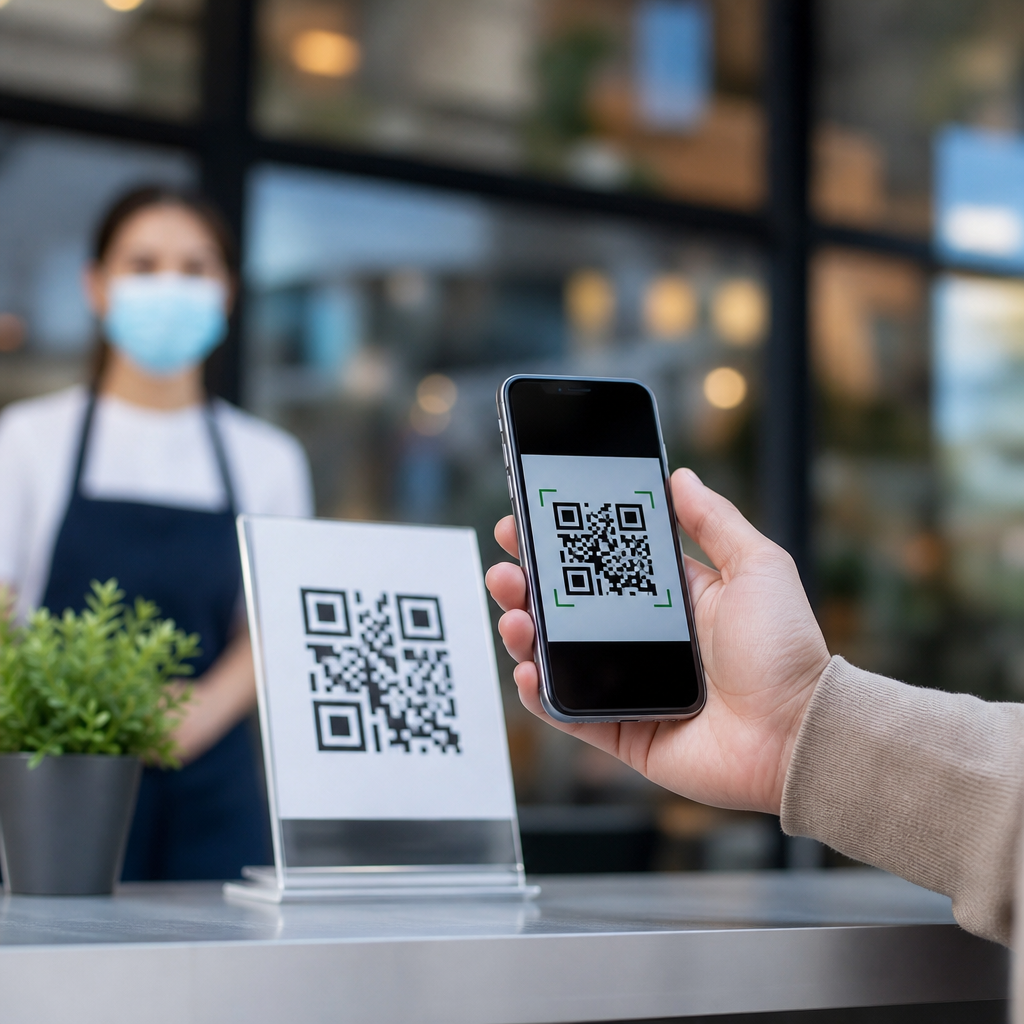
Context should govern the decision. A tabletop payment prompt in a café can reasonably rely on a QR code because the user has the object, the phone, and the motivation all at once. A safety notice in an apartment elevator should not rely on a code alone because the user may need the information later or may not have signal underground. A trade show booth can use codes for lead capture, but booth graphics should still display the brand domain so attendees remember where to return after the event.
The quality of the destination also matters. If a QR code sends users to a non-mobile-optimized page, a PDF meant for desktop, or a page blocked by consent banners and pop-ups, the convenience disappears. Replace every printed URL only after testing the full journey, not just the scan itself. A code is successful when the user reaches the intended content quickly, understands what to do next, and can complete the task without friction.
Best practices for print, trust, and performance
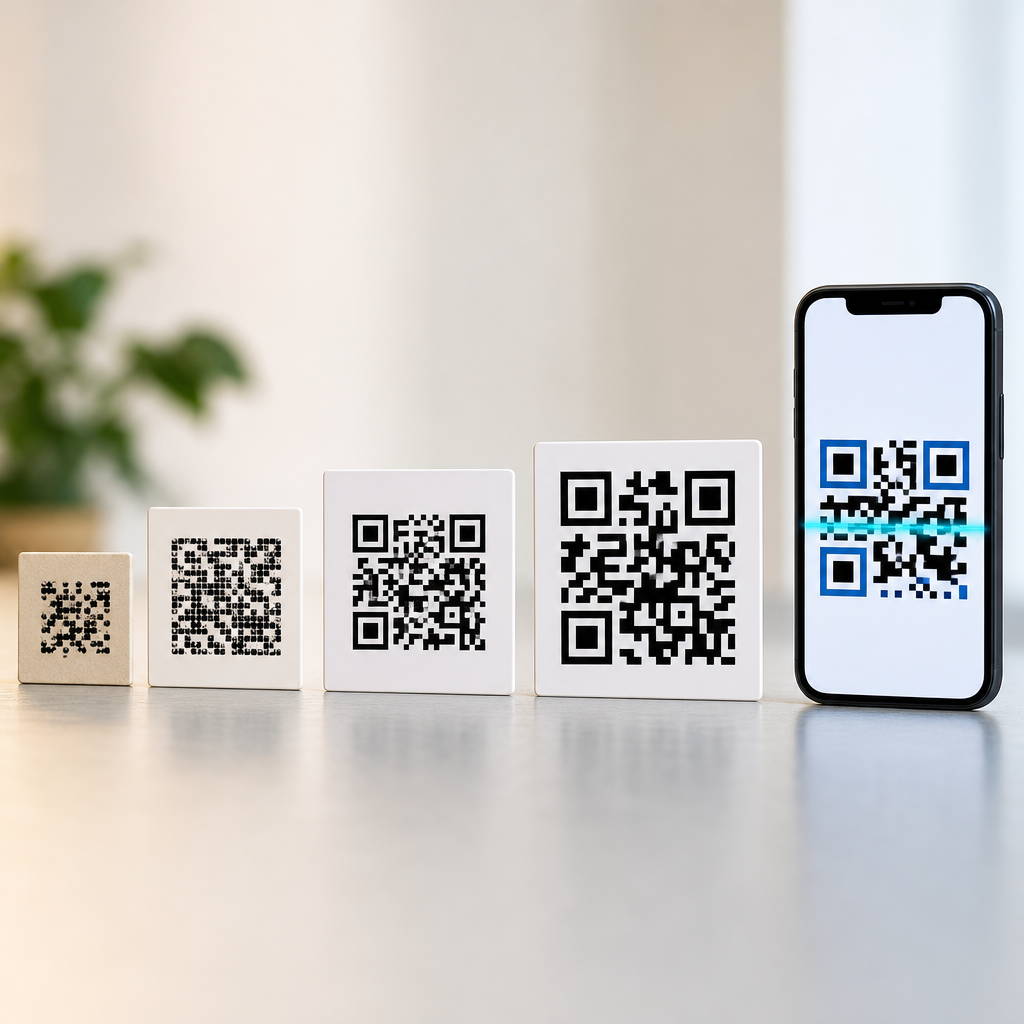
Use high contrast, sufficient size, and a quiet zone around the code. For close-range materials such as brochures or packaging, many practitioners use at least 0.8 by 0.8 inches, though final size depends on print quality, viewing distance, and error correction level. For posters and signage, increase size substantially; a common rule of thumb is about one inch of code width for every ten feet of scanning distance. Always test on multiple devices, under realistic lighting, before approving production.
Support the code with plain-language instruction and a clear value proposition. “Scan for assembly video,” “Scan to see ingredients,” or “Scan to claim warranty” performs better than a naked code because it answers the user’s first question: why should I scan this? Add a visible branded short domain near the code whenever possible. This improves trust, helps users who cannot scan, and reinforces brand recall. Tools such as Bitly, Rebrandly, and enterprise QR platforms can help manage redirects, though owning your own short domain provides stronger long-term control.
Finally, treat QR codes as part of information architecture, not decoration. Use dynamic links when content may change. Set up analytics with campaign naming conventions. Check destination pages for mobile speed, since Core Web Vitals and general page responsiveness influence whether a scan turns into a conversion. Establish governance so old codes do not redirect to expired campaigns or broken pages. A dead QR code on printed material can persist in the market for months, damaging trust more visibly than a forgotten URL.
QR codes can replace some printed web addresses, but they cannot replace every printed web address without sacrificing trust, accessibility, flexibility, and often performance. The strongest position is not anti-QR and not QR-only. It is channel-aware design. Use QR codes where mobile convenience is the main job to be done. Keep visible URLs where users need reassurance, memory, alternative access, or time-shifted action. That balanced approach resolves most QR code myths and misconceptions because it treats codes as powerful tools, not magic shortcuts.
For teams building a QR Code Basics and Education strategy, this distinction is the foundation of the entire subtopic. Questions about scan rates, security, accessibility, packaging design, restaurant menus, direct mail, and analytics all trace back to the same principle: a QR code is a delivery method, while a printed web address is also a trust signal and a recall device. When you evaluate both roles separately, campaign decisions become much clearer and results usually improve.
If you are reviewing existing print materials, start with a simple audit. Identify where users act immediately, where they act later, where trust is sensitive, and where accessibility fallbacks are required. Then decide whether the page needs a QR code, a short printed URL, or both. That one step will eliminate most preventable mistakes and help you use QR codes with the precision they deserve.
Frequently Asked Questions
Can QR codes completely replace printed web addresses?
No. QR codes are extremely useful, but they are not a universal replacement for visible web addresses. In real-world marketing and customer communication, the strongest approach is usually to use both. A QR code makes access faster by removing the need to type a URL, which is especially valuable on packaging, posters, receipts, direct mail, event signage, and storefront displays. It can also support campaign tracking, personalized landing pages, and cleaner layouts where space is limited.
That said, a printed web address still serves important functions a QR code cannot fully cover on its own. Some people prefer to type a URL manually, especially if they want to visit a site later from a desktop computer or if they are cautious about scanning unfamiliar codes. Others may have older devices, limited camera permissions, low battery, weak connectivity, or accessibility needs that make scanning less convenient. A visible URL also reinforces brand recognition and trust because people can immediately see where they are being directed. In practice, QR codes work best as a high-convenience access point, while printed web addresses remain an essential backup and branding element.
What are the biggest advantages of using QR codes instead of a printed URL?
The main advantage is speed. A QR code removes friction by letting someone move from a physical object to a digital destination in seconds. Instead of typing a long or complex address, a user simply scans and lands on the exact page you want them to see. This is especially effective for mobile-first actions such as viewing a restaurant menu, claiming an offer, registering for an event, downloading an app, watching a product demo, or accessing a digital coupon.
QR codes also provide operational and marketing benefits that printed URLs alone cannot match as easily. They can be tied to campaign analytics, which allows you to measure scans by location, date, device, or channel. Dynamic QR codes can be updated to point to a new destination without reprinting the physical material, which is valuable for seasonal promotions, limited-time campaigns, and retail signage that changes frequently. They also save visual space because one small code can link to a long, parameterized, or multi-step destination. For businesses managing packaging, mailers, and event collateral, that efficiency matters. Still, these advantages improve access and measurement; they do not eliminate the need for a readable web address in every situation.
Why should businesses still print a visible web address when a QR code is already on the page?
A visible web address improves trust, usability, and resilience. Trust matters because many users want to know where a scan will take them before they use their phone. If a brochure, poster, or mail piece includes your brand’s main website or a short branded URL alongside the QR code, it reassures people that the destination is legitimate. That can increase confidence, especially in public spaces where scam QR codes and sticker replacements have made some users more cautious.
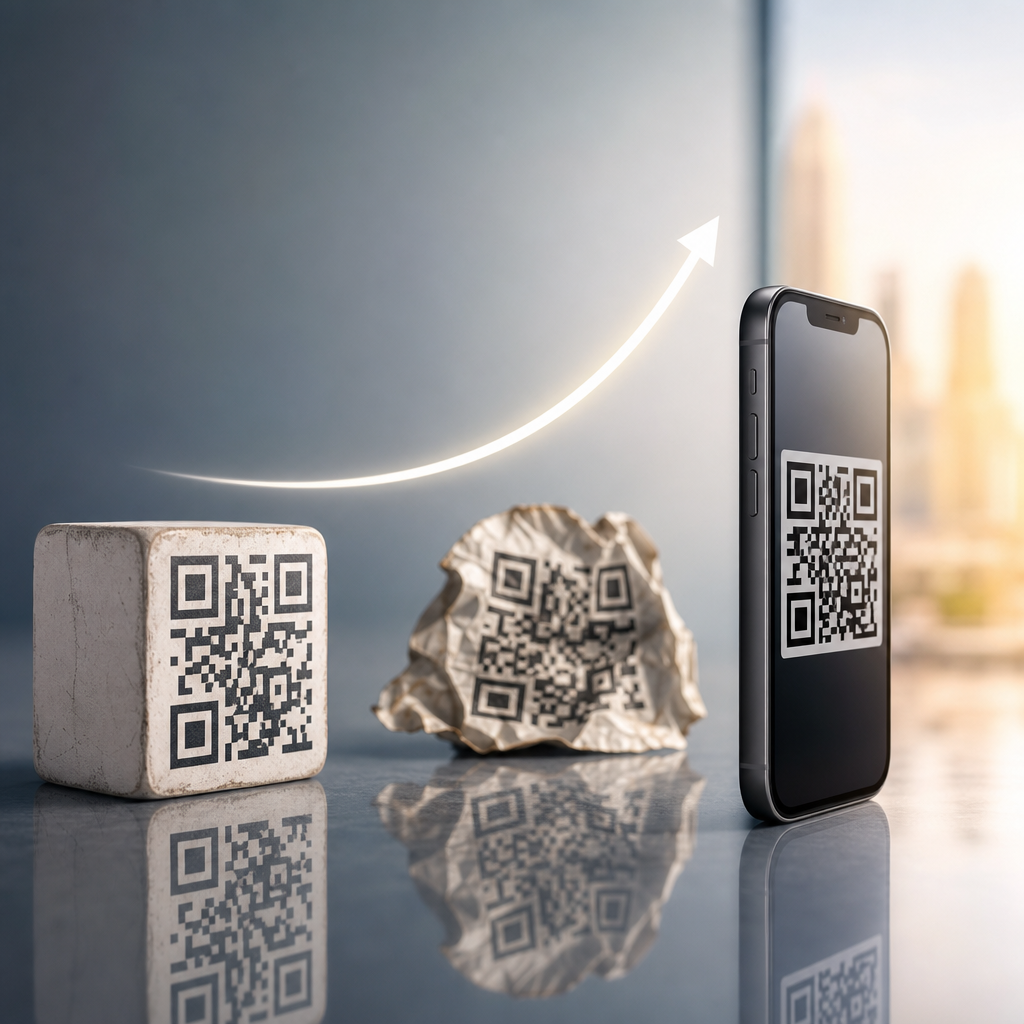
Usability matters because not every interaction happens in ideal conditions. A code may be too small, poorly lit, damaged, placed behind glare, or printed on a curved surface. Some users may be in a hurry and simply want to remember the brand and visit later. Others may encounter the material while using a laptop, sharing it in a meeting, or discussing it with someone who is not ready to scan in that moment. A printed URL gives them another path. It also supports accessibility and broader audience reach, including people who are less familiar with QR behavior or who use assistive technologies in ways that make visible text more practical than image-based interaction. In short, a printed web address is not redundant; it is a reliability layer.
In what situations are QR codes most effective, and where do they fall short?
QR codes are most effective when the user is already on a mobile device and the desired action is immediate. Good examples include product packaging that links to setup instructions, in-store displays that open product comparisons, restaurant tables that launch menus, event badges that connect to schedules, and direct mail pieces that send recipients to a personalized landing page. They are also effective when there is limited room for copy, when URLs would be too long to type comfortably, or when the business wants to attribute engagement to a specific physical placement.
They fall short when speed of scanning is not the main issue or when the environment makes scanning inconvenient. A billboard viewed from a moving car is a classic example where a short memorable URL may outperform a QR code because users cannot safely scan. The same applies to situations with poor lighting, reflective surfaces, low print quality, or audiences who may be less likely to use smartphone scanning habits. QR codes can also fail if the linked page is not mobile-optimized, loads slowly, or requires too many follow-up steps. The code itself may work perfectly, but the user experience still breaks down. That is why the question is not whether QR codes are better than printed web addresses in every case, but whether they are better for a specific audience, setting, and task.
What is the best practice for using QR codes and printed URLs together?
The best practice is to treat the QR code as the primary convenience tool and the printed URL as the visible fallback. Place the QR code where it is easy to notice and scan, make sure it has enough size and contrast, and provide a short line of context so users know what they will get by scanning. “Scan to shop,” “Scan for setup instructions,” or “Scan to claim your offer” performs far better than a code with no explanation. At the same time, include a clean, branded web address nearby so users have an alternative path if they prefer to type, save, or remember the destination.
It is also wise to use short, readable URLs rather than long strings filled with tracking parameters. If analytics are important, use dynamic QR codes and capture campaign data on the back end while keeping the visible URL simple and brand-aligned. Test your materials in the real environment where they will appear, not just on a screen or proof. Scan from realistic distances, under real lighting, on multiple devices. Finally, send users to a mobile-friendly landing page that matches the promise of the printed piece. When businesses combine strong QR execution with a visible branded URL, they get the best of both worlds: lower friction for scanners and broader accessibility, trust, and recall for everyone else.