QR code campaigns fail for predictable reasons, and that is exactly why they can be turned into durable success. In marketing, packaging, events, retail, and service operations, a QR code is simply a machine-readable bridge between a physical touchpoint and a digital destination. The failure happens when that bridge breaks: the code will not scan, the landing page disappoints, the context is wrong, or the business never measures what happened. I have audited QR programs on product labels, direct mail, in-store displays, restaurant tables, and trade show booths, and the pattern is consistent. Teams often blame the technology, even though the real causes are design decisions, production shortcuts, or unclear user intent.
Understanding QR code failures matters because physical-to-digital journeys are unforgiving. A customer can tolerate a slow website after a branded search, but a code that leads nowhere usually ends the interaction immediately. Unlike many digital channels, QR engagement happens in a moment: standing in an aisle, waiting in line, opening a package, or sitting at an event. If the scan does not deliver instant value, the brand loses trust as well as the conversion opportunity. That makes this topic central to any broader library on QR code campaign ideas and case studies. Before teams can scale creative uses of QR codes, they need a practical framework for diagnosing what goes wrong and repeating only what works.
This hub covers failures and lessons learned across the full campaign lifecycle. It addresses the most common questions decision-makers ask: Why do QR codes fail in the real world? What technical mistakes prevent scanning? Which campaign setups create low engagement even when scans happen? How should teams test print quality, destination links, analytics, accessibility, and placement? What lessons from failed campaigns should shape future QR code strategy? The goal is not to collect horror stories. The goal is to turn missed scans, low conversion rates, and confused user experiences into a repeatable operating model that improves campaign performance over time.
Why QR code campaigns fail in the first place
Most QR code campaign failures fall into four categories: scanability, context, destination experience, and measurement. Scanability refers to whether a smartphone camera or scanning app can reliably read the code under normal conditions. Context means whether the user understands why they should scan right now. Destination experience covers what appears after the scan, including page speed, relevance, mobile usability, and continuity with the offline prompt. Measurement determines whether the team can connect scans to sessions, conversions, revenue, or downstream actions. When one of these breaks, results suffer. When several fail together, the campaign can appear useless even if the underlying idea was strong.
A practical example is a retail shelf talker that uses a small, glossy QR code to send shoppers to product reviews. On paper, the concept is excellent: remove purchase friction by surfacing social proof at the shelf. In practice, the glossy coating creates glare under store lighting, the code is printed too small for quick scanning, the landing page opens to the brand homepage instead of the specific product, and no UTM parameters distinguish in-store traffic from other channels. The marketing team concludes that shoppers are not interested in QR engagement. The more accurate conclusion is that execution obscured intent and erased visibility into user behavior.
Another frequent failure is assuming that novelty creates motivation. In the early resurgence of QR use during contactless service adoption, many brands saw strong scan rates simply because scanning replaced a physical touchpoint. That did not mean every code automatically created value. If a poster says only “Scan me,” users have no reason to interrupt what they are doing. A better prompt states the reward clearly: “Scan for setup instructions in 30 seconds,” “Scan to see ingredients and allergens,” or “Scan to claim today’s event-only offer.” Good campaigns answer the user’s first question before the camera opens: what do I get, and is it worth the effort?
Technical mistakes that break scanning
Technical execution is the easiest place to prevent failure, yet it is where many teams cut corners. A QR code needs sufficient size, contrast, quiet zone, and print integrity to remain readable in real conditions. ISO/IEC 18004 provides the underlying QR standard, but campaign performance depends on translating standard-compliant generation into reliable use on packaging, signage, mailers, menus, labels, and screens. In my experience, teams often test a code on a desktop printer under office lighting, then approve mass production without validating the final substrate, finish, environment, and expected scanning distance.
Size and scanning distance are tightly linked. A common rule of thumb is that the minimum code size should scale with the expected scan distance, often around one tenth of the distance from which the user will scan. A code on a business card can be small and still work. A code on a hanging sign in a busy aisle cannot. Contrast matters just as much. Black on white remains the safest choice because smartphone cameras need clear separation between dark and light modules. Inverted colors, low-contrast brand palettes, patterned backgrounds, and metallic finishes can look attractive in design proofs while reducing readability sharply in the field.
Error correction is helpful but not magical. QR codes support different correction levels, allowing some damage or obstruction without total failure. Marketers often misuse this by placing oversized logos in the center, assuming the code will still scan. Sometimes it does, until a print variation, curve on packaging, or camera angle removes the remaining tolerance. Dynamic QR code platforms can improve flexibility because they allow the destination URL to change without reprinting, but they do not compensate for poor code generation or weak physical production. Reliability comes from disciplined preflight checks, not from any single software feature.
| Failure point | What happens in the field | Practical fix |
|---|---|---|
| Code printed too small | Users move phones repeatedly and abandon the scan | Match code size to expected scan distance and test on target devices |
| Low contrast or reflective finish | Camera cannot separate modules under real lighting | Use dark code on light background and validate on final material |
| Insufficient quiet zone | Design elements interfere with code recognition | Preserve clear space around all four sides of the code |
| Wrong destination link | Scan succeeds but users hit errors or irrelevant pages | Use dynamic redirects, link QA, and prelaunch URL validation |
| No mobile optimization | Users bounce after a successful scan | Build fast, task-specific mobile landing pages tied to the prompt |
Campaign design failures that reduce engagement
Many QR codes scan perfectly and still underperform because the campaign design ignores human behavior. Placement is one major issue. A code positioned where people cannot comfortably stop, focus, and hold up a phone will naturally see low engagement. I have seen codes placed on highway billboards, moving vehicles, checkout lanes with no dwell time, and storefront windows that become unreadable in direct sun. These are not minor oversights. They reflect a mismatch between how the audience physically encounters the code and what scanning requires: attention, a stable moment, and a reason to act.
Weak calls to action are equally damaging. Users should never have to guess what the scan does. The best-performing QR prompts are concrete, immediate, and low-risk. “Scan for assembly video” outperforms “Learn more” because it names the exact task. “Scan to reorder in two taps” works because it saves time users already want to save. “Scan to enter our newsletter” often performs poorly because the benefit is abstract, delayed, and associated with marketing friction. In campaign reviews, I ask teams to state the user benefit in six words or fewer. If they cannot, the audience will not infer it under everyday conditions.
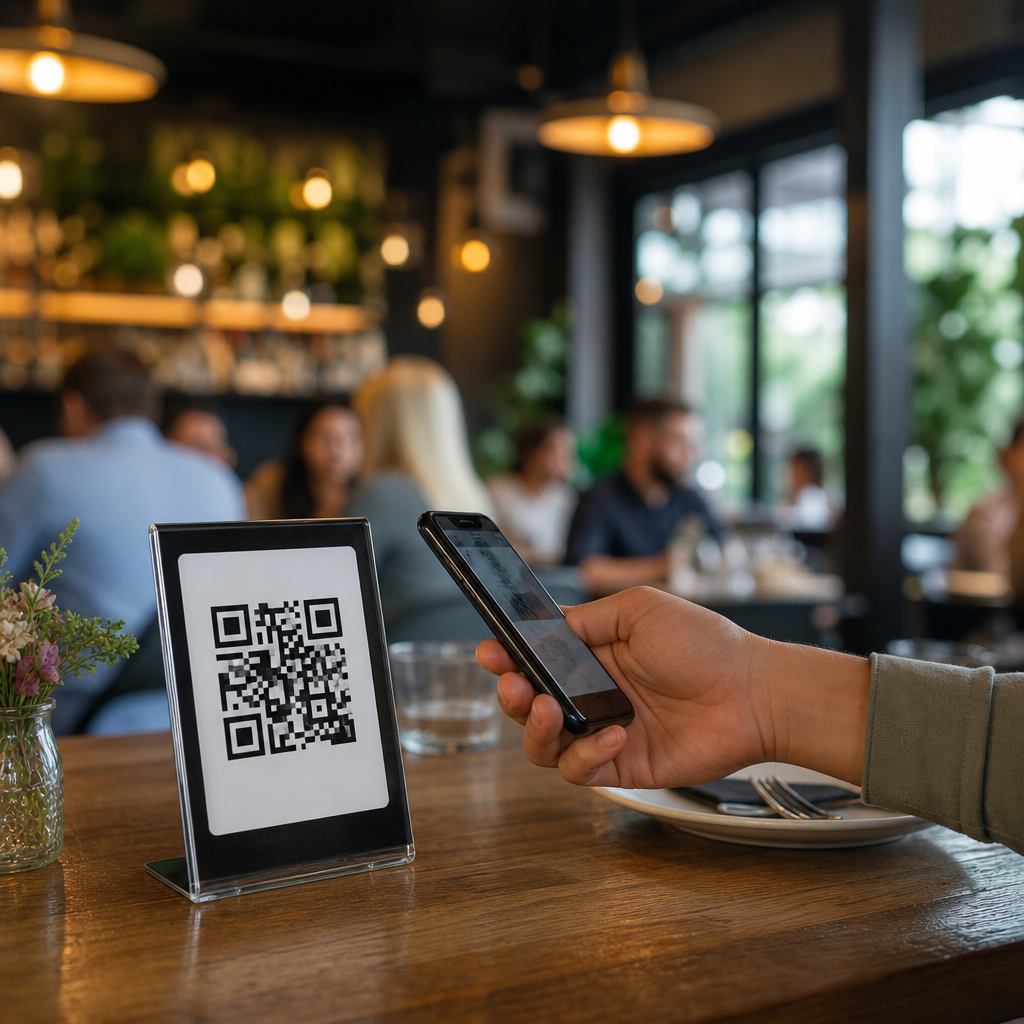
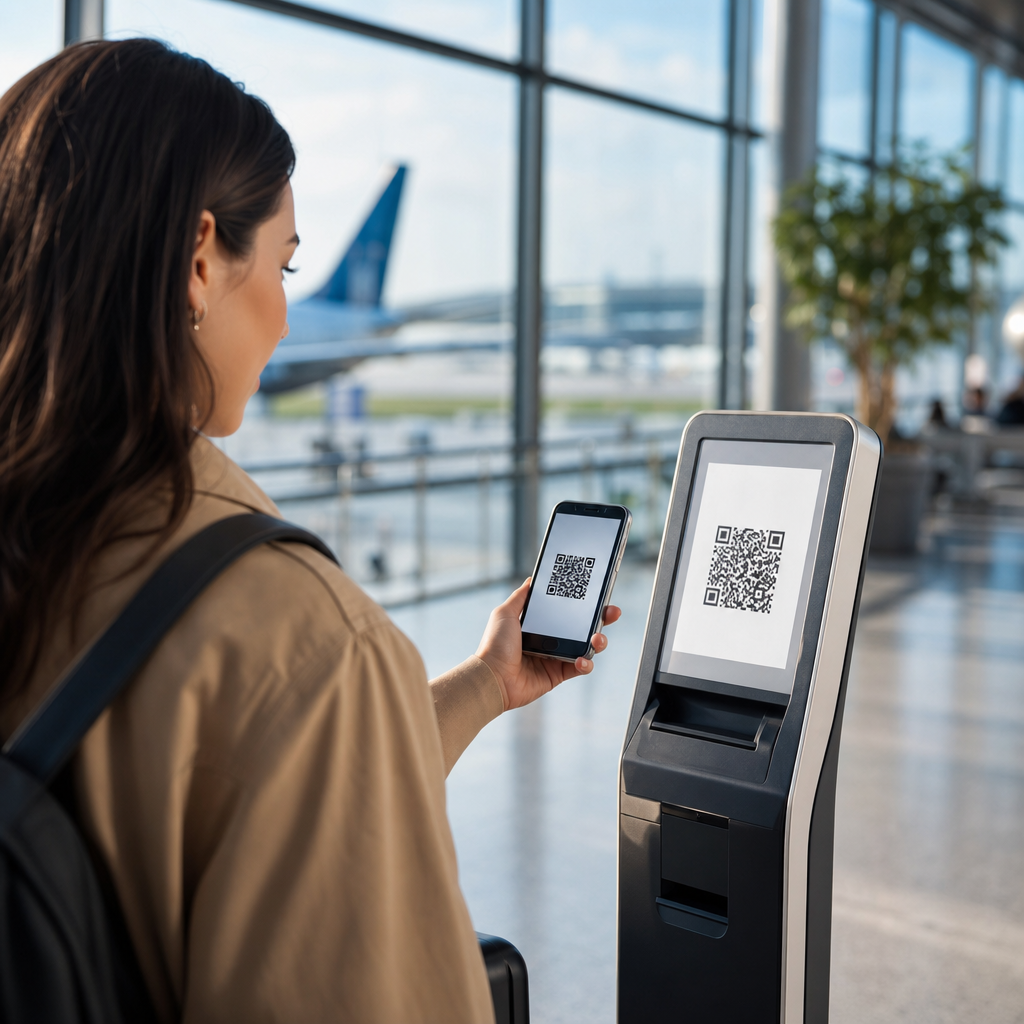
Another design failure is sending every scan to the same destination regardless of context. A QR code on product packaging should not behave like a QR code in a trade show booth. Packaging users may need setup steps, authenticity verification, ingredients, care instructions, or warranty activation. Event attendees may want session schedules, speaker slides, lead capture, or limited-time offers. Restaurant guests may need menus, allergen details, or payment options. Context-specific destinations consistently outperform generic pages because they preserve the momentum created by the physical trigger. Relevance is not a nice-to-have. It is the core reason a physical-to-digital interaction exists.
Measurement failures and what smart teams track instead
One of the most expensive QR mistakes is treating scans as the primary success metric. A scan is only evidence that the code was readable and the prompt generated enough curiosity to earn a tap. It says nothing about business value unless it connects to downstream behavior. Strong QR programs define success at multiple levels: scan rate, landing page engagement, conversion rate, assisted revenue, repeat usage, and operational outcomes such as support deflection or reduced wait time. Without that structure, teams may celebrate campaigns that generate empty traffic and cancel campaigns that actually influence revenue later in the journey.
The fix starts with analytics discipline. Every QR destination should use campaign parameters that identify channel, placement, asset version, date range, and audience segment. In Google Analytics 4, this allows teams to compare event traffic from direct mail versus packaging inserts or from table tents versus window decals. URL shorteners and dynamic QR platforms such as Bitly, QR Code Generator PRO, Uniqode, and Flowcode can add scan-level reporting, but they should complement, not replace, site analytics and CRM attribution. If the post-scan action is a form fill, coupon redemption, app install, purchase, or support article completion, that event needs a measurable pathway into the reporting stack.
Advanced teams also account for offline realities. Not every successful QR interaction ends in an immediate digital conversion. A shopper may scan a code on packaging, read reviews, and purchase in store without ever checking out online. A conference attendee may scan a booth code, then reply to a sales email two days later. That means QR measurement should include assisted pathways, unique promo codes where appropriate, CRM source fields, and time-lag analysis. In case study work, the biggest improvement usually comes not from adding more QR codes but from cleaning up attribution so the organization can distinguish ineffective placements from undercounted success.
Lessons learned from real-world QR code recoveries
The most useful QR code case studies are not viral wins. They are recoveries where teams identified a failure pattern, changed a small number of variables, and produced a measurable lift. One consumer packaged goods brand I worked with had low engagement from on-pack codes linking to recipes. The original code sat on a curved side panel, printed near legally required text, and drove to a slow recipe archive with no product filtering. The relaunch moved the code to the back panel, increased contrast, clarified the CTA to “Scan for 3 recipes using this product,” and sent users to a lightweight mobile page prefiltered by SKU. Scans rose, but more important, recipe page completion and retailer click-through improved.
In another example, an events team printed QR codes on large venue signage to share presentation decks. Scans were far below expectations. Post-event observation revealed that attendees tried to scan while walking between sessions, often from awkward angles and inconsistent distances. The team shifted from one general sign per hallway to slide-end codes during sessions, badge inserts for later access, and short URLs for backup. They also delivered downloadable PDFs rather than a generic event portal. The result was not just more scans but higher document downloads and fewer support questions about where materials were stored. The lesson was simple: place the code where intent peaks, not where there is empty wall space.
Restaurants provide a third clear lesson. During contactless menu adoption, many operators learned that replacing every table interaction with a QR code introduced friction for some guests. Successful operators adapted rather than insisting on a single path. They kept QR menus, but improved page speed, offered allergen filters, used table-specific links for ordering accuracy, and retained printed menus on request. This hybrid model respected accessibility, reduced ordering errors, and maintained operational efficiency. The broader lesson is that QR codes work best when they remove friction without becoming mandatory for tasks that some users still prefer to complete another way.
How this hub supports better QR code strategy
This hub exists to help teams move from isolated QR experiments to a repeatable system for planning, testing, and improving campaigns. The central principle is straightforward: every QR code should earn its place by solving a user problem faster than the available alternatives. That means choosing the right use case, designing for real environments, validating technical reliability, matching the destination to the moment, and measuring outcomes beyond the initial scan. When teams follow that sequence, QR codes stop being decorative add-ons and become accountable conversion tools across packaging, print, retail, hospitality, field marketing, and customer support.
The key takeaway from failures and lessons learned is not that QR campaigns are fragile. It is that they are highly responsive to execution quality. Small improvements in code size, lighting tolerance, CTA clarity, mobile page relevance, and attribution can change results dramatically because the interaction happens in a compressed, high-intent moment. Use this hub as the starting point for deeper articles on scanability problems, placement mistakes, landing page optimization, analytics setup, and real campaign recoveries. Audit one live QR experience this week, document every point of friction, and fix the highest-impact issue first. That is how QR code failures become repeatable success.
Frequently Asked Questions
Why do QR code campaigns fail so often, and what are the most common breakdowns?
Most QR code failures are not random technical glitches. They usually come from a short list of predictable execution problems. A QR code is only a bridge between a physical moment and a digital experience, so failure can happen at either side of that bridge. Sometimes the code itself is hard to scan because it is printed too small, placed on a curved or reflective surface, distorted, low contrast, or damaged in production. In other cases, the code scans perfectly, but the destination is slow, irrelevant, not mobile-friendly, or disconnected from what the user expected when they scanned it.
Another major reason campaigns underperform is context mismatch. A code on packaging, a code on an in-store sign, and a code at a live event are not the same user moment. People scan for different reasons depending on where they are, how much time they have, and what they expect to gain immediately. If the offer, content, or call to action does not match that situation, scan rates and conversion rates fall quickly. The final common breakdown is measurement. Many businesses place QR codes into the market without a clear tracking structure, so even when scans happen, they cannot tell which placement worked, what audience responded, or where drop-off occurred. The good news is that these problems are diagnosable. Because the failure patterns are so consistent, they can be corrected with better design, stronger landing experiences, environment-specific messaging, and disciplined analytics.
How can a business turn a failing QR code program into a successful one?
The first step is to treat the QR code program as a complete customer journey rather than a printed asset. Start by auditing each stage: visibility, scanability, destination quality, message alignment, and measurable outcomes. Check whether the code is easy to find, large enough to scan at normal distance, and printed with strong contrast in the real environment where people encounter it. Then review the post-scan experience with the same rigor. Does the page load quickly on mobile networks? Is the page clearly tied to the reason for the scan? Does it ask the user to do something reasonable in that context, such as watch a short demo, claim an offer, register for service, or access instructions?
From there, improve one variable at a time. If the issue is low scanning volume, the problem may be placement, visibility, incentive, or call-to-action clarity. If scans are healthy but conversions are low, the issue is usually the landing page, offer quality, page speed, trust signals, or friction in the form flow. Businesses also see better results when they use dynamic QR codes, segmented landing pages, and campaign-specific tracking parameters. That allows them to update destinations without reprinting every asset and compare performance across packaging, direct mail, retail displays, events, and service operations. Success comes from replacing guesswork with iteration. When you know where the bridge breaks, you can rebuild the exact weak point instead of assuming the whole channel does not work.
What makes a QR code easy to scan in real-world settings like packaging, retail, and events?
Ease of scanning is heavily influenced by practical design and production details. The code needs enough physical size for the expected scanning distance, adequate white space around it, and strong contrast between the dark modules and the lighter background. Clean black on white is still the safest choice in most environments. Problems appear when brands stylize the code too aggressively, place it over patterns, reduce the quiet zone, print it too close to folds or seams, or shrink it to fit crowded packaging layouts. Material matters as well. Glossy labels, curved bottles, textured substrates, and reflective signage can all reduce scan performance even when the digital file looks correct on screen.
Placement is just as important as design. In retail, the code should sit where shoppers can comfortably hold their phone and scan without blocking traffic or hunting for the focal point. At events, it should be visible from the natural approach angle and paired with a clear action statement so people know why scanning is worth their time. On packaging, it should not compete with legal copy, cluttered claims, or hard-to-reach side panels. Testing is essential. A code that scans well in the office may fail under store lighting, outdoor glare, warehouse wear, or production variance. The strongest programs test printed samples on actual materials, in actual environments, using different phones and camera apps. That is how businesses move from theoretical compliance to dependable real-world performance.
How important is the landing page after the scan, and what should it include?
The landing page is often where QR code campaigns succeed or fail. A scan is only an expression of intent; it is not the goal. If the destination does not immediately confirm that the user arrived in the right place and give them a clear next step, momentum disappears. The best landing pages are fast, mobile-first, and tightly aligned with the physical trigger. If someone scans from a product label, they may want instructions, authenticity verification, how-to content, ingredients, support, or a reorder path. If they scan at an event, they may expect schedule details, speaker information, sign-up access, or a time-sensitive offer. Relevance should feel instant, not implied.
A strong QR landing page usually includes a concise headline that matches the promise near the code, a simple explanation of the benefit, and one primary action. It should minimize friction by avoiding long forms, unnecessary navigation, and desktop-style layouts. Trust signals also matter, especially in service operations and commerce. Users respond better when they see recognizable branding, secure page behavior, clear privacy expectations, and content that feels intentionally designed rather than hastily assembled. In many audits, the QR code itself is blamed for poor results when the actual issue is that the landing page is generic, slow, or overloaded with choices. Improving the destination often produces a larger lift than changing the code design, because it addresses the point where user interest is either converted or lost.
What should businesses measure to know whether a QR code campaign is actually improving?
Businesses should measure more than just scan counts. Scans are useful, but they are only the top-level signal. To understand whether a QR program is improving, track the full funnel from exposure to outcome. At minimum, measure scans by location, asset, campaign, and time period. Then compare those numbers with post-scan behavior such as landing page load speed, bounce rate, engagement depth, click-through rate, form completion, redemption, purchase, registration, support resolution, or whatever conversion event matters in that use case. A code on packaging may be judged by repeat orders or support deflection, while a code in direct mail may be judged by lead quality and conversion to appointment.
It is also important to measure context and variation. Different placements, calls to action, incentives, and destinations should be tagged separately so the business can identify which version performs best. Dynamic QR platforms, analytics tools, campaign parameters, and event tracking make this possible. Operationally, businesses should review not just outcomes but failure points: scan attempts versus successful page loads, device-type differences, regional performance, and abandonment during form completion. That level of measurement turns QR code marketing from a novelty into a manageable acquisition and service channel. Once data shows where people scan, what they expect, and where they stop, improvements become specific and repeatable. That is how failed QR code programs are turned into durable success rather than one-off fixes.