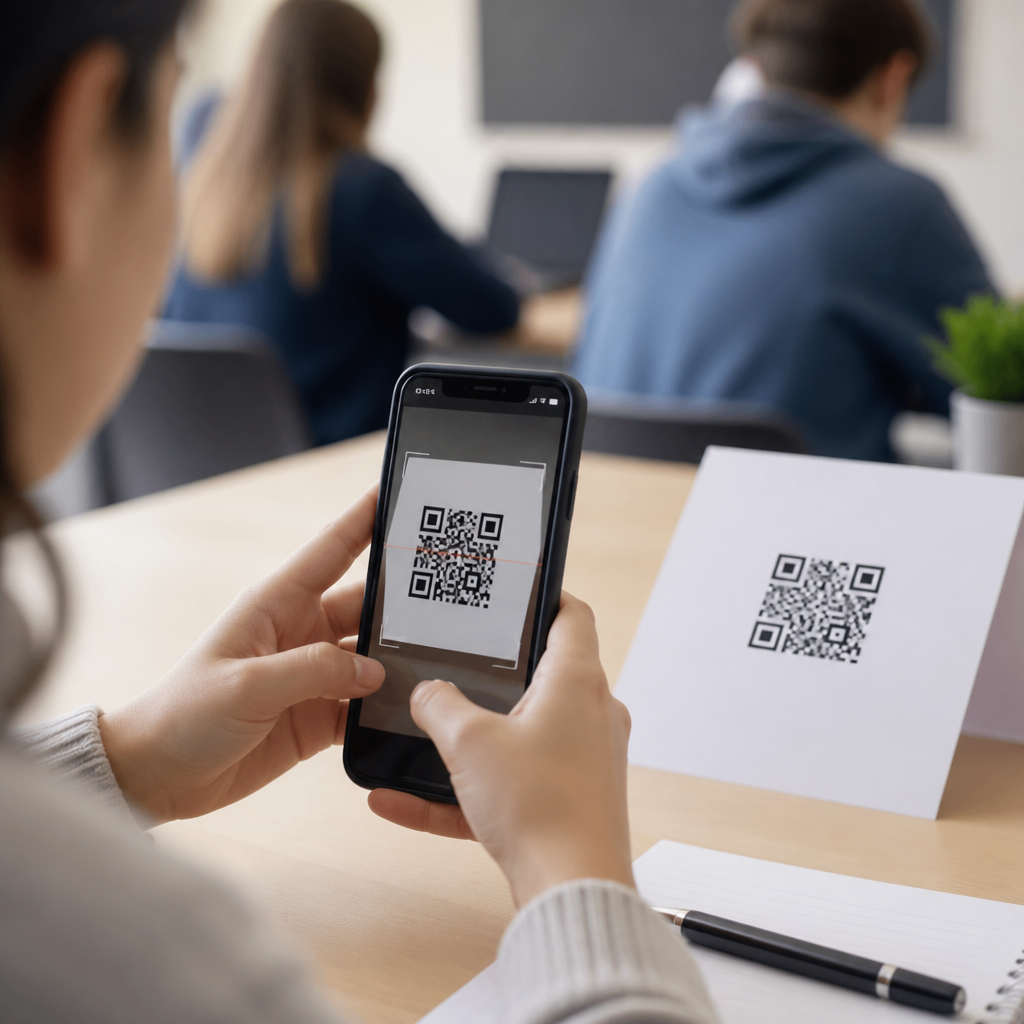
Using QR codes for student assignments gives schools a simple way to connect printed materials, classroom activities, and digital learning without adding friction for teachers or students. A QR code is a scannable matrix barcode that stores a link, file location, text prompt, form, or other action that opens instantly on a phone, tablet, Chromebook, or classroom device. In education, that matters because assignments now live across learning management systems, shared drives, video platforms, and feedback tools, while students still receive paper handouts, posters, workbooks, and lab sheets. I have implemented QR-based assignment workflows in classrooms, training programs, and campus communications, and the biggest benefit is not novelty. It is access. A well-placed code reduces typing errors, shortens transition time, and gives every student one clear route to the next task. For schools building blended learning, differentiated instruction, and better assignment completion rates, QR codes are a practical bridge between physical and digital learning environments.
They also fit naturally within the broader landscape of QR codes in marketing because education programs must communicate, guide action, and measure engagement just as campaigns do. Schools market assignments internally to students: they need attention, response, and follow-through. A history worksheet can link to a primary source archive, a science station card can open a lab safety checklist, and an art critique sheet can send students to a submission form with rubric criteria already attached. Static codes point to a fixed destination, while dynamic codes redirect to editable destinations and support scan analytics such as device type, date, or location pattern. Understanding that difference is essential when choosing a QR code strategy for student assignments. When used with accessibility standards, clear labeling, and secure links, QR codes can support homework, project-based learning, formative assessment, peer review, attendance-linked tasks, and parent-visible assignment instructions across K–12 and higher education settings.
Why QR codes work so well for student assignments
QR codes work for student assignments because they remove small barriers that regularly derail completion. In most classrooms, the failure point is not academic difficulty alone. It is the chain of steps before the work even begins: logging in, finding the right folder, typing a long URL correctly, locating a file, or remembering which version of the assignment is current. A single scan collapses those steps. Students move from instruction sheet to destination in seconds. Teachers gain cleaner handoffs between mini-lessons, independent practice, and submission. That speed matters in elementary classes where transitions are fragile, in middle school where executive function varies widely, and in college courses where students manage multiple systems at once.
There is also a strong fit between QR codes and device reality in schools. Many students already use camera-enabled devices, and managed school hardware increasingly supports native scanning. Google Classroom, Canvas, Microsoft Teams for Education, Schoology, Seesaw, Adobe Express, Flip, and Padlet all become easier to access when paired with a code on paper or on screen. In one implementation I supported, a teacher added QR codes to station cards for math intervention groups. Students no longer waited for repeated login directions, and the teacher recovered several minutes per rotation. Over a week, that translated into meaningful instructional time. For assignment workflows, convenience is not trivial; it is operational efficiency that compounds over a term.
Core use cases across K–12 and higher education
The strongest education use cases start with a specific instructional problem. Homework handouts can include a code to the digital copy, reducing lost-paper friction. Reading assignments can link to audio support for emerging readers or multilingual learners. Lab packets can open safety videos, data-entry forms, or simulation tools. Essay prompts can connect to source databases, citation guides, and rubric pages. Group projects can route each team to a shared folder with role templates. Clinical education, vocational programs, and teacher preparation can place codes on checklists that open demonstration videos or competency forms. In higher education, lecture slides often move too fast for complete note-taking, so a QR code on the last slide can link to references, office-hour booking, and the week’s assignment page.
These examples work because the code is attached to an action students already need to take. That is the key principle. A QR code should not be decorative. It should answer a direct student question: Where do I start, what do I submit, what example should I follow, or where do I get help? In practice, assignment-related QR destinations usually fall into five categories: instructions, resources, interaction, submission, and feedback. If a teacher maps every code to one of those categories, usage stays clear. Confusion rises when one code tries to do too much or when labels are vague. “Scan for assignment video and checklist” performs better than “Scan me.” Students should understand the outcome before they point a camera.
| Assignment use case | What the QR code links to | Primary benefit |
|---|---|---|
| Homework handout | Digital copy in LMS or shared drive | Prevents lost instructions and version confusion |
| Lab activity | Safety video, data sheet, and submission form | Standardizes process and reduces setup errors |
| Reading response | Audio text support or annotation tool | Improves accessibility and comprehension |
| Project rubric | Criteria page with exemplars | Clarifies expectations before students begin |
| Exit ticket | Google Form, Microsoft Form, or LMS quiz | Captures fast formative assessment data |
| Peer review | Feedback form with rubric prompts | Creates consistent, trackable comments |
Best practices for designing QR code assignment workflows
Good QR code assignment design starts with the destination, not the code itself. Before generating anything, define the exact task: open, watch, read, upload, respond, or book. Then confirm that the destination works on student devices, does not require unnecessary permissions, and loads quickly on school Wi-Fi. Dynamic QR codes are usually the better choice for assignment hubs because teachers often revise links after printing. If the LMS module changes, a dynamic code can be updated without reprinting the worksheet. Static codes are useful for permanent resources such as a syllabus archive, class norms page, or evergreen citation guide. In either case, test on iOS, Android, and school-managed laptops if camera scanning is part of the workflow.
Placement and labeling matter as much as link quality. Print codes large enough for low-light classrooms and older device cameras; roughly 1 x 1 inch is a functional minimum for handouts, while posters and wall stations usually require larger sizing. Maintain high contrast, preserve quiet space around the code, and avoid placing it near page folds or glossy glare. Every code should include a short text label and a fallback URL for accessibility and resilience. That protects students who use screen readers, have camera restrictions, or need manual access later. I also recommend adding due dates or version notes beside the code when assignments change frequently. Without context, a code becomes an orphaned square. With context, it becomes reliable classroom infrastructure.
Accessibility, equity, and student support considerations
Any discussion of using QR codes for student assignments must address accessibility and equity directly. A QR code is a convenience layer, not the only path to learning. Students need alternative access methods, including short URLs, LMS navigation instructions, and printable content where appropriate. For visually impaired students, the surrounding text must describe the destination clearly, and digital materials opened by the code should meet accessibility basics such as heading structure, alt text, readable contrast, captions, and keyboard navigation. If the linked assignment depends on audio or video, provide transcripts or captions. The code itself does not solve accessibility; the destination experience determines whether access is real.
Equity issues also appear in device access and home connectivity. Not every student can reliably scan from a personal phone outside school, and some districts restrict mobile use during class. The practical fix is to design QR-supported assignments that also function on school-issued devices and within the LMS. For homework, avoid making a code the only gateway to required materials. When I have audited classroom workflows, the most inclusive examples use QR codes to speed entry while keeping the assignment discoverable through normal class channels. That balance prevents students from being penalized for technical limits. It also reduces family frustration, especially in elementary grades where parents often help locate assignments at home.
Security, privacy, and classroom management
Schools should treat QR codes as part of their normal digital governance. A code can send students anywhere, so destination control matters. Use trusted domains, preferably school-owned or institution-approved platforms, and avoid link shorteners that obscure the final destination unless the QR platform offers secure branded links and administrative oversight. Student data should flow only into approved systems that align with district policies, FERPA expectations in the United States, or relevant local privacy frameworks elsewhere. If a code opens a form collecting names, grades, or accommodations information, verify permissions and retention settings first. Teachers should not rely on public tools by default when school-licensed tools already provide better compliance controls.
Classroom management improves when scan behavior is structured. Tell students exactly when to scan, what should open, and what to do if it fails. For stations, post numbered steps near the code. For assessments, lock the destination to the intended resource rather than a directory where students can wander. For younger learners, consider teacher-modeled scanning on the board before independent use. In testing or high-accountability work, do not use QR codes unless the device policy and platform controls are clear. The point is not to avoid QR codes. It is to use them intentionally so they support instruction rather than create a side channel for distraction or confusion.
Measuring effectiveness and building a scalable hub strategy
Schools often ask whether QR codes actually improve assignment completion. The answer depends on what you measure, but useful metrics exist. Dynamic QR platforms can report scans by date, time, device, and repeat use. LMS data can show click-through, submission rates, time-on-task, and late work patterns before and after deployment. Teachers can compare missed-assignment counts across similar units, or track whether fewer students request repeated access instructions. In my experience, the biggest gains appear in transitional tasks: homework retrieval, station rotation activities, make-up work, and resource access for absent students. QR codes rarely fix weak instruction, but they often remove preventable process friction that suppresses performance.
As a sub-pillar hub within QR codes in marketing, this education page should support a broader content cluster. Strong related articles would cover dynamic versus static QR codes for schools, QR codes in classroom management, QR code homework systems, QR code assessment ideas, campus event promotion, parent-teacher communication, library discovery, and student recruitment materials. That internal structure reflects how schools actually operate: instruction, communication, and engagement are connected. For the hub itself, keep definitions clear, examples specific, and links organized by user intent. A principal looking for district-wide rollout needs governance guidance, while a teacher searching for using QR codes for student assignments needs immediate classroom examples. Serve both by making the hub practical, credible, and easy to navigate.
Using QR codes for student assignments works best when schools treat them as a durable access tool rather than a trendy add-on. The core value is straightforward: students reach the right task faster, teachers reduce repeated directions, and printed materials gain a live connection to digital instruction. Across homework, labs, projects, reading support, peer review, and formative assessment, QR codes can simplify the assignment journey from prompt to submission to feedback. The strongest implementations use clear labels, device-friendly destinations, editable link management, and backup access paths so no student is excluded. They also respect privacy, stay within approved platforms, and align with classroom routines instead of competing with them.
For education teams building a comprehensive QR strategy, this topic deserves hub status because it touches nearly every instructional workflow. Assignment access is where students feel friction most often, and it is where QR codes can deliver immediate practical gains. Start with one high-frequency use case such as homework handouts or station activities, choose dynamic codes if links may change, test on real student devices, and measure whether retrieval and completion improve. Then expand into rubrics, multimedia supports, feedback forms, and department-wide templates. A disciplined rollout turns scattered experiments into a repeatable system. If you are developing your education content cluster under QR codes in marketing, make student assignments the anchor use case and build outward from there.
Frequently Asked Questions
1. How can teachers use QR codes for student assignments in everyday classroom instruction?
Teachers can use QR codes to make assignment access faster, simpler, and more consistent across both printed and digital materials. A single QR code can link students directly to a homework document, a Google Classroom post, a shared folder, a reading passage, a video explanation, a quiz, a discussion prompt, or a submission form. This is especially helpful when assignments are spread across multiple platforms, because students do not have to manually type long URLs or search through several systems to find the right resource. They simply scan and open the exact destination they need.
In everyday practice, QR codes work well on worksheets, bulletin boards, slides, lab stations, textbooks, project packets, and take-home materials. For example, a teacher might place one QR code on a printed assignment sheet that opens the digital instructions, a second that links to a model example, and a third that sends students to the submission page. In station rotations, each station can have its own code that launches a task, a short video, or a reflection form. For homework, a QR code can connect families and students to directions, rubrics, and support resources without requiring separate logins until they reach the actual platform.
QR codes also help reduce friction for younger students and for classrooms where time matters. Instead of spending the first several minutes of class helping students locate a file or correct a mistyped web address, teachers can move students into the assignment almost instantly. That efficiency improves classroom flow and can also support differentiation, since different QR codes can point different groups to leveled readings, extension activities, intervention practice, or language support materials.
2. What are the main benefits of using QR codes for student assignments?
The biggest benefit is accessibility to learning materials with fewer barriers. QR codes create a direct bridge between physical classroom materials and digital content, which is valuable in modern classrooms where assignments often live in multiple places such as learning management systems, cloud storage folders, videos, interactive tools, and forms. By scanning a code, students reach the intended resource immediately, which saves time and lowers confusion.
Another major advantage is organization. Teachers can build a more streamlined assignment experience by attaching a code to each task, unit packet, or classroom station. This reduces the number of repeated directions students need and limits common issues such as opening the wrong file, using an outdated link, or getting lost in a long list of online posts. QR codes can also make classroom routines more predictable. Students learn that when they receive a handout or approach a center, the code is their starting point for instructions, media, and submission steps.
QR codes can also improve engagement. Because they feel immediate and interactive, they encourage students to move smoothly from paper to digital activities. A traditional worksheet can become richer when students scan for audio support, worked examples, tutorial videos, or self-check forms. This is particularly useful for blended learning, flipped instruction, project-based learning, and independent practice. In addition, QR codes can support differentiated instruction by allowing teachers to offer multiple pathways without cluttering the page with too many visible links and directions.
From an instructional standpoint, QR codes are also practical. They are easy to create, inexpensive to implement, and flexible enough for nearly any grade level or subject area. Whether the goal is to share assignment instructions, connect to enrichment resources, collect responses, or guide students through a multi-step activity, QR codes help simplify the process while keeping digital learning connected to classroom materials.
3. What kinds of assignment materials can a QR code link to?
A QR code can link to almost any resource that supports the assignment process. The most common use is linking to a webpage or online document, but in education the possibilities go much further. Teachers can connect QR codes to Google Docs, Slides, PDFs, LMS assignment pages, shared drive folders, online articles, instructional videos, audio recordings, digital notebooks, quizzes, surveys, collaborative boards, and student submission forms. This flexibility makes QR codes effective for both direct instruction and student work.
They can also be used for prompts and support materials. For example, one code might open the task directions, another might provide sentence starters, and another might launch a rubric or checklist. In reading and language classrooms, QR codes can link to read-aloud recordings, vocabulary support, or comprehension questions. In math and science, they can open worked examples, simulation tools, lab procedures, or data collection forms. In project-based settings, they can connect students to research sources, team planning templates, and progress check-in forms.
QR codes are not limited to web links. They can also store plain text, contact information, calendar details, or other embedded actions, though in most assignment contexts, dynamic links are the most useful because they connect students to live digital resources. Some teachers use them for self-paced learning paths, where each code leads to the next step in a sequence. Others use them for choice boards, scavenger hunts, portfolio artifacts, and parent-facing assignment support.
The key is that the QR code should lead to something purposeful and easy to use on student devices. If it takes students directly to the exact file, form, or activity they need, it becomes a strong instructional shortcut rather than just a novelty.
4. Are QR codes a good fit for all students and devices in a school setting?
QR codes are a strong fit for many school environments, but their effectiveness depends on thoughtful implementation. Most modern phones, tablets, Chromebooks, and classroom devices can scan QR codes using a built-in camera app or a browser-based scanner. That wide compatibility makes them practical for classrooms with mixed device types. However, schools still need to confirm that students can reliably access the linked content on the devices they actually use, including whether they are logged into the correct accounts and whether school filters allow the destination site.
Teachers should also consider age level and user independence. Older students typically scan and navigate quickly, while younger learners may need modeling and routines for how to hold the device, where to tap after scanning, and what to do if the code does not open immediately. For accessibility, QR codes should not be the only path to an assignment. It is best practice to pair them with a short written URL, a posted assignment in the LMS, or verbal directions so that students who have camera limitations, visual impairments, or device access issues still have a clear alternative.
Print quality and placement matter as well. A code that is too small, blurry, distorted, or placed in poor lighting can frustrate students and slow down the lesson. Teachers should test codes before distributing them and make sure the linked destination loads well on student screens. If a code leads to a document, the document should also be mobile-friendly and easy to read without excessive zooming or downloading complications.
When used with these considerations in mind, QR codes can work very well across grade levels and learning settings. They are especially useful in blended classrooms, one-to-one device programs, homework packets, intervention groups, and stations where quick transitions matter. The goal is not just to make materials scannable, but to make the full assignment experience smoother for every learner.
5. What are the best practices for creating QR codes for student assignments?
The most important best practice is to make the destination clear, stable, and relevant. Before generating a QR code, teachers should confirm that the linked assignment resource is finalized, permission settings are correct, and students will not encounter access-denied messages. Nothing undermines classroom efficiency faster than a code that opens the wrong file or requests a login students do not have. It is also helpful to label every QR code with a short description such as “Directions,” “Watch the Example,” or “Turn In Your Work,” so students know what they are scanning before they scan it.
Teachers should also focus on simplicity. A QR code works best when it leads to one specific action. If an assignment requires students to complete several steps, it may be better to use multiple clearly labeled codes or one landing page that organizes the full task. Visual layout matters too. Codes should be large enough to scan easily, placed where students can access them without crowding, and printed with strong contrast. If they appear on handouts, posters, or slides, they should have enough white space around them so camera apps can detect them quickly.
Testing is essential. Teachers should scan the code using the same types of devices students will use and verify that the content loads properly on school networks. This includes checking whether videos play, forms submit correctly, documents open in view mode, and linked tools are compatible with student accounts. If the assignment will be used over time, dynamic QR codes can be useful because they allow the destination link to be updated without reprinting the code. That can save time when teachers revise resources or reuse assignment materials in future classes.
Finally, strong implementation includes backup planning and instructional clarity. QR codes should support the assignment, not replace clear directions. Students still need to understand the learning goal, expected output, and where to get help. When paired with good classroom routines, device testing, accessible alternatives, and thoughtful labeling, QR codes become a dependable tool for connecting printed materials, classroom activities, and digital learning in a way that is efficient for teachers and intuitive for students.