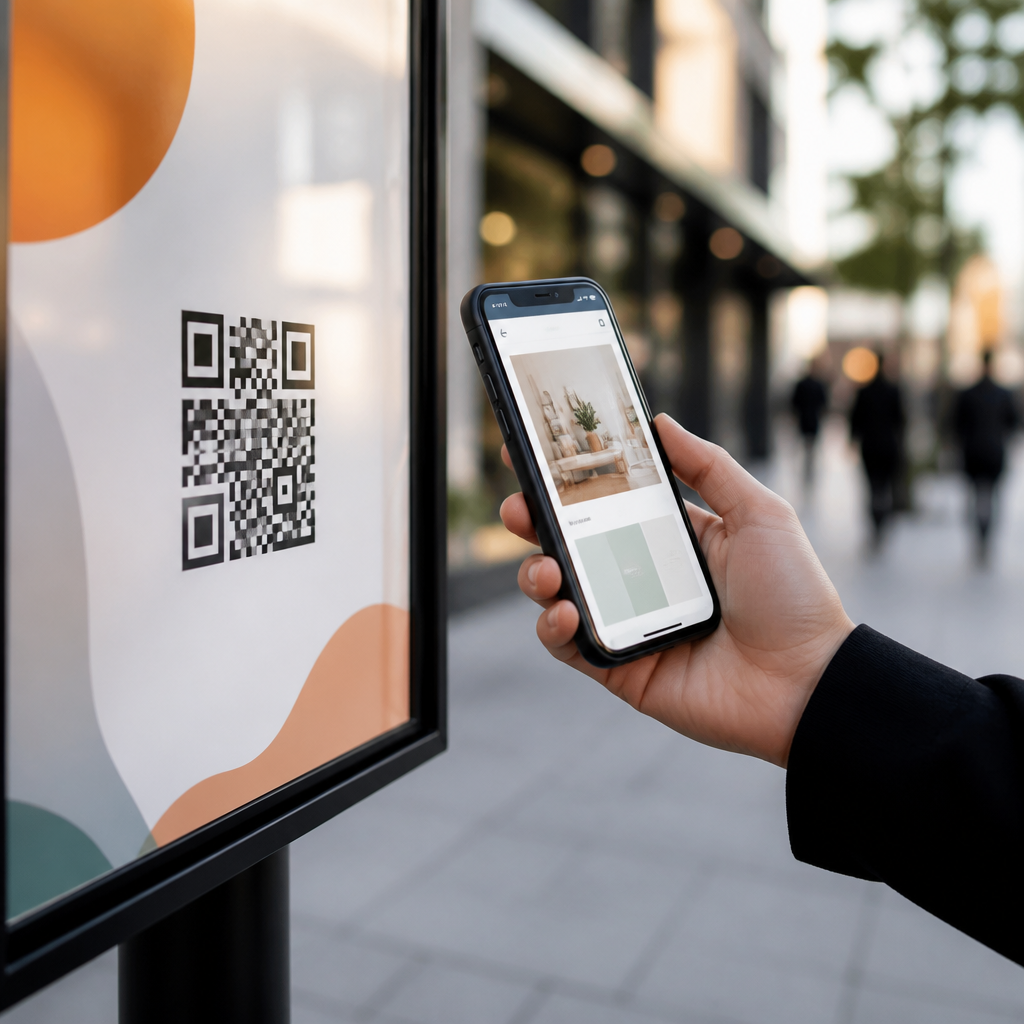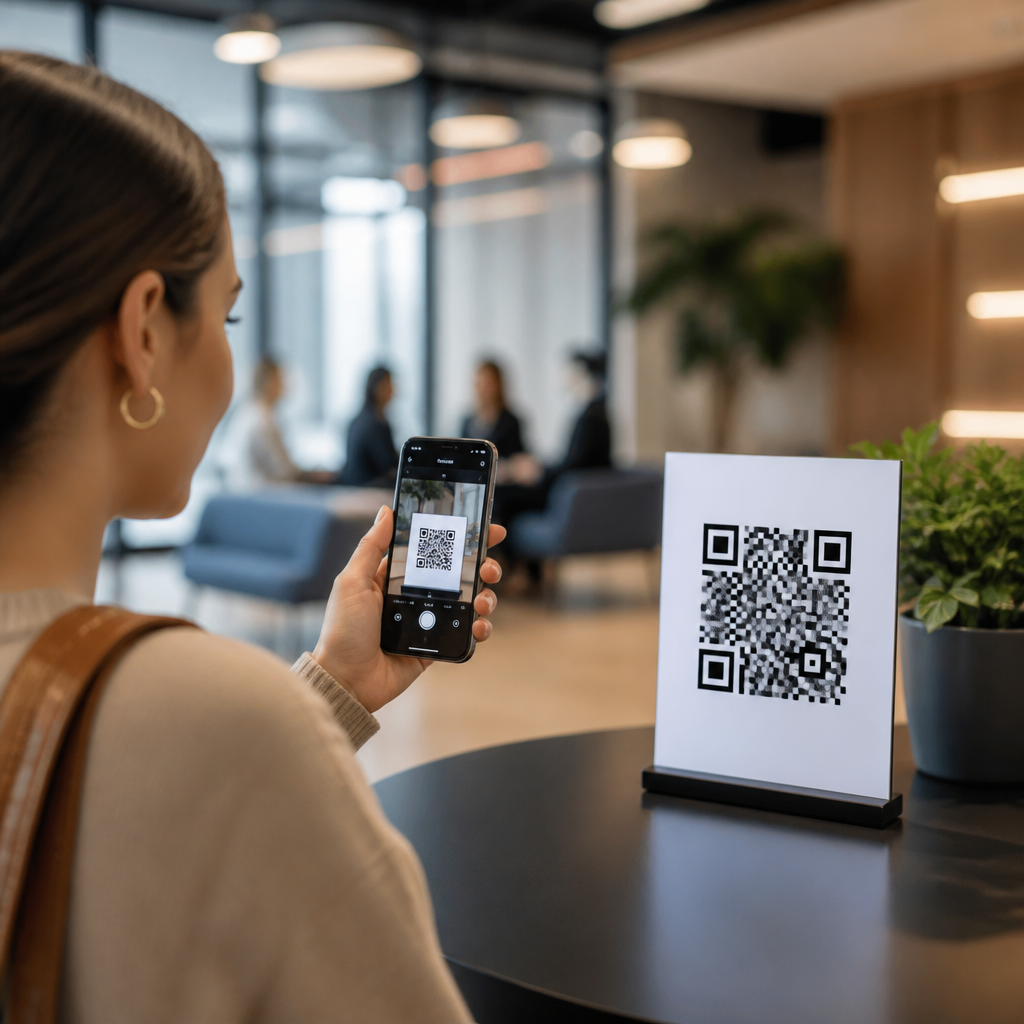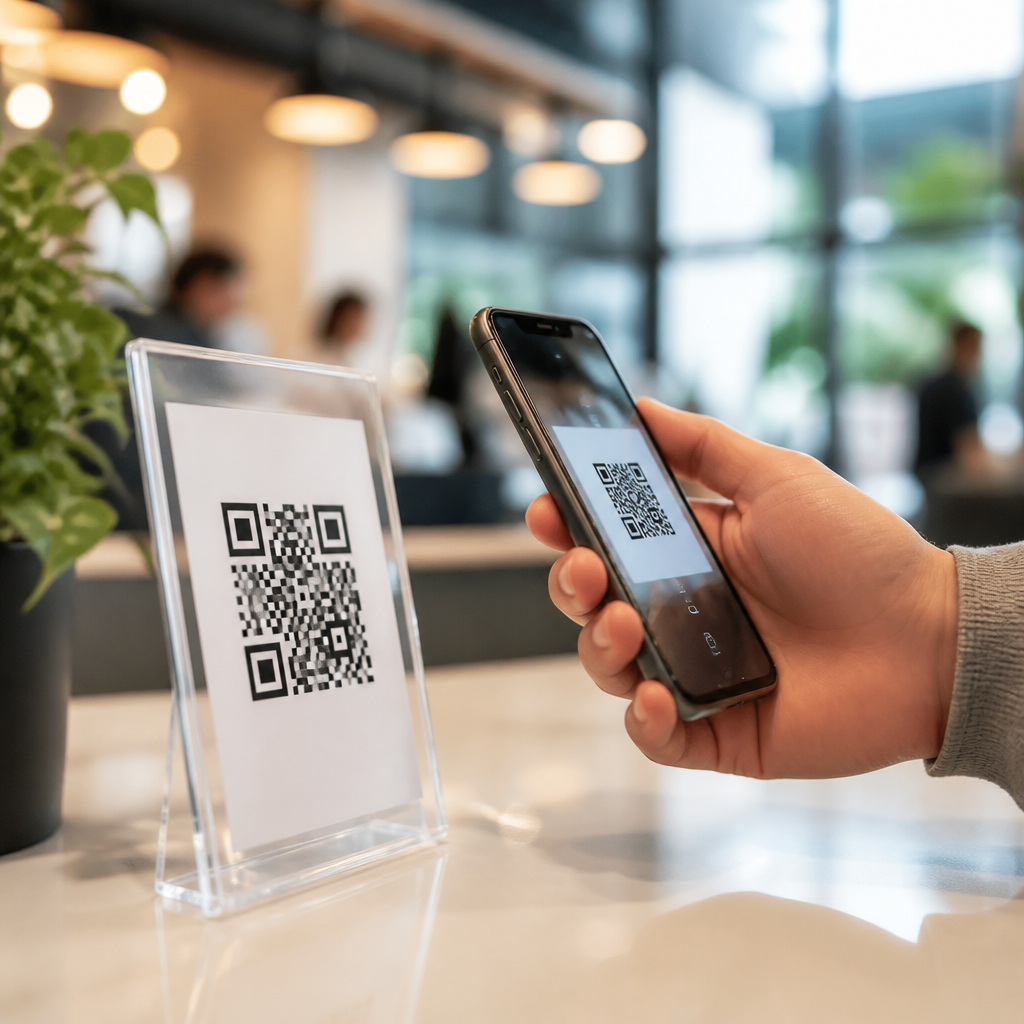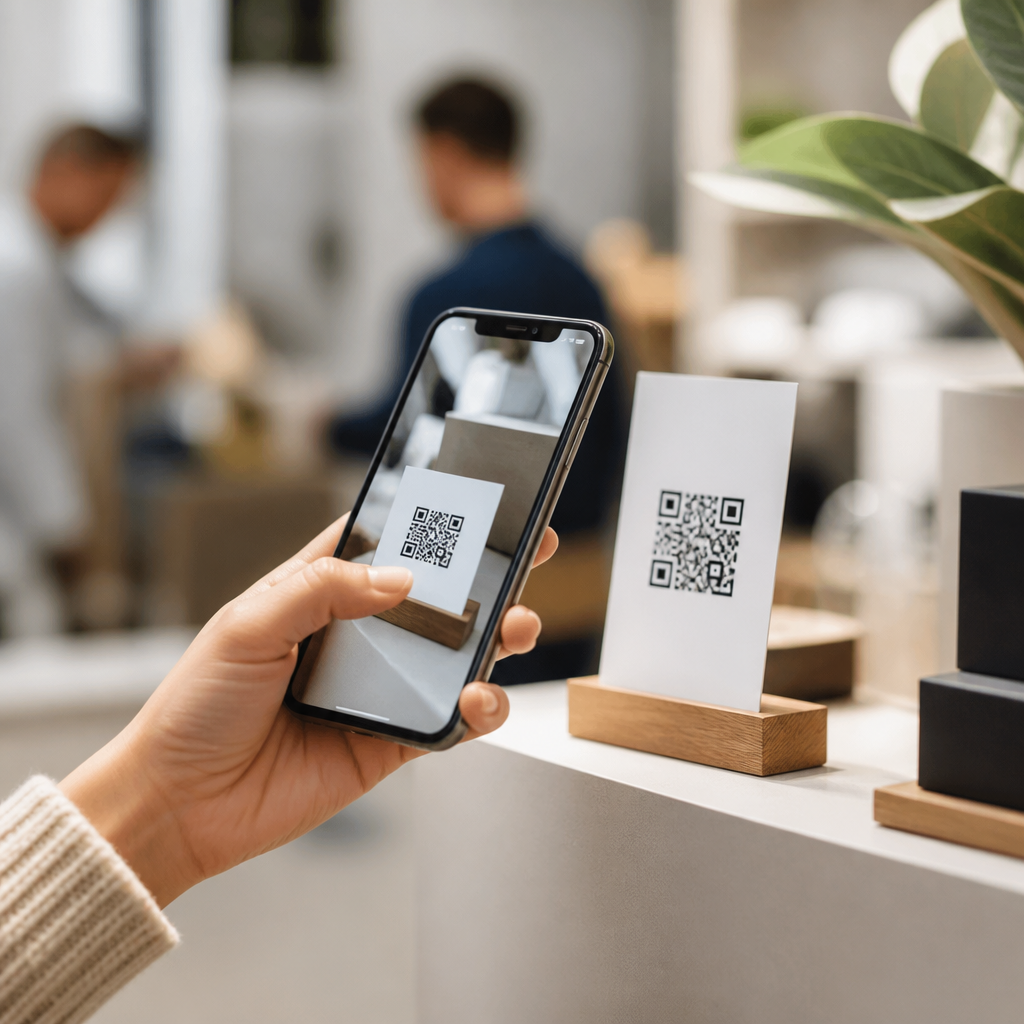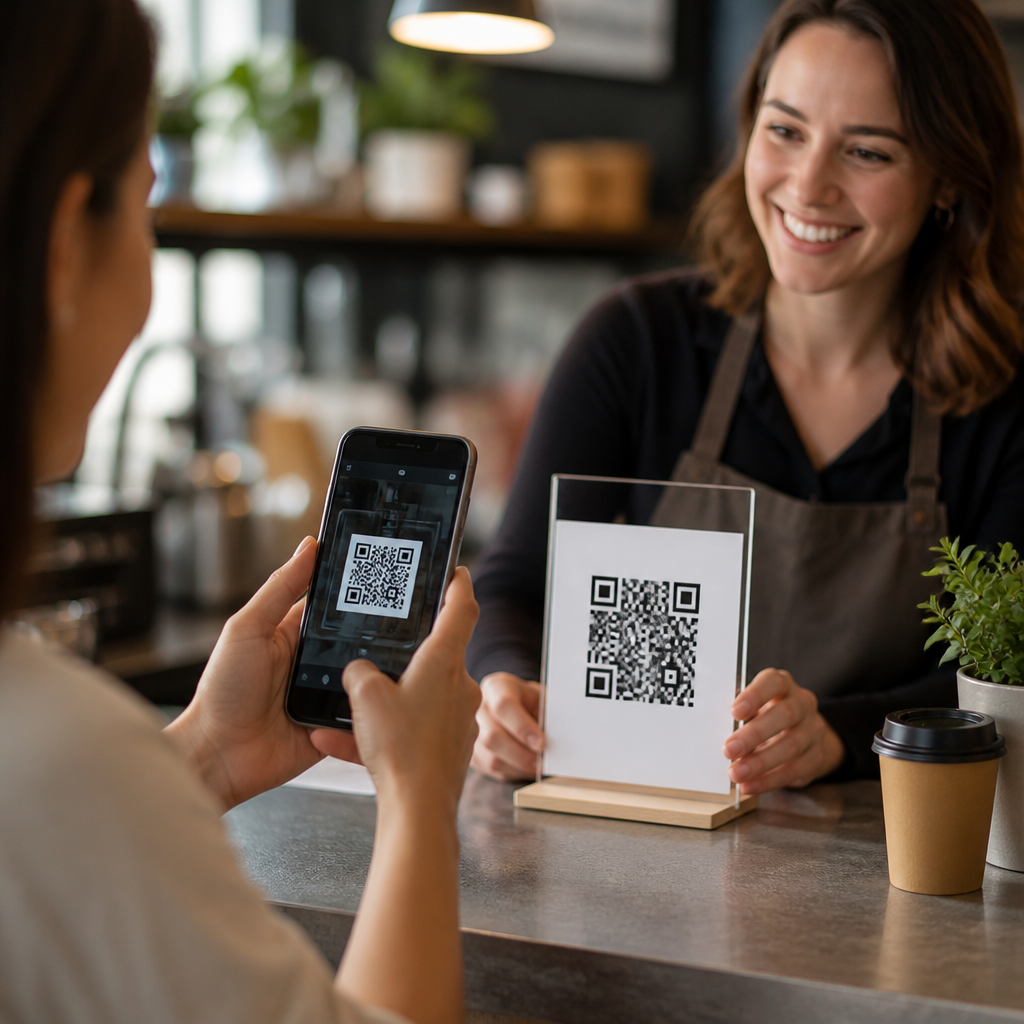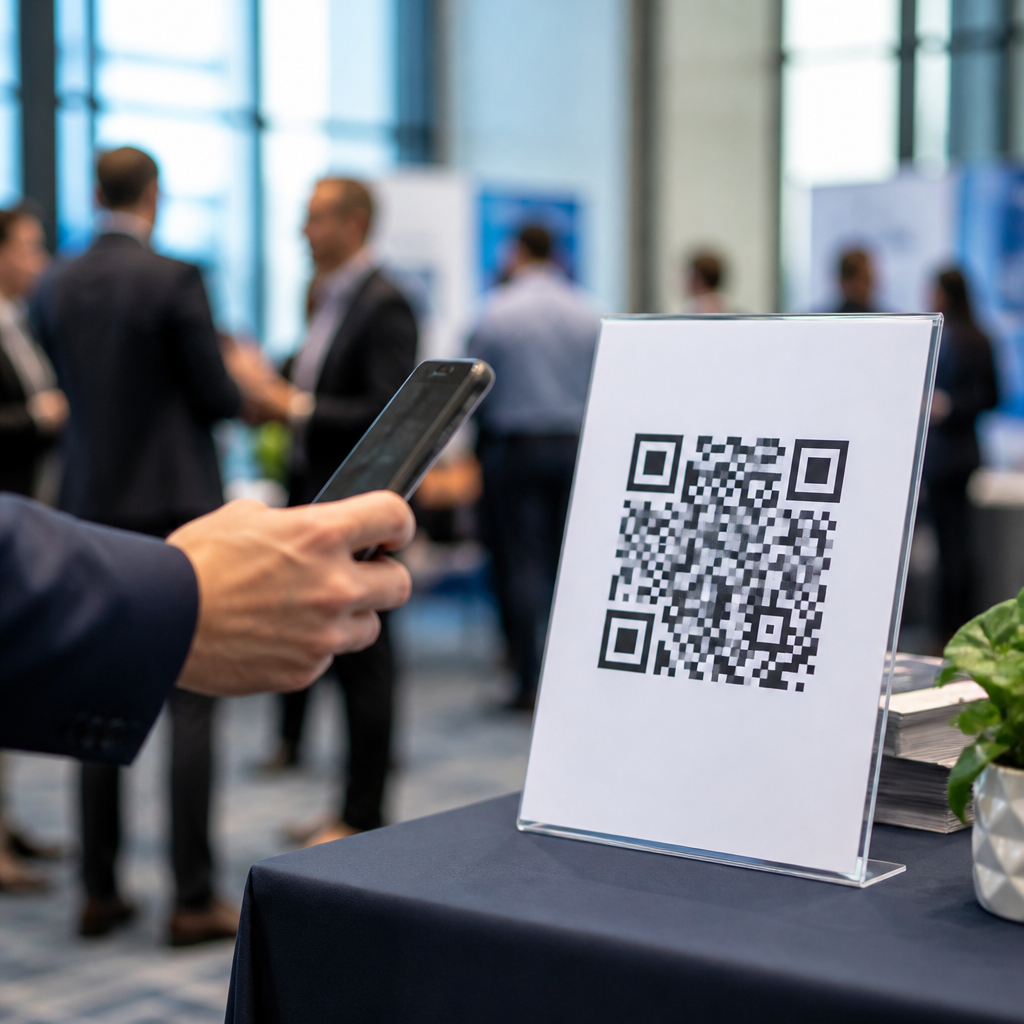
QR codes for event lead capture have become one of the most practical tools in modern field marketing because they connect offline conversations to digital lead generation in seconds. In plain terms, a QR code is a scannable matrix barcode that opens a landing page, form, app, file, or digital experience on a phone camera. Event lead capture is the process of collecting attendee information, qualifying interest, and moving a contact into a follow-up workflow. Put those ideas together, and you get a simple system: a visitor scans, submits details, and enters your pipeline without paper forms, badge transcription, or delayed data entry. I have used this approach at trade shows, conferences, retail activations, and executive roundtables, and the pattern is consistent. When the scan destination is tightly matched to attendee intent, conversion rates improve, sales teams get cleaner records, and follow-up starts while the event is still happening.
This matters because events are expensive, attention spans are short, and most lost leads disappear in the gap between booth interaction and post-event outreach. Traditional badge scanners can help, but they often collect only what the organizer shares and rarely capture buying context. Business cards are worse: they create manual work and produce weak attribution. QR codes close both gaps. They can route different audiences to different forms, tag source by placement, trigger automated emails, and collect zero-party data such as product interest, timeline, budget range, or preferred demo format. They also work across the full event journey, from pre-event registration pages and speaker session slides to booth displays, product packaging, lanyards, printed collateral, and post-event nurture offers. For any team building a broader QR code marketing strategy, event lead capture is one of the highest-impact starting points because the value is measurable quickly.
How QR codes improve event lead generation
QR codes improve event lead generation by reducing friction at the exact moment interest peaks. Instead of asking a visitor to wait for a rep, hand over a badge, spell an email address in a loud hall, or carry a brochure home, you give them a direct path to action on a device already in their hand. The strongest event flows use dynamic QR codes tied to mobile-optimized forms. Dynamic codes matter because the destination can be updated without reprinting signage, and the platform records scans by time, device, and location. In practice, that means a single booth graphic can keep working even if your team changes the offer from a giveaway entry on day one to a live demo booking on day two.
The quality advantage is just as important as the quantity advantage. A scan alone is not a lead unless it resolves to identity or meaningful engagement, so the landing page must ask for just enough information to move the conversation forward. For top-of-funnel offers, I typically keep the form to three to five fields: name, work email, company, role, and a choice field for interest area. For high-intent offers like pricing consults or technical demos, you can ask for more, including use case, company size, region, implementation timeline, and CRM consent language. This gives marketing operations and sales development teams structured data they can actually use. It also supports lead scoring models in platforms such as HubSpot, Marketo, Salesforce, Pardot, and Zoho CRM.
Another reason QR codes perform well at events is that they support self-directed engagement. Not every attendee wants a booth conversation immediately. Some are researching competitors, some are between sessions, and some prefer to read before talking. A QR code respects that behavior while still creating a measurable path. It also extends staff capacity. At crowded events, reps can spend time on qualified discussions while lower-intent visitors use the code to access product sheets, case studies, contest entries, or newsletter sign-ups. In my experience, this raises booth throughput without sacrificing lead quality, especially when each asset is mapped to a distinct form and campaign tag.
Where to place QR codes at events for maximum scans
Placement determines performance. The best QR code for lead generation fails if attendees do not notice it, cannot reach it, or do not understand why they should scan. At minimum, place codes in four zones: pre-event touchpoints, high-traffic event surfaces, conversation aids inside the booth, and post-session materials. Pre-event placements include invitation emails, registration confirmations, calendar holds, and social posts promoting meeting bookings. At the venue, large-format booth walls, counters, tabletop signs, digital kiosks, retractable banners, and product demo stations are standard placements. Speaker decks and workshop handouts often outperform booth signage because they catch a focused audience at a high-attention moment.
Design and distance matter more than many teams expect. A code displayed on a hanging sign twenty feet away may generate curiosity but not action if the modules are too small for fast camera recognition. Use high contrast, preserve the quiet zone around the code, and test from the likely scanning distance under real lighting. Add a clear call to action directly above or below the code, such as “Scan to book a live demo,” “Scan for the case study,” or “Scan to enter the giveaway.” Generic labels like “Scan me” underperform because they hide the value exchange. I also recommend pairing each placement with a short fallback URL, since venue Wi-Fi and camera behavior vary.
| Event placement | Best use | Lead quality | Key optimization |
|---|---|---|---|
| Booth counter sign | Fast form fills during traffic spikes | Medium to high | Use a concise offer and short form |
| Session slide | Post-talk downloads and meeting requests | High | Keep the code visible for at least 20 seconds |
| Badge or lanyard insert | Personal networking and referral scans | Medium | Route to a mobile business card or booking page |
| Printed brochure | Deep content after a booth conversation | High | Match the asset to the discussion topic |
| Product demo station | Technical follow-up and trial sign-ups | High | Tag by product line for precise attribution |
Each placement should map to a distinct campaign parameter set. Using UTM conventions, hidden form fields, and QR management software, you can separate scans from booth graphics, sponsor packages, speaking sessions, partner collateral, and sales badges. That segmentation is essential when leadership asks which sponsorship generated pipeline, not just traffic. It also helps when planning internal links and next-step content in your broader lead generation resource hub, because you can see which use cases deserve deeper supporting articles.
Building a high-converting QR code lead capture flow
A high-converting lead capture flow starts before the code is created. First define the offer. At events, the best offers are immediate and specific: schedule a one-on-one demo, download the benchmark report, receive the implementation checklist, access session slides, join a giveaway, or claim a post-event consultation. Second define the audience. A CMO at a SaaS summit should not see the same form or copy as an operations manager at a manufacturing expo. Third define the handoff. Every form submission should route somewhere intentional: a CRM campaign, a lead score queue, a meeting scheduler, an SDR alert, or an automated nurture track.
The mobile landing page must load quickly and eliminate unnecessary friction. Keep the headline benefit-led, repeat the offer near the top, and use forms designed for thumb input. Dropdowns are useful for qualification, but too many create fatigue. Smart forms can reduce fields for returning contacts and progressive profiling can fill knowledge gaps over time. If privacy rules apply, include clear consent language and region-specific handling for GDPR, CCPA, or similar frameworks. Trust markers also help: customer logos, event-specific messaging, and a short statement explaining what happens after submission. For example, “You will receive the report by email and a specialist may follow up if you request a demo” sets expectations cleanly.
Speed-to-lead is where many event programs succeed or fail. In mature workflows, a qualified scan can trigger an instant email, a Slack alert to booth staff, an SDR task in Salesforce, and a calendar link on the thank-you page. I have seen same-day response double meeting rates compared with next-week outreach, especially when reps reference the exact session attended or product station visited. Thank-you pages should not be dead ends. They should present the next best action: book time, watch a two-minute explainer, compare plans, or read a customer story related to the selected interest area.
Measuring performance, attribution, and lead quality
The core metrics for QR codes for event lead capture are scans, unique scans, scan-to-visit rate, visit-to-form completion rate, qualified lead rate, meeting-booked rate, opportunity creation, pipeline influenced, and closed revenue. Scan count alone is a vanity metric if the downstream conversion chain is weak. The most useful reporting separates traffic quality by placement, audience segment, and offer type. A booth giveaway may produce many contacts with low buying intent, while a session-slide QR code tied to a technical checklist may generate fewer leads but higher opportunity rates. Both can be valuable if you label them correctly and report them honestly.
Attribution should combine the QR platform, analytics, and CRM data. Dynamic QR tools such as Bitly, Uniqode, QR Code Generator PRO, Flowcode, and Beaconstac can record scan activity. Google Analytics 4 captures session behavior. Your marketing automation platform tracks form fills and nurture engagement. Your CRM ties records to meetings, opportunities, and revenue. The crucial step is normalization. Use consistent campaign names, source values, and hidden fields so records can be stitched together without manual cleanup. If multiple reps use personal QR codes on badges or tablets, assign owner IDs to avoid orphaned leads and attribution disputes.
Lead quality improves when qualification is explicit. I recommend defining event-specific thresholds with sales leadership before the show begins. For example, a marketing qualified lead may require a business email, target account fit, and declared interest in a demo or pricing. A sales accepted lead may require confirmed pain point and timeline. These criteria prevent inflated reporting and let teams compare event QR performance with paid search, webinars, and content syndication on equal terms. Over time, this data also reveals which QR code lead generation plays deserve standalone supporting content within your marketing hub, such as booth contests, session downloads, product trials, or account-based event outreach.
Common mistakes and practical fixes
The most common mistake is sending every scan to the homepage. Homepages are built for broad navigation, not event intent, so they dilute conversion. Use dedicated landing pages aligned to the specific offer and audience. Another frequent error is overdesigning the code. Branded colors and logos can work, but excessive styling reduces readability. Always test on multiple phones, camera apps, and network conditions. Teams also underestimate environmental issues. Glossy signage creates glare, low placement forces awkward scanning angles, and congested Wi-Fi can break heavy pages. Compress images, use content delivery networks, and make forms resilient on cellular data.
A second category of mistakes involves process, not design. Leads often disappear because booth staff are unclear on when to invite a scan, what promise the form makes, or how follow-up works. Train staff with a simple talk track and role-play likely scenarios. Another issue is collecting too much data too soon. Long forms suppress completion, especially when attendees are standing, carrying bags, and moving between sessions. Start with the minimum needed to continue the conversation, then enrich records later. Finally, do not ignore compliance and trust. If attendees suspect they are entering a sweepstakes only to be flooded with unrelated outreach, list usage clearly and honor preferences. Credibility affects conversion more than many teams realize.
QR codes are not a gimmick for event lead capture; they are a disciplined bridge between physical attention and digital conversion when built with clear offers, strong placement, fast mobile pages, and rigorous attribution. The main lesson is simple: the code itself is only the entry point. Results come from the system behind it, including audience-specific landing pages, thoughtful qualification fields, real-time routing, and post-scan follow-up that matches buyer intent. Teams that treat QR codes as a measurable lead generation channel rather than a decorative add-on consistently collect cleaner data and create more pipeline from the same event spend.
For marketers building a broader QR code in marketing strategy program, this topic should serve as the hub because it connects campaign planning, on-site execution, analytics, sales handoff, and revenue reporting. Start with one event, one high-intent offer, and one clearly tagged flow. Test placements, compare conversion rates, and refine the form based on actual attendee behavior. Then expand into session assets, partner activations, account-based outreach, and post-event nurture paths. If you implement the fundamentals well, QR codes for lead generation will stop being a novelty and become one of the most accountable tools in your event marketing stack. Audit your next event journey now and identify every place a scan can replace friction.
Frequently Asked Questions
What are QR codes for event lead capture, and how do they work at live events?
QR codes for event lead capture are scannable codes used to move people from an in-person interaction into a digital conversion path within seconds. At a live event, a booth visitor, attendee, sponsor contact, or passerby scans the code with a smartphone camera and is instantly directed to a mobile-friendly destination such as a lead form, demo request page, giveaway entry, product sheet, meeting scheduler, app download, or promotional landing page. That action creates a bridge between the physical event environment and your digital marketing system.
In practice, this makes lead collection faster and more accurate than relying only on paper forms, business cards, or manual note-taking. Instead of asking staff to type in contact details after a conversation, the attendee can self-submit information on the spot. That helps reduce data entry errors, improves response time, and captures intent while interest is still high. Once the visitor completes the form or interacts with the digital experience, the lead can be routed into a CRM, email automation platform, or sales workflow for immediate follow-up.
The real value is not just convenience. QR codes also support better attribution and measurement. You can assign different codes to booth signage, product areas, speaking sessions, printed collateral, or even individual sales reps. That allows event marketers to see which placements generate the most scans, which assets drive the most conversions, and where the highest-quality leads originate. In other words, QR codes turn live event traffic into trackable, actionable lead data.
Why are QR codes effective for event lead capture compared with traditional methods?
QR codes are effective because they remove friction at the exact moment a prospect is most engaged. Traditional event lead capture methods often depend on badge scanners, paper sign-up sheets, exchanged business cards, or follow-up conversations that happen later. Those approaches can work, but they also create delays, incomplete records, and missed opportunities. A QR code lets the attendee take action immediately using a device they already have in hand.
This speed matters in busy event settings where attention spans are short and booth teams are juggling multiple conversations. A quick scan can direct someone to a form that captures name, company, email, job role, product interest, budget, timeline, and any other qualifying information you need. It can also deliver value instantly, such as access to a case study, pricing guide, event-only offer, or product demo. That exchange feels more useful and less intrusive, which can improve completion rates.
QR codes are also highly flexible. They can be placed on banners, table tents, packaging, brochures, lanyards, screens, business cards, and presentation slides. Because they are digital entry points, they are easy to connect with automation and analytics tools. This means faster lead routing, stronger reporting, and more personalized follow-up after the event. Compared with manual collection methods, QR-driven workflows are usually easier to scale, easier to measure, and more aligned with how modern buyers prefer to engage.
What should a QR code lead capture page include to maximize conversions at an event?
A high-converting QR code lead capture page should be simple, mobile-first, and tightly aligned with the context of the event interaction. The attendee should immediately understand what they are getting and why it is worth completing the action. A strong page usually includes a clear headline, a short explanation of the offer, a concise form, and a prominent call to action. If the page feels cluttered, slow, or overly demanding, conversion rates will usually drop.
The form itself should ask only for information you truly need at that stage. For top-of-funnel event interactions, it is often better to request a smaller set of fields such as name, email, company, and area of interest rather than presenting a long questionnaire. If lead qualification is important, use smart fields, dropdown selections, or progressive profiling so you can collect useful data without creating too much resistance. The page should also load quickly, display properly on all phone sizes, and require as few taps as possible.
It also helps to offer a compelling reason to scan. Examples include scheduling a meeting, entering a giveaway, downloading exclusive event content, receiving a personalized quote, joining a product waitlist, or unlocking a show special. Reinforce trust by using recognizable branding, a privacy statement, and clear expectations about what happens next. If possible, connect the page to an instant response such as a thank-you screen, SMS confirmation, downloadable asset, or calendar booking option. The best lead capture pages do not just collect contact details; they continue the conversation and prepare the lead for a meaningful follow-up.
How can businesses measure the success of QR code event lead capture campaigns?
Success should be measured across both engagement metrics and downstream pipeline outcomes. At the top level, you can track scans, unique visitors, form completion rates, conversion rates, bounce rates, and time of interaction. These metrics help you understand whether people noticed the QR code, whether the destination was relevant, and whether the mobile experience was strong enough to encourage action. If scans are high but conversions are low, the issue may be with the landing page, offer, or form friction rather than the code placement itself.
More advanced measurement comes from segmentation and attribution. For example, you can create separate QR codes for booth displays, print handouts, speaking sessions, VIP events, product demos, or different event days. This reveals which placements and experiences drive the strongest response. You can also connect submissions to a CRM and tag leads by campaign source, event name, content offer, and intent level. That allows marketing and sales teams to compare not just quantity, but quality.
The most important performance indicators often appear after the event. Look at metrics such as qualified leads generated, meetings booked, opportunities created, pipeline influenced, revenue attributed, and follow-up response rates. These measures show whether the QR code campaign contributed to real business outcomes rather than just booth traffic. When reviewed alongside qualitative input from field teams, QR code analytics can help marketers refine messaging, improve offers, optimize code placement, and build stronger event lead capture strategies over time.
What are the best practices for using QR codes at events without hurting the attendee experience?
The best approach is to make QR codes feel helpful, fast, and relevant rather than promotional for the sake of it. Start by placing them where attendees naturally pause or look, such as booth counters, signage, demo screens, printed materials, product displays, and presentation slides. Make the code large enough to scan easily and pair it with a clear instruction that tells people exactly what they will get, such as “Scan to book a demo,” “Scan for the pricing guide,” or “Scan to enter the giveaway.” Good calls to action remove ambiguity and improve participation.
You should also make sure the experience after the scan is optimized. The landing page must be mobile-friendly, quick to load, and directly connected to the promise on the sign or screen. Avoid sending attendees to a generic homepage, because that creates confusion and weakens conversion intent. It is also wise to test every code before the event, including under real-world conditions such as weak signal, different phone types, varying lighting, and crowded spaces. If a QR code does not work instantly, many people will abandon it.
From a strategic standpoint, QR codes work best when they support human interaction rather than replace it. Booth staff can use them as conversation tools, guiding attendees to the right form or content based on their interests. This creates a smoother exchange and captures cleaner data. Finally, respect privacy and follow-up expectations. Be transparent about what information is being collected and how it will be used. When QR codes are implemented thoughtfully, they improve the attendee experience by making it easier to access information, share interest, and continue the relationship after the event.