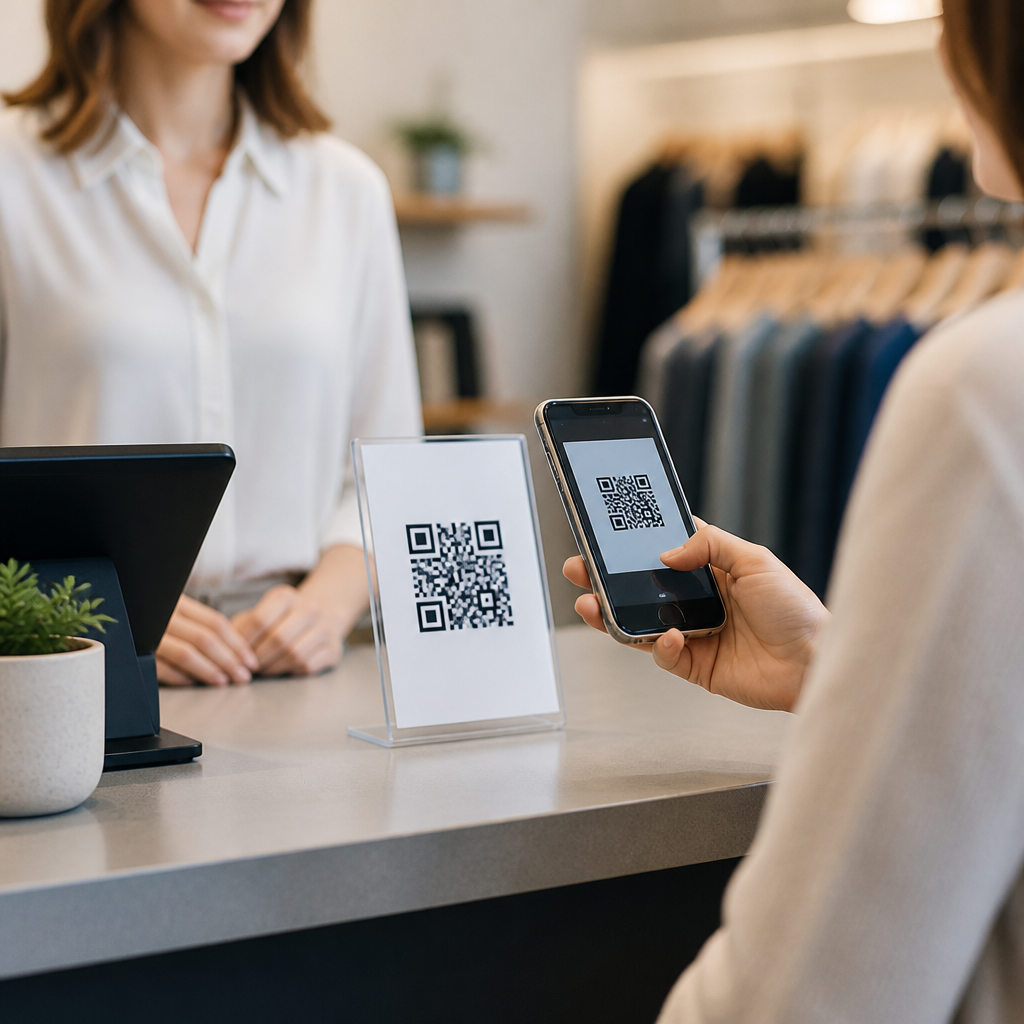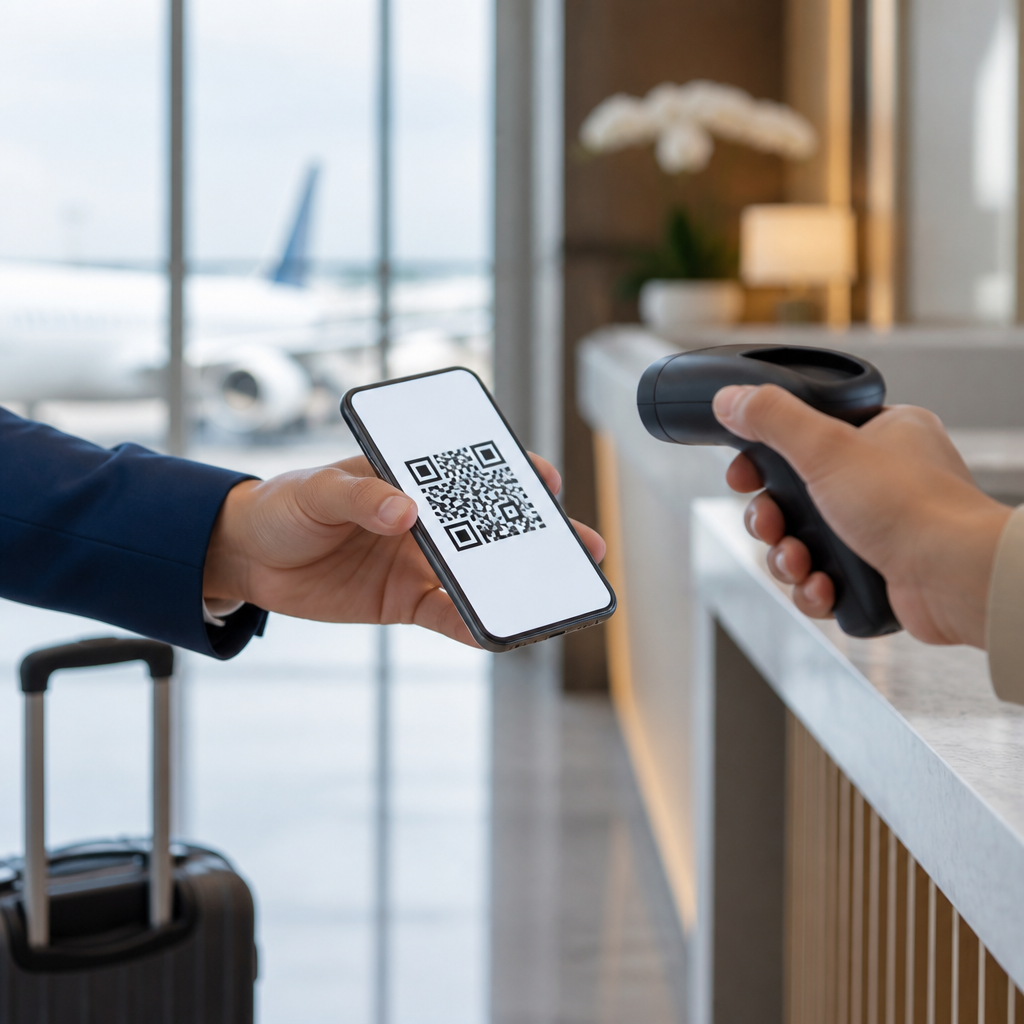
QR codes for airline and hotel check-ins have become a core part of the travel experience, turning a printed boarding pass or plastic room key into a scannable, secure, and instantly updated digital credential. In practical terms, a QR code is a two-dimensional barcode that stores data such as a booking reference, passenger identifier, room assignment, payment token, or link to a live confirmation page. During the past several years, I have seen travel operators move from treating these codes as a convenience feature to treating them as operational infrastructure. Airports use them to accelerate boarding, reduce desk congestion, and connect passengers to self-service flows. Hotels use them to shorten front-desk queues, verify reservations, issue digital room access, and trigger upsell offers at the moment of arrival.
This matters because check-in is one of the highest-friction moments in travel. A delay at this stage can damage the entire customer journey, from missed flights to poor first impressions at a property. For airlines, faster verification improves aircraft turnaround and gate efficiency. For hotels, smoother arrivals reduce labor pressure and improve guest satisfaction scores. Travelers benefit as well: they can check in remotely, store the code in a mobile wallet, and move through the process with fewer documents and fewer touchpoints. As a result, QR code check-ins now sit at the center of travel and tourism operations, guest experience design, and measurable marketing performance.
As a hub topic within QR codes in marketing, this subject reaches beyond entry control. The same scan that confirms a flight or room can power loyalty enrollment, capture attribution data, personalize offers, deliver multilingual instructions, and connect physical travel moments to digital campaigns. Travel brands that implement QR-based check-ins well do not simply replace paper. They build a linked system across booking engines, customer relationship management platforms, mobile apps, payment tools, and analytics dashboards. That is why understanding airline and hotel use cases in detail is important for marketers, operators, and technology teams working in travel and tourism.
How QR code check-ins work in airlines and hotels
At the simplest level, the process starts when a booking is confirmed. The reservation system generates a unique record, and that record is tied to a QR code delivered by email, SMS, mobile app, kiosk, or wallet pass. In an airline workflow, the code may represent a mobile boarding pass created after identity and travel document checks. At the airport, scanners at security, lounges, and gates validate the code against the airline departure control system. If a seat changes, a gate changes, or the passenger is rebooked, the code can point to a live record rather than a static image, keeping the credential current.
Hotels use a similar model with different integrations. After online pre-check-in, the property management system can issue a QR code linked to the guest reservation and arrival status. At self-service kiosks, the code retrieves booking details, confirms payment or identification steps, and can trigger room assignment. Some hotels also use QR codes to provision mobile keys through systems from providers such as ASSA ABLOY Global Solutions or dormakaba, while others use the code itself at controlled-access points. In both sectors, the QR code is not the product; it is the interface that joins identity, entitlement, and service delivery.
The best implementations rely on clear data governance. The code should carry the minimum necessary information and preferably reference a secure back-end token instead of exposing personal details in plain text. Error correction standards in QR technology help scanning remain reliable even when screens are cracked or printouts are creased, which is one reason the format works so well in busy terminals and lobbies. From experience, the difference between a frustrating deployment and a smooth one usually comes down to scanner quality, network resilience, and thoughtful exception handling for travelers with dead batteries, poor connectivity, or changed itineraries.
Airline check-in use cases across the passenger journey
For airlines, QR codes support more than the final boarding event. They can be embedded across the journey from booking confirmation to baggage claim. A traveler might first receive a confirmation email with a QR code linking to manage-booking functions, ancillary sales, and flight updates. Once the check-in window opens, usually 24 to 48 hours before departure depending on the carrier, the passenger completes check-in online and receives a mobile boarding pass with a fresh code. That same code can be recognized at automated bag-drop units, priority lane entrances, lounge access points, security checkpoints where local authorities permit digital verification, and the boarding gate.
Major carriers have demonstrated how operationally significant this can be. IATA’s One ID vision and broader contactless travel initiatives have pushed airlines and airports toward interoperable digital identity and self-service models. While not every airport has full biometric capability, QR-based boarding passes remain the universal fallback. Southwest, Ryanair, Emirates, and many others have trained passengers to rely on mobile passes because they lower printing costs and reduce queue dependence. In irregular operations, a revised QR code sent instantly through the app is far more efficient than reissuing paper at a crowded transfer desk.
There is also a strong marketing layer. Every scan event creates a chance to present context-aware information: gate changes, baggage rules, duty-free offers, seat upgrade prompts, lounge day passes, destination transport, or partner insurance. When airlines connect scan data to customer profiles in platforms such as Salesforce, Adobe Experience Cloud, or Microsoft Dynamics 365, they can segment travelers by route, cabin, status tier, and timing. Used responsibly, that turns check-in from a transactional necessity into a high-intent engagement point where conversion rates are materially higher than those of generic email campaigns.
Hotel check-in use cases from pre-arrival to room access
Hotels have adopted QR code check-ins unevenly, but the strongest operators treat them as part of a wider digital arrival strategy. Before arrival, the guest receives a message inviting online check-in, identity verification, estimated arrival time submission, and payment confirmation. A QR code in that message lets the guest open a personalized landing page or app screen with reservation details. Upon arrival, the code can be scanned at reception for rapid retrieval, at a kiosk for self-service completion, or within a mobile key workflow that activates once the room is ready. This reduces front-desk congestion during peak windows such as conference arrivals or weekend leisure surges.
Large brands including Marriott, Hilton, Hyatt, and Accor have invested heavily in mobile-first arrival experiences, though the exact mechanics vary by property and brand tier. Independent hotels often use QR-driven workflows through property management systems such as Oracle OPERA Cloud, Mews, Cloudbeds, or Stayntouch because they need speed without enterprise-scale app development. In practice, I have found that guest adoption increases when the code is delivered through familiar channels like WhatsApp or email and when staff can instantly step in for exceptions. A digital system that strands tired guests at a kiosk will hurt sentiment faster than a manual queue.
Beyond access, QR code check-in opens cross-sell opportunities at exactly the right moment. A pre-arrival scan can offer airport transfer, early check-in, breakfast packages, spa appointments, parking, or premium room upgrades. During stay, a room-access or lobby code can direct guests to service directories, local recommendations, event schedules, and loyalty sign-up pages. Because travel intent is immediate, these scans often outperform general website banners. For marketers, this makes hotel QR code check-ins a bridge between operations and revenue management rather than a narrow front-office tool.
Benefits, risks, and implementation priorities
The operational benefits are clear: shorter queues, faster throughput, lower paper dependence, and better use of staff time. In aviation, shaving seconds from each boarding interaction scales across hundreds of passengers and can support on-time departure performance. In hospitality, moving routine arrival tasks into pre-check-in frees staff to handle exceptions and higher-value guest interactions. The data benefits are equally important. Teams can measure scan rates, completion rates, ancillary uptake, no-show patterns, and channel performance with far more precision than traditional paper workflows allow.
The tradeoffs deserve equal attention. Accessibility is the first concern. Not every traveler has a modern smartphone, sufficient battery, or confidence using digital tools under time pressure. Security is the second. A QR code can be tampered with if it links to an unsecured destination, and phishing campaigns increasingly use fake codes in emails or physical spaces. Privacy is the third. Travel data is sensitive, and operators must align with frameworks such as GDPR, PCI DSS for payments, and local identity verification rules. The answer is not to avoid QR code check-ins, but to design them with fallbacks, encryption, domain control, and staff training from the start.
| Area | Airline example | Hotel example | Priority metric |
|---|---|---|---|
| Speed | Mobile boarding pass scanned at bag drop and gate | QR retrieval of booking at kiosk or front desk | Average check-in time |
| Revenue | Seat upgrades and lounge passes during check-in | Early check-in, breakfast, spa, parking offers | Ancillary conversion rate |
| Security | Tokenized boarding credentials tied to departure control | Validated reservation link and controlled room access | Fraud or exception rate |
| Experience | Real-time gate or rebooking updates | Contactless arrival and digital key activation | Guest satisfaction score |
When prioritizing implementation, start with the highest-volume friction point. For airlines, that is often boarding or bag drop. For hotels, it is arrival queue management and pre-arrival verification. Then connect the scan to one core system of record, not five loosely synchronized tools. Reliable integration with the passenger service system or property management system matters more than flashy interface design. Finally, test edge cases relentlessly: offline mode, duplicate scans, expired codes, family bookings, group travel, and staff override procedures. These are the details that determine whether a QR strategy works in real operations.
Best practices for travel and tourism marketers building the hub
Because this page serves as a hub for travel and tourism use cases, the strongest content strategy is to map check-in scenarios by traveler type, property or carrier model, and stage of the journey. Business travelers need speed, receipt access, lounge entitlement, and calendar-friendly updates. Leisure travelers often need multilingual guidance, family booking support, transfer information, and destination offers. Resort hotels, budget hotels, low-cost carriers, and full-service airlines all use QR code check-ins differently, so subpages should break out those differences clearly and link back to the core framework established here.
Marketers should also treat the scan as a measurable channel. Use UTM governance where appropriate, deep links for app users, and event tracking in analytics tools such as Google Analytics 4, Adobe Analytics, or Mixpanel. If a QR code sent in a pre-arrival email drives mobile check-in completion, room upgrade purchase, and loyalty enrollment, that should be visible in reporting. I recommend creating a standardized taxonomy for source, campaign, location, and use case so airline and hotel teams can compare performance across routes, properties, and seasons. Consistent measurement is what turns QR codes from a novelty into a repeatable growth lever.
Finally, keep the user promise simple. Travelers scan because they expect speed and clarity, not because they want to learn a new system. The landing experience should answer immediate questions in plain language: Am I checked in? What do I do next? Where do I go? Can I change my room, seat, or arrival time? When content and operations align around those questions, QR codes for airline and hotel check-ins deliver exactly what travel brands need: lower friction, better attribution, stronger ancillary revenue, and a more modern customer journey. Review your current check-in flow, identify the biggest bottleneck, and build the next improvement around a secure, well-measured scan.
Frequently Asked Questions
How do QR codes work for airline and hotel check-ins?
QR codes work by packaging essential travel information into a compact, scannable format that can be read by airport kiosks, boarding gates, hotel front desks, self-service terminals, and even mobile staff devices. For airlines, a QR code may contain a passenger name record reference, flight details, seat assignment, frequent flyer information, and a secure token tied to a live reservation in the carrier’s system. For hotels, the code can be linked to a booking confirmation, guest identity record, room assignment, payment authorization, or a digital room key credential. When the code is scanned, the travel provider’s system validates the data in real time and confirms whether the passenger or guest is cleared for the next step, such as bag drop, security processing, boarding, room access, or express checkout.
One of the biggest advantages is that the QR code acts as a dynamic access point rather than just a static image. In many travel environments, the visible code on a phone screen looks simple, but the underlying system can connect to live updates. That means a gate change, room move, late checkout approval, upgraded seat, or revised itinerary can be reflected without printing a new document or issuing a new plastic key card. This is why QR codes have become so central to modern travel operations: they reduce friction, speed up lines, support contact-light service models, and give airlines and hotels a fast way to verify identity and reservation status while keeping the traveler’s experience more convenient.
Are QR code check-ins secure enough for travel?
Yes, in most cases QR code check-ins are designed with multiple layers of security, and they are generally far more secure than many travelers assume. A travel QR code typically does not expose all of your personal information in a human-readable form. Instead, it often contains a booking token, encrypted identifier, or reference that only becomes meaningful when it is checked against the airline’s or hotel’s back-end system. That system determines whether the code is valid, current, already used, expired, associated with the correct traveler, or linked to an active reservation. This server-side validation is what helps prevent unauthorized use.
Security is also strengthened by time sensitivity and system controls. For example, an airline boarding QR code may only function for a specific flight segment and become invalid after boarding closes, while a hotel check-in code may only activate during the stay window or after identity verification is completed. Some hotels tie QR-enabled mobile keys to the guest’s app login, device registration, or Bluetooth proximity for an extra layer of protection. Even if someone screenshots or forwards a code, that does not always guarantee access because many systems check for duplicate scans, account authentication, or changing credentials behind the scenes.
That said, travelers still need to use good digital hygiene. It is smart to avoid sharing boarding passes or room-access codes publicly, to download apps only from official airline or hotel sources, and to be cautious with unsolicited links claiming to offer check-in or reservation updates. The technology itself is secure when properly implemented, but phishing, fake websites, and careless sharing are still real risks. As a practical rule, treat a travel QR code like a digital key: convenient and safe when used correctly, but worth protecting.
Do I need an internet connection to use a QR code for boarding or hotel access?
Not always. In many travel scenarios, once the QR code has been generated and stored on your device, you can still present it without an active internet connection. This is common with mobile boarding passes saved in an airline app or digital wallet, where the scannable code remains available offline as long as your phone screen is working. At the airport, the scanner reads the code and the airline system verifies it through its own network connection, so the traveler does not necessarily need mobile data at the moment of scanning. This is one reason airlines encourage passengers to save boarding passes before arriving at the airport.
Hotels can vary a bit more. A simple QR code used for check-in confirmation may work offline on the guest side if it has already been issued and displayed in the app or email. However, if the hotel uses the code as part of a digital room key workflow, additional app communication may be needed during setup, identity confirmation, or key provisioning. In some cases, the QR code is only the first step that connects your reservation to a mobile credential, and that process may require an internet connection before the key can be used reliably.
The safest approach is to prepare in advance. Save your boarding pass or hotel confirmation inside the official app, add it to your mobile wallet if that option exists, and take a screenshot only if the provider allows it and the code remains valid in image form. Fully charge your phone and consider carrying a power bank, especially on travel days with multiple flight segments or late hotel arrivals. The QR code may reduce your dependence on paper, but it increases your dependence on a working device, so a little preparation goes a long way.
What are the main benefits of using QR codes instead of printed boarding passes or plastic room keys?
The most obvious benefit is convenience. Travelers can receive a boarding pass, check-in confirmation, or room credential instantly on a phone without waiting for a printer, kiosk, or front desk interaction. That means faster movement through airports, more efficient hotel arrivals, and fewer small travel items to keep track of. A phone-based QR code is harder to misplace than a paper slip pulled from a pocket or a plastic key left in a room. For frequent travelers, this can make the entire journey feel smoother from pre-departure check-in to final checkout.
There is also a strong operational benefit for airlines and hotels. QR codes reduce printing costs, limit manual handling, and support self-service workflows that shorten queues during busy periods. Airlines can push real-time updates to passengers if a gate changes, a seat is reassigned, or standby status clears. Hotels can streamline late arrivals, enable contactless or low-contact service, and reduce dependency on physical key inventory. In both industries, QR-based credentials also create better visibility into guest and passenger flows, which helps with staffing, security, and service recovery.
Another important advantage is flexibility. A printed boarding pass is static the moment it comes out of the printer, but a digital credential tied to a QR code can be updated in the background. The same applies to hotels, where a guest’s room assignment, access permissions, or check-out status can be adjusted without requiring a visit to the desk for a replacement key. There are environmental benefits too, since fewer paper documents and plastic cards are used. Taken together, QR codes are not just a digital substitute for older tools; they are a more adaptable and more responsive way to manage the travel experience.
What should I do if my QR code will not scan at the airport or hotel?
If your QR code will not scan, start with the simplest fixes first. Increase your screen brightness, remove any privacy filter, clean the screen, and hold the phone steady at a slight angle to reduce glare. Make sure the entire code is visible and not cropped by a notification banner, cracked screen area, or zoom setting. If the code is in an email, opening it in the official airline or hotel app may produce a cleaner display that scanners can read more easily. If you saved the pass to a mobile wallet, try using that version as it is often optimized for scanning.
If the problem continues, confirm that you are using the most current credential. Travel QR codes can update after a schedule change, seat change, room change, or reissued reservation. An old screenshot or expired email attachment may no longer be valid even though it still looks normal on the screen. Refresh the app, log out and back in if necessary, and check whether a newer pass or key has been issued. For flights, especially after disruptions or rebooking, this step is important because the code tied to the original segment may no longer work.
When self-service fails, staff can usually resolve the issue quickly. At the airport, an agent can reprint a boarding pass, verify your booking, or reissue the mobile pass. At a hotel, the front desk can confirm your reservation, regenerate the QR code, or issue a physical key if needed. This is exactly why most travel operators maintain backup workflows alongside digital check-in systems. QR codes are efficient, but the best programs are built with redundancy, so a dead battery, damaged screen, or sync issue does not derail the trip. In practice, a non-scanning code is usually an inconvenience, not a travel-ending problem.