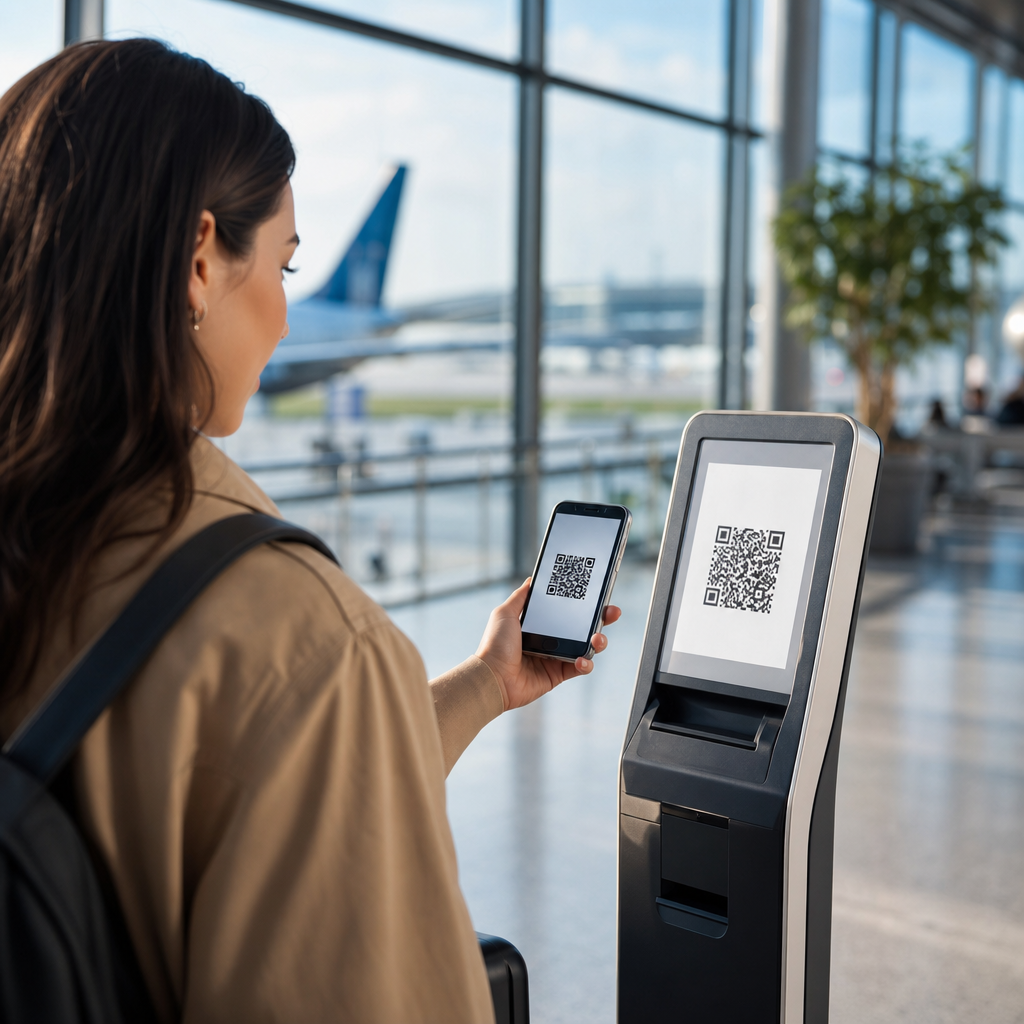
Small businesses rarely lose to big brands because they lack ideas; they lose because they lack distribution, data, and convenient customer journeys. QR codes narrow that gap faster than almost any other low-cost tool. A QR code is a scannable image that sends a customer to a digital destination such as a menu, product page, payment link, review form, coupon, or booking page. For a neighborhood café, fitness studio, repair shop, salon, market stall, or boutique, that simple bridge between offline attention and online action can replace expensive software, reduce staff workload, and create measurable marketing. I have used QR codes in store windows, checkout counters, packaging inserts, event signage, and direct mail, and the pattern is consistent: when the destination is useful and the call to action is clear, scan rates rise and customer friction drops.
This matters because big brands have structural advantages. They can afford mobile apps, loyalty platforms, media buying, agencies, and customer research. Small businesses need tools that work across print, physical space, and social traffic without requiring a six-figure budget. QR codes do exactly that. They turn every flyer, receipt, tabletop, shelf tag, and product label into a clickable touchpoint. They also create a measurable trail. With dynamic QR codes, a business can update the destination without reprinting the code and can often track scans by date, location, device, and campaign. That gives owners real feedback about what messaging, offers, and placements drive action. In practical terms, QR codes help small businesses compete by compressing the path from discovery to decision, making customer service more self-serve, and letting local brands act with the speed and specificity that larger companies often struggle to match.
Why QR codes level the playing field
QR codes help small businesses compete with big brands because they convert physical attention into digital action in one step. A passerby sees a poster in a window, scans, and books an appointment. A diner scans a tabletop card, joins a text list, and returns next week with a coupon. A customer receiving a package scans an insert, registers a warranty, and leaves a review. Each action would otherwise require typing a URL, searching a brand name, or downloading an app. Every extra step loses people. In campaign testing, I have repeatedly seen the biggest gains come not from flashy design but from removing those small moments of effort.
The strategic advantage is not only convenience. It is flexibility. Big brands tend to run standardized campaigns at scale. A small business can change an offer by neighborhood, event, season, or inventory level in a day. A bakery can place one code on in-store signs for preorders, another on coffee sleeves for loyalty sign-ups, and another on catering menus for office buyers. A contractor can put unique codes on yard signs, truck wraps, estimates, and invoices to see which channel produces the best leads. Because QR codes can be tied to unique landing pages or tagged URLs, they provide attribution that small businesses usually struggle to get from offline marketing. That makes local experimentation possible, and local experimentation is where smaller companies often beat larger competitors.
Where small businesses see the fastest wins
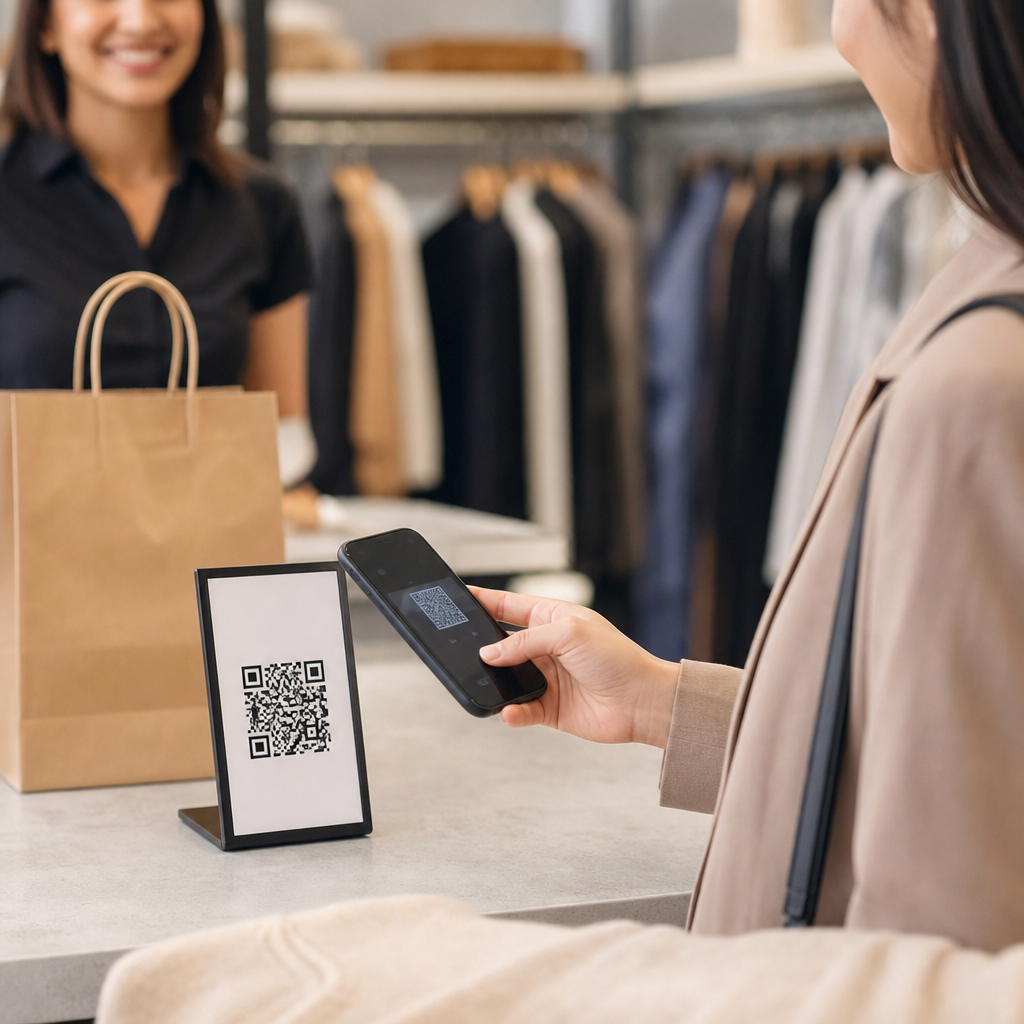
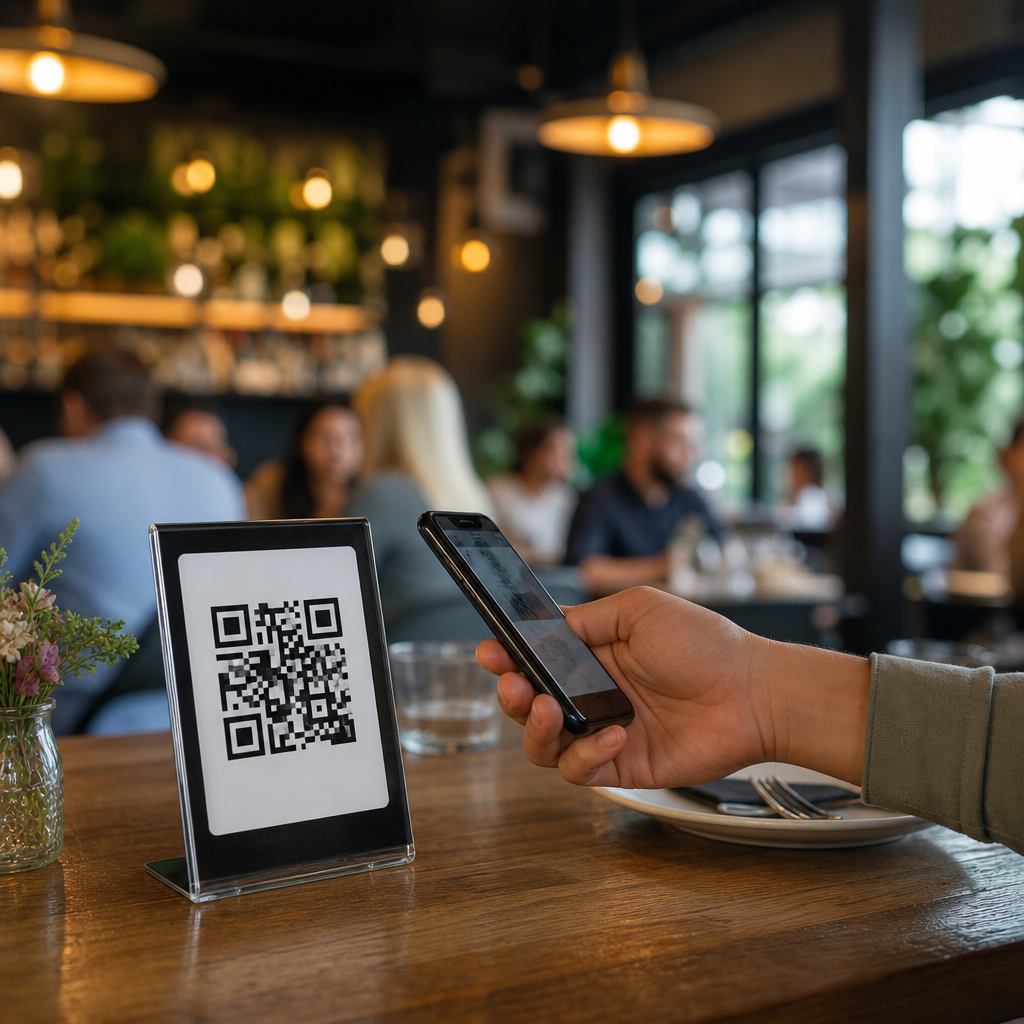
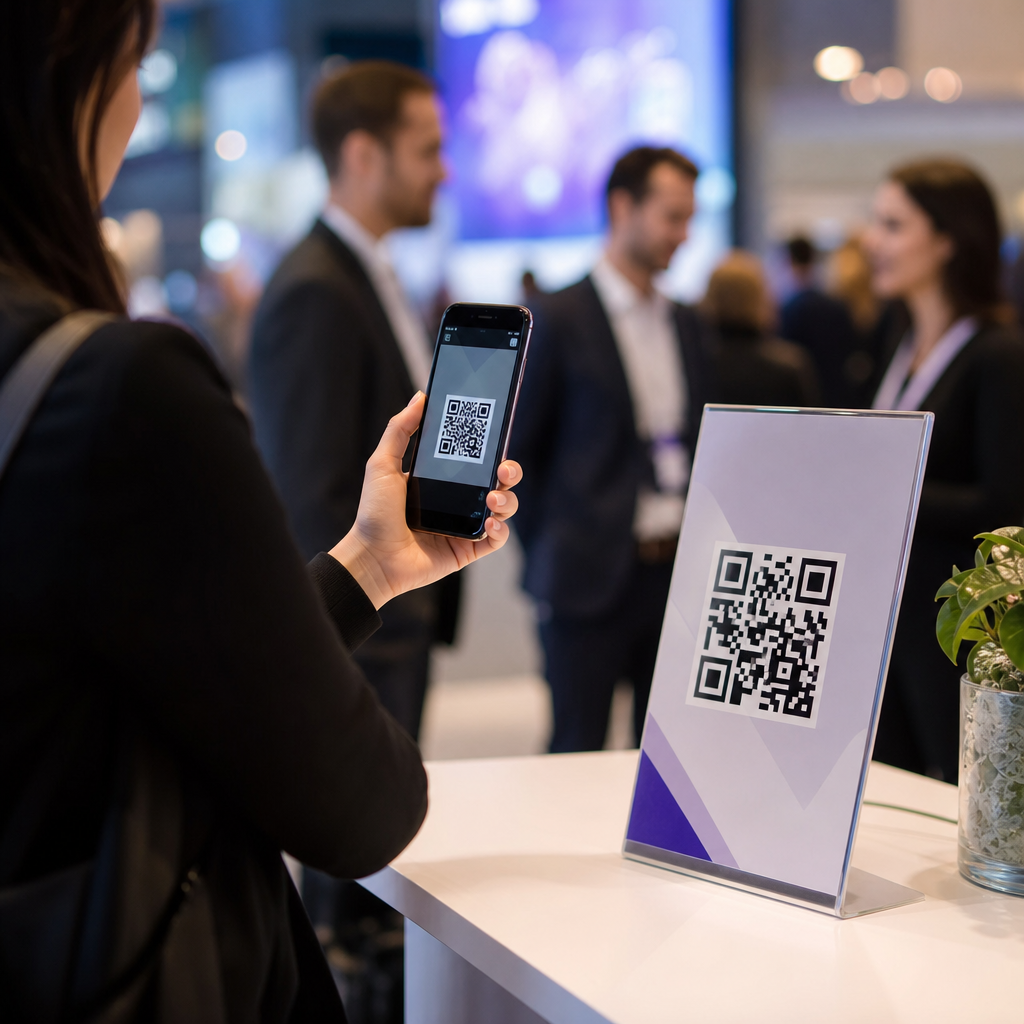
The quickest wins usually happen where customers already have intent. Restaurants use QR codes for menus, waitlists, reservations, reviews, and loyalty offers. Service businesses use them for scheduling, estimates, before-and-after galleries, and maintenance plans. Retailers use them for product education, back-in-stock alerts, style guides, and checkout offers. At events and markets, vendors use QR codes to collect email addresses, accept contactless payments, and let visitors browse sizes or colors not available at the booth. In each case, the code works because it answers the next obvious question at the exact moment a customer asks it.
Consider a local salon competing against a national chain. The chain may have a polished app, but the salon can place a QR code at the front desk that opens a rebooking page with the client’s preferred stylist, plus a code on mirrors linking to add-on services such as treatments or retail products. A home services company can include a QR code on invoices that opens a maintenance membership page and another on leave-behind cards that links to a Google review form. A pet store can add codes to shelf talkers that explain ingredient sourcing and feeding guidelines, something large retailers often bury several clicks deep. These are not gimmicks. They directly affect conversion, repeat visits, average order value, and review volume, which are the operating metrics that determine whether a local business grows.
Campaign types that work in the real world
The most effective QR code campaigns are utility-first. Customers scan when they expect a clear payoff: save time, save money, solve a problem, or get useful information. For small business QR code wins, the strongest campaign categories are lead capture, list growth, reviews, loyalty, payments, product education, and post-purchase retention. A code that simply says “Scan me” underperforms because it asks for effort without promising value. A code that says “Scan for today’s lunch special,” “Scan to rebook in 30 seconds,” or “Scan to get assembly instructions” performs better because the benefit is explicit.
Dynamic QR codes are usually the right choice for campaigns because they allow changes without reprinting materials. If a café switches from a holiday drink menu to a catering order form, the same code can point somewhere new. If a retailer wants to test a 10 percent discount against a free gift offer, separate dynamic codes can be tracked independently. The destination should also be mobile-first. That means fast loading, large buttons, autofill where possible, and only the essential fields. A six-field contact form may look acceptable on desktop, but on a phone in a parking lot it becomes a conversion killer. In my experience, the landing page matters more than the code design once the code is scannable and the call to action is visible.
| Business type | High-performing QR code use | Customer benefit | Primary metric |
|---|---|---|---|
| Café or restaurant | Table or window code linking to menu, loyalty club, or catering form | Faster ordering and easy repeat offers | Repeat visits and average order value |
| Salon or spa | Mirror or receipt code for rebooking and review requests | Convenient next appointment scheduling | Rebooking rate and review volume |
| Retail boutique | Shelf tag code for product details, waitlist, or style guide | Better buying confidence and stock alerts | Conversion rate and email sign-ups |
| Home services | Invoice or truck code for estimates, maintenance plans, and testimonials | Quick trust-building and lead generation | Qualified leads and membership uptake |
| Market vendor | Booth sign code for payments, catalog, or social follow | Less checkout friction and continued shopping later | Sales and list growth |
What separates successful campaigns from wasted scans
Successful QR code campaigns share five traits. First, the offer matches the moment. A person at a storefront should not be sent to a generic homepage when they really want hours, directions, inventory, or booking. Second, the design makes scanning easy. The code needs adequate size, strong contrast, a quiet zone, and placement where a phone camera can focus without glare or awkward angles. Third, the message tells customers exactly what happens next. “Scan to see available appointments” is stronger than “Learn more.” Fourth, the destination is built for phones. Fifth, there is a measurement plan, usually with UTM parameters, platform analytics, and a clear definition of conversion.
Failures are just as predictable. Tiny codes on moving vehicles, low-contrast codes on reflective surfaces, and codes placed where cellular reception is weak often underperform. So do campaigns that send users to PDFs that load slowly, social profiles with no next step, or forms asking for too much information. Another common mistake is printing one code everywhere and assuming the data will be useful. If the same code is on your counter, mailers, event banner, and packaging, you cannot tell which touchpoint worked. Use unique QR codes by channel and campaign. Tools such as Bitly, Beaconstac, QR Code Generator Pro, and Google Analytics can support this measurement setup. The technology is simple, but the discipline of matching context, intent, and tracking is what creates small business QR code wins.
How to measure results like a serious marketer
Small businesses do not need enterprise dashboards to evaluate QR code performance, but they do need consistent metrics. Start with scans, unique visitors, conversion rate, revenue per scan, and assisted conversions. If the goal is lead generation, track form submissions, booked calls, and qualified leads, not just raw scans. If the goal is reviews, track completed reviews and average rating over time. If the goal is retention, track repeat purchases, rebooking rates, loyalty enrollments, or subscription uptake. By separating the scan event from the business outcome, owners avoid the false comfort of vanity metrics.
It is also important to compare placements, not just creative. A code on a receipt may produce fewer scans than one on packaging, but those scans might convert at a much higher rate because the customer is already engaged. In one local retail rollout, packaging inserts generated fewer total scans than window signage but produced more email subscriptions and more second purchases because customers scanned at home with time to browse. That insight changed budget allocation. The business invested less in broad awareness printing and more in post-purchase inserts and thank-you cards. Review the full funnel monthly: where scans happen, which landing page converts, what devices people use, and where drop-off occurs. This is how a small business uses QR codes not as decoration but as a performance channel.
Best practices for building a hub of small business QR code wins
As the hub page for this topic, this article should anchor a broader cluster of examples and case studies. The strongest supporting articles usually break out by industry, campaign goal, and execution pattern. Useful companion pages include restaurant QR code campaign ideas, retail QR code case studies, QR code review request examples, packaging insert QR strategies, event QR lead capture, and dynamic QR code tracking setups. That structure helps readers move from overview to implementation, and it helps search engines understand the topical relationships between pages. The hub should answer the broad question completely while signaling deeper resources for specific use cases.
To keep the hub authoritative, update it with real examples and observed results. Include what worked, what did not, and why. For example, explain that a florist used bouquet tags linking to care instructions and upsell offers, or that a gym placed locker-room codes for class bookings and saw stronger repeat participation than from front-desk signage alone. Mention standards where relevant: mobile landing pages should load quickly, forms should minimize required fields, and review requests should comply with platform policies rather than gating feedback. The goal is not to present QR codes as magic. The goal is to show that, when connected to a useful destination and measured carefully, they give small businesses a practical way to compete on convenience, personalization, and speed.
Conclusion
QR codes help small businesses compete with big brands because they remove friction, connect physical marketing to digital action, and generate data that local operators can actually use. They are inexpensive to deploy, flexible enough to update quickly, and effective across storefronts, packaging, receipts, signage, events, and direct mail. The most important lesson is simple: a QR code is only as strong as the customer problem it solves. When the code leads to booking, payment, product education, loyalty, reviews, or a relevant offer, customers scan because the next step is obvious and worthwhile.
For small business owners, the advantage is not just lower cost. It is control. You can test a new offer this week, compare placements next week, and refine based on actual behavior instead of guesswork. Start with one high-intent use case, create a mobile-friendly landing page, assign a unique dynamic code, and track the outcome that matters most. Then expand into the channels that prove themselves. That is how small business QR code wins compound over time. If you are building a stronger local marketing system, make QR codes part of your core playbook and use this hub as the starting point for your next campaign.
Frequently Asked Questions
How do QR codes help small businesses compete with bigger brands?
QR codes help small businesses compete by removing friction from the customer journey and making it easier for people to take action immediately. Large brands often win because they have stronger distribution, more customer data, and smoother buying experiences. A small business can narrow that gap by using QR codes to connect physical touchpoints directly to digital actions. For example, a customer can scan a code on a window sign, menu, product tag, flyer, receipt, or countertop display and instantly land on a booking page, payment link, online store, review form, loyalty offer, or contact page. That speed matters because convenience drives conversions.
Instead of asking customers to search for a business online, type in a long web address, or remember to come back later, a QR code captures interest in the moment. That means a neighborhood café can turn foot traffic into app orders, a salon can turn walk-ins into repeat bookings, and a market stall can turn casual browsers into social media followers or email subscribers. QR codes also help small businesses behave more like sophisticated brands by creating consistent pathways to purchase, collecting useful data about engagement, and allowing fast updates to campaigns without reprinting every marketing asset. In practical terms, they give smaller companies a low-cost way to improve access, track performance, and create a more modern customer experience.
What are the best ways for a small business to use QR codes in everyday marketing and operations?
The most effective use of QR codes is to place them where customer intent is already high and link them to a clear, valuable next step. In everyday marketing, small businesses can use QR codes on storefront posters, packaging, receipts, business cards, table tents, product displays, event signage, direct mail pieces, and in-store handouts. A restaurant or café might link to a digital menu, online ordering page, loyalty program, or catering inquiry form. A fitness studio can send people to a class schedule, introductory offer, waiver form, or membership signup page. A repair shop might use codes for quote requests, maintenance tips, payment pages, or review requests after service. A boutique could connect tags and displays to product details, styling suggestions, inventory updates, or exclusive discounts.
Operationally, QR codes can also save time and streamline staff workflows. Instead of repeating the same information all day, businesses can let customers scan for FAQs, directions, appointment policies, pricing details, or support instructions. They can also simplify post-purchase engagement by placing a code on a receipt or package insert that leads to care instructions, referral offers, warranty registration, or a feedback survey. The key is relevance. The destination should match the customer’s context and intent. A code by the checkout counter should probably lead to payment, loyalty enrollment, or a review request, while a code in a window after hours should lead to online booking or shopping. When used thoughtfully, QR codes become an always-available sales and service tool that extends the reach of a small business beyond its physical space and business hours.
Can QR codes actually improve customer convenience and increase sales?
Yes, when implemented well, QR codes can significantly improve convenience and support higher conversion rates. Customers are far more likely to complete an action when the path is fast and obvious. QR codes reduce the number of steps between interest and action. Instead of asking someone to search for a business name, navigate a website, and locate the right page, a scan can take them directly to the exact destination they need. That might be a one-click payment page, a product page with purchasing options, an appointment scheduler, or a limited-time coupon. Each removed step lowers the chance of drop-off.
This matters especially for small businesses that rely on impulse decisions, local foot traffic, and repeat purchases. A salon can turn a waiting customer into a future booking with a scan-to-schedule sign. A café can increase average order value by linking table QR codes to add-ons, seasonal specials, or loyalty rewards. A service business can recover more leads by using vehicle decals or printed leave-behinds that send people directly to a quote form. Convenience also improves the customer’s perception of the brand. Even a very small business feels more polished and responsive when customers can quickly access information, order online, pay digitally, or leave feedback without hassle. Better customer experience often translates into stronger trust, higher engagement, and more repeat business over time.
What kind of data and insights can small businesses get from QR codes?
QR codes can provide valuable performance insights, especially when businesses use dynamic QR codes or trackable campaign links. Depending on the platform and setup, a small business may be able to see how many scans a code received, when scans happened, where traffic came from geographically, what device types were used, and which campaign or placement performed best. Those insights help answer practical questions such as whether a flyer campaign generated action, whether in-store signage is driving bookings, or whether packaging inserts are producing repeat purchases and reviews.
This is important because one of the biggest advantages large brands have is access to customer behavior data. QR codes give small businesses an affordable way to start measuring real-world marketing efforts with more precision. A shop owner can compare scans from a window poster versus a receipt insert. A fitness studio can test whether a code on community event signage drives more class signups than social media. A restaurant can measure whether table QR codes increase dessert orders or loyalty enrollments. These insights support smarter decisions about where to invest time and budget. Rather than guessing which promotions work, small businesses can observe patterns, optimize campaigns, and improve customer journeys based on evidence. Even simple scan data can be powerful when used consistently to refine offers, placement, messaging, and timing.
What are the best practices for creating QR codes that customers will actually scan?
The best QR code strategy combines technical reliability, strong design, and a clear value proposition. First, the destination page must be mobile-friendly, fast-loading, and directly relevant to the context in which the code appears. If a customer scans a code on a product shelf, they should land on that product or a closely related offer, not a generic homepage. Second, always tell people what they will get when they scan. A simple call to action such as “Scan to book,” “Scan for today’s menu,” “Scan to get 10% off,” or “Scan to leave a review” dramatically improves scan rates because it removes uncertainty and sets expectations.
Placement and visibility also matter. The code should be large enough to scan easily, positioned where customers naturally pause, and printed with sufficient contrast. Avoid cluttering the design or shrinking the code too much. It is also smart to test every QR code on multiple devices before publishing and to review it regularly afterward to ensure the link still works. Businesses should use dynamic QR codes when possible, because they allow the destination to be updated without changing the printed code. That flexibility is useful for rotating promotions, seasonal menus, changing booking links, and campaign testing. Finally, focus on usefulness rather than novelty. Customers scan QR codes when doing so saves time, offers value, or solves a problem. If the experience feels faster and easier than the alternative, people are much more likely to engage, and that is where small businesses gain a real competitive advantage.