
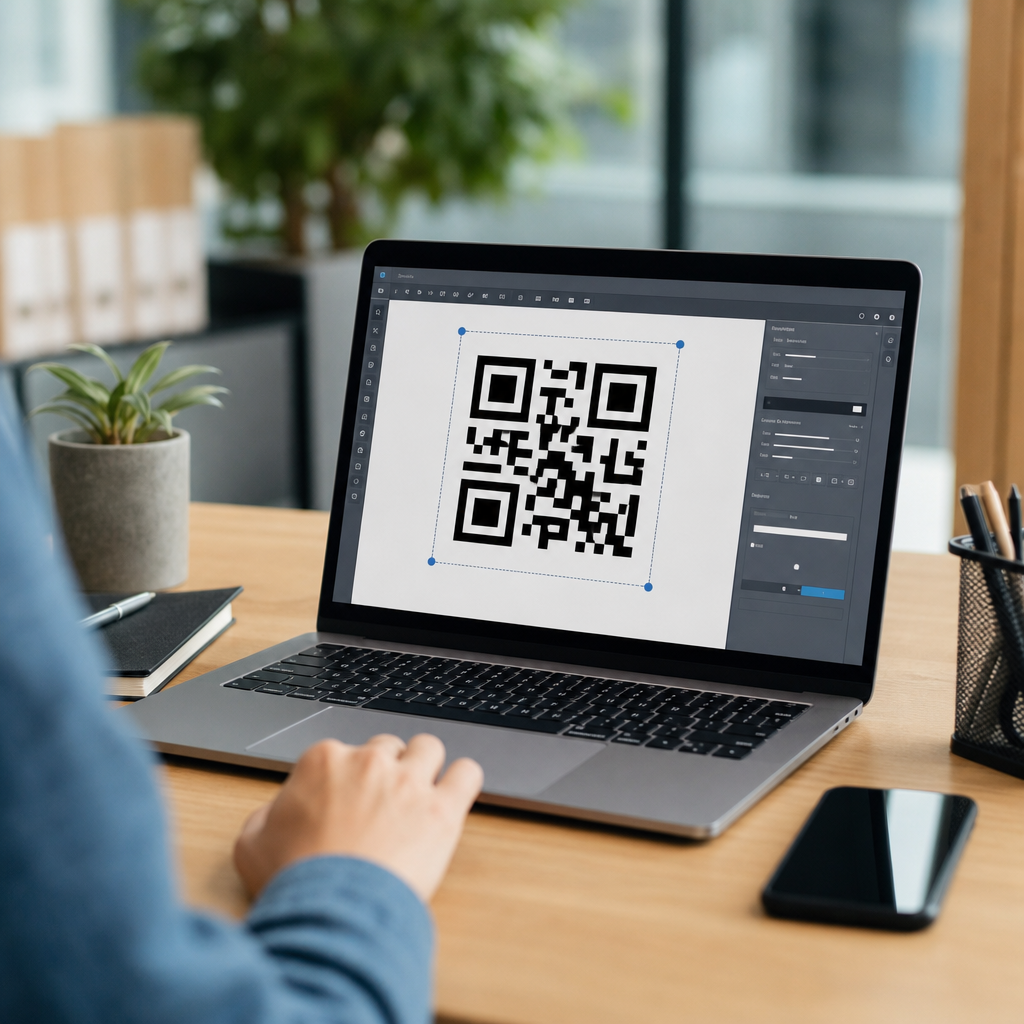
Can you edit a QR code after creating it? The short answer is yes, but only if it is a dynamic QR code. If the code is static, the destination data is permanently embedded in the pattern, and changing where it leads requires generating a brand-new code. That distinction sounds simple, yet it affects marketing campaigns, packaging, event signage, restaurant menus, product manuals, and every other use case where a QR code may need updates after printing.
In practical terms, a QR code is a machine-readable matrix barcode that stores information such as a URL, text string, contact card, Wi-Fi credential, payment payload, or app deep link. A smartphone camera or scanning app decodes the black-and-white modules and turns that encoded data into an action. When people ask whether a QR code can be edited, they usually mean one of two things: can the content behind the code be changed, and can the visual design of the code itself be modified without breaking scanability. The first question depends on whether the code is static or dynamic. The second depends on error correction, contrast, quiet zone preservation, and testing.
This matters because QR codes often outlive the campaign that created them. I have seen printed flyers remain in circulation for months after a landing page changed, and I have worked on retail packaging where a product URL was updated after inventory had already shipped. In those situations, a dynamic QR code can preserve the printed asset and redirect scans to the new destination. A static QR code cannot. Understanding static vs dynamic QR codes helps teams reduce reprint costs, avoid broken user journeys, and choose the right code type before design files go to press.
As the hub page for this subtopic, this guide explains the difference in plain language, shows when each type makes sense, and outlines the tradeoffs around cost, analytics, security, and long-term reliability. If you manage QR code campaigns, educational materials, labels, posters, menus, or operations documents, this is the foundation to get right.
Static vs Dynamic QR Codes: The Core Difference
A static QR code directly contains the final data. If the encoded content is a website address, the full URL is stored inside the QR symbol itself. Once created, that stored payload does not change. If you print a static code pointing to example.com/menu and later move the menu to example.com/summer-menu, the old code still resolves to the old address. The only fix is to create and distribute a replacement QR code.
A dynamic QR code works differently. Instead of embedding the final destination, it usually encodes a short redirect URL controlled by a QR platform. When someone scans the code, the platform receives the request and forwards the user to the current destination you have configured in the dashboard. Because the redirect target can be updated, the printed QR code remains the same while the landing page, file, form, or app store link can change behind the scenes.
This redirect layer is what makes editing possible. It also enables scan analytics, device-based routing, campaign scheduling, A/B destination testing, password protection in some systems, and deactivation if needed. In my own projects, dynamic codes are the default whenever anything is printed in volume or expected to remain visible for more than a few days. Static codes are still useful, but mainly when the data will never need to change and the simplest possible implementation is preferred.
Another important point is that both static and dynamic QR codes can look visually similar. A user scanning a poster cannot tell which type it is just by sight. The difference is in how the code was generated and whether a management platform sits between the scan and the final content.
When You Can Edit a QR Code and What “Edit” Really Means
You can edit a QR code after creating it only when the code is dynamic and the provider allows post-creation updates. In that case, editing usually means changing the destination URL, swapping a PDF, replacing a video, updating store hours, correcting a typo on the landing page, or redirecting users by time, geography, or device type. The visible QR image may stay identical while the destination changes instantly in the platform.
You generally cannot edit the encoded payload of a static QR code. If a static code stores plain text, a vCard, or a URL, that exact data is fixed. You may still be able to redesign the marketing material around it, but the data inside the pattern does not change. Some people confuse editing a linked webpage with editing the QR code itself. If a static QR code points to a webpage you control, you can update the page content on your site and the QR code will still work, because the URL has not changed. But if the URL changes, the static code breaks as a practical matter.
There is also a design dimension to editing. You can sometimes recolor a code, add a logo, or resize it after creation, but those changes are not guaranteed to remain scannable. Practical limits depend on module density, printing method, minimum size, and error correction level. A code with a logo overlay may scan well on screen and fail on corrugated cardboard. In production, every visual edit should be retested on multiple phones under normal lighting conditions.
How Dynamic QR Codes Work in the Real World
Most dynamic QR code systems create a short URL tied to a record in a dashboard. That record stores the live destination plus optional rules and metadata. When scanned, the request hits the short URL first, the server logs the event, evaluates any routing logic, and issues an HTTP redirect to the final destination. This is why dynamic codes support analytics and edits. The QR image points to the short URL, not directly to the end page.
I have used this setup for trade shows where booth signage stayed fixed while destinations changed each day. Day one scans went to a demo booking page, day two to a product comparison sheet, and day three to a post-event discount form. The same printed sign remained useful throughout the event. Restaurants use the same logic to update seasonal menus without reprinting every table tent. Manufacturers use it for product manuals so the code on the box can always point to the latest instructions or safety notices.
Dynamic codes also solve app-linking complexity. Instead of printing separate iOS and Android codes, a single dynamic code can route by device. Some platforms support fallback logic if an app is not installed, sending users to the App Store or Google Play. Others allow campaign expiration, custom domains, or UTM tagging for analytics consistency in Google Analytics 4.
The tradeoff is dependency. A dynamic QR code relies on the provider’s infrastructure, your account remaining active, and the redirect URL staying operational. If the service is shut down, misconfigured, or no longer paid for, scans may fail. That is the main operational risk compared with a static code, which has no redirect service in the middle.
Static vs Dynamic QR Codes: Pros, Cons, and Best Use Cases
The right choice depends on permanence, cost sensitivity, analytics needs, and operational control. Static codes are simple, direct, and often free to generate. They work well when the content is truly permanent, such as a fixed phone number, an unchanging URL, or offline text that must exist without any third-party dependency. Dynamic codes are better for marketing, packaging, documentation, and recurring campaigns where updates are likely.
| Factor | Static QR Code | Dynamic QR Code |
|---|---|---|
| Edit destination after printing | No | Yes |
| Scan analytics | Very limited | Usually included |
| Third-party dependency | Low | Higher |
| Best for | Permanent data | Campaigns and changing content |
| Ongoing cost | Often none | Usually subscription-based |
For example, a museum label linking to a permanent collection page may be fine as a static code if the page architecture is stable and controlled internally. A real estate sign, however, is a strong dynamic use case because listings change, campaigns rotate, and agent contact paths need updating fast. The same is true for event programs, printed brochures, direct mail, and product inserts that can outlast the original destination.
From a risk perspective, static codes win on independence. From a flexibility perspective, dynamic codes win decisively. Most organizations with distributed print assets eventually standardize on dynamic codes for anything customer-facing and long-lived.
Editing, Analytics, and Governance: What Businesses Should Check
If your goal is to edit a QR code after launch, check the provider’s feature set before publishing. Not all dynamic QR platforms offer the same controls. Key capabilities include editable destinations, scan logs, custom domains, bulk management, role-based permissions, password protection, expiration settings, and exportable reports. Enterprise teams should also verify GDPR handling, data retention, and whether scan data can be limited or anonymized.
Analytics are one of the biggest reasons businesses choose dynamic over static. A well-configured platform can show total scans, unique scans, timestamps, approximate location by IP, device type, and top-performing codes. Combined with UTM parameters, this helps attribute offline campaigns in GA4, Adobe Analytics, or CRM workflows. In practice, scan counts are directional rather than perfect, because privacy tools, repeated scans, and network conditions can affect reporting. Even so, directional scan data is far better than no data at all.
Governance matters too. I have seen teams lose access to active QR campaigns because one employee created codes under a personal account. The result was avoidable disruption. Use a shared business account, document ownership, and maintain a QR inventory with destination purpose, placement, creation date, and renewal status. For high-value codes on packaging or storefronts, attach the QR record to a broader asset management process so redirects are reviewed whenever web content changes.
Design and Print Considerations That Affect Editability and Longevity
Even the best dynamic setup fails if the code is hard to scan. Minimum size depends on distance and data density, but a common practical baseline for print is at least 2 x 2 cm for close-range scanning, with larger sizes for posters and signage. Maintain strong contrast, ideally dark modules on a light background. Preserve the quiet zone, the blank margin around the code, because scanners rely on it to detect boundaries. Avoid glossy placement that causes glare.
Error correction levels matter when adding logos or styling. QR codes support four levels: L, M, Q, and H. Higher error correction allows more damage or occlusion, but increases module complexity. In many branded designs, creators choose level H to accommodate a center logo. That can work, but only if the final code is tested at actual print size on multiple devices. Apple and Android camera apps have improved greatly, yet poor design still causes failed scans.
For long-term projects, use a custom domain if your provider supports it. A branded short link improves trust and reduces exposure if you ever migrate platforms. Also keep destination URLs stable when possible. Dynamic codes make edits easier, but good information architecture still matters. Redirect chains should be short, HTTPS should be enforced, and landing pages should load quickly on mobile networks.
Common Mistakes and How to Choose the Right QR Code Type
The most common mistake is using a static QR code for something that was likely to change. Teams often do this to save money, then face reprint costs that exceed any subscription they avoided. Another mistake is assuming all dynamic codes are permanent. If a provider’s free plan expires or limits scans, the code may stop working. Read the terms, especially for codes printed on packaging or permanent signage.
A third mistake is failing to plan for destination ownership. If the QR code points to a social profile, marketplace listing, or temporary campaign URL outside your control, the user experience can deteriorate quickly. Whenever possible, route scans to a domain you own, then manage any downstream links from there. That reduces platform lock-in and gives you more control over future changes.
Choose a static QR code when the data is truly fixed, there is no need for analytics, and you want the fewest moving parts. Choose a dynamic QR code when you may need to edit the destination, track scans, test campaigns, or keep printed assets useful over time. If you are unsure, dynamic is usually the safer default for public-facing materials.
The practical answer to the title question is clear: yes, you can edit a QR code after creating it if it is dynamic, and no, you cannot if it is static in the sense most people mean. That single distinction should guide planning before any code is printed, embedded in packaging, or shared at scale. Static vs dynamic QR codes is not just a technical detail; it is a decision about flexibility, measurement, cost, and risk.
The strongest takeaway is to match the code type to the lifespan and volatility of the content. Static codes are appropriate for permanent, low-risk uses with stable destinations. Dynamic codes are the better choice for campaigns, menus, manuals, events, product packaging, and any situation where updates or analytics matter. When businesses choose correctly, they avoid broken scans, reduce reprints, and keep offline-to-online journeys intact.
Before publishing your next QR code, review three items: whether the destination may change, whether scan data is needed, and who will own the code over time. If any of those answers point to future change, use a dynamic QR code, test it thoroughly, and document it like any other business asset. That simple step will save money, protect the user experience, and make every printed code more durable.
Frequently Asked Questions
Can you edit a QR code after creating it?
Yes, but only in certain cases. Whether a QR code can be edited after creation depends on whether it is static or dynamic. A static QR code contains the final destination or stored information directly inside the code pattern itself. That means if it points to a website URL, a PDF, contact details, Wi-Fi credentials, or any other content, that data is permanently encoded at the moment the code is generated. Once printed or shared, a static QR code cannot be changed. If you need it to lead somewhere else, you must create an entirely new code and replace the old one everywhere it appears.
A dynamic QR code works differently. Instead of embedding the final destination directly into the pattern, it typically contains a short redirect URL or tracking link managed through a QR code platform. Because the destination is controlled behind the scenes, you can update where the code sends users without changing the visible code image. This is what makes dynamic QR codes especially useful for marketing campaigns, product packaging, event signage, restaurant menus, manuals, and any printed material that may need updates over time. So the short answer is yes, you can edit a QR code after creating it, but only if it was made as a dynamic QR code from the start.
What is the difference between a static QR code and a dynamic QR code?
The most important difference is how the information is stored. A static QR code directly encodes the final content into the black-and-white square pattern. For example, if it contains a website link, that exact URL is built into the code forever. Static QR codes are often free, simple to create, and perfectly fine for situations where the information will never change. However, they offer very little flexibility. If the URL breaks, the file moves, the landing page changes, or the business wants to update the destination later, the code itself becomes outdated and must be replaced.
A dynamic QR code, by contrast, encodes a managed link rather than the final content itself. When someone scans it, they are first routed through a service that then sends them to the current destination. Because that destination can be updated in the dashboard of the QR code provider, the printed code remains the same even if the underlying link changes. Dynamic QR codes also often come with additional features such as scan tracking, location data, device information, campaign analytics, scheduling, A/B testing, and the ability to pause or redirect traffic. For businesses and organizations, that flexibility is often the deciding factor. Static QR codes are fixed and permanent; dynamic QR codes are editable and easier to manage long term.
If I printed a QR code already, do I need to reprint it to change the destination?
If the printed code is static, yes, reprinting is usually necessary. Since a static QR code stores the final destination inside the image itself, there is no way to alter where it goes after it has been created. If the website URL changes, the menu is updated, the event registration page moves, or the PDF is replaced with a new version, the old static code will continue sending people to the original location. In that situation, the only real solution is to generate a new QR code and update the printed materials, labels, signs, packaging, flyers, posters, or any other places where it appears.
If the printed code is dynamic, reprinting is generally not required. You can log in to the QR code management platform and change the destination while keeping the physical code exactly the same. This is one of the biggest practical advantages of dynamic QR codes, especially for materials that are expensive or difficult to replace. A business can update a campaign landing page, switch from one menu to another, fix a broken link, rotate seasonal promotions, or redirect users to new content without changing the printed design. That saves time, reduces waste, and prevents the cost of replacing materials already in circulation.
Why are dynamic QR codes better for marketing, packaging, and long-term use?
Dynamic QR codes are often the better choice for any use case where flexibility matters. In marketing, campaign details can change quickly. A brand might want to update an offer, redirect traffic to a different landing page, measure scan performance, or personalize experiences by device, geography, or date. A dynamic QR code allows all of that without changing the printed code on brochures, retail displays, direct mail pieces, or advertisements. This makes campaigns more adaptable and easier to optimize after launch.
They are also valuable for packaging and product materials because those items often remain in circulation for months or years. A QR code printed on a box, label, manual, or insert may need to point to updated instructions, compliance documents, warranty details, or promotional content later on. With a dynamic code, the brand can maintain one printed asset while updating the linked experience as needed. In addition, many dynamic QR code platforms provide analytics showing how often the code is scanned, when scans happen, and sometimes where or on what device they occur. Those insights help businesses understand engagement and improve results. For organizations that expect any future change at all, dynamic QR codes are usually the safer and more strategic option.
How can I tell whether my QR code is editable or not?
The easiest way to tell is to look at how the QR code was created and where it is managed. If you generated it through a platform that offers an account dashboard, editable destinations, redirect controls, or scan analytics, it is likely a dynamic QR code. These platforms usually let you log in and change the destination URL or content without uploading a new code image. If you can edit the target from a control panel, the code is dynamic and therefore editable.
If the QR code was generated as a one-time image from a free tool with no management dashboard, it is often static. Another clue is the scan result. Static QR codes frequently resolve directly to the final destination, such as a full website URL, email address, phone number, or text block. Dynamic QR codes often use a shortened or managed link before redirecting the user to the final page. However, the most reliable method is to check the original generator or account used to create it. If there is no way to manage the destination after creation, assume it is static. In that case, if you need any edits, updates, or future flexibility, the best path is to create a new dynamic QR code before distributing it more widely.





