Affordable QR code strategies give small businesses a practical way to connect print, packaging, storefronts, and in-person service with measurable digital actions. A QR code, or quick response code, is a scannable two-dimensional barcode that opens a link, file, payment screen, menu, review page, app download, or contact card when scanned by a smartphone camera. For a small business, that simple bridge matters because it reduces friction at the exact moment a customer is ready to act. I have used QR campaigns in retail shops, service businesses, and local events, and the difference between a code that merely exists and one that earns scans comes down to strategy, placement, offer design, and tracking discipline.
Small Business QR Code Wins refers to repeatable, low-cost use cases where QR codes help a business generate more reviews, capture leads, simplify payments, improve customer service, or increase repeat purchases without expensive software or custom development. The appeal is obvious: printing a code on a counter card, sticker, receipt, flyer, vehicle magnet, product insert, table tent, or window cling costs very little, yet the code can direct customers into a measurable funnel. Dynamic QR code platforms such as Bitly, Beaconstac, QR Code Generator Pro, Flowcode, and Uniqode let businesses edit destinations after printing, add UTM parameters, and review scan analytics. Static codes are free and useful for fixed destinations, but dynamic codes are usually the better long-term choice because they support iteration.
This topic matters because small businesses live under tight margin pressure. Every marketing tactic must earn its space and prove value quickly. QR codes can do that when paired with a clear customer intent. A restaurant can reduce menu printing costs and update specials instantly. A salon can turn mirror decals into rebooking pages. A contractor can place codes on yard signs linking to before-and-after galleries and financing information. A boutique can add product-story tags that drive email capture and care instructions. These are not gimmicks. They are low-friction conversion tools that work especially well in local commerce, where attention is short and convenience drives action. The most affordable strategies start with one job per code, one audience per placement, and one measurable outcome per campaign.
What Small Business QR Code Wins Look Like in Practice
The best small business QR code campaigns solve a specific customer task in seconds. When I audit underperforming campaigns, the failure is rarely the code itself. The problem is usually vague destination design: the code opens a generic homepage, asks the visitor to hunt for information, or presents too many choices. A winning implementation sends the person directly to the next step. For example, a coffee shop loyalty poster should open a mobile loyalty signup page, not the business homepage. A service invoice code should open a payment screen or review request page, not a social profile. A product label code should reveal care instructions, assembly help, or refill ordering, not a broad catalog page.
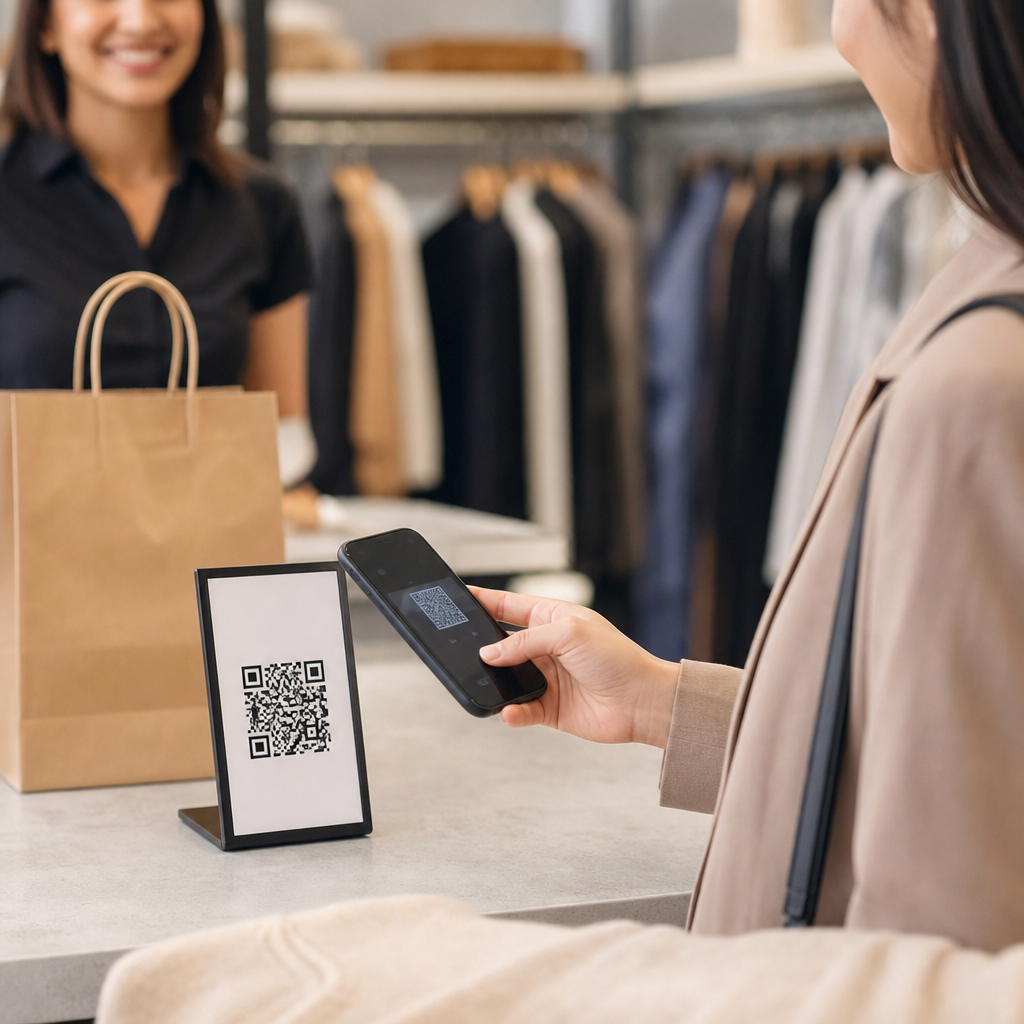
Local businesses often see the strongest results from five categories: reviews, payments, lead capture, reorder flows, and education. Review QR codes work because they remove the need to search manually on Google or Yelp. Payment QR codes reduce checkout friction for pop-up vendors, food trucks, market stalls, and home-service teams in the field. Lead capture codes on signs, postcards, and event materials outperform long typed URLs because they collapse multiple steps into one scan. Reorder codes on packaging are especially effective for candles, coffee, supplements, pet products, and personal care items where replenishment timing is predictable. Education codes build trust by answering questions before they become objections, which is why clinics, fitness studios, and specialty retailers use them well.
A useful way to think about hub-level strategy is by customer journey stage. At discovery, QR codes on storefront windows, flyers, local sponsorship materials, and direct mail can drive first visits. During purchase, codes on menus, displays, shelf talkers, and invoices can accelerate buying and payment. After purchase, codes on packaging, receipts, thank-you cards, and service follow-up emails can generate reviews, referrals, reorders, and support requests. This article serves as the central guide for those small business QR code wins, so each section can connect naturally to deeper campaign ideas, placement tactics, design guidance, and case-study examples across the broader QR Code Campaign Ideas & Case Studies topic.
Affordable QR Code Use Cases by Business Type
Different business models need different QR code strategies, but affordability comes from matching the code to a high-frequency customer action. Restaurants and cafes benefit from menu access, waitlist entry, catering inquiry forms, and loyalty signups. Retail stores gain from price-to-product lookups, out-of-stock notifications, styling guides, and review requests printed on receipts. Salons, spas, and fitness studios use QR codes to rebook appointments, sell gift cards, distribute class schedules, and collect testimonials. Home-service businesses such as HVAC, cleaning, landscaping, and plumbing can place codes on vehicles, door hangers, estimates, and yard signs linking to quote forms, service area pages, emergency contact options, and trust-building proof.
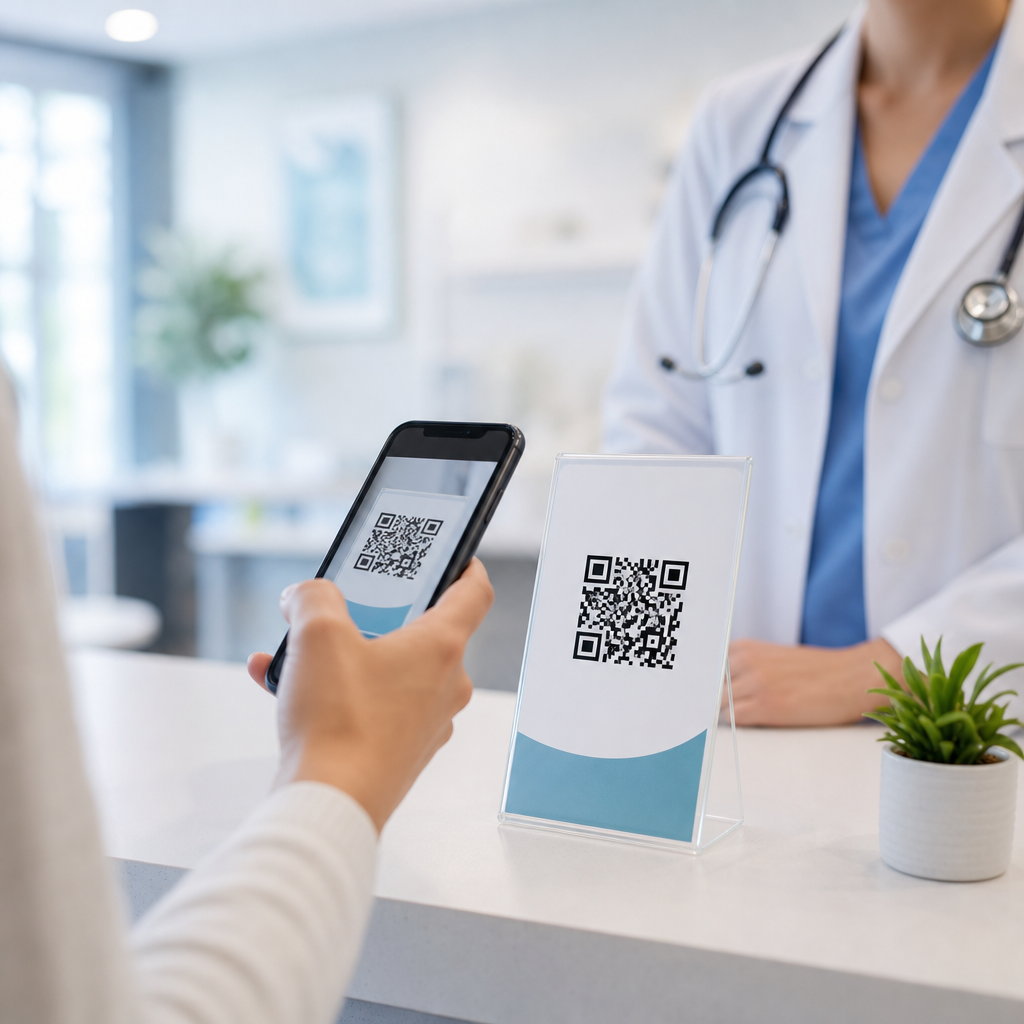
Professional services also benefit. A local accountant can put a QR code on seminar handouts that leads to a tax checklist download and consultation scheduler. A real estate agent can add codes to open house signage that opens property sheets, mortgage calculators, and lead forms. A dentist can place waiting-room codes for new patient paperwork, financing details, and aftercare videos. In each case, the winning pattern is the same: reduce manual steps, answer the immediate question, and capture intent while the prospect is engaged. Because printing costs stay low, even modest scan rates can produce attractive economics compared with paid search or direct mail alone.
| Business Type | Best QR Placement | Primary Destination | Main Metric |
|---|---|---|---|
| Restaurant | Tables, window, takeout bag | Menu, loyalty signup, catering form | Orders, email captures |
| Retail boutique | Shelf tags, receipts, packaging | Product details, reviews, reorder page | Scan-to-purchase rate |
| Salon or spa | Mirrors, checkout desk, aftercare card | Rebooking, membership page, review link | Repeat bookings |
| Home service | Yard signs, vans, invoices | Quote form, financing page, payment link | Leads and paid invoices |
| Clinic or dental office | Waiting room, paperwork packet | Forms, aftercare video, feedback survey | Form completion rate |
What makes these examples affordable is not just the code generator. It is the reuse of existing assets. Most small businesses already have a booking page, Google Business Profile review link, payment processor, or simple form built in Square, Shopify, Google Forms, Jotform, Calendly, Mindbody, Toast, or Housecall Pro. A QR code simply routes more people there at the right moment. That is why the highest-return programs usually start with current tools instead of new software purchases.
How to Build a Low-Cost QR Code Campaign That Converts
A small business does not need an agency-sized stack to run effective QR code marketing. The process can be simple and still rigorous. First, pick one conversion goal: review, booking, order, payment, signup, or lead form. Second, choose a destination page built specifically for that goal. Third, create a dynamic QR code so the destination can be edited later. Fourth, add UTM parameters to identify source, medium, campaign, and placement in Google Analytics 4. Fifth, print the code at a size and contrast that scans reliably; in practice, at least 0.8 by 0.8 inches for close scanning and larger for posters, windows, and signs. Sixth, add a direct call to action near the code so people know why to scan.
The call to action is where many small business owners leave money on the table. “Scan me” is weak because it describes the action, not the value. Stronger examples are “Scan to book your next trim in 30 seconds,” “Scan for today’s lunch specials,” “Scan to leave a Google review,” or “Scan to reorder your favorite roast.” Specificity improves scans because customers understand the reward before opening their camera. I have repeatedly seen the same printed code perform much better after changing only the surrounding copy. That is a useful reminder that QR performance is part design, part offer, and part timing.
Landing page quality also matters. A mobile destination must load quickly, present one primary action above the fold, and avoid clutter. If the page takes too long or asks for too much information, the scan is wasted. For lead forms, keep fields minimal at first: name, email, phone, and one qualifier if truly necessary. For reviews, link directly to the review prompt rather than the broader profile when platform rules allow. For menus, keep text readable without pinching. For product education, use short videos, diagrams, or FAQs. Good QR strategy is not about squeezing a code onto every surface. It is about reducing friction at exactly one valuable moment.
Design, Placement, and Scanability Rules That Prevent Failure
Reliable QR code performance depends on physical execution. Contrast should be high, ideally dark code on a light background. Decorative styling is possible, but every customization introduces risk, especially when logos obscure finder patterns or color combinations reduce readability. Error correction can help, but it is not a license to overdesign. Testing with multiple phone models under realistic lighting conditions is essential. I test iPhone and Android scans from different angles, distances, and glare conditions before approving a print run. Glossy surfaces, curved packaging, and tiny labels frequently cause avoidable scan failures.
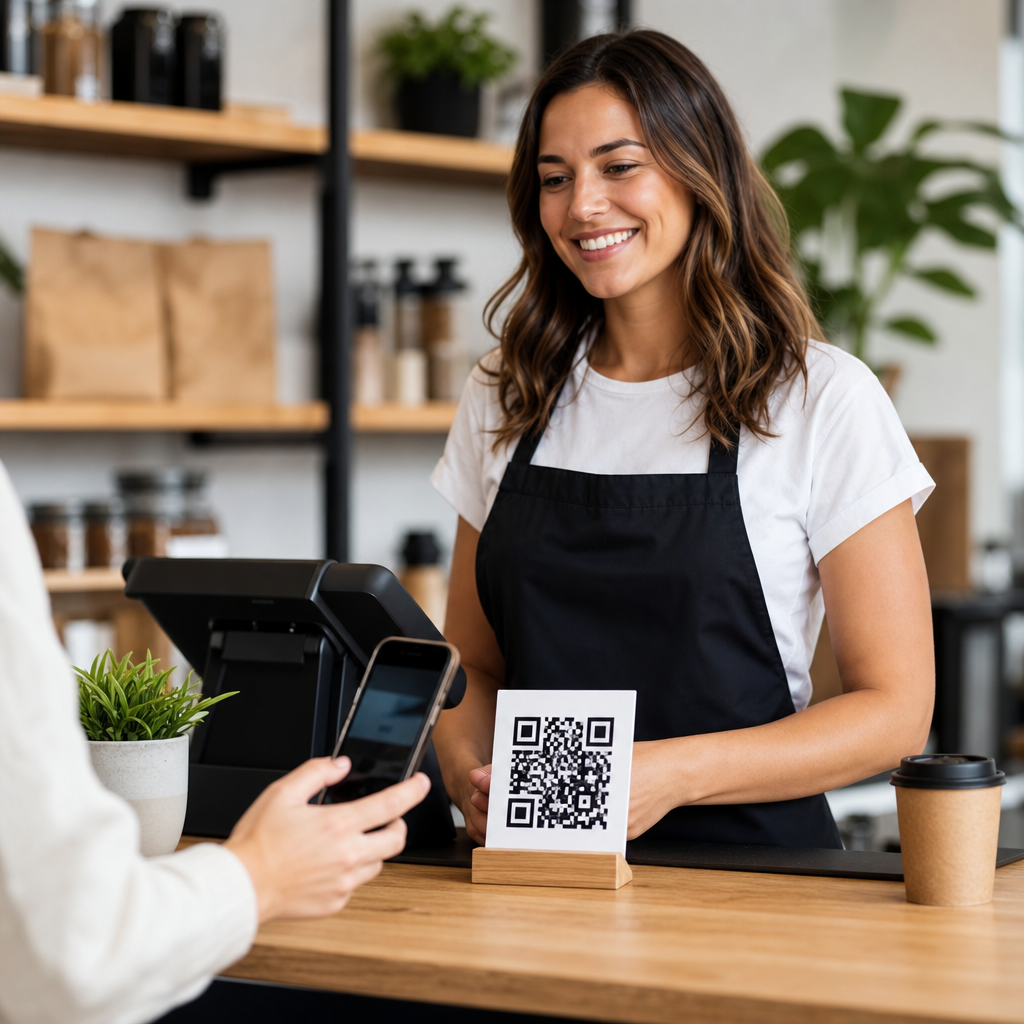
Placement should match user behavior. A counter card should sit where a customer pauses, not where a queue blocks visibility. A table tent should be upright and readable from a seated position. A storefront window code works best around eye level with a concise benefit statement. Vehicle graphics need larger codes because scanning often happens from several feet away. On packaging, place the code where it remains visible after opening and does not compete with regulatory information. Quiet zone spacing matters too; most generators provide it automatically, but designers sometimes crop too tightly in print layouts. That white space is functional, not optional.
Accessibility and trust should be considered part of placement. If a code requests payment, say so clearly. If it opens a menu or health form, label it clearly. People are more likely to scan when they know what to expect. Branded short links displayed under dynamic QR codes can increase confidence because users see the destination domain. For regulated industries such as healthcare and finance, review privacy and disclosure requirements before linking forms or patient information. A QR code is just a doorway; compliance still applies to the page behind it.
Measuring Results, Iterating Fast, and Learning from Real Wins
Affordable QR code marketing becomes powerful when every scan can teach you something. At minimum, track total scans, unique scans, conversion rate, time of day, device type, and destination outcome. Dynamic QR platforms provide scan counts, but deeper insight comes from combining those metrics with GA4 events, booking completions, POS sales, payment confirmations, or CRM lead status. If a restaurant code gets many scans but few orders, the issue may be menu usability or pricing, not awareness. If a home-service vehicle code gets limited scans, the issue may be viewing distance or weak offer copy. Data keeps teams from guessing.
Small business QR code wins usually come from simple testing cycles. Change one variable at a time: call to action, placement height, incentive, page headline, or destination type. A florist might compare “Scan to order same-day bouquets” against “Scan for today’s arrangements” on sidewalk signage. A gym might test whether a guest pass page outperforms a class schedule. A bakery might discover that a QR code on cake boxes drives more referral orders than one on receipts because the box remains visible at celebrations. These are practical, low-cost experiments, and they often outperform broad marketing changes because they target one micro-moment with precision.
Several patterns show up again and again in successful implementations. First, post-purchase review QR codes work best when tied to a thank-you message and placed on receipts, package inserts, or follow-up cards. Second, reorder codes perform best when they appear where the product is used up, such as inside a coffee bag label or on a supplement bottle. Third, service businesses convert more leads when codes open a short form with trust signals like ratings, project photos, and financing options. Fourth, event-based businesses improve attendance when print flyers and sponsorship banners link directly to RSVP pages instead of generic websites. The lesson is consistent: the closer the code is to the customer’s immediate need, the better the economics.
Affordable QR code strategies work because they turn everyday business touchpoints into measurable conversion points without demanding a large budget. For small businesses, the strongest results come from matching each code to a single task, placing it where customer intent is highest, and sending scans to mobile pages built for action. Dynamic codes, clear calls to action, practical design standards, and disciplined tracking make the difference between novelty and reliable performance. Whether the goal is more reviews, faster payments, repeat bookings, product reorders, or qualified leads, the basic principle stays the same: remove steps when interest is already present.
The most useful mindset is to start narrow, prove one win, and expand only after the numbers justify it. Launch one review card, one reorder insert, one vehicle lead code, or one payment sticker. Measure scans and conversions for two to four weeks. Then improve copy, placement, or landing page experience based on what customers actually do. That process is affordable, realistic, and repeatable for local retailers, restaurants, service companies, clinics, and studios. It also creates a stronger foundation for related campaign ideas and case studies across your broader QR code marketing program.
If you want small business QR code wins, begin with the customer action that already happens most often and make it easier to complete with one well-designed scan. Pick the use case, create the destination, print carefully, track every result, and refine fast.
Frequently Asked Questions
What are the most affordable ways for a small business to start using QR codes?
The most affordable approach is to begin with a small number of high-impact use cases rather than trying to place QR codes everywhere at once. For many small businesses, the best starting points are a Google review page, a simple contact or booking page, a digital menu or service list, a payment link, or a landing page tied to a current promotion. These options are inexpensive because they use tools many businesses already have, such as a website, a Google Business Profile, an online ordering platform, or a payment processor. Instead of investing in custom software immediately, a business can often generate a code that points to an existing digital destination and start testing results right away.
Printing costs can also stay low if QR codes are added to materials already in use, such as receipts, countertop signs, window decals, packaging inserts, business cards, invoices, event flyers, and table tents. This lets a business extend the value of current marketing assets without creating an entirely new campaign budget. In many cases, a single well-placed code can do more work than several disconnected calls to action because it gives customers an immediate next step when interest is highest.
Another smart, budget-friendly strategy is to use dynamic QR codes when updates are likely. A dynamic code allows the destination to be changed later without reprinting the physical code, which can save money over time if promotions, menus, booking links, or product pages change regularly. For a small business, affordability is not just about the lowest upfront cost; it is also about reducing reprint waste, improving customer convenience, and making each code measurable so future spending is based on real performance.
Where should a small business place QR codes to get the best results?
The best placement depends on customer intent, which is why successful small businesses put QR codes where people naturally pause, wait, or make decisions. High-performing spots often include front doors, checkout counters, product packaging, printed menus, takeout bags, event booths, service desks, direct mail pieces, and appointment reminder cards. These locations work well because they connect the physical customer experience with a relevant digital action at the exact moment someone is most likely to scan.
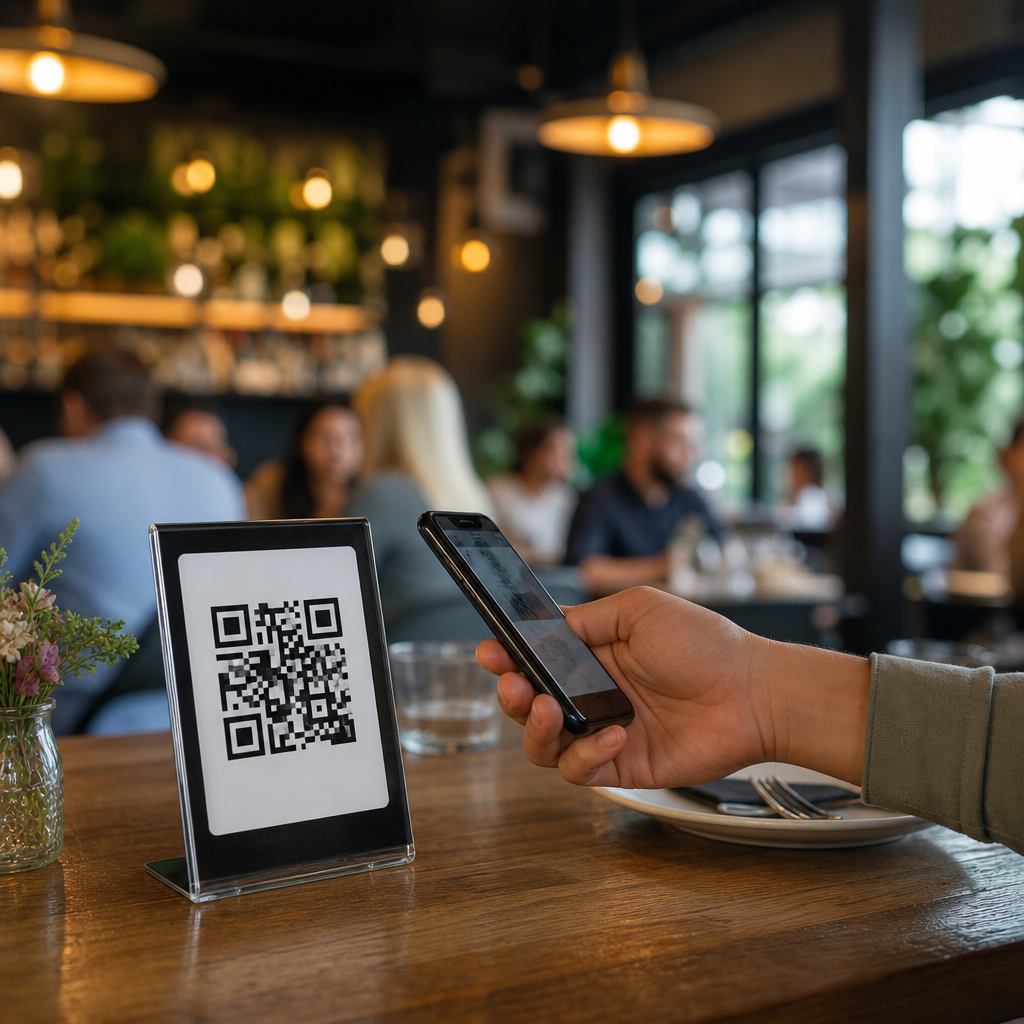
For example, a restaurant may place one code on the front window for hours and ordering, another on the table for the menu and payment, and a third on takeout packaging for loyalty enrollment or reviews. A retail store might use shelf tags that link to product details, care instructions, or how-to videos. A home service business may place a code on invoices and leave-behind materials that links to review requests, referral offers, or seasonal maintenance scheduling. In each case, the QR code performs best when the destination clearly matches the context in which the customer sees it.
Visibility and usability matter just as much as location. The code should be large enough to scan easily, placed on a clean background, and accompanied by a short instruction such as “Scan to book,” “Scan for menu,” or “Scan to leave a review.” A code without context often underperforms because customers do not know what they will get. Small businesses should also test scan distance, lighting, and mobile page speed before printing at scale. Better placement is not about more codes everywhere; it is about putting the right code in the right moment with a clear benefit for the customer.
How can QR codes help a small business measure marketing performance without spending a lot?
QR codes are one of the most practical low-cost tools for measuring offline-to-online activity. When a business uses unique QR codes for different materials or locations, it becomes much easier to see which touchpoints generate real customer actions. A code on a storefront poster can lead to one landing page, while a code on packaging or a direct mail piece can lead to another. This simple setup helps identify which placements drive visits, bookings, purchases, sign-ups, or review submissions.
Even basic tracking can reveal useful patterns. A small business can compare scan volume by campaign, location, time period, or offer. If one code sends customers to a seasonal discount page and another promotes a loyalty program, the results may show not only which message gets more scans, but also which one leads to better business outcomes. This is especially valuable for small businesses that need to protect limited budgets and focus only on tactics that create measurable return.
To keep costs manageable, businesses can connect QR code destinations to pages that already include analytics, form tracking, or conversion data. This avoids the need for a complicated software stack. The real value comes from using the data consistently. If a printed flyer generates scans but no purchases, the offer or landing page may need improvement. If a packaging insert brings steady review activity, that tactic deserves more attention. Affordable QR code strategy is not just about creating a code; it is about learning from customer behavior and making smarter marketing decisions from a relatively small investment.
What mistakes should small businesses avoid when using QR codes on a budget?
A common mistake is sending people to a generic homepage instead of a specific, mobile-friendly destination. When customers scan a QR code, they expect fast access to the exact information or action promised. If they land on a cluttered page and have to search for a menu, coupon, contact form, or booking button, many will leave. For a small business, that lost momentum reduces the value of every printed piece and every customer interaction tied to the code.
Another frequent issue is poor physical execution. Codes that are too small, distorted, low contrast, placed on curved surfaces, or printed in glare-heavy locations can become difficult to scan. Budget-conscious businesses sometimes try to squeeze a code into a design without testing it first, but a nonfunctional code wastes both printing costs and customer attention. Every code should be tested on multiple phones, at real-world distances, and in the environment where customers will actually use it.
Small businesses should also avoid using a QR code without explaining why someone should scan it. A clear prompt dramatically improves performance. “Scan to reorder,” “Scan for a first-visit discount,” or “Scan to save our contact info” gives customers a reason to act. It is also important not to overcomplicate the experience with too many steps after the scan. The lower the friction, the better the results. Finally, businesses should avoid treating all QR codes the same. Different goals require different destinations, messages, and placement strategies. A thoughtful, tested approach usually outperforms a larger but unfocused rollout.
Are dynamic QR codes worth it for small businesses trying to stay affordable?
In many cases, yes. Dynamic QR codes are often worth the cost because they provide flexibility that can reduce long-term expenses and improve campaign performance. Unlike a static QR code, which points permanently to one destination, a dynamic code can be updated later without changing the printed image. That means a small business can keep the same code on packaging, signs, flyers, or table displays even if the linked page changes. For businesses with rotating promotions, seasonal services, updated menus, revised pricing, or changing event schedules, this can prevent costly reprints.
Dynamic codes also support better measurement and optimization. A business can review scan activity, compare campaigns, and change destinations based on what is working. For example, a retailer might use one printed code on a countertop display all year but switch the linked offer each month. A salon might keep one code on appointment cards and update it to point to booking, product bundles, referral offers, or holiday gift card pages depending on business priorities. That kind of adaptability makes a modest investment go further.
That said, dynamic QR codes are not mandatory for every situation. If the destination will never change, such as a permanent Wi-Fi login page or a stable contact card, a static code may be enough. The affordable choice depends on how often the link needs to evolve and how expensive reprinting would be if it changes. For many small businesses, the best strategy is a mix: use static codes for permanent destinations and dynamic codes for anything promotional, seasonal, or likely to be updated. This balanced approach keeps costs under control while preserving flexibility where it matters most.