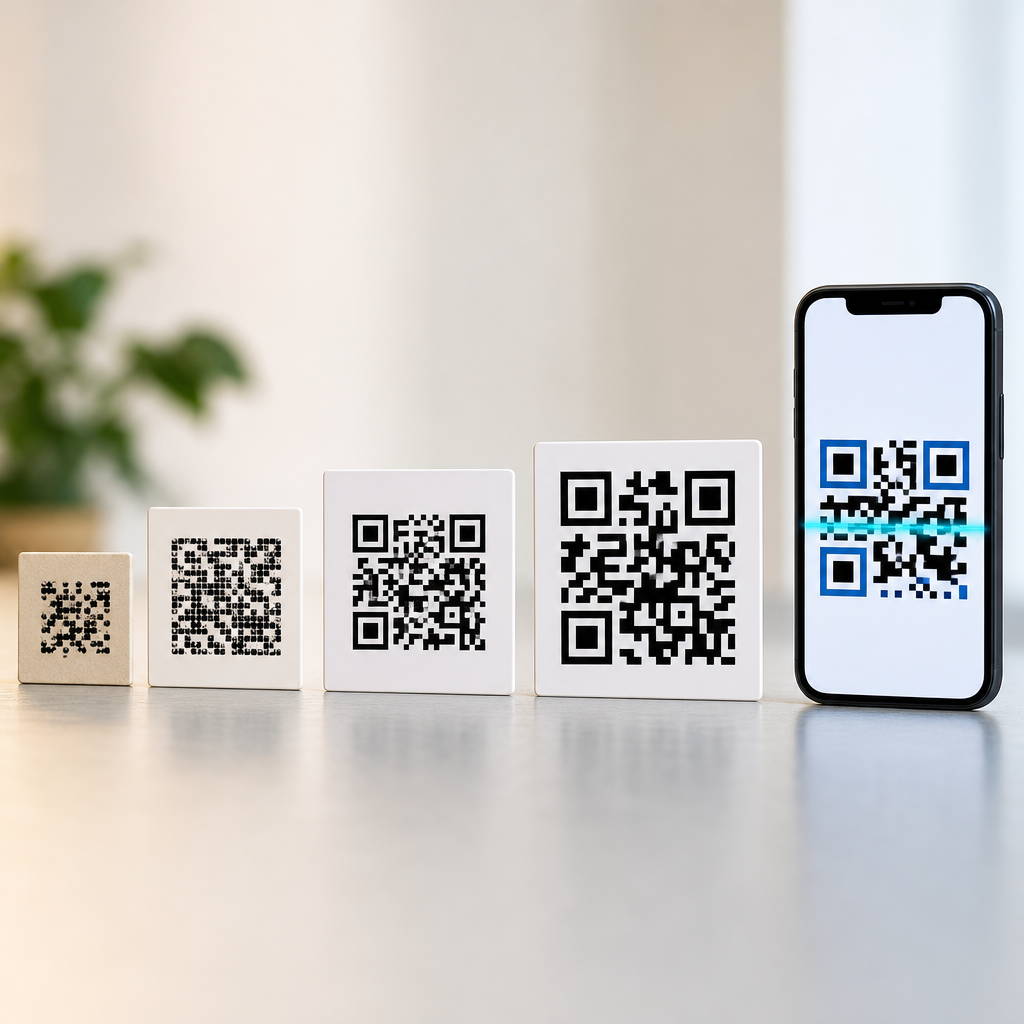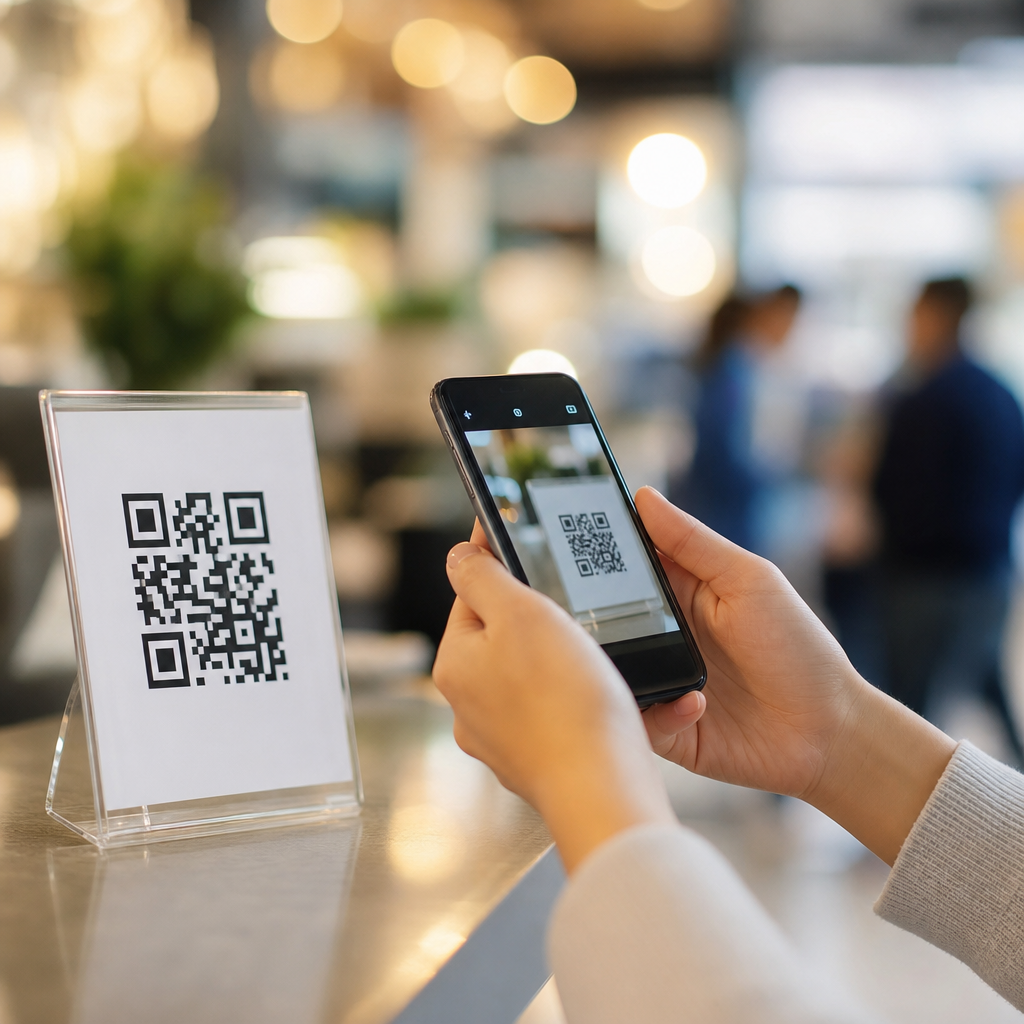
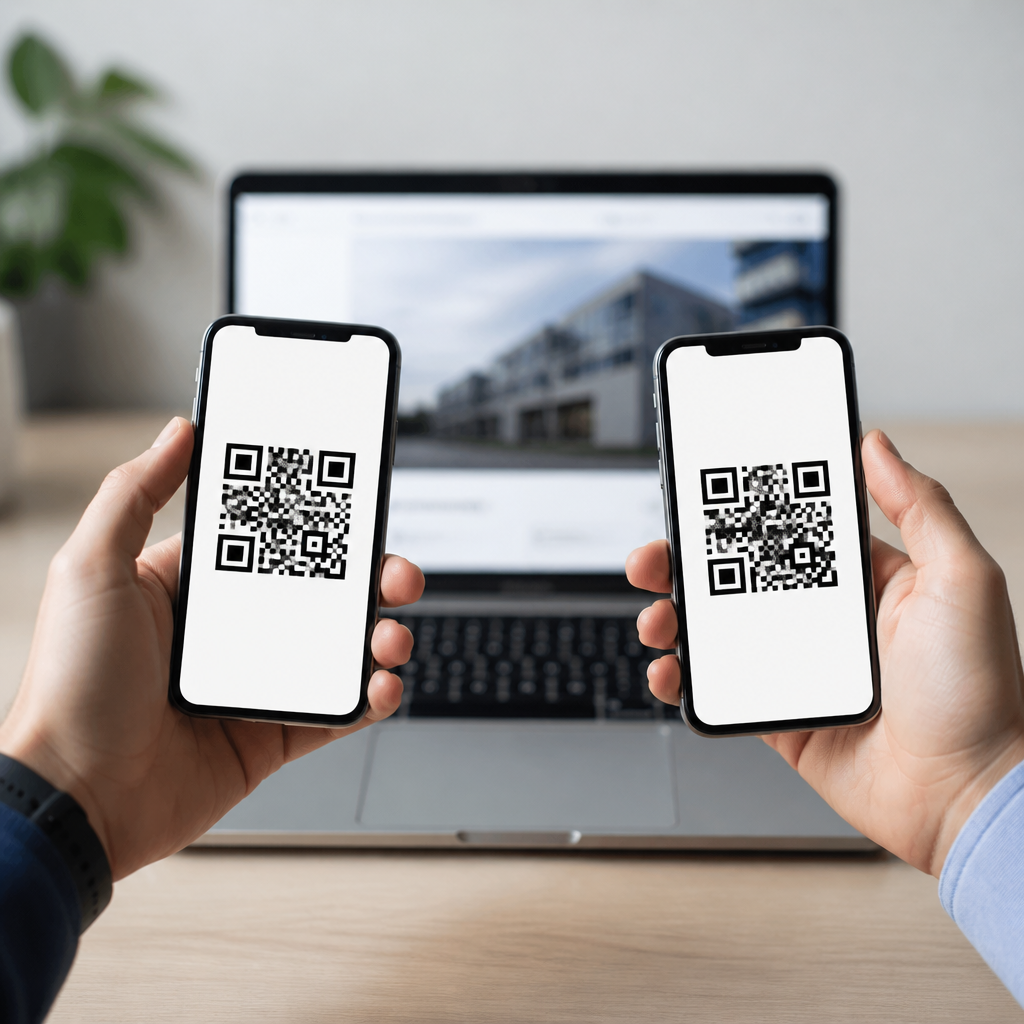
QR codes can look completely different yet still point to the same website, and that simple fact makes them an ideal starting point for understanding how QR codes work. A QR code, short for Quick Response code, is a two-dimensional matrix barcode that stores data in a grid of black and white modules. When a smartphone camera or scanning app reads that grid, the encoded data is translated into an action such as opening a URL, saving contact details, connecting to Wi-Fi, or launching a payment screen. In practice, I have seen business owners assume each website can have only one “correct” code. That is false. Multiple QR codes can direct users to the exact same web page because the visible pattern depends on more than the destination alone. Error correction level, data format, version size, masking pattern, and whether the code is static or dynamic all affect the final appearance.
This matters because QR codes now sit at the center of packaging, menus, retail signage, event tickets, product authentication, industrial tracking, and omnichannel marketing. According to ISO/IEC 18004, the global standard governing QR code symbology, a compliant scanner is reading encoded data plus structural information, not “matching” one universal picture to one website. That distinction helps explain why two companies can print different-looking QR codes for the same landing page and both work perfectly. It also helps beginners understand a broader question: what are QR codes, what can they store, why do they sometimes fail, and how should a business create them responsibly? This guide answers those questions directly and serves as a hub for the essential concepts behind QR code basics, from structure and use cases to security, sizing, and testing.
What Are QR Codes and How Do They Work?
A QR code is a machine-readable symbol made of square modules arranged in a square grid. It was invented in 1994 by Denso Wave to track automotive components more efficiently than one-dimensional barcodes. Traditional barcodes usually store a short identifier across horizontal lines; QR codes store information both horizontally and vertically, allowing significantly higher capacity. A scanner locates three large finder patterns in the corners, interprets alignment and timing patterns, applies the correct mask, uses error correction to recover damaged data, and then decodes the payload. That payload may be a direct URL, plain text, a vCard, an SMS command, or another standardized data format.
When someone asks, “Can two different QR codes point to the same website?” the direct answer is yes. One code may embed https://example.com exactly as plain text, while another may embed a shortened redirect URL that ultimately sends users to the same destination. Even if both encode the same exact URL, they can still differ visually because the generator may choose a different error correction level or mask pattern. The content is the same, but the binary arrangement can vary. I often explain it like printing the same sentence in two different fonts: the appearance changes, but the meaning does not.
Static and dynamic QR codes are another core concept. A static QR code contains the final destination directly inside the symbol. If the website changes later, the code itself must be replaced. A dynamic QR code usually contains a short redirect URL managed by a QR platform. The destination can then be edited without reprinting the code, and scan analytics may be collected, such as time, approximate location, device type, and total scans. For campaigns, dynamic codes are usually the practical choice. For permanent uses such as public Wi-Fi credentials or unchanging product documentation, static codes are often sufficient.
Why Two Different QR Codes Can Open the Same Website
There are five main reasons two different QR codes can lead to the same website. First, different encoders may use different mask patterns. The mask is a mathematical pattern applied to avoid problematic visual clusters that make scanning harder. Second, the error correction level may differ. QR codes use Reed-Solomon error correction and commonly offer four levels: L, M, Q, and H. Higher correction lets the code survive more damage, but increases density. Third, one generator may normalize the URL differently, such as including or omitting “https://” or a trailing slash, even though the server resolves both paths identically. Fourth, one code may be static while another is dynamic and redirects to the same site. Fifth, branding changes such as logo placement or color inversion may alter the appearance while preserving readability.
Real-world examples are common. A restaurant might print a static QR code on table tents that goes directly to its menu page, while its agency runs digital ads using a dynamic QR code that redirects to that same menu but tracks campaign scans. A manufacturer may place one QR code on packaging for consumers and a different code in a distributor catalog, with both ending at the same warranty registration page. During migrations, I have also seen teams use a short campaign URL in one code and the final canonical URL in another, both resolving to the same destination after redirects. To the user, the result is identical: the same website opens.
The takeaway is simple: a QR code is not a fingerprint for a website. It is a container for encoded data. If different data strings, redirect paths, or encoding settings ultimately resolve to the same web resource, then multiple distinct QR codes can serve the same purpose. That flexibility is useful, but it requires discipline in naming conventions, analytics governance, and testing. Otherwise, a team may accidentally fragment reporting or create inconsistent user experiences across print, packaging, and in-store signage.
The Building Blocks Inside a QR Code
To understand QR code basics, it helps to know the structural elements scanners rely on. The three large squares in the corners are finder patterns, which tell the scanner where the code begins and its orientation. Smaller alignment patterns help correct distortion, especially in larger versions. Timing patterns are alternating modules that help determine the grid. Format information stores the error correction level and mask pattern. Version information appears on larger codes and indicates the symbol size. The quiet zone, a blank margin around the code, is not decorative; it is required for reliable scanning because it separates the code from surrounding graphics.
Data is encoded in different modes depending on the content. Numeric mode is compact and ideal for digits only. Alphanumeric mode supports a limited character set efficiently. Byte mode handles standard text and URLs. Kanji mode supports specific character encoding for Japanese text. Most website QR codes use byte mode because URLs include characters such as lowercase letters, slashes, periods, and query parameters. Capacity depends on version and error correction. As error correction increases, available data capacity decreases. That tradeoff explains why a long URL with high error correction may produce a denser, more complex code than a short URL with medium correction.
Design changes must respect these structural rules. Adding a logo can work if it does not obscure too much data and if error correction is set appropriately, usually Q or H for branded marks. Changing colors can also work, but contrast matters more than brand consistency. Dark modules on a light background scan best. Some modern cameras can read reversed or stylized codes, but relying on that is risky, especially in dim retail environments or on reflective packaging. In field testing, poor contrast and inadequate quiet zones cause more failures than almost any other design decision.
Common Types of QR Codes and What They Store
Not all QR codes are for websites. A URL QR code opens a webpage and is the most common marketing format. A vCard QR code saves contact details. A mailto QR code opens an email draft. An SMS QR code prepopulates a text message. A phone QR code initiates a call. A Wi-Fi QR code shares SSID, password, and encryption type so users can connect without typing credentials. Payment QR codes support transactions, often using region-specific frameworks such as EMVCo merchant-presented codes. App deep link QR codes can send users into a specific screen within a mobile application when configured correctly.
For a basics hub, it is important to note that the user experience depends on device support. Native smartphone cameras handle standard website QR codes well, but support for Wi-Fi joining, app links, or payment actions varies by operating system and app context. That is why many businesses route specialty actions through a mobile web landing page first. The page can detect device type, provide instructions, and offer fallback actions if the preferred behavior is unsupported. In production campaigns, this approach reduces failure rates and support tickets.
| QR code type | What it stores | Typical use case | Key limitation |
|---|---|---|---|
| Static URL | Direct website address | Permanent signage, manuals | Destination cannot be edited |
| Dynamic URL | Redirect link managed by platform | Marketing campaigns, analytics | Depends on service uptime |
| Wi-Fi | Network name, password, security | Cafes, offices, guest access | Platform support varies |
| vCard | Contact record fields | Business cards, trade shows | Field rendering differs by device |
| Payment | Merchant payment payload | Checkout, peer-to-business payment | Standards differ by market |
Best Practices for Creating QR Codes That Actually Scan
Good QR code performance comes from engineering discipline, not guesswork. Start with the shortest viable destination URL, especially for static codes. Shorter payloads produce simpler symbols that scan faster. Maintain a proper quiet zone, ideally at least four modules wide on every side. Size the code for its scanning distance; a practical rule is roughly one centimeter of code width for every ten centimeters of scan distance, though context matters. Print sharply and avoid glossy surfaces that create glare. If the code will be used outdoors, test under direct sunlight, shade, and low-angle viewing conditions.
Error correction should fit the environment. For clean digital displays, M is often enough. For printed packaging likely to crease or scuff, Q or H may be safer. If you add a logo, test multiple devices before finalizing artwork. I usually test on current iPhone and Android models, both with native camera apps and with a third-party scanner, because decoding tolerance varies. Also test across network conditions. A perfectly scannable code can still deliver a poor experience if the landing page is heavy, slow, or blocked by intrusive interstitials.
Analytics and governance deserve equal attention. Use UTM parameters consistently if the QR code supports campaign measurement in web analytics platforms such as Google Analytics 4 or Adobe Analytics. Document ownership of each dynamic code, the destination logic, expiration dates, and where it appears physically. I recommend maintaining a QR inventory spreadsheet or asset management record, especially for retailers and multi-location brands. Without that control, old redirects linger, printed materials become untraceable, and support teams cannot diagnose failures quickly.
Security, Privacy, and User Trust
QR codes are convenient, but they can also obscure destination risk. A malicious actor can place a sticker over a legitimate code and redirect users to a phishing page, fake payment portal, or malware download. This is why user trust depends on context cues. Brands should place QR codes in controlled, tamper-evident environments where possible, and the landing domain should be recognizable. Dynamic QR platforms should use HTTPS, secure redirect handling, and role-based access controls. For enterprise deployments, audit logs matter because destination changes can have legal and reputational consequences.
Privacy questions arise when dynamic QR codes collect scan data. Approximate location, timestamp, device type, and referral attributes can be valuable for campaign analysis, but they may also trigger compliance obligations depending on jurisdiction. Teams should review consent requirements, retention periods, and vendor contracts before rolling out large-scale tracking. In my experience, the cleanest approach is to collect only data that supports a defined business decision, disclose it in the privacy notice, and avoid unnecessarily combining scan data with personally identifiable information.
Users can protect themselves too. They should preview the destination when their device allows it, look for familiar domains, and avoid entering credentials on pages reached through suspicious public stickers or altered signage. For businesses, the trust lesson is straightforward: the easier you make the destination to verify, the more likely people are to scan confidently and complete the intended action.
Choosing the Right QR Strategy for Business, Education, and Everyday Use
The best QR code strategy depends on the life span of the content, the need for analytics, and the level of operational control required. A school posting a semester-specific assignment page may benefit from dynamic codes because links change and scan counts help measure student engagement. A museum may use durable static codes for object information pages that rarely change. A retailer launching seasonal promotions should favor dynamic codes tied to campaign dashboards, with redirects segmented by store, packaging batch, or channel partner. In manufacturing, QR codes often coexist with Data Matrix codes, each serving different workflow requirements.
The central lesson for anyone learning what QR codes are is that the symbol itself is only one part of a system. The destination page, hosting reliability, redirect governance, print quality, and device compatibility all shape success. Yes, two different QR codes can absolutely point to the same website. More broadly, many different QR implementations can support the same user goal when designed well. If you are building your foundation in QR Code Basics & Education, start by understanding structure, data types, static versus dynamic behavior, and scanning best practices, then audit every code you publish as carefully as any public-facing link. That habit will improve usability, reporting, and trust from the first scan onward.
Frequently Asked Questions
Can two different QR codes point to the same website?
Yes. Two QR codes can look completely different and still open the exact same website when scanned. What matters is not the visual appearance of the pattern by itself, but the data encoded inside it. If both codes contain the same URL, or contain different redirect links that ultimately send users to the same destination, they can both lead to the same webpage. This is one of the clearest ways to understand how QR codes work: the black-and-white squares are simply a machine-readable method of storing information.
In practice, this happens often. One QR code might be generated by a free online tool, while another is created in a design platform with custom colors, a logo, or a different layout. They may appear unrelated to the human eye, yet a phone camera can still decode each one and follow the same web address. The appearance can vary because QR code generators may use different error correction levels, encoding modes, sizes, margins, and formatting choices. As long as the encoded information resolves to the same website and the code remains scannable, different-looking QR codes can absolutely serve the same purpose.
Why would two QR codes look different if they go to the same URL?
There are several reasons. First, QR code generators do not all encode data in exactly the same way. The same website address can be stored using slightly different formatting choices, such as including or omitting “https://,” using uppercase versus lowercase characters where applicable, or wrapping the link inside a trackable redirect. Second, generators can apply different technical settings, especially the error correction level. Error correction adds redundant data so a code can still be scanned even if part of it is damaged or obscured. A higher error correction level changes the arrangement of the modules, which can make the code look noticeably different.
Design customization also plays a role. A QR code can be made larger or smaller, use rounded modules instead of square ones, include a branded frame, or place a logo in the center. Even with these visual changes, the code may still contain the same destination link. Dynamic QR codes add another layer of variation because they often encode a short redirect URL rather than the final website itself. Two dynamic codes from different providers could therefore look different while still sending users to the same landing page. The key takeaway is that the pattern is only the container; the destination depends on the stored data and how that data resolves after scanning.
Does a different-looking QR code mean one of them is fake or unsafe?
No, not automatically. A different appearance alone does not mean a QR code is fraudulent, broken, or unsafe. Since multiple codes can legitimately point to the same website, visual differences are not enough to judge trustworthiness. What matters is the destination that opens after scanning and whether it matches the source you expected. For example, a business might use one plain QR code on packaging and another branded version in a brochure, yet both may direct users to the same official site.
That said, users should still be cautious. QR codes are easy to create, which means they can also be used maliciously. A scammer can place a sticker over a real QR code or distribute a fake code that sends people to a phishing page. The safer habit is to preview the link before opening it when your device allows that, check whether the domain name is correct, and avoid entering personal or payment information unless you are confident you are on the legitimate website. Businesses can reduce confusion by clearly labeling where the code leads, using recognizable branding, and testing their codes regularly. So while a different look does not equal danger, it is still wise to verify the destination before you trust it.
How can the same website be encoded in more than one QR code?
A website can appear in more than one QR code because there is more than one valid way to represent or route users to that destination. The most direct method is encoding the same URL in multiple generated QR images. Even if the pattern differs due to technical settings, both still contain the same essential web address. Another common method is indirect routing: one QR code may encode the full website URL, while another encodes a shortened or dynamic link that redirects to that same website. To the user, the result is identical because both scans end at the same page.
This flexibility is especially useful in marketing and operations. A company might print separate QR codes for posters, product labels, email campaigns, and in-store displays, all leading to the same website while allowing different tracking or design treatments. In some cases, teams create multiple codes for redundancy or localization, such as using region-specific redirect links that all resolve to the same global homepage. The important point is that a QR code is not defined by a unique visual identity tied to one website. It is simply a data carrier, and many different data configurations can lead to the same online destination.
How can I check whether two QR codes really go to the same website?
The most reliable way is to scan both codes and compare the URLs they open. If your phone or scanning app shows a preview before launching the site, look closely at the domain name. Sometimes the visible links will match exactly. Other times they may differ at first because one is a redirect or tracking link, but after opening, both will land on the same final page. In that case, checking the final destination in your browser’s address bar is the best confirmation. If you want to be especially careful, test both codes on a secure device and avoid entering sensitive information until you verify the site.
For businesses and website owners, it is also smart to use QR code testing tools or analytics platforms. These can reveal the encoded content, redirect chain, and final landing page. If you manage printed materials, test the codes under real-world conditions as well, including different lighting, screen sizes, and camera quality. A QR code may technically point to the same site as another code but still perform differently if it is poorly printed or overdesigned. By verifying both the destination and the scanning experience, you can confirm not only that two QR codes lead to the same website, but also that they do so reliably for your audience.