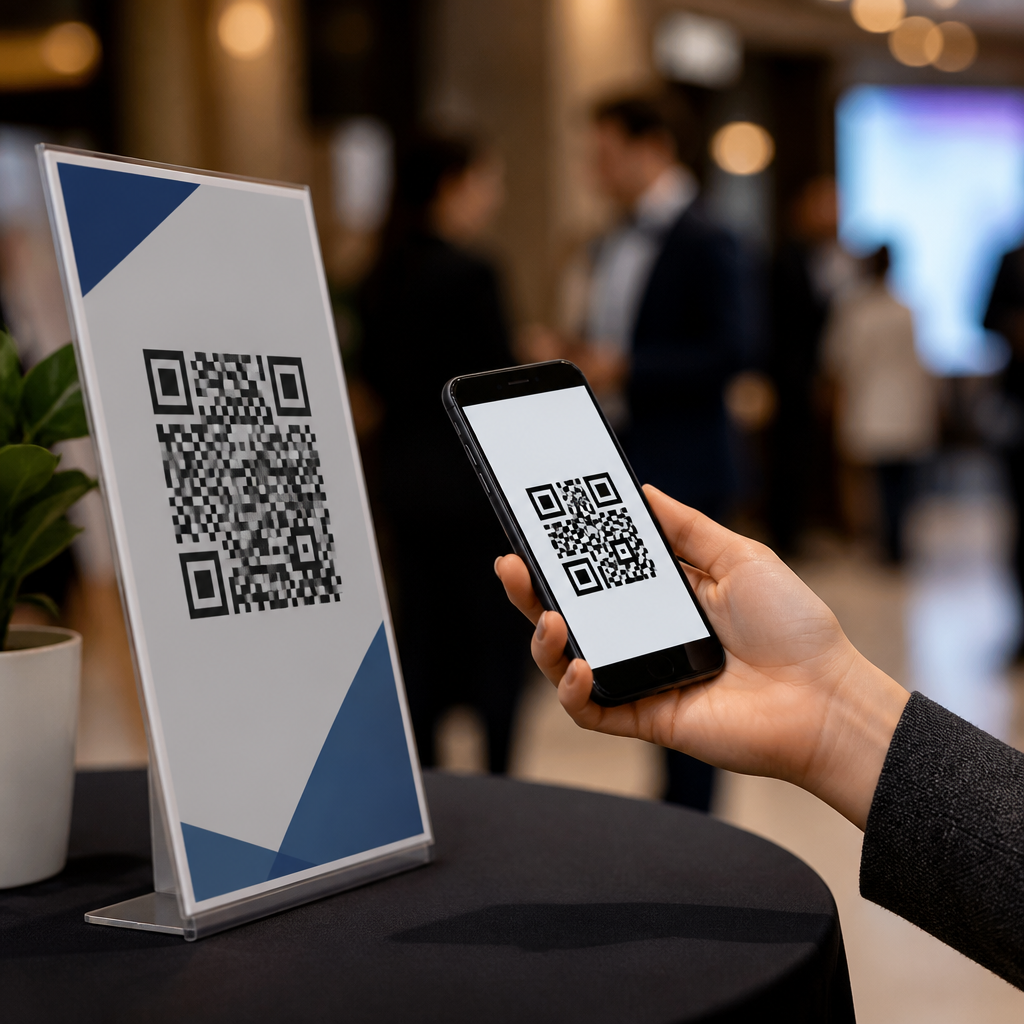
QR codes for event schedules and agendas solve a persistent event problem: attendees need accurate, up-to-date information, while organizers need a fast way to distribute changes without reprinting signs, handouts, or badges. In practical terms, a QR code is a scannable matrix barcode that opens a digital destination, usually a mobile web page, calendar file, app screen, or PDF. For events and conferences, that destination most often contains the agenda, session descriptions, room assignments, speaker bios, sponsor activations, venue maps, and alerts about last-minute changes.
This matters because event information changes constantly. Speakers miss flights, breakout rooms fill up, workshops run over time, and sponsors add demos or networking sessions. I have worked on conference programs where a printed booklet was outdated before registration even opened on day one. A well-placed QR code reduced confusion immediately: attendees scanned from signage, lanyards, confirmation emails, or slides and saw the current version instead of yesterday’s draft. That simple shift lowered help-desk questions, improved session attendance, and gave organizers measurable data about what information people actually needed.
As a hub topic within QR codes in marketing, event schedules and agendas sit at the intersection of attendee experience, operational efficiency, and campaign measurement. Unlike a static flyer, a dynamic QR code can be updated after printing and tracked for scans by time, device, and location. That makes it useful not only for logistics, but also for sponsorship reporting, lead routing, content discovery, and post-event follow-up. For event marketers, the code becomes a bridge between physical touchpoints and digital engagement. For conference operations teams, it becomes a lightweight content delivery system that supports rapid updates at scale.
To use QR codes effectively for agendas, organizers need to think beyond “link to a PDF.” The best implementations choose mobile-first landing pages, clear calls to action, venue-specific placements, and governance for updates. They also account for accessibility, Wi-Fi limitations, analytics integrity, and privacy. When done well, QR codes help attendees find the right session faster, help exhibitors drive traffic to activations, and help organizers reduce printing waste while learning which parts of the program generate the most interest.
How QR codes improve schedule distribution at events
The core benefit of using QR codes for event schedules is controlled flexibility. Printed schedules freeze information at one moment, while dynamic schedule pages stay current. At a conference, a single code can point every attendee to the latest agenda without forcing them to download an app. That is important because app adoption is often uneven; many attendees will not install an event app for a one-day summit or regional trade show. A browser-based schedule page accessed by QR code removes that friction.
From an operational standpoint, this approach reduces the number of places where updates must be managed. Instead of changing a website, a PDF, a registration email attachment, and lobby signage separately, teams can maintain one canonical agenda destination. The QR code placed on check-in desks, wayfinding signs, name badges, and presentation screens can all direct to that destination. If a keynote moves from Ballroom A to Ballroom C, the content updates once and every scan reflects the change immediately.
Attendees also benefit from context. A schedule page can show filters by track, time, session type, or audience level. A developer conference might let users sort by beginner, intermediate, and advanced sessions. A medical meeting can separate accredited education from exhibitor theaters. A trade association event can distinguish board meetings, member sessions, and public workshops. When that information is optimized for mobile screens, the QR code becomes a fast navigation tool rather than just a digital copy of a brochure.
There is a marketing advantage as well. Event teams can append UTM parameters, connect scans to campaign dashboards, and identify which placements perform best. A code on pre-event email may drive planning scans weeks in advance, while a code on hallway signage may peak between sessions. That scan pattern shows where attendees feel uncertainty and where content or staffing should improve.
Best use cases across conferences, trade shows, festivals, and internal events
Different event formats use QR-coded agendas differently, and the strongest results come from matching the code destination to attendee intent. At multi-track conferences, the primary use case is a master schedule with filters, room details, and speaker pages. At trade shows, a QR code often supports both the show agenda and exhibitor-sponsored sessions, helping attendees navigate education theaters, product launches, and networking blocks across a large floor plan.
Festivals benefit from location-aware scheduling. A music or food festival can use separate QR codes at each zone that open the same central agenda but highlight “happening near you now.” Corporate internal events often use codes for employee town halls, sales kickoffs, and training weeks, where access control matters more. In those cases, the QR destination may sit behind single sign-on or a password gate and include downloadable calendar invites, presentation decks, and feedback forms.
Universities, nonprofit galas, and community events also see value. For commencement weekends, a code on campus signage can direct families to ceremony times, parking updates, and weather notices. For fundraising events, the agenda page can include auction timing, sponsor recognition, and donation prompts. In each example, the QR code does more than save paper; it becomes a live information layer attached to physical movement through the venue.
| Event type | Primary QR code destination | Main attendee benefit | Operational benefit |
|---|---|---|---|
| Conference | Mobile agenda with track filters | Fast session planning | Real-time schedule updates |
| Trade show | Agenda plus floor map and theater sessions | Easier navigation | Sponsor traffic attribution |
| Festival | Zone-based lineup page | Nearby activity discovery | Crowd flow support |
| Corporate event | Secure internal schedule portal | One source of truth | Controlled distribution |
| University or nonprofit event | Agenda with parking, alerts, and donations | Reduced confusion | Lower print volume |
One recurring lesson from live deployments is that not every attendee wants the same level of detail. Executives may want only keynotes and VIP functions, while practitioners want breakout abstracts and speaker credentials. Building role-based views into the destination page increases usefulness and lowers bounce rates after the scan.
Implementation strategy: destinations, placement, and content design
Choosing the right destination is the first implementation decision. A mobile web page usually outperforms a PDF because it loads faster, fits the screen, and can expose structured content such as session cards, search, and filters. PDFs still have a role when legal formatting, accreditation records, or offline downloads matter, but they should not be the default. If an event app is central to the experience, the code can deep-link into the app for installed users and fall back to the web for everyone else.
Placement is equally important. Registration desks, badge inserts, hallway signs, breakout room doors, elevator clings, and large-format screens all catch attendees at different moments of need. I generally recommend a hierarchy: one master schedule code at check-in, directional codes near traffic intersections, and session-specific codes outside rooms. Session-specific codes can open abstracts, speaker slides, evaluation forms, or “add to calendar” actions. That keeps the attendee journey simple because each code has one clear job.
Content design should prioritize speed to answer. Above the fold, include the current date, local time zone, “happening now,” and a clear search or filter function. Use concise room names that match physical signage exactly. If the venue uses “West Hall 204,” do not rename it “Room 204” online. Consistency cuts wayfinding errors. Include speakers, start and end times, capacity notices, and map links. If sessions change, stamp pages with “last updated” times so attendees trust what they see.
Strong creative also matters. Codes need sufficient quiet zone, high contrast, and labels that tell people what they get, such as “Scan for live agenda” or “Scan for today’s schedule and room changes.” ISO/IEC 18004 remains the core standard for QR code symbology, but practical scan success depends more on print quality, size, placement height, glare, and distance. As a rule, larger codes are safer in high-traffic venues, especially when attendees scan while walking.
Measurement, accessibility, and common mistakes to avoid
Measurement turns a QR code from a convenience feature into a marketing asset. Dynamic QR platforms such as Bitly, Beaconstac, Flowcode, QR Code Generator PRO, and Uniqode can report total scans, unique scans, time of day, approximate location, and device type. Combined with web analytics platforms like Google Analytics 4, organizers can see which agenda sections attract attention, which sponsor sessions get traction, and where attendees abandon the journey. Those insights inform both current event staffing and future program design.
Accessibility cannot be an afterthought. The destination page should meet recognized web accessibility practices, including readable color contrast, keyboard navigation where relevant, alt text for essential images, meaningful headings, and support for screen readers. Avoid forcing pinch-and-zoom through oversized PDFs. Provide plain-language labels near the code so users know what will happen after scanning. For attendees without smartphones or with limited connectivity, maintain a staffed information point and a minimal printed schedule summary. QR codes should improve access, not create a dependency that excludes part of the audience.
Several mistakes appear repeatedly. The first is linking to a desktop-only page that is unreadable on mobile. The second is using static QR codes for information likely to change. The third is placing codes where people cannot scan comfortably, such as behind reflective plastic, too high on banners, or in low-light hallways. The fourth is overloading one page with every possible asset, creating a slow and confusing experience. The fifth is ignoring privacy disclosures when registration systems or personalization are involved.
Another common issue is fragmented ownership. Marketing owns pre-event emails, operations owns signage, IT owns the CMS, and sponsors own theater content. Without governance, attendees scan different codes that surface inconsistent schedules. The fix is simple: define one source of truth, one update workflow, and one person accountable for publishing changes during live hours. That governance is what separates a polished event information system from a pile of disconnected links.
Building a scalable hub for event and conference QR code programs
As a hub within QR codes in marketing, this topic should connect to adjacent use cases rather than stand alone. Schedule and agenda QR codes naturally lead into related applications: speaker bio pages, venue maps, exhibitor directories, lead capture forms, digital handouts, contact exchange, session feedback, coupon delivery, and post-event content libraries. Structuring these assets under a coherent event QR strategy improves internal linking, reporting consistency, and attendee comprehension.
The most scalable model uses templates. Create standard landing page modules for agenda lists, session detail pages, map embeds, sponsor blocks, FAQ accordions, and calendar downloads. Then build naming conventions for campaigns, events, dates, and placements. For example, a naming system like EVENT2026_LOBBY_AGENDA or EVENT2026_ROOMB_WORKSHOP3_EVAL makes analytics cleaner and reduces publishing errors. Add expiration rules so temporary codes redirect to recap pages, on-demand recordings, or next-year registration after the event closes.
This hub approach also strengthens sponsor value. Instead of promising vague “digital visibility,” organizers can offer measurable schedule placements, promoted session cards, or branded agenda sections with scan and click reporting. That makes the QR code program commercially useful without compromising attendee trust. The key is relevance: promotions should fit the context of the schedule page and remain clearly labeled.
QR codes for event schedules and agendas work best when they are treated as infrastructure, not decoration. They give attendees immediate answers, give organizers control over fast-changing information, and give marketers trackable engagement across physical touchpoints. Start with one mobile-first live agenda, place codes where attendee decisions happen, measure every major placement, and maintain accessible alternatives. If you manage events or conferences, audit your current schedule distribution process and identify where a dynamic QR code can replace friction with clarity.
Frequently Asked Questions
How do QR codes improve event schedules and agendas for attendees and organizers?
QR codes make event schedules easier to access, easier to update, and much more reliable than printed materials alone. For attendees, the biggest advantage is convenience. Instead of searching through emails, downloading attachments, or carrying paper handouts, they can scan a code posted on signage, badges, registration desks, or presentation screens and instantly open the latest version of the agenda on their phone. That means they can quickly check session times, room locations, speaker details, workshop descriptions, and any last-minute changes without needing help from staff.
For organizers, QR codes solve one of the most common operational problems at events: schedule changes after materials have already been printed. A speaker may run late, a room may change, a session may be added, or an agenda block may need to be adjusted. With a QR code linked to a digital schedule, organizers can update the destination content in real time without reprinting signs, handouts, or attendee packets. This reduces printing waste, saves money, and helps prevent confusion caused by outdated information circulating throughout the venue.
QR codes also support a smoother event experience overall. They centralize information, reduce lines at information desks, and make it easier to direct people to a single source of truth. When used well, they become a simple but highly effective bridge between physical event spaces and digital schedule management.
What should a QR code for an event agenda link to?
The best destination depends on the event format, audience, and how frequently the schedule may change, but in most cases the ideal QR code should link to a mobile-friendly digital agenda page. A responsive web page is usually the most practical option because it opens quickly on nearly any smartphone without requiring attendees to install an app or download a large file. That page can include the full event schedule, session descriptions, speaker bios, room assignments, maps, sponsor highlights, and important announcements.
For some events, a QR code may also link to a calendar file, a conference app screen, or a downloadable PDF. However, each option has tradeoffs. PDFs are familiar and easy to share, but they can be harder to read on smaller screens and are less flexible when frequent updates are needed. Calendar files are useful for letting attendees save selected sessions to their personal calendar, but they are not ideal as the main schedule source. Event apps can offer strong features such as personalized agendas and push notifications, but they require installation, sign-in, and sometimes user training.
In most cases, the strongest approach is to use a QR code that opens a live web-based agenda and includes clear navigation to related resources such as venue maps, FAQs, speaker information, and contact details. That way, attendees get immediate access to current information, and organizers maintain control over updates throughout the event.
Can event organizers update the schedule after the QR code has already been printed?
Yes, and this is one of the biggest reasons QR codes are so useful for event schedules and agendas. If the QR code is linked using a dynamic URL, organizers can change the content behind the code without changing the code itself. In practice, that means the same printed QR code on banners, posters, table tents, badges, or brochures can continue working even if session times, room assignments, or speaker lineups shift. Attendees simply scan the code and see the latest version of the schedule.
This flexibility is especially valuable at conferences, trade shows, corporate meetings, academic events, and multi-track programs where changes are common. Even well-planned events can face last-minute adjustments due to travel delays, room capacity issues, technical needs, or programming updates. Without a digital update method, organizers often have to choose between leaving outdated information in circulation or spending time and budget on emergency reprints. Dynamic QR codes eliminate much of that pressure.
To make this work well, organizers should ensure the linked agenda is actively maintained and clearly marked as the current version. It is also smart to include a visible “last updated” timestamp on the agenda page so attendees know they are viewing the most recent information. When paired with strong on-site placement and prompt content management, a QR code becomes a reliable tool for distributing schedule changes quickly and accurately.
Where should QR codes be placed at an event for the best results?
QR codes perform best when they are placed anywhere attendees naturally pause, look for guidance, or make navigation decisions. High-value locations include registration desks, welcome signage, entrance doors, badge holders, lanyard cards, printed programs, exhibitor booths, session room entrances, digital displays, hotel lobby boards, and directional signs throughout the venue. The goal is to make access to the agenda effortless at the exact moment people need schedule information.
Placement should also reflect attendee behavior. For example, a large QR code near registration helps people get the agenda as soon as they arrive, while smaller codes outside breakout rooms let them confirm the next session or room details on the spot. Codes on presentation slides can help attendees save the session details or access related materials. For multi-day events, repeating the same agenda QR code in multiple locations is often more effective than relying on a single sign because it reduces friction and increases adoption.
Good design matters as much as good placement. The code should be large enough to scan easily, printed with strong contrast, and accompanied by a short call to action such as “Scan for the live agenda” or “View updated session times.” It is also wise to test scanning distance, lighting conditions, and mobile loading speed before the event begins. A well-placed QR code should feel intuitive, visible, and useful rather than decorative.
What are the best practices for creating effective QR codes for event schedules and agendas?
The most effective QR codes are built around clarity, usability, and reliability. First, the destination must be mobile-friendly. Since most attendees will scan the code on a smartphone, the linked page should load quickly, display cleanly on small screens, and make the most important schedule details easy to find. Long load times, cluttered layouts, or hard-to-read PDFs can reduce engagement and create frustration. The schedule should be organized clearly by day, track, room, or time slot depending on the event structure.
Second, organizers should prioritize dynamic QR codes whenever updates are likely. Dynamic codes allow changes to the linked destination without replacing the printed code, which is essential for events with moving parts. It is also helpful to use a short, branded URL behind the QR code if possible, both for trust and easier tracking. Analytics can provide useful insight into how often attendees scan, which locations perform best, and when engagement peaks during the event.
Third, accessibility and user confidence should be part of the planning process. Add a brief label explaining what the scan will open, and include a fallback option such as a short web address for people who prefer not to scan. Avoid placing codes where internet connectivity is weak unless offline access is available. Test the code across different devices and camera apps, and confirm that the landing page works without requiring unnecessary logins. When a QR code is easy to scan, easy to trust, and genuinely helpful, it becomes a practical event communication tool rather than just a visual add-on.