
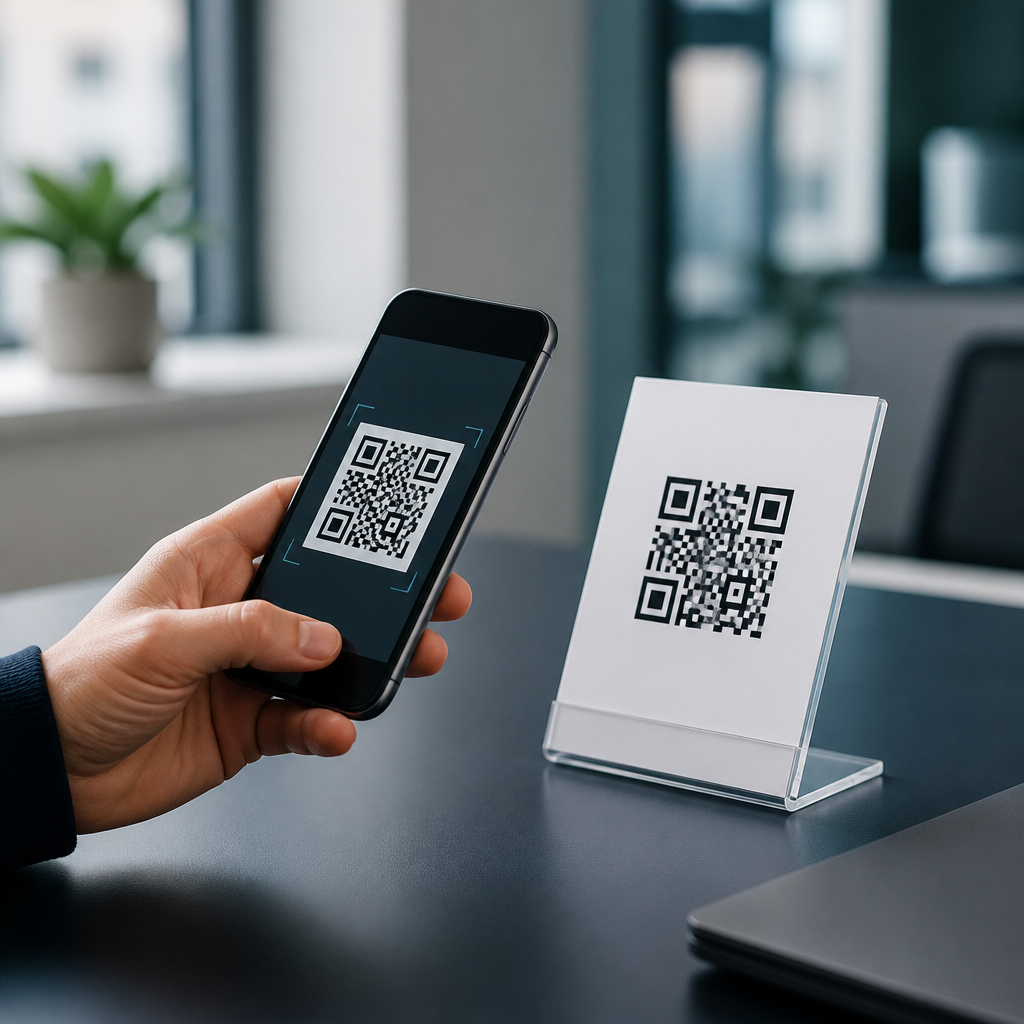
QR codes moved from a niche industrial tool to an everyday bridge between physical and digital experiences, yet many people still have basic and advanced questions about how they work, why they fail, and what to do when a scan does not behave as expected. In simple terms, a QR code is a two-dimensional barcode that stores information such as a URL, phone number, Wi-Fi credential, payment request, file link, or plain text in a square pattern of modules that a camera can read. I have implemented QR campaigns for menus, product packaging, event check-in, retail displays, invoices, and field service workflows, and the same questions surface repeatedly: why will my phone not scan it, how big should it be, are dynamic QR codes better than static ones, can a QR code expire, and how do you troubleshoot a code that works on one device but not another. Those are not minor details. They determine whether a customer reaches a landing page, whether a technician opens the right manual, and whether printed marketing continues performing after it leaves the press. This article answers the top QR code questions in one place and serves as a practical hub for FAQs and troubleshooting across common use cases.
Understanding a few key terms makes the rest of QR code troubleshooting much easier. A static QR code contains fixed data embedded directly in the pattern, so once it is printed, the destination cannot be changed without creating a new code. A dynamic QR code typically encodes a short redirect URL managed by a platform, which lets you change the destination later and measure scans by device, location, and time. Error correction refers to the built-in redundancy that allows a code to remain readable even if part of it is damaged; common levels are L, M, Q, and H, with H offering the most recovery at the cost of lower data capacity. Quiet zone means the blank margin around the code, and without that buffer many scanners struggle to distinguish the code from its background. These are the foundations behind most scanning problems and most successful fixes.
What are the most common QR code questions?
The questions people ask most often fall into five groups: scanning, printing, destination management, security, and analytics. Scanning questions include whether all phones can read QR codes, whether a separate app is required, and why some codes open instantly while others do nothing. Printing questions center on size, color contrast, placement, and whether a logo in the middle will break the code. Destination management questions focus on static versus dynamic QR codes, whether a QR code can be edited after printing, and whether codes expire. Security questions ask whether QR codes are safe, how to avoid phishing, and whether a malicious code can install malware by itself. Analytics questions cover scan counts, duplicate scans, geographic reporting, and privacy limitations, especially on iOS devices and in browsers with stricter tracking prevention.
If you need direct answers, here are the essentials. Most modern smartphones can scan QR codes using the native camera app, though behavior varies by operating system version and camera software. A QR code should be high contrast, have a clean quiet zone, and be sized for the expected scanning distance; a practical rule is about one inch of code width for every ten inches of scanning distance. Dynamic QR codes are better when the destination may change or when you need analytics. Static QR codes are better when permanence and independence from a third-party platform matter most. A QR code itself does not expire, but the destination can fail if the linked page is removed, redirected badly, blocked by a firewall, or managed by a subscription service that disables the redirect. Security depends less on the code format than on the destination and the trustworthiness of the context in which the code appears.
Why is my QR code not scanning?
When a QR code will not scan, start with the physical basics before blaming the generator or the phone. In my experience, the most common causes are low contrast, insufficient quiet zone, poor print quality, overdesigned branding, glare, and a destination encoded with too much data for the chosen symbol size. Black on white remains the safest combination because scanners detect luminance contrast better than stylish color palettes. Light gray on pastel, metallic inks, transparent substrates, and reflective laminates frequently reduce readability. A quiet zone of at least four modules around the code is standard practice, and trimming too close during design or print finishing can make an otherwise valid code fail. If you embedded a logo, ensure it does not cover finder patterns, alignment patterns, or too much central area beyond what the error correction level can recover.
Device conditions matter too. Dirty lenses, weak autofocus, low light, cracked camera glass, and aggressive beauty or AI camera modes can interfere with recognition. On the software side, some phones detect the code but suppress the prompt because of restrictions in enterprise mobile management, browser settings, or disabled camera permissions. Test the same QR code on multiple devices, including current iPhone and Android models, and use at least two independent scanner apps or native camera tools. If one platform consistently fails, inspect the content itself. Long vCard payloads, complex Wi-Fi strings, and malformed URLs create denser symbols that demand larger print sizes. Industry tools such as ZXing, QR Code Monkey, Bitly, Beaconstac, and Scanova can validate formatting, but final proof always comes from real-world testing under the same lighting, material, and distance your audience will face.
How big should a QR code be, and where should it go?
Size and placement determine usability more than many designers expect. The practical formula used across packaging, posters, menus, and point-of-sale displays is a 10:1 distance ratio. If a person scans from ten inches away, make the code at least one inch square. If scanning from five feet away, the code should be about six inches square, often larger if the surface is curved, moving, or partially obstructed. On business cards, I generally recommend no smaller than 0.8 inches square, provided the print is sharp and the content is a short URL. For storefront windows and transit ads, larger is safer because users scan from awkward angles and varied lighting. Resolution also matters. Vector formats such as SVG, EPS, or PDF preserve module edges better than raster images, especially for large-format printing.
Placement should match the user journey. Put the code where a person naturally pauses long enough to scan and where a landing page can be acted on immediately. Restaurant table tents work because diners are seated. Equipment labels work when the code sits near the model number and service panel. Billboards often underperform unless the code is huge, the destination is simple, and there is a safe place to stop and complete the action later. Avoid placing codes near folds, seams, bottle necks, or curved edges that distort the grid. Keep them away from visual clutter and dense text blocks. Add a concise call to action such as “Scan for setup guide” or “Scan to view ingredients.” Response rates increase when the benefit is explicit, because people need a reason before they open their camera.
Should you use a static or dynamic QR code?
Choose a static QR code when the destination is permanent and simple: a stable website URL, a plain text reference number, or a Wi-Fi network for a location that rarely changes. Static codes have no dependency on a redirect service, no subscription risk, and no vendor lock-in. They are ideal for long-life assets such as engraved plaques, product serial labels, instruction inserts, and archival documents. The tradeoff is zero flexibility. If the URL changes, the code must be replaced everywhere. Static codes also offer limited measurement unless you build tracking into the destination URL with parameters and analyze visits in a platform such as Google Analytics 4.
Use a dynamic QR code when you need editability, campaign attribution, A/B destination tests, scan reporting, device segmentation, or failover routing. In retail and event work, dynamic codes are usually the better operational choice because marketing pages change, promotions end, and mistakes happen after printing. They also allow redirect logic, such as sending users to the App Store or Google Play based on device type. The downside is platform dependence. If the provider experiences downtime, disables the code after a plan ends, or inserts interstitial pages, user experience suffers. Before committing, verify export options, redirect speed, custom domain support, data retention policies, and whether UTM parameters can be preserved cleanly. A dynamic code is not inherently superior; it is superior when flexibility and measurement justify the dependency.
Are QR codes safe, and what security issues should you watch for?
QR codes are safe as a format, but they can direct users to unsafe destinations. That distinction matters. A printed square does not execute code by itself; the risk comes from what opens after the scan. Common threats include phishing pages that mimic bank logins, fake parking payment sites, malicious app download prompts, and social engineering that pressures a user to enter credentials or card details. Public tampering is a real issue. Attackers sometimes place a sticker with a new QR code over a legitimate one on parking meters, restaurant menus, or flyers. The best defense for users is to preview the destination before opening it, check the domain carefully, and avoid entering sensitive information unless the site is clearly authentic and secured with HTTPS.
For organizations deploying QR codes, security means controlling both the destination and the physical environment. Use a branded short domain rather than a generic redirect domain when possible; recognizable domains improve trust and make replacement attacks easier to spot. Host landing pages over HTTPS, minimize unnecessary redirects, and keep the final page mobile optimized so users are not bounced to confusing error states. For payment use cases, follow the relevant regional standards and use reputable processors rather than linking to ad hoc forms. If codes are placed in public areas, inspect them routinely for tampering. In regulated industries, include human-readable backup information and support contacts near the code. Security improves when scanning is not the only path forward.
| Problem | Likely cause | Best fix |
|---|---|---|
| Code will not scan at all | Low contrast, tiny size, no quiet zone | Increase size, use dark-on-light colors, add margin |
| Scans on one phone but not another | Dense payload, camera software differences | Shorten data, switch to dynamic URL, test across devices |
| Code scans but page fails to load | Broken link, expired redirect, weak mobile page | Repair destination, verify hosting, optimize page speed |
| Printed code worked before but not now | Physical damage, glare, sticker overlay | Replace print, change finish, inspect for tampering |
| Low scan rates | Weak call to action, poor placement | State the benefit clearly and move the code to a natural pause point |
Do QR codes expire, and how do analytics really work?
A QR code does not expire in the mathematical sense, but a scanning experience can stop working for several operational reasons. Static codes remain valid as long as the encoded data remains useful and reachable. If the code contains a direct URL, the destination will fail only when the page is removed, the domain lapses, a certificate error blocks access, or a network policy prevents loading. Dynamic codes can appear to expire when a vendor disables redirects because a trial ended, a plan lapsed, or an account was suspended. That is why long-term projects should document ownership, billing contacts, and redirect dependencies. I have seen museum signage and product packaging break simply because the original campaign owner left the company and nobody renewed the platform.
Analytics from QR codes are helpful, but they are often misunderstood. A scan count is not the same as unique users, completed conversions, or attributable revenue. Most dynamic platforms report total scans, time, device type, rough location based on IP, and sometimes repeat scans. Those numbers can be inflated by internal testing, bots following redirects, or users rescanning after connection issues. The most reliable approach is to combine QR scan data with landing-page analytics and conversion events. Use UTM parameters for campaign naming, connect the destination to Google Analytics 4 or Adobe Analytics, and define meaningful events such as form submissions, add-to-cart actions, app installs, or file downloads. This turns a vanity metric into a usable measurement framework.
What are the best troubleshooting steps before you reprint or relaunch?
Before spending money on a reprint, run a disciplined QR code troubleshooting checklist. First, validate the content: confirm the URL resolves correctly, loads over HTTPS, and reaches a mobile-friendly page without redirect loops. Second, inspect the symbol itself: check contrast, quiet zone, distortion, and whether any logo or artwork overlaps functional patterns. Third, measure the physical context: scanning distance, lighting, glare, substrate texture, and whether the code sits on a curve or near a fold. Fourth, test across devices and conditions, including older mid-range Android phones, newer iPhones, and at least one low-light scenario. Fifth, review analytics and server logs to separate scan failures from landing-page failures. Sixth, compare the file used in production with the approved proof; version mix-ups are more common than teams admit.
If issues persist, reduce complexity. Replace a long static payload with a short dynamic URL. Increase the code size by at least 25 percent. Move from glossy to matte finishing to cut reflections. Simplify the destination page so it loads in under three seconds on mobile data, which aligns with user expectations and Core Web Vitals principles. Add nearby fallback text such as a short URL or support number. For campaign materials, create a preflight standard: approved generators, minimum size rules, contrast rules, a device test matrix, and sign-off ownership. The main benefit of mastering QR code FAQs and troubleshooting is simple: reliable scans create smoother customer journeys, stronger campaign performance, and fewer preventable support tickets. Use this hub as your starting point, then audit your current codes and fix the weak links before your audience finds them first.
Frequently Asked Questions
What is a QR code, and how does it actually work?
A QR code, short for Quick Response code, is a two-dimensional barcode designed to store data in a compact square pattern that cameras and scanners can read quickly. Unlike a traditional one-dimensional barcode that stores information in a single row of lines, a QR code uses a grid of tiny black and white modules to hold much more information. That data can represent a website URL, contact card, phone number, payment instruction, Wi-Fi login, plain text, email draft, app link, or many other types of digital content.
When you scan a QR code, your phone’s camera or scanning app identifies the code’s position markers, alignment patterns, and data regions. The software then interprets the pattern, decodes the stored information, and turns it into an action your device understands, such as opening a webpage or prompting you to join a wireless network. Error correction built into the code helps it remain readable even if part of the image is smudged, scratched, or partially obscured. That is one of the reasons QR codes are so reliable in real-world conditions.
In everyday use, the QR code acts as a bridge between offline and online experiences. You can place it on product packaging, posters, restaurant tables, invoices, signs, business cards, shipping labels, or event materials, and a user can move instantly from a physical object to digital content without manually typing anything. That simplicity is what helped QR codes evolve from an industrial tracking tool into a mainstream access point for information, transactions, and customer interactions.
Why won’t my QR code scan even though it looks correct?
A QR code can fail to scan for several reasons, and the issue is not always obvious just by looking at it. One of the most common problems is poor image quality. If the code is blurry, pixelated, stretched, compressed too aggressively, printed at low resolution, or displayed on a damaged surface, scanning software may struggle to identify the modules accurately. Lighting can also interfere. Glare on glossy paper, low contrast, shadows, dim environments, or screen reflections can make a perfectly valid code unreadable in practice.
Size and spacing matter as well. If a QR code is printed too small for the scanning distance, the camera may not capture enough detail. If the quiet zone, which is the empty margin around the code, is missing or too narrow, scanners can have trouble distinguishing where the code begins and ends. Design choices can also hurt performance. Inverted colors, low contrast palettes, overly customized patterns, logos that cover too much of the center, or decorative backgrounds may look appealing but reduce readability if not handled carefully.
There can also be a data-level problem rather than a visual one. A QR code may scan successfully but lead to a dead URL, malformed link, expired file, broken redirect, or unsupported data format. In that case, users often say the code “does not work” even though the scan itself succeeded. The safest approach is to test the QR code on multiple devices, at different distances, in different lighting conditions, and from both printed and digital formats before publishing it. Reliable QR performance usually comes down to a combination of clean generation, adequate sizing, strong contrast, correct formatting, and thorough testing.
What is the difference between a static QR code and a dynamic QR code?
A static QR code contains the final destination data directly inside the code itself. For example, if it points to a website, the full URL is encoded permanently in the square pattern. Once created, that content cannot be changed without generating and distributing a brand-new QR code. Static codes are simple, often free to create, and useful for information that will not change, such as plain text, a fixed webpage, or a permanent contact record.
A dynamic QR code works differently. Instead of storing the final content directly, it usually stores a short redirect URL that points to a server-controlled destination. That means the visible QR code image can stay the same while the destination behind it can be updated later. This is especially useful in marketing, packaging, events, menus, support materials, and campaigns where the linked content may need to change over time. Dynamic codes also often support analytics, allowing you to track scan counts, times, locations in aggregate, device types, and campaign performance.
The tradeoff is that dynamic QR codes typically depend on a service platform to manage redirects and reporting. If that service expires, is misconfigured, or goes offline, the QR code may stop functioning as expected. Static codes do not carry that platform dependency, but they give you no flexibility after printing. In practical terms, static is best for permanent, unchanging content, while dynamic is best when you want editability, measurement, and operational control after the code has already been distributed.
Are QR codes safe to scan, or can they be used for scams?
QR codes themselves are not inherently dangerous, but they can absolutely be used in phishing, fraud, and other malicious schemes because the code hides the destination until after you scan it. A scammer can place a QR code on a parking meter, flyer, payment sign, email attachment, or public poster and direct users to a fake website that looks legitimate. From there, the attacker may try to steal login credentials, payment details, personal information, or install harmful software. This is sometimes referred to as “quishing,” or QR phishing.
The good news is that safe scanning habits reduce risk significantly. Before opening the destination, many phone cameras now show a preview of the URL. Take a second to inspect it. Look for suspicious domain names, misspellings, unusual subdomains, random strings, or sites that do not match the context. Be especially careful with codes asking for payments, account sign-ins, software downloads, or sensitive data. If a QR code sticker appears placed on top of another sign or seems tampered with, treat it as suspicious and verify the source before proceeding.
For organizations using QR codes, trust comes from clear branding, secure destinations, and transparent user expectations. Link to HTTPS pages, avoid unnecessary redirects, and place codes in contexts where users understand what will happen when they scan. For individuals, the best rule is simple: scan with curiosity, not blind trust. A QR code is just a delivery mechanism. The real safety question is whether the content it points to is legitimate.
What should I do if a QR code scans but does not behave as expected?
If a QR code scans but the result is wrong, incomplete, or broken, start by identifying whether the problem is with the code, the destination, or the user’s device. Sometimes the code decodes perfectly, but the linked webpage returns a 404 error, the file has been removed, the app deep link is outdated, the Wi-Fi credentials are incorrect, or the phone cannot handle that type of payload. In other cases, a redirect may be misconfigured, a campaign may have expired, or the destination may be blocked by network settings, region restrictions, or browser security rules.
A practical troubleshooting process helps. First, scan the code with more than one device and, if possible, with both the native camera app and a separate QR scanner. Next, inspect the decoded result directly. If it is a URL, open it manually in a browser and see whether it loads correctly. If it is plain text, contact data, or a payment request, verify that the encoded information is complete and formatted properly. If the code is dynamic, check the redirect settings and analytics dashboard to confirm the destination has not been changed, paused, or disabled.
From a creator’s perspective, prevention matters as much as troubleshooting. Test every QR code before release, especially after printing or embedding it in design files. Confirm that links are live, mobile-friendly, and fast to load. Make sure the code has enough contrast, the quiet zone is preserved, and the destination is appropriate for the scanning context. When a QR code “misbehaves,” the fix is often less about the pattern itself and more about the full experience behind it. A successful scan should not just decode data. It should deliver a smooth, trustworthy next step for the user.





