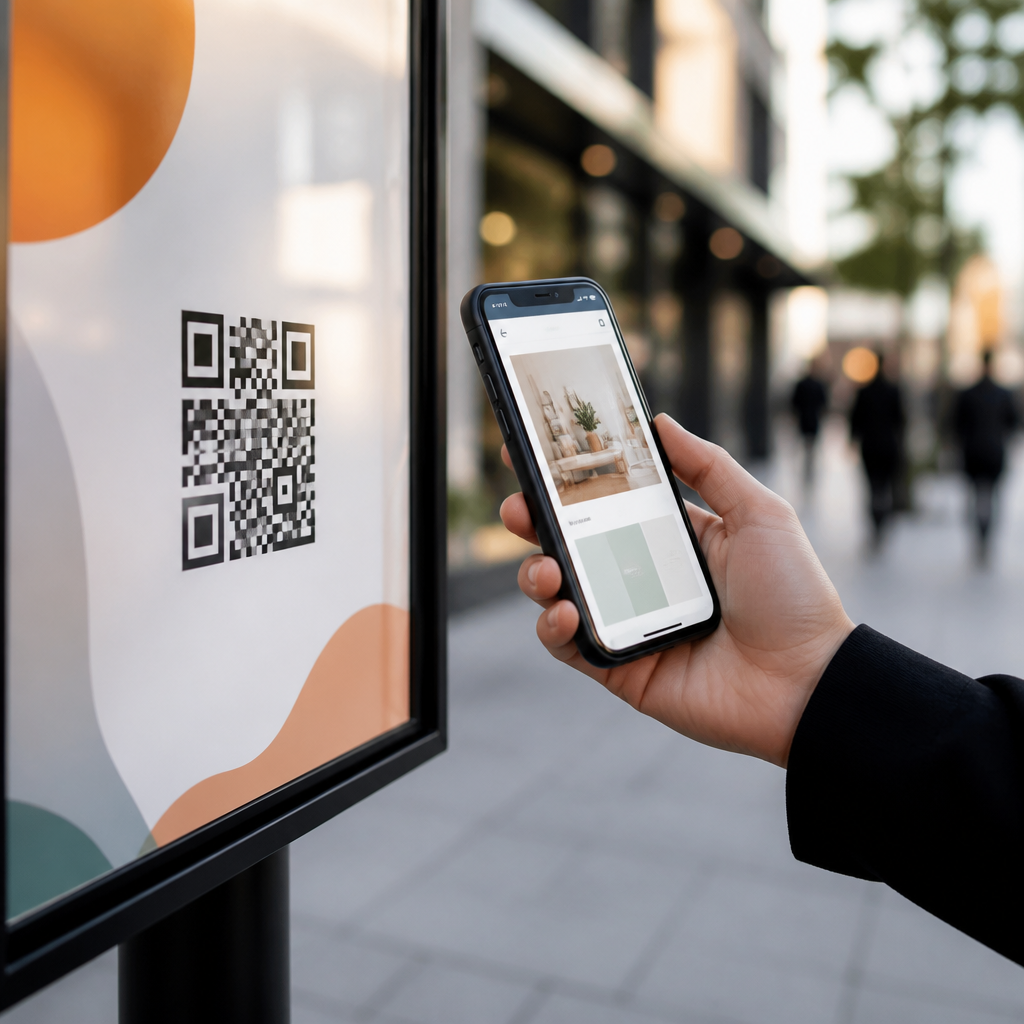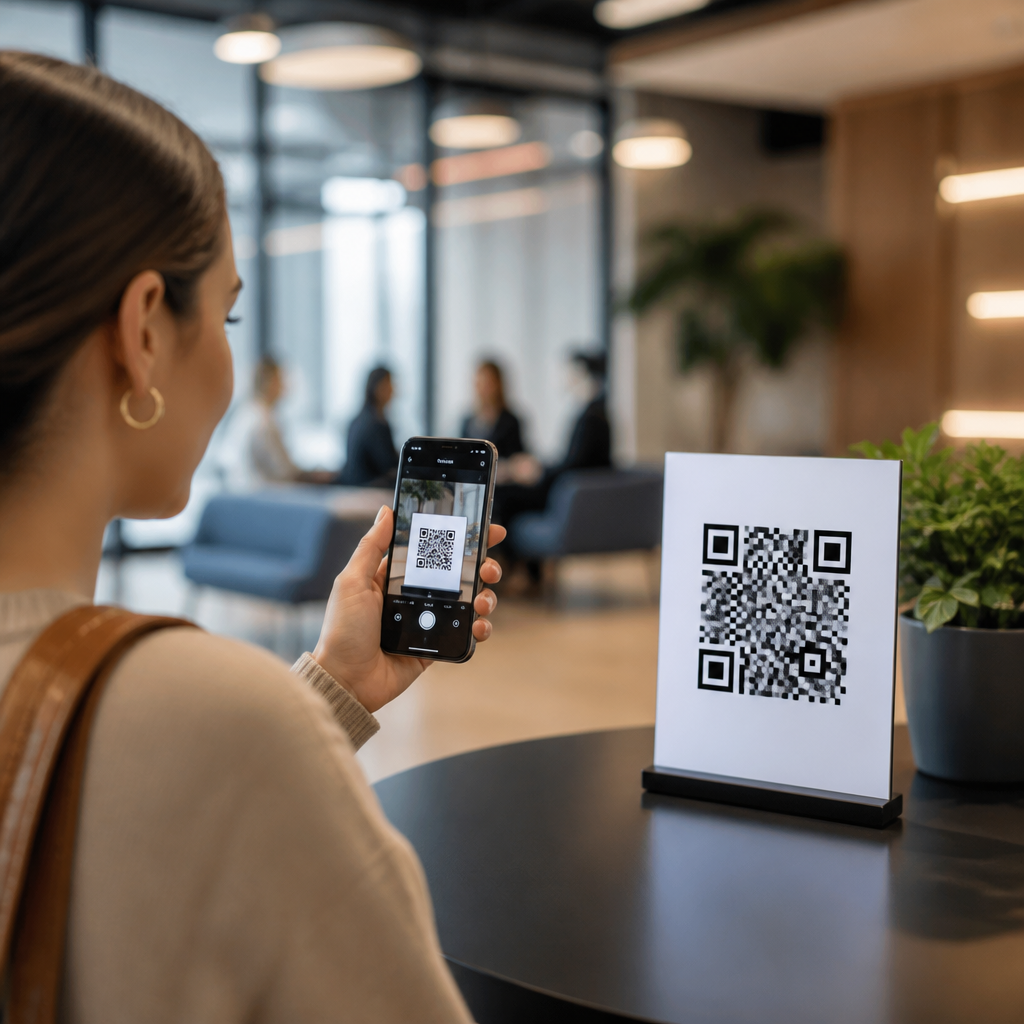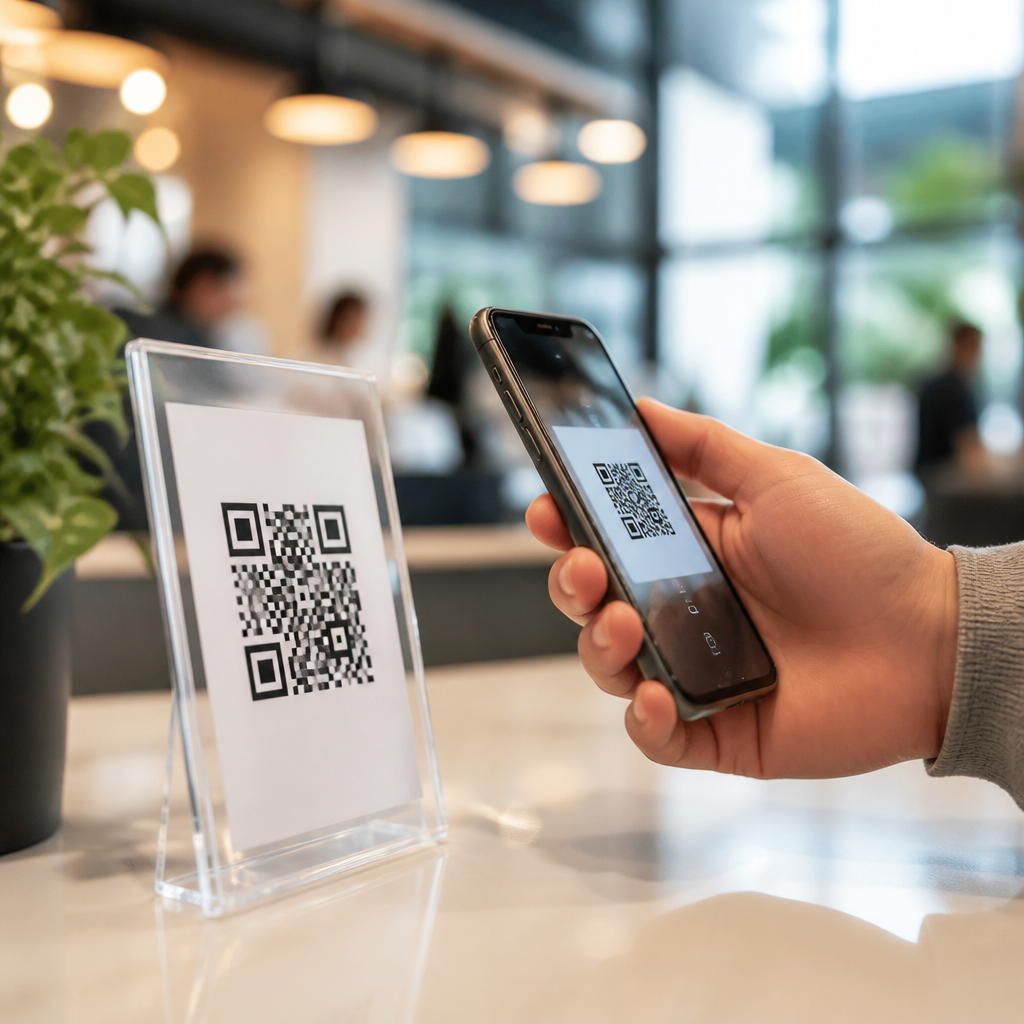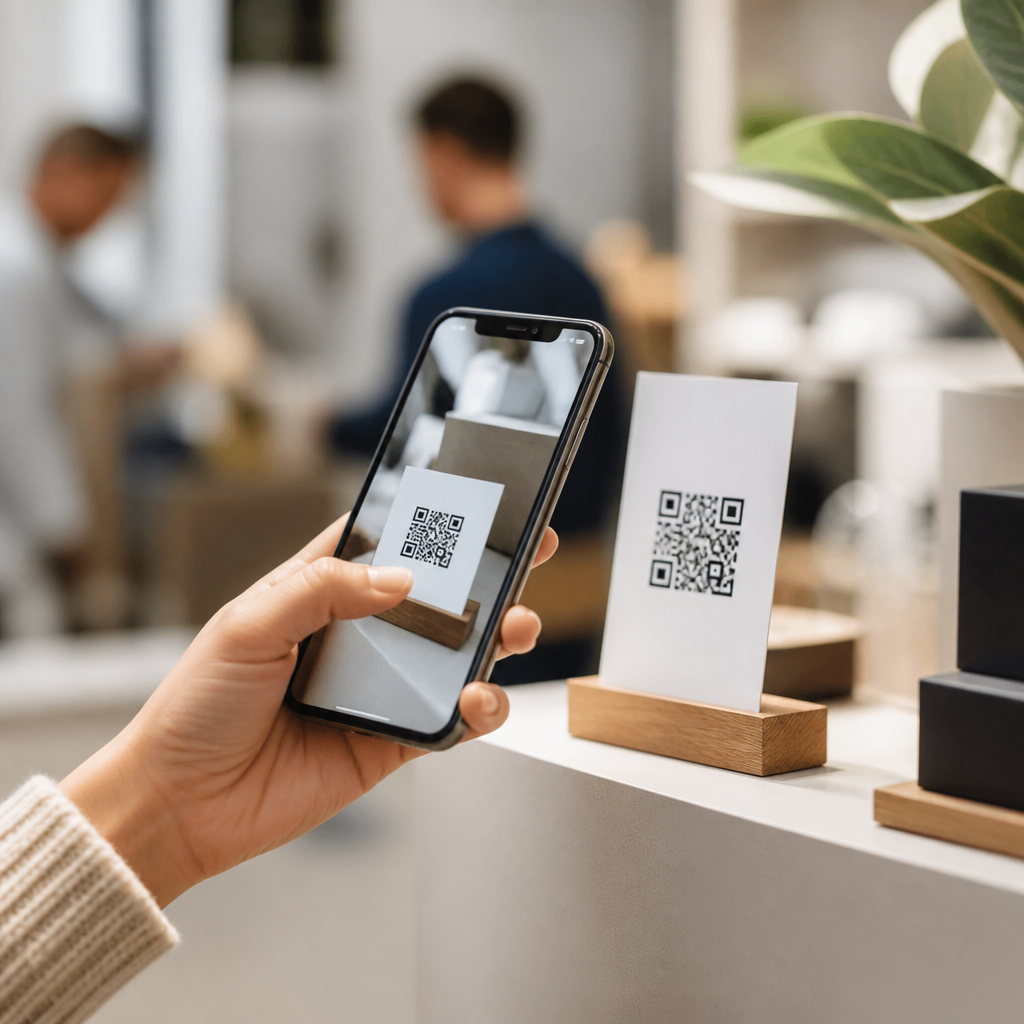
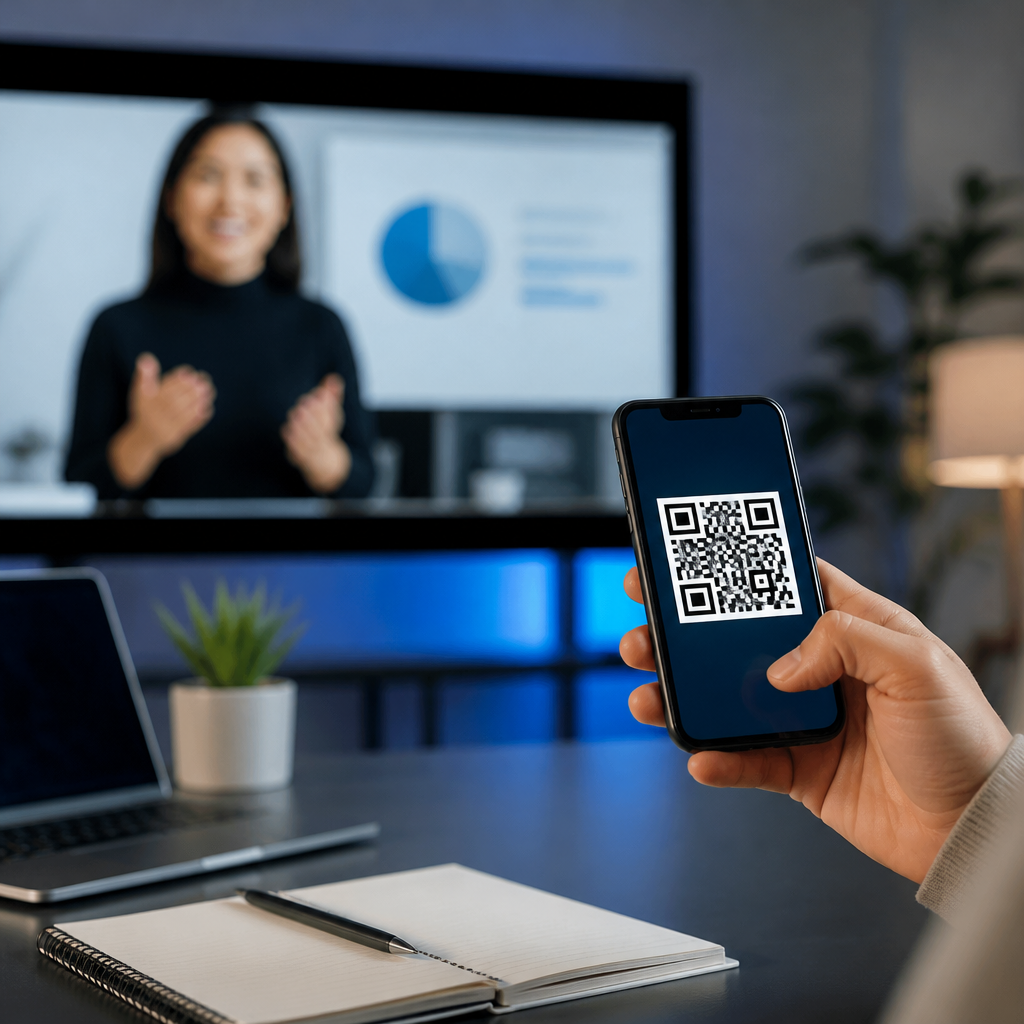
QR codes have become one of the most practical bridges between passive viewing and immediate action, especially in live streams and webinars where attention is high but time is limited. In this context, a QR code is a scannable two-dimensional barcode that sends a viewer from a screen to a mobile destination such as a signup form, product page, poll, calendar link, coupon, or app download. Second-screen behavior refers to the common habit of watching content on one device while using a phone or tablet at the same time. I have used QR codes across product launches, virtual conferences, training webinars, and shoppable live events, and the pattern is consistent: when the code, timing, and landing page are aligned, response rates rise because friction drops. That matters for omnichannel marketing with QR codes, which aims to connect channels such as video, email, social, events, retail, and CRM into one measurable customer journey. A viewer should be able to move from a webinar screen to a mobile action, then into email nurture, remarketing, sales outreach, loyalty, or in-store redemption without losing context. Live content is uniquely suited to this because it creates urgency, trust, and synchronized audience attention. Unlike static pages, a stream gives marketers real-time opportunities to prompt scans during a demo, a limited-time offer, a Q and A, or a speaker introduction. The challenge is execution. Badly placed codes, weak mobile pages, poor contrast, and mismatched calls to action waste impressions. This hub article explains how to use QR codes in live streams and webinars as part of a broader omnichannel strategy, with practical standards, examples, measurement methods, and common mistakes to avoid.
Why live streams and webinars are ideal for omnichannel QR campaigns
Live video creates a rare moment when brand message, audience focus, and call to action happen at the same time. That is why QR codes in live streams and webinars often outperform links dropped only in chat or shown on a closing slide. Viewers do not need to type a long URL, switch tabs, or remember an offer after the event. They scan, act, and continue watching. In my campaigns, this has been especially effective for webinar registration upgrades, ebook downloads tied to a speaker session, event check-ins, and product trial activations during demos.
From an omnichannel perspective, the QR code is not the campaign; it is the handoff mechanism between channels. A webinar attendee can scan a code to book a sales consult, trigger a tagged automation in HubSpot or Marketo, receive a tailored follow-up email, and later redeem an offer in a retail location or at an event booth. That continuity matters because customers rarely convert in one touch. According to Google’s long-standing research on multi-device behavior, users commonly move between screens before completing an action. QR codes reduce the handoff friction in that journey.
Live environments also support intent-based segmentation. If a code appears during a pricing discussion, scans from that moment indicate stronger purchase intent than scans from an early introductory slide. If a code appears during a technical walkthrough, it can route people to implementation docs, sandbox access, or a consultation with solutions engineering. This makes QR usage richer than generic traffic generation; it becomes a way to identify context and tailor next steps across channels.
Best practices for placing QR codes on screen
The first rule is visibility. A QR code must be large enough to scan from the viewer’s actual environment, not just from the presenter’s monitor. A practical baseline is to make the code occupy at least 10 percent of a standard presentation slide and to keep it on screen for at least 15 to 30 seconds. If the audience is likely watching on television, shared office screens, or lower-resolution webinar windows, increase both size and duration. Short flashes fail because viewers need time to pick up their phones, open the camera, and steady the shot.
Contrast is equally important. Use a dark code on a light background and preserve the quiet zone, the empty margin around the code required for reliable scanning. Avoid placing the code over motion graphics, patterned backgrounds, or video footage. Error correction in QR standards can recover some visual damage, but that should not be treated as permission to stylize aggressively. Brand customization is useful only if scan reliability remains high.
Placement should support, not interrupt, the content. Lower-right or lower-left corners work well during talk segments, while a centered placement is stronger for dedicated call-to-action moments. Avoid blocking captions, legal disclosures, speaker names, or demo details. For accessibility, pair the code with a short verbal instruction and an on-screen text cue that explains exactly what happens after the scan. “Scan to download the checklist” performs better than “Scan me” because it answers the viewer’s immediate question.
Testing is nonnegotiable. Scan from iPhone and Android devices, from different distances, in full-screen and embedded player modes, and under real stream compression. Platforms such as Zoom, YouTube Live, LinkedIn Live, Vimeo, and webinar tools may soften edges or resize overlays. I always test the final encoded asset inside the actual streaming workflow, not only in design files.
Designing mobile destinations that match viewer intent
A QR scan succeeds only when the destination fulfills the promise of the moment. If the stream offers a bonus template, the landing page should deliver that asset immediately, not bury it behind a long homepage path. If the presenter invites viewers to ask for a demo, the form should be short, mobile-friendly, and preframed around the product discussed. Message match is the difference between a smooth second-screen experience and abandonment.
Speed matters because mobile patience is low. Google’s Core Web Vitals are still useful operational benchmarks: pages should load quickly, remain visually stable, and respond without lag. Compress images, minimize scripts, and avoid intrusive popups that block the intended action. I have repeatedly seen mobile conversion rates improve when marketers strip QR landing pages down to one outcome, one supporting proof point, and one clear button.
Deep linking is often underused. If the user already has an app installed, a QR code can open the exact in-app destination for a reward claim, cart, event agenda, or loyalty wallet. If not, the same code can route to a web fallback. Dynamic QR platforms make this manageable without changing the visual code. The same principle applies to geography, language, and audience segment. A single stream can serve multiple regions if the QR destination adapts intelligently.
Tracking parameters should be structured before launch. Use UTM conventions that identify channel, campaign, creative, and placement timing, such as webinar_demo_midroll or livestream_offer_closing. Feed those into analytics, CRM, and attribution reporting so scan behavior is not isolated from downstream revenue signals.
Using QR codes across the omnichannel customer journey
QR codes work best when each scan moves the audience into the next logical channel rather than treating the event as a standalone tactic. The table below shows common live-stream and webinar use cases and the channels they connect.
| Live moment | QR destination | Next channel triggered | Primary metric |
|---|---|---|---|
| Registration confirmation | Add-to-calendar page | Email reminders and SMS alerts | Attendance rate |
| Opening slide | Event resource hub | Website engagement and retargeting | Scans per attendee |
| Product demo | Free trial or demo request form | Sales outreach and CRM lead scoring | Qualified leads |
| Speaker Q and A | Poll or question form | Audience segmentation | Response completion rate |
| Limited-time offer | Coupon or checkout page | Email receipt and paid media suppression | Revenue per scan |
| Post-event wrap-up | On-demand replay and asset page | Nurture workflows and content journeys | Content progression |
This is where omnichannel marketing with QR codes becomes tangible. A scan during a live stream can push a contact into a lifecycle stage, assign a sales owner, trigger direct mail for high-value accounts, suppress ads for converted buyers, or personalize website content on the next visit. For B2B webinars, a QR code can route prospects by industry to sector-specific case studies. For retail live shopping, it can connect viewers to local inventory, store pickup, and loyalty enrollment. For higher education or nonprofits, it can direct audiences to application pages, event RSVPs, volunteer forms, or donation paths based on the segment watching.
Internal linking strategy also matters on the destination side. A hub page for omnichannel marketing with QR codes should guide visitors to related articles on dynamic QR codes, QR code analytics, retail redemption, event engagement, print-to-digital campaigns, and compliance. This strengthens topic coverage and helps readers continue the journey after the immediate live-event action.
Measurement, compliance, and operational standards
Good QR strategy is measurable from scan to outcome. Start with three levels of metrics: interaction, conversion, and business impact. Interaction metrics include total scans, unique scans, scan rate per viewer, and time-to-scan after display. Conversion metrics include form completions, purchases, bookings, poll responses, downloads, and app opens. Business impact metrics include pipeline created, revenue, cost per qualified lead, retention, repeat purchase, and offline redemption. Without this hierarchy, teams often celebrate scans that do not produce meaningful results.
Dynamic QR codes are usually better than static ones for live campaigns because they allow destination changes, A/B testing, expiration rules, and richer analytics. They also provide resilience if a landing page needs to be swapped at the last minute. Still, they introduce vendor dependency, so confirm service uptime, data retention policies, and redirect speed. Established platforms such as Bitly, Beaconstac, QR Code Generator PRO, and Flowcode are common choices, but the right tool depends on governance, integrations, and volume.
Privacy and compliance cannot be an afterthought. If the destination collects personal data, disclose what is being captured and why. If SMS opt-in is involved, follow consent rules and regional requirements. If cookies or retargeting pixels fire on the landing page, ensure banners and consent flows meet the legal standard for the markets served. In regulated sectors such as healthcare and financial services, route scans to approved content and review claims language carefully.
Operationally, document ownership. Someone should control code generation, naming conventions, redirects, expiration dates, design approvals, and post-event reporting. Broken redirects during a live webinar are preventable failures. A simple preflight checklist covering asset validation, mobile QA, analytics testing, CRM routing, and fallback URLs saves campaigns.
Common mistakes and how to avoid them
The most common mistake is treating the QR code as decoration rather than an interface. A branded code with rounded modules and embedded logos may look polished, but if it scans poorly from a compressed stream, it fails its only job. Reliability beats novelty. Another frequent error is using one generic landing page for every event moment. This ignores intent and lowers conversion because the next step feels disconnected from what the speaker just said.
Marketers also underestimate timing. Showing a code while the host changes slides or while captions cover the lower third reduces scans. So does forcing a long form during a fast-paced session. Match effort to motivation. Low-friction actions such as poll responses, checklist downloads, or calendar adds fit early and mid-session moments. Higher-friction actions such as pricing requests or application forms fit after a strong value demonstration.
Another mistake is failing to provide a fallback. Some viewers scan from desktops with webcam restrictions or older devices, and some webinar platforms crop overlays on mobile apps. Always show a short URL alongside the code. Finally, teams often stop at scan reporting. The real question is not “Did people scan?” but “Did the scan advance the customer journey?” Build reporting around that answer.
QR codes in live streams and webinars work because they turn audience attention into immediate, measurable action without forcing viewers to leave the moment. As part of omnichannel marketing with QR codes, they connect video engagement to mobile conversion, email nurture, CRM workflows, sales follow-up, retail redemption, and long-term loyalty. The essentials are straightforward: place codes where they can be scanned easily, keep them visible long enough, match each code to the exact intent of the live moment, and send people to fast mobile destinations built for one clear outcome. Measure performance beyond scans, use dynamic infrastructure where flexibility matters, and protect trust with sound privacy and operational controls. When these basics are handled well, QR codes become more than a convenience feature; they become the connective tissue between channels. Use this hub as your starting point, then map every live-event QR touchpoint to the next customer action and optimize from there.
Frequently Asked Questions
Why are QR codes so effective in live streams and webinars?
QR codes work especially well in live streams and webinars because they reduce the number of steps between interest and action. In a live environment, viewers are often paying close attention, but they may not have the time or patience to type in a long URL, search for a landing page, or remember a promo code after the session ends. A QR code solves that friction instantly by letting someone scan with their phone and move directly to the next step while still watching the presentation on another screen.
This is where second-screen behavior becomes so valuable. Many viewers naturally watch a webinar on a laptop, desktop, or smart TV while holding a smartphone at the same time. That means the device needed to take action is already in their hand. Instead of asking them to interrupt the viewing experience, a QR code complements it. The result is often higher engagement for signups, downloads, polls, bookings, demos, and product purchases because the path from curiosity to conversion is immediate.
QR codes also create a measurable bridge between content and outcomes. Marketers and event hosts can connect scans to campaign pages, track click-through behavior, monitor conversion rates, and compare engagement moments during the event. When used well, a QR code is not just a convenience feature. It becomes a performance tool that helps turn passive viewers into active participants without disrupting the flow of the live content.
What are the most important best practices for displaying QR codes during a live event?
The most important best practice is to make the QR code easy to notice, easy to scan, and easy to understand. A code should be large enough on screen for viewers across different devices and screen sizes, and it should stay visible long enough for people to unlock their phone, open their camera, and scan successfully. In most cases, flashing a code for only a few seconds is a missed opportunity. A better approach is to leave it on screen long enough for comfortable scanning and to repeat it at important moments throughout the session.
Placement matters as much as timing. Avoid putting the code too close to the edge of the frame, over a busy visual background, or on top of motion-heavy content. Strong contrast helps scanning reliability, so a clean background and a clear quiet zone around the code are essential. It is also smart to pair the code with a short call to action that tells viewers exactly what they will get, such as “Scan to download the checklist,” “Scan to book a demo,” or “Scan to answer the live poll.” Without context, even a visible code may be ignored.
Another key practice is to optimize the destination for mobile. Since most scans happen on a phone, the landing page should load quickly, display clearly on smaller screens, and ask for only the necessary information. If the QR code sends users to a cluttered desktop page or a lengthy form, conversion rates will suffer. Finally, always test the full experience before going live. Test scanning distance, lighting, streaming quality, device compatibility, and destination links so the audience encounters a smooth and reliable journey from screen to action.
What should a QR code link to during a webinar or live stream?
The best destination depends on the viewer’s stage of intent and the purpose of the event. In educational webinars, QR codes often perform well when they link to supplemental resources such as slide decks, checklists, white papers, templates, or recap pages. In product-focused sessions, they can drive viewers to a free trial, demo request, product page, or pricing overview. In interactive events, they are ideal for polls, Q&A submission forms, feedback surveys, contests, and audience participation tools.
What matters most is relevance and immediacy. The destination should feel like a natural extension of what is happening on screen at that exact moment. If a speaker is discussing implementation tips, the code could link to a setup guide. If the host announces a limited-time offer, the code could take viewers directly to a claim page or coupon redemption form. If the event is building toward follow-up engagement, a QR code to a calendar booking page or email signup can keep momentum going after the broadcast ends.
It is also wise to keep the ask focused. A single QR code should usually serve one clear purpose rather than trying to route viewers into a complicated navigation path. People scan because they want speed and convenience, so the landing experience should deliver on that expectation. In many cases, a dedicated event-specific mobile landing page performs better than sending viewers to a generic homepage, because it preserves message match and makes the next step obvious.
How can you increase scan rates and conversions from QR codes on a second screen?
Improving scan rates starts with aligning the QR code with audience motivation. Viewers are more likely to scan when the value is concrete, immediate, and easy to understand. A clear incentive such as access to bonus content, a downloadable resource, a discount, a free consultation, or participation in a live poll gives people a reason to act now instead of later. Pairing the code with a strong verbal prompt from the presenter can also make a major difference. When the host explains why the scan matters and what the viewer will gain, the code feels purposeful rather than decorative.
Conversions improve when the process after the scan is just as smooth as the scan itself. That means using fast-loading mobile pages, reducing unnecessary fields, eliminating confusing navigation, and keeping the action tightly focused. If the goal is lead generation, ask only for essential information. If the goal is sales, make checkout or product discovery straightforward. If the goal is engagement, make the poll or form frictionless. Every extra step after the scan creates drop-off, so simplicity is a competitive advantage.
Timing and repetition are also important. Instead of showing a QR code once and hoping viewers catch it, introduce it at strategic moments: early when attention is fresh, during a relevant discussion point, and again near the end as a final call to action. Some hosts also improve response by adding a short backup URL for people who cannot scan right away. Finally, use trackable links or dynamic QR codes so you can measure which placements, messages, and offers perform best. That data helps refine future webinars and live streams into stronger conversion channels.
What common mistakes should brands avoid when using QR codes in live streams and webinars?
One of the most common mistakes is treating the QR code as an afterthought. If it appears too small, too briefly, or without explanation, many viewers will ignore it or fail to scan it in time. Another frequent problem is poor design execution, such as using low contrast, placing the code over a visually busy slide, or shrinking it to make room for other on-screen elements. In live content, clarity has to win over aesthetics. A beautiful layout that weakens scan performance is ultimately ineffective.
Another major mistake is sending viewers to an unoptimized destination. A QR code may generate interest, but if it leads to a slow page, a desktop-only experience, or a confusing form, that interest disappears quickly. The landing page needs to match the promise on screen, work seamlessly on mobile, and help users complete the intended action in as few steps as possible. Broken links, expired offers, or generic homepage redirects are especially damaging because they create distrust at the exact moment a viewer is ready to engage.
Brands should also avoid overusing QR codes or presenting too many choices at once. If viewers are shown multiple codes, competing calls to action, or unclear instructions, response rates often drop because decision-making becomes harder. It is far more effective to present one primary action at a time with a simple message and a strong reason to act. Lastly, do not skip testing and measurement. Every live platform, screen format, and audience context is slightly different, so testing before launch and reviewing scan and conversion data afterward are essential for building a repeatable second-screen strategy that actually performs.