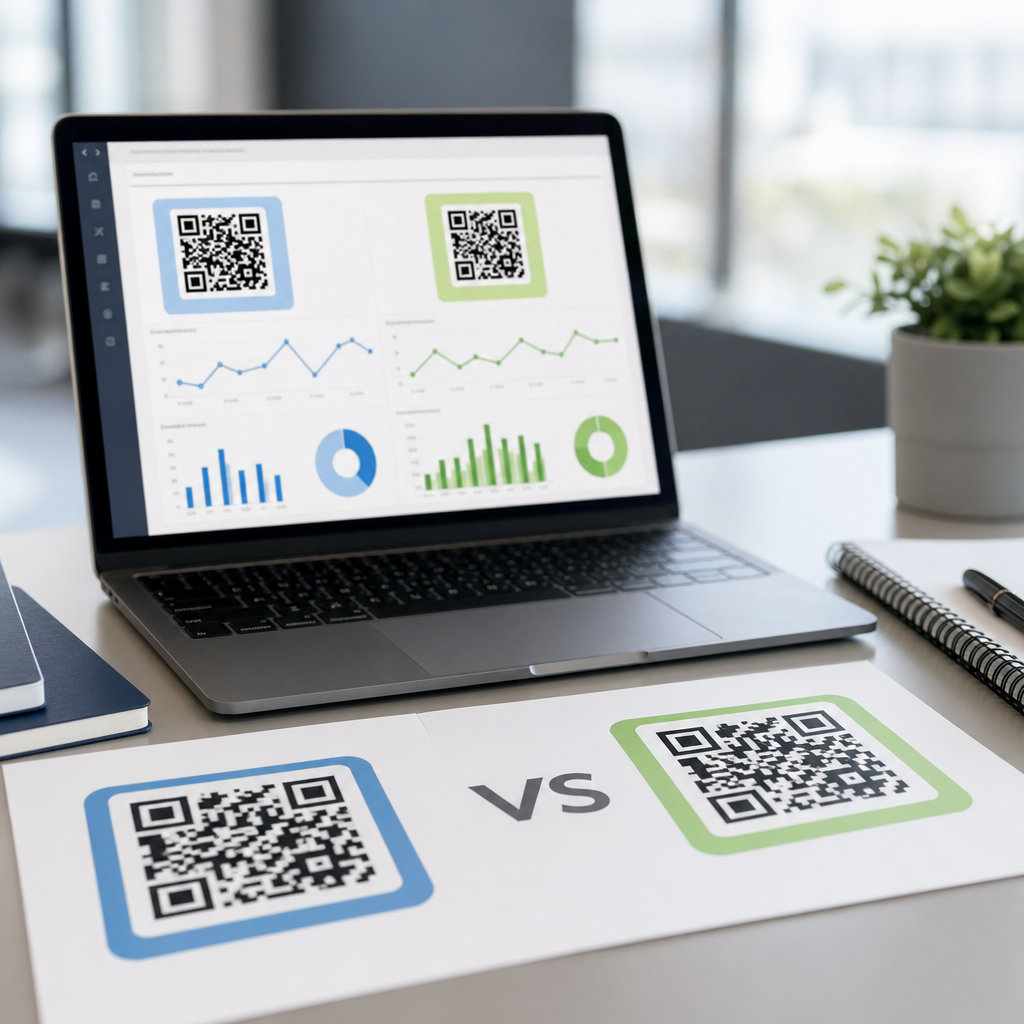
QR code performance is shaped by two forces that marketers often debate: how the code looks and where the code appears. In practice, both matter, but placement usually determines whether a scan happens at all, while design determines whether the code remains scannable, trusted, and on-brand once a person notices it. For teams focused on QR code analytics, tracking, and optimization, this distinction is critical because A/B testing QR codes only works when you separate visibility variables from usability variables and measure each one with disciplined tracking.
A QR code is a two-dimensional matrix barcode that stores a destination such as a URL, app deep link, contact card, menu, payment request, or authentication token. QR code design refers to the visual choices around module shape, color contrast, logo overlays, quiet zone size, call-to-action text, and surrounding creative. QR code placement refers to the physical or digital context where the code is shown: packaging, posters, shelf talkers, direct mail, trade show booths, TV screens, receipts, product inserts, restaurant tables, email footers, landing pages, and more. The central question is not which factor matters in theory, but which factor contributes more to scan rate, completion rate, and downstream conversion in a measurable campaign.
I have worked on QR programs for retail packaging, out-of-home media, event signage, and printed direct mail, and the pattern is consistent. Poor placement can destroy response even when the code is technically perfect. A beautifully branded code at ankle height on a crowded poster may underperform a plain black-and-white code placed at eye level with a strong incentive. At the same time, an excellent placement can still fail if design choices reduce contrast, shrink the quiet zone, or place a logo so aggressively that decoding breaks on older devices. The right answer is that placement usually matters more first, design matters more second, and testing is the only reliable way to quantify that balance for a specific audience.
This article serves as a hub for A/B testing QR codes within a broader optimization program. It explains what to test, how to structure experiments, which metrics to trust, and how to interpret results without confusing correlation for causation. It also shows where design and placement interact, because many failures blamed on one are actually caused by the other. If you manage QR codes as a measurable acquisition channel rather than a decorative add-on, you can improve scan volume, session quality, and conversion efficiency across every campaign that uses them.
Why placement usually drives the biggest lift
Placement matters more in the earliest stage of the scan journey: being seen. A person cannot scan a code they do not notice, cannot comfortably reach, or cannot frame with their camera. That is why placement has an outsized effect on scan initiation rate. In field campaigns I have reviewed, moving a QR code from the bottom corner of a poster to the central-right visual path near the headline increased scans more than redesigning the code itself. The reason is simple human behavior. Eye tracking studies on print and shelf materials regularly show that people process headlines, faces, offers, and directional cues before secondary elements. A code tucked into visual clutter loses that competition.
Distance and angle also change performance. A QR code on transit signage must be large enough to scan from a few feet away and placed where glare, reflections, and motion do not interfere. On product packaging, the side panel may look clean from a brand perspective, but the back panel often wins because shoppers naturally turn products over to inspect details. On restaurant tables, a code laid flat can be distorted by perspective and shadow, while a tent card standing upright improves sightline and ergonomics. These are placement decisions, not design decisions, and they often produce larger gains than color or shape customization.
Context influences intent as much as visibility. A code next to a clear offer such as “See ingredients,” “Activate warranty,” or “Get 15% off today” will outperform the same code in a generic footer area. This is placement in the broader sense: placing the code beside the exact moment of curiosity or friction. A product insert placed inside the box after purchase may be the best location for onboarding or registration, while an exterior package code may be better for education or comparison. Smart teams map placement to customer intent stage instead of assuming one code can serve every use case.
When design becomes the deciding factor
Design matters most after placement earns attention. Once someone points a camera at the code, scannability and trust decide the outcome. The technical baseline is nonnegotiable: high contrast, adequate module size, sufficient quiet zone, and error correction that fits the amount of visual customization. ISO/IEC 18004 defines QR code structure, and while modern generators make production easy, they do not protect you from poor creative choices. I have seen campaigns fail because designers inverted colors on a textured background, used metallic ink that reflected overhead lights, or shrank the code to preserve layout harmony.
Trust is another design variable with measurable impact. A code that looks like a random square with no explanation can feel risky. Adding a clear frame, a concise CTA, and recognizable branding often improves scan propensity because users understand what happens next. However, branding should never compromise decodability. Logo overlays should stay modest and be supported by appropriate error correction, usually level Q or H when customization is significant. Rounded modules, gradient fills, and custom eyes can work, but only if tested across iPhone and Android camera apps, low-light conditions, and older devices still common in the market.
Digital contexts introduce extra design constraints. On websites and emails, QR codes compete with clickable links, so the code must justify itself, usually by enabling cross-device transfer. The design should communicate that value instantly. For television, the code must remain on screen long enough, be large enough, and retain contrast against moving backgrounds. Here design and placement merge: a persistent lower-third code can work, but only if motion graphics do not distract from it and the CTA explains the payoff in a few words.
How to A/B test QR codes without corrupting the data
A/B testing QR codes means changing one meaningful variable at a time, assigning unique destinations or identifiers to each version, and comparing results over a sufficient sample size. The mistake I see most often is testing several changes together, then drawing confident conclusions from mixed signals. If one poster version has a larger code, different CTA text, and a new location on the layout, you cannot know which factor caused the lift. A valid test isolates the variable, controls distribution, and measures both scans and post-scan behavior.
The cleanest setup uses dynamic QR codes tied to separate tracking URLs with UTM parameters, campaign IDs, or platform-specific identifiers. Tools such as Bitly, QR Code Generator Pro, Beaconstac, Flowcode, Uniqode, and GA4 can record scan events, sessions, location patterns, device types, and conversion paths. If the campaign spans physical locations, add store, asset, or placement-level metadata so each scan can be linked back to its exact context. For print, version control is essential. I recommend embedding a human-readable asset ID near each code so field teams can verify which variant was deployed.
Your primary metric should match campaign intent. If the goal is awareness, scan-through rate relative to estimated impressions may be enough. If the goal is lead generation, use completed forms or qualified leads per thousand impressions. If the goal is commerce, track add-to-cart rate, checkout completion, or revenue per scan. Scan count alone can be misleading. A flashy design may increase curiosity scans but reduce completion if the landing experience is weak or mismatched. Likewise, a subtle placement may generate fewer but more intentional scans that convert better.
| Test variable | Example A | Example B | Primary metric | Common risk |
|---|---|---|---|---|
| Placement | Top-right of poster near headline | Bottom-left near legal copy | Scans per estimated impression | Different foot traffic by location |
| Design | Black code on white with frame | Branded color code with logo | Successful scan rate | Contrast and quiet zone issues |
| CTA | Scan to get 10% off | Scan to see product demo | Conversion rate after scan | Offer strength differs from copy quality |
| Destination | Mobile landing page | App deep link | Task completion rate | Audience app adoption varies |
What the data usually shows in real campaigns
Across mature programs, placement changes often create larger top-of-funnel lifts than design changes. Moving a code to eye level, increasing physical size for expected scanning distance, and pairing it with a direct CTA frequently improves scans by double-digit percentages. In packaging tests, placing the code adjacent to product benefits or instructions tends to outperform placing it near regulatory copy. In direct mail, codes near the personalized offer panel generally beat those buried on the reverse side. These gains are intuitive because they reduce the effort required to notice, understand, and act.
Design changes usually produce more modest but still important gains, especially when the original code is already technically sound. Framing the code with clear instructions, reinforcing brand recognition, and simplifying nearby visual clutter can improve trust and reduce hesitation. By contrast, heavy visual styling rarely creates dramatic upside and can introduce meaningful downside. The more decorative the code becomes, the more aggressively it must be tested under real conditions. A code that works in the designer’s export preview may fail on matte packaging, curved bottles, dim retail aisles, or cracked smartphone screens.
The strongest programs treat QR optimization as a funnel. Placement wins attention. Design secures successful scanning and trust. The landing experience converts intent into action. If your scans are low, test placement first. If scan attempts are high but successful reads are low, test design and print quality. If scans are healthy but outcomes are weak, test the destination, message match, and page speed. This sequence prevents wasted effort on cosmetic tweaks when the core problem is reach or relevance.
Best practices for a hub-level QR testing program
Because this page is the hub for A/B testing QR codes, the operational takeaway is to build a repeatable testing system rather than run isolated experiments. Start with a testing taxonomy: placement, design, CTA, destination, incentive, and context. Next, define standard metrics, naming conventions, and reporting windows so results from packaging, signage, print, and digital placements can be compared consistently. In GA4, create campaign dimensions that map each scan to asset type, channel, placement position, creative version, and intended action. That structure makes future analysis dramatically faster.
Set guardrails before launching creative. Require minimum contrast ratios in practice, generous quiet zones, mobile-first destination pages, and device testing across native camera apps plus common social in-app browsers. Verify that each QR version resolves quickly over cellular connections, because latency after scanning depresses completion and can be mistaken for poor creative performance. For physical media, test production proofs under realistic light, distance, and angle conditions. I insist on field validation because the lab version and the deployed version are often not the same.
Finally, document learnings in a central library and link future experiments back to prior results. Over time, patterns emerge by channel and audience. Retail packaging may reward educational CTAs, events may reward agenda or giveaway CTAs, and direct mail may reward urgency and incentives. The goal is not to declare design or placement universally superior. The goal is to know which lever moves results fastest in each environment, then apply that knowledge systematically.
QR code design versus placement is not a theoretical branding debate; it is a performance question with measurable answers. Placement usually matters more because visibility, reach, angle, distance, and context determine whether a scan opportunity exists in the first place. Design matters immediately after that because contrast, quiet zone, framing, branding, and trust determine whether the code is successfully scanned and whether the user feels confident enough to continue. The highest-performing campaigns respect both truths and test them separately.
If you remember one rule, make it this: fix discoverability before you polish aesthetics. Move the code to the moment of intent, size it for the environment, and support it with a clear call to action. Then optimize design within technical limits, keeping scannability ahead of decoration. With dynamic QR codes, disciplined identifiers, and conversion tracking in place, A/B testing QR codes becomes a reliable growth tool rather than a guessing game.
Use this hub as the foundation for your QR code analytics, tracking, and optimization workflow. Audit your current assets, prioritize one placement test and one design test, and measure scans, successful reads, and downstream conversion together. The teams that win with QR codes do not ask whether design or placement matters more in the abstract. They test, learn, and improve every code they publish.
Frequently Asked Questions
1. When comparing QR code design vs placement, which one matters more for scan performance?
Placement usually matters more at the top of the funnel because a QR code cannot be scanned if people never notice it, cannot comfortably reach it, or do not have enough time to act. A perfectly branded, beautifully customized QR code placed too low on a poster, too high on a shelf talker, inside visual clutter, or in a location with poor lighting will almost always underperform. Placement affects visibility, viewing angle, distance, dwell time, and the practical ability to take out a phone and scan. Those factors determine whether a scan opportunity exists in the first place.
That said, design still plays a major role once placement has done its job. After someone notices the code, design influences trust, clarity, and scannability. If the QR code is over-stylized, low contrast, too small, distorted, or blended into the background, scan attempts may fail or users may hesitate because the code looks unfamiliar or suspicious. In other words, placement drives discovery, while design affects confidence and successful completion. For most marketers, the right way to think about the debate is not either-or, but sequence: placement gets the opportunity, design preserves it.
This distinction is especially important for performance analysis. If a campaign sees low scan volume, the first question should usually be whether the code was seen under real-world conditions. If scan attempts are high but completion is low, the issue may be design, landing-page friction, or technical setup. Strong QR strategy starts by making the code easy to find and easy to approach, then ensuring the code itself is easy to scan and aligned with brand expectations.
2. Why does placement often have a bigger impact than design in real-world marketing campaigns?
Placement has a bigger impact because it controls the conditions under which a person encounters the QR code. In physical environments, people scan only when the code is visible, accessible, and relevant at the moment they see it. A code on packaging near product instructions may perform well because it appears exactly when someone wants details. A code on a transit ad may underperform if commuters see it only for a few seconds or from too far away. Even an excellent design cannot compensate for poor timing, poor line of sight, or a location that does not match user intent.
Real-world placement also shapes scanning convenience. A QR code on a restaurant table is easier to scan than one behind a reflective window. A code at eye level tends to outperform one near the floor because it is within natural sightlines. A code placed where a person can safely stop and scan usually beats one encountered while walking, driving, or moving through a crowded space. These practical details matter because scanning is a behavior, not just a visual impression. People need both motivation and a usable moment.
From an optimization perspective, placement often causes the largest performance swings because it affects exposure volume and context. Moving a code from an inside panel to the front of packaging, from the bottom corner of a flyer to the main call-to-action area, or from a low-traffic zone to a high-attention area can dramatically change results. Design refinements can improve scan quality and brand consistency, but placement changes whether meaningful numbers of people even get the chance to engage. That is why placement is often the first variable to audit when a QR campaign is underperforming.
3. How much can QR code design influence trust, branding, and scan success?
QR code design can influence performance significantly, but it works within limits. Good design supports trust by making the code look intentional, professional, and connected to a known brand. When users understand who is asking them to scan and what they will get in return, hesitation drops. A branded frame, clear call to action, recognizable logo treatment, and strong visual contrast can all improve confidence. Design can also help the code stand out from surrounding creative without making it feel gimmicky or difficult to use.
However, customization should never come at the expense of technical readability. The most common design mistakes include reducing contrast, shrinking the code too much, replacing standard modules with decorative shapes that compromise recognition, removing too much quiet zone space, or layering the code over complex imagery. These choices may look appealing in a mockup but fail in print, at distance, or under uneven lighting. A QR code is still a functional scanning tool, so aesthetics must serve usability. If design makes the code harder for cameras to detect, scan rates will suffer regardless of how attractive it appears.
The best-performing QR code designs usually balance three goals: they are clearly scannable, clearly branded, and clearly actionable. That means using sufficient size, maintaining a clean quiet zone, preserving high contrast, testing across multiple devices, and pairing the code with a message such as “Scan to view pricing,” “Scan for setup instructions,” or “Scan to claim your offer.” Design matters most after visibility has been won. Once someone notices the code, a well-executed design reassures them that the experience is legitimate, worthwhile, and easy to complete.
4. How should marketers A/B test QR codes without confusing design issues with placement issues?
Effective QR code A/B testing starts with isolating variables. One of the biggest mistakes teams make is changing design and placement at the same time, then drawing conclusions from blended results. If one version uses a new brand style and is also moved to a better location, there is no reliable way to know which change caused the lift. To learn what actually improves performance, marketers should test one category of change at a time. First evaluate placement variables such as height, proximity to the call to action, surrounding clutter, and audience dwell time. Then test design variables such as color treatment, framing, logo use, CTA wording, and code size.
It is also important to define the right metrics. Raw scan count is useful, but it does not tell the whole story. Marketers should review scans by location, time, device type, and conversion outcome when possible. For example, one placement may generate more scans simply because it receives more foot traffic, while another may produce fewer scans but higher-quality conversions because it appears closer to purchase intent. Similarly, a design variation may not increase scan count much, but it may improve completed scans if it looks more trustworthy or scans more reliably under real conditions.
For teams focused on QR code analytics and optimization, the key principle is to separate visibility variables from usability variables. Placement mostly answers, “Did people notice and have the chance to scan?” Design mostly answers, “Once they noticed it, could they scan it easily, and did they trust it enough to try?” Structuring tests around that distinction produces cleaner insights and more actionable decisions. In practice, that means using unique tracking URLs or dynamic QR codes for each test condition, holding creative and traffic conditions as steady as possible, and validating results with enough sample size to avoid reacting to noise.
5. What are the best practices for balancing QR code placement and design in a high-performing campaign?
The most effective approach is to treat placement and design as complementary layers of performance. Start with placement by asking where the audience will naturally pause, what they will be doing in that moment, and whether the scanning action is physically easy. Put the QR code where it can be seen quickly, understood immediately, and scanned without awkward movement. Favor eye-level or near-primary focal areas, strong lighting, uncluttered surroundings, and contexts where the user has enough time to act. Also make sure the code appears near the message it supports, so the value exchange feels obvious and timely.
Next, optimize design for clarity and confidence. Use a sufficiently large code, maintain strong contrast, preserve the quiet zone, and avoid excessive styling that reduces readability. Include a direct call to action that explains the benefit of scanning, because many users still need a reason before they engage. If branding is important, incorporate it carefully through color, a frame, or a logo treatment that does not interfere with scanning. Then test the code in realistic conditions, including different phones, camera apps, print materials, viewing distances, and lighting environments. A QR code that works in a design file is not automatically ready for field use.
Finally, connect both decisions to measurement. Use dynamic QR codes or campaign-specific tracking so each placement and design variant can be evaluated separately. Review not just scan volume but scan quality, engagement after the scan, and downstream conversions. This creates a practical workflow: improve placement to maximize qualified exposure, improve design to maximize successful scans and brand trust, and use analytics to identify where drop-off occurs. When marketers balance both factors this way, they move beyond the false choice of design versus placement and build QR campaigns that are visible, usable, and measurable.