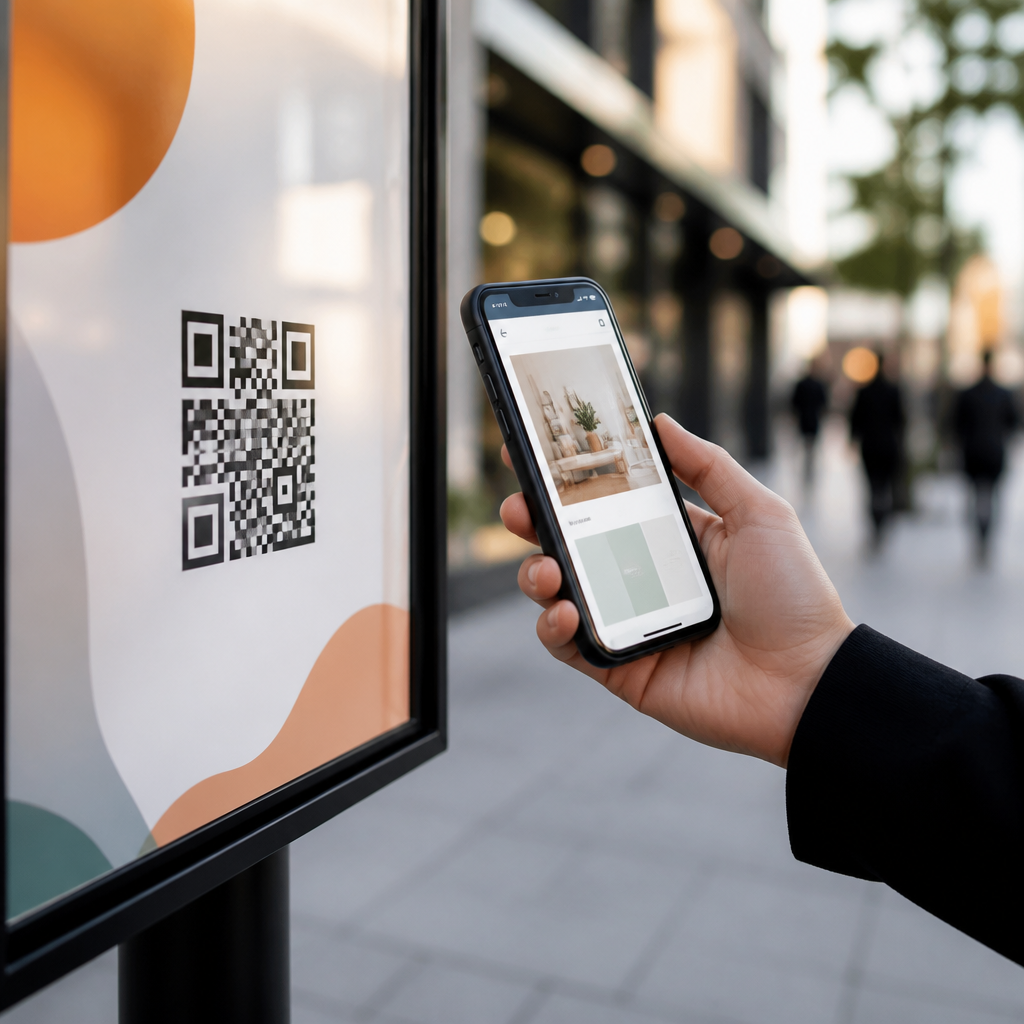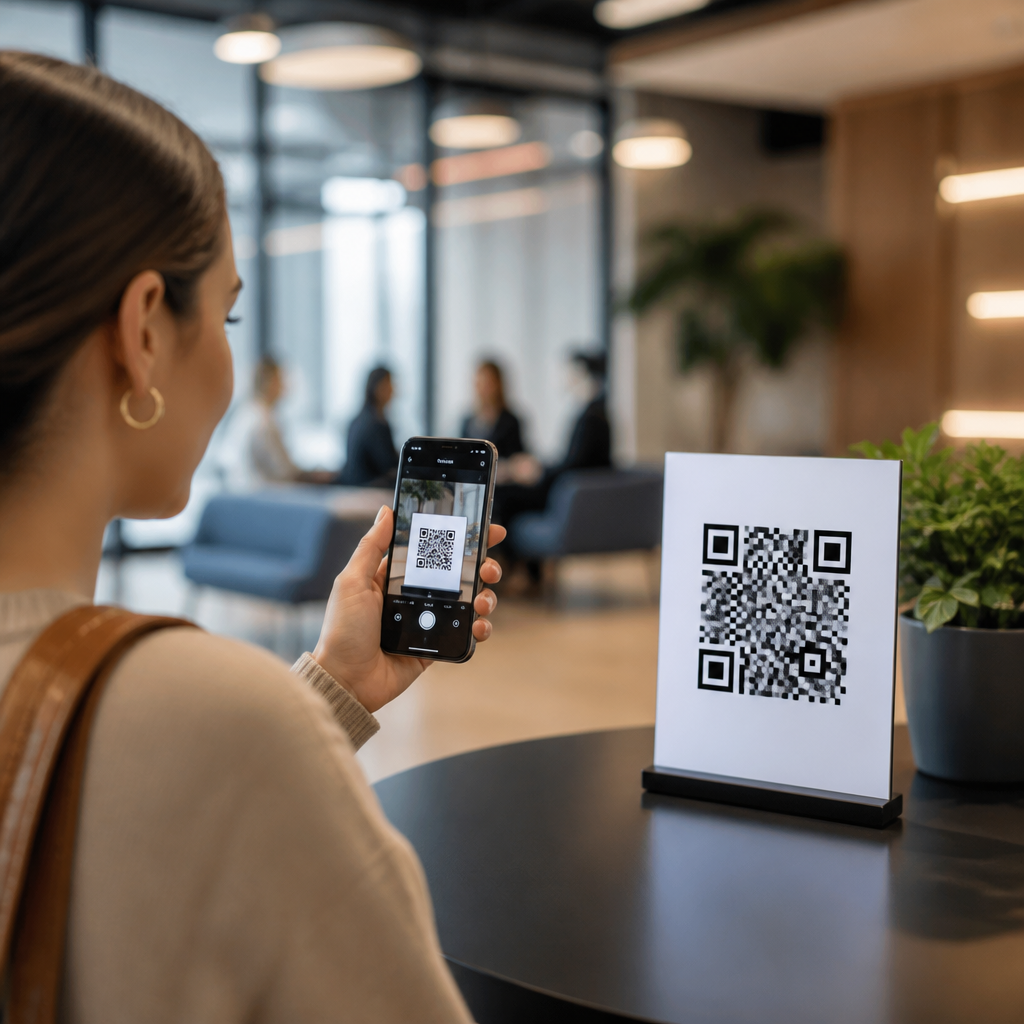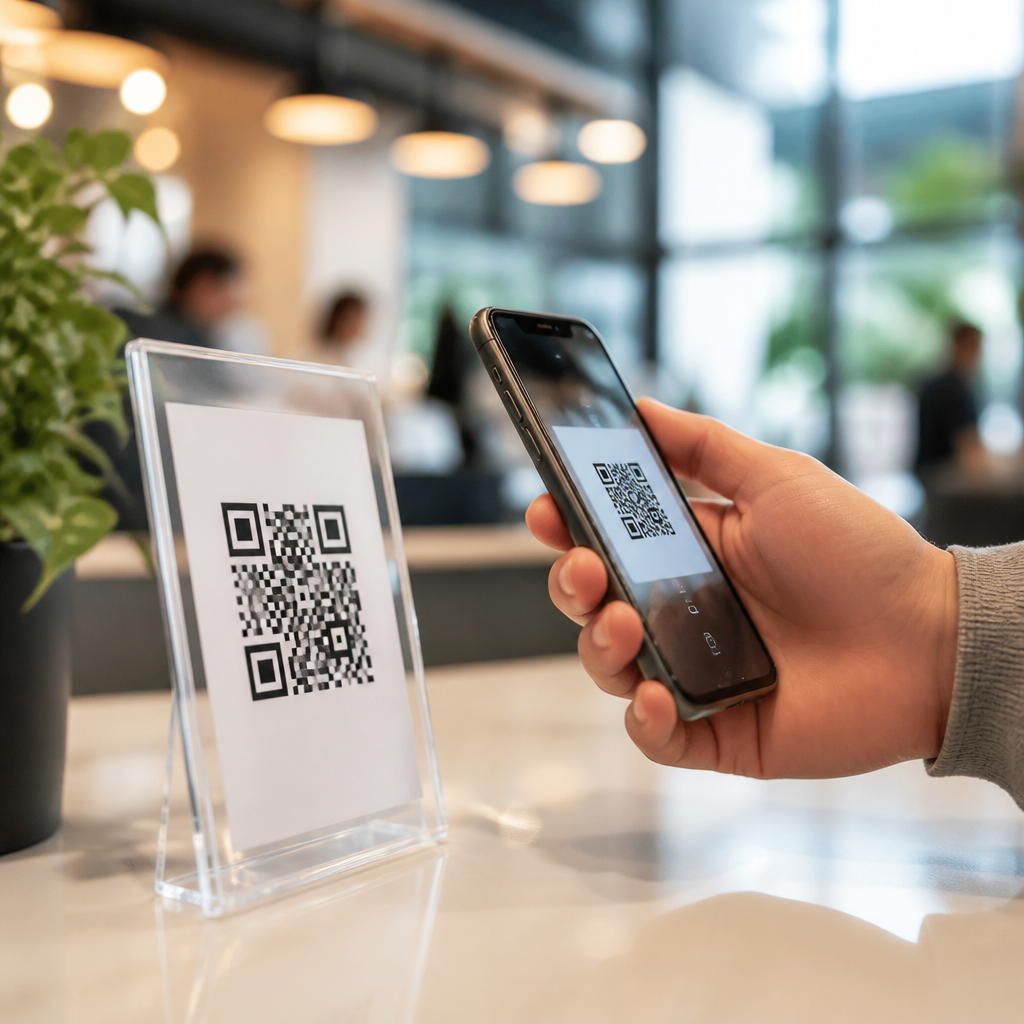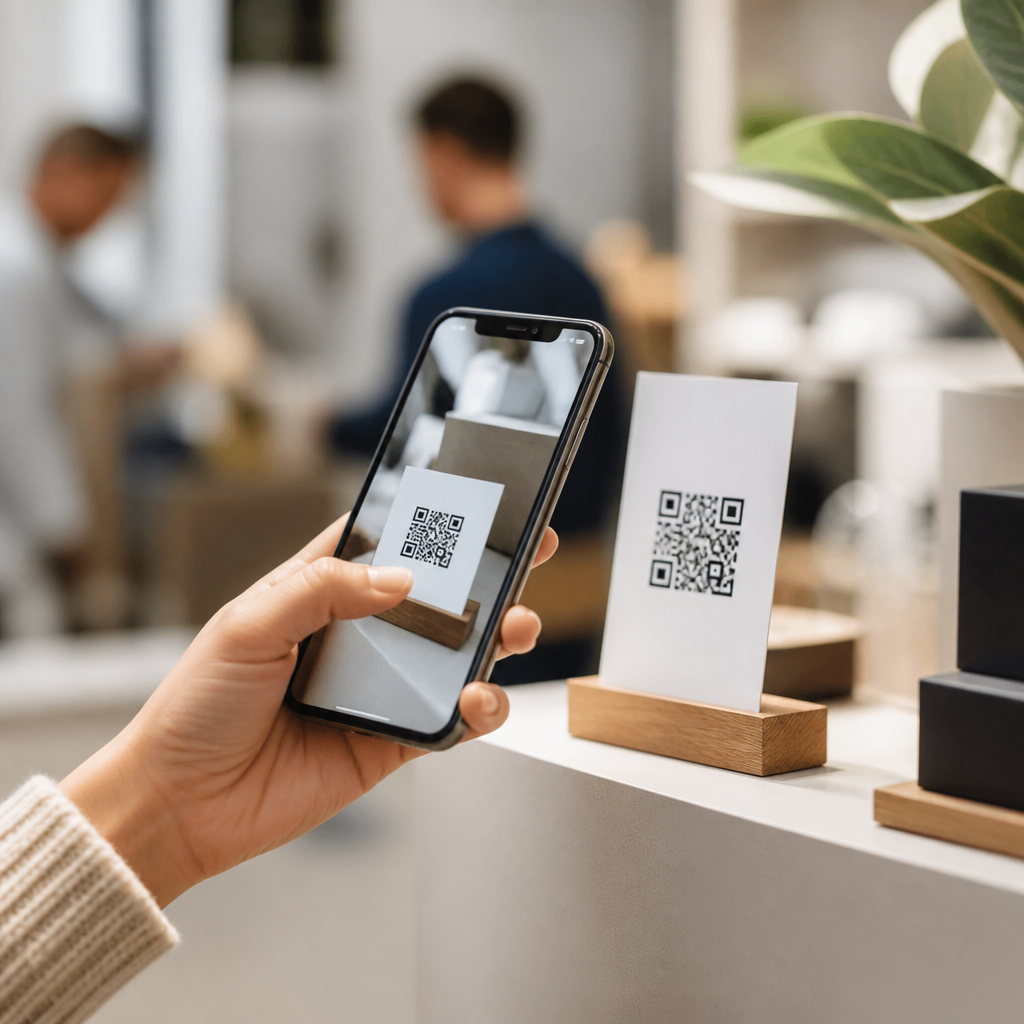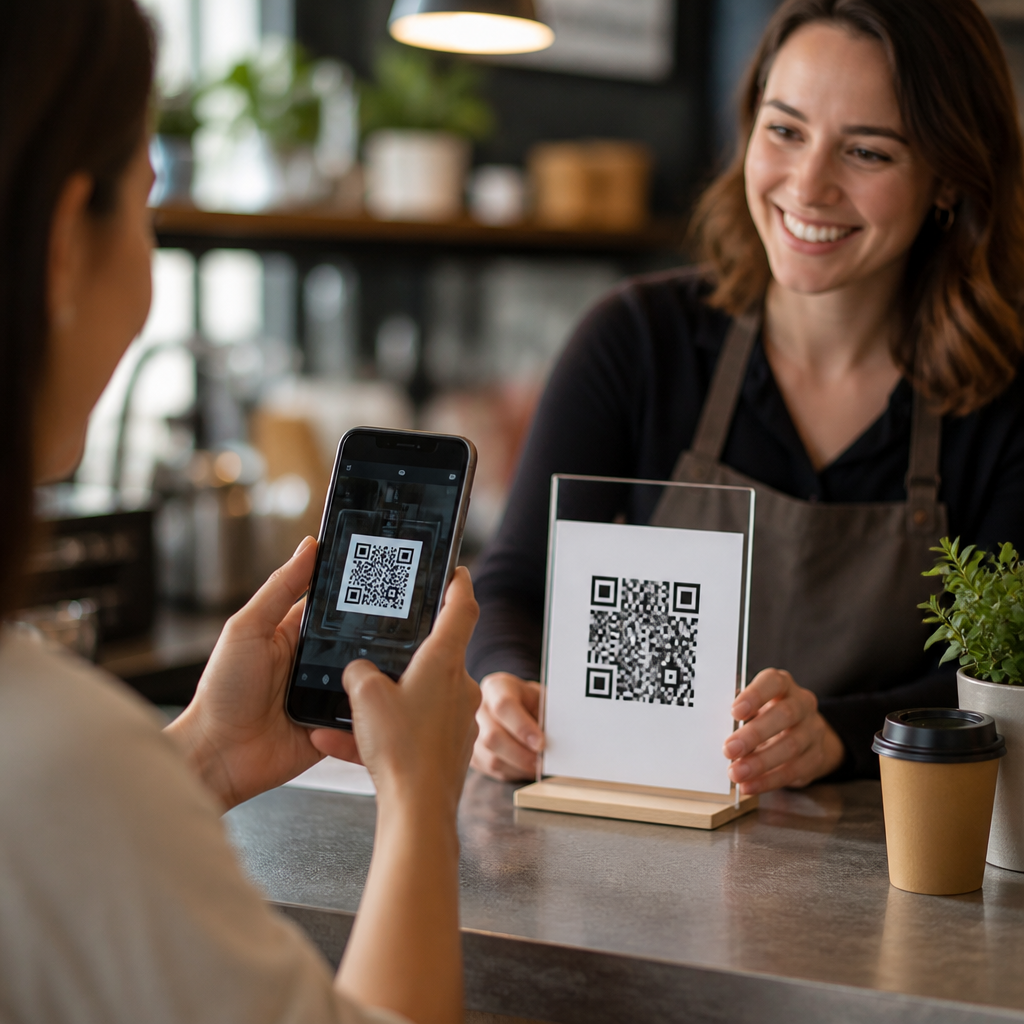
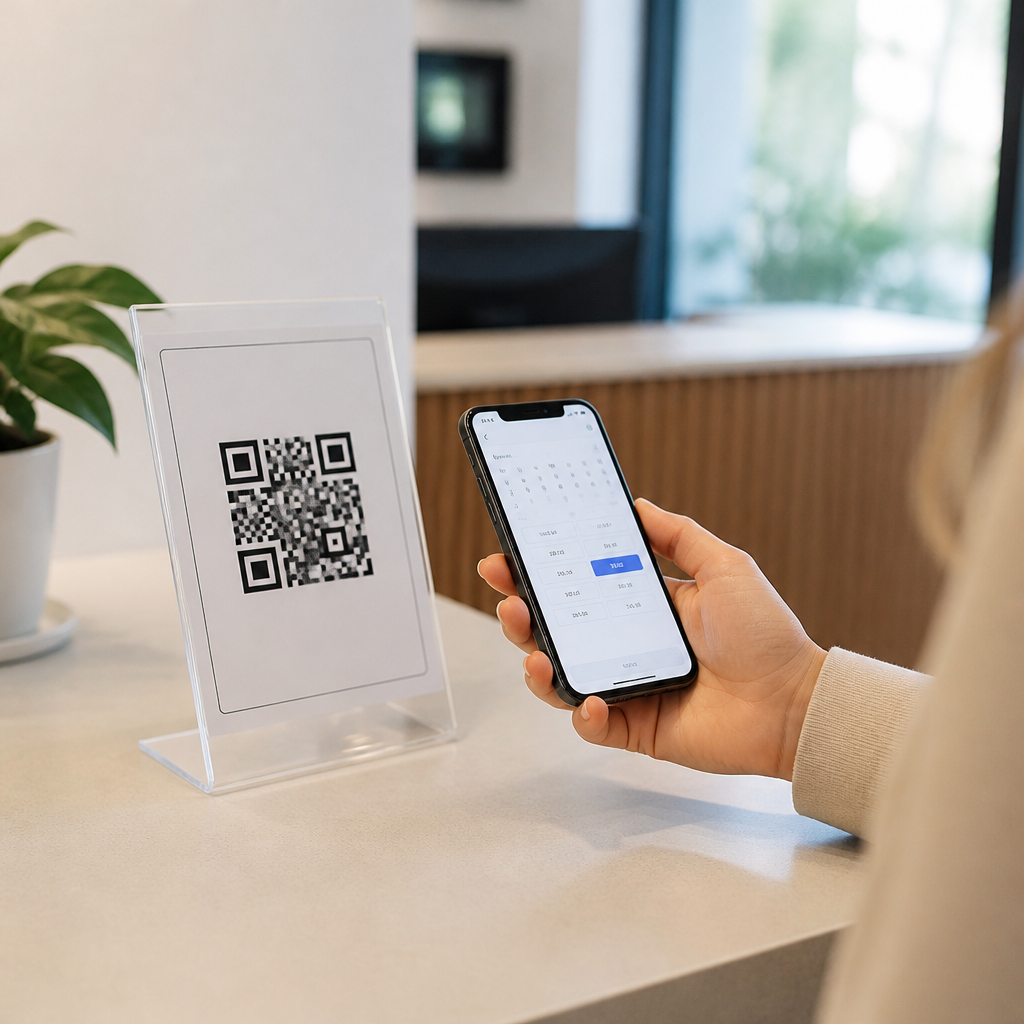
Linking QR codes to appointment scheduling without extra clicks turns a printed square into a direct response channel, reducing friction at the exact moment a prospect is ready to act. In practical terms, this means a person scans a code on a postcard, in-store sign, event badge, vehicle wrap, or follow-up email and lands immediately on a booking page that is already tailored to the campaign, location, service, or staff member. No home page detour, no menu hunting, and no avoidable drop-off. For marketers building conversion-focused journeys, this is one of the simplest ways to connect offline attention to measurable pipeline activity.
QR code appointment scheduling matters because every extra tap weakens intent. Across campaigns I have managed for clinics, home services, and B2B demos, the highest scan-to-book rates came from flows that answered three questions instantly: what is this for, who is it with, and what happens next. A scheduling destination should therefore do more than open a generic calendar. It should preserve source data, preselect the relevant appointment type, match available inventory, and reassure the visitor with trust signals such as business name, location, staff photo, duration, and confirmation policy. When those basics are in place, QR codes become a dependable entry point within a broader marketing funnel.
To integrate QR codes into marketing funnels effectively, it helps to define the moving parts. The QR code is the trigger. The destination URL carries routing logic through path parameters, UTM tags, or dynamic redirects. The scheduling platform handles availability, form fields, reminders, and confirmations. The funnel includes the surrounding campaign assets, retargeting audiences, CRM updates, attribution reporting, and follow-up automations. This article serves as the hub for that entire subtopic. It explains how to connect the scan to the booking outcome, how to structure landing experiences for different channels, how to measure performance, and where supporting articles should go deeper on design, analytics, compliance, and local execution.
The core principle is simple: the fastest path to a confirmed appointment usually wins. Yet speed alone is not enough. The booking path must also be relevant, trackable, secure, and easy to maintain at scale. Dynamic QR codes, scheduling tools such as Calendly, Acuity Scheduling, Square Appointments, HubSpot Meetings, and Mindbody, plus analytics platforms like Google Analytics 4 and CRM systems like HubSpot or Salesforce, make this possible. The opportunity is not merely convenience. It is funnel compression: turning awareness into a scheduled conversation while intent is still warm, with data preserved from first scan through final revenue.
Why direct-to-booking QR codes outperform generic landing paths
A QR code linked straight to appointment scheduling removes the single biggest source of loss in offline-to-online conversion: unnecessary navigation. If a postcard invites a free consultation and the code opens the site homepage, users must still search, choose a service, find a location, and check availability. Each step creates abandonment risk. A purpose-built scheduling link skips that work. It can route someone directly to “30-minute roof inspection,” “new patient dental exam,” or “B2B product demo with Midwest team,” already filtered by campaign context.
This is especially powerful in high-intent moments. At trade shows, people scan while standing at a booth. In medical or beauty waiting rooms, they scan when they are already considering another service. On direct mail, they scan because the offer resonated enough to prompt immediate action. In each case, relevance beats breadth. A narrow booking page with one clear next step converts better than a broad site experience designed for multiple audiences. That is why direct scheduling links routinely outperform generic campaign pages for appointment-led offers.
The same logic strengthens the entire marketing funnel. Instead of treating the QR scan as top-of-funnel traffic, treat it as a mid-funnel handoff. The creative has already done the awareness and interest work. The landing experience should therefore focus on decision and action. This framing helps teams choose the right fields, copy, and automation. For example, if the scan came from a loyalty card insert, the form may only need name, mobile number, and preferred time. If it came from a commercial real estate sign, the booking flow may need company name and property type before confirmation.
How to build a no-extra-click scheduling flow
The cleanest setup uses a dynamic QR code that points to a short branded URL, which then redirects to a scheduling page built for the offer. Dynamic codes are preferable because the destination can be changed without reprinting the asset. That matters when staff calendars change, a location closes, or a campaign is repurposed. In practice, I recommend assigning every physical placement its own code variant, even if the visible creative is similar. Separate codes for lobby signage, mailers, conference booths, and packaging inserts produce cleaner attribution and simplify testing.
Your destination should preselect as much context as possible. Many scheduling systems support direct links to a specific event type, team member, office, or service category. If the platform allows hidden fields, pass campaign values into the booking record. If it allows prefilled answers, use known data carefully, especially in email or customer packaging contexts where the recipient is already identified. The ideal outcome is a booking page that feels custom-made for the scanner, even though it is powered by a standardized template behind the scenes.
Keep form friction low. Ask only for information needed to qualify, confirm, or comply. A haircut consultation does not need eight fields. A legal intake or healthcare appointment might. Mobile behavior should drive every design choice: fast load speed, large tap targets, minimal scrolling, visible time zones, and frictionless calendar selection. Confirmation should be immediate and useful, with calendar invites, SMS reminders where permitted, and a thank-you page that offers a logical next step such as directions, required documents, or a service explainer.
| Funnel stage | QR code destination | What should be preselected | Primary metric |
|---|---|---|---|
| Direct mail offer | Specific appointment page | Service, location, offer code | Scan-to-book rate |
| Trade show badge or booth sign | Rep or team meeting page | Rep pool, event source, meeting type | Qualified meetings booked |
| Retail packaging insert | Support or onboarding appointment | Product line, customer segment | Activation appointments |
| In-store poster | Local staff calendar | Nearest location, service category | Location-level bookings |
Choosing the right scheduling and routing stack
Not every scheduling tool handles marketing attribution well, so selection matters. Calendly is strong for simple meetings and team round robin setups. HubSpot Meetings is useful when CRM synchronization and lifecycle tracking are central requirements. Acuity Scheduling offers flexible intake forms and service-based setups. Square Appointments is practical for local businesses already using Square payments. Mindbody is common in fitness and wellness. The best choice depends on whether you need staff pooling, class inventory, deposit collection, HIPAA-adjacent workflows, multilingual pages, or advanced API support.
Routing infrastructure is equally important. A link management platform should let you create dynamic redirects, add UTM parameters consistently, and report scans by asset. Bitly, Rebrandly, and enterprise QR platforms can do this, but many teams also use in-house redirect rules on branded domains for tighter control. Branded short links improve trust, especially when the QR code appears in physical environments where users are cautious about spoofing. I have seen scan rates rise simply by replacing a generic shortener with a recognizable brand domain displayed near the code.
Integration determines whether the QR code acts like a campaign toy or a real funnel component. At minimum, the booking event should write to your CRM with source, medium, campaign, content, and placement metadata. Ideally, no-show status, completed appointment status, revenue, and downstream opportunity value should also flow back. Without that loop, teams optimize for scans rather than business outcomes. A campaign that produces fewer scans but more attended, higher-value appointments is the better campaign. Your stack must reveal that difference clearly.
Designing QR code funnel experiences for different marketing channels
Channel context changes user expectations, so the same scheduling page should not be reused everywhere. Direct mail often needs concise reassurance because the user is jumping from paper to phone without prior digital context. Include the offer headline on the destination page, repeat the expiration date if relevant, and show the value exchange immediately. Event signage should emphasize speed: “Book your post-event demo” with a short description of what the meeting covers. Packaging inserts should lean into customer success, such as setup help or onboarding appointments that reduce support friction.
For local marketing, connect the code to the nearest provider or store whenever possible. A gym flyer should not open a national directory if the user expects the branch down the street. Location-aware routing can be done through separate print versions, ZIP-code-based path structures, or a first screen that only asks for location when absolutely necessary. In service businesses with territorial reps, send users into a round robin limited to the relevant market. This prevents calendar dead ends that happen when a national page shows time slots for the wrong team.
For B2B, qualification can happen before or after scheduling depending on deal size. Lower-ticket demos often convert best with open booking and post-book qualification. Enterprise funnels may need a brief pre-qualification screen before times are shown to avoid sales team overload. Both approaches can still honor the no-extra-click principle if the first screen exists only to collect essential routing data. The mistake is forcing every scanner into a generic lead form and then making them wait for outreach. If the campaign promises a meeting, deliver a meeting.
Measurement, testing, and governance for scalable execution
Reliable measurement starts with unique identifiers. Every QR placement should map to a campaign taxonomy that includes channel, asset, audience, geography, and offer. UTM parameters remain useful, but they are not sufficient on their own because some scheduling systems strip or fail to persist them. Hidden fields, first-party cookies where permitted, server-side tracking, and CRM property mapping all help maintain attribution. In Google Analytics 4, define conversions for booking completion and, if possible, for attended appointments imported from your CRM or scheduling tool.
Testing should focus on variables that affect booking completion, not vanity engagement. Useful experiments include preselecting a specific staff member versus a pooled team, showing available times above the fold versus below explanatory copy, requiring phone number versus making it optional, and offering “book now” versus “check availability” language near the QR code. On print assets, code size, contrast, quiet zone, and placement matter. A beautiful brochure fails if the code is too small, curved around a package, or placed where glare interferes with scanning.
Governance keeps the program sustainable. Create naming conventions for QR assets, destination rules, campaign tags, and archived links. Document who owns redirect updates, calendar inventory checks, and compliance reviews. For regulated industries, ensure the landing experience aligns with privacy requirements and avoids exposing sensitive information in URL parameters. Also plan for failure states. If no slots are available, route users to a waitlist, callback request, or nearest alternate location rather than a dead end. Good funnel design anticipates inventory constraints before a campaign launches.
Building the sub-pillar hub around integrating QR codes into marketing funnels
As a hub page under QR codes in marketing strategy, this topic should connect readers to the major operational layers that turn scans into appointments and appointments into revenue. That means linking out to deeper articles on QR code design best practices, dynamic versus static code management, landing page optimization for mobile scanning, UTM governance, CRM attribution, local campaign deployment, print production standards, compliance considerations, and post-booking automation. The hub should explain how these pieces relate, not just list them.
A strong hub also clarifies where appointment scheduling fits among other conversion goals. Some campaigns should drive purchases, app downloads, loyalty sign-ups, or content views instead of meetings. Appointment-led QR funnels are best when the business model depends on consultations, demos, classes, tours, estimates, treatments, or onboarding sessions. By framing appointment scheduling as one conversion architecture within the larger funnel toolkit, the hub becomes strategically useful. Readers can identify when direct-to-booking QR codes are the right lever and when another destination better matches intent.
The practical advantage of this approach is alignment. Creative teams know what promise the QR code is making. Web teams know what destination must load and what data must persist. Sales, service, or operations teams know what calendar capacity is needed to capture demand. Leadership gets reporting that connects physical media and in-person touchpoints to booked and completed appointments. That is the real value of integrating QR codes into marketing funnels comprehensively: not isolated scans, but a measurable system that moves people from interest to scheduled action with minimal friction.
Linking QR codes to appointment scheduling without extra clicks is effective because it respects user intent and removes waste from the conversion path. The best implementations do four things consistently: they send scanners to the exact booking experience promised by the creative, they preserve source data for attribution, they minimize form and navigation friction on mobile, and they connect booking outcomes back to CRM and revenue reporting. When those elements work together, offline campaigns become accountable digital entry points rather than loosely measurable awareness plays.
For teams building a broader QR strategy, this page should function as the central guide to integrating QR codes into marketing funnels. Start with one high-intent use case, such as direct mail consultations, in-store service appointments, or event-driven demos. Use dynamic codes, branded links, and a scheduling platform that supports precise routing and analytics. Then expand into channel-specific landing pages, location logic, testing plans, and automation. The goal is not more scans. The goal is more confirmed, attended appointments from the audiences you actually want.
If you are refining this sub-pillar, audit every current QR campaign and ask a blunt question: after the scan, how many steps stand between interest and a booked time slot? Remove those steps, instrument the flow, and build supporting articles around the operational details. That is how QR codes become a serious part of marketing strategy instead of a novelty on print. Start with the booking path, measure what happens after confirmation, and keep optimizing until the scan feels like the appointment already started.
Frequently Asked Questions
How do QR codes reduce friction in appointment scheduling?
QR codes reduce friction by removing the unnecessary steps between interest and action. Instead of asking someone to remember a website, type in a long URL, search through a navigation menu, and then find the correct booking page, a QR code takes them directly to the exact appointment scheduling destination in one scan. That matters because the highest-intent moment is often very brief. A person sees a printed promotion, a sign at a counter, a flyer after an event, or a service reminder email, and they are willing to book right then. If the path is delayed by extra clicks, confusion, or page-hopping, the likelihood of abandonment increases.
When implemented well, the QR code can open a booking page already filtered for the correct service, provider, location, or campaign. For example, a dental office might send one mailer for cleanings and another for whitening, each with its own QR code leading directly to the matching booking flow. A multi-location business can send local prospects to the nearest office instead of making them choose from a long list. This streamlined experience not only improves convenience for the customer, but also increases conversion rates because it aligns the scan destination with the original intent behind the marketing piece.
What should a QR code link to in order to create a true no-extra-click booking experience?
For a true no-extra-click experience, the QR code should link directly to a live booking page that is as specific as possible. In most cases, that means not sending people to a homepage, a generic contact page, or a service overview page. Instead, the ideal destination is a scheduling page that is already preselected for the right appointment type, staff member, office location, or promotion. The fewer decisions the user has to make after landing, the more effective the QR code will be.
For example, if a salon is promoting balayage appointments with a specific stylist, the QR code should open the booking interface with that service and stylist already selected. If a medical clinic is distributing neighborhood-specific postcards, each code should open the booking page for the nearest office. If a business is running a limited-time campaign, the landing page should reflect that exact offer so the customer feels immediate continuity from the printed material to the digital booking experience. Businesses can also include tracking parameters in the destination URL to understand which placements generate the most scans and appointments. The key principle is simple: every click, decision, or page transition you eliminate strengthens the chance that the scan becomes a completed booking.
Where can businesses use QR codes for appointment scheduling most effectively?
QR codes for direct appointment scheduling work especially well anywhere a potential customer is already engaged, curious, or ready to take the next step. High-performing placements often include postcards, brochures, storefront signage, waiting rooms, product packaging, event badges, trade show displays, counter cards, vehicle wraps, invoices, receipts, and follow-up emails. Each of these placements captures attention in a different context, but they all share one advantage: they allow a business to convert offline visibility into immediate online action.
The best use cases are situations where timing matters. A gym can place QR codes on in-club signage for free consultations or personal training assessments. A healthcare provider can include a code on recall notices so patients can schedule follow-up care instantly. A real estate agent can add a QR code to yard signs linking to a showing or consultation booking page. A home services company can place a code on service vehicles so nearby residents can book estimates on the spot. Even inside a business, QR codes can shorten internal bottlenecks. For instance, a front desk sign can direct walk-ins to book specialized services without waiting for staff assistance. The most effective placements are those that match a user’s moment of intent and send them directly to the exact next action.
How can businesses track whether QR code appointment campaigns are actually working?
Tracking starts with assigning unique QR codes or unique destination URLs to each campaign, placement, or audience segment. This allows businesses to measure not just total scans, but which mailer, sign, event, email, or location produced those scans. By adding tracking parameters to the scheduling link, marketers can connect QR activity to analytics platforms and appointment data. That makes it possible to evaluate performance at a more useful level than just “people scanned the code.” The real question is whether those scans led to completed bookings.
Strong measurement usually includes several layers: scan volume, landing page visits, booking starts, completed appointments, and sometimes downstream outcomes such as show rate, revenue per appointment, or repeat business. For example, a clinic may learn that one postcard design gets fewer scans than another but produces more completed bookings because the audience was more qualified. A multi-location brand might discover that in-store signage performs better than direct mail in one region but not another. Tracking also helps identify friction points. If scans are high but bookings are low, the problem may be on the scheduling page, such as too many form fields, poor mobile usability, or limited appointment availability. Reliable tracking transforms QR codes from a convenience feature into a measurable acquisition channel.
What are the most important best practices for linking QR codes to appointment scheduling without extra clicks?
The most important best practice is to design the entire experience around speed, clarity, and relevance. The QR code should open quickly on a mobile-friendly booking page that matches the message on the printed or digital asset where it appeared. If the sign promotes a consultation, the landing page should say consultation and make it easy to schedule one. If the flyer references a specific provider, that provider should already be selected if possible. Consistency builds trust and reduces hesitation, which is especially important when someone is acting spontaneously from a scan.
Other essential best practices include using dynamic QR codes when possible, keeping destination URLs maintainable, and testing the experience across both iPhone and Android devices. The booking page should load fast, minimize required input, and avoid distractions such as unnecessary pop-ups or unrelated navigation. It is also wise to include a brief call to action near the QR code itself, such as “Scan to book now” or “Scan to schedule your consultation,” so people know exactly what will happen. For print materials, size and placement matter too: the code should be easy to scan, have strong contrast, and be positioned where users can comfortably access it. Finally, businesses should regularly review performance data and update destinations as campaigns evolve. The goal is not simply to have a scannable code, but to create a direct path from interest to appointment with as little resistance as possible.