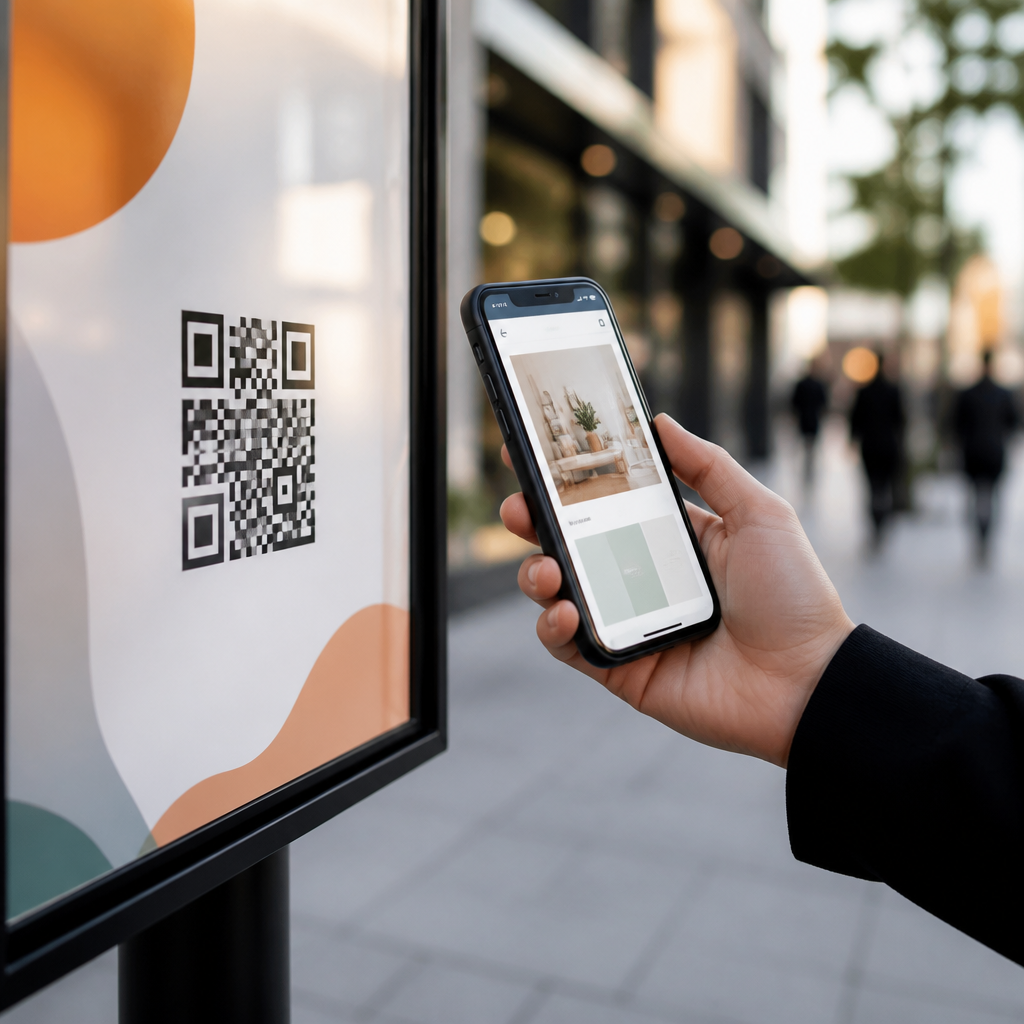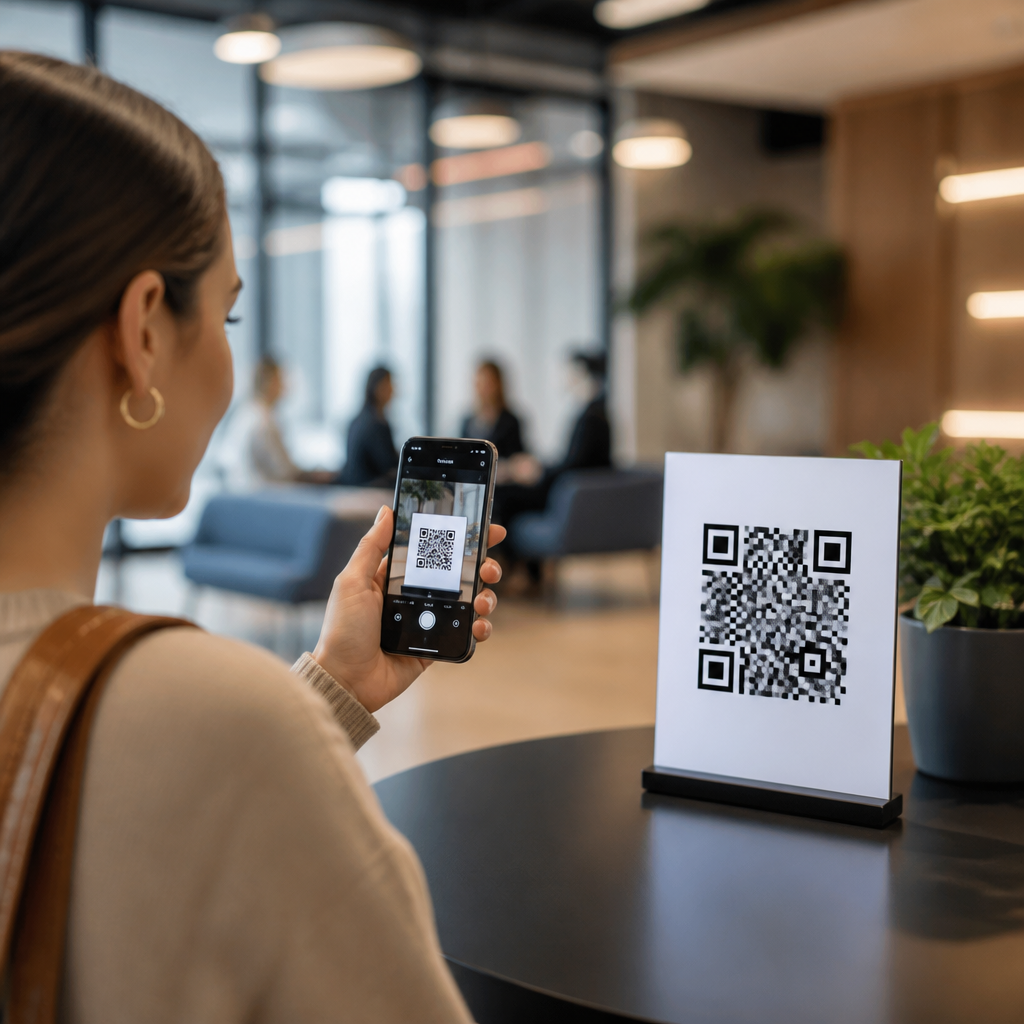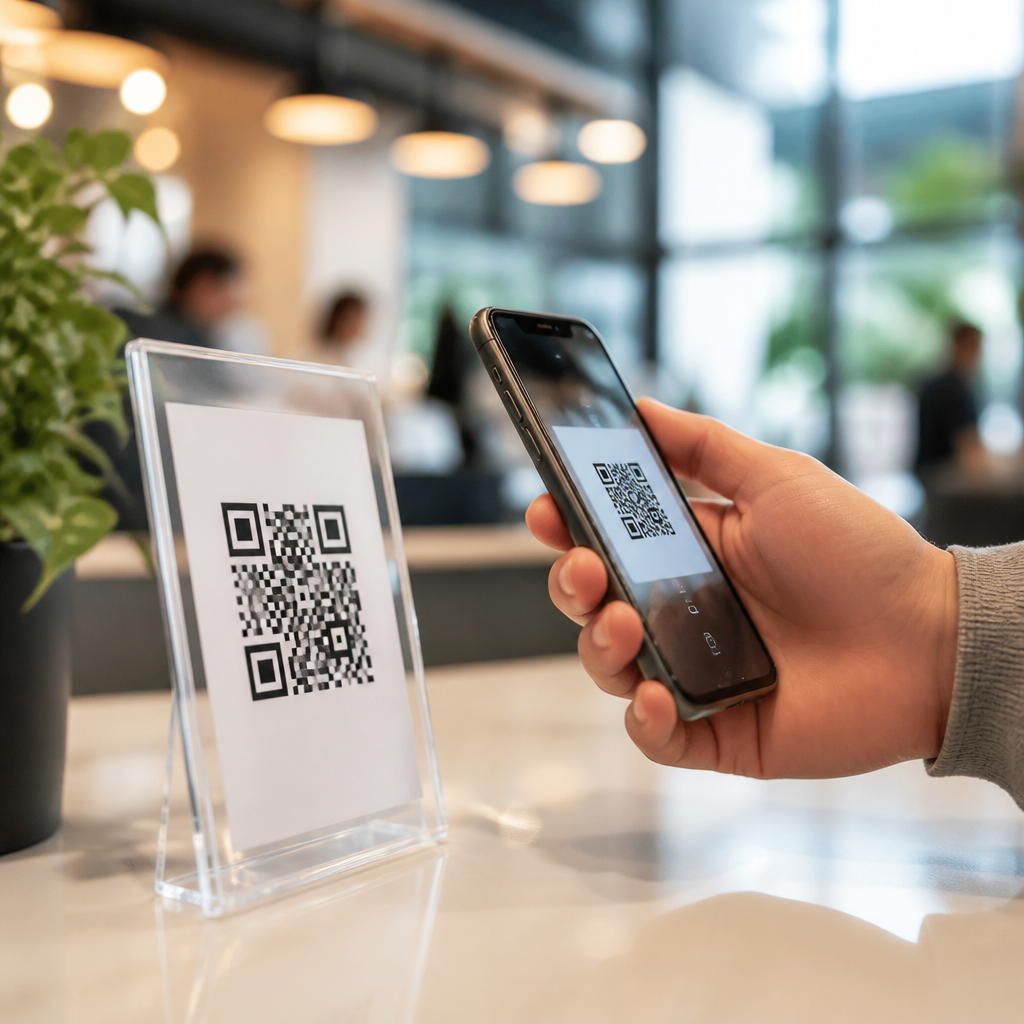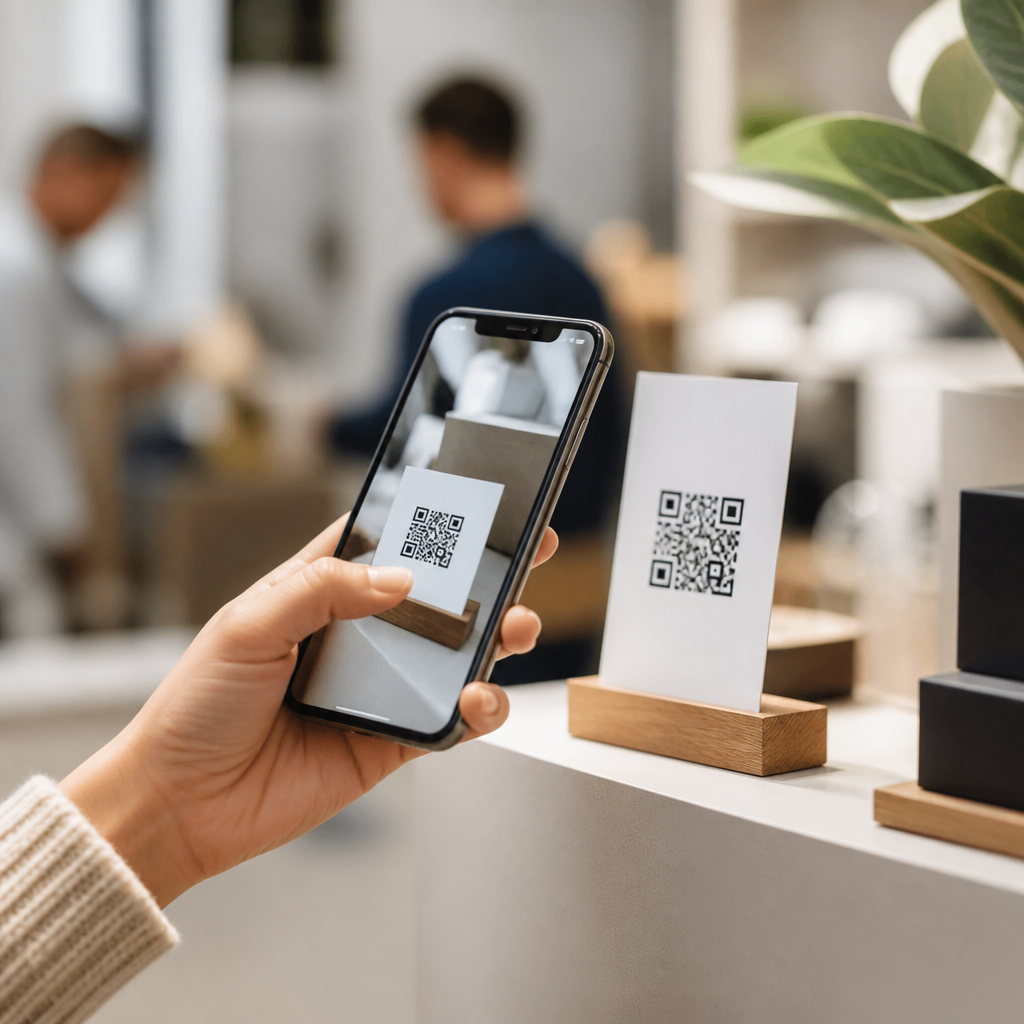
Integrating QR codes with direct mail and email follow-up turns separate campaigns into one measurable customer journey. In omnichannel marketing, a brand coordinates touchpoints so each interaction reinforces the next instead of competing for attention. A QR code is the bridge: it moves someone from a printed postcard, catalog, flyer, package insert, or event handout into a digital experience that can be tracked, personalized, and continued through email. I have used this approach in retail, home services, B2B lead generation, and nonprofit fundraising, and the pattern is consistent. Response rates improve when the printed offer is easy to act on, the landing page matches the message, and the follow-up email arrives with timing that feels helpful rather than automated.
For marketers building a complete QR code strategy, this topic matters because direct mail still performs well for attention and recall, while email remains one of the most efficient channels for nurturing and conversion. The United States Postal Service reports strong household engagement with marketing mail, and email platforms continue to deliver low cost per send with precise segmentation. The weakness of each channel is also clear. Mail can be expensive and hard to attribute. Email can be ignored when trust and intent are low. QR codes reduce both problems by creating a friction-light handoff from physical media to digital content, then feeding first-party data into a follow-up sequence.
At a practical level, integrating QR codes with direct mail and email follow-up means designing a campaign where the code, destination page, data capture, automation rules, and post-scan communication are planned together. It is not enough to place a code on a postcard and hope for scans. The code should answer an immediate question: What do I get if I scan? The page should load fast, fit the exact offer, and ask only for the next needed action. The email sequence should continue the same promise with context from the mail piece, source list, and scan behavior. When those elements align, marketers can connect offline awareness to online action and revenue.
This article serves as a hub for omnichannel marketing with QR codes. It explains how to structure campaigns, what technology stack is required, how to measure performance, where compliance matters, and which use cases deliver the strongest return. If you are building supporting pages under this topic, the major branches are campaign design, landing pages, email automation, attribution, personalization, testing, privacy, and industry-specific execution.
Why QR Codes Connect Direct Mail and Email So Well
Direct mail creates physical presence. A postcard on a kitchen counter can be seen multiple times, which is one reason mail often lifts branded search and website visits even when recipients do not respond immediately. Email, by contrast, supports sequencing. You can educate, remind, segment, and trigger timely offers based on behavior. QR codes work between them because smartphone scanning is now routine. Both iOS and Android camera apps recognize standard QR codes without a separate app, removing the usability barrier that hurt early campaigns a decade ago.
The core advantage is continuity. Instead of asking a recipient to type a long URL or remember a coupon code, the mail piece can send them directly to a personalized page. Once there, your forms, analytics, and customer relationship management system can identify the source and start appropriate follow-up. For example, a dental practice mailing a checkup reminder can place a QR code next to the call to action, leading to a booking page with location preselected. If the user does not complete the appointment request but submits an email for a reminder, the system can send a short series: available times, insurance details, and a final prompt before the promotion expires.
This approach also improves list quality. A mail recipient who scans demonstrates intent that is usually stronger than a casual ad impression. That signal can be used to prioritize leads in HubSpot, Salesforce, Klaviyo, Mailchimp, or ActiveCampaign. In my experience, sales teams trust these leads more when scan data includes campaign ID, geography, landing page path, and conversion stage. The offline source no longer feels invisible.
How to Build an Omnichannel QR Code Campaign
Start with the audience and offer, not the code. Define who is receiving the mail, what problem the campaign addresses, and what the next best action should be. For a home improvement company, the objective may be scheduling an estimate. For a software company, it may be downloading a buying guide or booking a demo. For a university, it may be driving event registration. The QR code should point to a destination built specifically for that objective, not the homepage.
Next, map the journey from mailbox to inbox. The mail piece needs a clear headline, one primary call to action, and a code large enough to scan easily. I generally recommend at least 0.8 inches square in print, strong contrast, and quiet space around the code. Dynamic QR codes are preferable because they allow destination updates, scan analytics, and campaign naming. Use UTM parameters consistently so analytics platforms can distinguish mail drops, creative versions, and audience segments.
The landing page must continue the exact message shown in print. If the postcard promises “Get a free energy audit,” the page headline should repeat that phrase, explain the benefit, and present one simple form or scheduling tool. Keep mobile performance tight because most scans happen on phones. Compress images, reduce scripts, and test page speed in PageSpeed Insights or Lighthouse. If you need lead capture, ask for the minimum viable data. Every extra field reduces completion rates.
Then design the email follow-up around intent signals. Someone who scanned and converted needs confirmation, onboarding, or sales contact. Someone who scanned but did not complete the form may need a reminder or a softer offer, but only if they provided consent and contact details through another source. Someone who visited multiple product pages after scanning can enter a higher-intent nurture path. This is where marketing automation matters: the scan starts the journey, but the business outcome depends on what happens in the next hours and days.
Recommended Workflow, Tools, and Data Structure
A durable setup uses a defined stack. At minimum, you need a QR code platform, landing page system, analytics layer, CRM or email service provider, and attribution rules. Popular QR management tools include Bitly, QR Code Generator Pro, Beaconstac, and Flowcode. For pages, teams often use Unbounce, Leadpages, Webflow, WordPress, or HubSpot CMS. For analytics, Google Analytics 4 with event tracking remains standard, while a CRM like Salesforce or HubSpot ties anonymous sessions to known contacts after form submission.
The most important implementation detail is the campaign taxonomy. Every code should have a naming convention that captures channel, audience, mail date, offer, and creative version. Without this discipline, reporting turns messy fast. I usually standardize fields such as source=direct_mail, medium=qr, campaign=spring_offer, content=postcard_a, and segment=owners_5mile. If multiple offers appear in one mailer, each needs its own code and destination. This makes scan-through rate, page conversion rate, and influenced revenue visible at the offer level.
| Campaign Element | Best Practice | Why It Matters |
|---|---|---|
| QR code type | Use dynamic codes with editable destinations | Supports testing, correction, and scan analytics after printing |
| Landing page | Create a dedicated mobile-first page per offer | Maintains message match and raises conversion rate |
| Tracking | Add UTM parameters and event tracking | Separates mail variants and feeds attribution reports |
| Email automation | Trigger workflows by scan, form submit, and page depth | Aligns follow-up with actual intent signals |
| CRM sync | Pass campaign IDs into contact records | Lets sales and marketing report on pipeline and revenue |
Do not overlook operational testing. Before printing thousands of pieces, scan the code in different lighting conditions, on different phone models, and from a realistic reading distance. Confirm redirect behavior, page rendering, form capture, CRM field mapping, and autoresponder timing. A small break in any link can waste a high-cost mail drop.
Email Follow-Up That Respects Context and Intent
Email follow-up works best when it feels like a continuation of the mail piece, not a separate campaign. Subject lines should reference the value proposition rather than gimmicks. If the mail offer is a product sample, the first email can confirm availability and explain delivery steps. If the QR code led to gated content, the follow-up can summarize the main lesson, invite questions, and suggest the logical next action. Timing should reflect buying cycle length. A local service quote may justify same-day reminders. A B2B purchase often needs a slower educational sequence.
Segmentation improves performance sharply. In one retail program I managed, customers scanning from a catalog were separated into categories based on the page they entered: apparel, home, and clearance. Each stream then used product recommendations tied to viewed items and inventory status. Open rates were useful, but click-to-open rate and assisted revenue told the real story. The strongest result came from a second email sent forty-eight hours later showing “top picks from the catalog section you viewed,” which outperformed a generic promotional blast because it preserved context.
Frequency control matters too. If a customer is already in a promotional cadence, a scan-triggered sequence should suppress overlapping sends or merge with the existing program. Otherwise, omnichannel becomes over-messaging. Good automation platforms allow logic for exclusions, send windows, and contact fatigue thresholds. Use them.
Measurement, Attribution, and Optimization
The basic metrics are straightforward: delivery volume, scans, unique scanners, landing page conversion rate, email sign-ups, email engagement, appointments or orders, and revenue. The harder question is attribution. Direct mail often influences action beyond the scan itself. A recipient may see the postcard, later search the brand, then convert through another session. To understand the lift, compare holdout groups where possible, use matchback analysis carefully, and review assisted conversions in your analytics and CRM reports.
I recommend distinguishing three outcomes. First is direct response: the recipient scans and converts. Second is assisted response: the recipient scans, leaves, and returns later through email or search. Third is influenced response: the mail piece drove awareness, but the eventual conversion path does not include a scan. The first category is easiest to prove; the second and third require tighter reporting discipline and, ideally, controlled testing by geography or audience segment.
Optimization should happen at several levels. Creative tests can compare envelope teaser, postcard format, incentive, QR placement, and call-to-action wording. Destination tests can compare short versus long forms, embedded scheduler versus lead form, and page headline variations. Email tests can compare timing, social proof, and offer framing. The key is to change one major variable at a time and keep campaign naming consistent so results are interpretable.
Compliance, Trust, and Common Mistakes
Because this strategy links physical and digital data, privacy and consent rules matter. If you collect email addresses on the landing page, provide clear disclosure, honor opt-in requirements relevant to your market, and store source details accurately. For U.S. email programs, comply with CAN-SPAM. If you operate in regions covered by GDPR or similar laws, confirm your lawful basis, consent language, and data retention practices. Trust also depends on the destination itself. Branded domains, HTTPS, clear form labels, and recognizable design reassure scanners that the code is legitimate.
The most common mistakes are avoidable. Marketers send users to a homepage instead of a focused page. They print tiny codes that fail in low light. They ask for too much information before giving value. They launch email follow-up with generic copy disconnected from the mail offer. Or they skip measurement details, making campaign review impossible. Another frequent error is forgetting that staff must be ready to respond. If a scan triggers a quote request and the sales team waits three days, the channel integration did its job, but operations broke the experience.
Used well, QR codes make direct mail and email stronger together than either channel is alone. Build the campaign as one connected system, measure each handoff, and improve from actual behavior. If you are expanding a QR code marketing strategy, start with one high-intent use case, document the workflow, and scale only after the data shows where omnichannel follow-up creates the most value.
Frequently Asked Questions
How do QR codes connect direct mail and email follow-up into one marketing journey?
QR codes act as the handoff point between an offline touchpoint and a digital experience. When someone receives a postcard, catalog, flyer, package insert, or event handout, the QR code gives them an immediate way to respond without typing a URL or searching for your brand later. Once scanned, that person can be sent to a landing page tailored to the specific mail piece, offer, audience segment, or campaign goal. From there, you can capture measurable actions such as page visits, form fills, coupon claims, product views, appointments, and purchases.
The real value comes after the scan. If the destination page includes an email signup, gated offer, discount, consultation request, or product recommendation flow, you can move that contact into a follow-up email sequence based on what they scanned and what they did next. That turns two separate channels into one coordinated path: direct mail creates attention, the QR code drives action, and email continues the conversation. Instead of guessing whether print influenced a later conversion, you can see how offline outreach started the journey and how email helped complete it.
This approach also improves timing and relevance. A person who scans a QR code from a seasonal postcard can receive a different email sequence than someone who scans from a product insert or trade show handout. In practice, that means your email follow-up is informed by the context of the original printed piece, which makes the messaging more personal and more effective. Rather than sending generic emails to everyone, you can align your follow-up with the exact campaign that prompted engagement.
What should the QR code lead to in order to maximize conversions and support email follow-up?
The best QR code destinations are simple, mobile-friendly, and tightly matched to the promise made in the printed piece. If the mailer promotes a discount, the scan should lead directly to that offer. If it highlights a product category, the landing page should continue that exact story instead of dropping visitors on a general homepage. Consistency matters because every extra step creates friction, especially for users scanning from a phone. A focused landing page almost always performs better than a broad website entry point.
To support email follow-up, the destination should include a clear next action that allows the visitor to identify themselves. That could be an email signup form, a coupon unlock, a quiz, a product finder, an appointment scheduler, a downloadable guide, or access to exclusive content. The incentive should feel worth the exchange. For example, a retailer may offer early access to a sale, a home services company may offer a seasonal maintenance checklist, and a B2B brand may offer a consultation or case study relevant to the audience segment receiving the mail piece.
It is also smart to build the page so it captures useful context behind the scenes. Campaign parameters, audience source, mail drop date, offer code, and creative version can all be associated with the scan. That information helps you trigger the right email sequence and measure results accurately later. In other words, the landing page should not only convert; it should collect the data needed to personalize the follow-up. When the page, offer, and email automation are designed together, the full customer journey feels intentional rather than stitched together.
How can businesses track performance when using QR codes with direct mail and email campaigns?
Measurement starts with assigning each QR code to a specific campaign, audience, or printed asset. A single generic code used across every mailer makes reporting vague, while unique or segmented codes make it possible to compare performance by list, geography, product line, offer, or creative version. When each scan leads to a tagged landing page, you can track metrics such as scan rate, visit-to-signup rate, conversion rate, revenue per recipient, and downstream email engagement. This creates a much clearer picture of what your direct mail is actually driving.
Email analytics then extend that visibility further. Once a scanner becomes a subscriber or lead, you can monitor open rates, click-through rates, repeat site visits, purchases, booked appointments, and assisted conversions from the follow-up sequence. That lets you evaluate not just whether the mail piece generated interest, but whether the combined print-and-email journey produced meaningful business outcomes. For many brands, this is where omnichannel marketing becomes more than a concept. You are no longer measuring isolated tactics; you are measuring movement through a connected funnel.
To make reporting more reliable, use consistent naming conventions across your QR code platform, analytics software, CRM, and email system. Align the campaign names, dates, segments, and source labels so the data can be compared without manual cleanup. It is also helpful to distinguish between immediate scans and delayed conversions, since some recipients may scan right away while others may return later through email. When your tracking is set up properly, you can identify which offers, audiences, and sequences produce the strongest return and refine future campaigns based on evidence rather than assumption.
What are the most common mistakes to avoid when integrating QR codes with direct mail and email follow-up?
One of the biggest mistakes is sending people to a generic homepage instead of a dedicated landing page. When someone scans a QR code, they are responding to a specific message, and the destination should continue that message without forcing them to hunt for the next step. Another common mistake is failing to optimize for mobile. Since QR scans usually happen on smartphones, slow load times, cluttered layouts, difficult forms, and confusing navigation can quickly kill response rates. The path from scan to action should feel effortless.
Another issue is weak incentive design. If the printed piece asks recipients to scan but does not explain why they should bother, response will suffer. The value proposition should be clear and immediate, such as unlocking a discount, seeing a product demo, claiming a limited-time offer, accessing a guide, or joining a VIP list. Just as important, the follow-up email sequence should match that promise. If someone scans for a specific benefit and then receives broad, irrelevant emails, trust drops and unsubscribe rates rise. Relevance is what turns the initial scan into a longer relationship.
Brands also often overlook operational details like testing, segmentation, and compliance. Every QR code should be tested across multiple devices before launch. Email capture forms should be connected properly to your CRM or automation platform, and the correct follow-up sequence should trigger based on the source campaign. Privacy disclosures, consent language, and email permission practices should also be handled carefully. A successful campaign is not just creative; it is technically sound. The strongest results usually come from brands that treat QR codes, landing pages, and email automation as one integrated system rather than three separate tasks.
How can businesses personalize email follow-up based on QR code scans from different direct mail pieces?
Personalization starts by recognizing that not every scan means the same thing. A person who scans from a postcard promoting a first-time buyer discount is in a different stage than someone who scans a package insert after already making a purchase. Likewise, a trade show attendee scanning a handout may need educational follow-up, while a lapsed customer scanning a reactivation mailer may respond better to urgency or a tailored incentive. By assigning different QR codes, landing pages, or source parameters to different mail pieces, you can place each contact into an email path that reflects their intent and context.
Effective personalization can include the offer shown, the products featured, the timing of the sequence, the tone of the messaging, and the call to action. For example, a retail brand might send a welcome series with product recommendations tied to the category highlighted in the catalog. A home services company might route new leads into a seasonal reminder sequence based on the service mentioned in the mailer. A B2B company might follow up with case studies and consultation invites related to the event, industry, or solution featured in the printed piece. The point is not just to insert a first name into the email. It is to continue the exact conversation the recipient started when they scanned.
You can make this even stronger by combining scan data with on-page behavior. If a recipient scans from a postcard, browses a certain product line, and signs up for updates, your email follow-up can reflect both the original mail source and the digital behavior that followed. That level of coordination creates a more useful customer experience and usually improves conversion rates because the messaging feels timely and relevant. When done well, the recipient does not experience direct mail and email as separate campaigns. They experience one consistent brand conversation across channels.