QR codes have become the quiet infrastructure behind modern digital tickets, moving people through airports, stadiums, cinemas, transit gates, and event entrances with a quick scan instead of a printed pass. In practical terms, a digital ticket QR code is a two-dimensional barcode that stores data in a machine-readable pattern of black and white modules, allowing a scanner or smartphone camera to retrieve identifying information instantly. When people ask what information QR codes for digital tickets store, the accurate answer is that the code may contain the ticket data itself, a secure reference to that data, or both, depending on the ticketing system. Understanding those differences matters because storage method affects security, reliability, privacy, offline use, fraud prevention, and the user experience at the gate. It also matters because digital ticketing sits inside a larger family of QR code types, and many teams choose the wrong format when they do not understand the basics. I have worked on QR implementations for events and check-in systems, and the most common mistake is assuming every QR code simply holds a URL. Some do, but ticket codes can also store serial numbers, signed payloads, seat details, cryptographic tokens, or booking records linked to a backend database. This article explains the main types of QR codes relevant to digital tickets, what they actually store, how scanners interpret them, and how to choose the right type for reliability and trust.
What a QR Code on a Digital Ticket Actually Stores
A digital ticket QR code stores data encoded into a square matrix that follows the ISO/IEC 18004 standard for QR symbols. At the simplest level, that data may be plain text, a URL, a unique ticket ID, or a structured payload such as JSON or a proprietary string used by a ticketing platform. In real deployments, most digital tickets do not expose every passenger or attendee detail directly inside the code. Instead, they usually store a short unique identifier or encrypted token that points to a secure record in the issuer’s system. When scanned, the app or gate reader checks that token against the database, confirms validity, and marks the ticket as used if the workflow is one-time entry.
That design is common for good reasons. A QR code has finite capacity, and while it can store thousands of characters, stuffing too much data into the symbol makes it denser, harder to scan, and more error-prone on cracked screens or low-brightness devices. For example, a concert ticket may store event ID, order ID, seat number, and a signed validation string rather than the buyer’s full profile. An airline mobile boarding pass often uses industry formats such as IATA’s Bar Coded Boarding Pass standard, though many carriers still rely on PDF417 as well. The principle is the same: encode only what is required for fast validation and operational control.
Static and Dynamic QR Codes in Ticketing
The most useful high-level distinction in QR code types is static versus dynamic. A static QR code stores fixed information directly in the symbol and cannot be changed after it is issued. If a museum ticket contains a fixed admission string or a direct validation payload, that is a static implementation. Static codes are simple, inexpensive, and can work well for low-risk use cases, especially where scanners only need to confirm that the pattern matches a preloaded rule set. The downside is limited flexibility. If event details change, if a ticket needs to be revoked, or if the issuer wants post-issue analytics, the static code itself cannot be edited.
A dynamic QR code usually stores a short redirect URL or lookup key that points to a server-side record. The visible code remains the same while the destination data can be updated in the backend. This matters in ticketing because dynamic systems support revocation, reissuance, fraud monitoring, transfer rules, and check-in analytics without forcing every customer to download a new file. I recommend dynamic codes for most public events because they give operators control after distribution. For example, if a sports venue detects duplicate resale activity, the backend can invalidate one token and preserve the original purchaser’s access path. Dynamic ticket QR codes also support rotating credentials, where the app refreshes the token every few seconds to reduce screenshot fraud.
Core Data Fields Commonly Encoded in Digital Ticket QR Codes
The exact information in a ticket QR code varies by industry, but the same core fields appear again and again. First is a unique identifier, sometimes called a ticket ID, booking reference, order number, or token. This is the anchor that lets the scanner find the correct record. Second is event or service context, such as flight number, show ID, route ID, venue code, or departure station. Third is entitlement data: what the holder is allowed to do. That may include admission date, entry window, seat section, fare class, or number of guests. Fourth is validation logic, often embedded as a digital signature, checksum, or encrypted string that proves the code was issued by the legitimate platform.
Additional fields may include purchaser name, loyalty number, device binding data, ticket tier, gate assignment, and issue timestamp. In transit, a QR fare token may also carry expiration time and zone permissions. In cinemas, it may include auditorium and seat coordinates. In enterprise visitor management, a guest QR code can include host ID and approved access level. The practical rule is data minimization: store enough to verify the right to enter, but no more than the workflow requires. When teams ignore that rule, they create privacy exposure and often make codes slower to scan.
Major Types of QR Codes Within the Broader Category
Digital ticketing belongs to a wider landscape of QR code types, and understanding that landscape helps explain why some formats are better suited to access control than others. The most common type is the URL QR code, which sends the scanner to a web page. This is useful for dynamic mobile tickets because the code can lead to a secure validation page or wallet pass. Plain text QR codes simply display text after scanning and are generally too limited for serious ticket workflows. vCard QR codes store contact details, Wi-Fi QR codes store network credentials, and payment QR codes store transaction instructions using standards such as EMVCo. These are important educational examples because they show that the symbol itself is flexible; the business logic comes from the data structure and the software around it.
For digital tickets, the most relevant types are direct-data QR codes, URL-based QR codes, app-deep-link QR codes, and signed token QR codes. Direct-data codes contain the payload needed for validation inside the symbol. URL-based codes connect the scanner to a web endpoint for lookup. Deep-link codes open a specific mobile app screen, which is useful when a venue requires in-app rotation or identity checks. Signed token codes include tamper-resistant data verified by a public or shared key. In practice, large venues often combine these approaches. A ticket in Apple Wallet or Google Wallet may display a QR code that references a backend record while the wallet pass itself contains metadata used by the app.
| QR code type | What it stores | Typical ticketing use | Main tradeoff |
|---|---|---|---|
| Static direct-data | Fixed ID or payload inside the symbol | Small events, offline validation | Cannot update after issue |
| Dynamic URL | Short link to server-side record | Concerts, sports, conferences | Depends on backend availability |
| Signed token | Cryptographically verifiable payload | High-security access and transport | More complex implementation |
| App deep link | Link that opens a ticketing app state | Anti-screenshot mobile tickets | Requires app adoption |
Security, Privacy, and Fraud Prevention Considerations
The question of what information a QR code stores cannot be separated from security. If the code contains plain personal data, anyone with a camera can capture it. That is why well-designed systems avoid storing sensitive information in readable form unless absolutely necessary. Instead, they rely on opaque identifiers, signed payloads, and server-side checks. A signed payload prevents easy tampering because changing even one character breaks signature verification. A backend lookup prevents simple cloning because the system can flag duplicate scans, impossible travel patterns, or reused tokens.
I have seen organizers learn this lesson the hard way. When a local event used static screenshot-friendly codes with sequential ticket numbers, duplicate copies circulated through messaging apps, creating disputes at the entrance. The fix was not just changing the artwork; it was changing the data model. The replacement used randomized identifiers, status checks at scan time, and immediate redemption logging. Privacy improved too, because the symbol no longer exposed names and order details. For regulated sectors, this approach aligns better with data protection principles under frameworks such as GDPR, which emphasize purpose limitation and minimizing stored personal data.
How Scanning Works in Real Environments
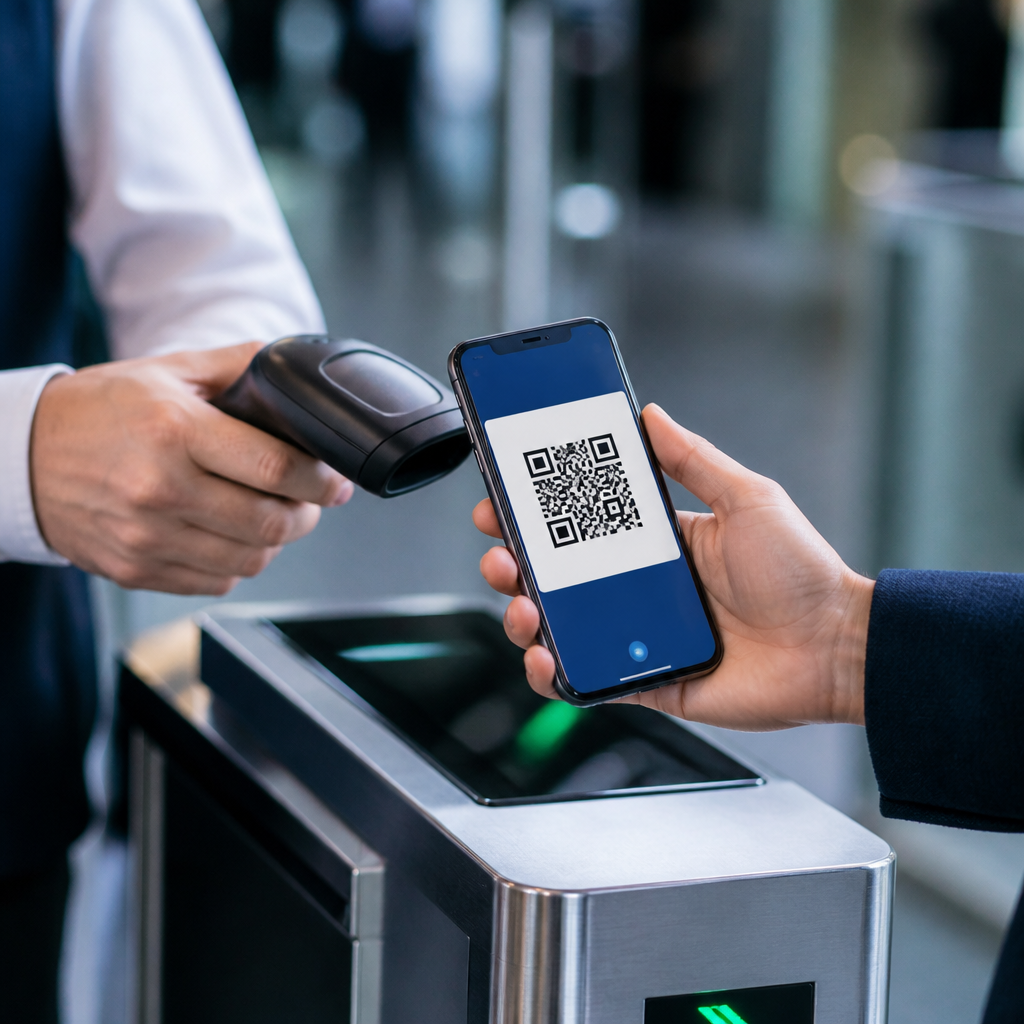
A scanner does not understand a ticket because the pattern looks official; it understands it because the data is encoded in a standard format and the receiving software knows how to parse it. During scanning, the reader detects finder patterns, corrects distortion, applies error correction, decodes the payload, and passes the result to an application layer. That application layer decides whether the code is valid. In a simple setup, validity might mean matching a list of preapproved IDs stored locally on the device. In a networked setup, the app sends the token to an API, receives a validation response, and then displays admit, deny, or needs review.
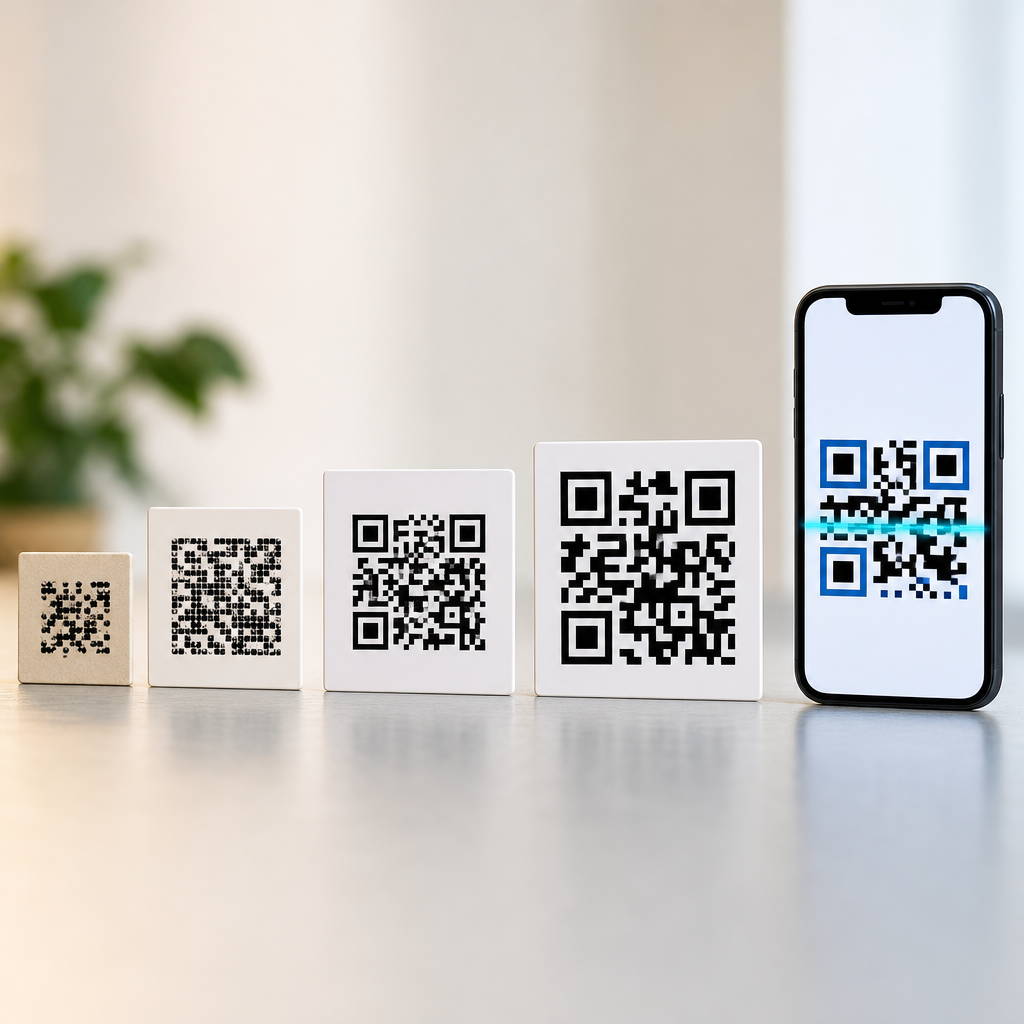
Environmental conditions matter. Low screen brightness, cracked displays, poor camera autofocus, and reflective phone protectors can slow scan speed. Dense symbols with tiny modules are also harder to read at turnstiles, especially when people are moving quickly. That is why operational teams should test contrast, size, error correction level, and scanner distance before launch. A ticket that works in a design mockup can fail badly under direct sunlight outside a festival gate. The best implementations are boring in the best sense: large enough to scan quickly, simple enough to render consistently, and integrated into a validation flow that handles offline fallbacks gracefully.
Choosing the Right QR Code Type for Different Ticketing Scenarios
The right QR code type depends on risk, scale, connectivity, and user behavior. For a school play with reserved seating and a volunteer check-in table, a static code linked to a simple attendee list may be perfectly adequate. For a commuter rail system handling thousands of scans per hour, speed and fraud resistance are more important, so signed or backend-validated tokens are a better fit. For premium concerts where screenshot resale is common, rotating in-app QR codes provide a stronger control because the visible credential changes frequently and can be tied to an authenticated account.
Cost and resilience should guide the decision too. Dynamic systems usually require a ticketing platform, secure APIs, monitoring, and scanner apps with reliable connectivity. Static systems are cheaper and can work offline, but they offer less control once issued. Hybrid models often deliver the best result. For example, a venue can use a signed offline-verifiable payload for continuity during network outages, while still syncing scan events to a central database when connectivity returns. That pattern balances gate speed with operational oversight, and it is one I have seen work especially well for conferences held in older buildings with inconsistent wireless coverage.
Best Practices for Building a Reliable Ticket QR Strategy
A strong ticket QR strategy starts with the data architecture, not the image. Define exactly what the scanner needs to know at the point of entry, then decide what belongs in the symbol and what should stay in the backend. Use randomized identifiers rather than guessable sequences. Avoid encoding unnecessary personal data. Sign or encrypt payloads when tamper resistance matters. Test symbol size and contrast across iPhone and Android devices, printed paper, and wallet apps. Build clear redemption rules for duplicate scans, refunds, transfers, and canceled events. If the ticket must work offline, verify that scanners can validate locally and sync later without creating redemption conflicts.
It also helps to document each QR code type used across your organization. Marketing may use URL QR codes for posters, support may use help-center links, and operations may use secure ticket tokens. Treating all of them as interchangeable creates confusion and weak governance. The better approach is to map code type to purpose, security level, and owner. That makes this topic a useful hub within QR code basics and education: once teams understand the types, they make better decisions about generation, distribution, scanning, and lifecycle management.
QR codes for digital tickets store exactly what the issuer needs to prove access rights, but the smartest systems store less in the symbol than most people assume. Sometimes the code contains direct ticket data, yet in many modern deployments it carries a unique identifier, a signed token, or a dynamic link to a secure record. That distinction shapes everything from scan speed to privacy protection. It also explains the broader landscape of QR code types: static codes, dynamic codes, URL-based codes, deep links, and signed payloads each solve different problems. For ticketing, there is no single best format in every case. Low-risk events may work well with simple static codes, while large venues, transit operators, and high-demand concerts usually need backend validation or rotating credentials to reduce fraud and preserve control after issue.
The key takeaway is straightforward. Choose the QR code type based on operational reality, not convenience alone. Start with the validation workflow, match the code to that workflow, minimize exposed data, and test in the real environment where people will actually scan. If you are building out your QR code basics and education resources, use this page as the starting point for every deeper article on QR code types, generation methods, scanning behavior, security controls, and mobile wallet delivery. A better understanding of what ticket QR codes store leads directly to smoother entry, fewer disputes, and more trustworthy digital access systems. Review your current ticket format, identify whether it is static or dynamic, and make the next improvement from there.
Frequently Asked Questions
What information is typically stored in a QR code for a digital ticket?
A QR code for a digital ticket usually stores a compact set of data that helps a venue, airline, transit system, or event organizer identify the ticket and verify that it is valid. In many cases, the code contains a unique ticket ID or booking reference rather than every detail of the ticket itself. That identifier connects the scan to a backend system, which then pulls up information such as the ticket holder’s name, event or trip details, seat assignment, ticket class, gate or entry zone, date and time, and status information like whether the ticket has already been used.
Some digital ticket QR codes may also include metadata directly in the code, such as the issuer, route number, flight number, showtime, or a short validation token. The exact structure depends on the system. A cinema ticket might store a transaction number and screening details, while a boarding pass QR code may contain passenger and itinerary data formatted to industry standards. The important point is that the QR code is designed to carry enough information for fast, reliable scanning without making the code unnecessarily large or difficult to read.
Do digital ticket QR codes store all of your personal information?
Usually, no. Most digital ticket QR codes are not meant to function as full personal data containers. Instead, they commonly store a reference number, encrypted token, or limited set of travel or event details that a scanner can use to look up the relevant record in a secure system. This approach is more efficient and more privacy-conscious than placing extensive personal information directly inside the code.
That said, some ticket formats do include certain personal or identifying details, especially in transportation and travel environments where identity matching matters. For example, an airline boarding pass barcode or QR code may contain the passenger name, flight information, origin and destination, and a sequence number. Even then, the code generally does not contain everything an organization knows about the traveler. Payment card details, full account histories, and other sensitive records are typically stored in protected databases, not embedded in the visible ticket code itself. In short, a digital ticket QR code often carries some identifying information, but it rarely stores your entire profile.
How does a scanner read and verify the information in a ticket QR code?
When a scanner, gate reader, or smartphone camera reads a ticket QR code, it detects the pattern of black and white squares and converts that visual pattern into digital data. That data can be plain text, a structured string, or an encoded token. The ticketing system then interprets the result according to the format it expects. In a simple setup, the scanner may read a unique ticket number and immediately check that number against a database to confirm whether the ticket is genuine, valid for that location and time, and not already redeemed.
In more advanced systems, verification may also involve encryption, digital signatures, rotating codes, or time-sensitive tokens that make copying and fraud more difficult. The scanner can validate whether the code was issued by an authorized platform, whether it has expired, and whether it matches the rules for entry. For example, a stadium turnstile might verify section access and one-time use, while an airport scanner might match the code to the traveler’s booking record and flight status. The process feels instant to the user, but in the background it often combines image recognition, decoding, database lookup, and security checks in a matter of seconds.
Are QR codes for digital tickets secure against copying or fraud?
They can be secure, but the level of security depends on how the ticketing system is designed. A basic static QR code that only contains a plain ticket number can be copied more easily if there are no additional safeguards. That is why many modern digital ticket systems rely on layered protections such as encrypted payloads, one-time-use validation, server-side checks, dynamic or frequently refreshed codes, device binding, and real-time redemption tracking. These measures help prevent duplicated screenshots, unauthorized transfers, and reused entry passes.
Even with these protections, no system is completely immune to abuse if operational controls are weak. Security also depends on how scanners are configured, whether internet access is available for live verification, and how quickly the system flags duplicate scans. For high-volume environments like concerts, sports venues, and transit gates, the best practice is not just the QR code itself, but the whole validation workflow around it. In practical terms, the QR code is only one piece of the trust model. Its real security comes from the combination of encoded data, secure ticket issuance, and backend verification.
Can a digital ticket QR code work without an internet connection?
Yes, sometimes. A digital ticket QR code can work offline if the scanner is designed to verify information stored directly in the code or against a preloaded list of valid tickets. This is useful in places with unreliable connectivity, such as temporary event sites, remote transit checkpoints, or crowded venues where network performance may suffer. In those cases, the QR code may contain enough encoded information, and possibly a digital signature, for the device to determine whether the ticket appears authentic and usable without contacting a live server.
However, offline scanning has limitations. It may not detect in real time whether the same ticket was already used at another entrance, canceled after issuance, or transferred improperly. Online verification is stronger because it allows the scanner to check the most current ticket status from the central system. As a result, many operators use a hybrid model: tickets can be scanned offline when necessary, and the devices sync with the main database as soon as connectivity returns. So while a digital ticket QR code can sometimes function without the internet, full validation is generally more reliable when the scanning system can communicate with the issuer’s backend in real time.