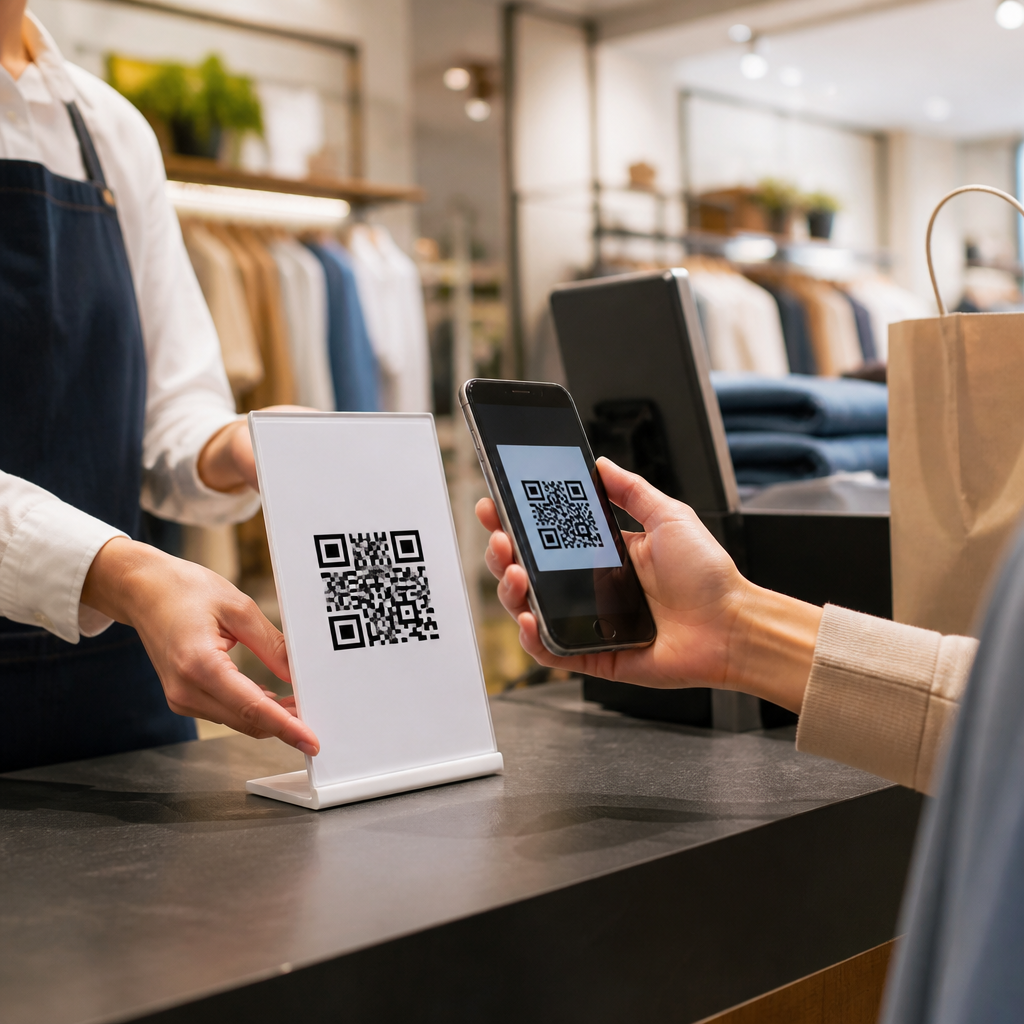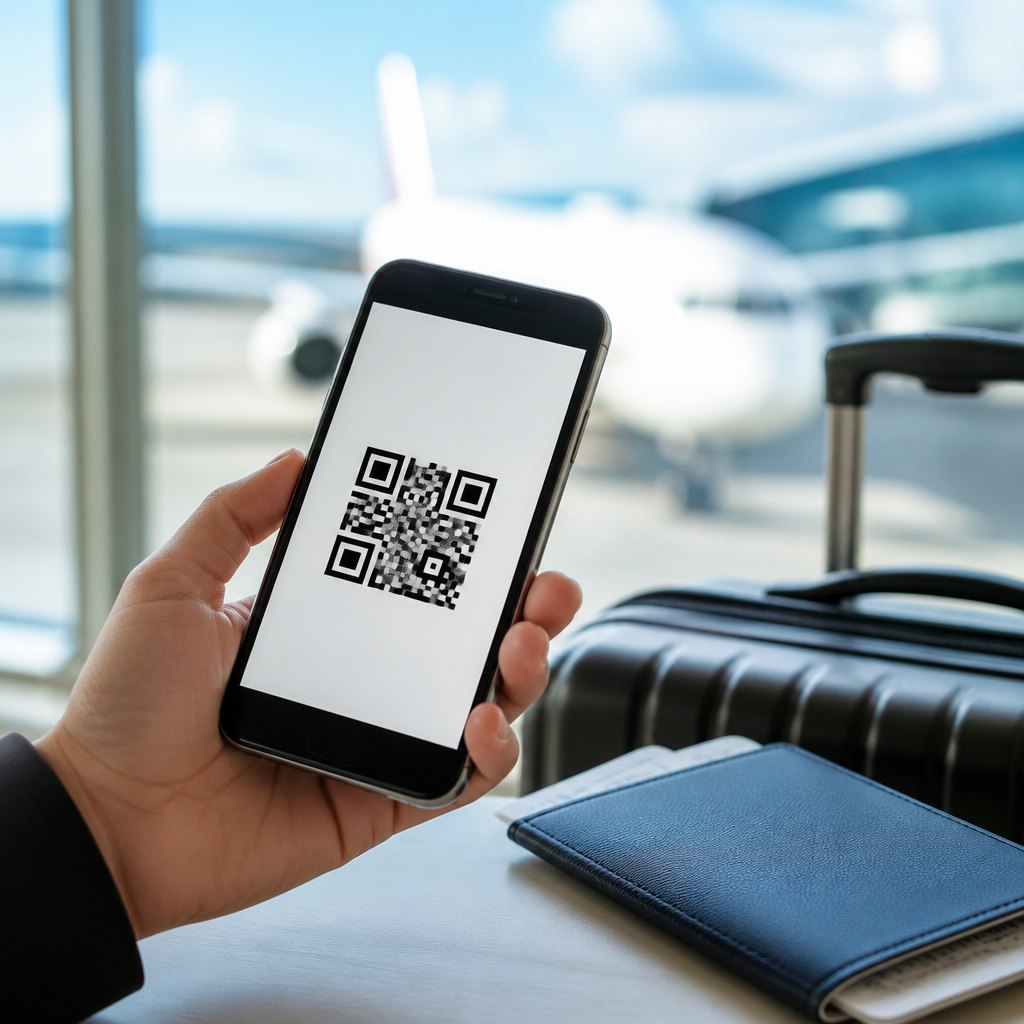
Using QR codes for travel itineraries turns a static booking confirmation into a live, mobile-friendly guide that travelers can access in seconds. In travel and tourism, a QR code is a scannable image that opens digital content such as a day-by-day itinerary, boarding details, hotel directions, vouchers, maps, emergency contacts, or activity updates. A travel itinerary is the organized schedule of flights, transfers, lodging, dining, and experiences that keeps a trip coherent. Combining the two solves a common industry problem I have seen repeatedly: travelers lose emails, printouts become outdated, and front-desk teams spend too much time resending basic information. A well-built QR code itinerary reduces friction at every touchpoint, from booking to arrival to post-stay follow-up.
This matters because modern trips are fragmented across airlines, online travel agencies, hotels, ground transportation providers, attraction partners, and insurance vendors. Each provider sends separate messages, often through different systems, leaving the traveler to assemble the trip alone. QR codes create a single access point that works across channels: confirmation emails, printed welcome letters, luggage tags, room key packets, event badges, vehicle decals, brochures, and digital ads. For marketers, they also bridge offline and online behavior, making it easier to measure scans, update content without reprinting collateral, and personalize the guest journey. For operations teams, they reduce repetitive questions and support real-time service recovery when plans change.
Travel businesses use two primary QR code models. Static codes lead to a fixed destination and are best when the linked content will never change, such as a tourism board page for a permanent landmark. Dynamic codes redirect through a short URL and can be edited after printing, which is usually the right choice for itineraries because flight times, pickup points, weather advisories, and restaurant reservations change. In practice, I recommend dynamic codes for almost every itinerary workflow. They support analytics, A/B testing, language routing, and campaign tagging, while allowing teams to preserve the same printed code on luggage inserts, booking documents, or lobby signage even as the destination content evolves.
The strongest travel itinerary QR implementations do more than display a PDF. They open a responsive page with clear sections, tappable phone numbers, wallet passes, map links, cancellation policies, and support options. They also match the reality of travel: low attention spans, intermittent connectivity, and multilingual audiences. This article explains how travel brands, tour operators, hotels, destinations, cruise lines, and event travel planners can use QR codes for itineraries as a central operational and marketing asset. It covers practical use cases, implementation decisions, measurement, accessibility, privacy, and the internal content structure that makes this subtopic work as a hub across travel and tourism.
Why QR Code Itineraries Work in Travel and Tourism
QR code itineraries work because they compress complexity into one familiar action: scan and view. Travelers do not want to search inboxes for six separate confirmations while standing in an airport queue or outside a train station. They want one reliable source of truth. A single code can open the current itinerary version, including arrival instructions, transfer driver details, hotel check-in time, booking references, and local recommendations. In my experience, adoption rises quickly when the code appears in the exact moments travelers need it most, such as pre-departure reminders, airport pickup signs, reception desks, and room welcome cards.
For tourism businesses, this approach reduces service load while improving perceived organization. A destination management company can issue one QR code at booking and update airport transfer timing later without sending a replacement document. A hotel can place a code in the room linking to the guest’s package inclusions, spa appointment times, dining reservations, and late checkout offer. An escorted tour operator can update meeting points during weather disruption and avoid printing revised schedules overnight. The operational gain is simple: fewer manual explanations, fewer outdated paper documents, and a more controlled information experience across suppliers.
There is also a strong commercial benefit. Because dynamic QR platforms track scan data, marketers can see where engagement happens and when. If many travelers scan the itinerary after landing, that is a prime moment to surface upsells like lounge access, city passes, excursions, or private transfers. If scans spike around evening hours at a resort, the itinerary page can prioritize dining reservations or entertainment schedules. Travel is highly time-sensitive, and QR codes give brands a way to align helpful information with revenue opportunities without forcing the traveler to download another app.
Industry-Specific Use Cases Across the Travel Journey
Different travel segments use itinerary QR codes in different ways, but the core job stays the same: reduce uncertainty and centralize trip information. Hotels often use them for pre-arrival and in-stay journeys. A confirmation email can include a code that opens check-in instructions, parking information, airport transfer booking, and local area guides. Once the guest arrives, a second code in the room can link to spa schedules, restaurant hours, housekeeping requests, and curated neighborhood routes. Boutique properties often gain the most because they can deliver a concierge-like experience without staffing a full concierge desk all day.
Tour operators rely on QR codes to keep complex, multi-stop itineraries current. A guided Europe circuit, for example, may involve hotel changes, train segments, museum entry times, and optional excursions across ten days. Rather than distributing a thick booklet that becomes obsolete after one supplier change, the operator can send a dynamic QR code that displays the latest version. Cruise lines use itinerary codes for embarkation windows, shore excursion meeting points, deck maps, safety videos, and port-specific instructions. Event travel planners use them for attendee hotel blocks, shuttle schedules, badge pickup details, and city navigation during conferences or sports tournaments.
Destination marketing organizations and visitor centers can also use itinerary-focused QR codes as a trip planning hub. A code on print brochures, airport posters, or rail station signage can open themed itineraries such as “48 Hours in the City,” “Family Beach Weekend,” or “Accessible Historic District Route.” This works especially well when content includes maps, opening hours, and booking links for partner attractions. The visitor gets immediate structure, while the destination organization gains measurable partner referrals and better visibility into what themes drive interest.
| Travel segment | Typical itinerary QR use | Main operational benefit | Revenue or engagement benefit |
|---|---|---|---|
| Hotels and resorts | Pre-arrival details, in-room schedules, amenity bookings | Fewer front-desk questions | Upsells for dining, spa, late checkout |
| Tour operators | Multi-day schedules, live meeting points, vouchers | Faster updates during disruptions | More optional excursion sales |
| Cruise lines | Embarkation timing, port plans, excursion logistics | Better passenger flow | Higher shore activity participation |
| DMOs and visitor centers | Themed city itineraries and local guides | Consistent visitor information | Trackable partner referrals |
| Event travel planners | Hotel blocks, shuttle loops, venue navigation | Lower attendee confusion | Stronger sponsor and local partner exposure |
How to Structure a High-Performing QR Code Itinerary
A high-performing travel itinerary page should be built for speed, clarity, and change management. Start with the essentials above the fold: traveler name, trip dates, destination, and a concise status message such as “All services confirmed” or “Pickup time updated at 14:20.” Then organize content by traveler intent rather than by internal department. The sections I use most often are transport, accommodation, daily schedule, vouchers and tickets, maps and directions, support contacts, policies, and add-ons. Each section should answer an immediate question without requiring zooming or horizontal scrolling on a phone.
Format matters. Avoid uploading a print-designed PDF as the primary experience unless it is a legal or supplier requirement. Mobile pages outperform PDFs because they load faster, allow clickable actions, and can be personalized based on language, device type, or trip stage. Include direct links to Google Maps or Apple Maps, tap-to-call support numbers, WhatsApp or SMS contact options where appropriate, and downloadable wallet passes for tickets. If connectivity may be poor, offer a lightweight offline backup such as a downloadable PDF summary, but keep the live itinerary page as the authoritative version.
Content governance is equally important. Decide who owns each information block and how updates are approved. In many travel organizations, reservations owns booking references, operations owns transfers and guides, product owns excursion details, and marketing owns destination content. Without clear ownership, itinerary pages become inconsistent or stale. Use a content management system or itinerary platform that records revisions and timestamps updates. Travelers trust itinerary QR codes when the information feels current and official, and they quickly stop relying on them when meeting points, opening times, or inclusions are wrong even once.
Implementation, Tracking, and Content Governance
Successful implementation starts with choosing the right technology stack. At minimum, travel businesses need a dynamic QR code generator, a mobile landing page or itinerary platform, analytics integration, and a process for updating content. Many teams use tools such as Bitly, QR Code Generator Pro, Beaconstac, or Flowcode for dynamic codes, then connect scans to Google Analytics 4 with UTM parameters. Larger brands may route codes through their customer data platform or CRM so itinerary engagement can trigger service messages or segmented offers. The exact stack matters less than consistency, edit control, and measurable routing.
Tracking should answer operational questions before marketing ones. Measure scans by trip stage, device type, location, and page section engagement. If airport transfer instructions receive heavy scanning but support calls remain high, the instructions may still be unclear. If room QR codes drive many scans to dining pages but few table bookings, the booking path may be broken or require too many steps. A useful practice is to assign a distinct dynamic code to each placement: confirmation email, printed welcome letter, lobby sign, room folder, and vehicle card. That reveals which touchpoints actually help travelers and which are decorative.
Governance protects both guest experience and brand risk. Set publishing rules for supplier information, cancellation policies, and emergency contact changes. In regulated or high-liability contexts, such as adventure tourism or international group travel, itinerary pages should include version timestamps and clear disclaimers for weather, local authority restrictions, or transport delays. I also recommend periodic link auditing because map links, partner booking URLs, and voucher systems change more often than teams expect. A QR code is only as reliable as the destination it opens, so maintenance is not optional; it is part of service delivery.
Accessibility, Privacy, and Common Mistakes to Avoid
Accessibility is often overlooked in travel QR deployments, yet it directly affects usability. The code itself should be large enough to scan easily, printed with sufficient contrast, and placed where lighting supports camera focus. The landing page should use readable font sizes, logical heading structure, strong color contrast, and descriptive link labels. Travelers with limited dexterity or vision may struggle with cramped layouts or image-only PDFs. Multilingual support also matters. If a traveler booked in German, Japanese, or Spanish, the itinerary should default to that language or offer an immediate switch, especially for transfer instructions and emergency information.
Privacy and security require equal attention. Itineraries often contain names, booking references, partial passport details, room numbers, or transfer schedules. Do not expose sensitive data through publicly guessable links. Use tokenized URLs, authenticated views for higher-risk information, and expiration controls where appropriate. If payment or waiver completion is included, route travelers to secure HTTPS pages that meet standard payment and data handling requirements. For European travelers, teams should review consent, retention, and processor obligations carefully under GDPR. Similar care applies to California privacy requirements and any local tourism regulations covering guest information.
The most common mistakes are practical, not technical. Businesses print static QR codes that cannot be updated, link to desktop pages that are unreadable on phones, hide critical details below promotional banners, or fail to test scans across devices and low-bandwidth environments. Another frequent error is treating the itinerary as a brochure instead of a utility. Travelers scan to solve a task: find the driver, confirm a meeting point, retrieve a voucher, or reach support fast. Keep promotional content secondary. When itinerary QR codes respect context and urgency, they improve both customer satisfaction and conversion.
Building a Travel and Tourism Content Hub Around Itinerary QR Codes
As a sub-pillar under QR codes in marketing, this topic works best when the itinerary page acts as a hub that connects operational use cases with adjacent travel content. The core page should target broad intent around travel itineraries, while supporting articles address narrower questions such as hotel guest welcome QR codes, QR codes for tour vouchers, destination guide QR campaigns, cruise embarkation QR workflows, event travel logistics, multilingual itinerary design, and privacy considerations for tourism marketing. This structure helps search engines understand topical depth and helps readers move from strategy to execution without leaving the subject area.
Internal linking should reflect the real travel journey. Link from this hub to articles about pre-arrival communication, contactless check-in, in-destination upselling, offline-to-online attribution, and printing best practices. Link back from each supporting page using descriptive anchor text tied to the user problem being solved. For example, an article on resort upselling should point here from language like “digital guest itinerary” or “QR code travel schedule,” while a destination guide article can link back through “mobile tourism itinerary planning.” This creates strong topical signals and gives readers a logical path through the broader travel and tourism cluster.
Using QR codes for travel itineraries is ultimately about making trips easier to manage and easier to monetize without adding friction. One scannable entry point can centralize logistics, reduce support volume, improve update speed, and create measurable engagement across the traveler lifecycle. The best implementations are dynamic, mobile-first, accessible, secure, and tightly governed. If you manage marketing or operations in travel and tourism, audit your current itinerary experience, map the moments where travelers get stuck, and replace fragmented documents with a QR-powered itinerary hub that stays useful from booking through arrival and beyond.
Frequently Asked Questions
What does it mean to use QR codes for travel itineraries?
Using QR codes for travel itineraries means linking a scannable code to a digital version of a trip plan so travelers can open important details instantly on their phones. Instead of relying only on printed confirmations or long email threads, the traveler scans the code and is taken to a mobile-friendly itinerary that can include flight schedules, hotel check-in information, transfer details, dining reservations, tour times, maps, vouchers, and emergency contacts. This turns a static itinerary into a live travel resource that is easier to access and update.
In practice, the QR code acts as a shortcut to the most current version of the trip information. A travel advisor, tour operator, hotel, or event organizer can place the code in booking emails, printed documents, welcome packets, signage, luggage tags, or even room materials. When scanned, it can open a web page, PDF, app-based itinerary, map, or secure guest portal. The key advantage is convenience: travelers do not have to search their inbox, log into multiple platforms, or keep track of several attachments while in transit.
This approach is especially useful in travel because plans often change. Gate numbers shift, pickup times adjust, weather affects activities, and local recommendations evolve. A QR code connected to a dynamic itinerary allows providers to keep information centralized and easier to maintain. For travelers, that creates a smoother experience from departure to return, with fewer missed details and less stress on the road.
What information can a QR code-linked travel itinerary include?
A QR code-linked itinerary can include far more than a simple list of dates and reservation numbers. At a basic level, it may contain flight details, train tickets, hotel confirmations, car rental information, transfer schedules, and contact numbers. More advanced itineraries often include day-by-day agendas, check-in and check-out times, restaurant bookings, excursion meeting points, digital boarding details, and redeemable vouchers for activities or transportation.
It can also serve as a practical travel hub by including walking directions, embedded maps, airport terminal guidance, packing reminders, local weather updates, emergency procedures, travel insurance information, and destination-specific advice. For international travel, it may include visa reminders, local customs guidance, currency tips, and translated phrases. For group travel, the itinerary can include organizer announcements, participant meeting times, and shared logistics. For luxury or custom travel, it might also feature concierge recommendations, curated dining suggestions, spa appointments, and personalized notes.
One of the biggest strengths of a QR itinerary is that all of this information can be organized clearly in one place. Rather than overwhelming travelers with scattered links, the digital itinerary can be structured by day, category, or location. That makes it faster to find what matters in the moment, whether someone is confirming an airport pickup, locating a hotel, or checking the start time for a guided tour. The result is a more usable and more complete travel experience.
How do QR codes improve the traveler experience compared to traditional itineraries?
QR codes improve the traveler experience by making trip information faster to access, easier to update, and more useful during the journey itself. Traditional itineraries are often delivered as static PDFs, printed packets, or email confirmations. While those formats can work, they are not always convenient when a traveler is rushing through an airport, navigating an unfamiliar city, or trying to retrieve a voucher with limited internet access. A QR code creates a simple scan-and-open experience that removes friction at exactly the moments when convenience matters most.
Another major benefit is flexibility. Travel plans are rarely perfectly fixed. Departure times, activity schedules, transportation arrangements, and meeting points can all change. With a QR code that links to a live itinerary, updates can be reflected in one centralized destination rather than requiring new attachments or repeated phone calls. This helps reduce confusion and makes communication more efficient for both travelers and travel providers. It also supports better customer service because the most current information is always easier to share.
QR codes also contribute to a more organized and mobile-first travel experience. Travelers can keep one code in their wallet, save it as a screenshot, receive it by email, or print it on a confirmation sheet. Once scanned, the itinerary can connect them to maps, contact details, and real-time instructions without forcing them to jump between multiple apps or documents. For business travelers, families, tour groups, and independent travelers alike, that means less time searching and more time enjoying the trip.
Are QR code travel itineraries secure and reliable?
QR code travel itineraries can be secure and reliable when they are created and managed properly. The code itself is simply a gateway, so security depends on where it leads and how that destination is protected. Reputable travel businesses often link QR codes to secure web pages, password-protected itinerary portals, verified booking systems, or branded mobile platforms. Sensitive information such as passport details, payment data, or private booking records should be handled carefully and only displayed through secure, encrypted systems when necessary.
To improve reliability, it is best to use QR codes that point to mobile-optimized, stable content rather than files that may be difficult to load or update. Dynamic QR codes are particularly useful because they allow the destination content to be changed without replacing the printed or shared code. That means if a hotel changes, a pickup time is revised, or an activity is rescheduled, the traveler can still use the same code and reach the latest information. This makes the itinerary much more dependable over the course of a trip.
There are also practical steps providers can take to build trust. They can clearly brand the page, explain what the code opens, avoid linking to suspicious-looking URLs, and provide a backup access method such as a direct link in email or SMS. Travelers, for their part, should scan codes only from trusted sources and verify that the page matches the company or advisor they booked with. When those basic best practices are followed, QR code itineraries can be both safe and highly effective.
What are the best practices for creating an effective QR code for a travel itinerary?
The most effective QR code travel itineraries are designed around clarity, speed, and traveler convenience. First, the destination content should be mobile-friendly and easy to navigate. A traveler scanning a code in an airport or hotel lobby should immediately see the most important information without pinching, zooming, or hunting through dense text. Organizing the itinerary by date, time, and activity is one of the simplest ways to improve usability. Important items such as flight details, hotel addresses, directions, vouchers, and emergency contacts should be highly visible.
Second, the QR code itself should be easy to scan and placed where travelers naturally need it. It can be added to booking confirmations, digital travel documents, welcome emails, brochures, trip folders, signage, or physical handouts. The code should be high contrast, appropriately sized, and tested across multiple devices before distribution. Many travel brands also benefit from using dynamic QR codes, which allow updates after the code has already been printed or sent. This is especially valuable in travel, where schedules and logistics can change quickly.
Finally, good itinerary design balances completeness with simplicity. Include the essential logistics, but avoid cluttering the page with unnecessary text or too many competing links. Add practical enhancements such as tap-to-call phone numbers, map integrations, check-in instructions, and weather-aware activity notes. If the audience includes international travelers, consider multilingual content and destination-specific guidance. A well-executed QR code itinerary should feel less like a document and more like a smart travel companion: immediate, organized, and genuinely helpful throughout the entire trip.