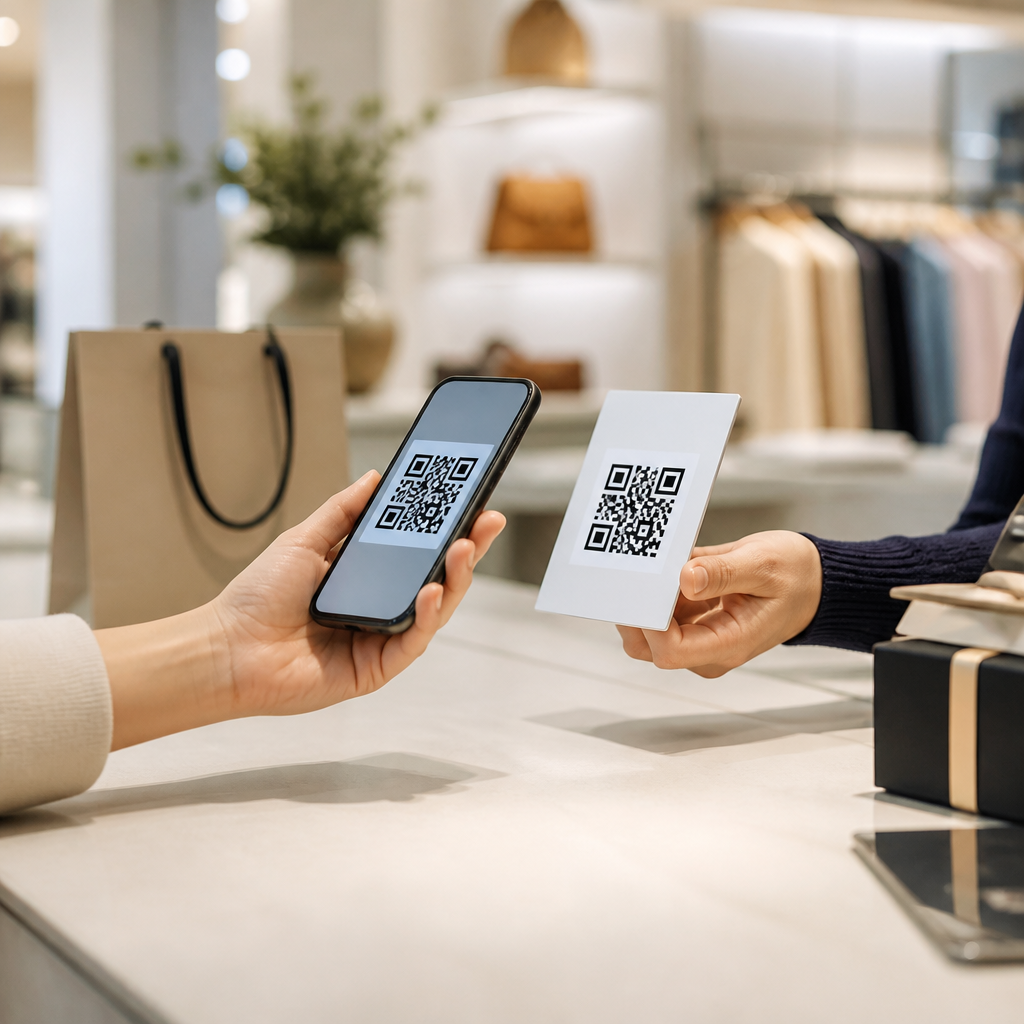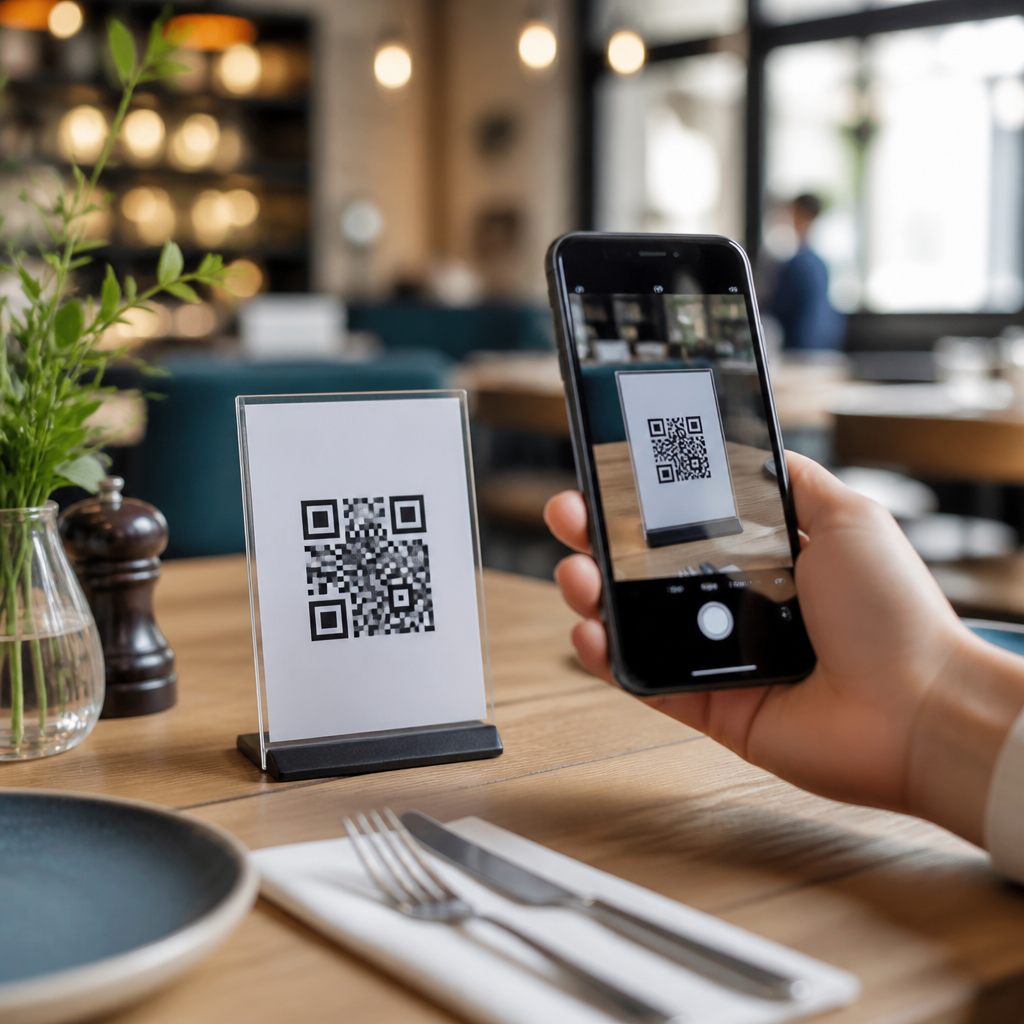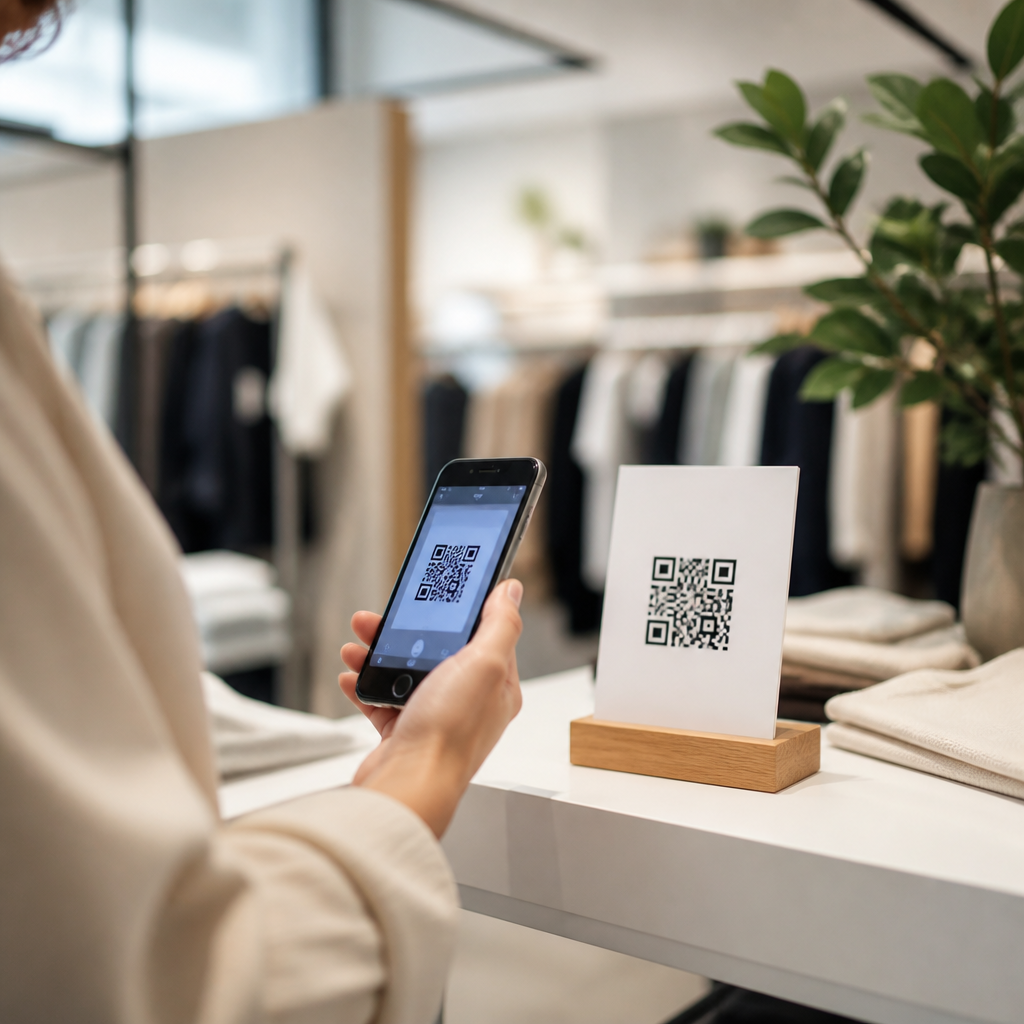
Retail stores are using QR codes to bridge physical shelves and digital buying journeys, turning a simple scan into product education, loyalty enrollment, mobile payment, and measurable revenue. In retail, a QR code is a scannable matrix barcode that opens a specific digital destination, while eCommerce refers to online selling channels that complete or influence a purchase. I have implemented QR programs in store aisles, window displays, packaging inserts, and point-of-sale systems, and the pattern is consistent: when the scan experience is useful, fast, and clearly tied to shopper intent, sales lift follows. This matters because modern shoppers move between store, phone, and web without treating them as separate channels. Retailers that remove friction with QR codes capture more first-party data, reduce dependence on printed signage, and support better attribution across campaigns. Retail and eCommerce teams also gain agility. A price card can stay fixed while the landing page changes by season, inventory level, or audience segment. Associates can answer common questions by directing customers to demos, sizing tools, ingredient lists, warranty terms, or customer reviews. For shoppers, the value is convenience and confidence. For merchants, the value is conversion, basket size, and retention. The strongest retail QR code strategies are not gimmicks. They are structured around merchandising goals, store operations, and clear customer benefits.
Why QR codes work in retail and eCommerce
QR codes work because they shorten the path from curiosity to action at the exact moment purchase intent is highest. A shopper standing in front of a product is already evaluating options. If a scan opens details that answer immediate questions, such as whether an item is in stock in another size, how to assemble it, or whether a shade matches a skin tone, the retailer prevents hesitation from becoming abandonment. In my experience, stores get the best results when the call to action is explicit: “Scan for reviews,” “Scan to compare colors,” or “Scan for today’s member price.” Generic prompts underperform because they do not signal a concrete payoff.
Another reason QR codes perform well is that smartphone behavior is now deeply habitual inside stores. Customers already use their phones to compare prices, check loyalty balances, and message family members for approval. A retailer-provided QR experience keeps that attention inside the brand ecosystem rather than losing it to marketplaces or competitors. Dynamic QR code platforms also improve operational control. Teams can update destinations without reprinting tags, split traffic by location, add UTM parameters for analytics, and connect scans to CRM or marketing automation tools. This gives retail marketers a rare advantage: a low-cost physical trigger that behaves like a digital channel.
Product discovery, education, and aisle-level conversion
One of the most effective retail use cases is product education at the shelf. Many categories require more explanation than packaging can provide. Beauty retailers use QR codes to open ingredient glossaries, before-and-after galleries, and shade-matching quizzes. Home improvement chains use them for installation videos, compatibility charts, and project calculators. Grocery stores can link to nutrition details, recipes, sourcing information, and allergen guidance. In each case, the code reduces uncertainty, which is a major cause of stalled purchases.
Consider furniture retail. A sofa tag can link to alternate fabrics, room visualizers, dimensions, care instructions, and financing options. That helps a customer move from “I like this piece” to “I know it fits, I understand delivery, and I can afford it.” Apparel retailers can link a rack tag to available sizes across nearby stores and the online warehouse. If a color is sold out on the floor, the shopper can still buy through endless aisle functionality rather than leaving empty-handed. Sporting goods stores often use QR codes to open setup tutorials and buyer guides for technical equipment, from bike accessories to golf launch monitor demos.
For this use case, landing page design matters as much as code placement. The destination should load quickly, be mobile optimized, and put the answer above the fold. Video is useful, but not if it slows down the page or buries key information. Retailers should also tailor content to context. A QR code on a shelf should not open a generic homepage. It should open a product-specific page or category-specific explainer built for in-store scanning behavior.
Loyalty programs, personalized offers, and customer retention
QR codes also help retailers grow loyalty membership and increase repeat spending. At checkout, on receipts, at fitting rooms, or on shelf talkers, a code can invite customers to join a rewards program in seconds. This is valuable because loyalty enrollment is often the gateway to identifiable shopping behavior. Once a customer is known, the retailer can connect purchases, preferences, and engagement over time. I have seen stores increase sign-ups simply by replacing long form URLs with QR codes that auto-populate campaign source data and simplify mobile registration.
Personalized offers become more effective when tied to where and why the scan happened. A code near premium coffee machines might unlock a coupon for pods, descaling kits, or an extended warranty. A code in a cosmetics endcap might offer a free sample with purchase after a skin profile quiz. These are not random discounts; they are context-based offers aligned to immediate buying intent. Retailers using platforms such as Klaviyo, Salesforce Marketing Cloud, or HubSpot can route scan data into email, SMS, and retargeting workflows to continue the conversation after the store visit.
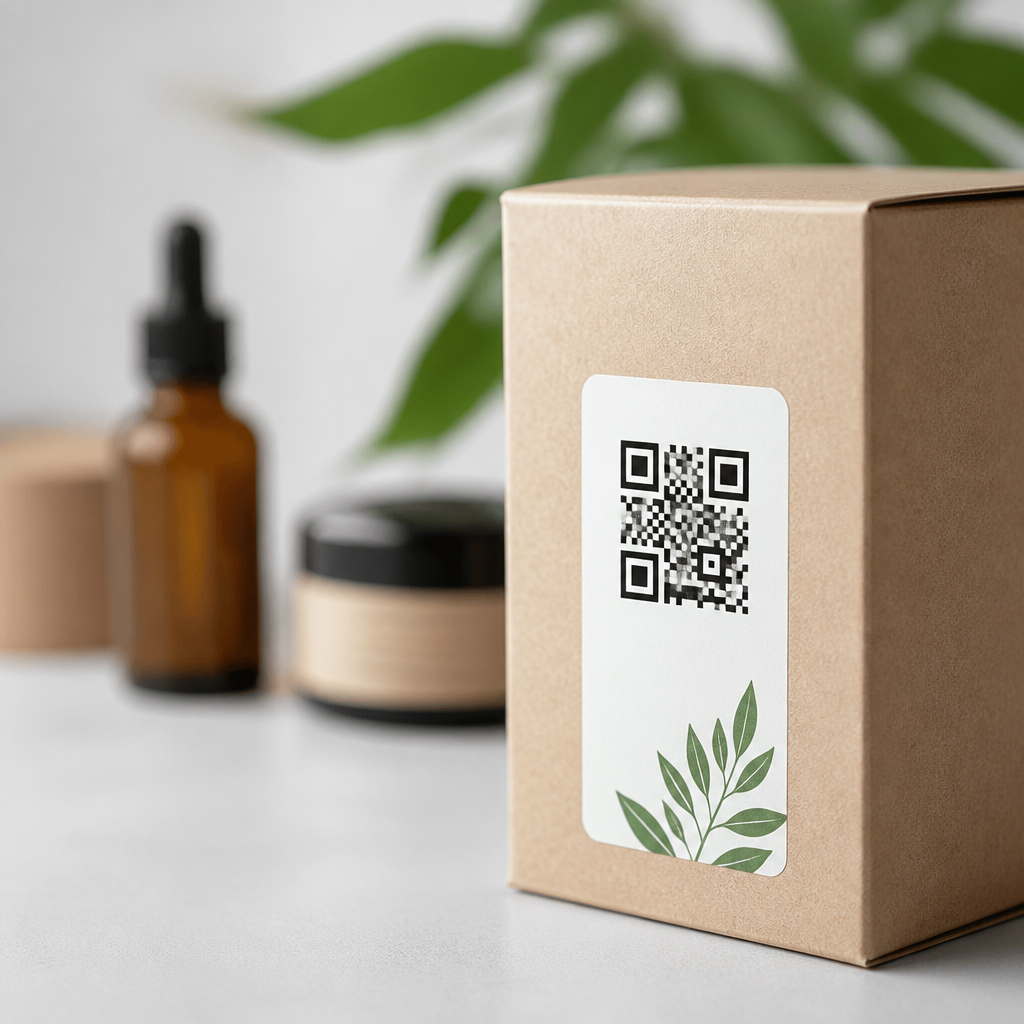
Retention improves when QR codes support post-purchase value, not just acquisition. Packaging inserts can link to setup guides, care instructions, refill subscriptions, or product registration. That reduces returns and builds trust while creating new opportunities for cross-sell. A cookware brand, for example, can place a QR code inside the box that opens seasoning instructions, recipes, and accessory recommendations. The customer gets more value from the purchase, and the brand creates another path back to direct channels.
Payments, checkout, and omnichannel fulfillment
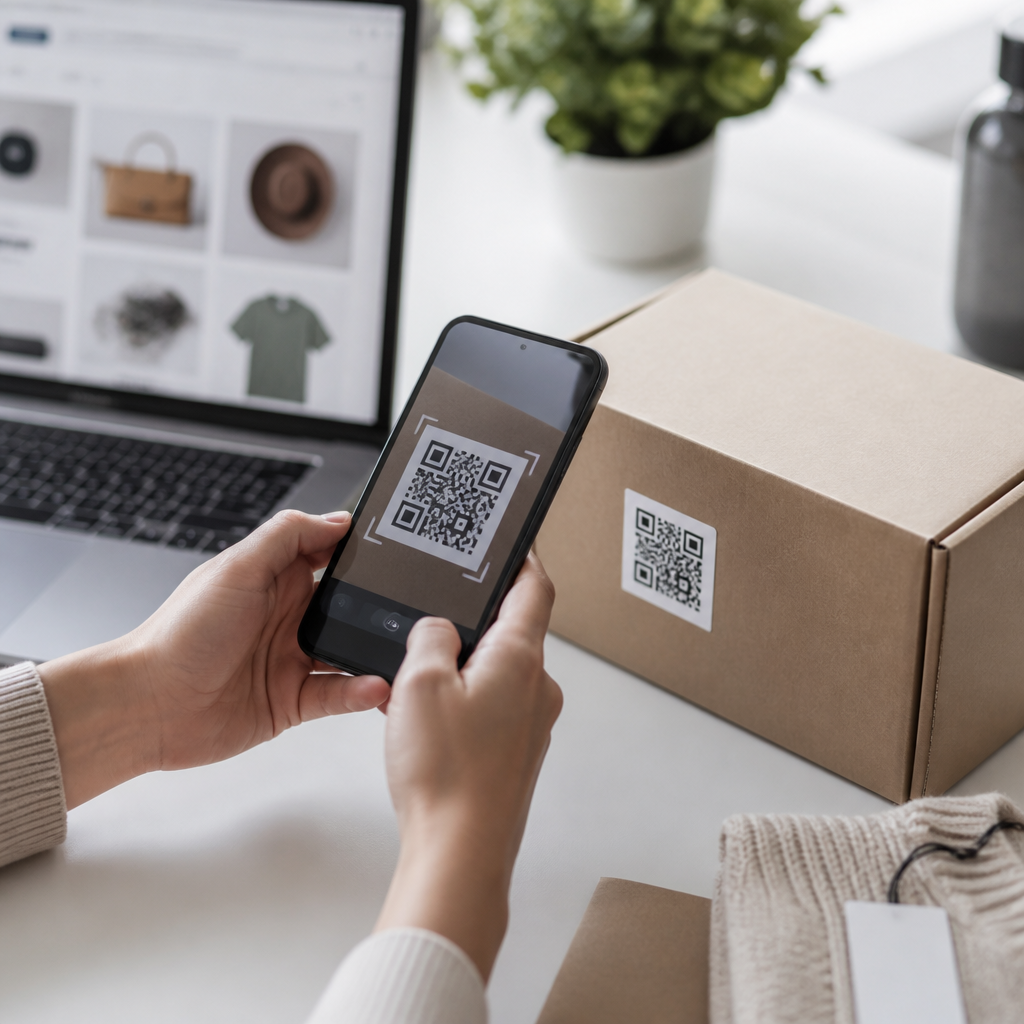
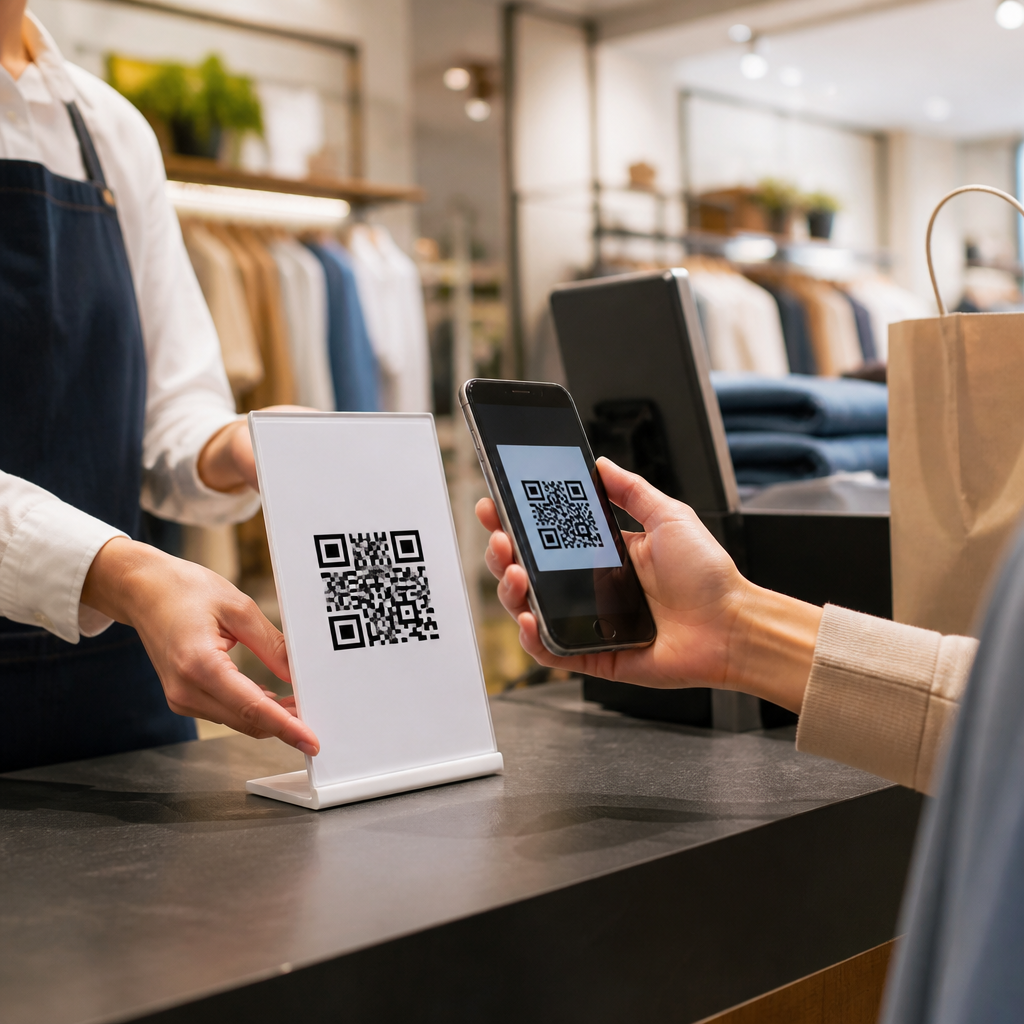
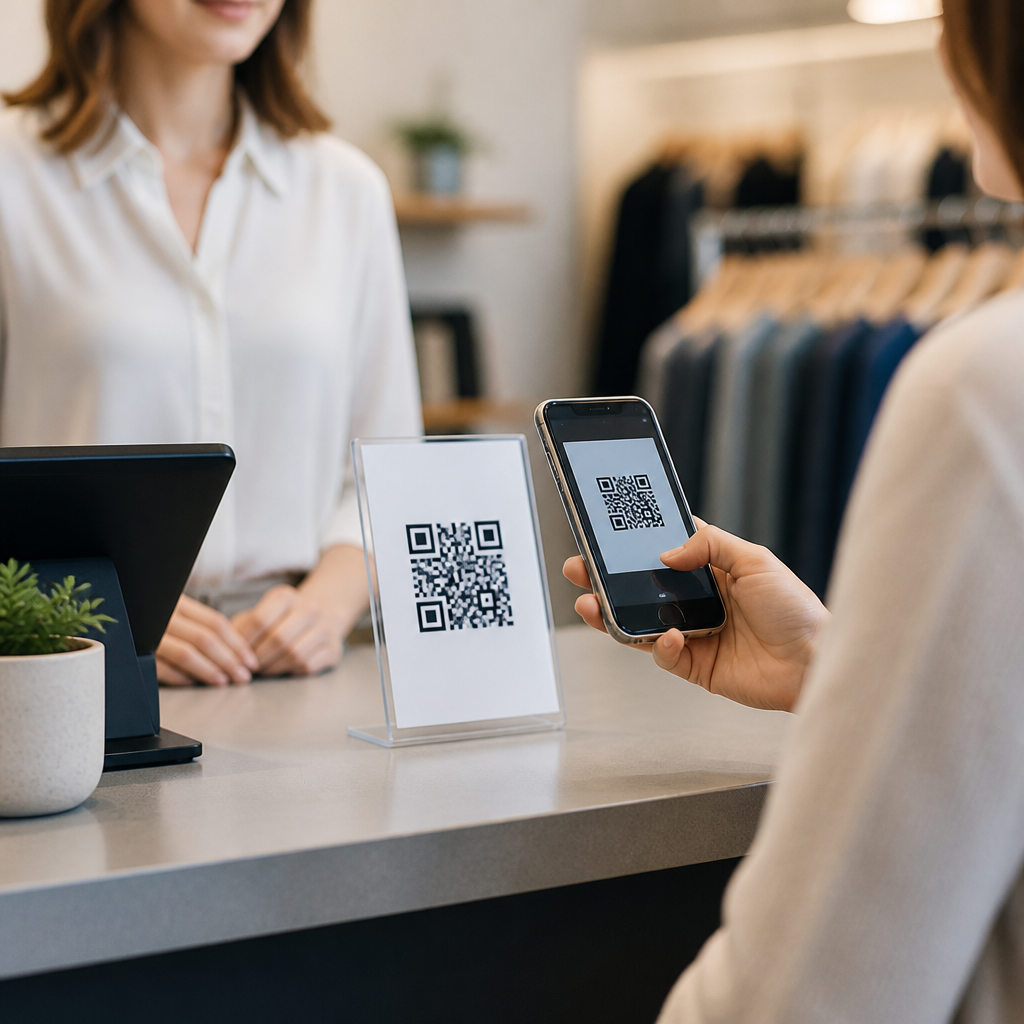
Retailers are increasingly using QR codes to speed checkout and connect stores with eCommerce fulfillment options. Customer-presented payment codes are already common in many markets, but merchant-generated codes also support buy online, pick up in store, reserve online, and ship-to-home workflows. When inventory is limited on the sales floor, a scan can take the shopper directly to the exact SKU online, preserving the sale. During peak periods, queue-busting associates can carry tablets that generate or display QR links for mobile checkout, digital receipts, or cart recovery.
Restaurants, convenience stores, and specialty food retailers use QR codes for order-ahead, contactless menus, and rapid reordering. Department stores can place codes in fitting rooms that let customers request another size without leaving the room, reducing abandonment. Pop-up shops and window displays use them to enable after-hours selling. A passerby scans the code, reviews the curated collection, and purchases for home delivery even when the store is closed. This extends trading hours without extending staffing costs.
The operational discipline behind these programs is important. Inventory sync must be accurate, fulfillment options must be visible before checkout friction appears, and mobile payment pages must be secure and fast. Retailers should also verify that in-store Wi-Fi or cellular coverage supports scanning where codes are placed. A brilliant QR concept fails quickly if the shopper cannot load the destination page at the point of intent.
Retail QR code use cases by channel and objective
Retail and eCommerce teams should map QR deployments to specific commercial goals rather than scattering codes everywhere. The table below shows where QR codes commonly appear, what they should do, and which metric usually matters most.
| Placement | Primary objective | Typical destination | Key metric |
|---|---|---|---|
| Shelf tag | Increase product understanding | Product details, reviews, comparison page | Conversion rate |
| Window display | Capture after-hours demand | Shoppable collection page | Revenue per scan |
| Receipt | Drive loyalty or feedback | Rewards sign-up, survey, reorder page | Enrollment rate |
| Packaging insert | Boost retention and cross-sell | Setup guide, subscription, accessories | Repeat purchase rate |
| Fitting room | Reduce abandonment | Size request, alternate colors, checkout link | Assisted conversion |
| Endcap or promo sign | Activate a campaign | Coupon, bundle page, limited-time offer | Offer redemption rate |
Measurement, testing, and operational best practices
To drive sales consistently, retailers need a measurement plan before printing a single code. At minimum, every QR code campaign should define the event to track, the intended conversion path, and the reporting dimension that matters, such as store location, fixture type, campaign, or product category. Google Analytics 4, Adobe Analytics, Shopify analytics, and QR management platforms can all support this if naming conventions are disciplined. Dynamic codes are usually preferable because they allow destination edits, scan tracking, geolocation insights, and creative testing without replacing printed materials.
Testing should focus on the variables that influence human behavior in stores: call-to-action copy, size, height, contrast, nearby lighting, and distance from the decision point. I have seen the same product card perform very differently when the code moves from the bottom corner to eye level with a direct value statement. Codes should be large enough to scan comfortably, typically with quiet space around them, and should never be distorted for design reasons. Error correction helps with wear, but print quality still matters. ISO/IEC 18004 remains the technical baseline for QR code symbology, and GS1 standards are increasingly relevant where retailers want codes to carry richer product information across supply chain and consumer touchpoints.
Trust and privacy deserve equal attention. If a code opens a form, say what the customer will receive. If location or purchase data feeds personalization, make consent and preference management clear. Avoid sending shoppers to cluttered pages packed with pop-ups. The fastest route to poor adoption is a scan experience that feels like bait-and-switch. Good retail QR strategy respects the shopper’s moment, answers the obvious question immediately, and makes the next action feel easier than not scanning at all.
QR codes are becoming one of the most practical tools for unifying retail stores and eCommerce because they connect physical intent with digital action in real time. The strongest programs use QR codes to solve specific shopper problems: understanding a product, finding stock, claiming an offer, joining loyalty, checking out faster, or getting value after purchase. When those needs are met, the commercial outcome is measurable through higher conversion, larger baskets, stronger retention, and better attribution.
For a sub-pillar hub under QR codes in marketing, retail and eCommerce deserve broad treatment because the applications span the full customer lifecycle. Discovery starts at the window, shelf, or endcap. Consideration deepens through reviews, demos, and comparisons. Purchase happens through mobile checkout, endless aisle, or fulfillment options that prevent stockouts from killing demand. Post-purchase engagement continues through packaging inserts, care guides, subscriptions, and registration flows. Few marketing tools can influence so many stages with such low physical footprint and such flexible creative control.
The main benefit is not novelty. It is friction reduction backed by data. Retailers that deploy QR codes with clear calls to action, fast mobile destinations, accurate inventory links, and disciplined analytics create smoother shopping journeys and more accountable marketing. If you are building out your QR codes in marketing strategy, start with one high-intent retail use case, measure scan-to-sale performance, and expand from there with confidence.
Frequently Asked Questions
How are retail stores using QR codes to drive more sales?
Retail stores are using QR codes as a direct bridge between the physical shopping experience and the digital buying journey. Instead of asking shoppers to search for a product later, a well-placed QR code gives them an immediate next step while interest is highest. Stores place codes on shelf tags, endcaps, window displays, packaging inserts, fitting rooms, and point-of-sale materials to connect customers with product pages, reviews, size guides, how-to videos, inventory lookups, mobile checkout, and promotional offers. That convenience reduces friction and helps move shoppers from curiosity to purchase much faster.
QR codes also drive sales by expanding what a physical store can communicate in limited space. A shelf label can only say so much, but a scan can open a rich digital experience with product education, comparison tools, bundle recommendations, warranty details, and loyalty sign-up opportunities. This is especially valuable for higher-consideration products where customers want confidence before buying. When shoppers can instantly verify features, see usage examples, or unlock a time-sensitive promotion, conversion rates typically improve because uncertainty goes down and purchase intent goes up.
Just as important, QR codes make offline traffic measurable. Retailers can track which codes were scanned, where they were located, what time they were used, and whether those scans influenced purchases online or in store. That data helps stores understand which placements and offers produce real revenue, not just engagement. In practice, QR programs work best when every code has a clear purpose, a relevant landing page, and a simple call to action such as “Scan to compare colors,” “Scan for today’s offer,” or “Scan to buy now.”
Where should QR codes be placed in a retail store for the best results?
The best placement depends on the shopper’s intent at each stage of the in-store journey. In aisles and on shelves, QR codes work well when customers need more information before making a decision. These placements are ideal for product demonstrations, ingredient or material details, customer reviews, compatibility checks, and recommendations for complementary items. A shopper standing in front of a product is already signaling interest, so the code should help answer the exact question that might otherwise delay the sale.
Window displays are another strong use case because they extend store selling beyond business hours and capture foot traffic when customers are not ready to walk inside. A QR code in the window can link to featured products, limited-time offers, store hours, directions, or a mobile checkout page. This allows retailers to convert passerby attention into measurable online engagement and, in some cases, direct purchases. Packaging inserts and product boxes are valuable after the first purchase because they support upsells, referrals, loyalty enrollment, care instructions, and repeat ordering.
Point-of-sale systems are particularly effective when the goal is to streamline checkout, enroll customers in loyalty programs, collect reviews, or deliver digital receipts and post-purchase offers. Retailers also see strong results from placing codes in fitting rooms, on signage near new arrivals, and on displays for products that are frequently out of stock in certain sizes or colors. The key principle is relevance: the QR code should appear where a customer naturally needs one more piece of information or one easier way to act. Good placement is not just about visibility; it is about matching the code’s destination to the shopper’s immediate context.
What should happen after a customer scans a retail QR code?
What happens after the scan determines whether a QR program drives revenue or simply creates curiosity. The landing experience should be fast, mobile-friendly, and directly aligned with the promise made by the sign or display. If the code says “Scan for product details,” the shopper should land on a clean page with specifications, benefits, pricing, availability, and a clear purchase path. If the code promotes an offer, that offer should appear immediately without making the customer hunt for it. Every extra tap, slow-loading page, or confusing redirect reduces the chance of conversion.
Retailers should design the post-scan experience around a single primary goal, such as educating the shopper, capturing a loyalty sign-up, enabling payment, or closing a sale. Strong experiences often include product videos, social proof, FAQs, comparison charts, and personalized recommendations, but they still keep the next step obvious. For example, a code on a cosmetics display might open shade-matching guidance and then present an “Add to cart” or “Find in store” button. A code on a furniture tag might show dimensions, room photos, financing options, and delivery details before leading into checkout.
It is also important to think beyond the first conversion. After the scan, retailers can invite customers to join a rewards program, save the item to a wishlist, subscribe for restock alerts, or access related products. Because QR codes connect physical browsing to digital systems, they can support both immediate purchases and longer sales cycles. The best post-scan experiences feel helpful, not promotional for the sake of promotion. When the destination solves a real shopping need and removes friction, the QR code becomes a practical sales tool rather than a novelty.
How can retailers measure whether QR codes are actually increasing revenue?
Retailers can measure QR code performance by connecting scans to meaningful commercial outcomes instead of treating them as isolated engagement metrics. The first layer is basic scan data: how many scans occurred, when they happened, which locations produced them, and which products or displays generated the most activity. That information helps identify shopper interest, but it does not tell the full sales story by itself. To understand revenue impact, stores need to connect scans to actions such as purchases, add-to-cart events, coupon redemptions, loyalty enrollments, appointment bookings, or repeat visits.
A strong measurement approach uses unique QR codes for different placements, campaigns, stores, or product categories so performance can be attributed accurately. For example, a code on a shelf tag should be distinct from a code on a window display, even if both lead to similar products. That allows retailers to compare conversion rates by location and intent. Integrating QR destinations with analytics platforms, eCommerce systems, and customer relationship tools makes it possible to see whether a scan led to an online transaction, supported an in-store purchase, or influenced a later return visit. Retailers can also use dedicated promo codes, mobile payment links, or loyalty IDs to tighten attribution further.
Over time, the most useful metrics include scan-to-conversion rate, average order value from scan users, redemption rate of QR-linked offers, assisted revenue, and customer lifetime value for shoppers who engage with QR experiences. It is also wise to compare performance across different calls to action, landing page formats, and placements through ongoing testing. The real value of QR in retail is not just that it is trackable, but that it gives stores a measurable connection between physical merchandising and digital commerce behavior. When set up correctly, a retailer can see not only that people scanned, but that those scans helped produce sales.
What are the best practices for creating retail QR code campaigns that shoppers will actually use?
The most effective retail QR code campaigns start with a clear customer benefit. Shoppers scan when they expect something useful, immediate, and relevant to the moment. That means the call to action should explain exactly why the scan matters: “Scan for reviews,” “Scan to get 10% off today,” “Scan to see available sizes,” or “Scan to pay without waiting.” Vague prompts like “Learn more” often underperform because they do not communicate enough value. The offer or experience should feel like a natural extension of the shopping journey, not a side task.
Execution quality matters just as much as strategy. The code must be easy to spot, large enough to scan, and placed where lighting, distance, and customer flow make scanning practical. The destination should load quickly on mobile devices and should never force unnecessary steps such as downloading an app unless there is a compelling reason. Retailers should also ensure brand consistency so customers trust the experience. When the page matches the in-store signage and clearly reflects the retailer’s identity, shoppers feel more confident engaging and completing transactions.
From an operational perspective, the best campaigns are specific, testable, and measurable. Each QR code should have one main objective, whether that is product education, lead capture, loyalty enrollment, mobile payment, or direct sales. Retailers should use dynamic QR codes when possible so destinations can be updated without reprinting materials, which is especially helpful for seasonal promotions, inventory changes, or campaign optimization. Finally, successful programs are iterative. Stores that regularly review scan behavior, refine landing pages, test new placements, and improve calls to action consistently get better results. In retail, QR codes work best when they are treated as part of the broader sales system, not just as a piece of printed technology.