
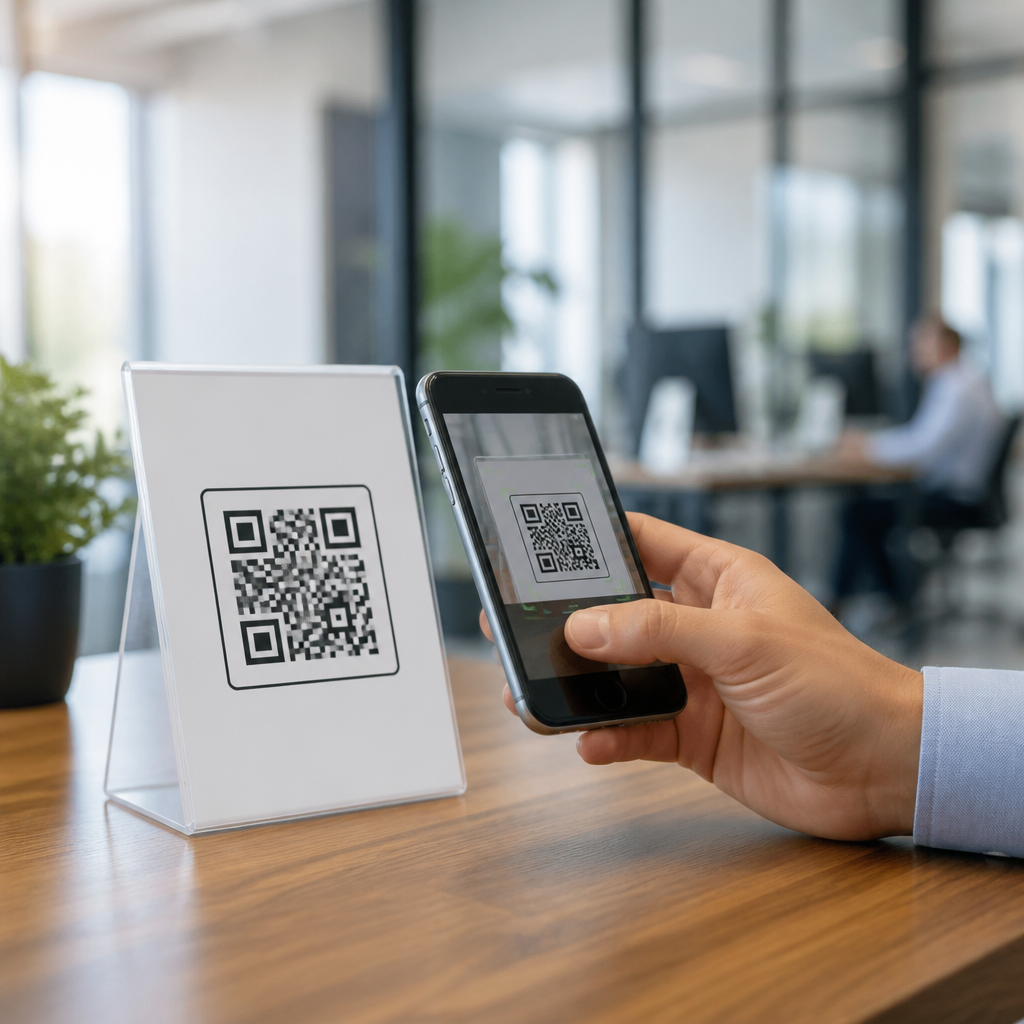
QR codes can expire, but whether they do depends entirely on how the code was created, what it points to, and whether the destination remains active. That distinction matters because many people assume the black-and-white square is permanent by default, when in practice some QR codes are fixed forever while others stop working because of subscription lapses, deleted redirects, broken links, changed files, or unsupported campaign settings. In simple terms, a QR code is a machine-readable image that stores data such as a URL, phone number, Wi-Fi credential, payment payload, or text string. A static QR code stores the final data directly in the image, which means it usually does not expire on its own. A dynamic QR code stores a short redirect URL that sends the scanner to a destination managed on a platform, which means it can stop working if that platform changes or the account loses access.
I have worked with QR implementations for restaurant menus, packaging, trade show booths, warehouse labels, and printed direct mail, and the same questions come up every time: Do QR codes expire? Why did mine stop scanning? Can I change the link later? What happens if I cancel my generator plan? These are not minor details. A broken code on packaging can waste an entire print run. A code on a poster can keep collecting scans for months, but only if the redirect, analytics, and target page stay healthy. For businesses, schools, nonprofits, and creators, understanding QR code expiration is really about risk management. It affects how you choose a generator, how you print materials, how you track performance, and how you plan for long-term maintenance. This guide answers the most common QR code questions clearly, explains the technical reasons behind failures, and shows how to avoid expensive mistakes.
Do QR codes expire? The short answer
Static QR codes usually do not expire because the encoded information is embedded directly into the symbol. If a static code contains a website address, the code itself will keep scanning as long as the printed image remains readable. However, the experience can still fail if the destination website is removed, the domain expires, the page returns a 404 error, or the server is offline. In other words, the QR image can remain valid while the content behind it disappears.
Dynamic QR codes can expire or stop resolving because they depend on an intermediary service. Most dynamic platforms create a short URL that redirects the user to your current destination. That setup enables scan analytics, editable destinations, geotargeting, A/B testing, device rules, and campaign controls. It also creates a dependency. If the provider disables the code after a trial, downgrades your account, suspends the workspace, or retires the redirect, your scans may hit an error page instead of the intended content. The most accurate answer is this: QR codes do not all expire in the same way; the code type and infrastructure determine the outcome.
Static vs dynamic QR codes: what changes, what lasts
The practical difference between static and dynamic QR codes is control after printing. A static QR code is best when the destination will never need to change, such as plain text, a vCard with fixed details, or a permanent URL on a domain you own. It is self-contained, simple, and resilient because no third-party redirect is required. A dynamic QR code is better when flexibility matters, such as restaurant menus, event campaigns, product manuals, app downloads, and multi-location marketing. You can update the destination without reprinting the code, and you can measure scans over time.
The tradeoff is permanence versus management. Static codes have no built-in analytics unless the destination URL contains tracking parameters and the website analytics platform records visits. Dynamic codes can provide dashboards with unique scans, timestamps, approximate location by IP, device type, and operating system. In my experience, teams often choose dynamic for convenience, then forget that convenience is tied to billing and platform stability. If you are printing on packaging, signage, or labels with a long shelf life, treat the redirect layer as a critical dependency, not a minor feature.
| QR code type | Can the destination be edited? | Can it expire? | Best use case |
|---|---|---|---|
| Static | No | Not inherently; only fails if content becomes unavailable | Permanent links, text, contact info, Wi-Fi |
| Dynamic | Yes | Yes, if redirect service, plan, or rules change | Campaigns, menus, packaging, analytics-driven use |
Why a QR code stops working
When a QR code fails, the root cause is usually one of five issues: the symbol is unreadable, the destination is broken, the redirect platform is inactive, the scan environment is poor, or the content is blocked by the user device. Unreadable symbols happen when designers stretch the code, recolor it with low contrast, cover finder patterns with logos, export at low resolution, or print too small for the scan distance. A common rule is a minimum size of roughly 1 inch by 1 inch for close-range scanning, with larger sizes for posters, windows, and billboards.
Broken destinations are just as common. The target page may have moved, the HTTPS certificate may be invalid, the app deep link may not resolve, or the cloud file may have been deleted. I have seen restaurant table tents keep scanning perfectly while the linked PDF menu was replaced and the original file path vanished. Dynamic redirect problems are another major cause. A free trial ends, the provider watermarks or disables the code, or the short domain is rate-limited. Finally, the issue may sit with the user environment. Low light, cracked camera lenses, older scanning software, captive Wi-Fi portals, and privacy settings that block automatic redirects can all make a code seem broken even when the QR image is fine.
Do free QR codes expire?
Free QR codes are a mixed category, so the answer depends on the provider and the code type. A free static QR code generated by a reputable tool is often permanent because the data is embedded directly. A free dynamic QR code, by contrast, commonly runs on a time-limited plan, a scan cap, or a platform that requires continued account access. Some tools market a code as free to create but charge to keep dynamic redirects active after a trial. Others leave the code active yet remove editing, analytics, or branded short domains.
Before using any free generator, check the platform terms for three points: whether the code is static or dynamic, whether the redirect stays active without payment, and whether the provider reserves the right to deactivate inactive accounts. Trusted providers usually explain this clearly. If the landing page hides these details, assume there is long-term risk. For anything printed at scale, especially packaging, brochures, or storefront graphics, I advise testing the code after account logout and again after the trial period terms are reviewed. A free option is fine for temporary personal use, but for long-lived business assets, ambiguity around expiration is expensive.
How long do QR codes last on printed materials?
The printed image can last for years if the material, contrast, and environment are suitable. A QR code on indoor signage, laminated menus, product inserts, or coated packaging can remain scannable for a very long time. Outdoor use is harsher. UV exposure fades ink, moisture warps surfaces, adhesive labels peel, and scratched acrylic or metal plates reduce readability. Longevity is therefore both digital and physical. The code may still resolve online, yet fail because the printed square has deteriorated.
Durability planning should match the expected life of the item. For direct mail, a few months may be enough. For packaging, think in terms of manufacturing lead times, warehousing, retail shelf time, and post-purchase use. For equipment labels or museum exhibits, the horizon may be several years. Use vector formats such as SVG or EPS when possible, keep strong contrast, preserve the quiet zone around the code, and print test samples at production size. If the QR code is mission-critical, put a short fallback URL near it so users have another path if scanning fails.
Can you change a QR code after printing?
You can change the destination after printing only if the QR code is dynamic. That is the main benefit of dynamic generation. If a campaign URL changes, a PDF moves, or a menu needs updating, you can edit the redirect target in the dashboard and keep the same printed code in circulation. This is why dynamic codes are common in retail displays, shipping inserts, and event signage. They reduce reprint costs and give teams flexibility when timelines shift.
A static QR code cannot be changed because the final data is encoded directly into the symbol. If it points to the wrong page, the only true fix is to replace the code everywhere it appears. There is one partial workaround: if the static code points to a URL on a domain you control, you can set up a redirect on your website from that old URL to a new destination. That saves the printed code, but only if you own the original domain and path. If the static code contains plain text, a phone number, or a URL on a third-party service you do not control, there is no recovery option beyond reprinting.
How to prevent QR code expiration and failure
The safest approach is to design for longevity from the start. First, decide whether the use case truly needs a dynamic code. If the destination is permanent and analytics are unnecessary, static may be the lowest-risk option. Second, if you need dynamic behavior, choose a provider with a clear service agreement, export options, and a history of stable redirect domains. Third, point the code to a destination you control, ideally on your own domain, rather than to a temporary file-sharing link. Fourth, document ownership so the code does not die when an employee leaves or a card on file expires.
Operational discipline matters just as much as technical setup. Keep a QR inventory with where each code is used, what it links to, when it was printed, and who administers it. Monitor scans and HTTP status codes through analytics and uptime tools. Test on both iPhone and Android, under cellular and Wi-Fi, before approving production. Maintain the landing page, SSL certificate, and redirects. If the code appears on high-volume materials, schedule recurring audits every quarter. QR codes do not fail only because of bad design; they often fail because nobody owns them after launch.
Troubleshooting common QR code questions
If your QR code scans but does not open the page, check the encoded URL, redirect chain, and server response. A quick HTTP status test should confirm whether the destination returns 200, 301, 404, or 500. If the code will not scan at all, inspect contrast, size, quiet zone, and distortion. If some phones scan it and others do not, look for weak mobile page performance, blocked scripts, unsupported deep links, or app store routing issues. If the code worked before and stopped recently, review domain renewal, hosting, SSL, billing, and account permissions on the generator platform.
Another frequent question is whether screenshots of QR codes still work. Yes, a screenshot can scan if it is sharp and unobstructed, because the data lives in the visual pattern. But screenshots also spread outdated dynamic codes, which creates version control problems. People also ask whether internet access is required. The camera can read the symbol offline, but opening a linked website, video, or cloud file needs connectivity unless the payload is stored directly, such as plain text or Wi-Fi credentials. The final check is user intent: if the QR promise and landing page do not match, scan rates drop even when the code is technically perfect.
Choosing the right QR setup for long-term use
The right setup starts with shelf life and ownership. For a personal business card, a static vCard or URL may be enough. For a national product package, use a dynamic code only if you can commit to the platform or route redirects through infrastructure you control. Many mature teams use their own short domain so the printed QR points to a branded redirect they manage, even if campaign analytics run through another system. That architecture reduces vendor lock-in and preserves continuity if tools change later.
Also consider compliance, privacy, and accessibility. If you collect scan analytics, your privacy notice should reflect that data handling. If the QR opens a form, the mobile page should be fast, readable, and keyboard accessible. If the code appears in public spaces, pair it with human-readable instructions and a visible URL. Standards from ISO/IEC 18004 define QR Code symbology, but real-world success depends on implementation details: module size, error correction level, contrast ratio, destination uptime, and governance. Treat the QR code as part printed asset, part URL strategy, and part customer experience system.
QR codes do not all expire, but every QR deployment has a lifespan shaped by technology choices, content management, and print durability. Static codes are usually permanent at the symbol level, while dynamic codes remain flexible but depend on active redirects, billing, and platform stability. Most failures come from preventable causes: broken destination URLs, canceled subscriptions, low-contrast design, undersized printing, expired domains, or neglected ownership. Once you understand those failure modes, the question shifts from “Do QR codes expire?” to “What exactly could expire in my setup, and how do I control it?”
The most reliable strategy is straightforward: choose static when permanence matters and change is unlikely, choose dynamic when edits and analytics are worth the dependency, host destinations you control, and test every code before and after release. Keep records of where each code appears, monitor redirects, and review long-lived printed assets on a schedule. If this article is helping you build or audit a QR program, use it as your hub for FAQs and troubleshooting, then map each code to an owner, a platform, and a maintenance plan today.
Frequently Asked Questions
Do QR codes expire on their own?
QR codes do not usually expire just because time passes, but they can stop working depending on how they were created and what they connect to. A QR code itself is simply a machine-readable image that stores information, such as a website URL, contact card, Wi-Fi login, file link, or redirect path. If the code is static, meaning the final destination is built directly into the image, it can continue working indefinitely as long as that destination still exists and remains accessible. If the code is dynamic, it often relies on a redirect service or QR platform in the middle, and that added layer can create expiration risk.
In real-world use, this is why some QR codes seem permanent while others unexpectedly fail. A dynamic QR code may stop working because a trial ended, a paid subscription lapsed, a campaign was paused, a redirect was deleted, or the provider changed account settings. A static QR code, on the other hand, has no built-in platform dependency after it is created, but it can still appear “expired” if the webpage returns a 404 error, the linked file is removed, or the destination domain expires. So the short answer is no, QR codes do not automatically expire by default, but many of them stop functioning because the system behind them changes or disappears.
What is the difference between a static QR code and a dynamic QR code?
The most important difference is where the destination information is stored. A static QR code contains the final information directly in the code itself. For example, if it points to a specific webpage, that exact URL is encoded into the image. Once printed or shared, a static code cannot be edited. If you need to change the destination later, you must create a brand-new QR code. The advantage is stability: there is no third-party redirect service required, so there is less risk of the code failing because of account or platform issues.
A dynamic QR code works differently. Instead of storing the final destination directly, it usually stores a short tracking or redirect URL controlled by a QR code service. When someone scans it, they are first sent to that service, which then forwards them to the current destination. This setup allows the destination to be changed later without replacing the printed code. It also makes features like scan analytics, device targeting, campaign scheduling, and A/B testing possible. However, those benefits come with tradeoffs. If the service shuts down, your plan expires, the redirect is disabled, or the provider places limits on scans or campaign duration, the QR code may stop working even though the image still looks fine. That is why understanding whether a code is static or dynamic is essential when asking whether a QR code can expire.
Why would a QR code stop working if the image is still there?
A QR code image can remain perfectly visible while the actual scan result fails for several technical reasons. One common cause is a broken destination. If the code points to a webpage that has been deleted, moved without a redirect, or attached to an expired domain, users may scan successfully but end up on an error page. The same is true for PDFs, menus, videos, and other hosted files. If the file is removed, renamed, or moved to a restricted location, the code has not physically changed, but the experience for the scanner is effectively broken.
Another major reason is dependency on a dynamic QR code platform. Many businesses use services that provide editable destinations and tracking dashboards. If the subscription ends, the account is suspended, the free plan hits a limit, or the provider disables the redirect, scans may stop resolving properly. There are also campaign-specific settings that can interrupt access, such as date-based expirations, geographic restrictions, password protection, scan limits, or device targeting rules. In some cases, the problem is not expiration at all but usability: poor print quality, low contrast, a damaged label, tiny sizing, glare, or placing the code on a curved or hard-to-scan surface can prevent cameras from reading it reliably. So when a QR code “stops working,” the issue may be the destination, the service behind it, the campaign configuration, or the physical presentation of the code.
How can I tell whether a QR code will keep working long term?
The best way is to verify both the QR code type and the stability of the destination. First, determine whether the code is static or dynamic. If you created it through a QR platform that offers editing, analytics, or campaign controls, it is probably dynamic. Review the provider’s terms carefully to see whether the code depends on an active paid plan, whether there are scan limits, and whether redirects remain live after cancellation. If you do not control the platform account, that is an additional risk, because you may not be able to maintain the code over time.
Next, evaluate the destination itself. A long-lasting QR code should point to something you can maintain consistently, such as a stable website page on a domain you own. Avoid linking directly to temporary files, short-lived event pages, or content hosted on services you may abandon later. It is also smart to test the code on multiple devices and repeat those checks periodically, especially for printed materials that will stay in circulation for months or years. For business use, many organizations create a permanent landing page and update the content on that page rather than changing the QR code destination repeatedly. That approach reduces the chance of failure while preserving flexibility. In short, long-term QR reliability depends less on the graphic itself and more on ownership, hosting stability, account status, and routine maintenance.
How do I make sure my QR code does not expire or break in the future?
Start by choosing the right creation method for your goal. If you need maximum permanence and you are confident the destination will never need to change, a static QR code can be the safest option because it does not rely on a third-party redirect system after creation. If you need editability or analytics, a dynamic QR code may still be the better choice, but you should use a reputable provider, understand the billing terms, and plan for ongoing account maintenance. Never assume a code is permanent just because it printed successfully.
You should also build around a durable destination strategy. Point the QR code to a stable URL on a domain you control whenever possible, not to a fragile third-party file link or temporary campaign asset. Keep your domain registration active, maintain web hosting, and set up proper redirects if pages ever move. For printed materials with a long shelf life, test before production, test after printing, and recheck periodically once the code is in use. It is also wise to document who owns the QR platform account, who controls the destination page, and what renewals are required so the code does not fail when staff changes happen. If the QR code is business-critical, consider using a landing page specifically designed to remain permanent and update the content behind that page over time. That combination of stable ownership, clear maintenance, and regular testing is the most reliable way to prevent a QR code from effectively expiring.





