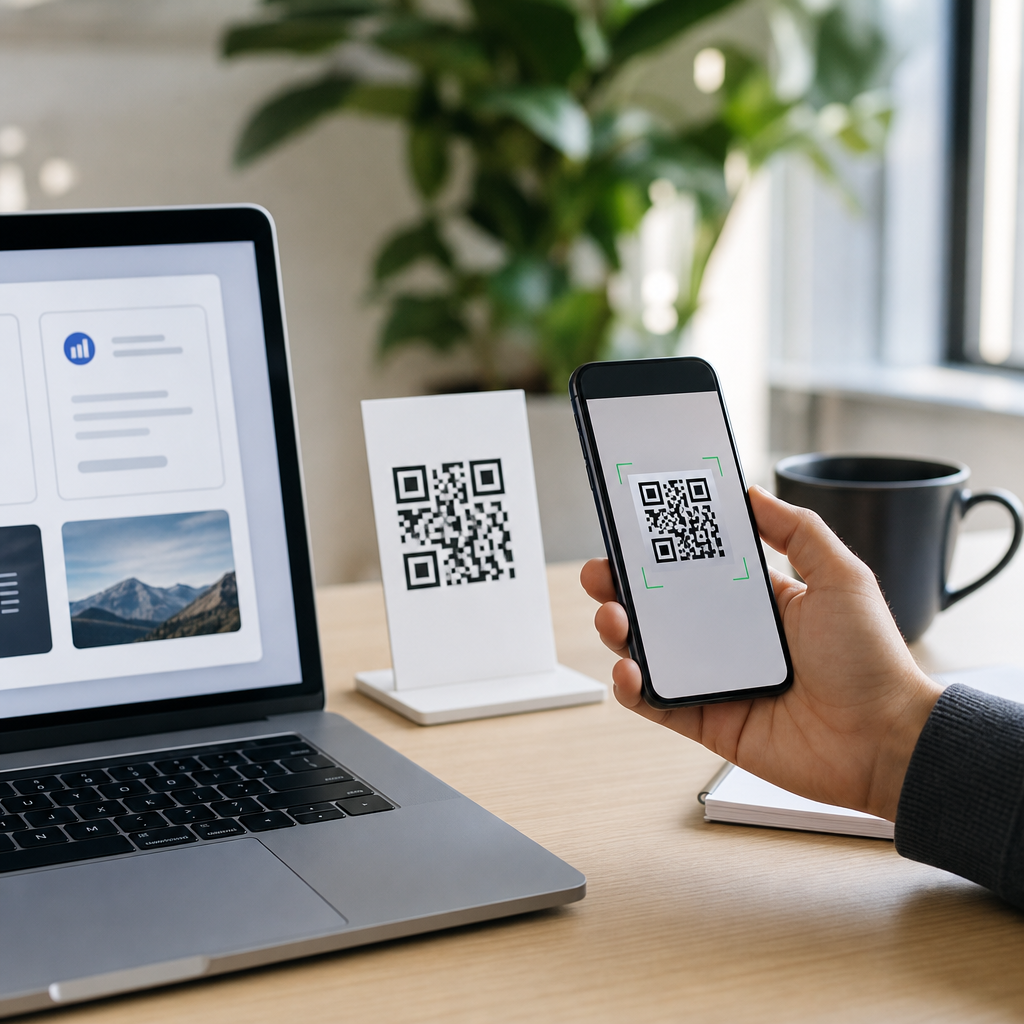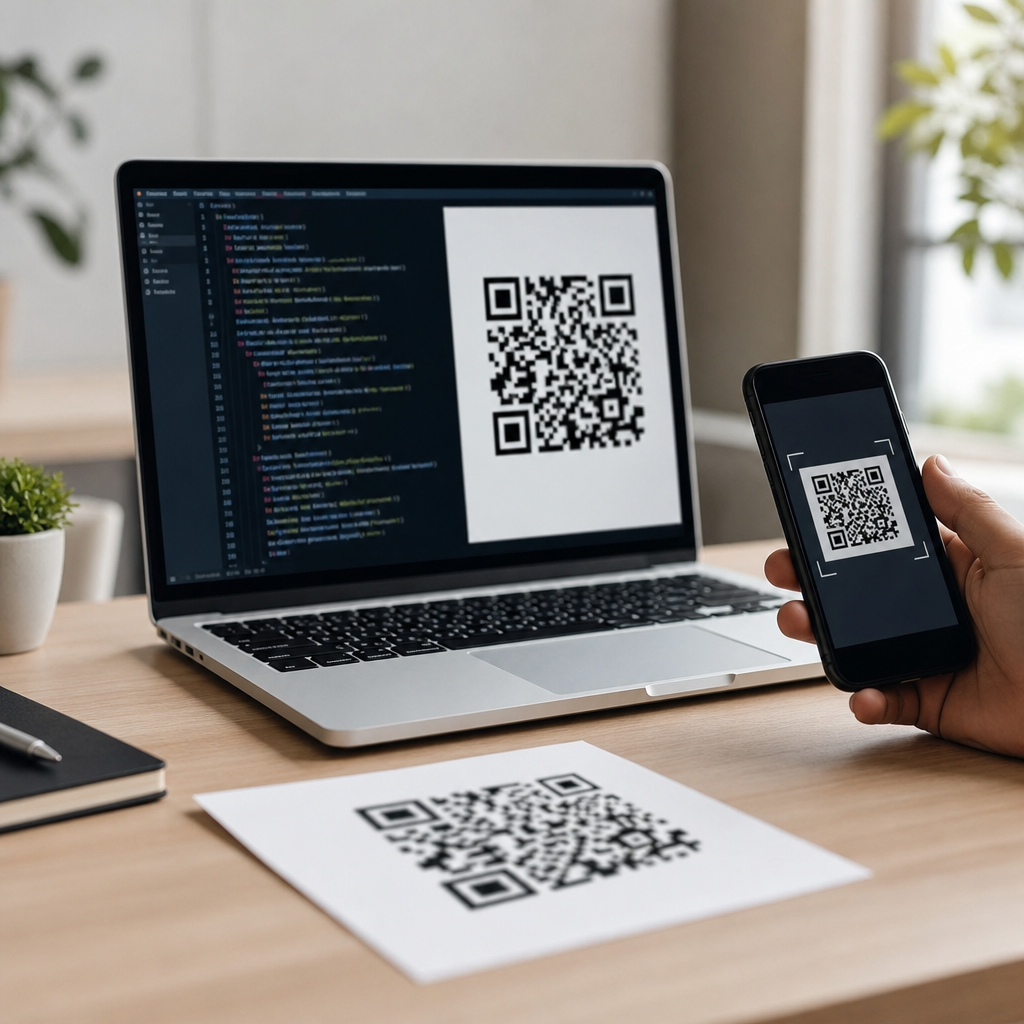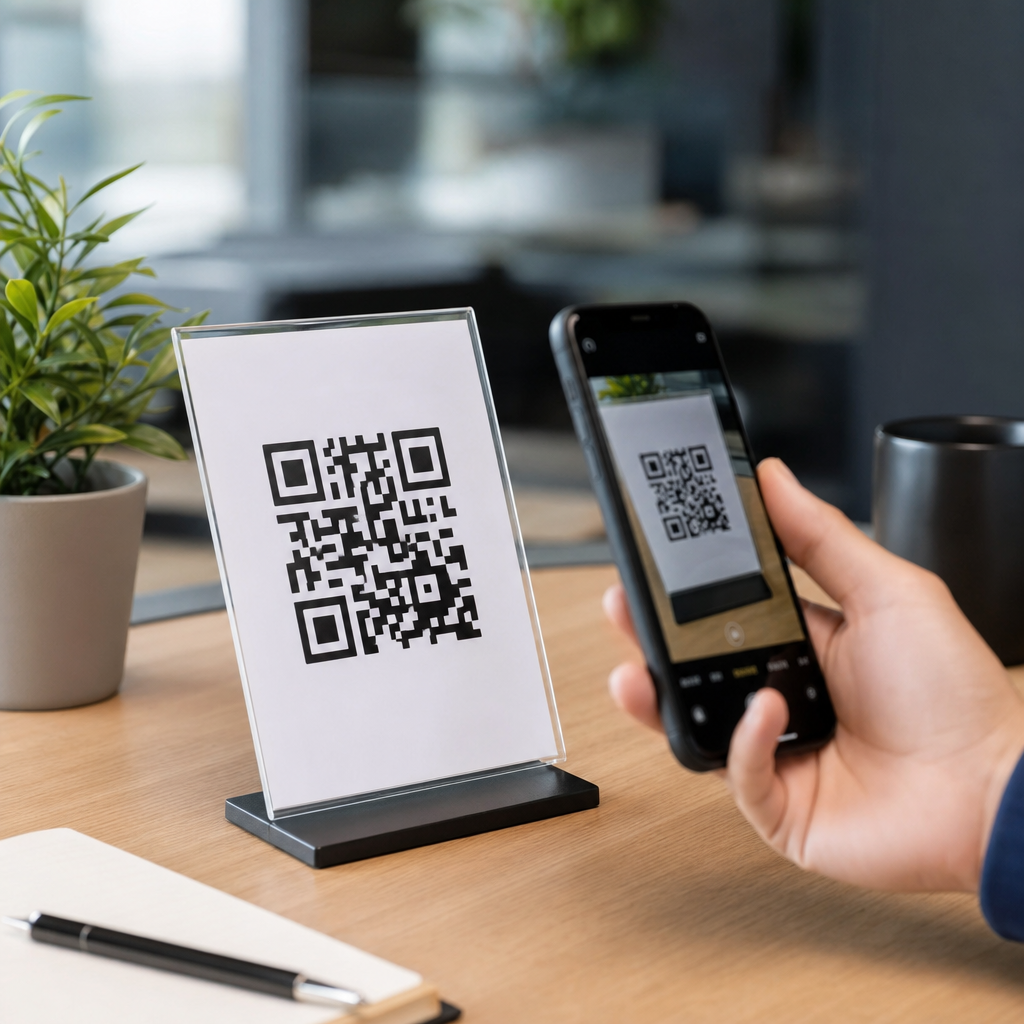
Designing QR codes that actually get scanned requires more than placing a black-and-white square on a poster and hoping for the best. A high-performing QR code blends technical reliability, visual hierarchy, brand consistency, and placement strategy so people notice it, trust it, and can scan it instantly. In the context of QR Code Creation & Tools, custom QR code design tools make that possible by letting teams control colors, shapes, frames, logos, tracking, and destination behavior without breaking readability. That matters because QR codes now sit at the intersection of packaging, retail, events, menus, direct mail, field service, and product education. I have worked on QR campaigns for packaging inserts, storefront signage, trade show booths, and restaurant tabletop displays, and the pattern is consistent: the best-looking code is not always the best-performing code. The winning design is the one that scans quickly in real lighting conditions, from realistic distances, on average phones, with minimal user hesitation. This article explains how to design QR codes that actually get scanned, what custom QR code design tools should include, and how to make this page your starting point for every related workflow, from branded styling to testing and analytics.
What makes a QR code scan well
A QR code scans well when three conditions are met at the same time: the camera can detect the code structure, the user can recognize that scanning is worthwhile, and the environment supports quick capture. The structure includes finder patterns, alignment patterns, contrast, module spacing, and error correction. If any of those are compromised by aggressive customization, the code may look polished but fail under common conditions such as glare, angled viewing, motion blur, or low-end smartphone cameras. The user side matters just as much. People scan when the code clearly signals value, such as “View menu,” “Register warranty,” or “Get installation guide.” Vague prompts like “Scan me” usually underperform because they create uncertainty. Environmental factors include print material, lighting, viewing distance, and surface curvature. A code on matte card stock usually performs better than the same code printed small on reflective foil packaging. Custom QR code design tools are useful because they help balance those variables instead of treating design as decoration.
The practical rule is simple: readability comes first, persuasion comes second, and branding comes third. That does not mean branded QR codes are weak. It means every visual choice must protect scanning fundamentals. In my own testing, codes that kept strong contrast, generous quiet zones, and moderate logo sizes consistently outperformed more stylized versions, even when both looked brand aligned. If a campaign depends on volume scans, reliability is the design goal.
How custom QR code design tools improve performance
Custom QR code design tools do more than add logos. The best platforms combine generator controls, destination management, design templates, print-ready export options, and analytics. A strong tool lets you choose static or dynamic QR codes, set error correction levels, edit the destination after printing, add UTM parameters, organize campaigns by location or asset, and export in SVG, PDF, PNG, or EPS depending on use. For a hub page under QR Code Creation & Tools, this is the core idea: the right software supports both design and operational control.
Static QR codes embed the final destination directly in the pattern. They are suitable for permanent URLs that will never change, but they cannot be edited later. Dynamic QR codes route through a short redirect URL, allowing the destination to be updated and scans to be tracked after distribution. For most marketing, packaging, and support use cases, dynamic codes are the better choice because they reduce reprint risk. If you need to swap a product landing page for a recall notice, a regional page, or a new menu, a dynamic code avoids wasted inventory.
Professional tools also reduce common production mistakes. Teams often export low-resolution raster files, stretch the code disproportionately in design software, or place the code on backgrounds that reduce contrast. A dedicated QR platform helps prevent those errors by maintaining square proportions, preserving quiet zones, and offering vector export for print. Recognized options in the market include QR Code Generator Pro, Bitly Codes, Beaconstac, Uniqode, Flowcode, and Canva’s simpler built-in generator for lightweight use. Adobe Illustrator is useful for layout and brand integration, but it should not be the sole source of truth for code generation or scan testing.
Design rules that protect scannability
The most important QR code design rule is contrast. Dark modules on a light background scan best because most phone cameras and decoder libraries detect that structure fastest. Black on white remains the benchmark, but deep navy on white or dark green on pale cream can also work if contrast stays high. Light modules on dark backgrounds can work less reliably and should be tested extensively. Avoid metallic gradients, glossy overlays, and busy photography behind the code. Even when a code appears visible to the human eye, compression artifacts, reflections, and edge noise can interfere with decoding.
Size is the next rule. A practical baseline for print is at least 2 x 2 centimeters for close-range use, with larger sizes needed as scanning distance increases. A common field rule is a scan distance ratio near 10:1, meaning a code meant to be scanned from 20 inches should be about 2 inches wide. On roadside or storefront signage, size must increase substantially because users scan from farther away and often while moving. Quiet zone matters too. Leave a margin around the code equal to at least four modules on all sides. When designers crop this area to fit a label or packaging panel, failure rates rise quickly.
Error correction helps branded designs survive minor damage or logo placement. QR codes support four levels: L, M, Q, and H, with H providing the highest recovery. Higher error correction is useful when adding a centered logo or when print conditions are rough, but it also increases code density. Denser codes become harder to scan at small sizes. This tradeoff is why shorter URLs and dynamic redirects are so valuable: they reduce data density and give designers more room to customize safely.
| Design factor | Best practice | Why it affects scans |
|---|---|---|
| Contrast | Dark code on light background | Improves camera detection and decoder accuracy |
| Size | Scale for real viewing distance | Prevents module detail from collapsing on capture |
| Quiet zone | Keep four modules of clear space | Helps software isolate the code from surrounding graphics |
| Error correction | Use M or Q by default; H for logos when needed | Balances resilience with code density |
| Logo placement | Small, centered, nonintrusive | Preserves finder patterns and key data areas |
| File format | Use SVG or EPS for print | Maintains sharp edges at any size |
Branding without breaking the code
Branding works when it supports recognition and trust rather than overwhelming function. A branded frame with a clear call to action often improves performance more than heavy pattern customization. For example, adding a label such as “Scan to see assembly video” around a standard code can lift scans because it removes ambiguity. A logo can help too, especially for packaging where customers want reassurance that the destination is official. The limit is straightforward: do not obscure finder patterns in three corners, do not round modules so aggressively that they merge, and do not let decorative elements invade the quiet zone.
Color customization should follow brand standards carefully. If your brand palette is light, use a darker supporting tone specifically for QR applications rather than forcing a pastel code. Most strong custom QR code design tools include live scan previews or validation warnings. Use them, but do not trust on-screen previews alone. A code that scans on a desktop monitor at full brightness may fail once printed on textured material or viewed under warm indoor light. For seasonal campaigns, I often recommend creating two versions: a conservative production version and a more stylized concept version, then testing both on multiple devices before rollout.
Frames and CTA text deserve special attention because they create intent. “Scan for ingredients,” “Scan to book,” and “Scan for installation steps” are stronger than “Learn more” when the context is specific. Clear intent reduces friction, which matters because many failed campaigns are not technical failures at all; they are motivation failures. People ignore codes that do not promise a concrete next step.
Choosing the right custom QR code design tool
The right custom QR code design tool depends on whether your priority is branding, scale, analytics, or governance. Small businesses often need ease of use, editable destinations, and simple download options. Mid-market teams usually need folders, role permissions, campaign tags, batch creation, and integration with analytics platforms. Enterprise teams often require custom domains, API access, SSO, regional routing, and compliance controls. If you are selecting a hub tool for an organization, start by mapping the full lifecycle: creation, review, approval, export, placement, testing, launch, and reporting.
For design flexibility, look for support for logo uploads, custom eyes, module shapes, frames, gradients used with guardrails, and template saving. For operations, insist on dynamic redirects, scan analytics by time and geography, and bulk editing. For print quality, verify vector export and transparent background options. For security and trust, a branded short domain is valuable because users are more likely to scan when the redirect looks legitimate. This is especially important in hospitality, healthcare, and public signage, where anonymous short links can reduce confidence.
It is also wise to evaluate landing page support. Some platforms let users build mobile landing pages directly, which is helpful for events, menus, app downloads, or product information where speed matters. However, those built-in pages may be limiting for SEO, measurement, or design systems. In many cases, the better approach is to point the QR code to a fast, mobile-optimized page on your own domain, then track performance with analytics and tag management tools you already use.
Testing, placement, and measurement in the real world
Every QR code should be tested in the environment where it will live. That means printing the code at final size, on final material, and checking it with several phones, at several angles, under realistic lighting. I typically test with both iPhone and Android devices, older cameras as well as current models, and at least one third-party scanner app in addition to native camera apps. If a code is going on curved packaging, test after application, not just on flat proofs. If it will be placed behind glass, test with reflections. If it will appear in a moving queue area, test while walking.
Placement influences scan rate more than many teams expect. A code near the bottom edge of a poster can be awkward to access in a crowd. A tabletop code printed too close to condiments or water rings degrades quickly. A menu board code placed above eye level may be visible but inconvenient to frame in the camera. Good placement gives users enough physical space to step back, hold steady, and complete the scan without blocking others. The fastest scans happen when the code sits in a natural line of sight with a visible benefit statement nearby.
Measurement closes the loop. Dynamic QR codes let you track scans over time, compare locations, and identify weak assets. Look beyond total scans. Review scan-through to landing page load, bounce rate, conversions, and device mix. If a code gets scans but no downstream action, the issue may be the landing experience rather than the code itself. If one print location underperforms, compare size, angle, lighting, and CTA wording. Strong QR programs improve through iteration, not guesswork.
Common mistakes that reduce scan rates
The most common mistake is prioritizing style over function. Designers often shrink codes to protect layout, use low-contrast brand colors, or place them over imagery to make them feel integrated. Those choices usually reduce scan reliability. Another frequent mistake is linking to non-mobile pages, PDFs not optimized for phones, or app stores without context. A user who scans expects instant value, not extra friction. Slow destinations, intrusive pop-ups, and forced sign-in all depress results.
Teams also underestimate maintenance. Restaurant menus change, event pages expire, product support documents move, and campaign URLs get retired. Static codes can become dead ends if no one owns them. Dynamic code management, naming conventions, and periodic audits are essential. I have seen organizations with hundreds of deployed codes but no inventory of where they were placed, which made updates nearly impossible. A simple registry with asset name, owner, destination, location, launch date, and last test date prevents that problem.
Finally, many brands fail to explain why the code is worth scanning. The code is not the offer. The content behind it is the offer. State the benefit clearly, keep the path short, and make the result mobile friendly.
QR code design succeeds when technology, design, and user intent are aligned. If you want QR codes that actually get scanned, start with strong contrast, adequate size, generous quiet zones, and a fast mobile destination. Then use custom QR code design tools to add branding carefully, manage dynamic redirects, export production-ready files, and measure performance after launch. The best tools are not just code generators; they are workflow systems that support creation, governance, testing, and optimization across print and digital channels.
As the hub for Custom QR Code Design Tools within QR Code Creation & Tools, this topic connects directly to related workflows: logo-safe customization, dynamic versus static QR strategy, print sizing, packaging deployment, scan analytics, and landing page optimization. Those subtopics matter because scan performance is rarely determined by one factor alone. A reliable code can still fail with weak placement, and a beautiful design can still underperform with a vague call to action. The most effective programs treat QR codes as measurable user journeys, not decorative add-ons.
If you are building or refining a QR workflow, audit your current codes, test them under real conditions, and standardize on a tool that protects scannability while supporting brand and analytics needs. That one decision will improve scan rates, reduce reprint risk, and make every future QR campaign easier to manage.
Frequently Asked Questions
What makes a QR code more likely to get scanned?
A QR code is more likely to get scanned when it is easy to notice, easy to trust, and easy for a phone camera to read instantly. That means strong contrast between the code and its background, adequate size for the viewing distance, enough quiet space around the edges, and placement in a location where people can naturally pause and scan. Visual presentation matters just as much as technical performance. If the code is buried in a cluttered layout, printed too small, or positioned where people cannot comfortably access it, scan rates will suffer even if the code itself is technically valid.
Trust is another major factor. People are far more likely to scan a QR code when the surrounding design clearly communicates what will happen next. A short call to action such as “Scan to see pricing,” “Scan for the menu,” or “Scan to download the guide” removes uncertainty and gives users a reason to engage. Branded frames, recognizable logos, and a polished design can also increase confidence, especially in retail, events, packaging, and direct mail. The best-performing QR codes combine technical reliability with clear intent, visual hierarchy, and a landing experience that matches the promise of the scan.
Can you customize a QR code without making it harder to scan?
Yes, but customization has to be done carefully. Modern QR code design tools allow teams to adjust colors, corner shapes, patterns, frames, and even add logos while preserving the structure needed for reliable scanning. The key is to keep function ahead of decoration. High contrast is essential, so the code should still stand out clearly from the background. Dark foreground elements on a light background typically perform best. Overly light colors, gradients with poor separation, busy textures, or transparent backgrounds can all reduce scan reliability.
Logo placement is another area where balance matters. A small, centered logo often works well because QR codes include error correction that can tolerate some visual obstruction. However, if the logo is too large or the pattern has been altered too aggressively, the code may fail on some devices or in poor lighting. The same goes for rounded modules and stylized dots: they can look great, but they should be tested across multiple phones before being used at scale. Good custom QR code creation tools help by applying design changes within safe limits and allowing teams to preview, test, and track performance before rollout.
How big should a QR code be and where should it be placed?
Size and placement depend on the environment, but the basic rule is simple: the farther away someone is when they first see the code, the larger it needs to be. A code on product packaging can be relatively small because users hold it close to their phones. A code on a poster, storefront window, trade show banner, or billboard needs to be much larger because people may be scanning from several feet away. If a user has to step too close, tilt awkwardly, or zoom in with the camera, the design is already creating friction.
Placement should support natural behavior. Put the code where people have time and space to act on it, not where they are moving quickly or blocked by glare, folds, reflections, or low lighting. Leave clear margin around the code so it does not blend into nearby text or graphics. Keep it on a flat, stable surface whenever possible, and avoid placing it too low, too high, or near edges where it may get cut off in print. In effective layouts, the QR code is part of the visual hierarchy: it is visible, clearly labeled, and paired with a concise instruction that explains the value of scanning.
What design mistakes most often prevent QR codes from performing well?
Some of the most common mistakes are surprisingly basic: using poor contrast, shrinking the code too much, removing the quiet zone, placing it on a busy background, or distorting it to fit a design. QR codes are functional objects, not just decorative elements. When designers stretch them, rotate them excessively, add complicated effects, or allow nearby graphics to interfere with the edges, scanners can struggle to detect the code properly. Even if a few newer smartphones can still read it, many users will experience delays or failures, which lowers overall scan rates.
Another frequent mistake is failing to think beyond the code itself. A technically scannable QR code can still underperform if it lacks context, has no call to action, or sends users to a weak destination. If the linked page loads slowly, is not mobile-friendly, or does not match the message around the code, people may abandon the experience immediately. Teams also make avoidable errors by skipping cross-device testing, not checking print proofs, or using static links when campaign flexibility is needed. Strong QR code design is not only about readability; it is about creating a smooth path from first glance to completed action.
Should you use a dynamic QR code instead of a static one?
In many cases, yes. A dynamic QR code is often the better choice because it lets you change the destination URL or behavior after the code has already been printed or published. That is especially useful for marketing campaigns, packaging, restaurant menus, event materials, customer support resources, and any situation where content may need updates over time. Instead of replacing the printed code, you simply update the destination behind it. This flexibility reduces waste, lowers reprint costs, and gives teams room to improve campaigns after launch.
Dynamic QR codes also support performance tracking, which is critical if your goal is designing codes that actually get scanned. With tracking features, teams can measure scan volume, timing, device patterns, and in some platforms, location-level trends or campaign attribution. That data helps identify what is working in terms of design, placement, messaging, and channel. Static QR codes still have a place for simple, permanent destinations with no need for analytics or edits, but for most business use cases, dynamic codes provide a stronger combination of control, insight, and long-term usability.