
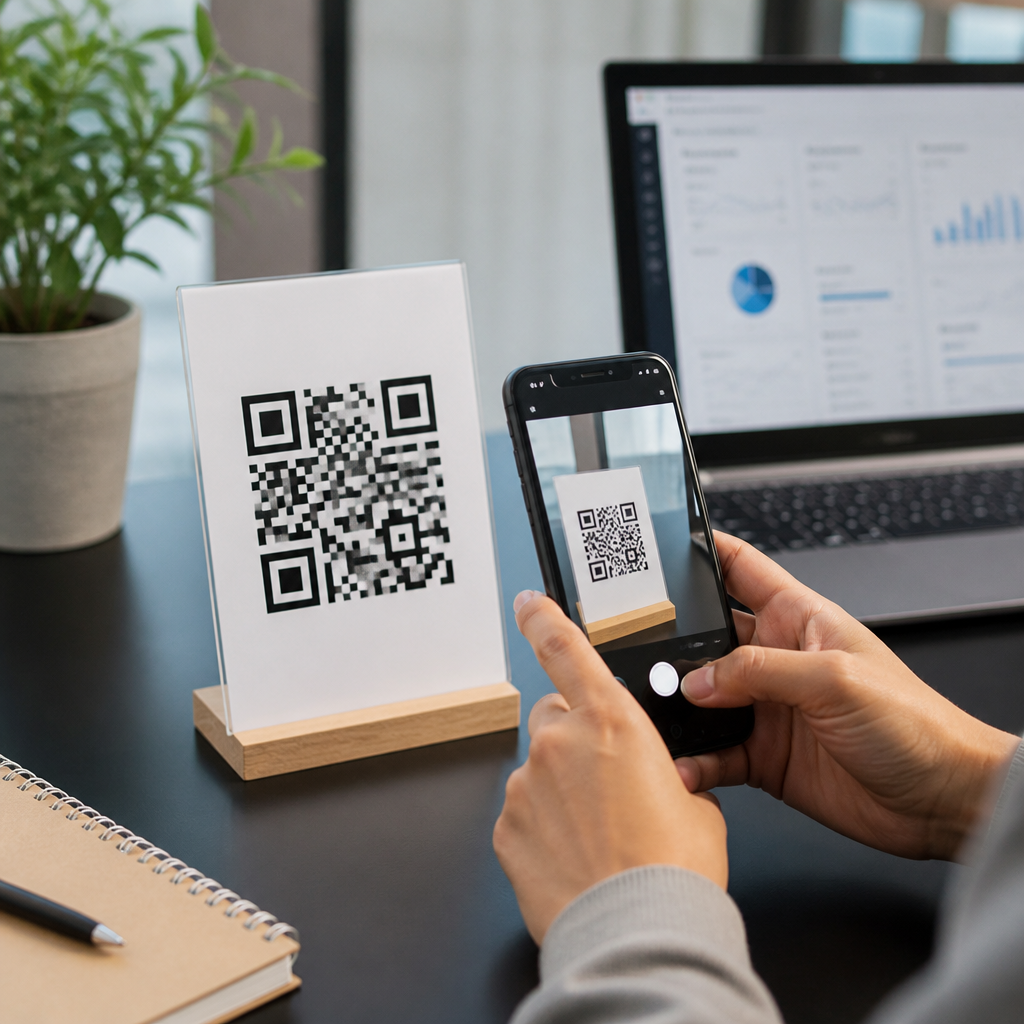
QR code marketing can turn a printed sign, product label, direct mail piece, or in-store display into a measurable digital touchpoint, but only when the campaign is planned with clear goals, the right destination, and reliable tracking. A QR code campaign is the structured use of quick response codes to drive a business outcome such as sales, bookings, app downloads, event registrations, reviews, or customer support requests. I have built these campaigns for retail counters, restaurant tables, trade show booths, packaging inserts, and local service flyers, and the same lesson appears every time: the code itself is not the strategy. The strategy is the customer journey behind it.
For businesses building out QR Code Tutorials, Guides & Resources, this hub covers the complete step-by-step tutorial process, from choosing the campaign objective to designing, testing, launching, measuring, and improving results. It matters because QR codes reduce friction. A customer can move from offline attention to online action in seconds without typing a long URL, searching for your brand, or downloading a special scanner. Modern smartphone cameras on iPhone and Android devices read QR codes natively, which makes adoption practical for mainstream audiences. The best campaigns are simple, fast, and context aware. The worst send users to generic homepages, break on mobile, or provide no way to measure performance. This guide shows how to create a QR code campaign for your business in a way that is useful, trackable, and repeatable.
Set the campaign goal before you generate any code
The first step is defining one primary business objective. If you skip this, every later decision becomes vague, including the landing page, call to action, placement, and metrics. Strong goals are specific: increase online orders from in-store visitors, collect Google reviews after service appointments, grow SMS subscribers at checkout, or drive registrations for a webinar promoted through direct mail. Weak goals such as “boost engagement” rarely produce good campaigns because they do not tell you what action the customer should take.
In practice, I recommend choosing one conversion event and one supporting metric. For example, a salon might want appointment bookings as the conversion event and scan-to-booking rate as the supporting metric. A manufacturer may want distributor inquiries as the conversion event and form completion rate as the supporting metric. A restaurant might use menu views as the leading indicator and online order starts as the conversion event. This single-goal structure helps you write a clean call to action and prevents the landing page from trying to do too many things. If your business has multiple use cases, create separate campaigns rather than one universal QR code that sends everyone to the same place.
Choose the right QR code type and destination
Most businesses should start with a dynamic QR code rather than a static one. A static QR code points directly to a fixed destination and cannot be edited after printing. A dynamic QR code points to a short redirect URL controlled by your QR platform, which then forwards the user to the final destination. That extra layer matters because you can change the destination later, track scans, add UTM parameters, pause campaigns, and fix mistakes without reprinting materials. Static codes are acceptable for permanent information with no tracking needs, but they are limiting for marketing.
The destination should match the context of the scan. A code on product packaging should usually open a product support page, setup video, warranty form, or reorder page, not the homepage. A code on a table tent should open a mobile menu or order page. A code in a real estate yard sign should open a property page with photos, price, map, and contact options. A code on a service van may work best with a quote request form or click-to-call page. The rule is simple: the person who scans should land on the next logical step, not on a page that forces them to hunt for information.
Good destinations are mobile friendly, fast loading, and focused on one action. Google’s Core Web Vitals are a useful benchmark even for small campaign pages because a slow page will destroy scan conversion. If your destination requires a form, keep fields minimal. If it promotes an offer, show the offer immediately above the fold. If it asks for payment, use a checkout built for mobile wallets. The fewer taps between scan and conversion, the better the campaign will perform.
Build a landing page that converts mobile visitors
A QR code does not create results by itself; the landing page does. Every campaign page should answer four questions within a few seconds: what is this, why should I care, what do I do next, and can I trust it. Use a clear headline, a short supporting line, one main button, and visual proof such as product imagery, review snippets, trust badges, or recognizable brand elements. On local campaigns, include address, hours, and phone number if relevant. On lead generation pages, include a concise value statement and a privacy reassurance near the form.
One mistake I see often is sending offline traffic to a desktop-designed page full of navigation links. QR traffic behaves differently from branded search traffic. The user has already responded to a physical prompt, so the page should continue that exact promise. If the sign says “Scan for 10% off your first order,” the landing page should repeat that offer in the headline and make redemption obvious. If the postcard says “Scan to book a free estimate,” the first button should start the booking or quote process immediately.
Use campaign-specific URLs and analytics tagging. Add UTM parameters for source, medium, campaign, and content so Google Analytics 4 can separate QR traffic by placement. If you run multiple print assets, vary the content tag by location or creative version. This lets you compare scans from a poster, counter card, receipt insert, and event banner even when they all point to the same landing page.
Create the QR code, design it correctly, and make it easy to scan
When generating the code, use a reliable platform that supports dynamic codes, analytics, and export formats suitable for print. Popular options include Bitly, QR Code Generator Pro, Beaconstac, Uniqode, and Flowcode. Set the error correction level appropriately if you plan to place a logo in the center; higher correction can improve resilience but may increase complexity. Export vector files such as SVG, EPS, or PDF for print, because raster images can blur when resized.
Design matters, but scannability matters more. High contrast is essential: dark code on a light background performs best. Avoid low-contrast brand color combinations, glossy surfaces with reflections, and busy patterns behind the code. Keep a proper quiet zone, the blank margin around the code, because cameras need it to distinguish the symbol from surrounding graphics. Size should match scanning distance. A common rule is roughly one inch of code width for every ten inches of scanning distance, though field testing is more reliable than any rule. If people will scan from six feet away on a storefront window, a tiny code will fail.
Always include a text call to action next to the code. “Scan me” is weaker than “Scan to view the menu,” “Scan to claim your coupon,” or “Scan to watch setup instructions.” People scan when the benefit is clear. For accessibility and trust, add a short branded URL beneath the code as a fallback. Some users prefer typing a familiar domain, and the visible URL reassures them about where the scan will lead.
Plan placement, timing, and channel fit
A successful QR code campaign depends heavily on where and when the code appears. Placement should reflect user intent, dwell time, and environmental constraints. In a checkout line, people have a few spare seconds and may respond well to a loyalty signup or limited-time offer. On transit shelter ads, scanning conditions may be poor because people are moving and lighting varies. On restaurant tables, codes work well because users are seated and motivated. At trade shows, badge scans and lead forms often perform better when staff explain the value before asking attendees to scan.
Think through the full context. Is the user standing, walking, driving, or waiting? Is mobile data reliable in that location? Is there enough lighting? Will people need Wi-Fi? Are they likely to be wearing gloves, carrying bags, or multitasking? Practical details determine performance. A QR code inside a shop window may be impossible to scan because of glare. A code on product packaging may work beautifully if the product is used at home with stable internet. A code on outdoor vinyl may need weather-resistant printing and larger sizing.
| Business use case | Best destination | Primary metric | Common mistake |
|---|---|---|---|
| Restaurant table tent | Mobile menu or order page | Orders started | Sending users to homepage |
| Retail shelf tag | Product demo or reviews | Product page views | Using tiny low-contrast code |
| Direct mail postcard | Offer landing page | Redemptions | No campaign-specific tracking |
| Event booth banner | Lead form or calendar booking | Qualified leads | Asking for too many form fields |
| Service invoice | Review request page | Reviews submitted | Linking to generic contact page |
Track scans, conversions, and revenue properly
Measurement is what turns a QR code from a novelty into a channel. At minimum, track total scans, unique scans, scan location if available, device type, landing page sessions, conversion rate, and revenue or lead value. Your QR platform will usually report scans, while Google Analytics 4, Search Console, CRM data, and ecommerce reporting fill in post-click performance. If you use HubSpot, Salesforce, Klaviyo, Mailchimp, Shopify, or a booking system, connect the campaign so you can trace outcomes beyond the initial scan.
Scans alone can be misleading. I have seen campaigns with thousands of scans and little business impact because the destination page was weak. I have also seen modest scan counts produce excellent returns when the audience was highly qualified, such as a QR code on invoices asking satisfied customers for referrals. Evaluate the full funnel. If scans are high but conversions are low, the problem is probably page relevance, speed, message match, or form friction. If scans are low, the issue is often placement, incentive, code size, or unclear call to action.
For offline attribution, consider unique codes by store, region, campaign creative, or sales rep. This is especially useful for franchises, field marketing, and distributed teams. Dynamic QR platforms often support batch generation, which makes large rollouts manageable. Use naming conventions that your team can understand six months later, such as channel-location-offer-date-version. Consistent taxonomy prevents reporting chaos.
Test before launch and optimize after real scans
Every QR code campaign needs a pre-launch checklist. Test on iPhone and Android, with multiple camera apps, under real lighting conditions, and at the actual placement distance. Confirm that redirects work, UTMs pass correctly, pages load quickly on cellular data, forms submit cleanly, confirmation pages fire analytics events, and staff know what the campaign offers. Print a prototype before committing to a full run, because on-screen previews do not reveal real-world scan problems.
After launch, optimize based on evidence. Start with the biggest friction points. If scans are low, rewrite the call to action, enlarge the code, improve contrast, or reposition the asset. If the landing page bounce rate is high, shorten the content, tighten message match, or move the main button higher. If users begin forms but do not finish, remove fields, add autofill support, or offer an alternate action such as click-to-call. Small changes can produce large gains because QR traffic is already warm; the user has raised a hand by scanning.
This hub should also point readers toward deeper step-by-step tutorials by format and objective: how to create a QR code for reviews, menus, payments, PDFs, Wi-Fi access, event registration, app downloads, business cards, packaging inserts, and multi-location campaigns. As your library grows, internal links between these tutorials strengthen discoverability and help readers find the exact implementation pattern they need. The hub page should remain practical and broad, while supporting articles dive into platform-specific instructions and advanced setups.
Avoid the mistakes that sink most QR campaigns
The most common failure is using a QR code without a compelling reason to scan. People do not scan because a code exists; they scan because the value is immediate and obvious. Other frequent mistakes include linking to a homepage, printing the code too small, failing to test on mobile data, omitting tracking, placing the code where there is poor lighting or no signal, and changing the destination of a static code after materials are already distributed. Security concerns also matter. Users are rightly cautious, so branded destinations, clear copy, and professional design increase trust.
Another mistake is treating every audience the same. Existing customers, new prospects, event attendees, and in-store shoppers need different prompts and destinations. A code asking for a review should appear after a successful experience, not at the first point of contact. A code for product education should be available where confusion may occur, such as packaging or installation areas. Matching the offer to the customer stage is what makes campaigns feel useful instead of intrusive.
A well-built QR code campaign gives your business a fast bridge between physical attention and digital action. Start with one clear goal, use a dynamic code, send scanners to a focused mobile page, place the code where intent is high, and measure the entire path from scan to revenue. Those five decisions determine most of your results. The businesses that win with QR codes are not the ones with the fanciest designs; they are the ones that reduce friction, respect context, and keep improving with data.
Use this page as the central step-by-step hub in your QR Code Tutorials, Guides & Resources section, then expand into linked tutorials for each use case your audience needs. If you are launching your first campaign, pick one asset, one audience, and one conversion goal this week, build the page, test the code, and publish. That simple rollout will teach you more than months of speculation, and it will give you a repeatable framework for every future QR initiative.
Frequently Asked Questions
What is a QR code campaign, and how does it help a business?
A QR code campaign is a planned marketing or customer experience initiative that uses one or more QR codes to move people from a physical touchpoint into a digital action. Instead of treating a QR code as just a black-and-white graphic, a campaign treats it as part of a full conversion path. That means defining a goal, placing the code where the right audience will see it, sending scanners to a useful destination, and tracking what happens after the scan. For a business, this can turn packaging, table tents, posters, receipts, flyers, window signs, product tags, and direct mail into measurable entry points for sales, bookings, sign-ups, app installs, menu views, review requests, support requests, or loyalty program participation.
The main advantage is that QR codes reduce friction. A customer does not need to type a web address, search for your brand, or remember what to do next. They scan and arrive exactly where you want them to go. That convenience is especially valuable in high-intent moments, such as a shopper standing in front of a product, a diner at a restaurant table, or a customer opening a mailed offer. When the campaign is built correctly, a QR code can also improve attribution because each code can be tied to a location, audience, channel, or creative version. That makes it easier to see which sign, store, package insert, or mailer actually drove results, rather than guessing which offline asset worked.
How do I plan a QR code campaign that actually gets results?
Start with a single, clear objective. The most effective QR code campaigns are built around one primary action, not five competing ones. Decide whether the campaign is meant to generate purchases, collect leads, increase bookings, promote an event, gather reviews, deliver customer support, or drive app downloads. Once the goal is defined, identify the audience and the exact moment they will encounter the code. A person scanning a code on a shelf talker in a retail aisle has different needs than someone scanning a code on a shipping insert after purchase. That context should shape the offer, the message, and the destination page.
Next, create a tight scan-to-conversion journey. The code should lead somewhere highly relevant, mobile-friendly, and easy to complete. If the QR code promises a discount, the landing page should immediately show the discount. If it is for a menu, the menu should load fast without forcing account creation. If it is for appointment booking, the booking form should be simple and pre-focused on the correct location or service. Good QR campaigns also use campaign-specific URLs, UTM parameters, and analytics so each code can be measured accurately. Before launch, test the code on multiple phones, under realistic lighting conditions, from different distances, and on the actual printed material. A campaign gets results when the planning is disciplined: clear objective, clear audience, strong call to action, mobile-optimized destination, and reliable tracking from scan to outcome.
Where should a business place QR codes for the best performance?
Placement should follow attention, intent, and convenience. The best-performing QR code locations are usually places where people already have a reason to engage and enough time to scan. In-store displays, retail counters, checkout areas, restaurant tables, product packaging, event signage, direct mail pieces, brochures, receipts, window decals, trade show booths, and waiting areas can all work well when the offer matches the situation. For example, a product label might link to setup instructions, ingredient details, or reorder pages. A restaurant table code may point to digital menus, specials, loyalty sign-up, or review requests. A direct mail QR code can send recipients to a personalized landing page or limited-time offer that is easier to track than a general homepage.
Visibility and usability matter just as much as location. A code should be large enough to scan comfortably, placed at a practical height and angle, and surrounded by enough blank space so phone cameras can read it quickly. It also needs a clear instruction telling people why they should scan. “Scan me” is weak. “Scan for 10% off today,” “Scan to book your table,” or “Scan to see installation steps” gives a concrete reason to act. Avoid placing QR codes where people are moving too fast to use them safely or where lighting, glare, or curved surfaces interfere with scanning. If you operate across multiple stores or channels, use distinct QR codes for each location or asset so performance can be compared. Strong placement is not just about exposure; it is about putting the code in the right moment with the right incentive and making the scan easy.
What should a QR code link to in order to maximize conversions?
A QR code should link to the most direct destination for the intended action, not to a generic homepage unless there is a strong reason. Every extra tap or decision lowers conversion rates. If the goal is sales, link to a specific product page, collection page, or checkout-ready offer. If the goal is bookings, send users to a simplified appointment form with the correct service or location preselected. If the goal is lead generation, use a short mobile-friendly form with a clear value exchange. If the goal is customer support, take users to a help page, chat option, FAQ section, or device-specific troubleshooting guide. The destination should feel like a seamless continuation of whatever message appeared next to the QR code.
To maximize performance, make sure the landing page is fast, easy to read on mobile, and tightly aligned with the call to action. The headline should confirm that the visitor is in the right place. The offer should be visible immediately without unnecessary scrolling. Forms should ask only for essential information. Buttons should be prominent, and trust signals such as reviews, guarantees, contact information, or secure checkout indicators should appear where appropriate. In many cases, dynamic QR codes are the better choice because they let you update the destination later without reprinting the code. That is especially useful for seasonal promotions, product packaging, event details, or campaigns that may need testing and optimization over time. The ideal link is simple, relevant, and designed to complete one action well.
How do I track and measure the success of a QR code campaign?
Tracking starts before the code is printed. Each QR code should be tied to a defined campaign structure so you can identify where the scan came from and what happened next. In practice, that usually means using unique URLs or dynamic QR codes with UTM parameters for each placement, channel, store, product line, or creative variation. For example, a QR code on a countertop display should not use the exact same tracking link as the one on a postcard or package insert if you want meaningful attribution. This setup allows you to compare scan volume, engagement, and conversions by source rather than seeing all traffic lumped together.
To evaluate performance, track both scan metrics and business metrics. Scan metrics can include total scans, unique scans, time of day, device type, and location data when available through your QR platform. Business metrics should include the real outcome tied to your goal: purchases, revenue, average order value, completed bookings, redeemed offers, form submissions, app installs, review completions, or support deflection. Also look at landing page behavior such as bounce rate, time on page, add-to-cart actions, and form completion rate. The most useful analysis compares not just how many people scanned, but how many completed the intended action and at what cost. From there, optimize the campaign by testing call-to-action wording, code placement, page design, offer strength, and destination relevance. A successful QR code campaign is measurable end to end, from physical scan point to business result, so decisions can be based on evidence rather than guesswork.





