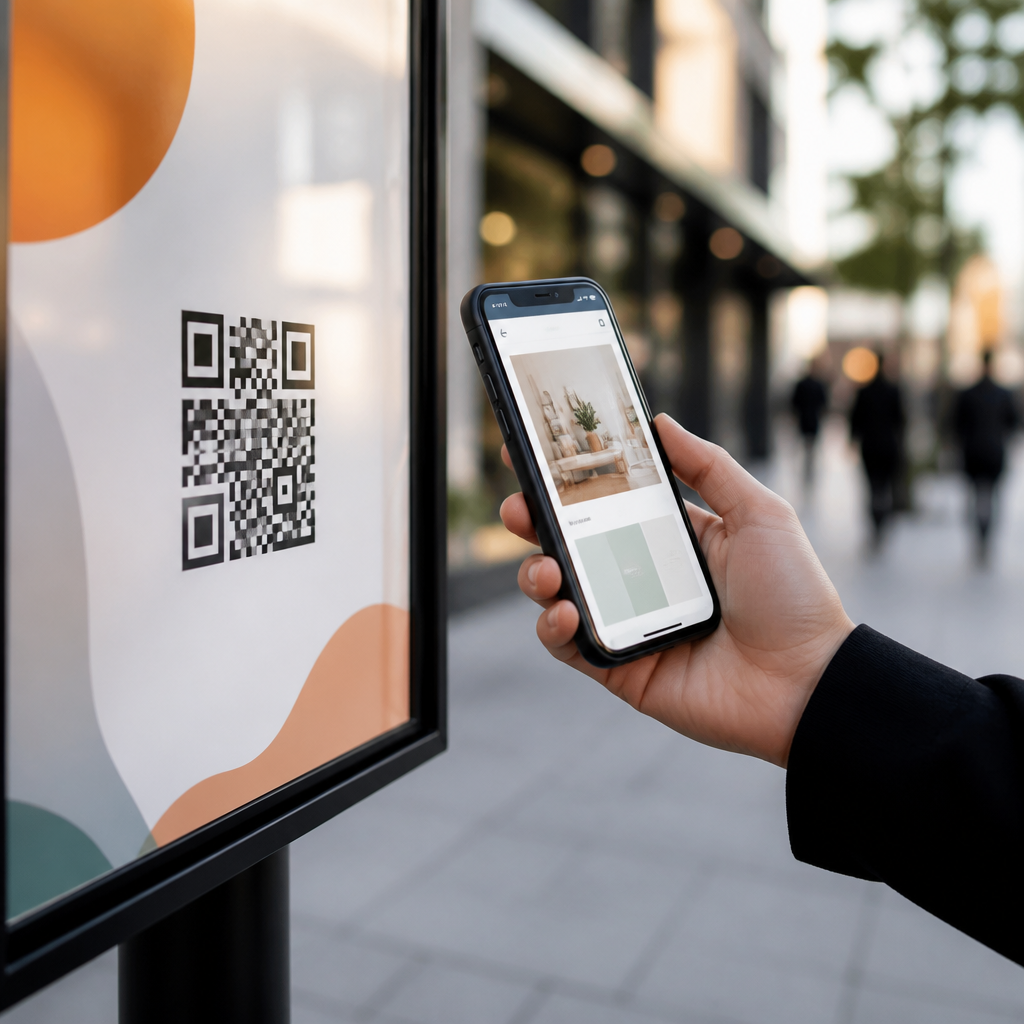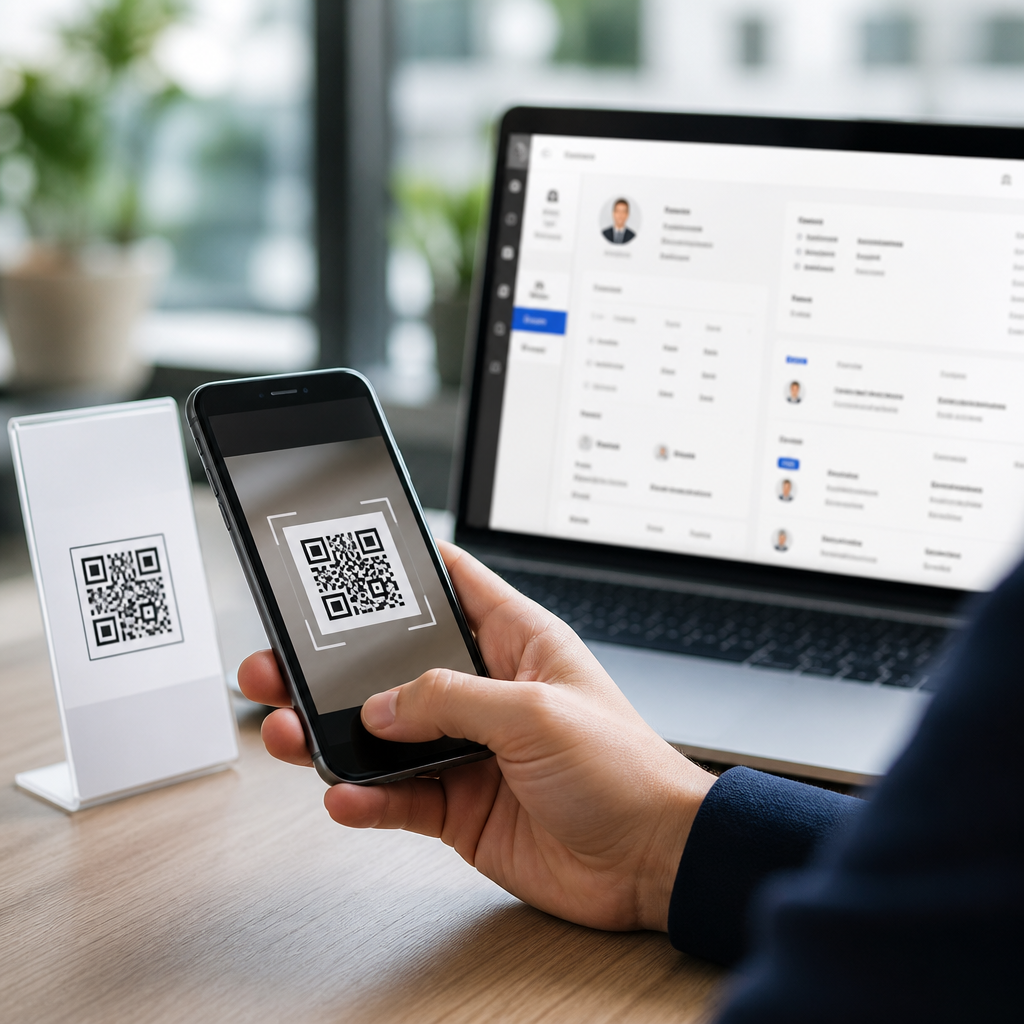
QR codes have become one of the most practical bridges between offline attention and digital customer data, and connecting QR codes to CRM systems is now a core tactic for lead generation. A QR code, or quick response code, is a scannable matrix barcode that sends a user to a landing page, form, app deep link, file, or workflow. A CRM system, or customer relationship management platform, stores contact records, tracks interactions, scores leads, and supports follow-up across sales and marketing. When these two tools are connected correctly, every scan can become a measurable touchpoint, every form submission can create or enrich a contact record, and every campaign can be tied to revenue instead of vague awareness metrics.
I have implemented QR-driven lead capture for trade shows, direct mail, retail displays, restaurant promotions, and field sales teams, and the difference between a basic scan campaign and a CRM-connected system is dramatic. Without integration, marketers may know a code was scanned, but they often cannot identify who scanned it, what source influenced conversion, or whether the lead progressed to opportunity. With integration, the workflow becomes structured: scan, click, consent, capture, sync, score, segment, and nurture. That sequence matters because marketing teams are increasingly expected to prove contribution to pipeline, not just traffic.
This topic matters within a broader QR codes in marketing strategy because lead generation sits at the point where consumer curiosity turns into owned first-party data. Privacy changes, cookie limitations, and rising paid media costs have increased the value of direct, consent-based contact capture. QR codes support that shift especially well in physical environments where traditional digital tracking does not naturally exist. A flyer, product package, booth graphic, sales one-pager, or point-of-sale display can all trigger a digital journey that lands in a CRM with source attribution attached.
To connect QR codes to CRM systems successfully, marketers need to understand four terms. Dynamic QR codes use a short redirect URL that can be updated later and tracked centrally. Landing pages are destination pages designed for one action, usually form completion. Marketing automation tools such as HubSpot, Marketo, Mailchimp, or Pardot handle forms, scoring, and email workflows. CRM platforms such as Salesforce, HubSpot CRM, Zoho CRM, or Microsoft Dynamics store lead and contact records. The best programs connect all four layers so the scan path is simple for the user and the data path is reliable for the business.
How the QR-to-CRM workflow works
The most effective answer to the question “How do you connect QR codes to a CRM?” is straightforward: point the code to a trackable destination, capture user data through a compliant form, pass that data into the CRM through native integration or an automation tool, and append campaign metadata so reporting remains intact. In practice, that means the QR code itself should rarely send users directly into a CRM. Instead, it should lead to a controlled digital asset where you can manage branding, messaging, consent, validation, hidden fields, and analytics before data enters the system of record.
A standard workflow starts with a dynamic QR code generated in a platform such as Bitly, QR Code Generator Pro, Beaconstac, Flowcode, or Uniqode. That code redirects to a mobile-optimized landing page built in HubSpot, Unbounce, Instapage, Salesforce Account Engagement, or a CMS with embedded forms. The page contains a concise value exchange: download a guide, claim an offer, book a demo, join a loyalty program, or request pricing. When the visitor submits the form, the form tool pushes data to the CRM via native connector, API, or middleware such as Zapier, Make, or Workato. At the same time, hidden UTM parameters, campaign IDs, or source fields identify the exact QR asset that drove the lead.
The user experience must be exceptionally short because scans often happen in distracting physical environments. I usually recommend a single clear headline, two to four form fields on first conversion, autofill where possible, and an immediate next step such as a thank-you page or SMS confirmation. If the page takes too long to load or asks for too much information, scan-to-submit rates drop quickly. In trade show tests I have run, reducing a form from seven fields to four increased completion rate noticeably, while adding a visible privacy note improved trust without hurting conversions.
Best CRM integration methods for QR code lead generation
There are three main integration methods, and the right choice depends on volume, technical resources, and reporting needs. The first is a native integration inside an all-in-one platform. HubSpot is a common example because you can create landing pages, forms, workflows, and CRM records within one environment. A QR code can point to a HubSpot page, and the submitted form automatically creates or updates a contact, enrolls the lead in nurturing, and stamps the record with campaign properties. This setup is fast, stable, and ideal for small to mid-sized teams.
The second method uses a specialized landing page or form tool connected to an external CRM. A company might build pages in Unbounce or Typeform and sync to Salesforce using native connectors or middleware. This approach offers more flexibility in design and experimentation. For example, a B2B software company can run separate QR codes for conference booth signage, printed case studies, and direct-mail invitations, all feeding Salesforce campaigns with distinct member statuses. Sales operations can then report which offline asset produced the most sales-accepted leads.
The third method is direct API integration, which is best for organizations with custom apps, complex routing rules, or strict data governance. In these deployments, the QR code points to a proprietary microsite or form. The submission triggers server-side validation, deduplication, consent logging, and lead assignment before data is written to the CRM. I have seen this model work especially well for healthcare, finance, and franchise organizations that need field-level controls and approval workflows. It takes longer to implement, but it delivers stronger reliability when scale and compliance are non-negotiable.
| Integration method | Best for | Key tools | Main advantage | Main limitation |
|---|---|---|---|---|
| Native platform integration | Small and mid-sized teams | HubSpot, Zoho, Mailchimp | Fast setup and unified reporting | Less customization |
| Connector or middleware | Multi-tool marketing stacks | Salesforce, Unbounce, Zapier, Make | Flexible and scalable | More moving parts |
| Direct API integration | Enterprise or regulated sectors | Custom apps, Workato, internal APIs | Maximum control and governance | Higher implementation effort |
Campaign design: turning scans into qualified leads
Connecting a QR code to a CRM is only half the job. The real performance gains come from campaign design. Every successful QR lead generation campaign starts with a clear offer matched to the context of the scan. Someone scanning a code on product packaging may want setup tips, warranty registration, or loyalty enrollment. Someone scanning a code on a trade show banner may want a demo, pricing sheet, or technical comparison. Someone scanning from direct mail may respond best to a limited-time consultation or personalized offer. Relevance drives submission rate.
The call to action printed beside the QR code matters as much as the code itself. “Scan to learn more” is vague and weak. “Scan for a 10% launch discount,” “Scan to book your demo,” or “Scan to get the buyer’s guide” gives the user a reason to act. Add a short line about what happens next, such as “mobile form takes 20 seconds” or “instant access after submission.” In field campaigns, I have consistently seen stronger results when the expected benefit and effort are stated plainly near the code.
Lead quality improves when landing pages are segmented by audience and campaign source. Rather than sending every scan to one generic form, create variants for channel, location, persona, or funnel stage. A manufacturer might use one QR code on distributor brochures that routes to partner onboarding content, and another on event signage that routes to product demo requests. Both flows can enter the same CRM, but with different campaign values, lifecycle stage logic, and sales routing rules. That structure helps avoid the common problem of lumping all offline leads together.
Use progressive profiling where your tools support it. On the first form, ask for essentials such as name, email, and company. On later visits, request role, budget, product interest, or timeline. This reduces friction while still building rich CRM records over time. HubSpot, Marketo, and similar systems can dynamically replace known fields, while Salesforce-connected forms can use hidden values and workflows to enrich records. Lead scoring should then evaluate both explicit data, like job title, and implicit behavior, like repeated scans, page depth, or demo-video completion.
Tracking, attribution, and CRM data hygiene
Attribution is where many QR campaigns fail. If a lead enters the CRM without clean source data, reporting becomes unreliable and teams lose confidence in the channel. Every QR code used for lead generation should carry distinct identifiers. At minimum, use UTM source, medium, campaign, and content parameters. Also consider internal fields such as campaign ID, asset ID, event name, region, and sales owner. These values can populate hidden form fields and map directly into CRM properties or campaign objects.
Dynamic QR code platforms are useful because they provide scan analytics before the form submission stage. You can review total scans, unique scans, time of day, device type, and approximate location. Your web analytics layer, such as Google Analytics 4 or Adobe Analytics, then measures sessions, engagement, and conversion rate on the landing page. Finally, the CRM reveals lead-to-opportunity and opportunity-to-revenue outcomes. Those three views together tell a complete story: interest, conversion, and business impact.
Deduplication and field normalization are essential. A person may scan multiple assets, submit more than once, or use slightly different contact details. Your CRM should match on primary email where appropriate, but enterprise teams often add logic for phone number, account domain, and fuzzy company-name matching. Normalize values for country, state, industry, and source naming conventions so segmentation remains usable. In Salesforce, for example, campaign hierarchy and standardized member statuses make offline reporting much easier. In HubSpot, consistent property naming and workflow governance prevent fragmented source data.
Compliance cannot be treated as an afterthought. If you collect personal data through QR-driven forms, include clear consent language, link to your privacy policy, and store the timestamp and source of consent when required by regulations such as GDPR or CCPA. For SMS follow-up, capture explicit opt-in separately. For regulated sectors, route sensitive data through secure endpoints and avoid embedding personal information inside the QR destination URL. The code should point to a controlled page, not expose user data in plain query strings.
Use cases across channels and industries
Trade shows remain one of the strongest use cases for QR codes for lead generation. Instead of relying solely on badge scans, exhibitors can place QR codes on booth walls, demo screens, printed handouts, and product stations. One code can route attendees to a demo request, another to a technical datasheet, and another to a giveaway entry form. Each path maps to a separate CRM campaign. Sales teams then know whether a lead asked for product information, booked time with an account executive, or simply entered a promotion.
Retail and consumer brands often use QR codes to collect first-party data after purchase. A cosmetics brand can place a code on packaging that offers a shade guide, tutorial content, or rewards enrollment. The CRM record can store product purchased, retailer source, and reorder reminders. Restaurants can connect table tents or receipts to feedback forms and loyalty sign-up pages, feeding a CRM or CDP for future promotions. Real estate teams use yard signs and brochures to capture property inquiries directly into a CRM with location and listing metadata already attached.
B2B organizations can also connect QR codes to account-based marketing programs. A direct-mail box sent to target accounts may include a personalized QR code that opens a custom landing page. When a stakeholder scans and submits, the CRM ties the response to an account record, updates campaign influence, and alerts the assigned representative. Healthcare providers, universities, and nonprofits use similar flows for appointment requests, admissions inquiries, and donor engagement. The principle is the same across sectors: make the scan useful, keep the form short, and move the data into a governed system quickly.
Common mistakes and the setup checklist that prevents them
The biggest mistake is treating the QR code itself as the strategy. A code is only the access point. If the destination page is generic, slow, or not mobile-friendly, the campaign underperforms regardless of print quality or placement. Another common issue is using static QR codes for campaigns that may change. Static codes are acceptable for permanent destinations, but dynamic codes are usually better for lead generation because you can swap URLs, pause campaigns, and preserve the printed asset while maintaining analytics continuity.
Teams also underestimate testing. Before launch, scan on iPhone and Android, test major browsers, verify page speed on mobile networks, inspect hidden field capture, confirm CRM sync, and validate routing rules. Submit duplicate entries, incomplete forms, and edge-case characters. Review whether the thank-you experience matches the offer. If a code promises an instant guide, do not force users into a long sales process before delivery. Friction after submission damages trust and lowers future response rates.
A practical setup checklist includes: define the campaign goal, choose a dynamic QR platform, build a mobile-first landing page, create a form with minimal fields, add consent language, append attribution parameters, connect the form to the CRM, map fields carefully, configure deduplication, assign lead ownership, trigger nurturing, and document reporting views. Once live, monitor scan rate, landing-page conversion rate, cost per lead, lead quality, and pipeline contribution. Optimization usually comes from improving the offer, reducing form friction, and tightening segmentation rather than redesigning the code itself.
Connecting QR codes to CRM systems turns physical marketing into measurable lead generation. The process works best when the code leads to a focused mobile page, the form captures only necessary information, and the CRM receives clean source data for scoring and follow-up. Done well, this approach improves attribution, grows first-party data, and helps sales teams act faster on real intent. Review your current offline campaigns, identify where prospects already pause to scan, and build one QR-to-CRM workflow that you can measure end to end. That first connected campaign usually reveals just how much demand was previously going untracked.
Frequently Asked Questions
1. How do you connect a QR code to a CRM system?
Connecting a QR code to a CRM system usually starts with deciding what should happen after someone scans it. In most cases, the QR code points to a landing page, lead form, appointment scheduler, product page, downloadable resource, or app experience. That destination is then linked to your CRM through a native integration, form connector, API, webhooks, or automation platform. When the visitor completes an action such as submitting a form, booking a demo, requesting a quote, or downloading a guide, their contact information and interaction data are automatically sent into the CRM.
The most effective setup includes more than just a basic URL redirect. Businesses often use dynamic QR codes so they can change the destination later without reprinting the code. They also add campaign tracking parameters to identify where the scan came from, such as a flyer, trade show booth, direct mail piece, product packaging, or in-store display. Once the data enters the CRM, workflows can assign the lead to a sales rep, tag the source, trigger a nurturing email sequence, score the contact based on behavior, and create tasks for follow-up. In practical terms, the QR code acts as the offline entry point, while the CRM becomes the system that captures, organizes, and activates the lead data that follows.
2. What information can a CRM capture from a QR code scan?
A CRM does not typically capture every detail from the scan itself unless it is connected to a tracking layer, but it can capture a wide range of valuable data tied to the scan event and the user’s next action. At a basic level, businesses can record campaign source, date and time of scan, landing page visited, form submissions, device type, location data when available, and the specific QR code variant used. If the user fills out a form, the CRM can also collect standard lead details such as name, email address, phone number, company name, job title, industry, and purchase intent.
Beyond basic contact fields, many organizations enrich CRM records with behavioral data. For example, the system can note whether the person scanned from a printed mailer, event badge, point-of-sale sign, business card, product insert, or retail shelf tag. It can also log whether they watched a video, downloaded a brochure, started a chatbot conversation, requested pricing, or abandoned a form before completion if analytics tools are connected. When integrated properly, this data helps marketing and sales teams understand not just who the lead is, but how they engaged, what motivated the interaction, and how qualified they may be. That context is what makes QR-to-CRM workflows especially powerful for lead generation and follow-up.
3. Do you need dynamic QR codes to integrate with a CRM?
No, you do not strictly need dynamic QR codes to connect QR codes to a CRM, but they are usually the smarter choice for marketing, sales, and lead generation campaigns. A static QR code permanently points to one destination. That can work if the linked landing page or form will never change. However, if you want flexibility, dynamic QR codes offer a major advantage because they allow you to update the destination URL, redirect traffic, test different pages, and improve campaigns without replacing printed materials.
Dynamic QR codes are also better for measurement and optimization. Many dynamic QR code platforms provide scan analytics, including total scans, repeat scans, time-based activity, geographic trends, and device data. When combined with CRM tracking, this gives businesses a much clearer picture of campaign performance from first scan to final conversion. For example, if a QR code on event signage sends users to a lead form and later you decide to send them to a shorter form or a booking page, a dynamic code lets you make that change immediately. That kind of control is valuable when your CRM is driving automated sales follow-up and you want to improve conversion rates over time. In short, static codes can work, but dynamic QR codes are generally the better option for any serious CRM-connected workflow.
4. What are the best practices for using QR codes for CRM lead generation?
The best QR-to-CRM campaigns are built around a clear conversion goal. Before generating the code, decide exactly what action you want the user to take, such as submitting a lead form, registering for an event, claiming an offer, joining a loyalty program, starting a product trial, or requesting a callback. The landing experience should be mobile-friendly, fast-loading, and tightly aligned with the message on the offline material. If someone scans a QR code on a brochure about a product demo, the destination should immediately support that intent rather than forcing the person to navigate a generic homepage.
It is also important to minimize friction. Keep forms short unless you have a strong reason to ask for more information. Use hidden fields, UTM parameters, or campaign IDs so the CRM automatically records the source without requiring the user to explain where they found you. Make sure CRM workflows are configured in advance so that leads are tagged, routed, scored, and followed up quickly. Speed matters because QR code scans often reflect high intent in the moment. Additional best practices include testing the code across devices, using a compelling call to action near the code, tracking performance by placement, and complying with privacy standards when collecting personal data. When the offline message, mobile experience, and CRM automation all work together, QR codes become a highly effective channel for capturing and converting real-world interest.
5. Which CRM systems can work with QR code campaigns?
Most modern CRM systems can work with QR code campaigns, including major platforms such as Salesforce, HubSpot, Zoho CRM, Microsoft Dynamics 365, Pipedrive, ActiveCampaign, and many industry-specific CRMs. The key question is not whether the CRM supports QR codes directly, but whether it can receive and process the data generated after a scan. In most cases, that happens through landing page forms, marketing automation tools, webhooks, API connections, lead capture software, or third-party integration platforms such as Zapier or Make.
The best CRM for a QR code campaign depends on the complexity of your process. If you only need to collect basic form fills from print materials, almost any CRM with web form support can handle it. If you want advanced features such as multi-step attribution, lead scoring, sales routing, behavior-based automation, and campaign reporting across channels, then a more robust CRM and marketing stack may be a better fit. What matters most is that the system can reliably capture the scan-driven conversion, preserve source data, trigger the right follow-up, and report on outcomes. With the right integration setup, businesses can use QR codes with nearly any CRM to turn offline engagement into trackable leads, organized contact records, and measurable pipeline activity.