
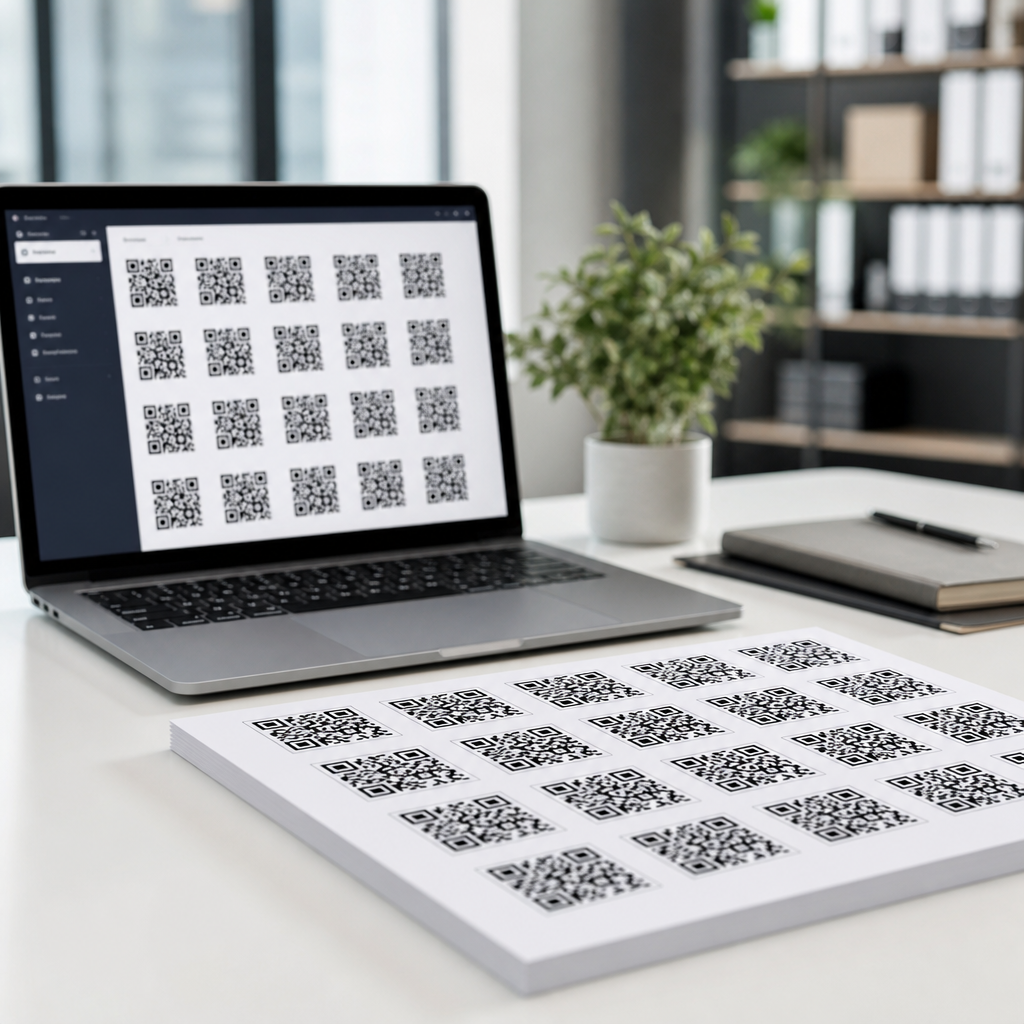
Bulk QR code generation lets teams create hundreds or thousands of scannable codes from a single spreadsheet or database export instead of building each code one at a time. For any business managing product labels, event badges, direct mail, restaurant tables, equipment tags, or inventory records, that shift saves hours of manual work and removes a major source of human error. I have used bulk workflows for retail shelf tags, packaging rollouts, and campaign-specific landing pages, and the difference is not marginal: a project that would take days manually can be completed, checked, and exported in under an hour when the process is designed correctly.
A QR code is a two-dimensional barcode that stores data such as a URL, vCard, Wi-Fi login, plain text, SMS prompt, payment payload, or file link. Bulk QR code generation means producing many unique QR codes at once by mapping rows of data to a template. Each row becomes its own code. A spreadsheet might contain serial numbers, destination URLs, coupon IDs, or location names, and the generator converts those fields into encoded outputs automatically. Some platforms create static QR codes, where the destination is fixed inside the code, while others create dynamic QR codes, where the scan points to a short redirect that can be edited later and tracked.
This matters because scale changes the technical requirements. A single QR code can be tested by eye and shared casually. A batch of 10,000 codes needs naming conventions, print specifications, scan validation, destination checks, and version control. If even 1 percent fail, that is 100 broken customer experiences. Bulk generation also affects analytics, governance, and cost. Teams need to know whether every item should have a unique code, whether scan data is required, which file format printers need, and how to preserve readability after adding logos, colors, or variable text. A strong bulk process treats QR code creation as data production, not just design.
When bulk QR code generation makes sense
Bulk QR code generation is the right approach whenever each asset needs a distinct destination or identifier. Common examples include serialized packaging, multi-location signage, event check-in badges, table tents for hospitality, real estate listings, patient forms, classroom materials, and asset management labels. In manufacturing, every machine part can link to its own maintenance history. In marketing, every mail piece can route to a personalized landing page with campaign attribution built into UTM parameters. In operations, each warehouse bin can open a location record in a mobile app. The shared pattern is simple: one record, one code, produced reliably at scale.
It is also useful when teams need consistency across many codes. Instead of manually selecting error correction, output size, margin, and file type over and over, a bulk workflow locks those settings once. That standardization is critical for print vendors and field teams. If one code is exported at low resolution, another without quiet zone, and a third with poor contrast, scan performance becomes unpredictable. A centralized batch process avoids that drift. It also helps with compliance and approval because legal, brand, and operations teams can review a template and a sample set before the full run is released.
Static vs dynamic bulk QR codes
Choosing between static and dynamic QR codes is the first strategic decision in any bulk project. Static codes embed the final content directly. They are best when the destination will never change, such as a permanent equipment ID, a Wi-Fi credential for a fixed guest network, or a plain-text emergency instruction. They are usually cheaper because there is no redirect service, and they continue working without an ongoing subscription. The tradeoff is inflexibility. If a URL changes after printing, the code must be replaced everywhere it appears.
Dynamic codes point to a short URL managed by a platform. That short URL then redirects users to the live destination. In bulk use, dynamic QR codes are often the better operational choice because destinations can be edited after print, campaign performance can be tracked, and scans can be segmented by device, time, and geography. For example, a franchise brand can print 5,000 table cards, then change the menu destination later without reprinting. The tradeoffs are recurring platform cost, dependence on the provider’s uptime, and the need to manage link governance carefully. If you use dynamic codes, choose a vendor with export options, reliable redirect infrastructure, and a documented data retention policy.
The data you need before you generate anything
Most bulk QR code problems start in the spreadsheet, not in the QR code generator. Before uploading a CSV, define the data model clearly. At minimum, I recommend a unique identifier, destination value, output filename, category, owner, and status column. If the codes are for campaigns, add source, medium, campaign, and content fields so tracking links are assembled consistently. If the codes map to physical items, include SKU, location, batch number, and print quantity. Clean data matters because QR generators do not usually fix capitalization, broken URLs, duplicate IDs, or malformed parameters. They encode what you give them.
Standardization prevents expensive mistakes. Use lowercase URLs where possible, remove trailing spaces, validate protocol prefixes, and decide whether filenames will use hyphens or underscores. If a destination is built from multiple fields, assemble it in the spreadsheet first so reviewers can inspect the final URL before generation. Google Sheets formulas, Excel Power Query, Airtable, and database exports are all workable inputs, but each should pass through validation. I typically run a URL check, a duplicate check, and a sample scan test before approving any production batch. That basic discipline catches issues that design review alone will miss.
How the bulk generation workflow works
A dependable bulk QR code workflow follows the same sequence every time: prepare data, choose code type, set design standards, generate a sample batch, test scans, export final files, then archive the source dataset and outputs together. This matters because reproducibility is more valuable than speed when the codes will be printed or distributed at scale. A workflow that works for one campaign should be reusable for the next one with only data changes. That is how teams move from ad hoc production to a reliable QR code creation system.
| Stage | What happens | Key check |
|---|---|---|
| Data prep | Clean CSV fields, create unique IDs, assemble final destinations | No duplicates or malformed URLs |
| Template setup | Choose static or dynamic, size, margin, colors, and logo rules | Contrast and quiet zone meet scan requirements |
| Sample batch | Generate 10 to 50 representative codes | Scans work on iOS and Android in normal lighting |
| Full export | Create print or digital files in PNG, SVG, PDF, or EPS | Resolution and filenames match production specs |
| QA and archive | Verify random samples and save source files with version labels | Anyone can trace a printed code back to its data row |
In practice, the sample batch is where most teams save themselves. Test small, not because the generator is unreliable, but because downstream conditions vary. A code that scans perfectly on screen may fail when printed at 12 millimeters on matte stock with low-contrast brand colors. I routinely test from different phone models, camera apps, and distances, and I print at actual production size before approving a run. That physical proof is especially important for labels, curved packaging, and outdoor signage.
Choosing tools for bulk QR code generation
The right tool depends on volume, technical skill, and governance needs. Many SaaS QR platforms support CSV upload for bulk creation and are suitable for marketing teams that need dynamic redirects, analytics dashboards, folders, and role-based access. Common features to look for include editable destinations, batch export, API access, custom short domains, and file outputs such as SVG or EPS for print. If you need thousands of dynamic codes with audit trails, vendor selection matters more than visual customization.
For technical teams, APIs and scripting often provide better control. Python libraries such as qrcode can generate static codes from CSV data, and image processing libraries can automate naming, labeling, and packaging. Enterprise workflows may pull records from a CRM, PIM, ERP, or ticketing system, then generate codes automatically as part of a print or fulfillment pipeline. That approach is powerful, but it requires strict testing because one mapping error can replicate across an entire batch. If your organization already uses Zapier, Make, or custom middleware, bulk QR code generation can often be integrated into existing automation rather than managed as a standalone task.
Design and print rules that affect scan success
Good bulk QR code generation is not just about producing files; it is about producing codes that scan in real conditions. The core rules are stable. Maintain a clear quiet zone around the code, use strong contrast between dark modules and light background, and size the code according to scanning distance and placement. For printed materials handled at arm’s length, many teams start around 20 to 30 millimeters square, then test from there. If a logo is added, increase error correction carefully and verify that the central obstruction does not compromise readability. ISO/IEC 18004 provides the underlying QR code standard, but practical field testing matters just as much.
Vector formats such as SVG, PDF, and EPS are preferred for professional print because they scale without losing sharpness. PNG can work for digital use and some print jobs if exported at sufficient resolution, but raster files are easier to degrade during resizing. Avoid light gray on white, glossy reflections, busy backgrounds, and decorative distortion. I have seen branded gradients pass internal review and fail immediately on packaging lines. The scanner does not care about brand intent; it cares about contrast, structure, and margin. If brand constraints are strict, produce two or three approved variants and test them against the actual substrate.
Quality assurance, tracking, and long-term management
Quality assurance for bulk QR codes should be documented, not informal. Scan a statistically meaningful sample, confirm each code resolves to the intended destination, and verify printed outputs against the source dataset. For high-volume jobs, random sampling by batch is usually more efficient than checking every file manually, but mission-critical uses such as healthcare, industrial safety, or serialized compliance labels may justify fuller validation. Keep a versioned archive containing the CSV, generation settings, exported files, and proof images. When a field issue appears six months later, that archive is what lets you diagnose whether the problem came from the data, the generator, or the print process.
Tracking also needs a plan. If you use dynamic codes, define which metrics matter before launch: unique scans, repeat scans, device type, geography, conversion path, or campaign attribution. If you use static codes with appended UTM parameters, verify analytics naming conventions so reports stay readable. Governance matters too. Assign ownership for redirect updates, retire expired destinations cleanly, and document naming conventions across folders and campaigns. Bulk QR code generation is most valuable when it creates an organized system, not just a large pile of files.
Bulk QR code generation is best understood as a repeatable production process built on clean data, deliberate tool choice, and strict testing. The core decision is whether your use case needs static simplicity or dynamic flexibility. From there, success depends on preparing reliable input data, standardizing design settings, generating a sample batch first, and exporting in formats that match the final use case. Teams that follow this approach reduce manual labor, avoid broken links, and gain the control needed to manage QR codes across packaging, events, operations, and marketing.
The practical benefit is straightforward: you can create large numbers of QR codes quickly without sacrificing scan performance or traceability. That matters when each code represents a customer touchpoint, a physical asset, or a measurable campaign interaction. If you are building a QR code creation workflow under a broader tools strategy, start with one well-structured spreadsheet, one approved template, and one tightly tested pilot batch. Then expand confidently, document the process, and turn bulk QR code generation into a reliable capability your team can use again and again.
Frequently Asked Questions
What does bulk QR code generation actually mean, and when is it worth using?
Bulk QR code generation means creating many QR codes at once from a structured data source such as a spreadsheet, CSV file, database export, or product feed. Instead of manually entering one URL, text string, SKU, serial number, or landing page at a time, you upload a list and let the system generate a unique QR code for every row. This is especially valuable when you need hundreds or thousands of codes for use cases like product labels, event badges, direct mail, restaurant tables, equipment tags, packaging inserts, inventory records, and retail shelf tags.
It becomes worth using as soon as manual creation starts slowing down your workflow or introducing mistakes. In real-world operations, teams often discover that the time spent building codes individually is not the biggest problem; the bigger issue is inconsistency. A single typo in a URL, product ID, or campaign parameter can lead to broken scans, poor customer experiences, and wasted print costs. Bulk workflows reduce that risk because they standardize how codes are created, keep source data organized in one place, and make it easier to validate everything before production.
It is also worth using when you need traceability and repeatability. For example, if you are launching region-specific campaign landing pages, assigning unique table QR codes across multiple restaurant locations, or linking serialized equipment tags to internal records, bulk generation gives you a repeatable process you can document and reuse. That makes updates faster, helps teams collaborate across marketing, operations, and print vendors, and supports growth without forcing more manual labor into the process.
What data should I prepare before generating QR codes in bulk?
The most important step is preparing a clean, structured dataset. At minimum, each row should contain the exact content each QR code will encode, whether that is a URL, vCard, Wi-Fi credential, PDF link, product page, inventory ID, or custom text string. In many bulk projects, the spreadsheet also includes supporting fields such as file name, product name, SKU, location code, batch number, campaign name, print size, or destination folder. These extra columns help you keep the output organized and make it easier to match each generated code back to the item it belongs to.
If you are encoding URLs, it is smart to standardize them before upload. Make sure the links are complete, use the correct protocol, and include any campaign parameters consistently. For example, if you are using UTM tags for direct mail or packaging campaigns, build those fields carefully and verify that naming conventions are consistent across the entire file. Small formatting issues can create reporting problems later, even if the QR codes still scan.
It is also a best practice to clean your data before generating anything. Remove duplicates if they are not intentional, check for blank fields, confirm serial numbers and IDs match your source systems, and validate that the content in each row belongs to the correct item. If your output will be printed, think ahead about label dimensions and naming conventions too. Well-prepared data makes the generation step fast; poorly prepared data turns bulk creation into bulk error production. The more disciplined your spreadsheet is at the start, the smoother the entire workflow will be from generation to printing to scanning in the field.
Should I use static or dynamic QR codes for bulk projects?
That depends on what you need the codes to do after they are printed or published. Static QR codes permanently encode the final destination or data directly in the code itself. They are simple, often cheaper, and useful when the content will never need to change, such as a permanent product identifier, a fixed Wi-Fi configuration, or a stable reference page. If you know the destination is final and you do not need analytics or edit capability, static codes can be a perfectly practical choice for large-volume runs.
Dynamic QR codes are usually the better option for business-scale bulk projects because they separate the printed code from the final destination. The QR code points to a short redirect URL managed in a platform, which means you can update the destination later without reprinting the code. That flexibility is extremely useful for packaging rollouts, seasonal campaigns, retail promotions, event materials, and restaurant tables, where links, offers, menus, or landing pages may change over time. Dynamic codes also often provide scan analytics, device data, location insights, and campaign tracking, which gives teams far more visibility into performance.
In bulk use cases, dynamic codes also help reduce risk. If a landing page changes after thousands of labels are printed, you can simply update the redirect rather than scrap inventory. That said, they do require a reliable QR platform and ongoing management. A good rule of thumb is this: choose static codes when permanence and simplicity matter most, and choose dynamic codes when flexibility, reporting, and future-proofing matter more. For most operational and marketing-heavy bulk deployments, dynamic QR codes are the more strategic long-term choice.
How can I make sure bulk-generated QR codes are accurate and easy to scan?
Accuracy starts before generation and scan performance continues through design and production. First, validate the input file carefully. Review URLs, IDs, and naming conventions, and run spot checks on a sample of rows before generating the full batch. After generation, test a representative sample from different sections of the file rather than only checking the first few codes. If you are generating codes for multiple locations, products, or campaigns, test examples from each group. This catches errors that might only affect one subset of the batch.
For scan reliability, size and contrast matter a lot. QR codes should have enough physical space to render cleanly, especially on small labels or packaging. Use strong contrast, typically dark code on a light background, and preserve the quiet zone around the code so scanners can detect it correctly. Avoid distorting the code, over-stylizing it, or placing it on reflective, curved, or visually busy surfaces without testing. A code that works on a digital proof may fail once printed on textured packaging, glossy material, or tiny stickers.
You should also test in realistic conditions. Scan printed samples using both iPhone and Android devices, under different lighting conditions, and at the intended viewing distance. If the codes are going on warehouse tags, table tents, shelf tags, or mailers, test them in those actual formats. It is also wise to verify file output quality, especially if you need vector formats for commercial printing. In bulk workflows, quality assurance is not optional. A short testing process before full deployment can save you from reprints, customer frustration, and operational confusion later.
What is the best workflow for generating and managing thousands of QR codes efficiently?
The best workflow is one that combines clean source data, automation, organized file handling, and a defined quality-control process. In practice, that usually starts with a master spreadsheet or database export containing one row per QR code. From there, you map the data fields into a bulk QR generation tool, choose the code type, define output settings, and generate the full batch in one run. The most efficient systems also support custom file names, folder structures, metadata, and export formats so you can hand off assets directly to design, print, operations, or fulfillment teams without manual renaming.
After generation, organize the output so it is easy to use and easy to audit. File names should connect each QR code back to a product, campaign, location, serial number, or inventory record. If you are working across departments, keep a versioned source file and document the date, batch name, destination logic, and any tracking parameters used. This becomes especially important for packaging rollouts, retail programs, and event operations where teams may need to regenerate or verify a batch months later.
At scale, the most effective workflow also includes testing, deployment, and maintenance steps. Test a sample, approve the batch, distribute assets to the right teams, and keep a record of what was printed or published. If you are using dynamic QR codes, establish an owner for destination management and analytics review so links stay current over time. The goal is not just to generate thousands of QR codes quickly; it is to create a repeatable operational system that minimizes errors, speeds up production, and keeps every code connected to the correct business purpose from creation through real-world use.





