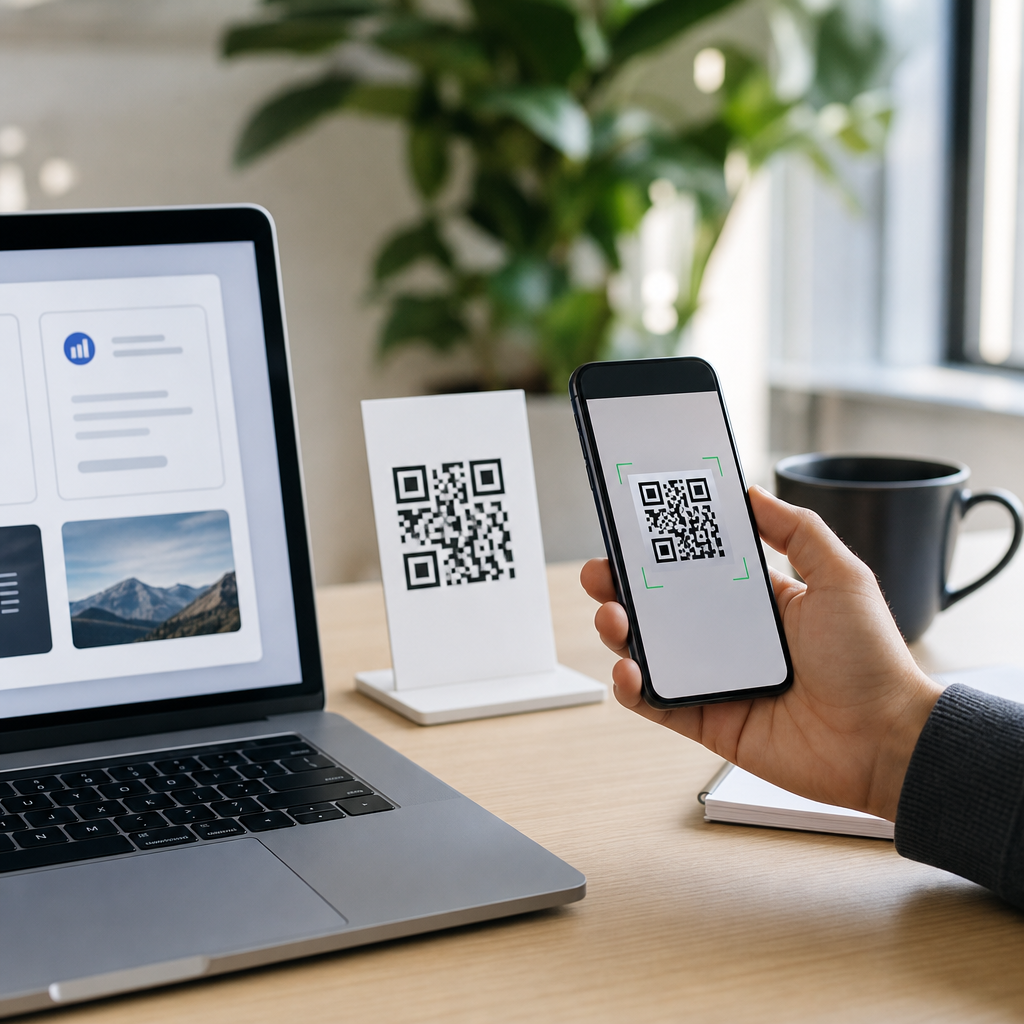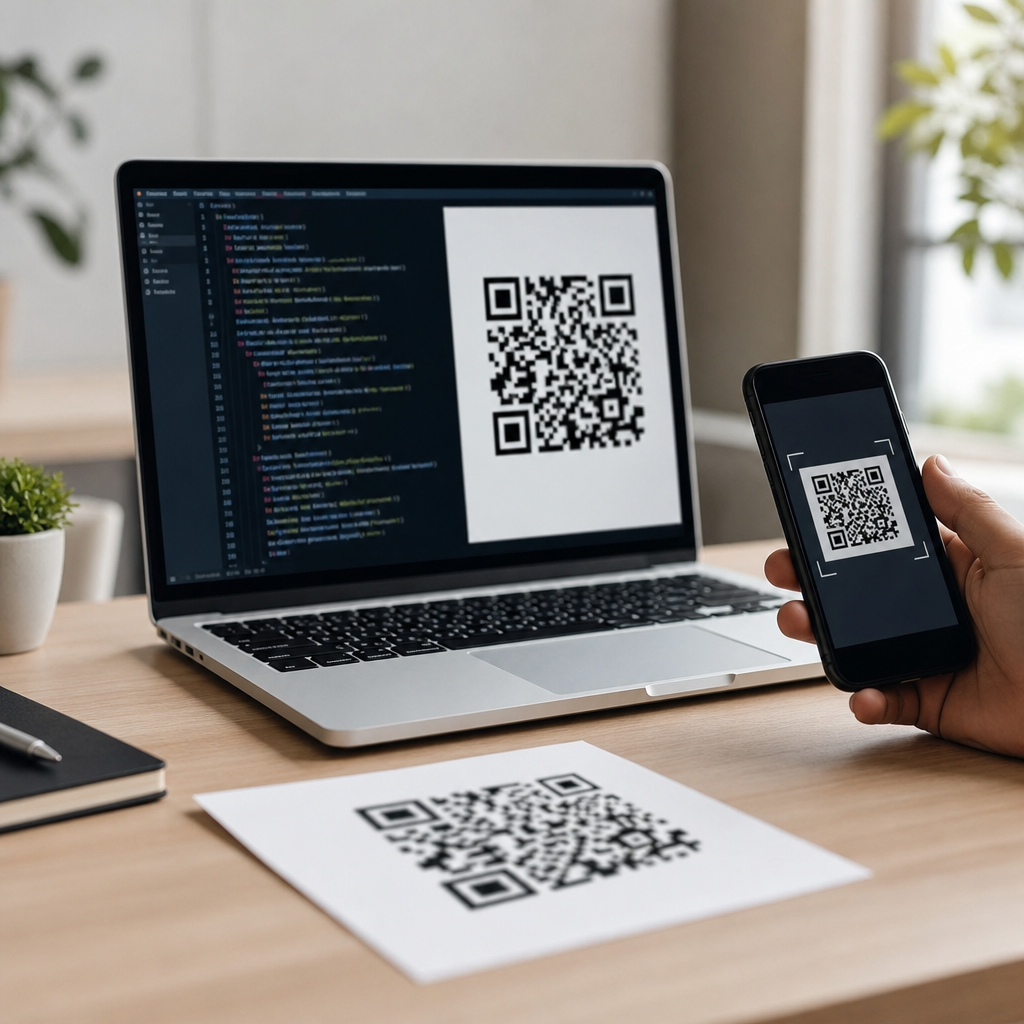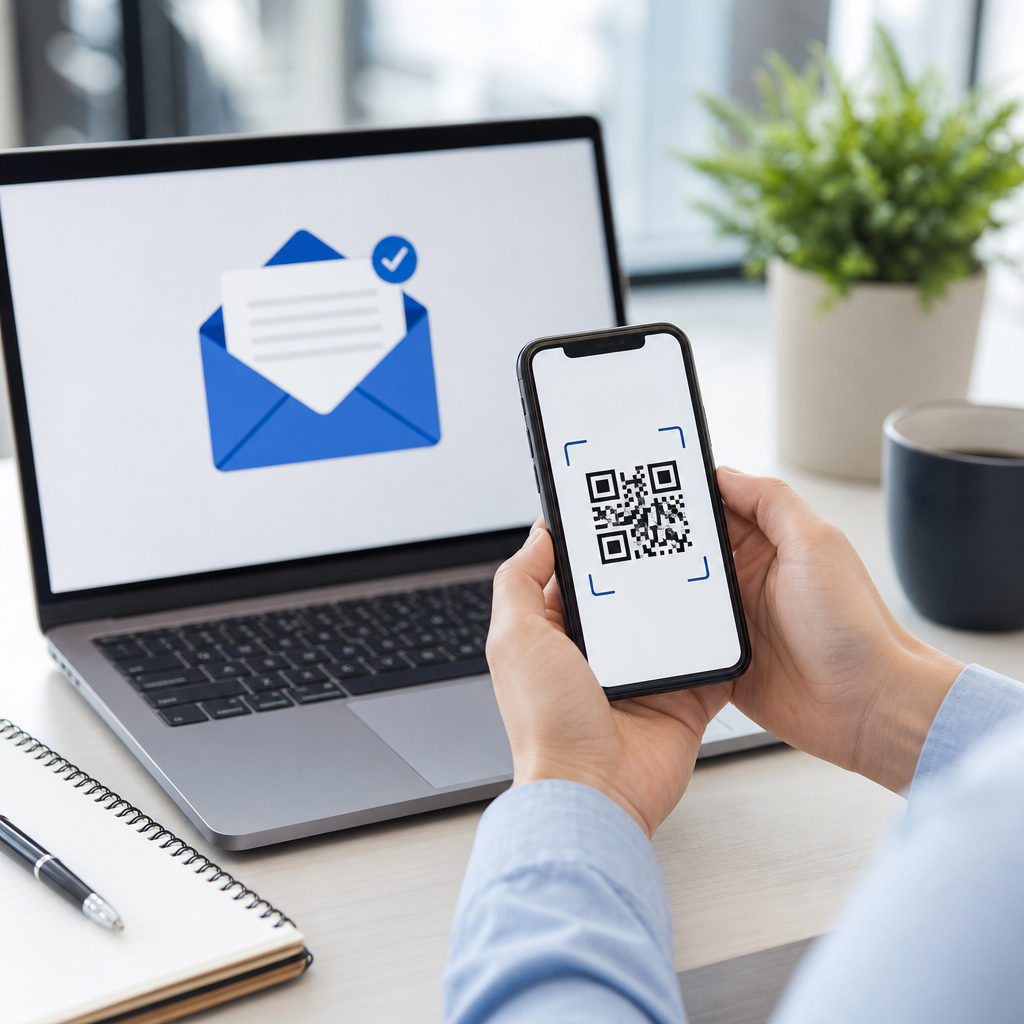
Email marketing still delivers one of the highest returns in digital communications, but getting people from a printed surface or physical space into an inbox workflow can be difficult without a simple bridge. A QR code for email marketing solves that problem by turning a scan into an immediate action, such as opening a signup form, launching a prefilled email, downloading a lead magnet, or claiming a campaign offer. In practice, I have used QR codes on packaging, trade show displays, direct mail inserts, receipts, countertop signs, and event badges to increase list growth and improve campaign attribution. When the code is built correctly, the user experience feels almost frictionless: open the phone camera, scan, tap, and arrive at the right destination.
To create a QR code for email marketing, you first need to define the goal behind the scan. Some marketers want newsletter signups. Others want coupon redemption, product registration, webinar registration, review requests, or reactivation of existing subscribers. The destination can be a landing page, embedded form, app deep link, downloadable PDF, or mailto prompt, but the best choice depends on where the code appears and how much context the user already has. A code on a product box should usually lead to a mobile-optimized landing page with a short form. A code in a conference booth may work better when it opens a one-field signup form integrated with your email platform.
Several key terms matter here. A static QR code contains fixed data and cannot be edited after printing. A dynamic QR code points to a short redirect URL that can be changed later, which makes it better for campaigns, analytics, and A/B testing. Error correction determines how much damage or obstruction the symbol can tolerate while remaining scannable; the common levels are L, M, Q, and H. UTM parameters are tracking tags added to URLs so you can identify traffic sources inside analytics tools. The scan rate measures how many people scanned. The conversion rate measures how many completed the desired email action after scanning. If you care about performance, conversion matters more than scans alone.
This topic matters because email list growth is expensive, privacy rules are stricter, and every offline touchpoint should pull measurable weight. QR codes connect offline intent with owned audience channels, which is valuable in a marketing environment where paid reach is volatile. They also support omnichannel campaigns: a poster can feed a welcome sequence, packaging can drive replenishment reminders, and a catalog can trigger product education emails. The challenge is not generating the square itself. The real work is choosing the right destination, building a mobile-first path, tracking accurately, and designing for scan reliability. That is exactly how to create a QR code for email marketing that performs rather than simply exists.
Start with the campaign objective and destination
The fastest way to waste a QR code is to create one before deciding what success looks like. I start every project by writing one sentence: “After scanning, the user should do this.” That action might be subscribe, confirm interest, download a buying guide, register for a webinar, or redeem a coupon tied to an email series. Once the primary action is clear, the destination becomes easier to select.
For list building, the best destination is usually a dedicated landing page connected to your email service provider, such as Mailchimp, Klaviyo, HubSpot, ActiveCampaign, Brevo, or ConvertKit. Keep the page mobile-first, remove unnecessary navigation, and ask only for the minimum information needed. Email address alone often converts best; if sales needs more data, progressive profiling can collect it later. For re-engagement, a QR code can lead existing customers to a preference center where they choose frequency or topics instead of unsubscribing completely. For event marketing, a QR code can open a registration form that feeds an automated reminder sequence.
Avoid sending scans to a generic homepage. Homepages are built for many audiences and usually force visitors to search for the next step. A campaign page should match the context of the physical placement. If the code is printed on a product insert, mention the product in the headline. If it appears on restaurant tables, lead with the benefit, such as exclusive offers by email. Relevance reduces bounce rate and increases form completion.
Choose dynamic QR codes, tracking, and the right generator
For most email marketing campaigns, dynamic QR codes are the correct choice because they let you edit the destination after printing, monitor scan activity, and preserve a consistent visual asset across channels. Static codes are acceptable only when the destination will never change and tracking is unnecessary, which is rare in serious marketing operations.
Use a reputable generator that supports dynamic redirects, scan analytics, custom domains when possible, and export formats such as SVG, EPS, and PNG. Well-known tools include QR Code Generator Pro, Beaconstac, Bitly, Flowcode, QR.io, and Uniqode. If your organization already uses a URL shortener or customer data platform, check whether QR creation is built in. I prefer platforms that allow bulk creation, folder organization, campaign naming conventions, and team permissions because those details matter once you scale.
Before generating the code, build the final URL with UTM parameters. A typical destination might include source, medium, campaign, and content fields so analytics can distinguish packaging from direct mail or booth signage from window posters. For example, a spring trade show signup page can carry identifiers that later show whether scans converted into welcome-email opens, qualified leads, or revenue. If your email platform supports hidden fields, pass campaign identifiers directly into the form as well.
| Decision Area | Best Practice | Why It Matters |
|---|---|---|
| Code type | Dynamic | Allows destination changes and campaign analytics after print |
| Destination | Dedicated mobile landing page | Improves relevance and form completion rates |
| Tracking | UTM parameters plus platform analytics | Connects scans to email signups and downstream revenue |
| File format | SVG for print, PNG for digital | Preserves clarity across sizes and placements |
| Branding | Light customization only | Maintains recognition without hurting scan reliability |
Create the QR code step by step
Here is the practical workflow I use. First, create the landing page or email action destination. Second, confirm the page loads quickly on mobile and that the form submits properly. Third, append UTM parameters and test that analytics capture them. Fourth, paste the full URL into your QR code platform and choose dynamic mode. Fifth, apply restrained branding: your brand color can work, but preserve strong contrast between foreground and background. Dark code on a light background remains the safest option.
Sixth, set the error correction level. If the code will be small, printed on curved packaging, or may include a logo in the center, use a higher level such as Q or H. Seventh, generate the code and export it in the correct format. For professional printing, SVG or EPS is ideal because vector files scale without blurring. Eighth, place the code in the design with adequate quiet zone, the clear margin around the symbol. Many scan failures happen because designers crowd the edges with text or graphics.
Ninth, add a call to action next to the code. People scan more when the value is explicit: “Scan to get 15% off and join our email list” beats “Scan me.” Tenth, test the code on multiple devices, including older phones, under realistic lighting and distance conditions. I also test through common social camera apps because some users scan there instead of with the native camera. Finally, document the campaign in a tracking sheet with the code ID, destination URL, placement, print quantity, launch date, and success metrics.
Design for scanability, compliance, and conversion
A QR code that looks impressive but scans poorly is a production mistake. Maintain contrast, avoid glossy surfaces when possible, and size the code according to viewing distance. A common practical rule is roughly one inch of code size for every ten inches of scanning distance, though environment and camera quality affect results. On packaging or flyers handled at arm’s length, a code around 1 to 1.5 inches often works. On posters viewed from farther away, go larger.
If you add a logo, keep it modest and never remove the quiet zone. Rounded modules and custom frames can work, but aggressive styling lowers reliability, especially in low light. I have seen branded codes fail simply because a designer used a mid-tone background or placed the code over a textured image. Plain wins often.
Conversion depends on what happens after the scan. The landing page should state the benefit immediately, repeat the offer from the physical material, and reassure users about privacy. If the page collects consent, include compliant language for your region and systems. In the United States, CAN-SPAM governs commercial email practices. In Europe, GDPR affects consent, data minimization, and lawful basis. Double opt-in may reduce raw signup numbers but usually improves list quality, deliverability, and complaint rates. Promise only what you will actually send, and make frequency clear.
Measure results and improve future campaigns
Once the campaign is live, evaluate more than scan counts. Useful metrics include unique scans, scan-to-landing-page sessions, form completion rate, confirmed subscriptions, welcome-email open rate, click-through rate, unsubscribe rate, and revenue per subscriber if ecommerce is involved. A code with fewer scans can outperform a high-scan code if the audience intent is stronger.
Compare placements. In one retail campaign, packaging inserts generated fewer scans than countertop signs, but insert subscribers produced higher repeat purchase revenue because they scanned after product use, when interest was more qualified. In a trade show environment, badge QR codes often drive more total scans than booth signage because they travel through the venue. Context changes performance, so do not generalize from one channel to another.
Use dynamic codes to test destinations without reprinting materials. You can compare a long-form educational page against a short discount-driven page, or test one-step signup versus quiz-first lead capture. Heatmaps from tools like Hotjar or Microsoft Clarity can reveal where mobile visitors hesitate. Your email platform will then show whether those leads engage after subscription. Over time, you will learn which offers attract volume and which attract quality, and that distinction is the basis of a durable email acquisition strategy.
Creating a QR code for email marketing is straightforward, but creating one that reliably grows your list requires discipline. Define the goal first, send scanners to a dedicated mobile-friendly destination, use dynamic QR codes, tag every campaign for measurement, and keep design choices subordinate to scanability. Add a clear value proposition beside the code, respect consent and privacy requirements, and test the full path from camera scan to email confirmation before anything goes to print.
The biggest advantage of QR codes in email marketing is not novelty. It is measurable convenience. They turn packaging, signage, direct mail, and in-person experiences into owned audience growth opportunities without asking users to type a URL. When you pair that convenience with strong tracking and a relevant offer, the results compound across campaigns. Review your current offline assets, choose one high-intent touchpoint, and build a QR-driven email capture flow that you can measure and improve next month.
Frequently Asked Questions
1. What is a QR code for email marketing, and how does it work?
A QR code for email marketing is a scannable code that connects an offline touchpoint directly to an email-related action. Instead of asking someone to manually type a web address, email, or signup URL, the code lets them use their phone camera to open the intended destination instantly. That destination might be an email signup form, a landing page for a lead magnet, a prefilled email message, a coupon claim page, or a special campaign offer tied to your mailing list.
In practical terms, it works by encoding a destination such as a URL or a mailto link into the QR code. When a person scans it, their device reads the code and launches the associated action. For example, a QR code printed on product packaging can send customers to a subscriber form for product updates. A code on a trade show banner can open a landing page offering a downloadable guide in exchange for an email address. A direct mail postcard can use a QR code to route recipients to a time-sensitive offer page that also grows your list.
The reason this is so effective is that it removes friction. Email marketing performs best when joining your list or responding to an offer feels easy and immediate. QR codes create that bridge between physical media and digital engagement, helping you capture interest at the exact moment someone is paying attention.
2. What are the best ways to use a QR code in an email marketing campaign?
The best use cases are the ones that connect a real-world interaction to a clear, valuable next step. One of the most common and effective approaches is sending people to an email signup form. This works well on packaging, receipts, in-store signage, event booths, print ads, brochures, and direct mail pieces. If the value proposition is strong, such as “Join for exclusive discounts” or “Get the free guide,” people are much more likely to scan and convert.
Another smart use is offering a lead magnet. A QR code can direct users to a landing page where they enter their email address to receive a checklist, ebook, product guide, webinar access, or case study. This is especially useful at conferences, retail counters, and networking events where attention is limited and speed matters. You can also use QR codes to launch a prefilled email for support inquiries, partnership requests, RSVP confirmations, or custom quote requests, which simplifies contact and encourages response.
Promotional campaigns are another strong fit. A QR code can unlock a coupon, contest entry, limited-time bundle, or loyalty reward while also capturing an email address for future nurturing. The key is aligning the QR code destination with user intent. If someone scans from product packaging, they may want tips, warranty registration, or replenishment reminders. If they scan from a trade show display, they may expect a demo, consultation, or downloadable resource. Matching context to offer is what turns scans into meaningful email subscribers and customers.
3. How do I create a QR code for email marketing step by step?
Start by defining the exact outcome you want from the scan. That could be list growth, lead capture, product education, offer redemption, or customer support. Once you know the goal, create the right destination. In most cases, this should be a mobile-friendly landing page or email signup form rather than a generic homepage. A focused destination typically converts much better because it reduces distractions and makes the next action obvious.
Next, choose the type of QR code you need. If you want flexibility to change the destination later, use a dynamic QR code. If the destination will never change and you want a simple, fixed option, a static QR code may be enough. Then generate the code using a reliable QR code platform. Enter your destination URL or email action, customize the design if appropriate, and download the file in a high-quality format suitable for print or digital placement.
Before publishing it anywhere, test it thoroughly. Scan it with multiple devices and camera apps, check that the page loads quickly, confirm that forms work properly, and make sure tracking is in place. It is also important to add campaign parameters or analytics tags so you can measure scans, conversions, and subscriber quality. After that, place the code in the physical or digital environment where your audience will see it, and include a clear call to action such as “Scan to subscribe,” “Scan for your free guide,” or “Scan to claim your offer.” Finally, monitor performance and improve based on results. Small adjustments to placement, incentive, and landing page copy can significantly increase conversion rates.
4. Should I use a QR code to open a prefilled email or send people to a signup page?
In most email marketing scenarios, sending people to a signup page is the better choice because it gives you more control over the experience, branding, and conversion path. A dedicated landing page can explain the value of subscribing, collect consent properly, segment users by interest, deliver a lead magnet automatically, and send subscribers into your email platform for follow-up. It also tends to be easier to track, test, and optimize over time.
A prefilled email QR code can still be useful, but it serves a different purpose. It is best when you want the user to initiate direct contact, such as requesting a quote, asking for support, confirming an RSVP, or submitting a partnership inquiry. In those cases, opening the user’s email app with a ready-made recipient, subject line, and message starter can reduce friction and increase response volume. However, it is less ideal for list building because it depends on the user completing and sending the email manually, and it does not provide the same structured subscriber capture as a form.
If your primary goal is growing and segmenting your email list, use a mobile-optimized signup page. If your primary goal is encouraging a one-to-one communication action, a prefilled email can work very well. Some brands even use both strategically: one QR code for subscribing to updates and another for contacting the team. The right choice depends on the campaign objective, the context of the scan, and the experience you want to create after the user scans.
5. What are the most important best practices for QR codes in email marketing?
The first best practice is clarity. People should immediately understand what they will get when they scan. A QR code by itself is not enough; it needs a strong call to action and a compelling benefit. Phrases like “Scan to get 15% off,” “Scan to join our insider list,” or “Scan to download the free checklist” consistently outperform vague instructions because they set clear expectations.
The second is mobile optimization. Since most scans happen on smartphones, the destination must load fast, display cleanly on small screens, and make the next step easy. Long forms, cluttered layouts, and slow pages will undermine performance quickly. Keep the path short and focused. If the goal is email capture, ask only for the information you truly need. If the goal is offer redemption, make the instructions obvious and immediate.
Third, use tracking and testing. Add analytics parameters, monitor scan activity, and compare results across placements such as packaging, in-store displays, direct mail, or event signage. This helps you identify which channels drive not just scans, but actual subscribers and revenue. Fourth, think carefully about size, contrast, and placement. The code must be large enough to scan comfortably, printed clearly, and positioned where lighting and viewing distance support easy use. Finally, use dynamic QR codes when possible so you can update destinations, fix issues, or redirect traffic without reprinting materials. When paired with a valuable offer, a simple user experience, and measurable campaign tracking, QR codes can become a highly effective tool for connecting offline attention to email marketing growth.