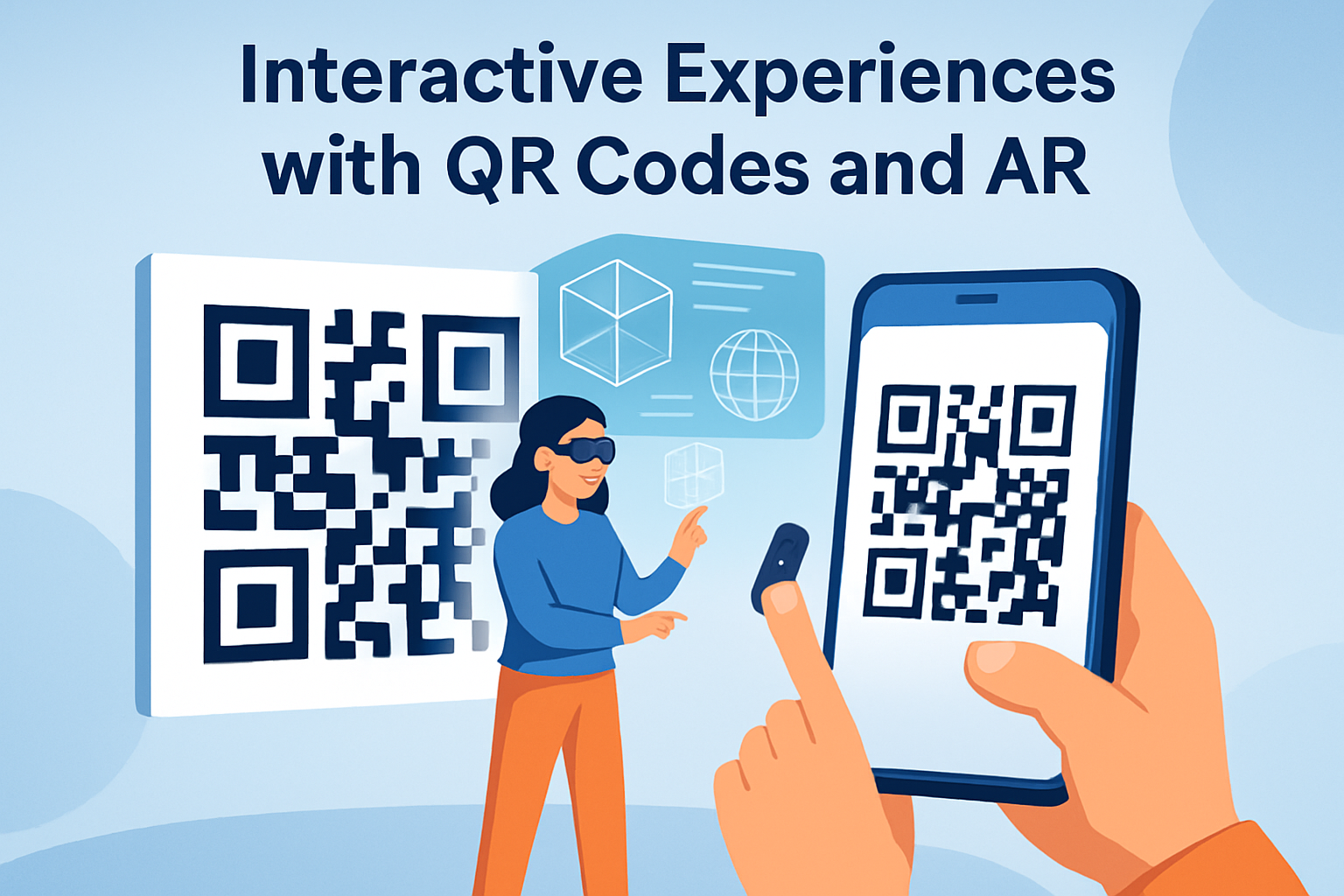
Interactive experiences with QR codes and AR are no longer novelty campaigns; they are practical tools for bridging physical spaces and digital content at scale. In this subtopic hub for QR Code Advanced Strategies, the focus is QR codes in AR and VR experiences: how they work, where they fit, what they cost in effort, and why brands, educators, retailers, museums, and industrial teams keep investing in them. A QR code is a machine-readable visual marker that opens a URL, launches an app action, or passes structured data. AR, or augmented reality, overlays digital objects, animation, audio, or instructions onto the real world through a phone, tablet, headset, or smart glasses. VR, or virtual reality, places the user inside a fully digital environment. Together, they create a reliable handoff from offline attention to immersive interaction. I have used QR-triggered AR in retail displays, event wayfinding, and product packaging, and the pattern is consistent: when the scan leads to something useful immediately, adoption rises. That matters because discovery is still the hardest part of immersive media. QR codes solve discovery with low friction, low hardware requirements, and strong measurability. They also support dynamic content, version control, localization, and campaign attribution without changing the printed asset. For any team building an AR or VR program, understanding the role of QR codes is now foundational.
How QR Codes Connect Physical Touchpoints to AR and VR
The core value of QR codes in AR and VR experiences is activation. A printed code on packaging, signage, a manual, a museum label, or a trade show booth can send a user directly to a WebAR scene, an app deep link, a headset pairing page, a 3D product viewer, or a VR onboarding flow. That direct path matters because immersive content often fails when users must search an app store, type a long URL, or create an account before seeing value. A camera scan removes those steps. In most deployments I have managed, the shortest path to first meaningful interaction was the strongest predictor of completion rate.
There are two common implementation patterns. The first is browser-based activation, usually through WebAR frameworks such as 8th Wall, Zapworks, Niantic Studio, or custom builds using WebXR-compatible approaches. The QR code opens a mobile web page that requests camera access and launches the experience. This minimizes app friction and works well for consumer campaigns. The second is app-based activation, where the code opens a deep link into a native app such as Snapchat, Instagram, a brand app, or an enterprise support app. App-based AR often delivers better tracking stability, richer graphics, and device feature access, but it depends on the user already having the app or being willing to install it.
VR uses QR codes differently. They may link to a headset app download, assign a user to a training module, authenticate a kiosk session, or pair a physical exhibit with a companion immersive environment. In enterprise and education, I have seen QR codes used on equipment or classroom stations so staff can jump from a real object to a safety simulation or guided virtual lesson. The code is not the experience itself; it is the bridge that makes the experience reachable in context.
Best Use Cases for Interactive Experiences with QR Codes and AR
The strongest use cases share one trait: the scan improves understanding, confidence, or entertainment in the moment. Product packaging is a leading example. A cosmetics brand can place a code on a box that opens a face filter for virtual try-on, shade guidance, and application tips. Furniture retailers can use a code on catalogs or shelf tags to launch a room-placement view at true scale. Consumer electronics brands can turn a setup card into an AR tutorial that shows cable routing, button locations, and first-use steps anchored on the device itself. These experiences reduce returns and support costs because they answer questions visually.
Physical venues benefit as well. Museums use QR-triggered AR to animate artifacts, reconstruct ruined architecture, or provide multilingual interpretation layered over exhibits. Real estate teams attach codes to signs and brochures so prospects can see staged interiors, neighborhood overlays, or before-and-after renovation visualizations. At events, exhibitors use codes on booth graphics to open product demos, scavenger hunts, avatar photo moments, or virtual tours unavailable on the floor. The scan becomes a measurable signal of intent, and the experience extends the lifespan of the event beyond the booth visit.
Training and service operations may be the most practical category. A code on industrial equipment can launch step-by-step AR work instructions, hazard annotations, or remote expert support. In healthcare education, codes on mannequins or station cards can open anatomy overlays and simulation guidance. In logistics, warehouse teams can scan location markers to receive picking routes or visual confirmation for complex assembly tasks. These deployments are less flashy than consumer campaigns, but they often produce clearer operational returns because they shorten task time, reduce errors, and standardize procedures.
Design Principles That Make QR-Driven AR Work
Good QR-driven AR starts before the code is generated. The destination must load quickly, explain the value in one screen, and request permissions only when necessary. If the user scans a code on packaging, the first screen should not be a generic homepage. It should be the exact experience promised by the packaging, with a clear instruction such as “Point your camera at a flat surface to place the sofa” or “Face the camera to try on this shade.” This message architecture is often the difference between a novelty scan and a completed interaction.
The code itself needs correct sizing, contrast, and placement. A common rule is a scanning distance ratio of roughly 10:1, meaning a code intended to scan from one meter should be around ten centimeters wide, though camera quality and lighting can shift that requirement. High contrast, quiet zones, and matte surfaces improve scan reliability. For moving environments such as transit ads or trade shows, larger codes outperform decorative ones. Branded QR codes can work, but only when error correction, finder pattern visibility, and contrast remain intact. I have seen attractive custom codes fail simply because the center logo was too large or the dark modules blended into textured backgrounds.
The AR scene also needs restraint. Many teams overload the first build with heavy 3D assets, long intro animations, and complex gestures. In practice, users want immediate payoff. Keep initial file sizes lean, use compressed models such as glTF or USDZ where appropriate, and provide obvious controls. Device diversity is real: older phones may struggle with advanced shaders, occlusion, or simultaneous audio and animation. Accessible fallback content matters too. If AR initialization fails, the page should still offer a 3D viewer, video, or concise instructions rather than a dead end.
Technology Stack, Tracking, and Measurement
Choosing the right stack depends on business goals, not trend cycles. For broad consumer reach, dynamic QR codes connected to WebAR landing pages are usually the fastest way to test. Dynamic codes allow the destination URL to change without reprinting materials, which is critical for fixing broken links, rotating campaigns, or localizing by market. Platforms such as Bitly, QR Code Generator Pro, Flowcode, and enterprise QR managers offer scan analytics, though teams often supplement them with Google Analytics 4, Adobe Analytics, or a customer data platform for deeper event measurement. Standard events should include scans, landing-page loads, permission grants, AR session starts, dwell time, interaction depth, shares, and conversion actions.
For higher-fidelity AR, native frameworks like ARKit on iOS and ARCore on Android still set the baseline for world tracking and environmental understanding. On the web, support varies by device and browser, so testing matrices matter. VR stacks may involve Unity, Unreal Engine, Meta Quest deployment tools, SteamVR workflows, or WebXR for browser-based scenes. The QR code layer should connect cleanly to these systems through deep links, short links, or authenticated routes. Governance matters as much as rendering. URL conventions, UTM parameters, consent management, and content versioning should be defined before launch.
| Use case | Best QR destination | Strength | Main limitation |
|---|---|---|---|
| Retail packaging AR | WebAR landing page | No app install, fast access | Device and browser variability |
| Loyalty or social lenses | App deep link | Richer effects and platform reach | Requires app presence or install |
| Industrial guidance | Enterprise support app | Secure workflows and asset control | Higher implementation overhead |
| VR training station | Module assignment page or headset pairing flow | Easy session routing | Shared-device authentication complexity |
Measurement should connect immersive behavior to business outcomes. In retail, that may mean add-to-cart rate after a product placement session. In museums, it may be dwell time per exhibit and multilingual content completion. In field service, it may be first-time-fix rate or mean time to repair. Without that link, teams end up reporting scans as success, when scans are only the top of the funnel.
Common Challenges, Privacy, and Operational Risks
Interactive experiences with QR codes and AR can fail for mundane reasons. Poor connectivity, weak lighting, outdated devices, reflective print surfaces, and unclear instructions still account for a large share of drop-off. Another common issue is mismatch between promise and payoff. If signage advertises an immersive demo and the scan opens a promotional page before the experience, users abandon quickly. Technical debt appears when teams build one-off pilots without documentation, analytics standards, or a content maintenance plan. Six months later, printed codes remain in the field while linked experiences are outdated.
Privacy and compliance deserve equal attention. AR often requires camera access, and some use cases involve location data, face tracking, or account identity. Teams should collect the minimum data needed, state why permissions are requested, and provide alternatives when possible. For regions governed by GDPR, CCPA, or sector-specific rules, consent flows and data retention settings must be reviewed early, not after launch. Children’s experiences, healthcare overlays, and workplace monitoring scenarios need especially careful legal and ethical review. Transparency builds trust faster than novelty ever will.
Security also matters because QR codes can be replaced or spoofed in public spaces. Use tamper-resistant placement where practical, monitor destination URLs, and prefer branded domains so users recognize legitimate links. In enterprise settings, expired tokens, role-based access controls, and device management policies reduce risk. The operational lesson is simple: treat QR-linked immersive content as part of a product system, not a poster campaign.
How to Build a Strong Hub Strategy for This Subtopic
As a hub page under QR Code Advanced Strategies, this article should connect readers to deeper assets on implementation, measurement, creative design, and platform choice. The hub’s job is to answer the broad question—how QR codes power AR and VR experiences—then route readers to specific guides such as dynamic QR code setup for WebAR, AR packaging best practices, QR analytics for immersive campaigns, museum and exhibit deployments, industrial training overlays, and privacy considerations for camera-based experiences. Each supporting article should resolve a narrower intent and link back to this hub with consistent terminology.
Content depth matters because searchers arrive with different intents. Some want definitions, some want examples, and some want a stack recommendation. A good hub serves all three by being clear, specific, and internally connected. If you are planning your own QR code AR or VR program, start with one context-rich use case, define the user’s first ten seconds, instrument the journey end to end, and test on real devices in real lighting. Then expand only after the baseline experience is fast, reliable, and measurable. That disciplined approach is how interactive experiences with QR codes and AR move from gimmick to durable growth channel.
Frequently Asked Questions
How do QR codes work in AR and VR experiences?
QR codes act as simple, reliable bridges between physical touchpoints and immersive digital content. When a user scans a QR code with a smartphone or tablet, the code usually opens a URL, launches a web-based AR experience, triggers an in-app action, or sends the user to a downloadable experience. In augmented reality, this often means a person points their device at a code on packaging, signage, print materials, product displays, museum labels, classroom handouts, or equipment tags, and then instantly accesses 3D models, animations, guided overlays, interactive instructions, games, or product visualizations. The QR code itself does not create the AR; it serves as the activation point that gets the user into the experience quickly and with minimal friction.
In virtual reality workflows, QR codes are commonly used before entry rather than inside the headset experience itself. For example, a QR code can help users launch a VR companion app, authenticate a session, connect a mobile phone to a headset-based experience, download assets, or open a landing page that explains setup steps. In event environments, trade shows, training centers, and retail spaces, this is especially useful because it reduces onboarding complexity. Instead of asking users to manually type a URL or search an app store, a scan takes them directly to the right destination.
Technically, the workflow can be very lightweight or highly sophisticated. At the simplest level, a static QR code points to a mobile web page containing AR content. More advanced implementations use dynamic QR codes, which allow brands and organizations to change the destination without reprinting the code. That matters for campaign optimization, seasonal promotions, content updates, multilingual support, A/B testing, and analytics. In other words, QR codes make AR and VR more accessible because they lower the barrier between interest and action. They are not just visual triggers; they are practical infrastructure for launching immersive content at scale.
Where are interactive QR code and AR experiences most effective?
These experiences are most effective anywhere a physical object, location, or process benefits from added digital context. Retail is one of the clearest examples. A QR code on packaging, shelf signage, or point-of-sale material can open an AR product demo, show a product in use, visualize customization options, explain ingredients or features, or support post-purchase setup. This helps customers move from curiosity to confidence without requiring staff intervention at every step. For brands, that means better engagement, richer storytelling, and often stronger conversion support.
Museums, galleries, visitor attractions, and heritage sites also gain significant value from QR-powered AR. Instead of relying only on static labels, institutions can let visitors scan codes to view reconstructions, layered historical scenes, curator commentary, multilingual tours, artist interviews, or educational overlays. This is especially powerful because it adds depth without crowding the physical environment with excessive signage. The same principle applies in education, where textbooks, lab stations, classroom displays, and campus materials can link students to interactive visualizations, simulations, or guided explanations that improve understanding and participation.
Industrial, field service, and training environments are another high-impact category. A QR code attached to machinery, tools, inventory locations, or maintenance zones can open AR instructions, safety procedures, exploded component views, troubleshooting guides, inspection workflows, or remote support channels. In these settings, the value is not novelty but efficiency and accuracy. Teams can access the right information at the exact point of need. Real estate, tourism, events, packaging, healthcare communication, and internal enterprise onboarding are also strong use cases. The common thread is simple: QR codes and AR perform best when they reduce effort, clarify information, and connect physical moments to useful digital actions.
Do users need a special app to access AR through a QR code?
Not always, and this is one of the biggest reasons QR-driven AR has become more practical in recent years. Many experiences now run through mobile web browsers using web-based AR technologies. In these cases, a user scans the QR code with their phone camera, taps the prompt, and opens the experience directly in the browser. This reduces friction significantly because it avoids the extra step of asking people to download a dedicated app before they see any value. For campaigns that depend on broad reach, such as retail promotions, event activations, museum experiences, educational content, and packaging-based storytelling, app-free access can dramatically improve participation rates.
That said, some AR and most advanced VR experiences still benefit from or require a dedicated app. Native apps can provide better performance, deeper device integration, persistent user accounts, offline functionality, richer graphics, and more complex interactions. If an organization needs advanced object recognition, high-end 3D rendering, gamification systems, secure enterprise workflows, or ongoing user engagement, an app may be the better choice. In those cases, the QR code is still extremely useful because it can take users directly to the app store listing, open the app if already installed, or launch a specific in-app scene through deep linking.
The right approach depends on the audience and the objective. If the goal is instant access and low-friction discovery, browser-based AR usually wins. If the goal is repeat usage, advanced features, or secure workflow integration, a native app may be worth the extra step. In either case, the QR code remains the convenient entry point. It simplifies the path to the experience, reduces manual navigation, and helps organizations meet users where they are with minimal confusion.
What does it cost in time and effort to create interactive experiences with QR codes and AR?
The cost range can be very wide, because “interactive QR code and AR experience” can describe anything from a simple product animation on a landing page to a fully customized, analytics-enabled, 3D immersive workflow integrated with backend systems. On the low-effort end, a business can create a dynamic QR code, connect it to a mobile-optimized landing page, and embed lightweight AR or 3D content using existing platforms. This can often be done relatively quickly, especially if the organization already has brand assets, product visuals, and a clear call to action. For small campaigns, pilot projects, or educational experiments, the biggest investments are usually planning, content preparation, testing, and mobile usability.
As complexity rises, the effort increases across several areas: 3D asset creation, UX design, hosting, device compatibility, analytics, localization, accessibility, content management, QR placement strategy, and campaign measurement. A museum may need historically accurate reconstructions. A retailer may need photorealistic product models. An industrial team may require secure documentation flows and technical overlays linked to equipment data. These needs add production time and specialized talent. The QR code itself is easy to generate; the real investment is in designing an experience that is useful, stable, intuitive, and worth scanning.
Operationally, teams should also plan for testing in real-world conditions. Lighting, print size, scan distance, weak connectivity, device variations, page load speed, and user instructions all affect performance. Ongoing maintenance matters too, especially if the experience is tied to campaigns, seasonal promotions, rotating exhibits, evolving product lines, or internal process updates. Dynamic QR codes can reduce long-term effort because destinations can be changed without replacing printed materials. In practical terms, the smartest approach is often to start with a focused use case, measure engagement and outcomes, and expand once the value is proven. That keeps costs aligned with business goals rather than treating AR as a flashy add-on.
Why are brands, educators, retailers, museums, and industrial teams continuing to invest in QR codes and AR?
They keep investing because the combination solves real communication problems in ways that are scalable, measurable, and increasingly user-friendly. QR codes are inexpensive to deploy, easy to place across physical environments, and familiar to most users. AR adds context, visualization, and interactivity that static materials alone cannot provide. Together, they make it possible to turn packaging into product education, signage into guided exploration, equipment labels into step-by-step support, and classroom materials into hands-on learning experiences. This is valuable not because it feels futuristic, but because it improves access to information at the right moment.
Another major reason is adaptability. Organizations can use dynamic QR codes to update destinations, refresh content, personalize campaigns, support multiple languages, track scans, and test different engagement paths without constantly replacing physical assets. That flexibility matters across sectors. Retailers can update promotions and product details. Museums can expand interpretation layers. Educators can revise lessons. Industrial teams can update maintenance procedures and training materials. When physical materials remain in place but digital content evolves, the overall system becomes far more efficient.
There is also a strong strategic advantage in data and user experience. QR-triggered experiences can reveal what people scan, when they engage, what content they view, and where drop-off happens. Those insights help teams improve not just the AR content, but the surrounding customer or learner journey. At the same time, users get immediate value without lengthy instructions. They scan, tap, and interact. That simplicity is critical. In short, organizations continue investing because QR codes and AR create a practical bridge between real-world environments and digital experiences, helping them educate better, sell more clearly, train more effectively, and engage audiences in ways that are both modern and operationally useful.