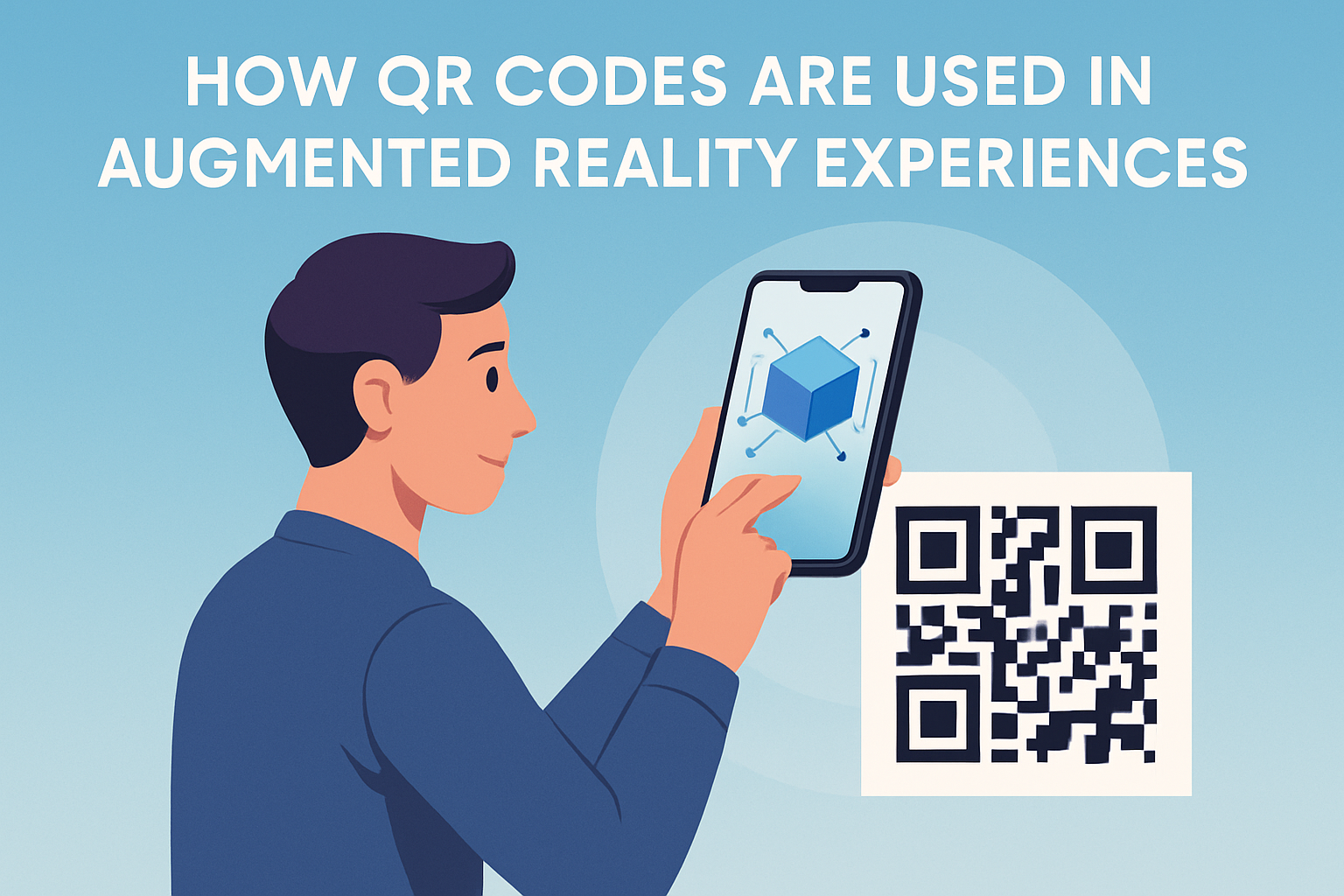
QR codes have become one of the most practical bridges between the physical world and digital immersion, especially in augmented reality experiences where users need a fast, reliable way to launch interactive content. In simple terms, a QR code is a scannable matrix barcode that stores a link or action, while augmented reality overlays digital elements such as 3D objects, animations, directions, or product information onto a live view of the real world. When combined, QR codes and AR create a low-friction entry point: a user points a phone camera at a code, taps a prompt, and instantly opens an AR experience without typing a URL, searching an app store, or navigating a complex menu.
I have worked on QR code campaigns for retail displays, museum installations, product packaging, and event signage, and the same pattern appears every time: adoption rises when the trigger is obvious and the experience loads quickly. That is why QR codes matter in AR. They reduce the distance between curiosity and interaction. For brands, educators, venues, and product teams, that means better engagement, clearer attribution, and a measurable path from offline attention to digital action. For users, it means convenience. As AR moves from novelty to utility, QR codes remain one of the simplest deployment tools available.
This article explains how QR codes are used in augmented reality experiences, where they fit in VR-related journeys, what technical models are most common, and how to design campaigns that people will actually use. As a hub page within QR Code Advanced Strategies, it also frames the key decisions behind markers, dynamic links, analytics, platform compatibility, and conversion measurement. If you want to understand how QR codes support AR at a strategic and operational level, this is the foundation.
What QR codes do inside augmented reality experiences
QR codes support AR in three primary ways: launch, identify, and track. First, they launch experiences by opening a web-based AR page, an app deep link, or a platform-specific camera effect. This is the most common implementation because nearly every modern smartphone can scan a code natively through the camera app. Second, they identify a specific product, location, or campaign. A cereal box, poster, shelf tag, or museum placard can each contain a unique code that opens context-specific AR content. Third, they track performance. Dynamic QR platforms record scans by time, location, device type, and campaign asset, giving teams a way to measure which physical touchpoints drive engagement.
In practice, the QR code is usually not the AR anchor itself. Instead, it acts as the activation mechanism that gets a user into the correct experience. Once inside, the AR system may use surface detection, image tracking, geospatial positioning, simultaneous localization and mapping, or WebXR-compatible browser functions to place content. This distinction matters. Many marketers assume the code itself creates the augmentation, but in most deployments it is simply the gateway. The actual AR behavior is controlled by the underlying platform, such as 8th Wall, Zapworks, Adobe Aero, ARKit, ARCore, or a custom mobile application.
That separation of functions gives teams flexibility. A dynamic QR code on packaging can point to different AR content over time without changing the printed artwork. During a product launch, the code may open a 3D model and tutorial. During a holiday campaign, the same code can open a seasonal game or limited-edition animation. Because the destination can change, the packaging remains stable while the experience evolves.
Common use cases across retail, events, education, and packaging
Retail is the clearest commercial example. A shopper scans a QR code on a shoe box and sees an AR model showing colorways, material layers, or fit guidance. Furniture brands use codes on catalogs or hang tags to let buyers place a sofa in their living room at scale before purchase. Beauty brands attach QR codes to displays so customers can launch virtual try-on experiences for lipstick or eyewear. These implementations shorten the evaluation process and often reduce return risk because the buyer previews the item more accurately.
Events use QR codes to turn posters, badges, booths, and stage graphics into interactive surfaces. At trade shows, a code can launch an AR product demo without requiring staff to install software on each attendee’s phone. At festivals, scanning signage can reveal schedules, wayfinding arrows, sponsor activations, or gamified scavenger hunts layered over the venue. I have seen event teams rely on dynamic QR routing so they can update content in real time if a room changes, a session fills, or a sponsor swaps creative. That operational control is one of the strongest reasons QR codes continue to outperform static printed instructions.
Education and cultural institutions also benefit. Museums place QR codes near artifacts to reveal reconstructions, translations, narrated overlays, or before-and-after restoration views. Schools and training centers use them in lab exercises, anatomy lessons, and equipment simulations. Packaging adds another layer of utility because it travels home with the consumer. A toy box can launch character animation; a food package can show sourcing stories; a medical device package can open an AR setup guide that reduces support calls.
| Use case | How the QR code functions | Typical AR outcome | Primary business value |
|---|---|---|---|
| Retail packaging | Launches product-specific web AR | 3D view, try-on, explainer animation | Higher conversion, fewer returns |
| Event signage | Routes attendees to live campaign links | Wayfinding, schedules, sponsor effects | Engagement and real-time updates |
| Museum labels | Opens artifact-specific overlays | Historical reconstruction, translation | Longer dwell time, better learning |
| Product manuals | Deep links to guided setup experience | Step-by-step AR instructions | Lower support volume |
How QR codes connect users to web AR, app AR, and mixed journeys
Most AR activations fall into one of two technical paths: web AR or app-based AR. In web AR, the QR code opens a mobile browser experience using technologies such as WebXR, JavaScript frameworks, and device camera access. This path works best when low friction is the top priority because users do not need to install an app. Platforms such as 8th Wall became popular precisely because they let teams deploy camera-based AR through the browser with fewer barriers. For campaigns, packaging, point-of-sale displays, and out-of-home media, web AR is often the default choice.
App-based AR remains valuable when the experience requires stronger graphics performance, persistent user accounts, offline capability, or deep integration with commerce and loyalty systems. In that model, the QR code can open a deep link for users who already have the app installed, or send new users to an app store landing page. Retailers, game publishers, and large entertainment properties use this approach when AR is one feature inside a broader digital ecosystem.
Mixed journeys are increasingly common. A user scans a QR code from packaging, opens a web AR teaser, then is prompted to save a product, join a loyalty program, or install the app for advanced features. This staged approach respects user intent. Instead of demanding a download upfront, it proves value first. In campaigns I have managed, that sequencing consistently improves participation because the initial ask is small and immediate.
VR enters the picture differently. QR codes are not typically used inside virtual reality headsets as the primary interaction mode, but they are often used around the VR journey. A code on event signage can launch a booking page for a headset demo. A code on printed instructions can pair a mobile device with a headset setup flow. A museum or training center might use QR codes to move visitors between AR previews on their phones and scheduled VR stations. So while this topic centers on AR, QR codes also support broader immersive experiences by connecting physical environments to digital entry points.
Design and technical best practices that improve scan rate and AR performance
Successful QR-to-AR experiences depend on both code design and destination performance. On the code side, contrast matters more than decoration. Black on white remains the most reliable option, and quiet zone spacing around the code should be preserved so camera software can detect boundaries. Error correction can compensate for slight damage, but adding logos, unusual colors, or over-styled patterns often harms scan reliability. The minimum print size depends on viewing distance, yet a common practical rule is at least 2 by 2 centimeters for close-range packaging and significantly larger for posters or storefront glass.
Placement also affects results. Put the code where users naturally pause, not where glare, folds, or curved surfaces interfere. Include a short call-to-action that tells people exactly what happens after scanning, such as “View this sofa in your room” or “See the exhibit restored in AR.” Generic prompts like “Scan me” underperform because they do not communicate value. If the experience requires movement, sound, or a newer device, state that in plain language before the scan.
On the destination side, speed is decisive. Every extra second between scan and rendered AR increases abandonment. Compress 3D assets, reduce unnecessary scripts, lazy-load secondary elements, and test on mid-range Android devices rather than only the latest iPhone. Browser permissions should be requested clearly and only when needed. If camera access is blocked, provide fallback content instead of a dead end. Accessibility matters too: captions, readable text, and an alternate non-AR path improve usability for more people and reduce campaign failure caused by device limitations.
Measurement, attribution, and strategic role within advanced QR code programs
One reason QR codes are so valuable in AR strategy is that they make offline-to-online measurement possible. A dynamic QR platform can log the number of scans, unique users, device categories, time of day, geography, and campaign asset performance. When paired with UTM parameters, analytics platforms such as Google Analytics 4, Adobe Analytics, or server-side event tracking can tie scans to downstream actions including add-to-cart, account creation, lead submission, and completed purchase. That lets teams compare store signage, product packaging, direct mail, and event booths using the same measurement logic.
Attribution still requires discipline. A scan is not the same as meaningful engagement. For AR, stronger indicators include session duration, tap interactions, object placement, screenshot shares, repeat visits, and conversion after experience completion. I usually recommend defining three layers of measurement: access metrics such as scan rate, engagement metrics such as interaction depth, and business metrics such as sales lift or reduced support tickets. Without those layers, teams may celebrate a high scan count while missing the fact that the experience loads slowly and few users finish it.
As a hub topic within QR Code Advanced Strategies, AR and VR use cases connect to several adjacent disciplines: dynamic QR code management, QR code analytics, mobile landing page optimization, deep linking, packaging strategy, proximity marketing, and omnichannel attribution. The strongest programs do not treat QR codes as isolated graphics. They treat them as governed access points inside a larger content and measurement architecture. That means version control, campaign naming conventions, redirect management, and routine QA across devices and environments.
Limitations, privacy concerns, and what to plan next
QR codes are effective, but they do not solve every AR challenge. Poor mobile connectivity can break web AR. Older devices may struggle with camera permissions or rendering. Some users still hesitate to scan unfamiliar codes due to phishing concerns, which makes clear branding and trustworthy destination domains essential. There are also environmental constraints: reflective packaging, low light, and crowded signage can all reduce scan success. In regulated industries, teams must review privacy notices carefully if the experience collects location, camera, or behavioral data.
The practical takeaway is straightforward. Use QR codes when you need a fast, familiar bridge into augmented reality, especially from packaging, print, retail displays, exhibits, and event materials. Choose web AR for accessibility, app-based AR for deeper functionality, and dynamic QR management for flexibility and measurement. Keep the value proposition visible, the scan path simple, and the experience lightweight enough to perform well on ordinary phones. If you are building out this subtopic under QR Code Advanced Strategies, the next step is to map your use cases by context, platform, and KPI, then create dedicated supporting articles for web AR deployment, app deep links, analytics, packaging design, and immersive campaign testing. That structure turns QR codes from a tactical add-on into a repeatable growth channel.
Frequently Asked Questions
1. How do QR codes work in augmented reality experiences?
QR codes work in augmented reality experiences by acting as a fast entry point between a physical object or printed surface and a digital AR layer. When a user scans the code with a smartphone or tablet, the code typically opens a web page, app, or web-based AR experience that contains the augmented reality content. From there, the device camera, browser, or AR software can place digital elements such as 3D models, animations, product details, navigation cues, or interactive effects on top of the real-world environment shown on the screen.
This is especially useful because it removes friction from the user journey. Instead of asking someone to manually type a long URL, search for an app, or follow multiple steps, a QR code offers a nearly instant connection to the experience. In many cases, the code can launch WebAR, which allows users to access augmented reality directly through a mobile browser without downloading a dedicated application. That convenience makes QR codes one of the most practical tools for connecting physical touchpoints like packaging, posters, event signs, retail displays, museum exhibits, and instruction manuals to immersive digital content.
In short, QR codes do not create the AR experience by themselves, but they are often the trigger that launches it. They simplify access, improve usability, and help businesses and creators guide users from the real world into interactive digital environments quickly and reliably.
2. Why are QR codes considered useful for launching AR content?
QR codes are considered useful for launching AR content because they combine speed, accessibility, and simplicity in a way that fits naturally into real-world environments. One of the biggest challenges in augmented reality adoption is getting users into the experience with as little effort as possible. QR codes solve that problem by giving people a familiar, scannable action that instantly connects them to AR content. Most modern smartphones can scan QR codes directly through the native camera app, so the barrier to entry is very low.
They are also highly flexible. A single QR code can direct users to product visualizations, virtual try-ons, animated storytelling, training simulations, branded filters, location-based AR tours, or interactive educational content. Because the code can be printed almost anywhere, businesses can place AR launch points exactly where they are most relevant, such as on product labels, storefront windows, brochures, menus, event passes, or equipment instructions.
Another major advantage is measurability. Marketers and developers can track scan activity, engagement times, device types, and conversion behavior, helping them understand how people interact with the AR experience. Dynamic QR codes are particularly valuable because they allow the destination link to be updated without changing the printed code itself. That means campaigns can evolve over time, seasonal content can be swapped in, and technical fixes can be made without reprinting materials. Altogether, QR codes are useful because they make AR easier to access, easier to distribute, and easier to manage at scale.
3. What are some common real-world examples of QR codes being used in AR?
QR codes are used in a wide variety of AR scenarios across retail, education, entertainment, tourism, manufacturing, and events. In retail, brands often place QR codes on product packaging or shelf displays so shoppers can scan and view a 3D model of the product, explore ingredients or features, see assembly instructions, or try an item virtually before buying. Furniture and home decor companies, for example, may use QR-triggered AR to let customers visualize how a sofa, lamp, or table would look inside their own living space.
In museums, galleries, and cultural sites, QR codes can unlock AR layers that bring exhibits to life. A visitor might scan a code next to an artifact and see a reconstructed historical scene, a rotating 3D object, or an educational animation superimposed over the display. In tourism and public spaces, QR codes can be placed on signs or landmarks to launch AR walking tours, wayfinding overlays, or storytelling experiences that add context to the surrounding environment.
Events and marketing campaigns also make strong use of this combination. A concert poster, festival badge, or product ad can include a QR code that launches an AR filter, branded character, promotional game, or interactive preview. In industrial and training settings, a QR code attached to machinery can trigger an AR instruction guide showing maintenance steps, safety information, or part identification directly on screen. These examples show how QR codes make AR practical by linking physical objects and locations to useful, engaging, and often highly visual digital content.
4. Do users need a special app to scan QR codes and view AR experiences?
Not always. In many cases, users can scan a QR code using the built-in camera on their smartphone and open the AR experience directly in a mobile browser. This is commonly known as WebAR, and it has become one of the most important developments in making augmented reality more accessible. Because it reduces the need for app downloads, WebAR helps brands and publishers reach more users with less friction. Someone can scan a code on a package, ad, or display and move into the experience almost immediately.
That said, the answer depends on the type and complexity of the AR content. Some advanced experiences still require a dedicated app, especially when they rely on deeper device integration, persistent user accounts, specialized tracking, high-end graphics, or broader interactive features. In those cases, the QR code may take the user to the appropriate app store or open the app directly if it is already installed. Even then, the code still plays an important role by simplifying discovery and guiding the user to the correct experience.
For the best results, creators should design QR-based AR experiences with mobile compatibility and ease of access in mind. Clear instructions, fast-loading pages, and cross-device testing are essential. If the goal is broad public participation, browser-based AR is often the most user-friendly option. If the goal is advanced functionality for a known audience, an app-based approach may make more sense. Either way, QR codes remain an effective launch mechanism because they reduce confusion and streamline the path into AR.
5. What are best practices for using QR codes in augmented reality campaigns or experiences?
The most important best practice is to make the QR code easy to find, easy to scan, and clearly connected to a user benefit. People are much more likely to scan a code when they understand what they will get in return. Instead of showing only the code, add a short call to action such as “Scan to view in AR,” “See this product in your space,” or “Launch an interactive demo.” Placement also matters. Codes should appear at a comfortable scanning height, with enough contrast, white space, and print quality to ensure reliable reading under real-world conditions.
It is also essential to optimize the destination experience. A QR code can generate interest, but if the landing page or AR content loads slowly, fails on certain devices, or requires too many permissions without explanation, users will leave quickly. The experience should be mobile-first, fast, intuitive, and tested across operating systems, browsers, and lighting conditions. If AR content includes 3D assets or animations, those files should be compressed and structured for smooth performance without sacrificing quality.
From a campaign perspective, using dynamic QR codes, analytics, and thoughtful content updates can significantly improve long-term results. Dynamic codes let teams change the linked AR experience without replacing printed materials, while analytics reveal scan rates, usage patterns, and engagement metrics. It is also wise to align the AR content with a clear business or educational goal, whether that is increasing product confidence, improving training accuracy, boosting engagement, or enhancing storytelling. When QR codes are paired with relevant content, strong design, and reliable technical execution, they become far more than a convenience feature—they become a powerful bridge between physical interaction and digital immersion.